




 here!
I’m your shopping assistant for PC builds, upgrades, and everything tech.
Got questions? Ask away!
Start a conversation
here!
I’m your shopping assistant for PC builds, upgrades, and everything tech.
Got questions? Ask away!
Start a conversationShipped by Hebei XG Technology Co., Ltd.





Any questions? Ask CelesteSM will help you find out quickly.
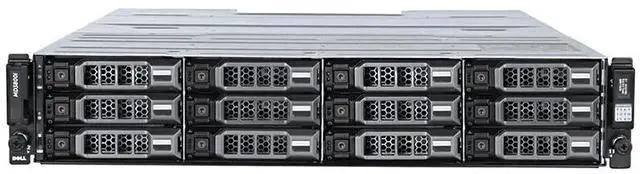
1. High - Density Storage: With 24 x 2.5 - inch drive bays, the 3820F offers a high - density storage option, allowing you to store a large volume of data in a relatively small 2U footprint, perfect for data - centric businesses with space constraints.
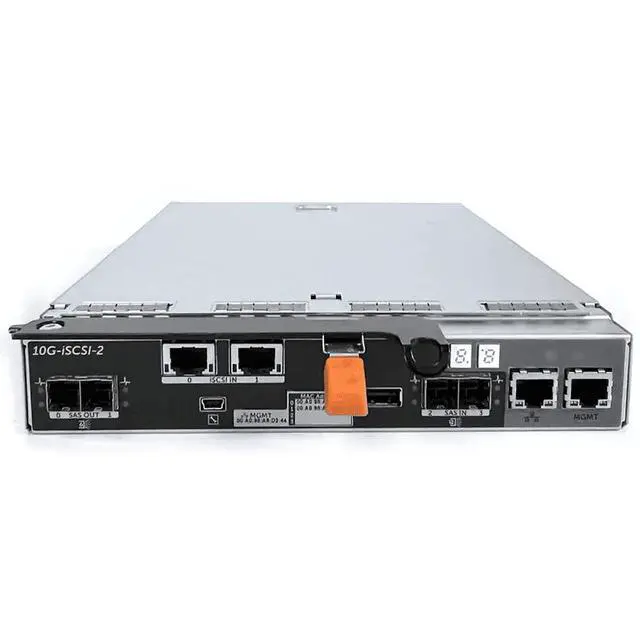
2. Dual - Controller Reliability: The dual - controller setup ensures seamless operation. If one controller encounters an issue, the other takes over immediately, minimizing downtime and maintaining continuous data access for your business - critical applications.
3. Customizable Storage: The lack of pre - installed disks gives you the freedom to choose the exact storage configuration. Whether you need high - speed SSDs for rapid data retrieval or cost - effective HDDs for long - term storage, you can tailor the 3820F to your specific requirements.
4. Power Redundancy: The two 600W power supplies provide power redundancy. In case of a power - supply failure, the backup power supply ensures that the storage system keeps running, safeguarding your data from power - related disruptions.
5. 3 - Year Warranty: The included 3 - year warranty offers peace of mind. Dell's commitment to quality means you can rely on their support and service to handle any potential hardware problems during this period, protecting your investment in the 3820F storage solution.
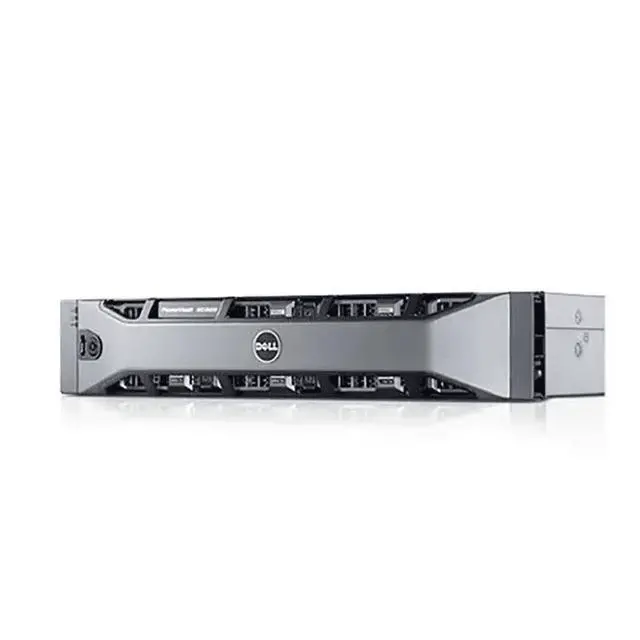
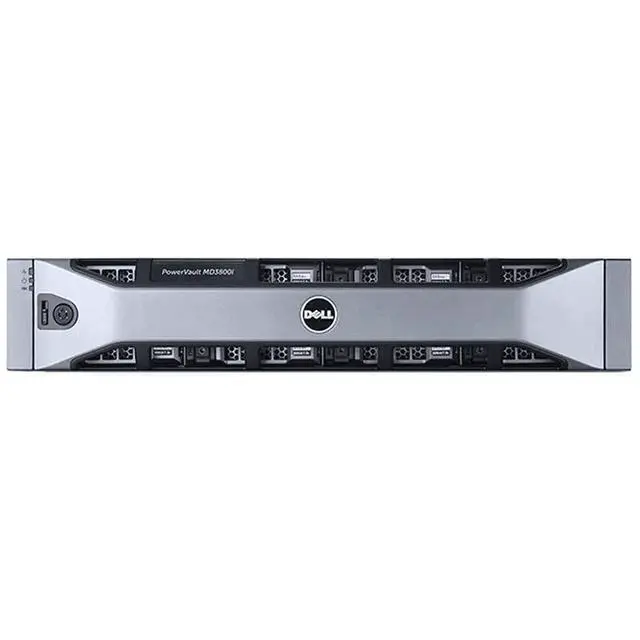
The Dell 3820F is a 2U diskless storage array with 24 x 2.5-inch bays, dual controllers, and dual 600W power supplies, built for businesses and IT teams that need compact, redundant shared storage they can configure around their own SSD or HDD strategy.
| Attribute | Value |
|---|---|
| Best For | High-density 2U storage deployments with 24 x 2.5-inch drive bays, dual-controller redundancy, disk-less flexibility to populate with chosen SSDs or HDDs, and dual 600W power supplies — suited for space-constrained, data-centric environments that require customizable capacity and power redundancy |
| Model Identifiers | Dell 3820F |
| Physical Appearance | Silver chassis color |
| Listing And Availability | First listed on Newegg June 11, 2026 |
Q: Dell 3820F vs Dell MD3800F: which one makes more sense?
A: Choose the Dell 3820F if you want the same MD38x0F Fibre Channel platform in a denser 24-bay 2U chassis for higher spindle or SSD density. Choose the MD3800F if you prefer a 12-bay 2U layout with larger 3.5-inch drives and a capacity-first configuration. The main trade-off is drive format: 3820F is better aligned with performance-oriented 2.5-inch deployments, while MD3800F is better aligned with fewer, larger drives.
Q: Should I buy the Dell 3820F or move to a newer Dell PowerVault ME5024?
A: Choose the Dell 3820F if you specifically need the older MD-series 16Gb Fibre Channel environment and want a known fit for existing FC-based infrastructure. Choose the PowerVault ME5024 if you are planning a newer deployment and want Dell's current PowerVault platform with broader modern positioning, updated management, and higher scalability options. In most upgrade decisions, 3820F fits continuity, while ME5024 fits platform refresh.
Q: Is a 12-bay storage array enough, or is the 24-bay Dell 3820F the better choice?
A: A 12-bay array is enough when you want a simpler build with fewer drives to manage and you expect capacity needs to stay modest. The 24-bay Dell 3820F is the better choice when you want more flexibility for RAID design, higher drive-count performance, or more room to scale capacity inside the same 2U footprint. The practical decision is whether you value lower initial complexity or more density and configuration headroom.
Q: Dell 3820F vs a higher-capacity 60-bay Dell array: which is better for growth?
A: Choose the Dell 3820F when you want a compact 2U Fibre Channel array with 24 small-form-factor bays and do not need a larger chassis. Choose a 60-bay Dell array such as the MD3860F class when growth, drive-count expansion, and bulk consolidation matter more than rack efficiency. The 3820F is the better fit for dense mid-range deployments, while a 60-bay platform is the better fit for larger long-term capacity plans.
Q: Is this a good fit for a small business or virtualization environment that needs high uptime?
A: Yes, if uptime and shared storage matter more than simplicity. This 24-bay, dual-controller chassis is better suited to business-critical storage than basic single-controller systems because it is designed for controller failover and redundant power. It is most suitable for SMB virtualization, database, and shared storage workloads where downtime is costly. The trade-off is that it is an enterprise storage platform, so setup, drive selection, and host connectivity planning are more involved than with consumer NAS products.
Q: Does it come with drives, or do I need to buy storage separately?
A: You need to buy storage separately. This unit is diskless, so it does not include preinstalled drives. That makes it a better choice for buyers who want to choose capacity and media type themselves, but it also increases total project cost and requires compatibility planning before deployment.
Q: Who is this storage system really for?
A: This system is best for IT buyers who need dense shared storage in a 2U rack footprint and want to supply their own drives. It fits business environments with racks, servers, and managed storage workflows. It is not a practical choice for home users, casual backup needs, or buyers looking for an all-in-one plug-and-play device.
Q: Can I mix and match drives, or should I plan a standard drive set?
A: You should plan a standardized, enterprise-grade drive set rather than treating this like a casual mix-and-match enclosure. Retail storage Q&A commonly centers on whether different brands, capacities, or speeds can be mixed, and for a business array like this, consistency is the safer buying assumption. Since the unit is diskless and meant for custom configuration, buyers should verify supported drive types, capacity targets, and performance goals before purchase.
Q: What are the main trade-offs of buying this diskless dual-controller chassis?
A: The main benefit is enterprise resilience: 24 small-form-factor drive bays, dual controllers, and dual 600W power supplies in a compact chassis. The trade-offs are higher upfront planning effort, added drive and deployment cost, and more infrastructure assumptions such as rack space, power, and storage administration. It is a strong fit when reliability and storage density matter, but less suitable when low cost or simple setup is the priority.
Q: Who is the Dell 3820F best suited for?
A: The Dell 3820F is best suited for buyers who specifically need a shared external storage array with high 2U drive density, dual-controller redundancy, and flexible drive choice. It fits SAN or lab environments better than simple NAS use, especially when uptime and multi-host storage matter more than simplicity.
Q: Is the Dell 3820F a good choice if I want a simple NAS replacement?
A: No, not usually. The 3820F is a dedicated storage array, not an all-in-one NAS or general-purpose server. It is a better fit if you already have the hosts, networking, and storage management skills needed to run external shared storage. If you want simple file serving with low setup overhead, a NAS is usually the easier choice.
Q: Is the Dell 3820F worth buying for virtualization or multi-host storage?
A: It can be, if your main goal is shared storage for multiple hosts and you value controller and power redundancy. Reddit discussion around MD3820F use shows it is relevant for VM environments, and the product's dual-controller, diskless design makes sense when you want to build a custom flash or mixed-drive pool for that role. It is less compelling if you only need storage for one small server.
Q: What are the main trade-offs of buying the Dell 3820F diskless?
A: The main benefit is flexibility: you can choose the drive type and capacity that match your workload. The trade-off is that total cost, setup time, and compatibility planning are all pushed to the buyer. A diskless 3820F makes more sense for buyers who already know their storage layout, performance target, and drive strategy.
Q: What should I watch out for before buying the Dell 3820F?
A: Check whether you are comfortable with enterprise storage management, older platform constraints, and the power, noise, and rack-space overhead that often come with this class of hardware. Community discussion around comparable Dell storage gear also suggests that older enterprise platforms can be less attractive when power efficiency or easy day-to-day management is the priority.


