




 here!
here!
I’m your shopping assistant for PC builds, upgrades, and everything tech.
Got questions? Ask away!
Start a conversation
here!
I’m your shopping assistant for PC builds, upgrades, and everything tech.
Got questions? Ask away!
Start a conversation
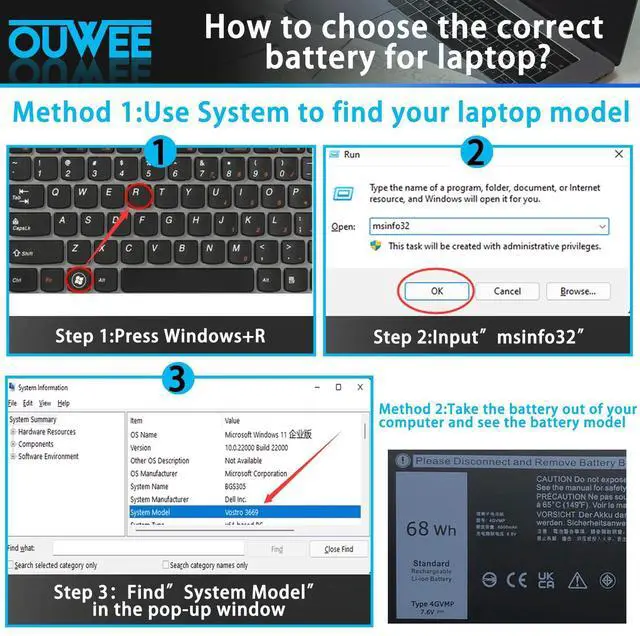
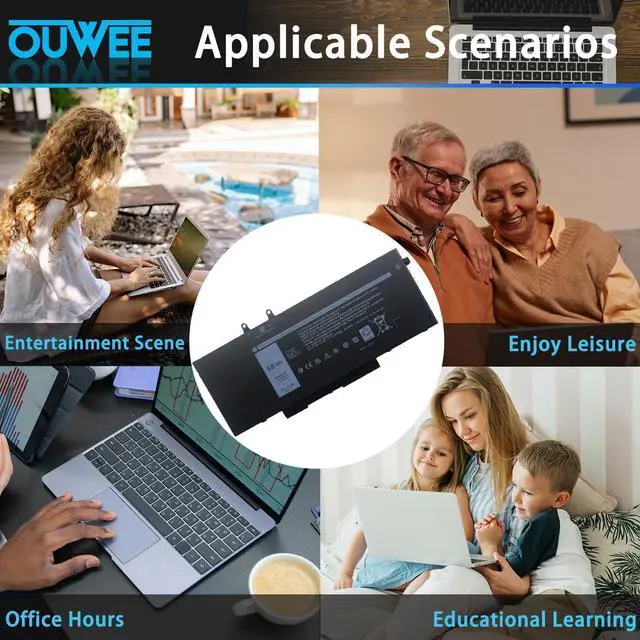



Any questions? Ask CelesteSM will help you find out quickly.

OUWEE will be given Your Laptop a New Life and provide you with friendly and easy to obtain after-sales service.

Welcome to OUWEE
OUWEE is a leading battery and battery-powered charging solutions brand. Our batteries use 100% compatible ‘grade A’ cells for a safe way to let your laptop run like new. With multi-protection such as short circuits, overheating, and overload, you can rest assured that you are in good hands. And OUWEE helps you put your laptop back in your life, you can enjoy plenty of time away from your AC adapter.
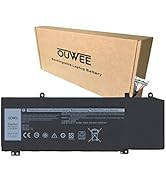
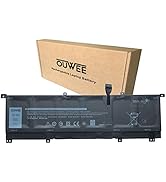
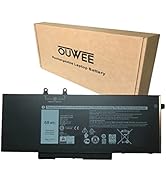
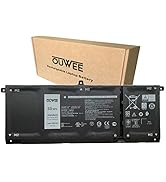
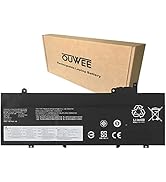
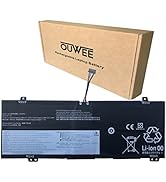
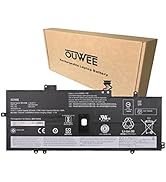
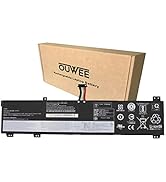
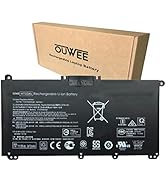
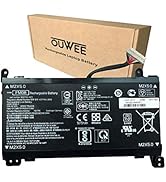
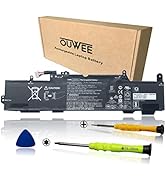
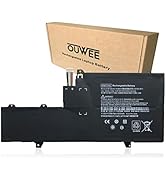
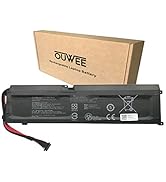
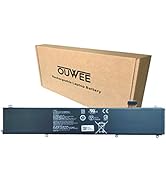
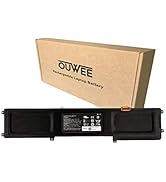
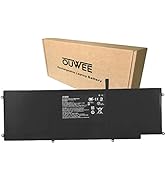
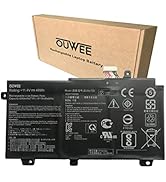
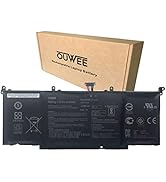
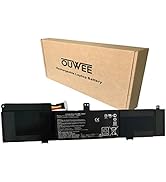
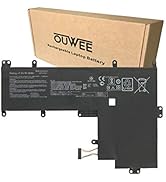
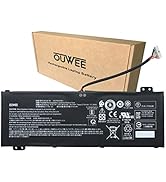
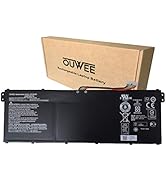
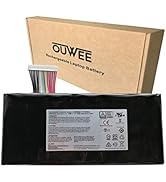
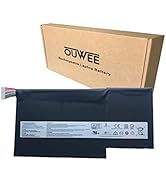
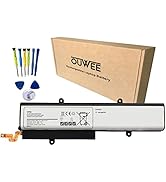
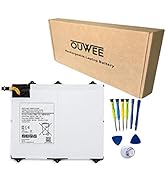
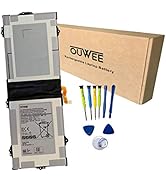
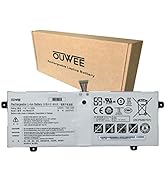


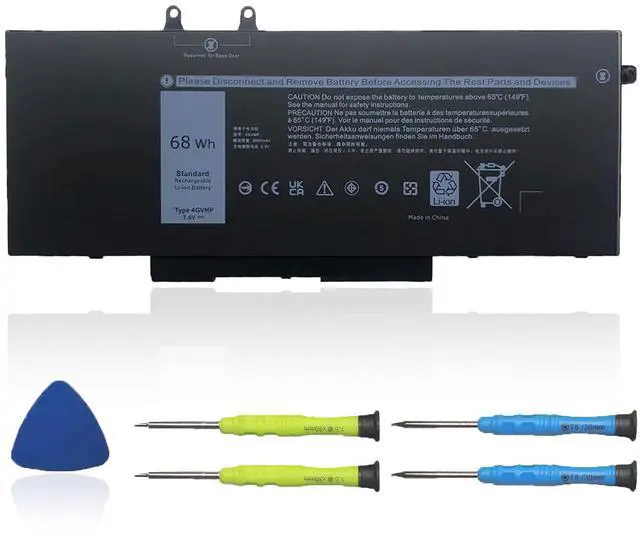
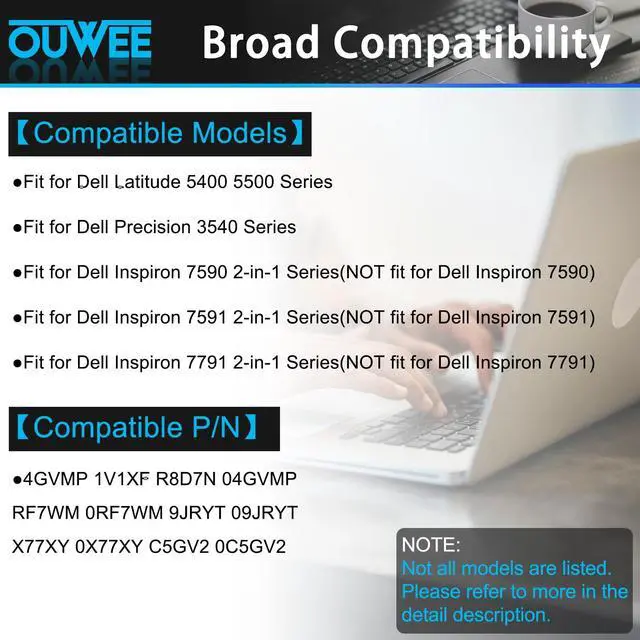
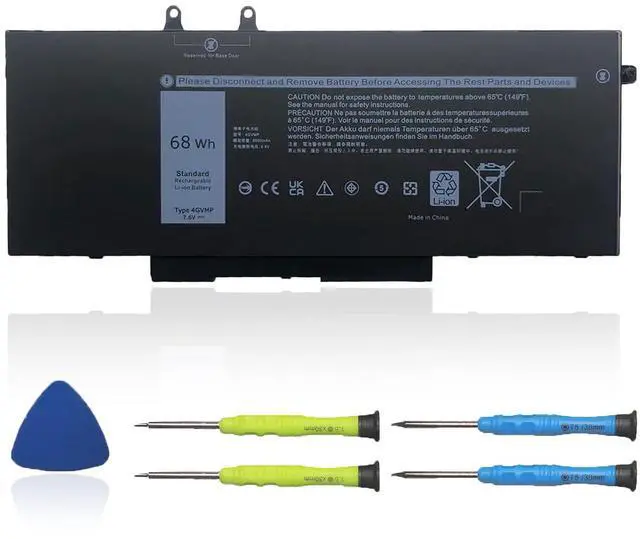
Purchasing Note: There are 3 batteries in the above laptop,4GVMP 68Wh / R8D7N 51Wh / 1V1XF 42Wh
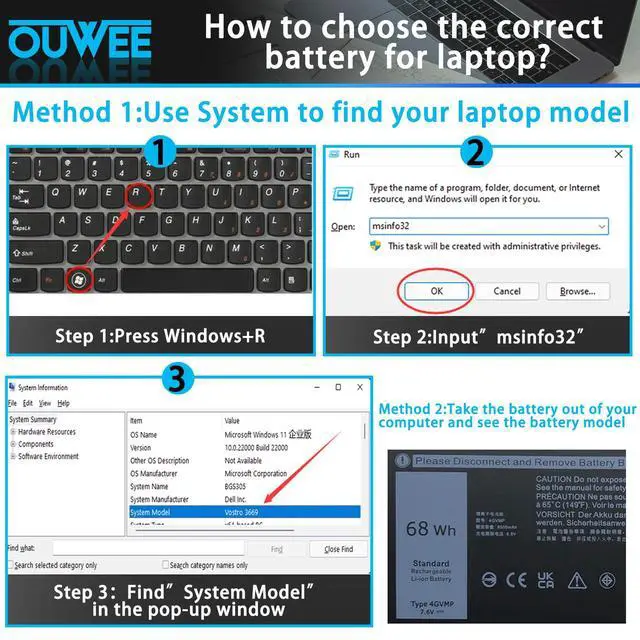
(They are different in size and capacity. Before placing an order, please choose which one you are going to replace according to your laptop's original battery.)
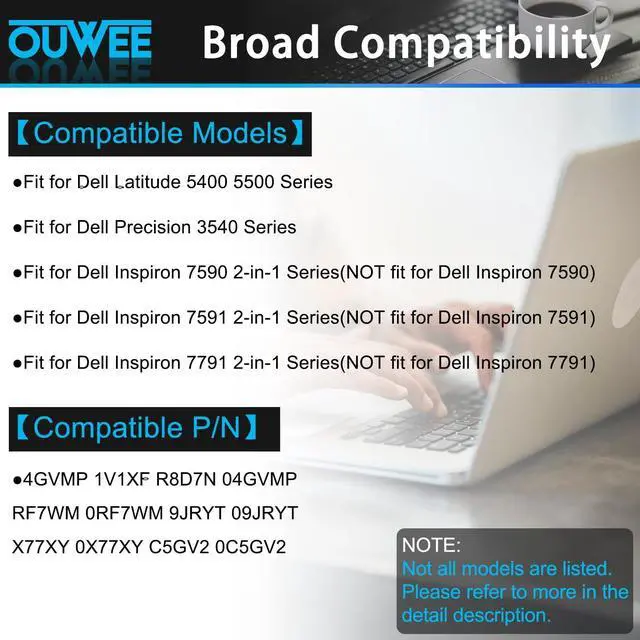
Replacement for Part Number:
4GVMP / 1V1XF / R8D7N / 04GVMP / RF7WM / 0RF7WM / 9JRYT / 09JRYT / X77XY / 0X77XY / C5GV2 / 0C5GV2


Why your laptop can't detect the battery or display the battery level properly after installing the battery? It may be caused by a loose battery. Please check if the battery cable is installed correctly. It may be due to the damage of the conductive material caused by the laptop motherboard and the battery positive contact position, you can try to use the original battery to confirm. Check if the battery driver is normal, if not, please download the appropriate driver software to update.

When you receive a new battery, discharge the battery to 5% (not 0%), then charge it to 95% and cycle 3-4 times to wake up the new battery. It is important to fully discharge and recharge every other month to extend battery life. Do not leave the adapter connected for long periods of time when using the battery. It may damage the battery. Avoid human impact, disassembly, crushing or puncturing. Do not put it in fire or water

100% True Capacity No falsely labeled capacity battery The internal integrated chip is designed to take your laptop to Over-Charge,Over-Current,Over-Voltage,Short-Circuit, Temperature Protection High Quality, fast charge and Long Lasting time. Top Batteries at Great value.
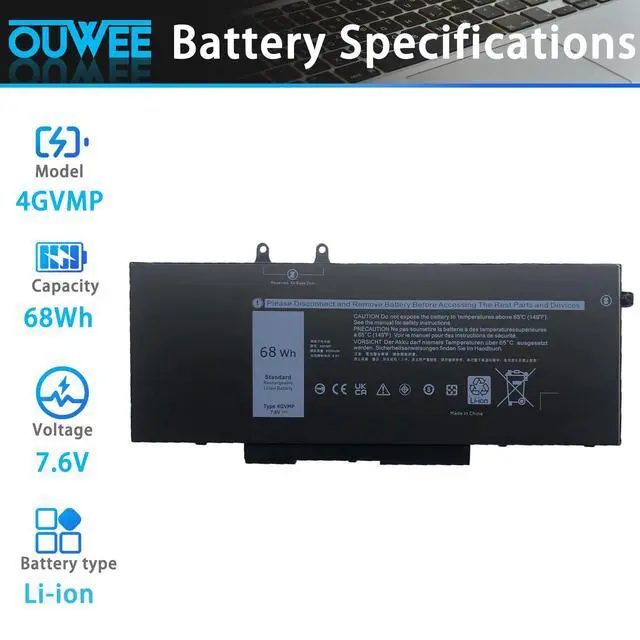
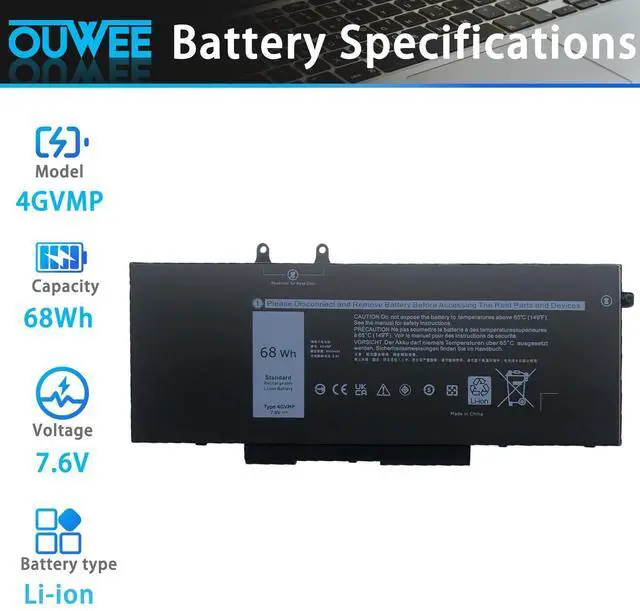
| Model | 4GVMP |
| Capacity | 68Wh |
| Voltage | 7.6V |
| Type | Li-ion |
| Color | Black |
| Condition | Brand New |
Purchasing Note: There are 3 batteries in the above laptop,4GVMP 68Wh / R8D7N 51Wh / 1V1XF 42Wh
(They are different in size and capacity. Before placing an order, please choose which one you are going to replace according to your laptop's original battery.)
Replacement for Part Number:
4GVMP / 1V1XF / R8D7N / 04GVMP / RF7WM / 0RF7WM / 9JRYT / 09JRYT / X77XY / 0X77XY / C5GV2 / 0C5GV2
Why your laptop can't detect the battery or display the battery level properly after installing the battery? It may be caused by a loose battery. Please check if the battery cable is installed correctly. It may be due to the damage of the conductive material caused by the laptop motherboard and the battery positive contact position, you can try to use the original battery to confirm. Check if the battery driver is normal, if not, please download the appropriate driver software to update.
When you receive a new battery, discharge the battery to 5% (not 0%), then charge it to 95% and cycle 3-4 times to wake up the new battery. It is important to fully discharge and recharge every other month to extend battery life. Do not leave the adapter connected for long periods of time when using the battery. It may damage the battery. Avoid human impact, disassembly, crushing or puncturing. Do not put it in fire or water
100% True Capacity No falsely labeled capacity battery The internal integrated chip is designed to take your laptop to Over-Charge,Over-Current,Over-Voltage,Short-Circuit, Temperature Protection High Quality, fast charge and Long Lasting time. Top Batteries at Great value.
OUWEE will be given Your Laptop a New Life and provide you with friendly and easy to obtain after-sales service.
Welcome to OUWEE
OUWEE is a leading battery and battery-powered charging solutions brand. Our batteries use 100% compatible ‘grade A’ cells for a safe way to let your laptop run like new. With multi-protection such as short circuits, overheating, and overload, you can rest assured that you are in good hands. And OUWEE helps you put your laptop back in your life, you can enjoy plenty of time away from your AC adapter.


