






How to purchase the correct of battery?
1.You have to find your specific laptop model before ordering a correct battery. How to check your laptop model? (1.Press Windows + R 2. Type "msinfo32",then click OK 3.Find "System Model" in the pop-up window)
2.Take the battery out of your computer and see the model of your battery.Then search the model on .If the title shows the model you are searching for. That's the right battery
Broad Compatibility
38Wh F62G0 F62GO 39DY5 Compatible with Dell Inspiron 13 7000 Series 7370 7373 7380;for Dell Inspiron 13 7000 2-IN-1 Series 7373 2-IN-1 7386 2-IN-1,for Dell Inspiron 13 5370 Series,for Dell P83G P83G001 P83G002 P87G P87G001 P91G P91G001 Series laptop models and more.

Main Features:
- True capacity
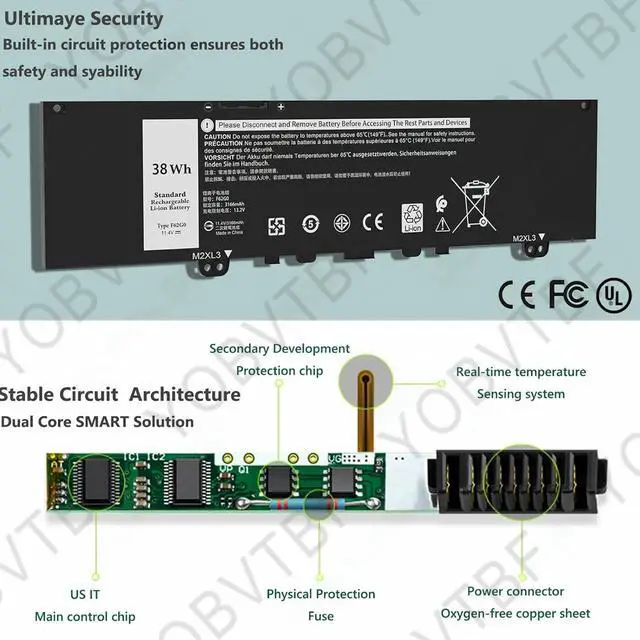
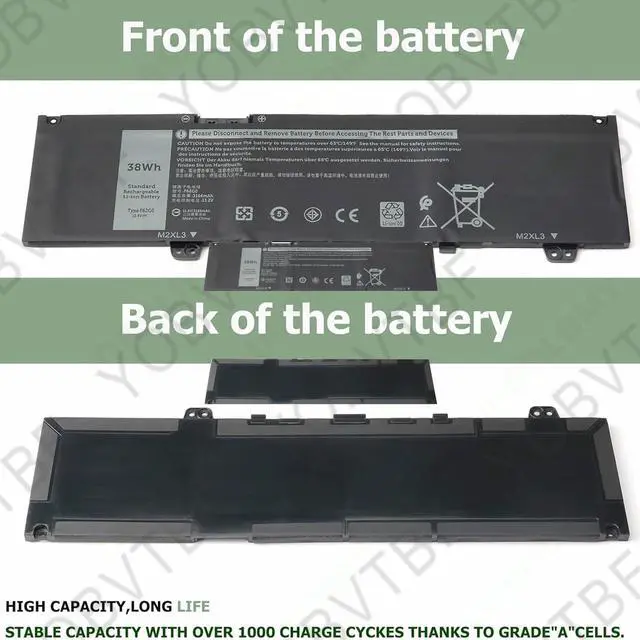
- Grade A NMC cells - Ensure longer life and dirability
- Built in multi-protection functions - short circuit, overheat & overload
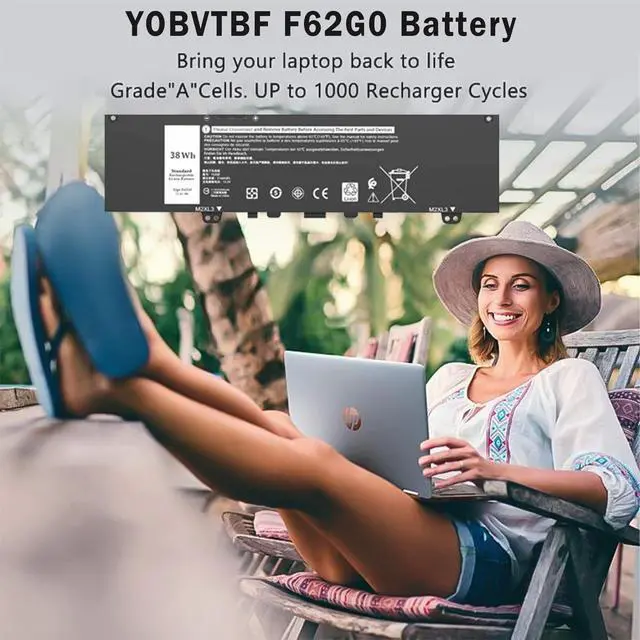
- Up to 1000 recharge cycles
- Smart control chip - Quicker charging, lower power consumption and longer discharge time
Main Benefits:
- Economical alternative to costly OEM batteries
- 100% compatible to meet OEM specifications for safety and performance
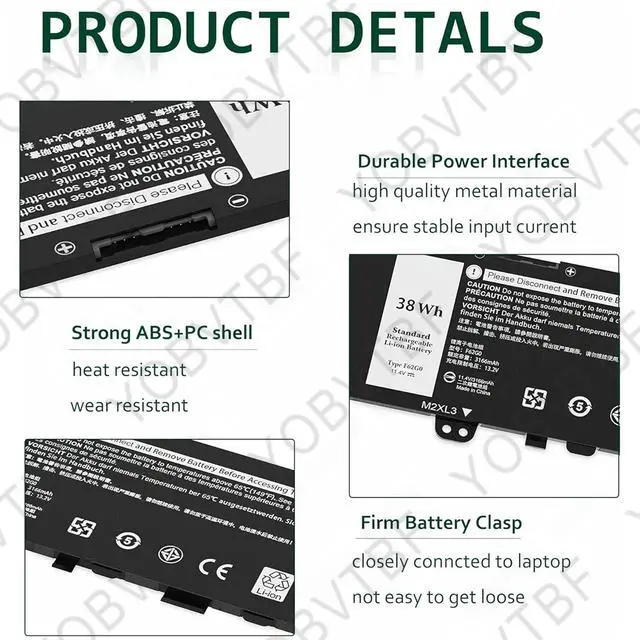
- Constructed of high quality materials and circuit board to ensure durability and performance
About YOBVTBF Laptop Battereies
YOBVTBF is a leading battery and battery-powered charging solutions brand. Our batteries contain 100% compatible ‘grade A’ cells for a safe way to get your laptop running like new. With multi-protections such as short circuit, overheat, and overload, you can rest assured that you are in good hands.
Specification:
- Brand: YOBVTBF
- Item: F62G0 Battery
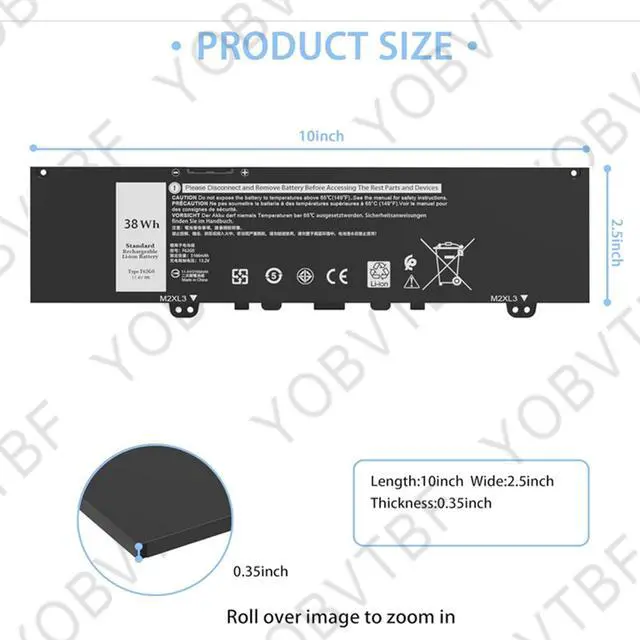
- Battery Type: Li-ion
- Cells: 3-cell
- Voltage: 11.4V
- Condition: 100% New from Manufacturer, Grade A Cell
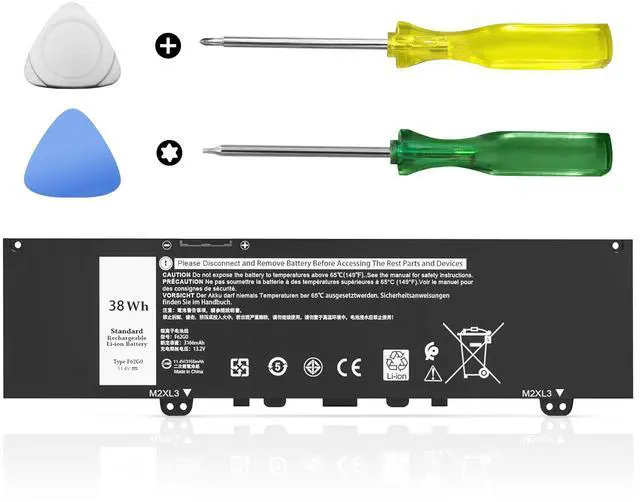
- Easy Installation: Battery comes with included screwdrivers for easy & quick installation
Compatible with Part Number :
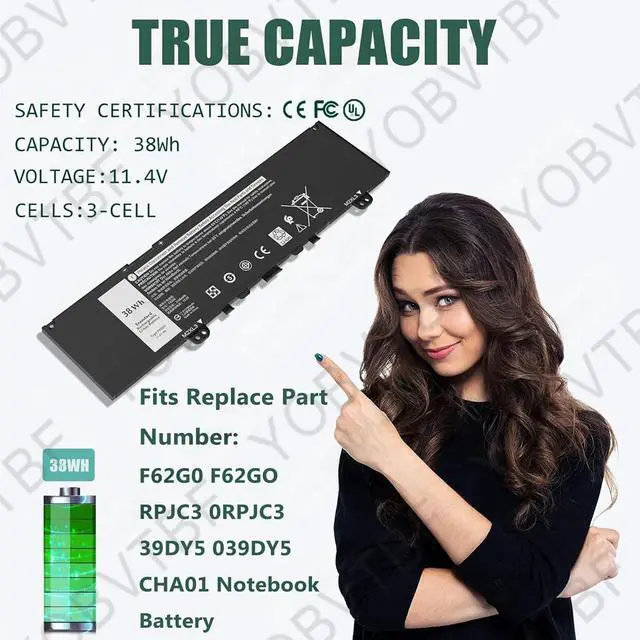
F62G0 F62GO 39DY5 039DY5 RPJC3 0RPJC3
Compatible with Laptop Models:
for Dell Inspiron 13 5370 Series:
13-5370-D1305P 13-5370-D1505S 13-5370-D1605P 13-5370-D1605S 13-5370-D1625P 13-5370-D1625S 13-5370-D1725S 13-5370-D2605P 13 -5370-D2605S 13-5370-D2625P 13-5370-D2625S 13-5370-D2725S 13-5370-058
for Dell Inspiron 13 7370 Series:
13-7370-7VF2T 13-7370-8HK47 13-7370-1733 13-7370-1740 13-7370-9665 13-7370-9696 13-7370-9702 13-7370-DV18W 13-7370-MKG04 13-7370-MMFM 13-7370-D1505S 13-7370-D1601P 13-7370-D1601S 13-7370-D1605P 13-7370-D1605S 13-7370-D1701P 13-7370-D1701S 13- 7370-D1705P 13-7370-D1705S 13-7370-D1805P 13-7370-D1805S 13-7370-D2605S
for Dell Inspiron 13 7373 Series:
13-7373-0842 13-7373-0859 13-7373-0866 13-7373-0873 13-7373-75VK0 13-7373-G3VVK 13-7373-VFNYM
for Dell Inspiron 13 7380 Series:
13-7380-D1605P 13-7380-D1605S 13-7380-D1705P 13- 7380-D1705S 13-7380-D1805P 13-7380-D1805S
for Dell Vostro 5370 Series:
13-5370-D1505G 13-5370-D1505S 13-5370-D1525G 13-5370- D1525S 13-5370-D1605G 13-5370-D1605S 13-5370-D1745G 13-5370- D1745S
for Dell Inspiron 13MF Series:13MF PRO-D5501TS 13MF PRO-D5505TS,13MF PRO-D5701TS 13MF PRO-D5705TS
for Dell Inspiron 13 7386 Series;13 7000 2-IN-1;13 7373 2-IN-1;13 7386 2-IN-1
for Dell P83G P83G001 P83G002 P87G P87G001 2-in-1 Series

How to use new laptop battery :
1. Please use the remaining battery capacity to reach 5% (not to 0%) for the first time, then charge to 95%, use it up.This process can be cycled 3 -4 times, which is beneficial to comprehensive to activate maximum capacity of lithium ions.
2. Please don’t discharge to the computer power off, otherwise it may be damaged easily and may not be charged fully.
3. Don't connect adapter for a long time while using the battery. It may damage the battery.
4.The important point is to perform a full discharge charge every other month to extend battery life.

Installing New Battery Frequently Asked Question Solution:
Q: Why my computer didn't recognize this battery or I install this battery and it doesn't seem to work?
A: The reason is residual power stored in the laptop components that was preventing the battery from working properly. Please disconnecting the old battery, and holding down the power button for 20 seconds, then connect the new battery. This drains the residual or flea power and once the laptop is reassembled the battery will function properly.

The following are troubleshooting methods:
1.Turn off the laptop.
2.Unplug AC power.
3.Remove the battery.
4.Replace AC power.
5.Turn on laptop,allow OS to boot.
6.Once logged in to the machine,perform a normal shut donw.
7.Unplug AC power.
8.Replace battery.
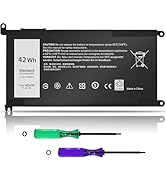
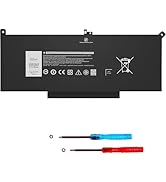
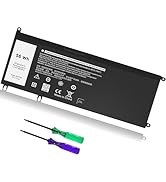
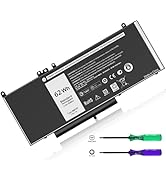
 38WH F62G0 battery |  42WH WDX0R battery |  60WH F3YGT battery |  56WH 33YDH battery |  62WH 6MT4T battery |  56WH JD25G battery | |
|---|---|---|---|---|---|---|
| Customer Reviews | — | — | — | — | — | — |
| Price | — | — | — no data | — | — | — no data |
| Model | Dell I nspiron13 7000 i7373 7373 7386 2-in-1 7370 7380 5370 P83G P87G P91G P83G001 P83G002 P87G001 | Dell Inspiron 15 5000 7000 Series 15 7579 7573 7560 7569 7570 5565 5567 5568 5570 Series | Dell Inspiron 15 5576 5577 7566 7567 7557 7559 Series | Dell Inspiron 15 7577 17 7773 7778 7786 7779 2 in 1 Series | Dell Latitude E5570 E5470 Series | Dell XPS 13 9343 9350 P54G JHXPY JHXPY53 5K9CP 05K9CP 090V7W |
| Brand | YOBVTBF | YOBVTBF | YOBVTBF | YOBVTBF | YOBVTBF | YOBVTBF |
| Battery Type | Li-ion | Li-ion | Li-ion | Li-ion | Li-ion | Li-ion |
| Voltage | 11.4V | 11.4V | 7.6V | 15.2V | 7.6V | 7.6V |
| Capacity | 38WH | 42WH | 60WH | 56WH | 62WH | 56WH |
| Cells | 3-cell | 3-cell | 4-cell | 4-cell | 4-cell | 4-cell |
| Over-charge Protection | ? | ? | ? | ? | ? | ? |
| Over-current Protection | ? | ? | ? | ? | ? | ? |
| Short-Circuit Protection | ? | ? | ? | ? | ? | ? |

About YOBVTBF Laptop Battereies
- We are a professional manufacturer of all kinds of laptop batteries and tablet PC batteries. We emphasize the basic product concepts of high quality, safety and reliability. YOBVTBF laptop batteries have over 10 years of experience in laptop battery manufacturing and research.
- All of our batteries are rigorously tested to meet or exceed OEM specifications. YOBVTBF is committed to providing valuable, efficient and reliable batteries to every customer.

YOBVTBF is a service company specializing in the production of laptop chargers. Established a professional team from design, production to sales. The business philosophy is based on advanced technology, satisfactory service, continuous efforts to improve and our absolute integrity, so that we always provide customers with safe products and good experience.


We Care for You
Hassle-free Replace/Return.
7*24H Professional Customer Support.
AINOPE Care Team is waiting for you.
dell laptop battery
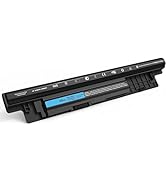
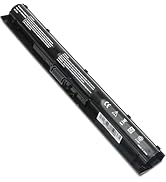
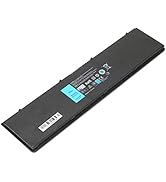
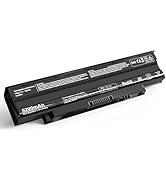
dell laptop battery
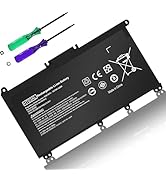
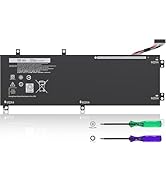
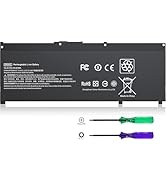
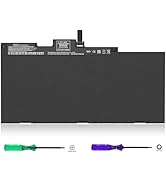
hp laptop battery
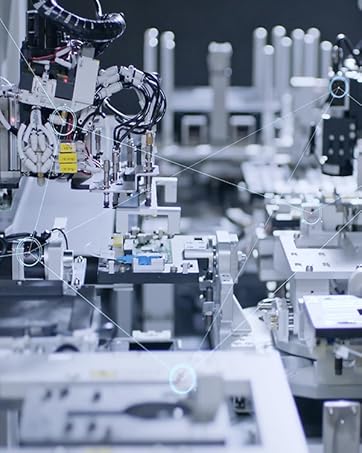
Advanced Factory
- Certificated by international iso9001 qualitymanagement system.
- 1000+ well-trained skilled workers

Reliable Warehouse
With Save and Efficient Management System, Every Unit will Be Delivered to You Hands in Well-package & Promptly.

How to purchase the correct of battery?
1.You have to find your specific laptop model before ordering a correct battery. How to check your laptop model? (1.Press Windows + R 2. Type "msinfo32",then click OK 3.Find "System Model" in the pop-up window)
2.Take the battery out of your computer and see the model of your battery.Then search the model on .If the title shows the model you are searching for. That's the right battery
Broad Compatibility
38Wh F62G0 F62GO 39DY5 Compatible with Dell Inspiron 13 7000 Series 7370 7373 7380;for Dell Inspiron 13 7000 2-IN-1 Series 7373 2-IN-1 7386 2-IN-1,for Dell Inspiron 13 5370 Series,for Dell P83G P83G001 P83G002 P87G P87G001 P91G P91G001 Series laptop models and more.
Main Features:
- True capacity
- Grade A NMC cells - Ensure longer life and dirability
- Built in multi-protection functions - short circuit, overheat & overload
- Up to 1000 recharge cycles
- Smart control chip - Quicker charging, lower power consumption and longer discharge time
Main Benefits:
- Economical alternative to costly OEM batteries
- 100% compatible to meet OEM specifications for safety and performance
- Constructed of high quality materials and circuit board to ensure durability and performance
About YOBVTBF Laptop Battereies
YOBVTBF is a leading battery and battery-powered charging solutions brand. Our batteries contain 100% compatible ‘grade A’ cells for a safe way to get your laptop running like new. With multi-protections such as short circuit, overheat, and overload, you can rest assured that you are in good hands.
Specification:
- Brand: YOBVTBF
- Item: F62G0 Battery
- Battery Type: Li-ion
- Cells: 3-cell
- Voltage: 11.4V
- Condition: 100% New from Manufacturer, Grade A Cell
- Easy Installation: Battery comes with included screwdrivers for easy & quick installation
Compatible with Part Number :
F62G0 F62GO 39DY5 039DY5 RPJC3 0RPJC3
Compatible with Laptop Models:
for Dell Inspiron 13 5370 Series:
13-5370-D1305P 13-5370-D1505S 13-5370-D1605P 13-5370-D1605S 13-5370-D1625P 13-5370-D1625S 13-5370-D1725S 13-5370-D2605P 13 -5370-D2605S 13-5370-D2625P 13-5370-D2625S 13-5370-D2725S 13-5370-058
for Dell Inspiron 13 7370 Series:
13-7370-7VF2T 13-7370-8HK47 13-7370-1733 13-7370-1740 13-7370-9665 13-7370-9696 13-7370-9702 13-7370-DV18W 13-7370-MKG04 13-7370-MMFM 13-7370-D1505S 13-7370-D1601P 13-7370-D1601S 13-7370-D1605P 13-7370-D1605S 13-7370-D1701P 13-7370-D1701S 13- 7370-D1705P 13-7370-D1705S 13-7370-D1805P 13-7370-D1805S 13-7370-D2605S
for Dell Inspiron 13 7373 Series:
13-7373-0842 13-7373-0859 13-7373-0866 13-7373-0873 13-7373-75VK0 13-7373-G3VVK 13-7373-VFNYM
for Dell Inspiron 13 7380 Series:
13-7380-D1605P 13-7380-D1605S 13-7380-D1705P 13- 7380-D1705S 13-7380-D1805P 13-7380-D1805S
for Dell Vostro 5370 Series:
13-5370-D1505G 13-5370-D1505S 13-5370-D1525G 13-5370- D1525S 13-5370-D1605G 13-5370-D1605S 13-5370-D1745G 13-5370- D1745S
for Dell Inspiron 13MF Series:13MF PRO-D5501TS 13MF PRO-D5505TS,13MF PRO-D5701TS 13MF PRO-D5705TS
for Dell Inspiron 13 7386 Series;13 7000 2-IN-1;13 7373 2-IN-1;13 7386 2-IN-1
for Dell P83G P83G001 P83G002 P87G P87G001 2-in-1 Series
How to use new laptop battery :
1. Please use the remaining battery capacity to reach 5% (not to 0%) for the first time, then charge to 95%, use it up.This process can be cycled 3 -4 times, which is beneficial to comprehensive to activate maximum capacity of lithium ions.
2. Please don’t discharge to the computer power off, otherwise it may be damaged easily and may not be charged fully.
3. Don't connect adapter for a long time while using the battery. It may damage the battery.
4.The important point is to perform a full discharge charge every other month to extend battery life.
Installing New Battery Frequently Asked Question Solution:
Q: Why my computer didn't recognize this battery or I install this battery and it doesn't seem to work?
A: The reason is residual power stored in the laptop components that was preventing the battery from working properly. Please disconnecting the old battery, and holding down the power button for 20 seconds, then connect the new battery. This drains the residual or flea power and once the laptop is reassembled the battery will function properly.
The following are troubleshooting methods:
1.Turn off the laptop.
2.Unplug AC power.
3.Remove the battery.
4.Replace AC power.
5.Turn on laptop,allow OS to boot.
6.Once logged in to the machine,perform a normal shut donw.
7.Unplug AC power.
8.Replace battery.
38WH F62G0 battery | 42WH WDX0R battery | 60WH F3YGT battery | 56WH 33YDH battery | 62WH 6MT4T battery | 56WH JD25G battery | |
|---|---|---|---|---|---|---|
| Customer Reviews | — | — | — | — | — | — |
| Price | — | — | — no data | — | — | — no data |
| Model | Dell I nspiron13 7000 i7373 7373 7386 2-in-1 7370 7380 5370 P83G P87G P91G P83G001 P83G002 P87G001 | Dell Inspiron 15 5000 7000 Series 15 7579 7573 7560 7569 7570 5565 5567 5568 5570 Series | Dell Inspiron 15 5576 5577 7566 7567 7557 7559 Series | Dell Inspiron 15 7577 17 7773 7778 7786 7779 2 in 1 Series | Dell Latitude E5570 E5470 Series | Dell XPS 13 9343 9350 P54G JHXPY JHXPY53 5K9CP 05K9CP 090V7W |
| Brand | YOBVTBF | YOBVTBF | YOBVTBF | YOBVTBF | YOBVTBF | YOBVTBF |
| Battery Type | Li-ion | Li-ion | Li-ion | Li-ion | Li-ion | Li-ion |
| Voltage | 11.4V | 11.4V | 7.6V | 15.2V | 7.6V | 7.6V |
| Capacity | 38WH | 42WH | 60WH | 56WH | 62WH | 56WH |
| Cells | 3-cell | 3-cell | 4-cell | 4-cell | 4-cell | 4-cell |
| Over-charge Protection | ? | ? | ? | ? | ? | ? |
| Over-current Protection | ? | ? | ? | ? | ? | ? |
| Short-Circuit Protection | ? | ? | ? | ? | ? | ? |
About YOBVTBF Laptop Battereies
- We are a professional manufacturer of all kinds of laptop batteries and tablet PC batteries. We emphasize the basic product concepts of high quality, safety and reliability. YOBVTBF laptop batteries have over 10 years of experience in laptop battery manufacturing and research.
- All of our batteries are rigorously tested to meet or exceed OEM specifications. YOBVTBF is committed to providing valuable, efficient and reliable batteries to every customer.
YOBVTBF is a service company specializing in the production of laptop chargers. Established a professional team from design, production to sales. The business philosophy is based on advanced technology, satisfactory service, continuous efforts to improve and our absolute integrity, so that we always provide customers with safe products and good experience.
We Care for You
Hassle-free Replace/Return.
7*24H Professional Customer Support.
AINOPE Care Team is waiting for you.
dell laptop battery
dell laptop battery
hp laptop battery
Advanced Factory
- Certificated by international iso9001 qualitymanagement system.
- 1000+ well-trained skilled workers
Reliable Warehouse
With Save and Efficient Management System, Every Unit will Be Delivered to You Hands in Well-package & Promptly.