




 here!
here!
I’m your shopping assistant for PC builds, upgrades, and everything tech.
Got questions? Ask away!
Start a conversation
here!
I’m your shopping assistant for PC builds, upgrades, and everything tech.
Got questions? Ask away!
Start a conversation



Any questions? Ask CelesteSM will help you find out quickly.


NDWQGFS was founded to solve the frustration of failing laptop batteries. We provide affordable, high-quality replacement batteries—sourced from premium cells, rigorously tested for safety, and compatible with thousands of laptop models. Committed to sustainability, we help extend device life, reduce e-waste, and offer reliable support. Today, we’re a global trusted brand, powering users’ work and life with dependable batteries.


Yes, our products are of superior quality. NDWQGFS replacement batteries are made from premium cells, undergo rigorous safety testing, and meet high standards to ensure reliability and performance. They are also perfectly compatible with thousands of laptop models, delivering both quality and practicality.
We love our work because it lets us help users fix failing laptop batteries, reduce e-waste, and gain their trust, bringing us great pride and achievement.
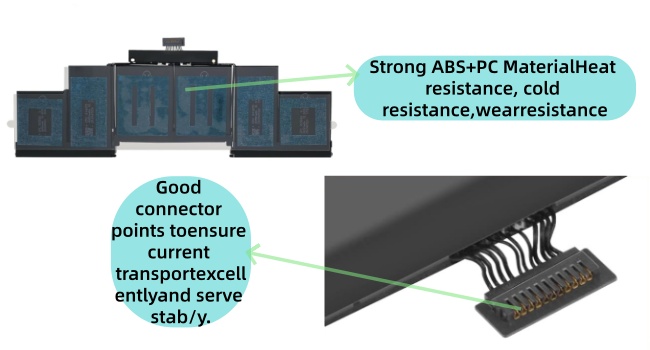
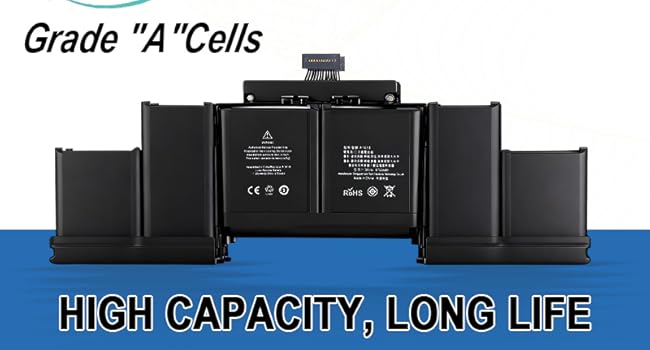
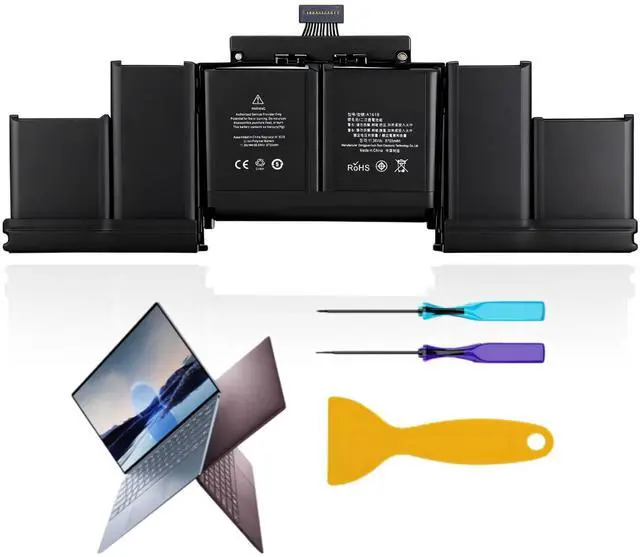
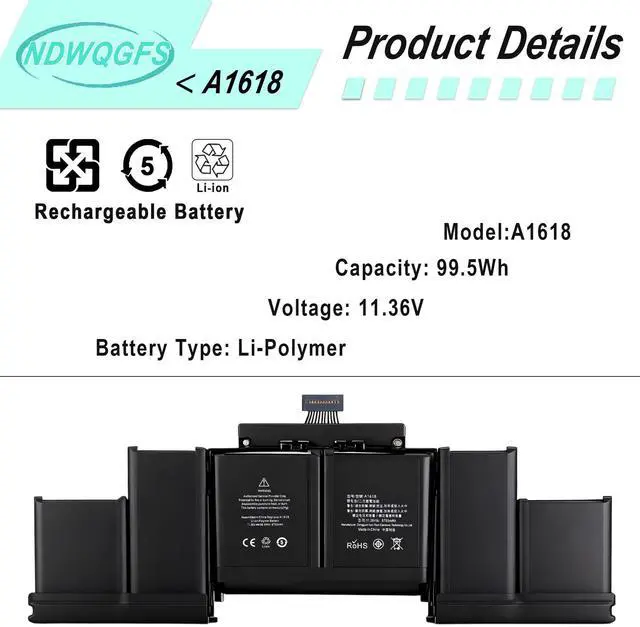
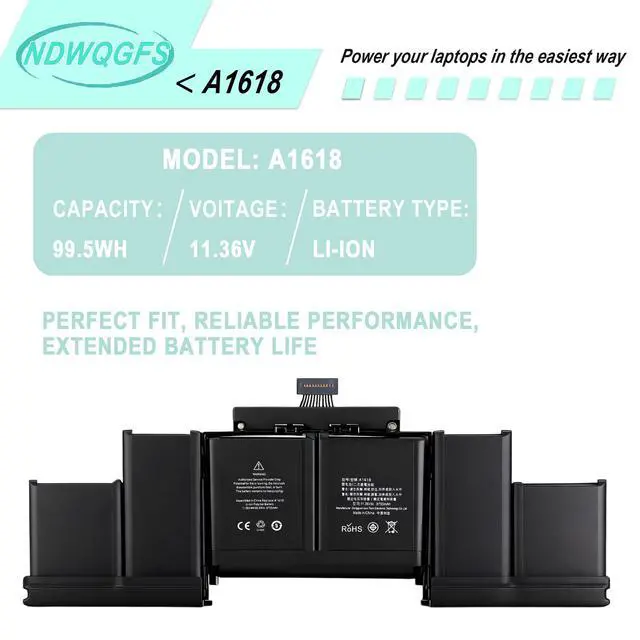
Parameter---Capacity: 8755mAh/99.5Wh
Voltage: 11.36V.
Battery Type: Li-Polymer.
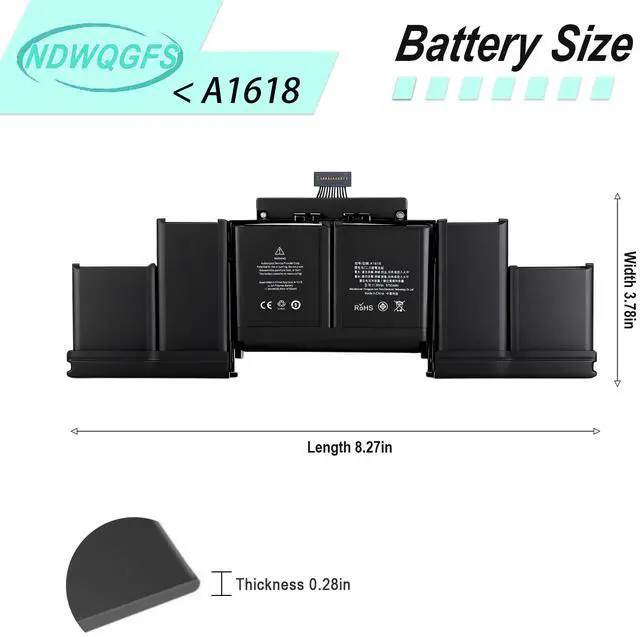
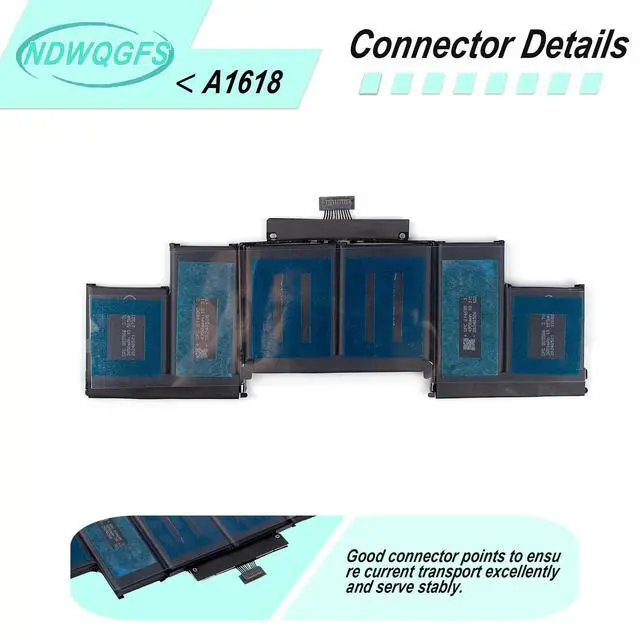
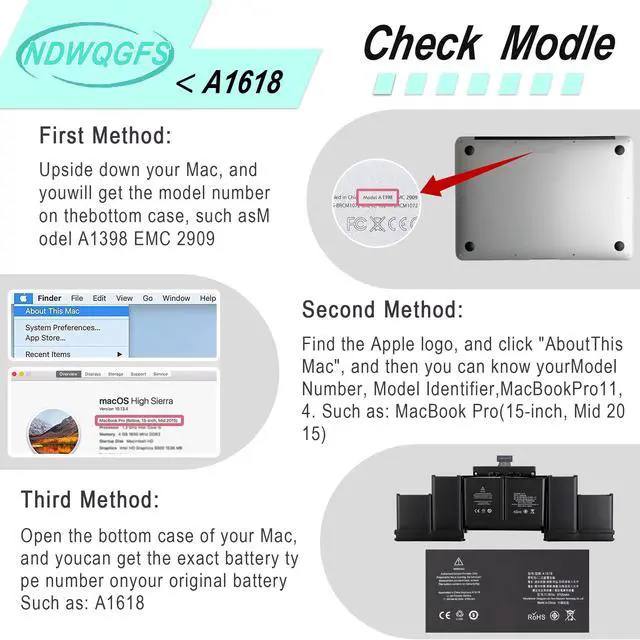
A1494 A1618 A1398 Battery
Please note: We only sell A-grade batteries. The best grade of batteries produced by the same manufacturer
EMC: 2674, 2745, 2876, 2881, 2909, 2910.
A1618 Battery for MacBook Pro 15'' Retina A1398 (Late 2013, Mid 2014, Early 2015)
Battery A1494 for Macbook pro 15” A1398 (MacBookpro11.2/MacBookpro11.3)
Battery A1618 for Macbook pro 15” A1398 (MacbookPro 11,4/MacbookPro 11,5)
Compatible Model:ME293xx/A ME294xx/A MGXA2xx/A MGXC2xx/A MJLQ2xx/A MJLT2xx/A MJLU2xx/A.
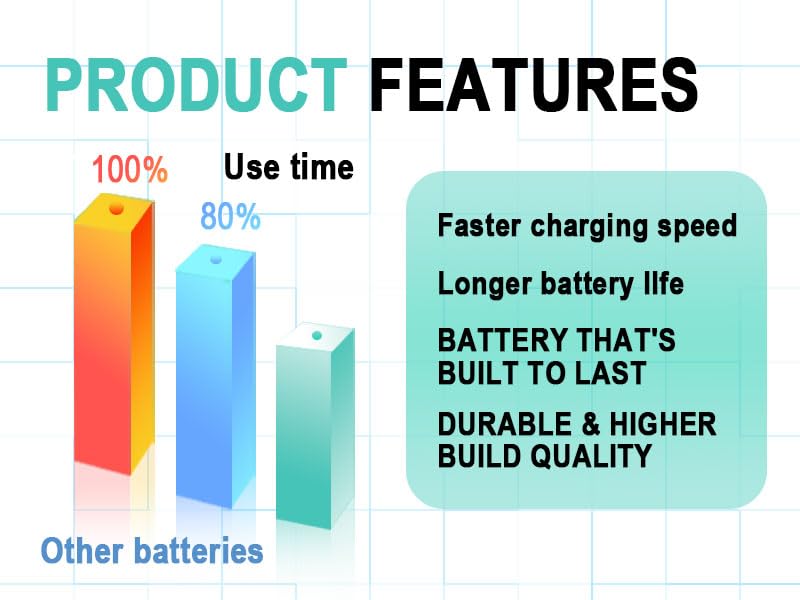
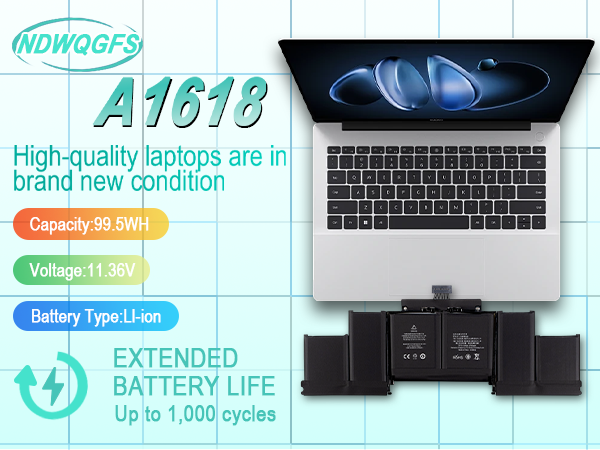
Parameter---Capacity: 8755mAh/99.5Wh
Voltage: 11.36V.
Battery Type: Li-Polymer.
A1494 A1618 A1398 Battery
Please note: We only sell A-grade batteries. The best grade of batteries produced by the same manufacturer
EMC: 2674, 2745, 2876, 2881, 2909, 2910.
A1618 Battery for MacBook Pro 15'' Retina A1398 (Late 2013, Mid 2014, Early 2015)
Battery A1494 for Macbook pro 15” A1398 (MacBookpro11.2/MacBookpro11.3)
Battery A1618 for Macbook pro 15” A1398 (MacbookPro 11,4/MacbookPro 11,5)
Compatible Model:ME293xx/A ME294xx/A MGXA2xx/A MGXC2xx/A MJLQ2xx/A MJLT2xx/A MJLU2xx/A.
NDWQGFS was founded to solve the frustration of failing laptop batteries. We provide affordable, high-quality replacement batteries—sourced from premium cells, rigorously tested for safety, and compatible with thousands of laptop models. Committed to sustainability, we help extend device life, reduce e-waste, and offer reliable support. Today, we’re a global trusted brand, powering users’ work and life with dependable batteries.
Yes, our products are of superior quality. NDWQGFS replacement batteries are made from premium cells, undergo rigorous safety testing, and meet high standards to ensure reliability and performance. They are also perfectly compatible with thousands of laptop models, delivering both quality and practicality.
We love our work because it lets us help users fix failing laptop batteries, reduce e-waste, and gain their trust, bringing us great pride and achievement.


