






WLGQ
Our offerings span computers, servers, mining rigs, gaming console peripherals—including interface cable, adapter and expansion modules
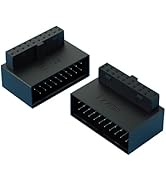
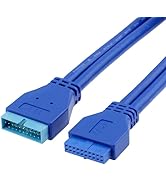
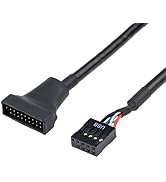
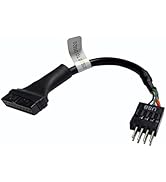
USB 3.0 19/20-Pin Adapter
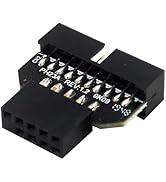
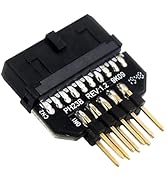
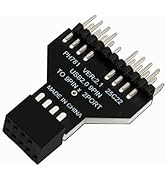
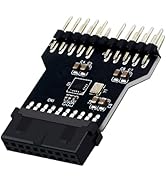
USB 3.0 19/20 PIN&USB 2.0 9PIN
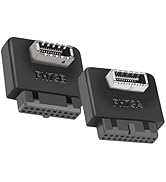
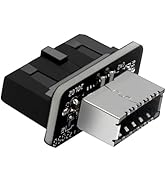
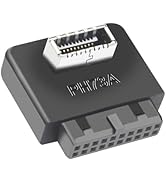
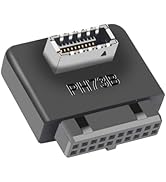
19/20 Pin Motherboard Header
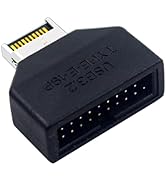
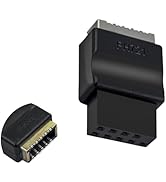
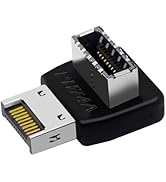
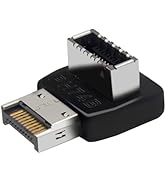
USB Type E Motherboard Adapter
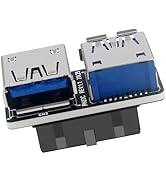
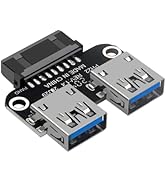
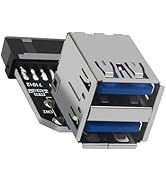
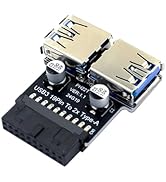
USB3.0 to USB A Dual Adapter
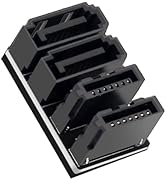
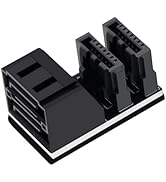
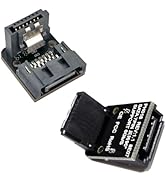
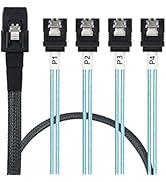
SATA 7Pin Adapter
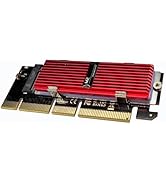
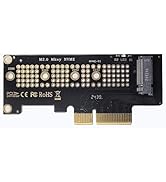
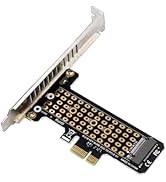
M.2 NVMe SSD to PCIe Card
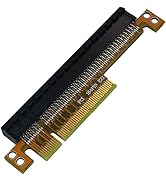
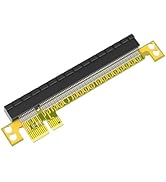
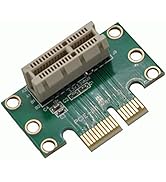
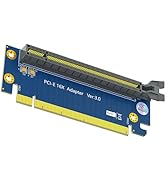
PCIE 16X Riser Card
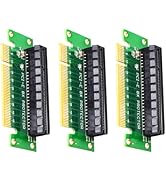
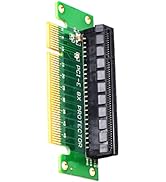
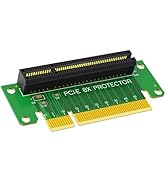
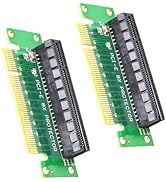
PCI-E 8X Riser Card
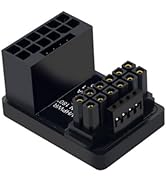
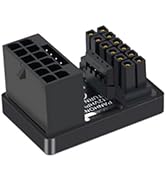
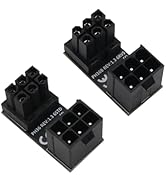
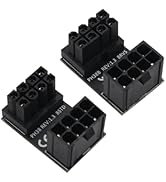
ATX Type GPU Power Adapter,
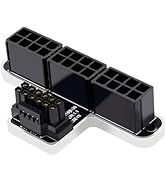
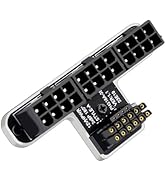
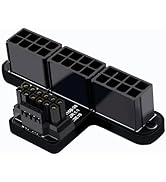
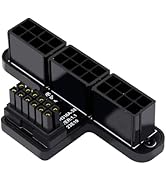
ATX 3.0 12VHPWR 16-Pin Adapter
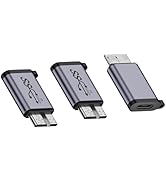
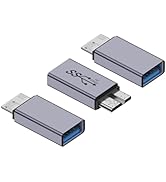
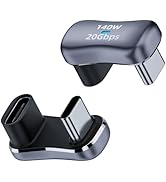
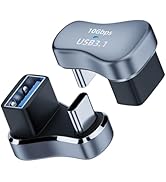
USB Micro B &U-Shaped Adapter
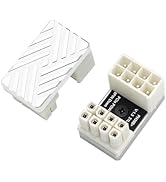
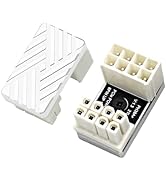
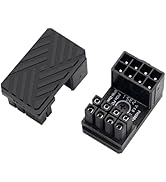
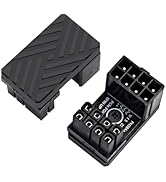
ATX 180 Degree 8Pin Adapter
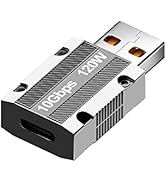
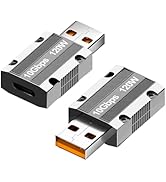
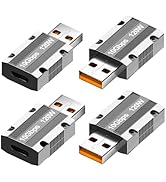
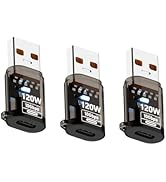
10Gbps USB C USB Adapter
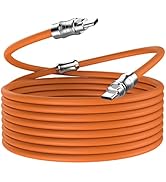
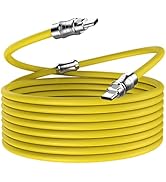
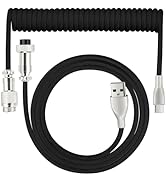
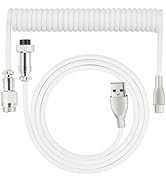
USB Cables&Keyboard Cables
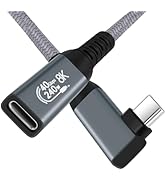
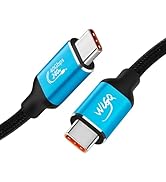
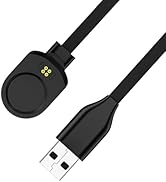
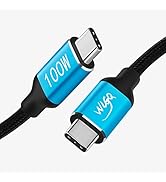
USB4 Cable&Garmin USB Cable
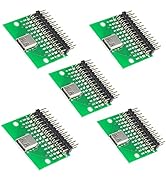
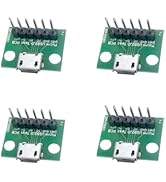
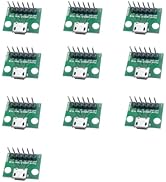
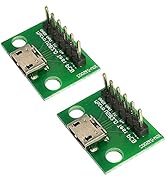
USB PCB Test Socket Test Board
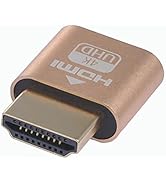
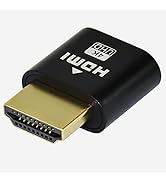
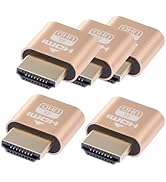
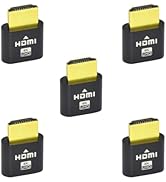
HDMI Dummy Plug
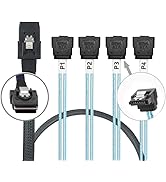
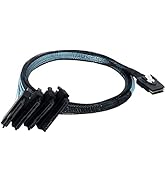
Mini SAS SFF-8087 Cable

USB 3 to Type E Converter
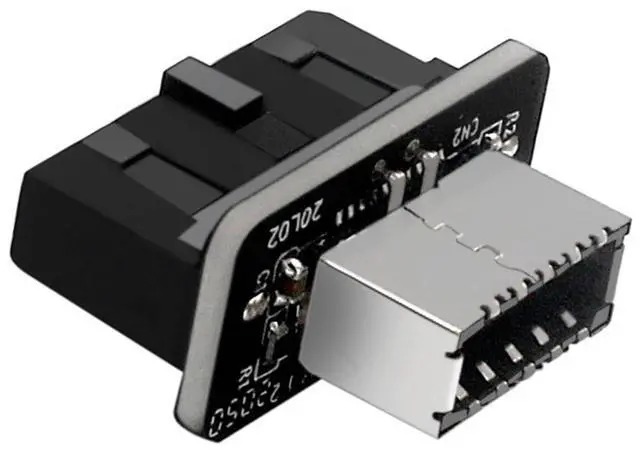
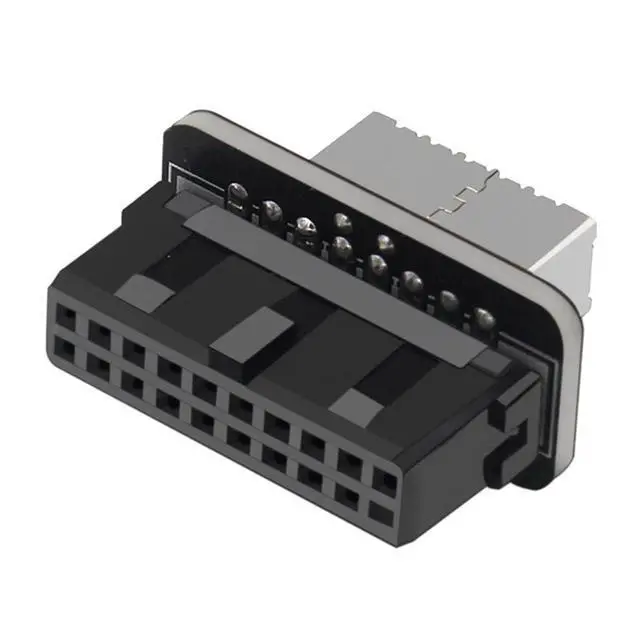
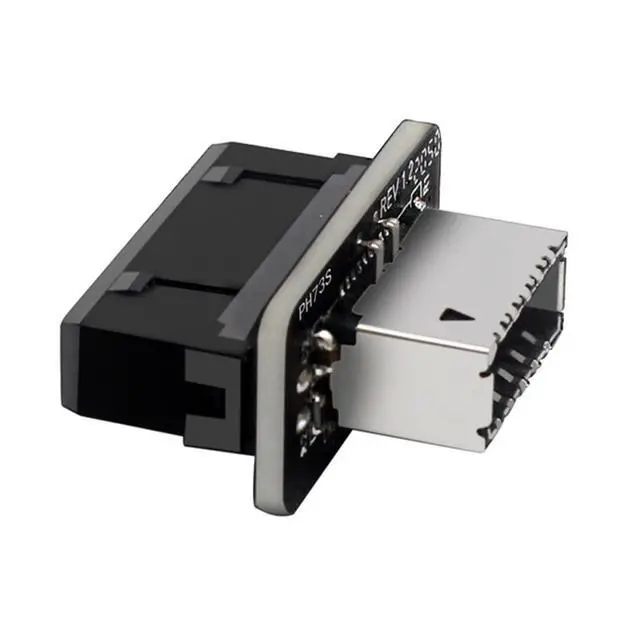
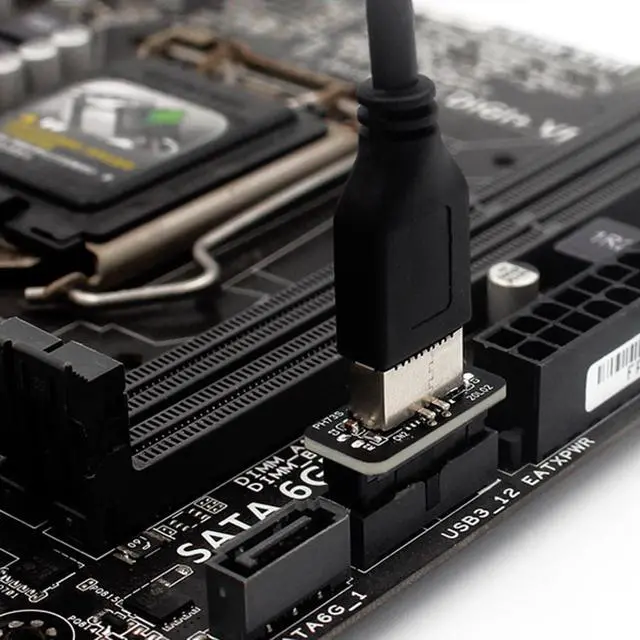
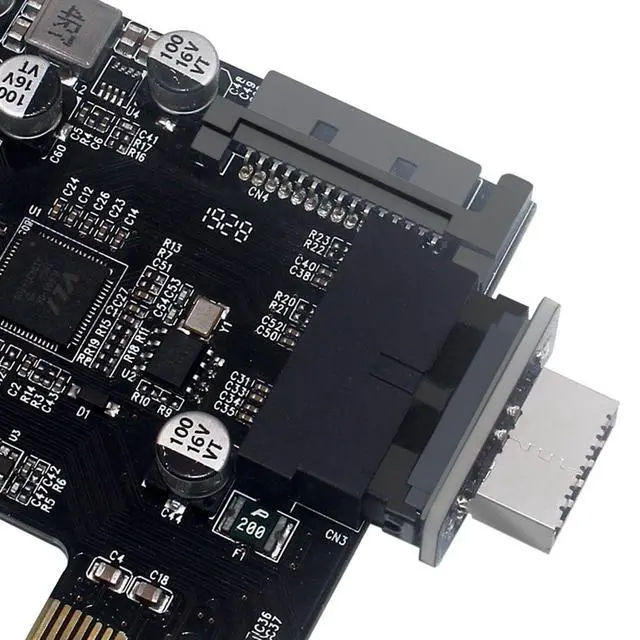
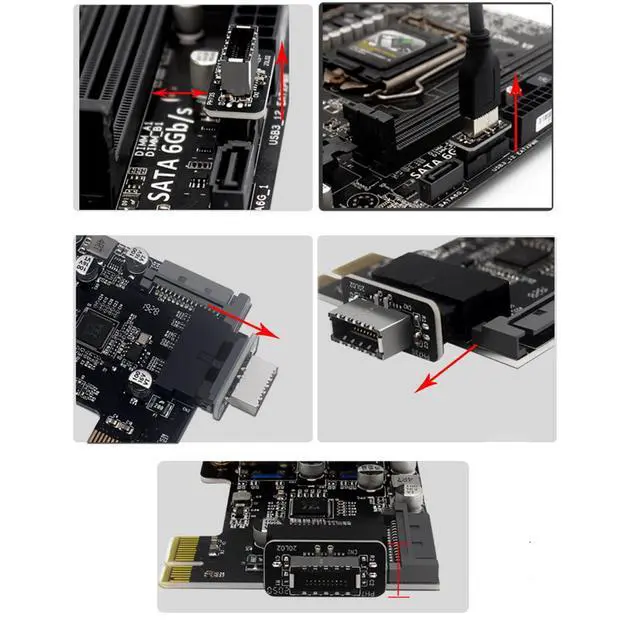
- Unlock Modern Connectivity: Add USB-C to Your PC’s Front Panel Don’t replace your entire motherboard just to use a USB-C device! The WLGQ USB 3.0 to 3.2 Type E Adapter seamlessly bridges older systems and new peripherals, letting you connect external SSDs, and VR gear via your PC’s front panel—all without opening your wallet Engineered for Reliability Zero Signal Interference:Double-shielded wires and gold-plated connectors minimize EMI/RFI noise, ensuring stable data transfers even in crowded multi-GPU setups Space-Saving Vertical Layout:Low-profile design (30mm x 24mm) avoids conflicts with large graphics cards or CPU coolers, while the flexible 0.1m cable simplifies routing in compact builds Simple DIY Installation Power off your PC and locate the motherboard’s USB 3.0 19-pin header (usually labeled “USB3”) Connect the adapter’s 19-pin male end to the header Route the Type-E connector to your case’s front-panel USB-C port Warning: Ensure no nearby components obstruct the adapter.
- Speed is capped at 5Gbps due to the USB 3.0 header limitation Tested for Real-World Use Certified compatible with: Motherboards: ROG Z790, B550 Tomahawk, X670 Devices: T7 SSD, Logitech webcams, iPhone 15 (USB-C) OS: Windows 11, macOS Ventura, Ubuntu 22.04.

USB 3 to Type E Converter
- Unlock Modern Connectivity: Add USB-C to Your PC’s Front Panel Don’t replace your entire motherboard just to use a USB-C device! The WLGQ USB 3.0 to 3.2 Type E Adapter seamlessly bridges older systems and new peripherals, letting you connect external SSDs, and VR gear via your PC’s front panel—all without opening your wallet Engineered for Reliability Zero Signal Interference:Double-shielded wires and gold-plated connectors minimize EMI/RFI noise, ensuring stable data transfers even in crowded multi-GPU setups Space-Saving Vertical Layout:Low-profile design (30mm x 24mm) avoids conflicts with large graphics cards or CPU coolers, while the flexible 0.1m cable simplifies routing in compact builds Simple DIY Installation Power off your PC and locate the motherboard’s USB 3.0 19-pin header (usually labeled “USB3”) Connect the adapter’s 19-pin male end to the header Route the Type-E connector to your case’s front-panel USB-C port Warning: Ensure no nearby components obstruct the adapter.
- Speed is capped at 5Gbps due to the USB 3.0 header limitation Tested for Real-World Use Certified compatible with: Motherboards: ROG Z790, B550 Tomahawk, X670 Devices: T7 SSD, Logitech webcams, iPhone 15 (USB-C) OS: Windows 11, macOS Ventura, Ubuntu 22.04.
WLGQ
Our offerings span computers, servers, mining rigs, gaming console peripherals—including interface cable, adapter and expansion modules
USB 3.0 19/20-Pin Adapter
USB 3.0 19/20 PIN&USB 2.0 9PIN
19/20 Pin Motherboard Header
USB Type E Motherboard Adapter
USB3.0 to USB A Dual Adapter
SATA 7Pin Adapter
M.2 NVMe SSD to PCIe Card
PCIE 16X Riser Card
PCI-E 8X Riser Card
ATX Type GPU Power Adapter,
ATX 3.0 12VHPWR 16-Pin Adapter
USB Micro B &U-Shaped Adapter
ATX 180 Degree 8Pin Adapter
10Gbps USB C USB Adapter
USB Cables&Keyboard Cables
USB4 Cable&Garmin USB Cable
USB PCB Test Socket Test Board
HDMI Dummy Plug
Mini SAS SFF-8087 Cable