



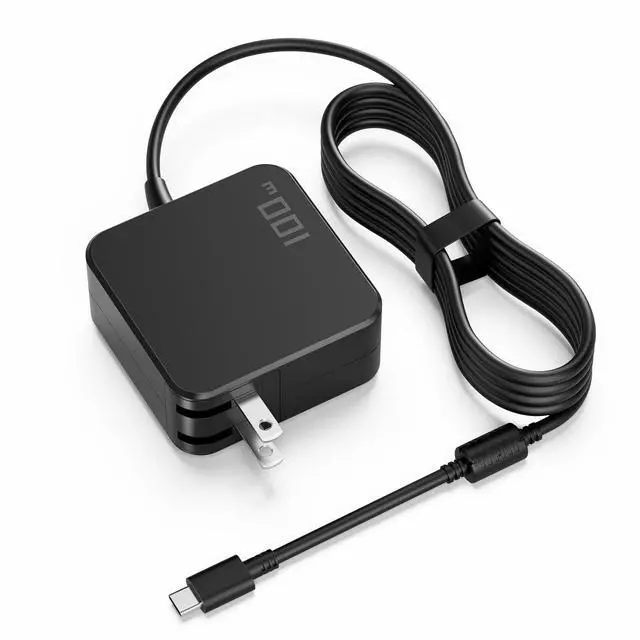


Incompatible/limited: laptops that require >100W or proprietary power (e.g. Dell 130W, Lenovo 140W PD 3.1 EPR, many Legion/ROG/TUF/Predator/Nitro gaming laptops).
Windows Laptops (USB-C Charging, up to 100W) — Compatible Examples


Incompatible/limited: laptops that require >100W or proprietary power (e.g. Dell 130W, Lenovo 140W PD 3.1 EPR, many Legion/ROG/TUF/Predator/Nitro gaming laptops).
Windows Laptops (USB-C Charging, up to 100W) — Compatible Examples
| Compatible with Lenovo | (USB-C models only): |
|---|---|
| ThinkPad T14/T14s, T490/T480/T480s, X1 Carbon (USB-C gens), X1 Yoga (USB-C gens), X13/X13 Yoga, L14/L15 (USB-C), P14s (=100W configs); Yoga 7i/9i; IdeaPad 5 / 5 Pro (USB-C charging versions); Yoga Slim 7/7i. | |
| Compatible with HP | (USB-C models only): |
| Spectre x360 13/14/15, Envy 13/15/16 (USB-C), EliteBook 830/840/850 (G5–G10 USB-C generations), ProBook 430/440/450 (newer USB-C), Pavilion USB-C variants. | |
| Compatible with Dell | (USB-C models only): |
| XPS 13 (9360* refresh/9370/9380/9300/9310/9320), Latitude 5300/5310/5400/5410/5420/7310/7410/7420/7430 & 2-in-1 variants, Inspiron/ Vostro USB-C sub-models. | |
| Note: | XPS 15 / Precision often expect 130W; this 100W charger can top up/slow-charge but won’t deliver full performance under heavy load. |
| Compatible with ASUS | (USB-C models only): |
| ZenBook 13/14/15 (e.g., UX3xx/UX4xx/UX5xx with PD), VivoBook S13/S14/S15 (PD variants), ExpertBook B-series (PD variants). | |
| Compatible with Acer | (USB-C models only): Swift 3 / Swift 5, Spin 3 / Spin 5 (USB-C variants), select Aspire USB-C models, TravelMate P-series (USB-C). |
| Important: | “USB-C models only” means sub-models that charge via the USB-C port. Some series also ship with barrel-tip or higher-wattage designs—check your original adapter label. |
| Not Compatible / Limited | Laptops that require >100W or proprietary power (e.g., Dell 130W, Lenovo 140W PD 3.1 EPR, many gaming Legion/ROG/TUF/Predator/Nitro). |
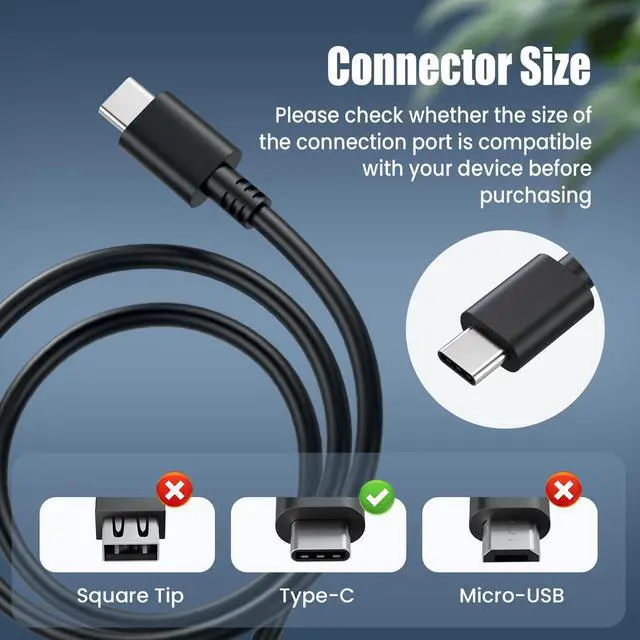
| Round-tip or square-tip DC connectors, Surface Connect, MagSafe. | |
| Any device that does not support USB-C Power Delivery charging. | |
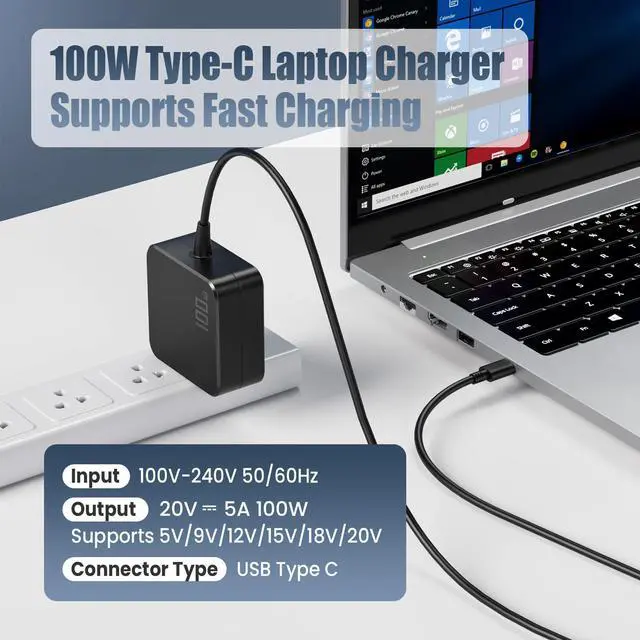
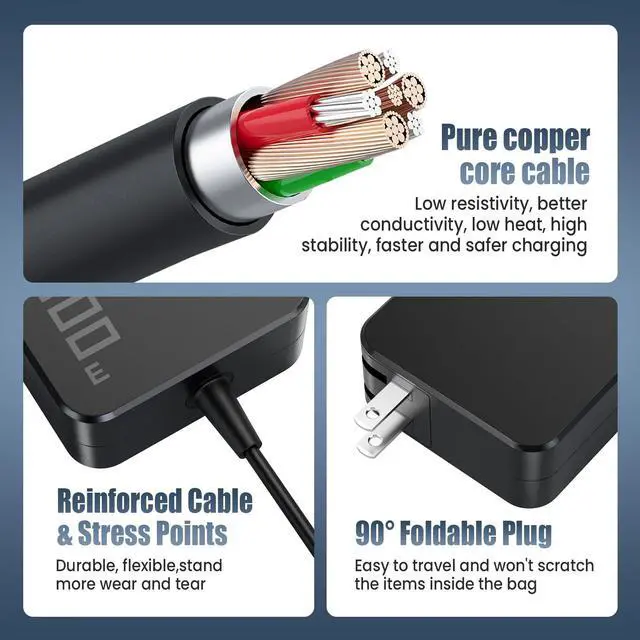
| Tips for Best Results: | Use a USB-C 5A e-marker cable to access the full 100W (20V/5A). |
| If your laptop’s label lists 65W/90W/100W at 20V, you’re in scope. Systems rated above 100W may charge slowly or not at peak performance. |