




 here!
I’m your shopping assistant for PC builds, upgrades, and everything tech.
Got questions? Ask away!
Start a conversation
here!
I’m your shopping assistant for PC builds, upgrades, and everything tech.
Got questions? Ask away!
Start a conversationShipped by Newegg





Any questions? Ask CelesteSM will help you find out quickly.
We want to ensure your holiday shopping this year is hassle-free. That’s why we’re automatically extending our return policies on almost every product! For purchases placed between November 1st, 2026 and December 31, 2026 you will have until January 31, 2027 to return your product.
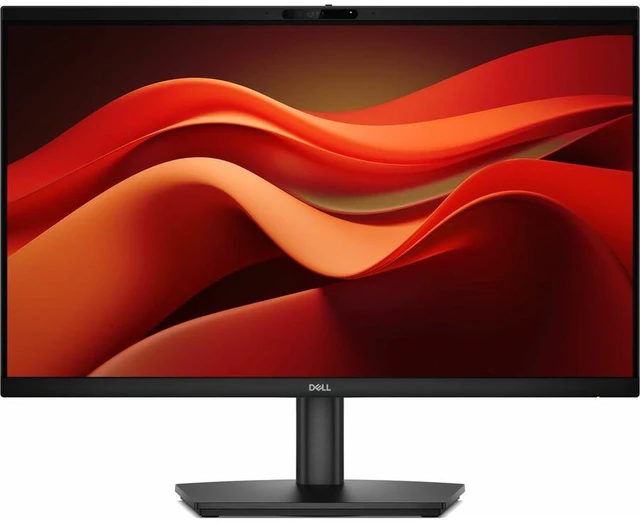
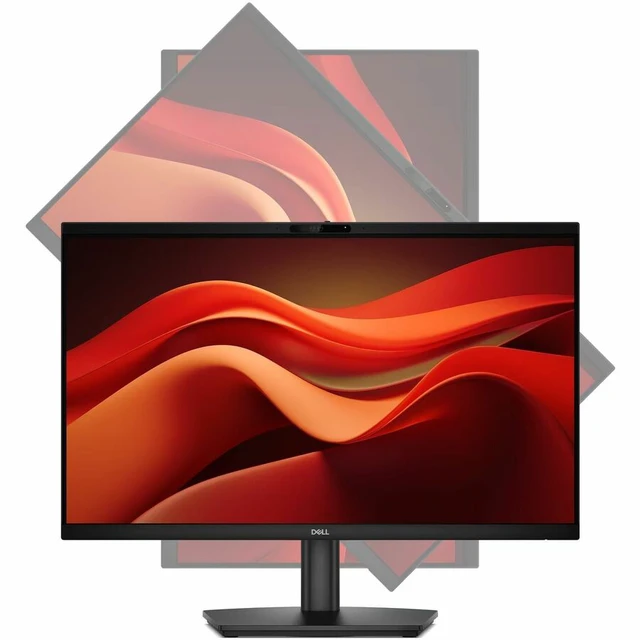
The Dell Pro E2426HB is a 23.8-inch Full HD IPS monitor with a built-in webcam and 120 Hz refresh rate, suited to home-office users who want a clear everyday display for video calls and work.
| Attribute | Value |
|---|---|
| Best For | Everyday desktop viewing with Full HD resolution and responsive on-screen motion |
| Panel And Resolution | 23.8-inch LCD with an IPS panel, 1920 × 1080 Full HD resolution, 16:9 aspect ratio, 178°/178° viewing angles, and 93 PPI. Anti-glare screen with 16.7 million colors, 300-nit brightness, 1,000:1 contrast ratio, and 72% NTSC color gamut |
| Refresh Rate And Response | 120 Hz refresh rate and 5 ms GTG response time (Fast) |
| Design | Black cabinet |
| Model Identifiers | Dell Pro E2426HB, part number DELL-E2426HB |
Q: Dell Pro E2426HB vs E2426H: which is better for video calls?
A: Choose the Dell Pro E2426HB for a ready-to-use video-calling setup: it combines a 5MP webcam, microphone, speakers, and a 23.8-inch Full HD IPS display with a 120Hz refresh rate. The E2426H is a straightforward choice when the priority is a Full HD 120Hz monitor for everyday work.
Q: Should I choose the Dell Pro E2426HB or E2426HS?
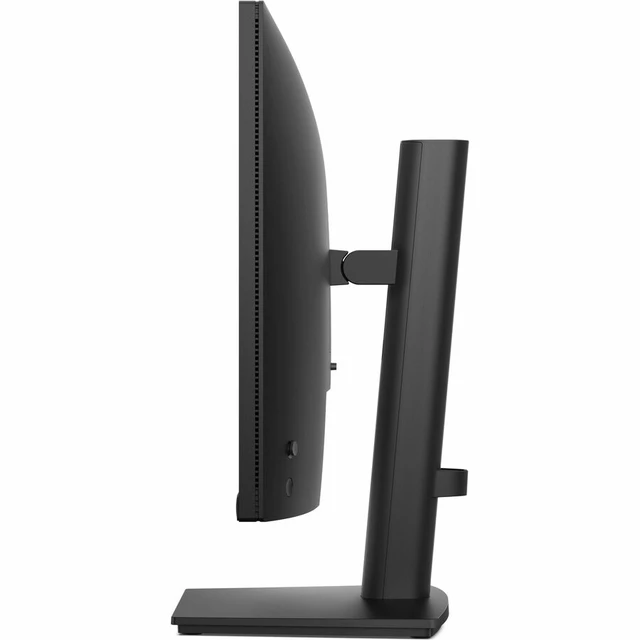
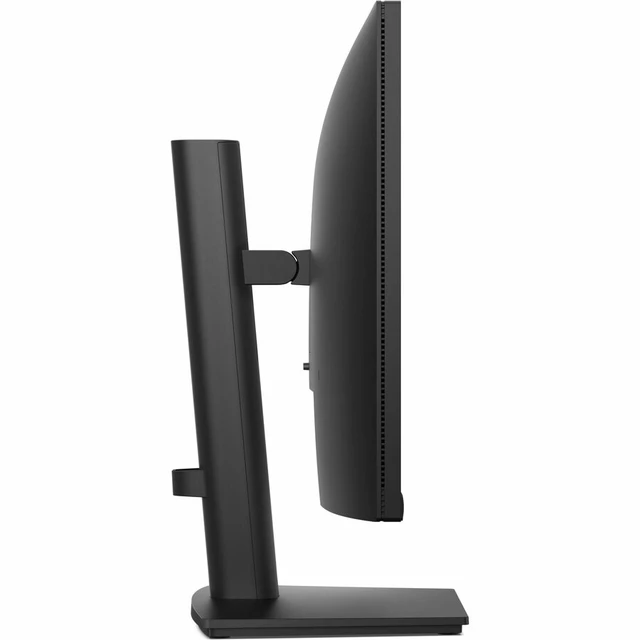
A: Choose the E2426HB when an integrated webcam and microphone are central to your setup; it also includes speakers and an adjustable stand. Choose the E2426HS if you want a 23.8-inch Full HD 120Hz display with an adjustable stand and built-in speakers for general desktop use.
Q: Dell Pro E2426HB vs P2426HEB: which is better for a laptop-based office setup?
A: Choose the E2426HB for a Full HD 120Hz video-conferencing monitor with a 5MP webcam, microphone, and speakers. Choose the P2426HEB when you want a conferencing monitor with a USB-C hub, up to 90W USB-C power delivery, Ethernet, and 99% sRGB coverage.
Q: Is this monitor suitable for office work and video meetings?
A: Yes. Its 23.8-inch Full HD IPS screen, anti-glare finish, and integrated webcam, microphone, and speakers suit everyday office tasks and video calls. It is a monitor, so it must be connected to a computer.
Q: Does it have a built-in webcam, microphone, and speakers?
A: Yes. The E2426HB has an integrated webcam, microphone, and speakers, so those peripherals do not need to be purchased separately for basic video calls.
Q: Can I mount it on a monitor arm or wall?
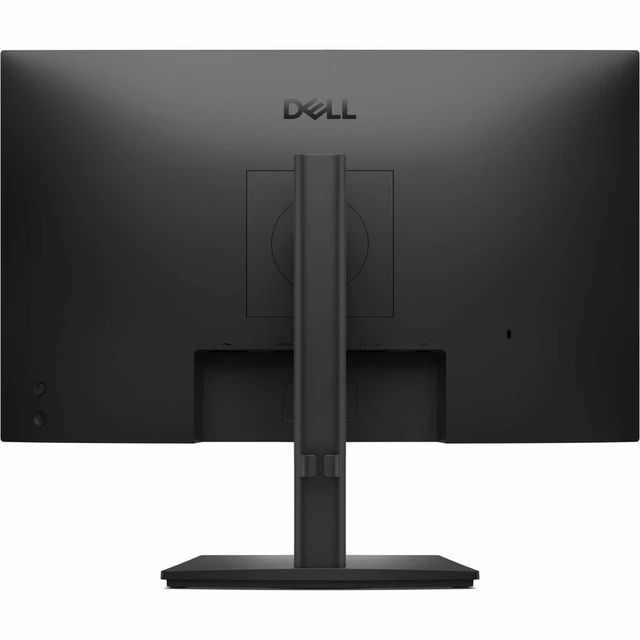
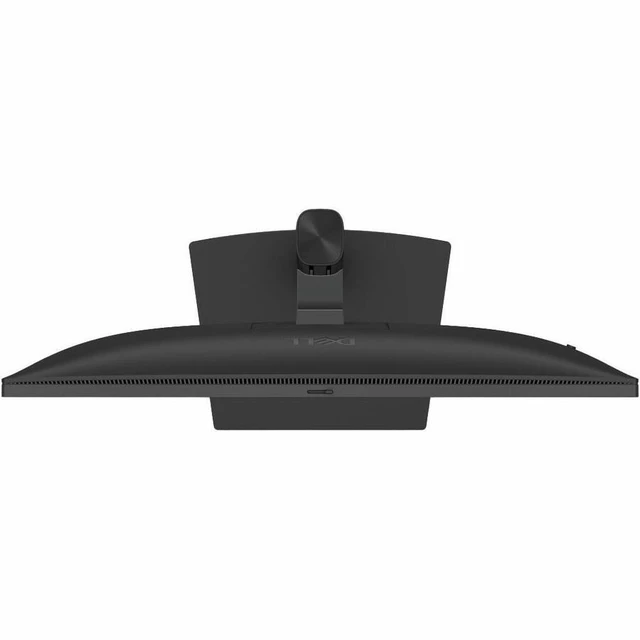
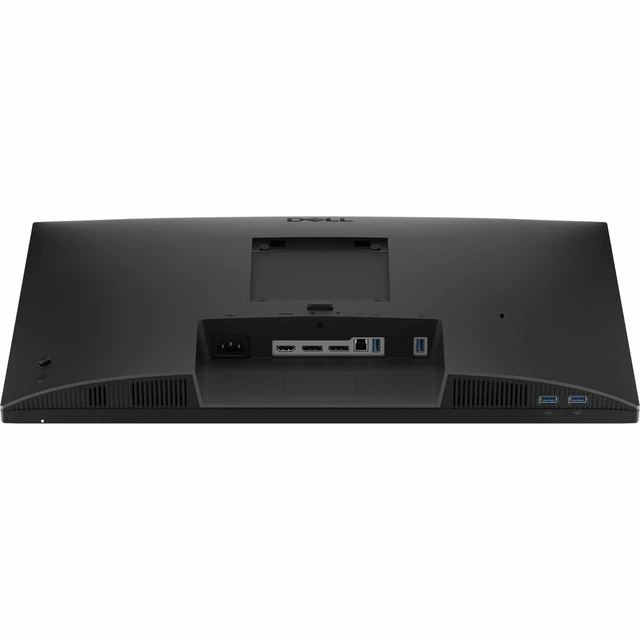
A: Yes. The E2426HB supports a 100 × 100 mm VESA mount; check that the arm or wall mount matches this pattern and supports the monitor’s weight.
Q: Can it run games by itself, and is it suitable for gaming?
A: It cannot run games on its own; it needs a connected computer or other compatible video source. Its Full HD resolution, 120 Hz refresh rate, and 5 ms response time can suit casual gaming, but game performance depends on the connected device.


