





Futurebatt — Professional Power, Always On Your Side

Drive Efficiency Power Future
Trusted by 1M+ users, Futurebatt powers your day with high-performance laptop batteries, adapters, and EV chargers. Backed by 10+ years of expertise and 3000+ quality tests, our products are built to last. Study harder, work smarter, ride farther — we keep you moving.


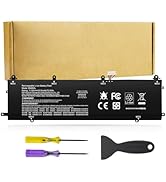
Batteries For HP Laptop
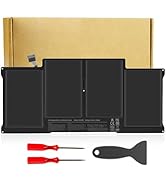
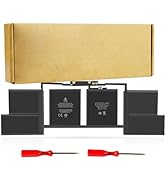
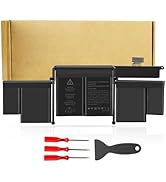
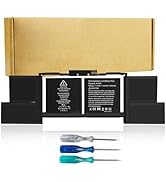
Batteries For Macbook
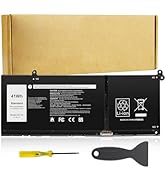
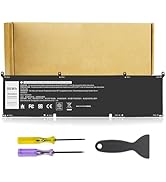
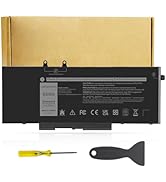
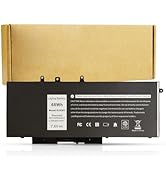
Batteries For Dell Laptop
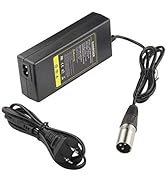
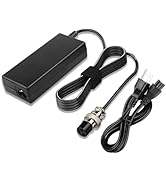
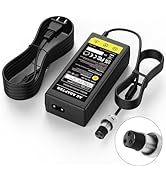
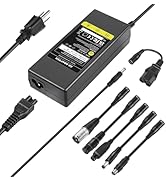
electric scooter chargers
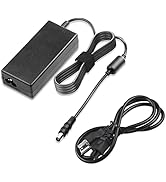
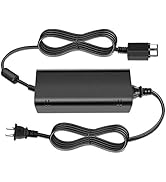
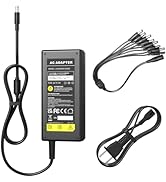
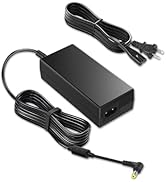
digital power/ laptop adapter

Welcome to HIGH QUALITY FUTUREBATT FUTUREBATT!
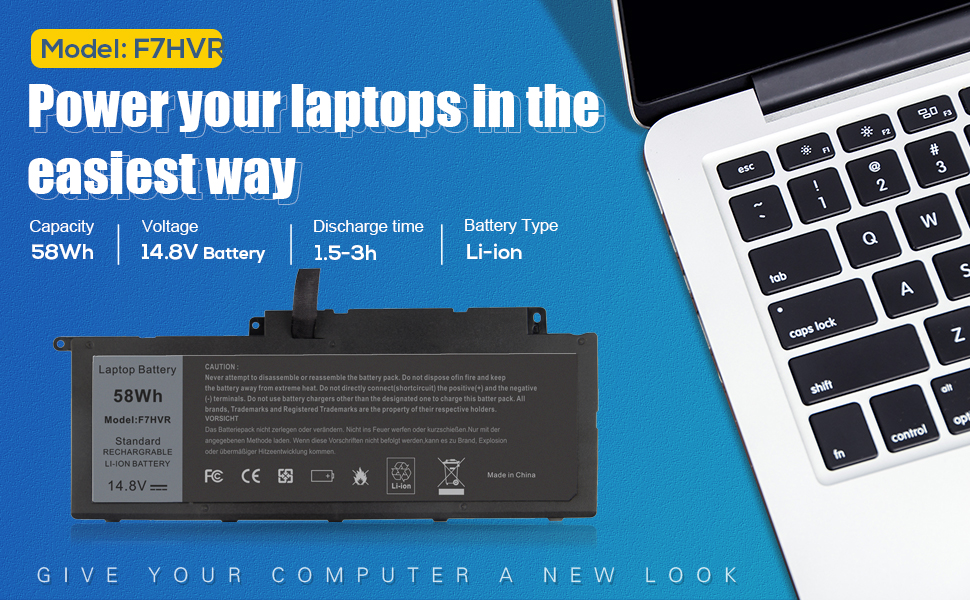
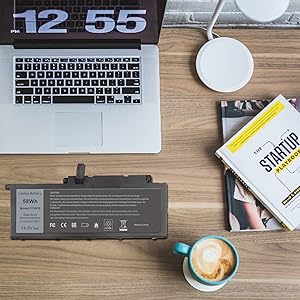
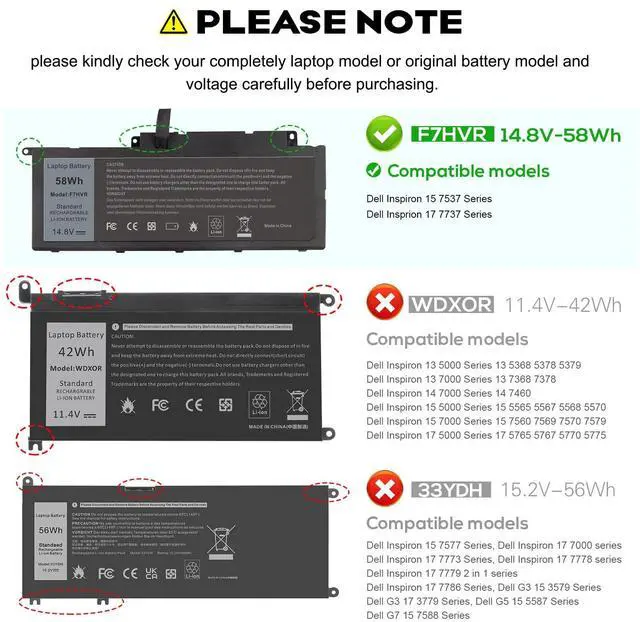
Please check your laptop model:
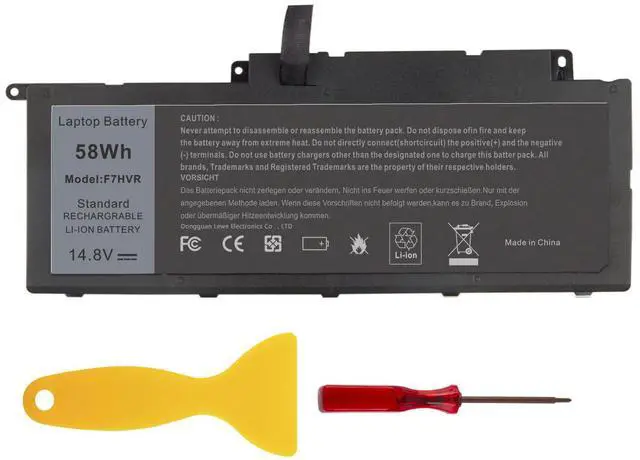
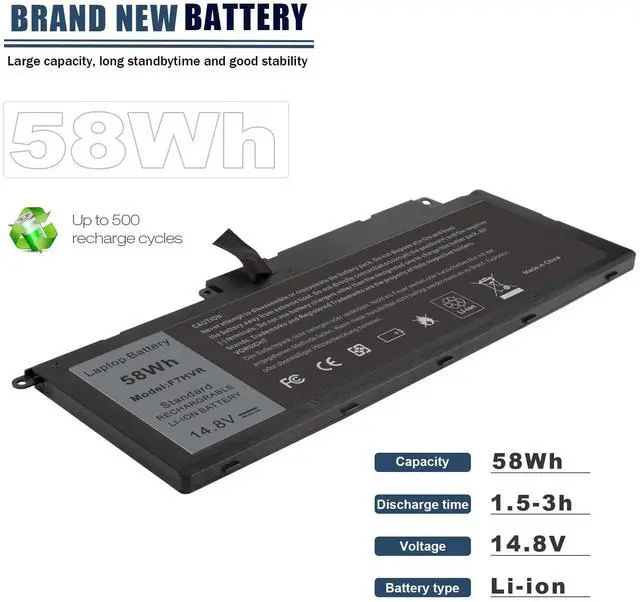
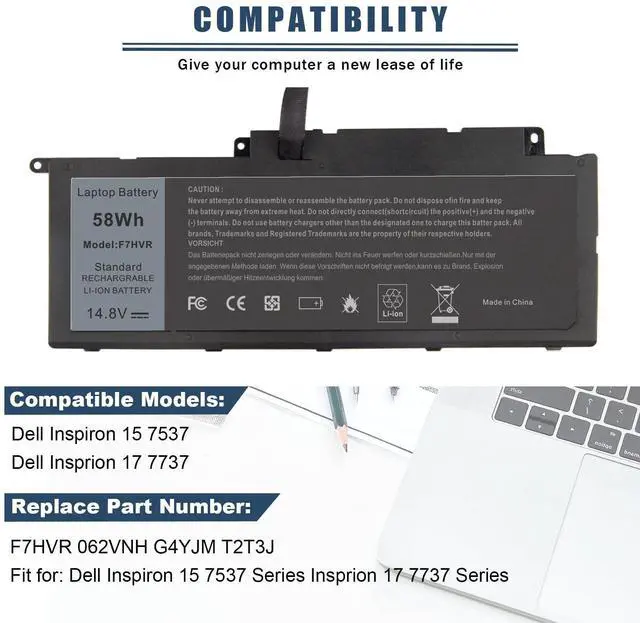
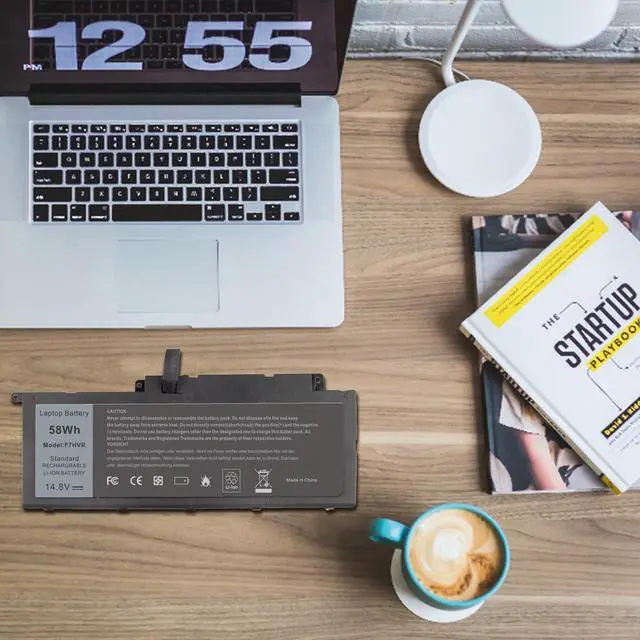
- Replace Part Number: F7HVR 062VNH Y1FGD G4YJM T2T3J JR9TD
- Compatible Laptop Models: For Dell Inspiron 15 7537 Dell Insprion 17 7737

How to install a new battery?
1. You need to turn off the laptop and disconnect the power at the same time.
2. Disconnect the old battery from the motherboard to avoid unnecessary damage caused by disassembling the battery. Then unscrew the old battery and save it.
3. Take out the old battery, install the new battery on the battery box, tighten the screws, and connect the wires of the new battery.

How to maintain a laptop?
1. New battery: When using a new battery, it is best to discharge to 5% for several cycles. Then charge to 95%. So that it can be fully activated.
2. Excessive use: Do not deplete the battery to 0% often, which will cause damage to the battery or shorten the service life.
3. Charging sequence: when charging, first install the battery, then turn on the power, after fully charged, first cut off the power, and then unplug the power plug.
4. Long-term storage: Please fully charge and store unused batteries. (Charge once a month) Do not store in low battery to avoid reducing.

What should be noted when using the battery?
1.If your computer will not be used for a long time, it is recommended that you remove the battery and store the battery separately.
2.It is recommended that you store the battery in a dry environment with a temperature range of -10--35 degrees Celsius, and avoid sunlight.
3.As the damaged lithium-ion battery will pollute the environment, it also has a certain degree of danger. Please do not disassemble or discard at will.


Welcome to HIGH QUALITY FUTUREBATT FUTUREBATT!
Please check your laptop model:
- Replace Part Number: F7HVR 062VNH Y1FGD G4YJM T2T3J JR9TD
- Compatible Laptop Models: For Dell Inspiron 15 7537 Dell Insprion 17 7737
How to install a new battery?
1. You need to turn off the laptop and disconnect the power at the same time.
2. Disconnect the old battery from the motherboard to avoid unnecessary damage caused by disassembling the battery. Then unscrew the old battery and save it.
3. Take out the old battery, install the new battery on the battery box, tighten the screws, and connect the wires of the new battery.
How to maintain a laptop?
1. New battery: When using a new battery, it is best to discharge to 5% for several cycles. Then charge to 95%. So that it can be fully activated.
2. Excessive use: Do not deplete the battery to 0% often, which will cause damage to the battery or shorten the service life.
3. Charging sequence: when charging, first install the battery, then turn on the power, after fully charged, first cut off the power, and then unplug the power plug.
4. Long-term storage: Please fully charge and store unused batteries. (Charge once a month) Do not store in low battery to avoid reducing.
What should be noted when using the battery?
1.If your computer will not be used for a long time, it is recommended that you remove the battery and store the battery separately.
2.It is recommended that you store the battery in a dry environment with a temperature range of -10--35 degrees Celsius, and avoid sunlight.
3.As the damaged lithium-ion battery will pollute the environment, it also has a certain degree of danger. Please do not disassemble or discard at will.
Futurebatt — Professional Power, Always On Your Side
Drive Efficiency Power Future
Trusted by 1M+ users, Futurebatt powers your day with high-performance laptop batteries, adapters, and EV chargers. Backed by 10+ years of expertise and 3000+ quality tests, our products are built to last. Study harder, work smarter, ride farther — we keep you moving.
Batteries For HP Laptop
Batteries For Macbook
Batteries For Dell Laptop
electric scooter chargers
digital power/ laptop adapter