




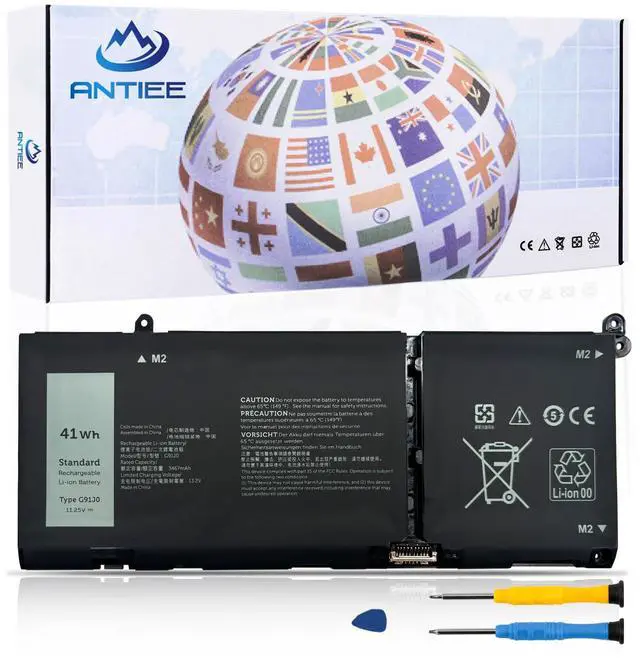
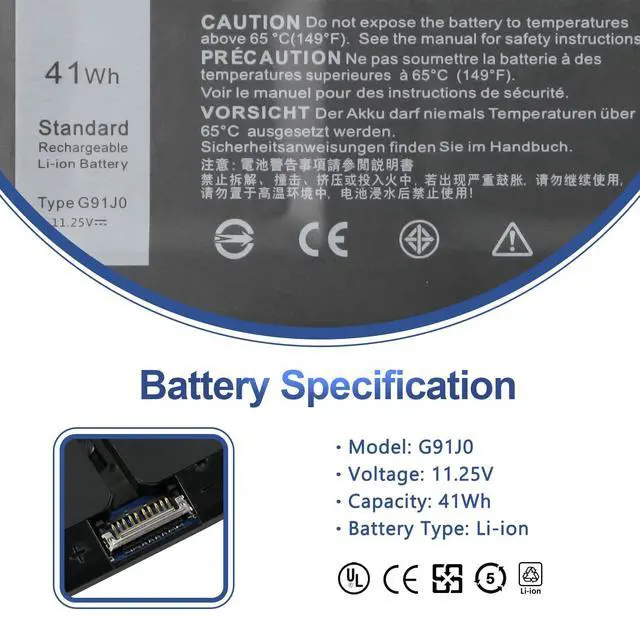
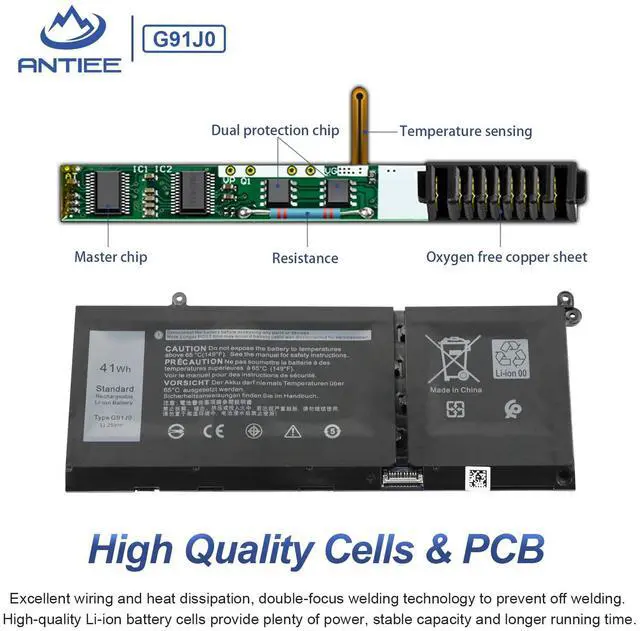
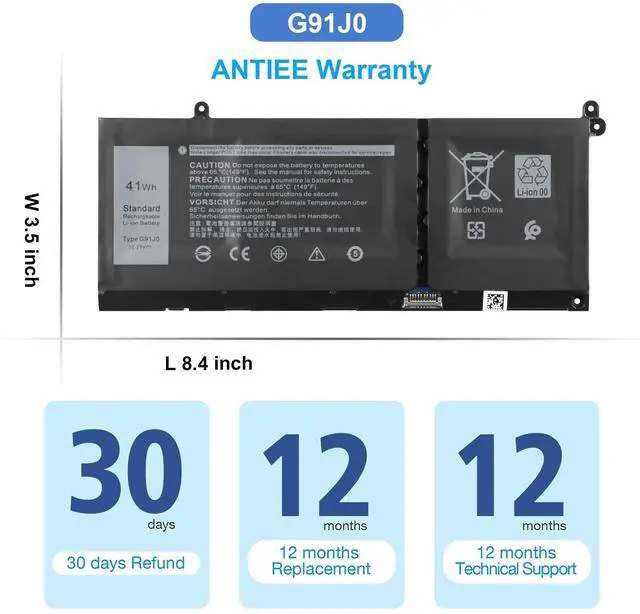
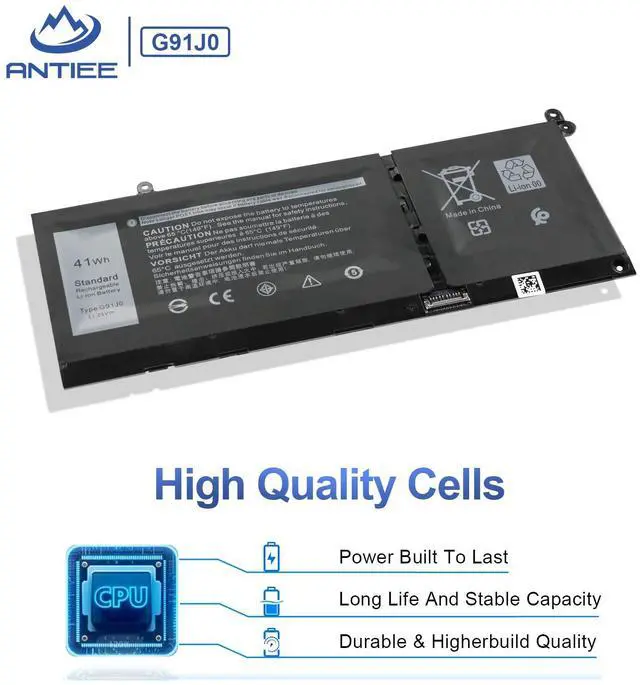


G91J0 Battery
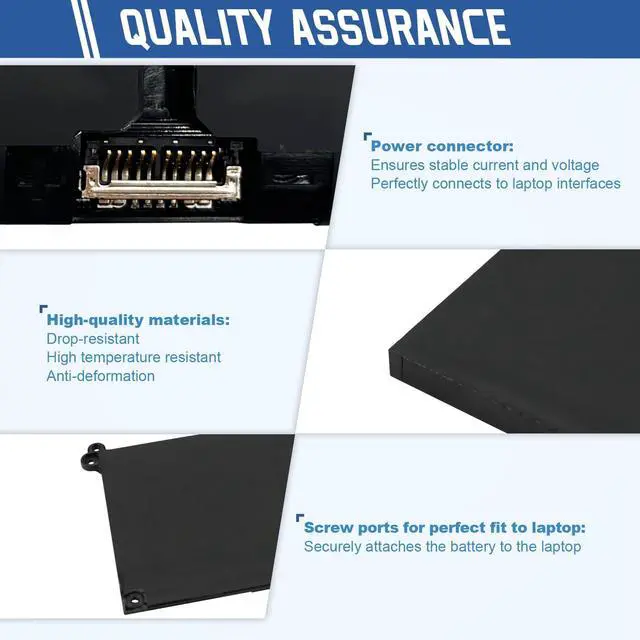
ANTIEE is your best choice!
- Professional Manufacturer - Specializing in various laptop batteries and all kinds of chargers.
- Reliable for Users - Our products undergo strict quality control inspections before being sold.
- Reliable for Users - If battery is defective within 1 year, we offer a free replacement.


Find the Battery Model

Find the Laptop Model,press "Windows+R"

Type "msinfo32" then click "Ok"

Find "System Model" in the pop-up window
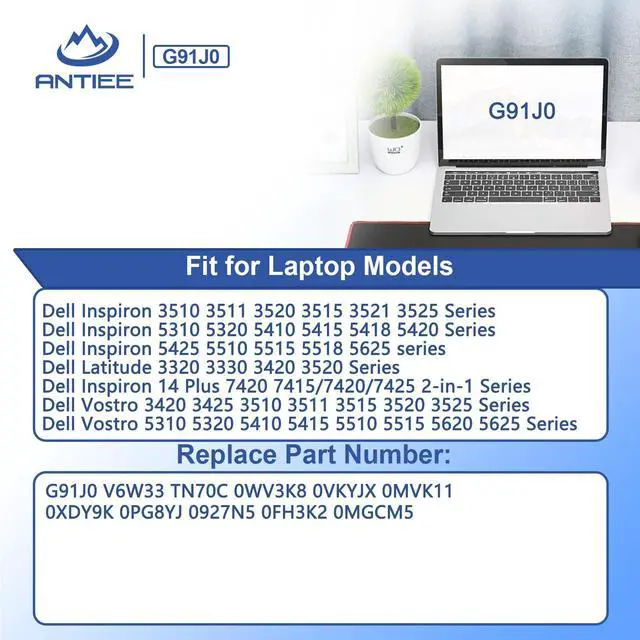
Compatible Models (use "Ctrl+F" to find your model quickly):
What do I need to be aware of when I receive a battery?
1.Check Model Numbers:Ensure the battery’s model number (e.g. part number, serial number) matches your laptop’s specifications.2. Read Instructions:Follow the manufacturer’s guidelines for installing the battery.
How should I do if the battery is not recognised?
If it is not recognised, it is recommended to update the BIOS settings or please disconnecting the old battery, and holding down the power button for 20 seconds, then connect the new battery.
Battery Dies Suddenly at About 20%,How to Fix it?
1.Disconnect the power cord
2.Remove the battery
3.Hold down the power button for 30 seconds, then release for 30 sec and then hold down for another 30 sec
4.Plug in power, replace battery and power on laptop.
How to maintain my laptop battery if i don’t use it for weeks or months?
1.Store at 40–60% Charge.
2.Keep it in a cool, dry, dark place, away from moisture and metal objects.
3.If storing for over 3 months, charge the battery back to 40–60% every 3 months to prevent deep discharge.
Why doesn't your laptop detect the battery or display the battery level properly after installing the battery?
1. Please check whether the battery cable is installed properly.
2. Conductive material damaged which the laptop board and battery anode and cathode contact position.
3.Check whether the battery drive is in normal condition.


G91J0 Battery
ANTIEE is your best choice!
- Professional Manufacturer - Specializing in various laptop batteries and all kinds of chargers.
- Reliable for Users - Our products undergo strict quality control inspections before being sold.
- Reliable for Users - If battery is defective within 1 year, we offer a free replacement.
Find the Battery Model
Find the Laptop Model,press "Windows+R"
Type "msinfo32" then click "Ok"
Find "System Model" in the pop-up window
Compatible Models (use "Ctrl+F" to find your model quickly):
| Replace Part Number: | G91J0 / TN70C / 927N5 / 0927N5 / 0VKYJX / 0WV3K8 / 0MVK11 / 0XDY9K / 0MGCM5 / PG8YJ / 0PG8YJ / FH3K2 / 0FH3K2 / MGCM5 JGCCT / N9XX. |
|---|---|
| Compatible Models | Dell Inspiron 15 3510 3511 3515 3520 3525 3530 3535 Series, |
| Compatible Models | Dell Inspiron 13 5310 5320 5330 Series, |
| Compatible Models | Dell Inspiron 14 5410 5415 5418 5420 5425 5430 5435 Series, |
| Compatible Models | Dell Inspiron 14 Plus 7420 Series |
| Compatible Models | Dell Inspiron 15 5510 5515 5518 Series, Dell Inspiron 16 5625 5630 5635 Series, |
| Compatible Models | Dell Inspiron 14 5410 2-in-1 Series, Dell Inspiron 14 7415 2-in-1 Series, |
| Compatible Models | Dell Inspiron 14 7420 2-in-1 Series, Dell Inspiron 14 7425 2-in-1 Series, |
| Compatible Models | Dell Inspiron 14 7430 2-in-1 Series, Dell Inspiron 14 7435 2-in-1 Series, |
| Compatible Models | Dell Inspiron 16 7620 2-in-1 Series, |
| Compatible Models | Dell Latitude 3320 3330 3420 3520 Series, |
| Compatible Models | Dell Vostro 15 3510 3511 3515 3520 3525 Series, |
| Compatible Models | Dell Vostro 13 5310 5320 Series, |
| Compatible Models | Dell Vostro 14 3420 3425 5410 5415 Series, |
| Compatible Models | Dell Vostro 15 5510 5515 Series, |
| Compatible Models | Dell Vostro 5620 5625 Series. |
What do I need to be aware of when I receive a battery?
1.Check Model Numbers:Ensure the battery’s model number (e.g. part number, serial number) matches your laptop’s specifications.2. Read Instructions:Follow the manufacturer’s guidelines for installing the battery.
How should I do if the battery is not recognised?
If it is not recognised, it is recommended to update the BIOS settings or please disconnecting the old battery, and holding down the power button for 20 seconds, then connect the new battery.
Battery Dies Suddenly at About 20%,How to Fix it?
1.Disconnect the power cord
2.Remove the battery
3.Hold down the power button for 30 seconds, then release for 30 sec and then hold down for another 30 sec
4.Plug in power, replace battery and power on laptop.
How to maintain my laptop battery if i don’t use it for weeks or months?
1.Store at 40–60% Charge.
2.Keep it in a cool, dry, dark place, away from moisture and metal objects.
3.If storing for over 3 months, charge the battery back to 40–60% every 3 months to prevent deep discharge.
Why doesn't your laptop detect the battery or display the battery level properly after installing the battery?
1. Please check whether the battery cable is installed properly.
2. Conductive material damaged which the laptop board and battery anode and cathode contact position.
3.Check whether the battery drive is in normal condition.