








DMKAOLLK
Professional Grdae laptop battery and charger

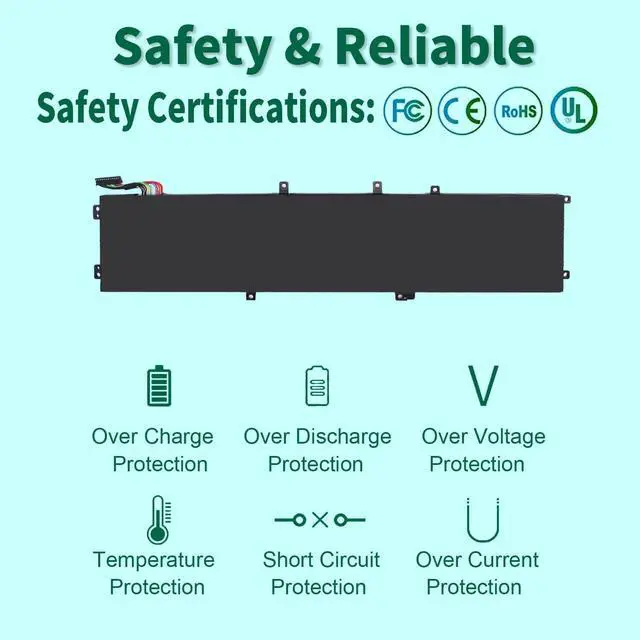
DMKAOLLK positioning is high quality, simplicity and durability.Our own R&D team and manufacturing plant,is a full-service supplier with complete development, production, sales and service.Our product performance is stable, safe and reliable
Here you can find your own charging companion for your laptop. DMKAOLLK wishes you a happy shopping experience and thank you for your trust!
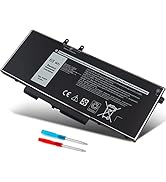
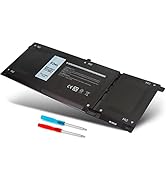
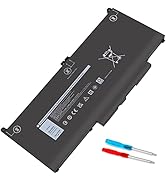
Laptop Battery for DELL
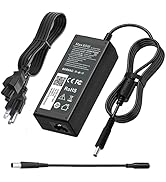
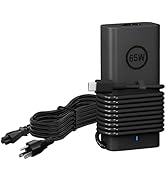
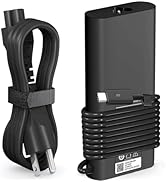
Laptop Charger for DELL
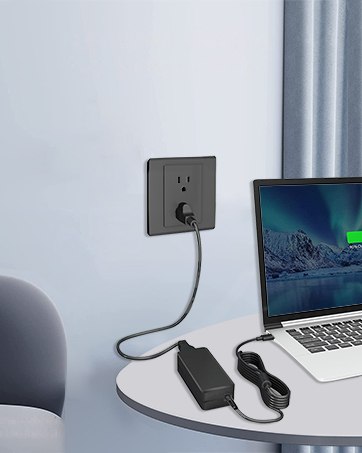
Universal USB-C Charger
fit Any USB-C laptops and smart phones that support power delivery function


Compatible with DELL Laptop models:Press [Ctrl + F] to search for your type


Comparison of Similar Batteries for Dell Notebook
 6GTPY Laptop Battery |  69KF2 Laptop Battery |  DXGH8 Laptop Battery |  33YDH Laptop Battery |  NNF1C Laptop Battery |  WDX0R Laptop Battery |  M5Y1K Laptop Battery | |
|---|---|---|---|---|---|---|---|
Customer Reviews | — | — | — | — | — | — | — |
Price | — | — | — | — | — | — | — |
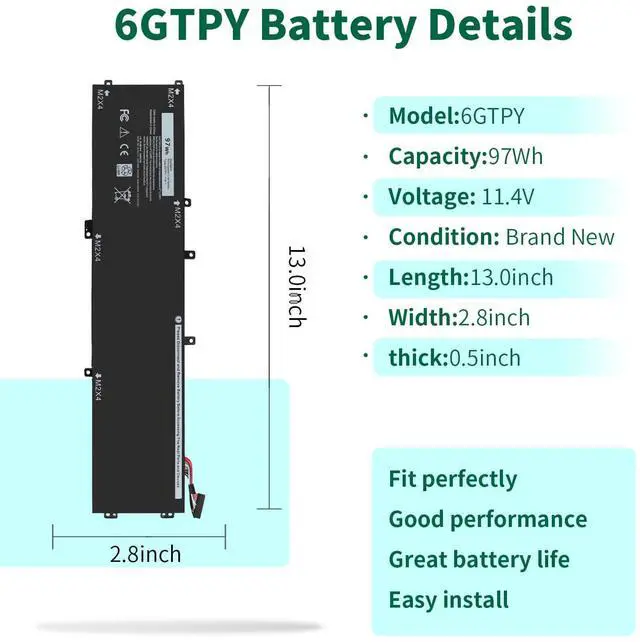
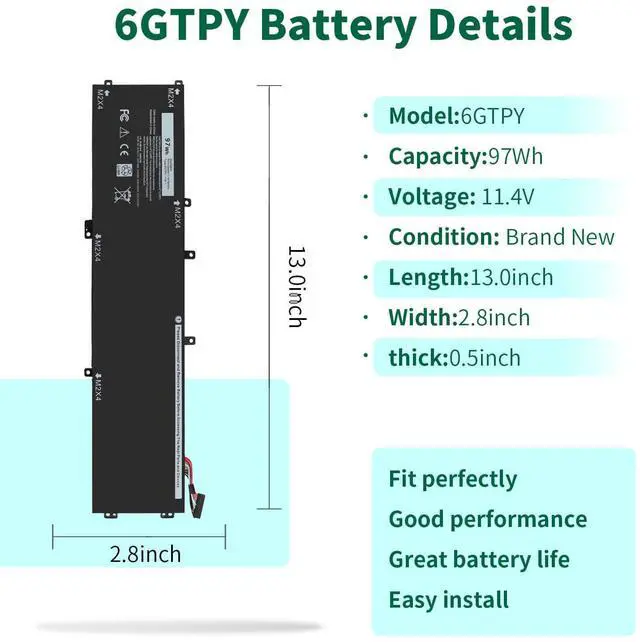
Capacity | 97Wh | 86Wh | 52Wh | 56Wh | 46Wh | 42Wh | 40Wh |
Voltage | 11.4V | 11.4V | 7.6V | 15.2V | 7.6V | 11.4V | 14.8V |
Cells | 6-Cell | 6-Cell | 4-Cell | 4-Cell | 4-Cell | 3-Cell | 4-Cell |
CE/ROHS/UL certified standards | ? | ? | ? | ? | ? | ? | ? |
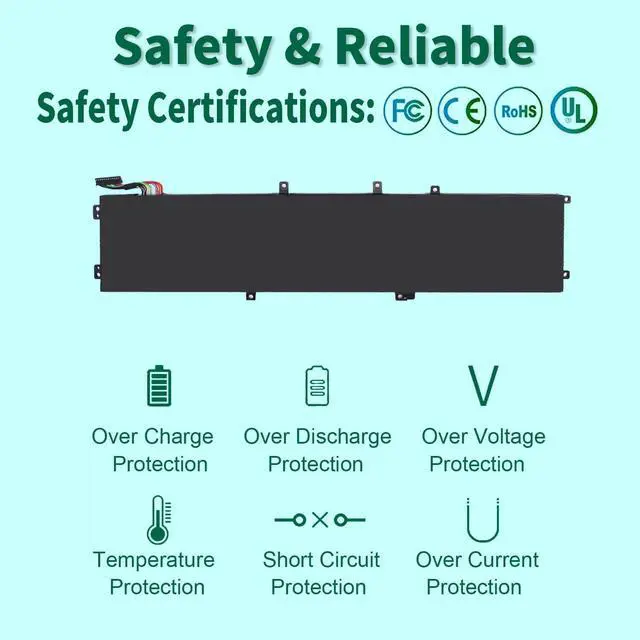
overheat protections | ? | ? | ? | ? | ? | ? | ? |
1.What do we need to pay attention to using batteries for the first time?
1.The battery must be full charged before first use
2.You need to turn off your laptop and disconnect the power when you install a new battery
2.Do Discharge the new battery use to 5%/7%(not to 0%) and then charge to 95%, and cycle 3-4 times
How should I do if the battery is not recognised?
When the computer is turned on, if it is not recognised, it is recommended to update the BIOS settings or please disconnecting the old battery, and holding down the power button for 20 seconds, then connect the new battery
How should I do if we received the item doesn't work?
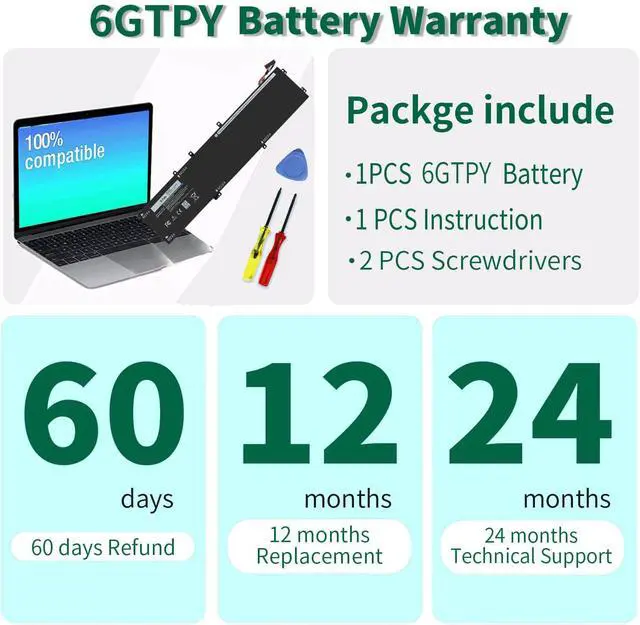
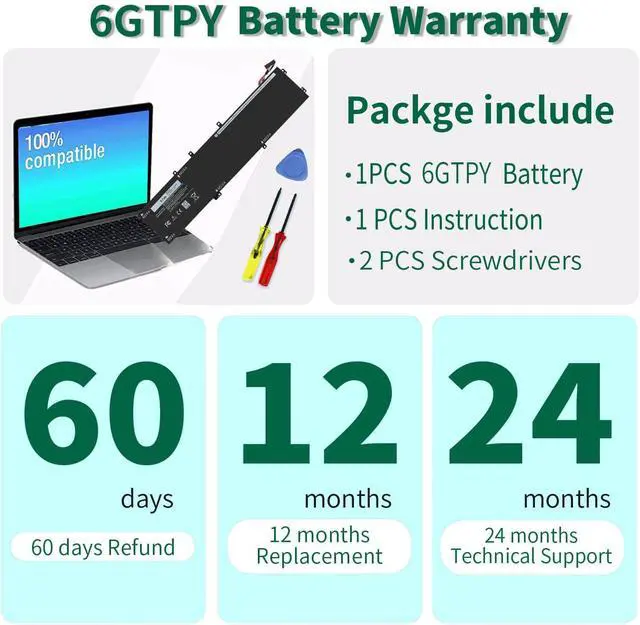
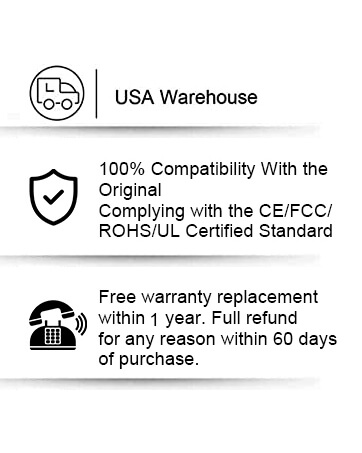
Our itme have 12 months replace a new one and 60 days moeny back guarrante. please Contact DMKAOLLK INC .we will replace it with a new one for free.
How should I charge my laptop battery?
It is suggested to charge the battery before the power runs out completely. It is best to charge when the remaining power is about 5-10%, and the battery should be charged in a relatively dry place.
How should I preserve my laptop battery when I don’t use it?
The ideal preservation method is to charge the battery to about 40%.the battery should be used once a month, which can not only good preservation of the battery but also prevent the battery from being damaged by the complete loss of power

Compatible with DELL Laptop models:Press [Ctrl + F] to search for your type
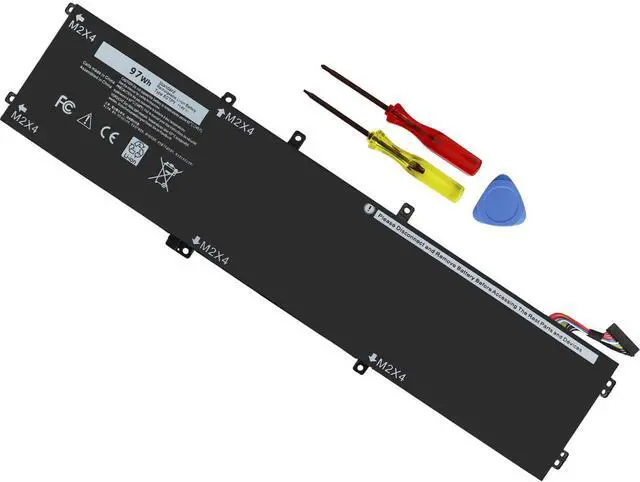
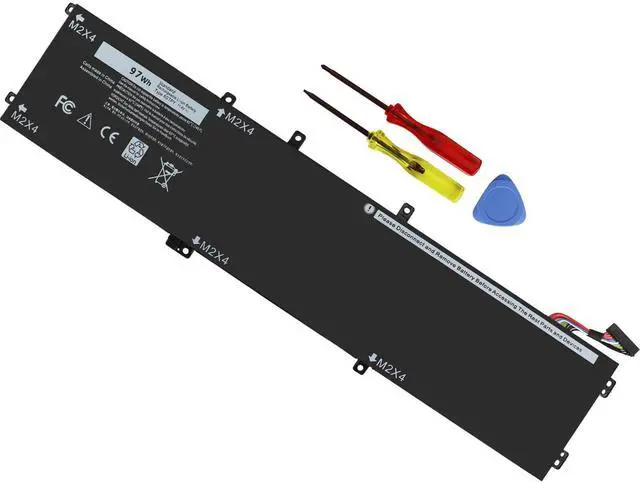
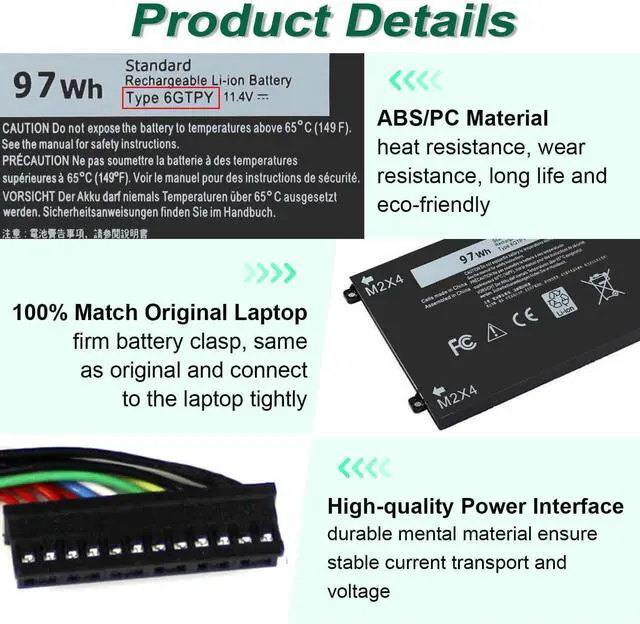
| Specifications: | Shipped from US warehouse or warehouse; Battey model: 6GTPY, 60 Days Money Return; 12 Months Replacement;2 Years Tech Assistance |
|---|---|
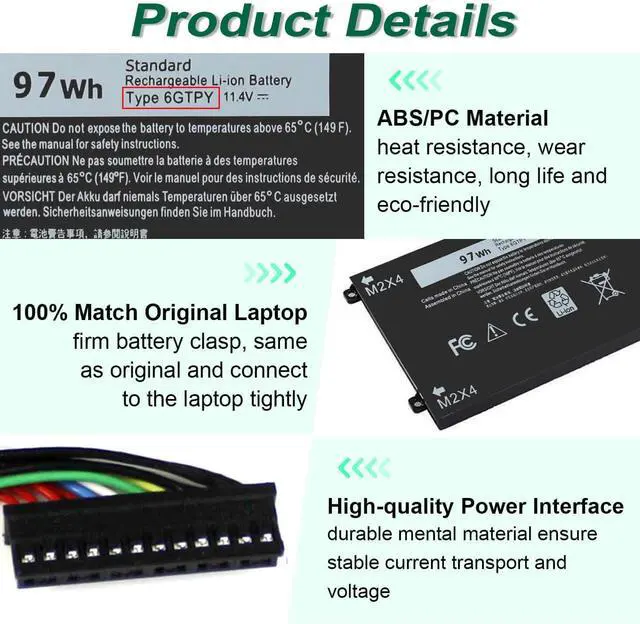
| Compatible with Part Number : | 6GTPY 5041C 05041C 5D91C 5XJ28 GPM03 |
| Compatible With | Dell XPS 15 9560 Series |
| Compatible With | Dell XPS 15 2017 9560; XPS 15-9560-D1745; XPS 15-9560-D1845T; XPS 15-9560-D1645 |
| Compatible With | Dell XPS 15-9560-D1545; XPS 15-9560-D1845; XPS 15 9560 i7-7700HQ |
| Compatible With | Dell XPS 15 9570 Series |
| Compatible With | Dell XPS 15-9570 ; XPS 15 2018 9570; XPS 15-9570-D1541; XPS 15-9570-D1945T |
| Compatible With | Dell XPS 15-9570-D1841; XPS 15-9570-D1845; XPS 15-9570-D1501; XPS 15-9570-D1741 |
| Compatible With | Dell XPS 15-9570-D1605; XPS 15 9570 i7 UHD; XPS 15-9570-D1941T |
| Compatible With | Dell XPS 15 7590 Series |
| Compatible With | Dell Vostro 7500 Series |
| Compatible With | Dell Precision 5520 (M5520 Workstation) Series |
| Compatible With | Dell Precision 5530 (M5530 Xeon E-2176M Workstation) Series |
| Compatible With | Dell Precision 5540 (M5540 Workstation) Series |
| Compatible With | Dell Precision 5510 (M5510 Workstation) Series |
| KINDLY NOTE: | Dell Precision 5510 laptop has Two Batteries: 6GTPY and H5H20, recommend that you open the back cover of your notebook before purchasing to determine the exact battery model, 6GTPY is long than H5H20 beacouse of the SDD.If your laptop don't have ssd/HDD you should buy 6gtpy battery. If have a ssd/HDD, You should buy h5h20 |


Comparison of Similar Batteries for Dell Notebook
6GTPY Laptop Battery | 69KF2 Laptop Battery | DXGH8 Laptop Battery | 33YDH Laptop Battery | NNF1C Laptop Battery | WDX0R Laptop Battery | M5Y1K Laptop Battery |
|---|---|---|---|---|---|---|
| Customer Reviews | ||||||
| — | — | — | — | — | — | — |
| Price | ||||||
| — | — | — | — | — | — | — |
| Capacity | ||||||
| 97Wh | 86Wh | 52Wh | 56Wh | 46Wh | 42Wh | 40Wh |
| Voltage | ||||||
| 11.4V | 11.4V | 7.6V | 15.2V | 7.6V | 11.4V | 14.8V |
| Cells | ||||||
| 6-Cell | 6-Cell | 4-Cell | 4-Cell | 4-Cell | 3-Cell | 4-Cell |
| CE/ROHS/UL certified standards | ||||||
| ? | ? | ? | ? | ? | ? | ? |
| overheat protections | ||||||
| ? | ? | ? | ? | ? | ? | ? |
1.What do we need to pay attention to using batteries for the first time?
1.The battery must be full charged before first use
2.You need to turn off your laptop and disconnect the power when you install a new battery
2.Do Discharge the new battery use to 5%/7%(not to 0%) and then charge to 95%, and cycle 3-4 times
How should I do if the battery is not recognised?
When the computer is turned on, if it is not recognised, it is recommended to update the BIOS settings or please disconnecting the old battery, and holding down the power button for 20 seconds, then connect the new battery
How should I do if we received the item doesn't work?
Our itme have 12 months replace a new one and 60 days moeny back guarrante. please Contact DMKAOLLK INC .we will replace it with a new one for free.
How should I charge my laptop battery?
It is suggested to charge the battery before the power runs out completely. It is best to charge when the remaining power is about 5-10%, and the battery should be charged in a relatively dry place.
How should I preserve my laptop battery when I don’t use it?
The ideal preservation method is to charge the battery to about 40%.the battery should be used once a month, which can not only good preservation of the battery but also prevent the battery from being damaged by the complete loss of power
DMKAOLLK
Professional Grdae laptop battery and charger
DMKAOLLK positioning is high quality, simplicity and durability.Our own R&D team and manufacturing plant,is a full-service supplier with complete development, production, sales and service.Our product performance is stable, safe and reliable
Here you can find your own charging companion for your laptop. DMKAOLLK wishes you a happy shopping experience and thank you for your trust!
Laptop Battery for DELL
Laptop Charger for DELL
Universal USB-C Charger
fit Any USB-C laptops and smart phones that support power delivery function