




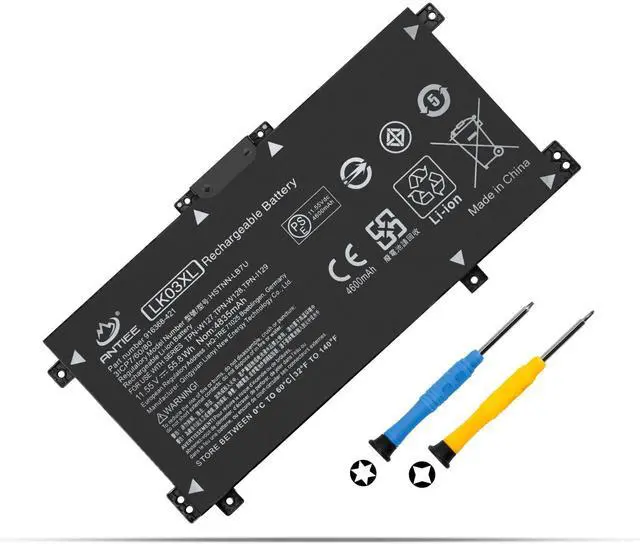
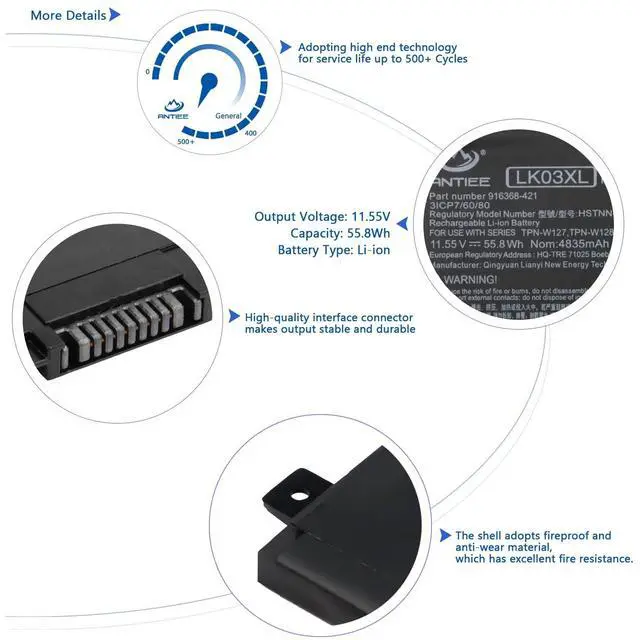
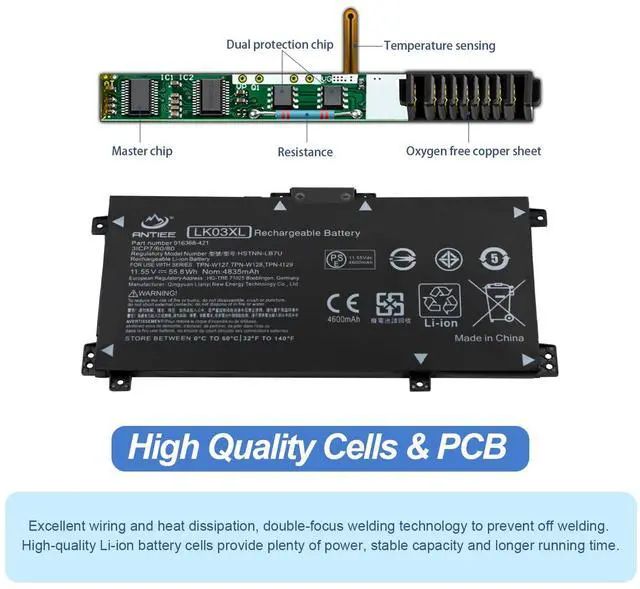
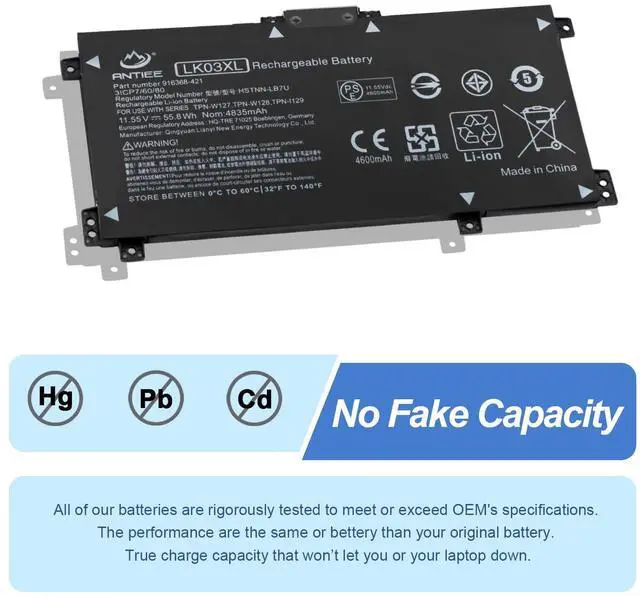
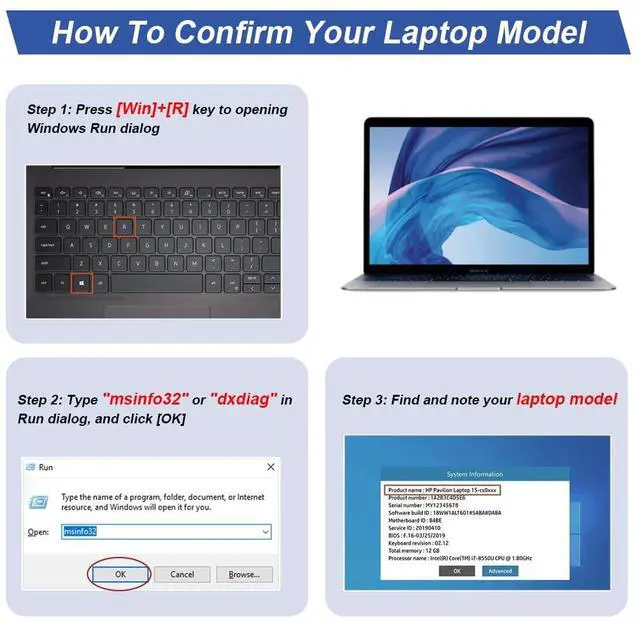


Find the Battery Model

Find the Laptop Model,press "Windows+R"

Type "msinfo32" then click "Ok"

Find "System Model" in the pop-up window
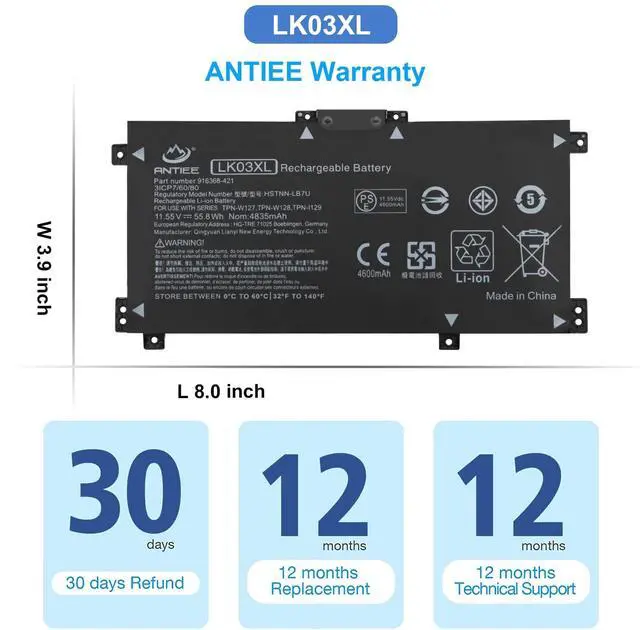
REPLACE PART NUMBER
- LK03XL, LKO3XL, LK03048XL, LK03055XL, LK03052XL,
- 916814-855, 916368-421, 916368-541,
- L09281-855, L08855-856, L08934-1B1, L08934-2C1, L09049-1B1, L09280-855,L09911-141, L09911-421, L09911-1B1,
- HSTNN-LB7U, HSTNN-LB8J, HSTNN-UB71, HSTNN-UB7I, HSTNN-IB8N, HSTNN-IB8V,
- TPN-W127, TPN-W128, TPN-I129.
What do I need to be aware of when I receive a battery?
1.Check Model Numbers:Ensure the battery’s model number (e.g. part number, serial number) matches your laptop’s specifications.2. Read Instructions:Follow the manufacturer’s guidelines for installing the battery.
How should I do if the battery is not recognised?
If it is not recognised, it is recommended to update the BIOS settings or please disconnecting the old battery, and holding down the power button for 20 seconds, then connect the new battery.
Battery Dies Suddenly at About 20%,How to Fix it?
1.Disconnect the power cord
2.Remove the battery
3.Hold down the power button for 30 seconds, then release for 30 sec and then hold down for another 30 sec
4.Plug in power, replace battery and power on laptop.
How to maintain my laptop battery if i don’t use it for weeks or months?
1.Store at 40–60% Charge.
2.Keep it in a cool, dry, dark place, away from moisture and metal objects.
3.If storing for over 3 months, charge the battery back to 40–60% every 3 months to prevent deep discharge.


ANTIEE was born from a simple belief
-------your laptop deserves a battery that works as hard as you do.

For years, we experienced the same frustrations as every user —
- Batteries aging too fast
- Sudden shutdowns during important work
- Replacement batteries that failed to deliver reliability
So we built ANTIEE to change that.
Every ANTIEE laptop battery is engineered around three promises:
• Reliable Power — consistent performance for work, study, travel, and creation.
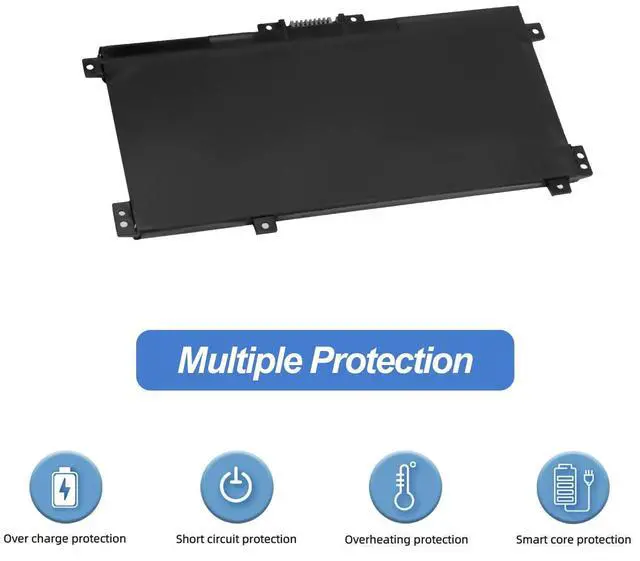
• Proven Safety — multi-layer protection against overcharge, overheat, and short-circuit.
• Extended Lifespan — high-grade cells and optimized BMS calibration for longer cycle life.

We offer replacement batteries for almost all laptop brands
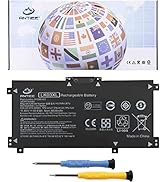
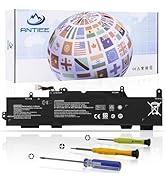
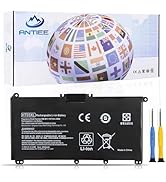
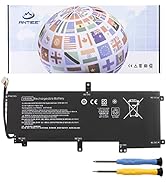
Batteries for HP Laptop
![A1708 Battery Replacement, A1713 Battery for MacBook Pro 13 Inch A1708 [Late 2016, Mid 2017] EMC ...](//c1.neweggimages.com/sellingpilot/modules/product/a-plus/0087e77eabe99466aa3df2a09b6206cde1adfc1804637149c4ab5ba1bd008c05.jpg)
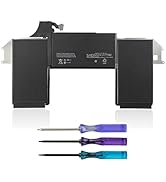
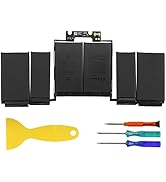
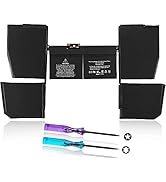
Batteries for Apple MacBook
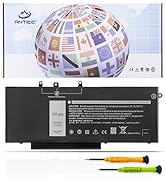
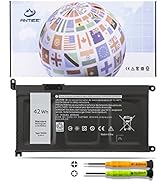
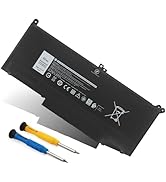
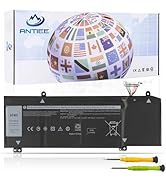
Batteries for Dell Laptop
What should you do if you receive a defective product?
1.Please feel welcomed to notify us of any inconvenience or fault in our battery. Via "Your Orders" tab in account.
2.For 12 months from the date of purchase, if the product fails, we will provide you with a free replacement.
3.Providing every customer with guaranteed after-sales service is our aim.
Why is my HP laptop only charged to 80%?
? Hardware problem: Please re-install the battery and re-plug the battery interface.
? Software Issue: The HP Battery Health Manager settings are located in the BIOS, which you can access by pressing F10 during startup.
The “Maximize My Battery Health” setting limits the maximum state-of-charge on the notebook battery to 80%, which has been proven to optimize battery health and helps mitigate battery swelling due to high state-of-charge. If not required, Change this setting.
If your battery is still defective, we will be responsible for your situation.
How to maximize battery life?
1.Lithium batteries have no memory effect. It does not need to be fully charged and discharged deliberately, and it is generally enough for normal use.
2.The only thing to note is that lithium batteries have a "self-discharge" feature. During the storage period, the power will still decrease slowly.
3.Long-term storage with the battery discharged to 0% may damage the battery and render it unusable.
4.When not using the laptop for a long time, charge the battery to 50%, turn off and remove the transformer, recharge the battery to 50% every three months.
![A1708 Battery Replacement, A1713 Battery for MacBook Pro 13 Inch A1708 [Late 2016, Mid 2017] EMC ...](http://c1.neweggimages.com/sellingpilot/modules/product/a-plus/0087e77eabe99466aa3df2a09b6206cde1adfc1804637149c4ab5ba1bd008c05.jpg)


Find the Battery Model
Find the Laptop Model,press "Windows+R"
Type "msinfo32" then click "Ok"
Find "System Model" in the pop-up window
REPLACE PART NUMBER
- LK03XL, LKO3XL, LK03048XL, LK03055XL, LK03052XL,
- 916814-855, 916368-421, 916368-541,
- L09281-855, L08855-856, L08934-1B1, L08934-2C1, L09049-1B1, L09280-855,L09911-141, L09911-421, L09911-1B1,
- HSTNN-LB7U, HSTNN-LB8J, HSTNN-UB71, HSTNN-UB7I, HSTNN-IB8N, HSTNN-IB8V,
- TPN-W127, TPN-W128, TPN-I129.
| COMPATIBLE LAPTOP MODELS | HP Envy X360 15-cn 15m-cn 15t-cn Series: 15m-cn0xxx 15m-cn0011dx 15m-cn0012dx 15-cn0xxx 15-cn1xxx 15m-cn1xxx 15t-cnxxx 15t-cn000 15t-cn100 15-cn0013nr 15-cn1025cl 15-cn1035cl 15-cn1055cl 15-cn1073wm 15-cn0000tu 15-cn0000ne 15-cn0000tx 15-cn0001la 15-cn0001na 15-cn0001tu 15-cn0001tx 15-cn0001ng 15-cn0002tu 15-cn0002tx 15-cn0003ca 15-cn0003tu 15-cn0003tx 15-cn0003ng 15-cn0004tu. |
|---|---|
| COMPATIBLE LAPTOP MODELS | HP Envy X360 15-bp 15m-bp 15t-bp Series: 15-bp0xx 15-bp1xx 15m-bp0xx 15m-bp1xx 15m-bp012dx 15m-bp011dx 15m-bp111dx 15m-bp112dx 15-bp143cl 15-bp152wm 15-bp194cl 15-bp165cl 15-bp112dx 15-bp001tx 15-bp002tx 15-bp003tx 15-bp004tx 15-bp005tx 15-bp006tx 15-bp107tx 15-bp100tx 15-bp105tx 15-bp101tx 15-bp103tx 15-bp104tx 15-bp106tx 15-bp102tx 15-bp013tx 15-bp103ur 15-bp003nx 15-bp004na 15t-bp100. |
| COMPATIBLE LAPTOP MODELS | HP Envy X360 15-bq 15m-bq 15z-bq Series: 15-bq0xx 15-bq1xx 15-bq100 15-bq200 15m-bq0xx 15m-bq1xx 15m-bq121dx 15m-bq021dx 15m-bq100 15z-bq100 15z-bq200 15-bq000nb 15-bq001na 15-bq000no 15-bq000ur 15-bq001nb 15-bq213cl 15-bq150na 15-bq075nr. |
| COMPATIBLE LAPTOP MODELS | HP Envy X360 15-cp 15m-cp 15z-cp Series: 15-cp0xxx 15m-cp0xxx 15m-cp0011dx 15m-cp0012dx 15m-cp0012dx 15-cp0053cl 15-cp0000na 15-cp0000nc 15-cp0005ng 15-cp0013nr 15-cp0014au 15-cp0599na 15z-cp000 15z-cp0xxx. |
| COMPATIBLE LAPTOP MODELS | HP Envy X360 17-ae 17m-ae 17t-ae Series: 17-ae0xx 17m-ae0xx 17-ae1xx 17m-ae1xx 17m-ae011dx 17m-ae111dx 17m-ae011xx 17t-ae000 17t-ae100 17-ae110nr 17-ae151nr 17-ae001nf 17-ae006ng 17-ae107nb 17-ae003ng 17-ae004ng 17-ae005ng 17-ae006ng 17-ae007ng 17-ae009ng 17-ae030ng 17-ae031ng 17-ae100, 17-ae101ng 17-ae102ng 17-ae103ng 17-ae120nd 17-ae130ng 17t-ae151nr. |
| COMPATIBLE LAPTOP MODELS | HP Envy X360 17-bw 17m-bw 17t-bw Series: 17-bw0xxx 17m-bw0xxx 17m-bw0013dx 17t-bw0xx 17t-bw000 17-bw0000na 17-bw0003ca 17-bw0008ca 17-bw0011nr 17-bw0503na 17-bw0707nz 17-bw0001ng 17-bw0004na 17-bw0006nf 17-bw0012nf 17-bw0001nc 17-bw0001ni 17-bw0007ur 17-bw0200nz 17-bw0003ng 17-bw0706nz 17-bw0999na. |
| COMPATIBLE LAPTOP MODELS | HP Envy X360 17-ce 17m-ce 17t-ce Series: 17-ce0xxx 17-ce1xxx 17m-ce0xxx 17m-ce1xxx 17m-ce0013dx 17m-ce1013dx 17t-ce0xx 17-ce0002ca 17-ce0003ca 17-ce0008ca 17-ce0015nr 17t-ce000 17t-ce100 17t-ce200. |
| COMPATIBLE LAPTOP MODELS | HP Pavilion X360 15-cr Series: 15-cr0xxx 15-cr0037wm 15-cr0006tx 15-cr0052od 15-cr0160nb 15-cr0051od 15-cr0091ms 15-cr0035nr 15-cr0053wm 15-cr0087cl 15-cr0013nq 15-cr0014nq 15-cr0015nq 15-cr0017nr 15-cr0023nq 15-cr0027nq 15-cr0031nq 15-cr0033nq 15-cr0051cl 15-cr0055od 15-cr0056wm 15-cr0060nia 15-cr0062st 15-cr0064st 15-cr0070nb 15-cr0075nr 15-cr0076nr 15-cr0077nr 15-cr0078nr 15-cr0079nr 15-cr0081cl 15-cr0083cl 15-cr0085cl 15-cr0088cl 15-cr0095nr 15-cr0100ng 15-cr0130nd 15-cr0149nb 15-cr0161nb |
What do I need to be aware of when I receive a battery?
1.Check Model Numbers:Ensure the battery’s model number (e.g. part number, serial number) matches your laptop’s specifications.2. Read Instructions:Follow the manufacturer’s guidelines for installing the battery.
How should I do if the battery is not recognised?
If it is not recognised, it is recommended to update the BIOS settings or please disconnecting the old battery, and holding down the power button for 20 seconds, then connect the new battery.
Battery Dies Suddenly at About 20%,How to Fix it?
1.Disconnect the power cord
2.Remove the battery
3.Hold down the power button for 30 seconds, then release for 30 sec and then hold down for another 30 sec
4.Plug in power, replace battery and power on laptop.
How to maintain my laptop battery if i don’t use it for weeks or months?
1.Store at 40–60% Charge.
2.Keep it in a cool, dry, dark place, away from moisture and metal objects.
3.If storing for over 3 months, charge the battery back to 40–60% every 3 months to prevent deep discharge.
ANTIEE was born from a simple belief
-------your laptop deserves a battery that works as hard as you do.
For years, we experienced the same frustrations as every user —
- Batteries aging too fast
- Sudden shutdowns during important work
- Replacement batteries that failed to deliver reliability
So we built ANTIEE to change that.
Every ANTIEE laptop battery is engineered around three promises:
• Reliable Power — consistent performance for work, study, travel, and creation.
• Proven Safety — multi-layer protection against overcharge, overheat, and short-circuit.
• Extended Lifespan — high-grade cells and optimized BMS calibration for longer cycle life.
We offer replacement batteries for almost all laptop brands
Batteries for HP Laptop
Batteries for Apple MacBook
Batteries for Dell Laptop
What should you do if you receive a defective product?
1.Please feel welcomed to notify us of any inconvenience or fault in our battery. Via "Your Orders" tab in account.
2.For 12 months from the date of purchase, if the product fails, we will provide you with a free replacement.
3.Providing every customer with guaranteed after-sales service is our aim.
Why is my HP laptop only charged to 80%?
? Hardware problem: Please re-install the battery and re-plug the battery interface.
? Software Issue: The HP Battery Health Manager settings are located in the BIOS, which you can access by pressing F10 during startup.
The “Maximize My Battery Health” setting limits the maximum state-of-charge on the notebook battery to 80%, which has been proven to optimize battery health and helps mitigate battery swelling due to high state-of-charge. If not required, Change this setting.
If your battery is still defective, we will be responsible for your situation.
How to maximize battery life?
1.Lithium batteries have no memory effect. It does not need to be fully charged and discharged deliberately, and it is generally enough for normal use.
2.The only thing to note is that lithium batteries have a "self-discharge" feature. During the storage period, the power will still decrease slowly.
3.Long-term storage with the battery discharged to 0% may damage the battery and render it unusable.
4.When not using the laptop for a long time, charge the battery to 50%, turn off and remove the transformer, recharge the battery to 50% every three months.