




 here!
I’m your shopping assistant for PC builds, upgrades, and everything tech.
Got questions? Ask away!
Start a conversation
here!
I’m your shopping assistant for PC builds, upgrades, and everything tech.
Got questions? Ask away!
Start a conversationShipped by Hebei XG Technology Co., Ltd.






Any questions? Ask CelesteSM will help you find out quickly.
- The new Dell R660 Server provide a base for customizable storage configurations. Users can select appropriate storage devices according to their data - storage needs.
- Its low - power feature makes it energy - efficient, suitable for environments where power consumption is a concern. This helps in reducing operational costs over time.
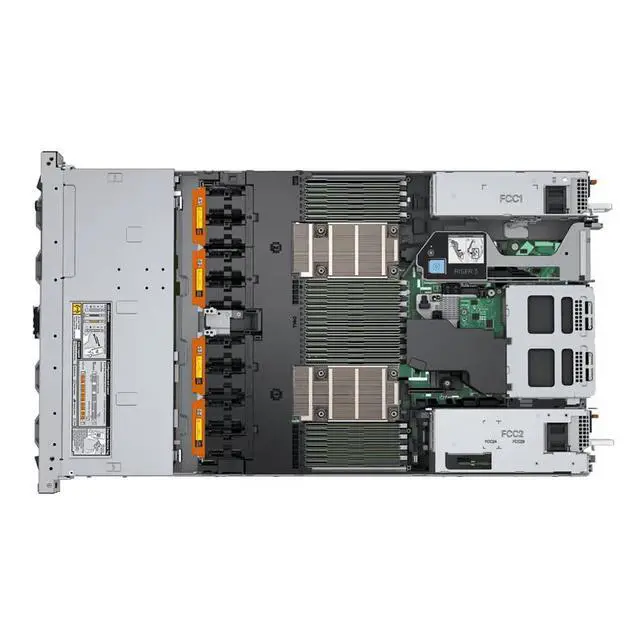
- Lacking a CPU, memory, disk, RAID card, and power supply gives users complete flexibility. They can choose components that match their specific processing power, data - handling, storage, data - protection, and power - related requirements.
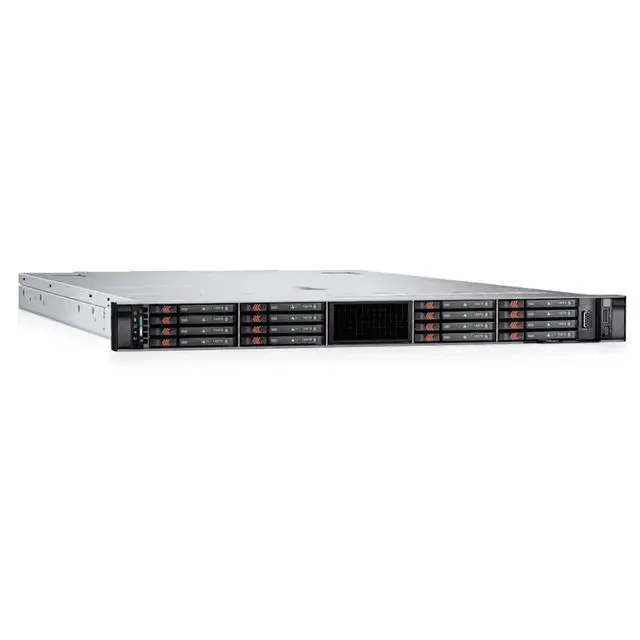
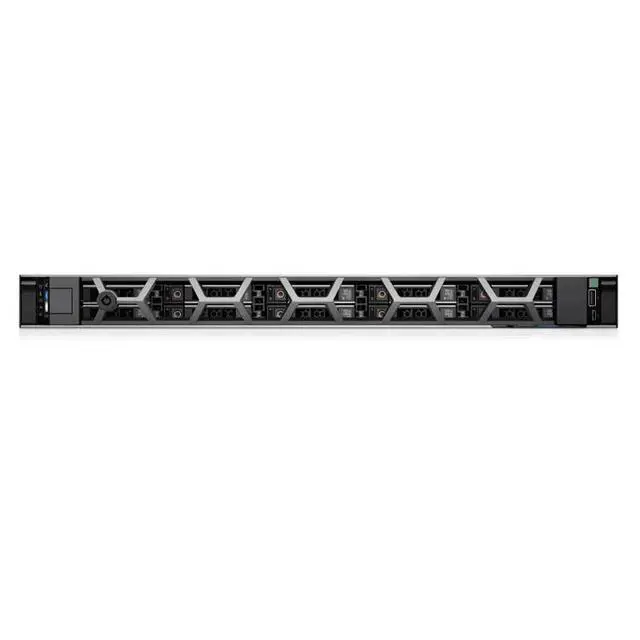
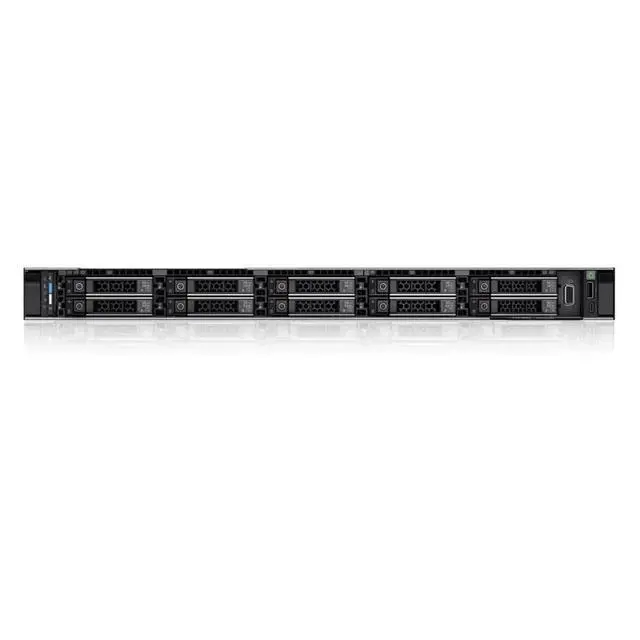
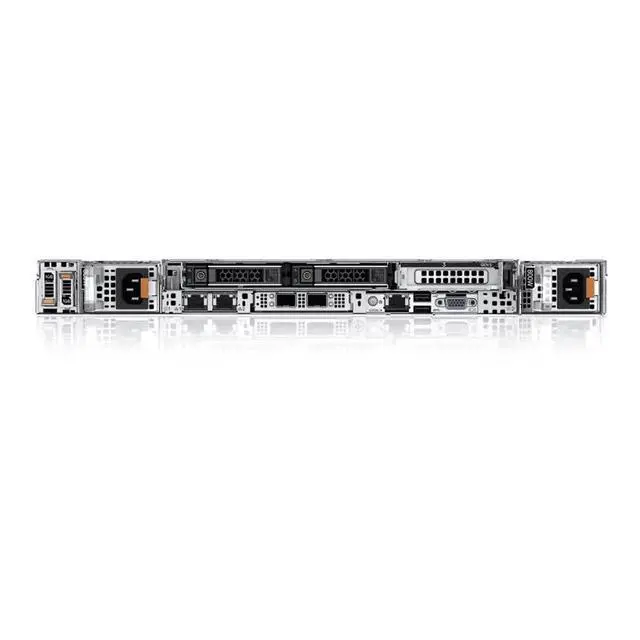
The Dell PowerEdge R660XS R660A01 is a new 1U server barebones platform for IT teams, system integrators, and businesses that want to build a custom rack server around their own choice of CPU, memory, storage, RAID, and power configuration.
| Attribute | Value |
|---|---|
| Best For | System builders and IT teams who need a rack-mounted, barebones Dell PowerEdge R660 chassis for custom component selection and energy-conscious rack deployments; requires purchaser-supplied CPU, memory, storage, RAID card, and power supply |
| Model Identifiers | Dell PowerEdge R660XS series — model R660A01 |
| Chassis And Form Factor | Rack server chassis designed for datacenter rack installations (rack configuration) |
| CPU And Socket | LGA 3647 CPU socket (CPU not included) — user must install a compatible processor |
| Memory And Storage | No memory or disk included — memory modules and storage devices must be provided and installed by the user |
| RAID And Expansion | No RAID card included — RAID/HBA expansion must be added by the purchaser |
| Power And Cooling | No power supply included — purchaser must install a compatible power supply |
Q: Dell PowerEdge R660xs vs R660: which should I choose?
A: Choose the PowerEdge R660xs when you want a 1U dual-socket Dell platform for mainstream virtualization, cloud, scale-out database, or HPC workloads with a more right-sized design. Choose the R660 when your build needs higher expansion headroom, including more memory capacity, more PCIe flexibility, or broader NVMe and accelerator options. In short: R660xs fits cost- and power-conscious standard deployments, while R660 fits denser and more expandable 1U configurations.
Q: Is the R660xs a better fit than the older R650xs?
A: Choose the R660xs if you want a newer Intel platform with DDR5-era PowerEdge design and a stronger long-term deployment path. Choose the R650xs if you are standardizing on 3rd Gen Xeon infrastructure or want closer alignment with existing DDR4-based fleets. The practical trade-off is platform generation: R660xs is the clearer forward-looking option, while R650xs can make sense for compatibility-driven refreshes.
Q: Dell PowerEdge R660xs vs R760xs: which one is better for my deployment?
A: Choose the R660xs when you want the compute profile of the xs line in a denser 1U footprint. Choose the R760xs when you can use a 2U chassis and want more room for storage expansion and broader medium-density VM, VDI, or software-defined storage builds. Both are positioned by Dell as right-sized systems, but the decision usually comes down to rack density in favor of R660xs versus expansion room in favor of R760xs.
Q: Should I buy this barebones R660xs or a fully configured server?
A: Choose this barebones R660xs when you already have a component plan and want control over CPU, memory, storage, RAID, and power supply choices. Choose a pre-configured server when you want validated parts, faster deployment, and less integration work. The key trade-off is flexibility versus time-to-deploy: barebones favors customization, while a configured system favors operational simplicity.
Q: Who is this barebones server suitable for?
A: This model is suitable for IT teams, system integrators, and experienced buyers who want to choose and install their own CPU, memory, storage, RAID, and power components. It is not a ready-to-deploy server, so it is a poor fit for buyers who need a complete system that works out of the box.
Q: Does this server work out of the box?
A: No. Based on the provided product data, this listing does not include a CPU, memory, disk, RAID card, or power supply. In that configuration, it is a chassis-level starting point for a custom build, not a functioning server you can power on and use immediately.
Q: Is this a good choice if I want full control over the server configuration?
A: Yes. This server is best for buyers who want to select their own processing, memory, storage, data-protection, and power components. The trade-off is that you must handle compatibility planning, sourcing, installation, and validation yourself.
Q: What are the main trade-offs of buying this low-power barebones server?
A: The main benefit is lower power draw and the flexibility to build around your own requirements. The main trade-offs are extra setup work, additional component cost, and the need to confirm compatibility for the CPU, memory, storage, RAID, and power configuration before deployment.
Q: Is this a good fit for buyers who are new to server hardware?
A: Usually no. A barebones server like this makes more sense for experienced buyers because key parts are missing and must be selected separately. New buyers who are unsure about sockets, memory support, storage layout, RAID needs, or power requirements may find a more complete server configuration easier to deploy.
Q: Who is this barebones Dell R660 server suitable for?
A: This listing is best for buyers who already plan to choose and install their own CPU, memory, storage, RAID, and power supplies. It fits IT teams, integrators, and experienced homelab or lab users who want configuration control. It is not a ready-to-deploy server for someone who needs a complete system out of the box.
Q: Is it worth buying this R660 barebones instead of a more complete server?
A: It is worth buying only if the barebones price plus the cost of CPU, RAM, storage, RAID, and power supplies still beats a configured system that meets your needs. The main advantage is avoiding payment for entry-level parts you would replace anyway. The trade-off is that total cost, compatibility work, and setup time can rise quickly.
Q: What are the main trade-offs of buying this server with no CPU, memory, disk, RAID card, or power supply?
A: The main trade-off is flexibility versus time and risk. You get full control over performance, storage, and power design, but you must source every major component yourself and confirm compatibility before deployment. Compared with a complete server, this increases planning effort and can delay getting the system into service.
Q: Is this a good choice if low power use is a priority?
A: It can be a good choice for lower-power planning only if you intentionally build it that way. The chassis alone does not determine power draw; CPUs, DIMM count, drive type, and the final configuration have a large impact. In practice, this listing gives you the ability to optimize for efficiency, but it does not guarantee a low-power result by itself.
Q: Is this server a good fit for first-time server buyers?
A: Usually no. A barebones R660 is better for buyers who already understand Dell server parts, rack deployment, and component sourcing. First-time buyers will generally have an easier path with a more complete server, because this listing requires separate decisions on CPU, memory, storage, power, and data protection hardware before it becomes usable.


