




 here!
I’m your shopping assistant for PC builds, upgrades, and everything tech.
Got questions? Ask away!
Start a conversation
here!
I’m your shopping assistant for PC builds, upgrades, and everything tech.
Got questions? Ask away!
Start a conversationShipped by Hebei XG Technology Co., Ltd.





Any questions? Ask CelesteSM will help you find out quickly.
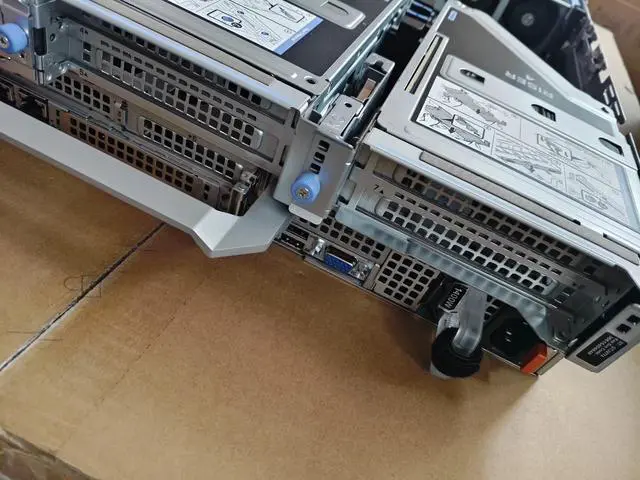
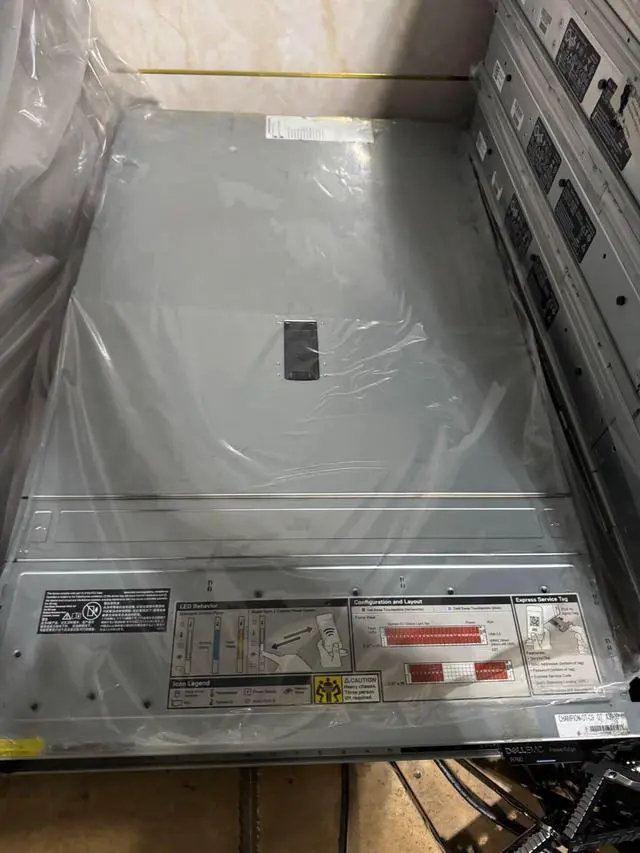
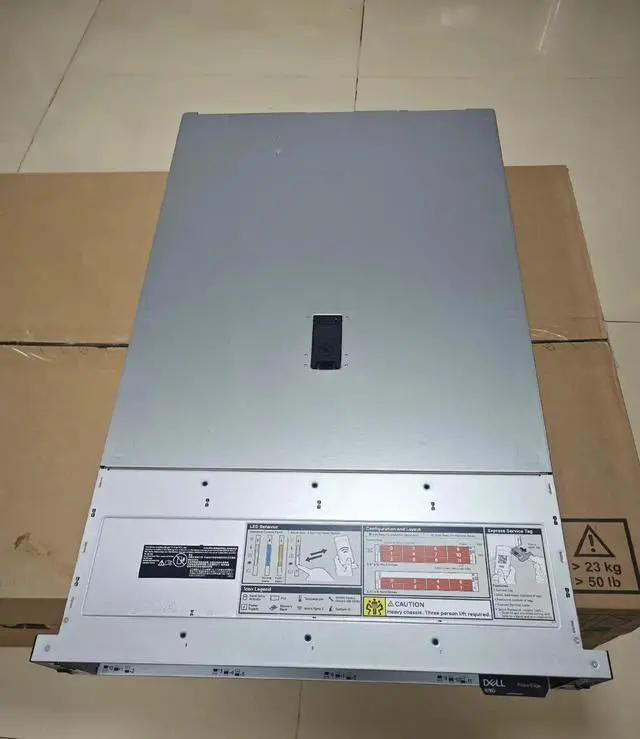
1. Customization Freedom:The lack of pre - installed CPU, heatsink, disk, RAID card, and power supply allows users to completely customize the server according to their specific requirements. Whether it's for a small - scale startup's basic operations or a large enterprise's complex data - processing tasks, you can choose the exact components to meet your needs.
2. Energy - Efficient Design:Being a low - power server, the Dell R760 is designed to consume less energy without sacrificing performance. This makes it an ideal choice for data centers or businesses aiming to reduce their power consumption and operational costs while maintaining reliable computing capabilities.
3. High - Performance Potential:Despite not having a pre - installed CPU, the R760 server is built to support high - end processors, promising significant computing power. It can handle demanding applications such as virtualization, artificial intelligence, and large - scale database management once the right CPU is installed.
4. Storage Flexibility:Without a pre - installed disk, users have the flexibility to select from a wide range of storage options. You can choose high - speed SSDs for quick data access in applications that require low latency, or opt for large - capacity HDDs for cost - effective long - term data storage.
5. Cost - Effective Solution:Starting with a server that has no pre - installed components means you only invest in what you need. This can significantly reduce the initial purchase cost, especially for those on a tight budget. As your business grows, you can gradually add components like a RAID card, disk, and power supply to scale up the server's capabilities.
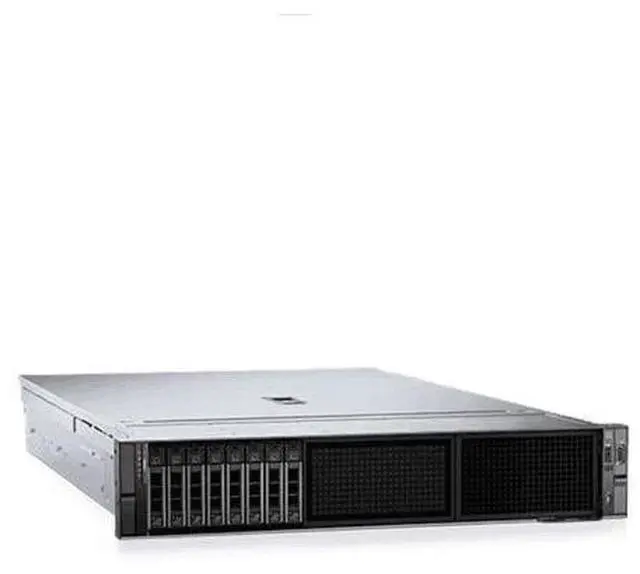
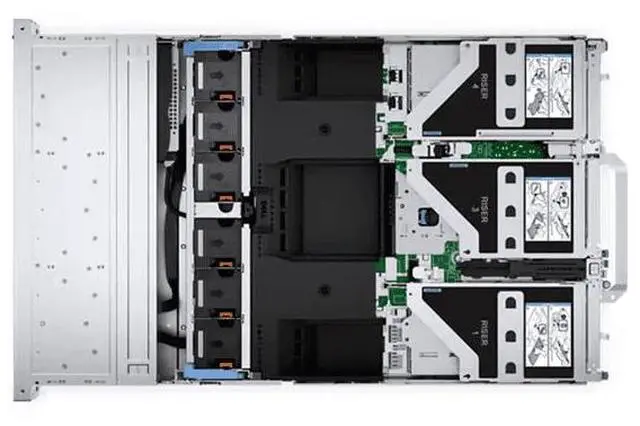
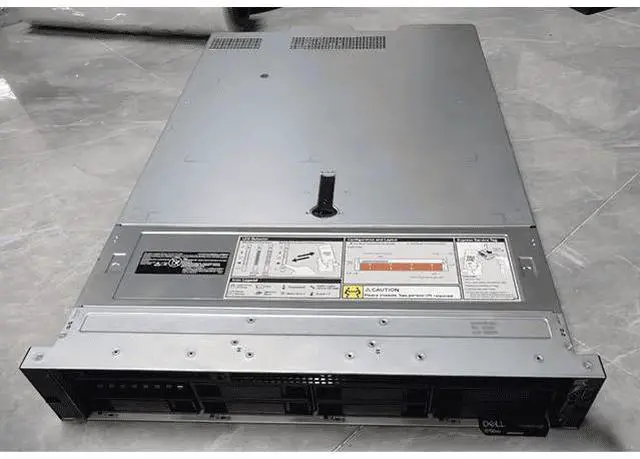
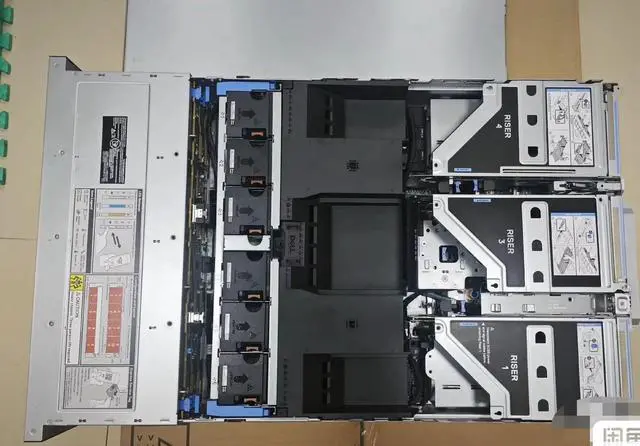
The Dell PowerEdge R760XS is a 16-bay 2.5-inch barebones rack server built for IT teams, system integrators, and businesses that want to customize CPU, storage, RAID, and power around a specific deployment.
| Attribute | Value |
|---|---|
| Best For | Custom rack deployments and datacenter environments where buyers complete a barebones Dell PowerEdge R760 with user‑supplied LGA 3647 CPUs, memory, storage, RAID and power components; suitable for high-density compute or storage configurations once populated |
| Model Identifiers | Dell PowerEdge R760 (PowerEdge R760XS series, model R760) |
| CPU And Socket | LGA 3647 CPU socket for server-grade processors on a rack server platform |
Q: Should I choose the Dell PowerEdge R760xs barebones chassis or the standard PowerEdge R760?
A: Choose the PowerEdge R760xs barebones chassis when you want a lower-feature 2U platform for a custom build focused on mainstream virtualization, software-defined storage, or medium-density VM/VDI. Choose the standard PowerEdge R760 when you need more expansion headroom, including higher memory capacity, more PCIe Gen5 lanes, more NVMe support, and stronger accelerator support. In short: R760xs fits cost-controlled custom configurations, while R760 fits broader performance and expansion planning.
Q: Is the PowerEdge R760xs a better fit than the 1U PowerEdge R660 or R660xs?
A: Choose the R760xs if you want a 2U server with more drive flexibility, including a 16-bay 2.5-inch option, and you value easier storage growth over rack density. Choose the R660 or R660xs if rack space efficiency is the priority and your deployment is optimized around 1U density. The practical trade-off is simple: R760xs favors storage and internal room, while R660-class systems favor denser deployments.
Q: Should I buy this R760xs barebones unit or move up to a GPU-oriented server like the PowerEdge R760xa?
A: Buy the R760xs barebones unit if your plan is a conventional CPU-based server build for virtualization, storage, or general business workloads. Move up to the R760xa if your workload is expected to use heavier accelerator configurations for AI, machine learning, or graphics-focused compute. The key difference is not generation but platform intent: R760xs is optimized for right-sized general infrastructure, while R760xa is positioned for accelerator-heavy deployments.
Q: Is the PowerEdge R760xs a worthwhile upgrade from an older PowerEdge R750 or R750xs?
A: The R760xs is the more practical choice if you want a newer platform generation for a fresh custom build and your workload fits the 'right-sized' 2U design. An older R750 or R750xs can still make sense if you are matching an existing fleet or prioritizing compatibility with current spare parts and established configurations. For most new deployments, the R760xs makes more sense when you want current-generation platform planning without stepping up to the fuller R760 feature set.
Q: Should I choose this barebones R760xs or a tower server like the PowerEdge T560?
A: Choose the R760xs if you are building for a rack environment and want higher front-bay density in a 2U chassis, especially for data center or shared infrastructure use. Choose the T560 if your deployment is better suited to an office, branch, or standalone server location where tower form factor is more practical. The decision is mainly about deployment style: rack-first infrastructure favors the R760xs, while site-local installation favors the T560.
Q: Who is this barebones Dell R760 server suitable for?
A: This server is best for IT teams, labs, integrators, and experienced buyers who want to choose their own CPU, memory, storage, RAID, and power configuration. It is a poor fit for buyers who need a ready-to-run server, because key parts are not included and deployment depends on selecting compatible components.
Q: Does this server come with the main parts needed to run?
A: No. This listing is a barebones chassis, so it does not include a CPU, heatsink, storage drives, RAID card, or power supply. In practice, buyers should treat it as a custom-build starting point rather than a complete server.
Q: Is this a good choice if I want full control over the server configuration?
A: Yes, if customization is the goal. A barebones R760 makes sense when you want to choose the processor, storage type, RAID approach, and power setup yourself. The trade-off is that setup is more complex, total cost depends on the parts you add, and compatibility planning matters more than with a preconfigured system.
Q: Can this chassis work well for virtualization or storage-heavy deployments?
A: Yes, it can be a strong platform for virtualization or storage-focused use, provided you add the right components. The R760xs platform supports up to two Xeon Scalable processors and offers a 16-bay 2.5-inch front-storage layout in this version, so its real capability depends on the CPU, memory, storage media, and controller you install.
Q: What is the main trade-off of buying this low-power barebones server?
A: The main trade-off is flexibility versus convenience. You may gain tighter control over power use, component choice, and budget allocation, but you also take on more work: sourcing missing parts, verifying compatibility, assembling the system, and handling setup before the server is usable.
Q: Who is a barebones Dell PowerEdge R760xs best suited for?
A: A barebones R760xs is best for IT teams, labs, and experienced buyers who already know which CPU, memory, storage, RAID, and power parts they want to install. It is less suitable for buyers who need a ready-to-run server, because this listing does not include key components such as CPU, heatsink, disks, RAID card, or power supply.
Q: Is this a good buy if I want full control over the server configuration?
A: Yes, if your goal is to choose your own CPU, storage, and expansion parts. A barebones R760xs can make sense when you want to avoid paying for bundled components you plan to replace. The trade-off is that total build cost, compatibility checks, and setup effort become your responsibility.
Q: Is the R760xs a good fit for virtualization or general business workloads?
A: Yes. The R760xs is generally discussed as a practical platform for virtualization, VDI, and business infrastructure when configured with the right CPU, RAM, and storage. It is a better fit for those workloads than for buyers who only need a simple file server or a very low-cost home lab system.
Q: What are the main trade-offs of buying this barebones server instead of a complete system?
A: The main advantage is flexibility. The main trade-offs are higher setup complexity, more parts to source, and a greater risk of missing required items such as compatible power supplies, heatsinks, drive carriers, or RAID/storage controllers. It is a stronger choice for experienced server buyers than for first-time buyers.
Q: Is this a sensible choice for a home lab or first server?
A: Usually only if you specifically want newer enterprise hardware and are comfortable with rack-server noise, power, and part sourcing. For a first server, a fully configured used system is often simpler. A barebones R760xs is more appropriate for advanced homelab users or professional environments than for beginners.


