






Compatible Models (use "Ctrl+F to find your model quickly")
For Dell Latitude 14 5420 series:
Dell Latitude 14 5420 CHKFM;
Dell Latitude 14 5420 FDTCY;
Dell Latitude 14 5420 XPC5H.
For Dell Latitude 15 5520 series:
Dell Latitude 15 5520 39V1H;
Dell Latitude 15 5520 FPKNM.
For Dell Precision 15 3560 series:
Dell Precision 15 3560 3H45Y;
Dell Precision 15 3560 4MTF7;
Dell Precision 15 3560 758J7;
Dell Precision 15 3560 7RV10;
Dell Precision 15 3560 F3T9T.
For Dell P137G P137G001 ,
Dell P104F P104F001 P104F002.
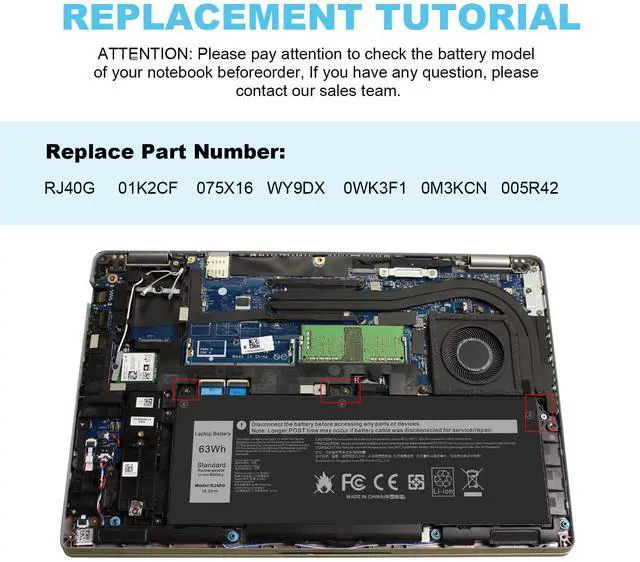
Replacement Part Number:
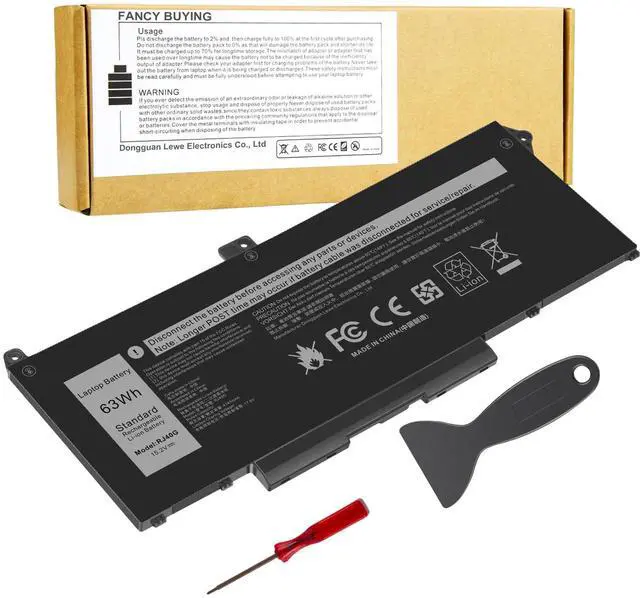
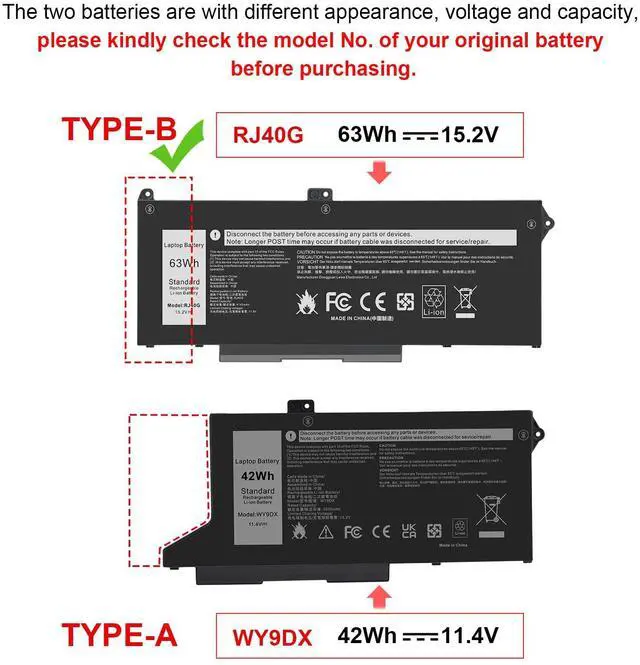
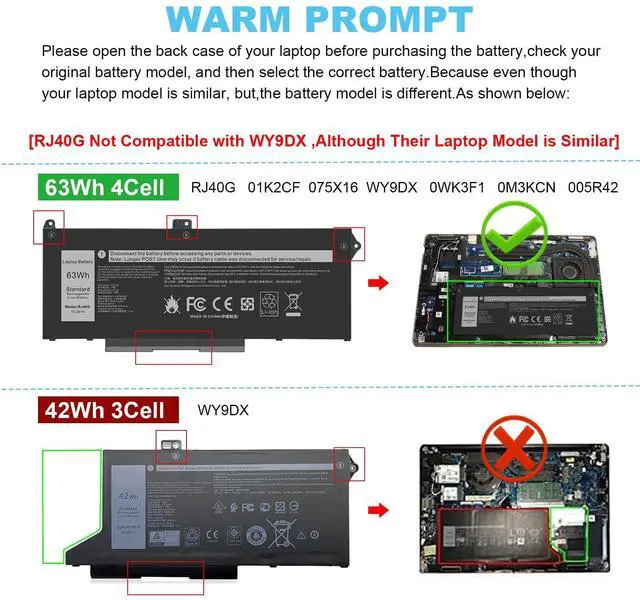
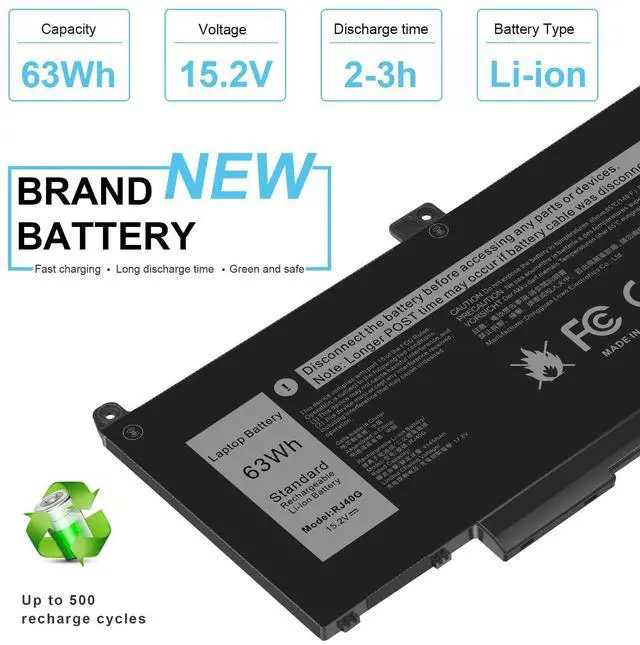
RJ40G / 01K2CF / 075X16 / WY9DX / 0WK3F1 / 0M3KCN / 005R42


Install A New Battery:
1. You need to turn off your laptop and disconnect the power.
2. Remove the old battery, carefully install the new battery on the battery case, and connect the wiring of the new battery.
3. If you don't understand the above steps, you can search for the video about laptop battery installation on YouTube. Maybe it will help you.
Laptop Maintenance Tips:
1. New battery: For use a new battery, you’d better try a few cycles of discharging to 5%. then charging up to 95%. So that it can be activated completely
2. Overuse: Do not always run out of a battery to 0%, this would make it damaged or usage life shortened
3. Charging sequence: when charging, first install the battery, then turn on the power, when fully charged, first cut off the power, then pull the power plug.
4. Long-term storage:Please store the unused battery fully charged.(Charge it once a month) Do not store at low power to prevent reduce the lifespan of a battery
5. Charger: Do not replace the laptop adapter casually. If the original adapter cannot be applied due to malfunction or damage, please replace the models, so as not to reduce the service life of the battery due to incompatibility.

Overload protection
Over-current protection
Over-voltage protection
High voltage protection
Short circuit protection
Over-temperature protection

Easy & Quick Installation
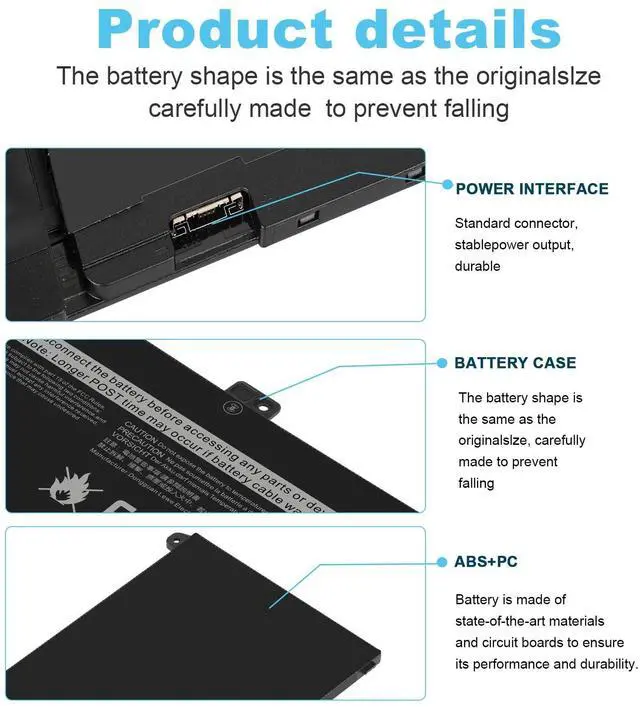
All of our batteries are brand new and are 100% compatible to meet OEM specifications for safety and efficiency. Same size as original battery, Don't worry about assembly and adaptation issues

Grade "A" cells Top Quality Battery
Reliable performance
Extended battery life
Each battery contains built in multi-protection functions such as short circuit, overheat & overload for maximum safety.



Fancy Buying is manufacturer of high performance items. We are offering affordable laptop batteries, laptop power ac adapters/ chargers, iRobot batteries, power tool batteries and more products directly supply from our factory. In order to meet the large market demand, 3 factories produce items at the same time. Welcome retailers/wholesalers to place orders. Fancy Buying is Selling High Quality Items at Low prices to our old and new customers.
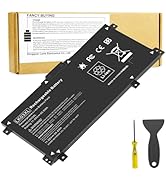
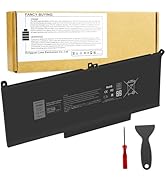
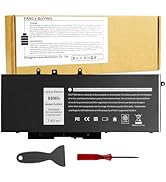
Laptop Batteries
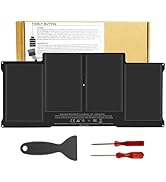
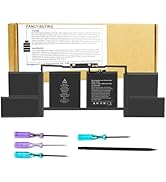
![A1417 Laptop Battery Replacement for MacBook Pro 15 inch Retina A1398 [ Mid 2012 Early 2013], fit...](//c1.neweggimages.com/sellingpilot/modules/product/a-plus/2c8f7249cde54c4d1cdbff866f626cdbe0db6347446aa2281c75fd96479c99f9.jpg)
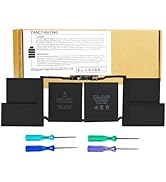
Laptop Batteries
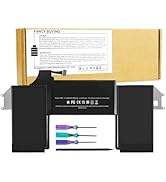
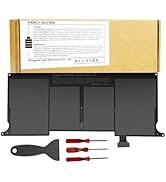
Laptop Batteries

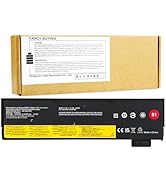
Laptop Batteries
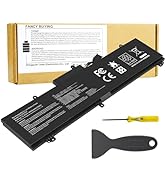
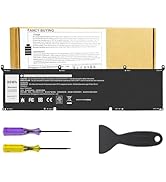
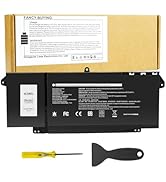

Laptop Batteries
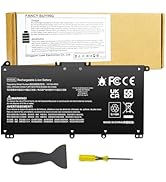
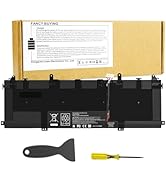
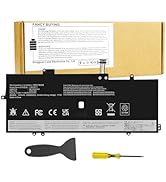
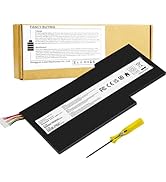
Laptop Batteries
![A1417 Laptop Battery Replacement for MacBook Pro 15 inch Retina A1398 [ Mid 2012 Early 2013], fit...](http://c1.neweggimages.com/sellingpilot/modules/product/a-plus/2c8f7249cde54c4d1cdbff866f626cdbe0db6347446aa2281c75fd96479c99f9.jpg)


Compatible Models (use "Ctrl+F to find your model quickly")
For Dell Latitude 14 5420 series:
Dell Latitude 14 5420 CHKFM;
Dell Latitude 14 5420 FDTCY;
Dell Latitude 14 5420 XPC5H.
For Dell Latitude 15 5520 series:
Dell Latitude 15 5520 39V1H;
Dell Latitude 15 5520 FPKNM.
For Dell Precision 15 3560 series:
Dell Precision 15 3560 3H45Y;
Dell Precision 15 3560 4MTF7;
Dell Precision 15 3560 758J7;
Dell Precision 15 3560 7RV10;
Dell Precision 15 3560 F3T9T.
For Dell P137G P137G001 ,
Dell P104F P104F001 P104F002.
Replacement Part Number:
RJ40G / 01K2CF / 075X16 / WY9DX / 0WK3F1 / 0M3KCN / 005R42
Install A New Battery:
1. You need to turn off your laptop and disconnect the power.
2. Remove the old battery, carefully install the new battery on the battery case, and connect the wiring of the new battery.
3. If you don't understand the above steps, you can search for the video about laptop battery installation on YouTube. Maybe it will help you.
Laptop Maintenance Tips:
1. New battery: For use a new battery, you’d better try a few cycles of discharging to 5%. then charging up to 95%. So that it can be activated completely
2. Overuse: Do not always run out of a battery to 0%, this would make it damaged or usage life shortened
3. Charging sequence: when charging, first install the battery, then turn on the power, when fully charged, first cut off the power, then pull the power plug.
4. Long-term storage:Please store the unused battery fully charged.(Charge it once a month) Do not store at low power to prevent reduce the lifespan of a battery
5. Charger: Do not replace the laptop adapter casually. If the original adapter cannot be applied due to malfunction or damage, please replace the models, so as not to reduce the service life of the battery due to incompatibility.
Overload protection
Over-current protection
Over-voltage protection
High voltage protection
Short circuit protection
Over-temperature protection
Easy & Quick Installation
All of our batteries are brand new and are 100% compatible to meet OEM specifications for safety and efficiency. Same size as original battery, Don't worry about assembly and adaptation issues
Grade "A" cells Top Quality Battery
Reliable performance
Extended battery life
Each battery contains built in multi-protection functions such as short circuit, overheat & overload for maximum safety.
Fancy Buying is manufacturer of high performance items. We are offering affordable laptop batteries, laptop power ac adapters/ chargers, iRobot batteries, power tool batteries and more products directly supply from our factory. In order to meet the large market demand, 3 factories produce items at the same time. Welcome retailers/wholesalers to place orders. Fancy Buying is Selling High Quality Items at Low prices to our old and new customers.
Laptop Batteries
Laptop Batteries
Laptop Batteries
Laptop Batteries
Laptop Batteries
Laptop Batteries