• $125.99
  • Free 30-day Returns
  • Sold by "Deal Mall"

    Shipped by "Deal Mall"

    Price alert
    Shop it at NeweggBusiness.

    Meet Your Seller

    Pixel 140 Laptop Charger 140W USB C GaN Charger 3-Port with Smart Dot-Matrix Display PD3.1 Fast Charging for MacBook Pro, iPhone 17 Galaxy S26 (Black)

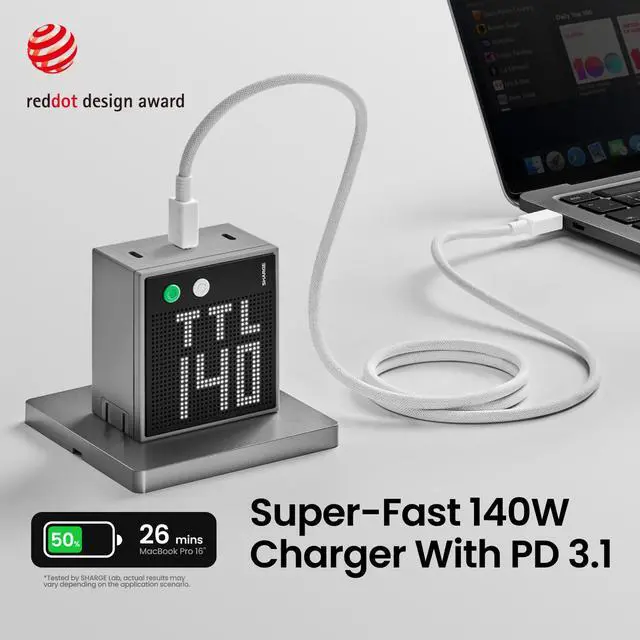
    • 140W Max Fast ChargingBlazing-Fast Performance; Harness the might of PD3.1 technology and charge your MacBook Pro 16" from 0% to 50% in a mere 25 minutes. (Cable not included)
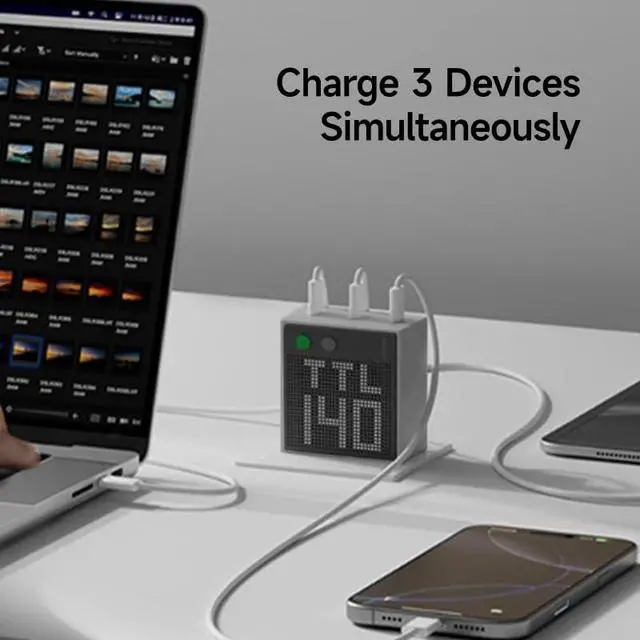
    • Charge 3 Devices SimultaneouslyEach of the 3 USB C ports delivers up to 140W of power output when connected singly. It's the ultimate all-in-one solution for charging laptops, smartphones, tablets, and more
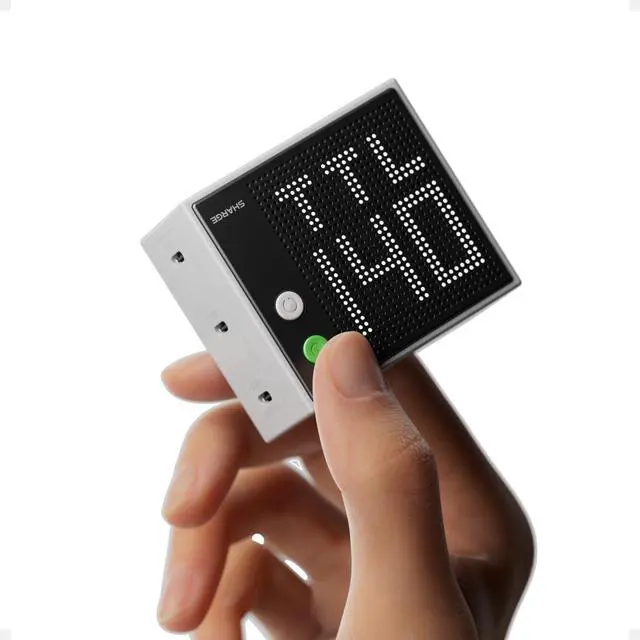
    • Smart Interactive DisplayEquipped with unique adjustable dot-matrix screen. It displays real-time wattage for each port, and you can customize both the brightness and orientation to suit your needs. Whether you're using it on your desktop or taking it on the go, monitor the charging status of your devices at a glance. Stay informed and in control of your charging setup effortlessly
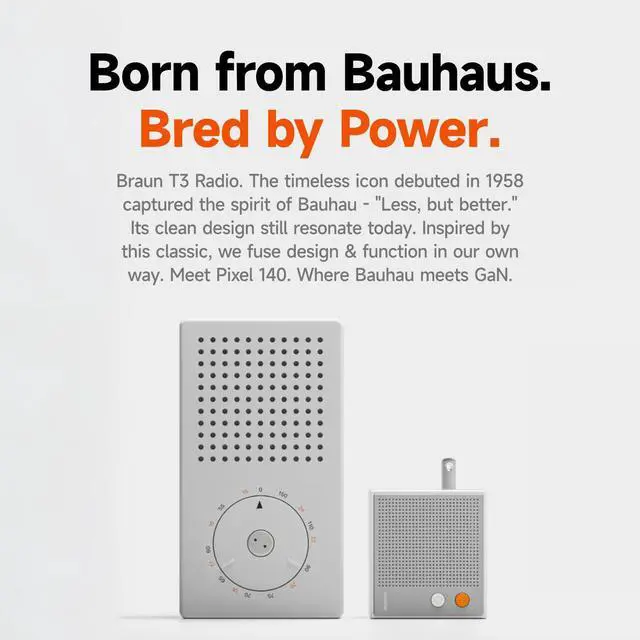
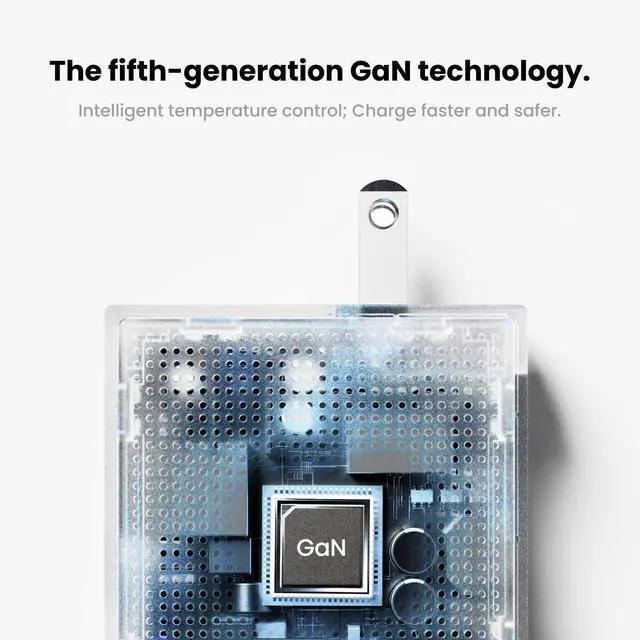
    • 5th-gen GaN TechnologyAdopted the advanced GaN III technology and PFC+LLC architecture, it not only reduces size but also delivers more efficient charging. Ensuring portability without sacrificing efficiency
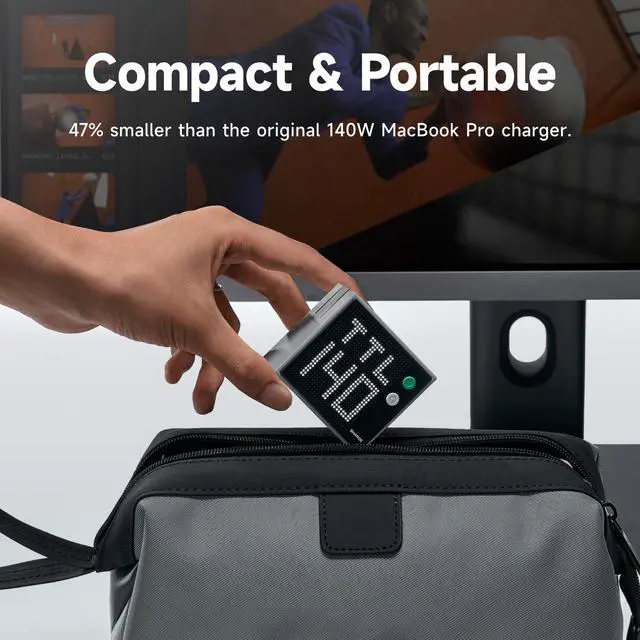
    • Ultra-Compact DesignIt is 47% smaller than the original 140W MacBook Pro charger. Its the ideal travel companion for flights, coworking spaces, and any adventure
    +
    +
    Overview
    Specs
    Reviews
    avatar

    Any questions? Our AI beta will help you find out quickly.

    gan charger 140W
    gan charger 140W
    power bank

    Product Specification

    Ports USB-C port×3
    Protocols PD3.1, PD3.0, APPLE, BC1.2, QC2.0, QC3.0, QC4.0+, AFC, FCP, SCP, SFCP, SFC2.0, UFCS, PPS:5A
    Input 100-240V~50/60Hz 2.5A Max
    Output USB-C1: 5V?3A, 9V?3A, 12V?3A, 15V?3A, 20V?5A ,28V?5A USB-C2: 5V?3A, 9V?3A, 12V?3A, 15V?3A, 20V?5A,28V?5A USB-C3: 5V?3A, 9V?3A, 12V?3A, 15V?3A, 20V?5A,28V?5A USB-C1+USB-C2 / USB-C1+USB-C2 / USB-C1+USB-C2: 100W+30W / 67W+67W / 30W+100W USB-C1+USB-C2+USB-C3: 67W+30W+30W / 45W+45W+30W
    Total Output 140W Max
    Dimensions and Weight 2.5×2.3×2.3 x 1.5inches. Weight: 0.56lbs.
    Screen Brightness Settings There are 3 levels: high/low/off.
    FAQ1 Q: What's the meaning of CI/CII/CIII/A1/TTL on the screen? A: The first line of the screen displays the current port, the Roman numbers represent the USB C1/C2/C3/A1 port.The next line displays the charging power of the current port. TTL represents the total output power of all ports.
    FAQ 2 Q: What do the 2 buttons on the charger mean? A: Orange button is for screen on/off and brightness adjustment; gray button is for screen direction adjustment.
    FAQ 3 Q: Does it include charging cable? A: No
    FAQ 4 Q: How to get 140W fast charging? A: Single connect USB C port, and your device must support the PD 3.1 protocol and use a cable with a power greater than or equal to 140W
    Tip 1 Due to the specific charging protocol limitations of Dell laptops, third-party chargers cannot meet its full -speed charging. For Dell laptops that require more than 100W of power, a slow charging indication may display.
    Tip 2 The charger features overheating protection, which will automatically lower the power output according to the temperature of the charger to protect safe charging.
    gan charger 140W
    gan charger 140W
    power bank

    Product Specification

    Ports USB-C port×3
    Protocols PD3.1, PD3.0, APPLE, BC1.2, QC2.0, QC3.0, QC4.0+, AFC, FCP, SCP, SFCP, SFC2.0, UFCS, PPS:5A
    Input 100-240V~50/60Hz 2.5A Max
    Output USB-C1: 5V?3A, 9V?3A, 12V?3A, 15V?3A, 20V?5A ,28V?5A USB-C2: 5V?3A, 9V?3A, 12V?3A, 15V?3A, 20V?5A,28V?5A USB-C3: 5V?3A, 9V?3A, 12V?3A, 15V?3A, 20V?5A,28V?5A USB-C1+USB-C2 / USB-C1+USB-C2 / USB-C1+USB-C2: 100W+30W / 67W+67W / 30W+100W USB-C1+USB-C2+USB-C3: 67W+30W+30W / 45W+45W+30W
    Total Output 140W Max
    Dimensions and Weight 2.5×2.3×2.3 x 1.5inches. Weight: 0.56lbs.
    Screen Brightness Settings There are 3 levels: high/low/off.
    FAQ1 Q: What's the meaning of CI/CII/CIII/A1/TTL on the screen? A: The first line of the screen displays the current port, the Roman numbers represent the USB C1/C2/C3/A1 port.The next line displays the charging power of the current port. TTL represents the total output power of all ports.
    FAQ 2 Q: What do the 2 buttons on the charger mean? A: Orange button is for screen on/off and brightness adjustment; gray button is for screen direction adjustment.
    FAQ 3 Q: Does it include charging cable? A: No
    FAQ 4 Q: How to get 140W fast charging? A: Single connect USB C port, and your device must support the PD 3.1 protocol and use a cable with a power greater than or equal to 140W
    Tip 1 Due to the specific charging protocol limitations of Dell laptops, third-party chargers cannot meet its full -speed charging. For Dell laptops that require more than 100W of power, a slow charging indication may display.
    Tip 2 The charger features overheating protection, which will automatically lower the power output according to the temperature of the charger to protect safe charging.
    Pixel 140 Laptop Charger 140W USB C GaN Charger 3-Port with Smart Dot-Matrix Display PD 3.1 Fast Charging for MacBook Pro, iPhone 17 Galaxy S26 (Black)

    Warranty & Returns

    Warranty, Returns, And Additional Information

    Warranty

    • Please contact the Seller directly for warranty information. Warranty information may also be found on the Manufacturer's website.
    • CONTACT

    Return Policies

    Manufacturer Contact Info

    LOADING...