




 here!
here!
I’m your shopping assistant for PC builds, upgrades, and everything tech.
Got questions? Ask away!
Start a conversation
here!
I’m your shopping assistant for PC builds, upgrades, and everything tech.
Got questions? Ask away!
Start a conversationShipped by Hebei XG Technology Co., Ltd.





Any questions? Ask CelesteSM will help you find out quickly.
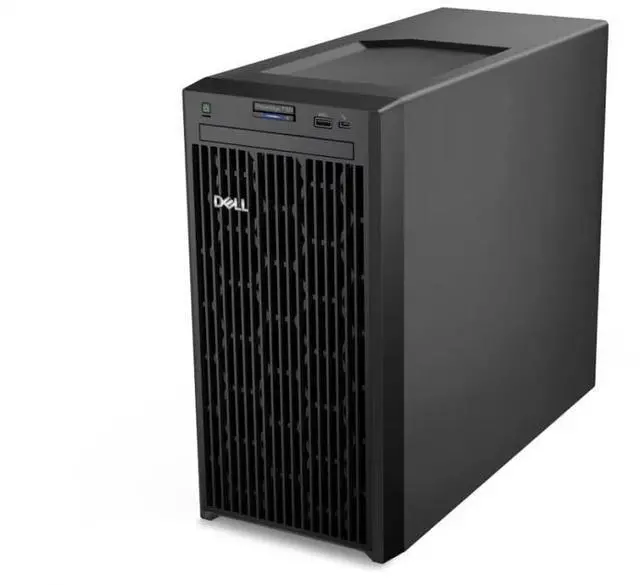
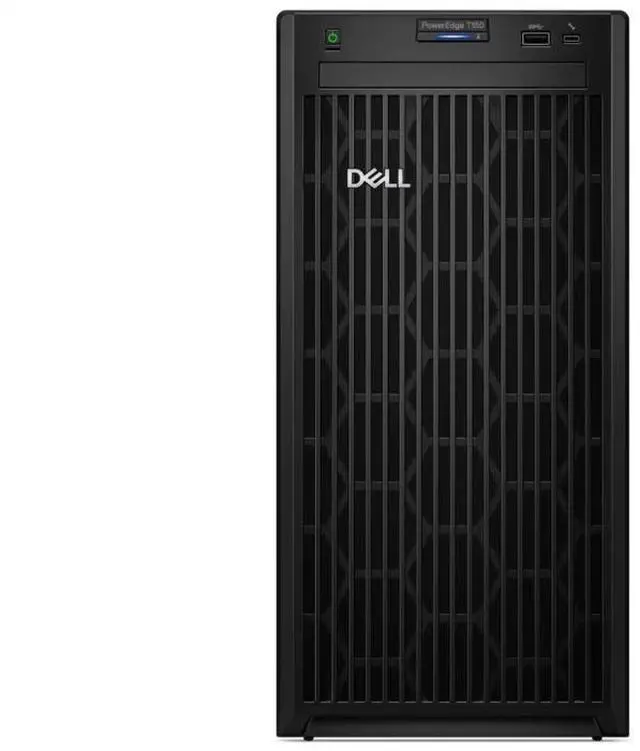
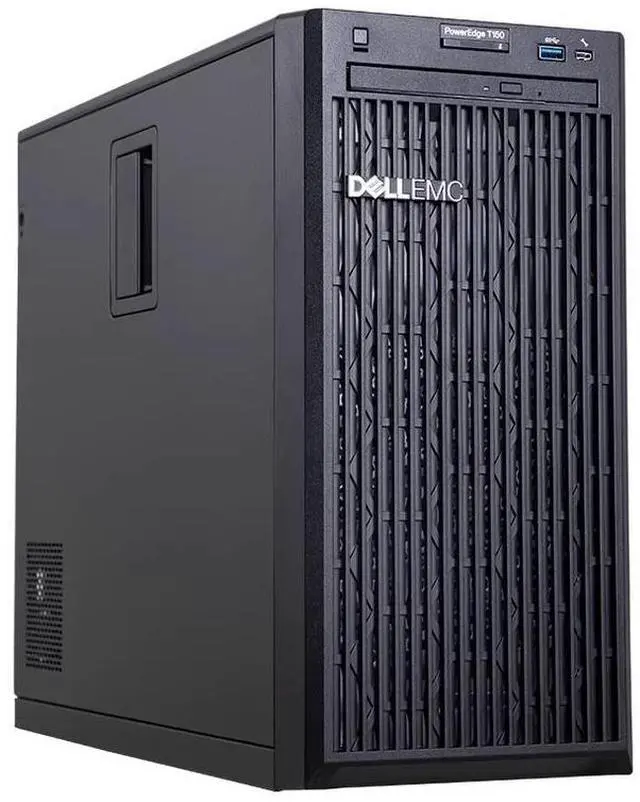
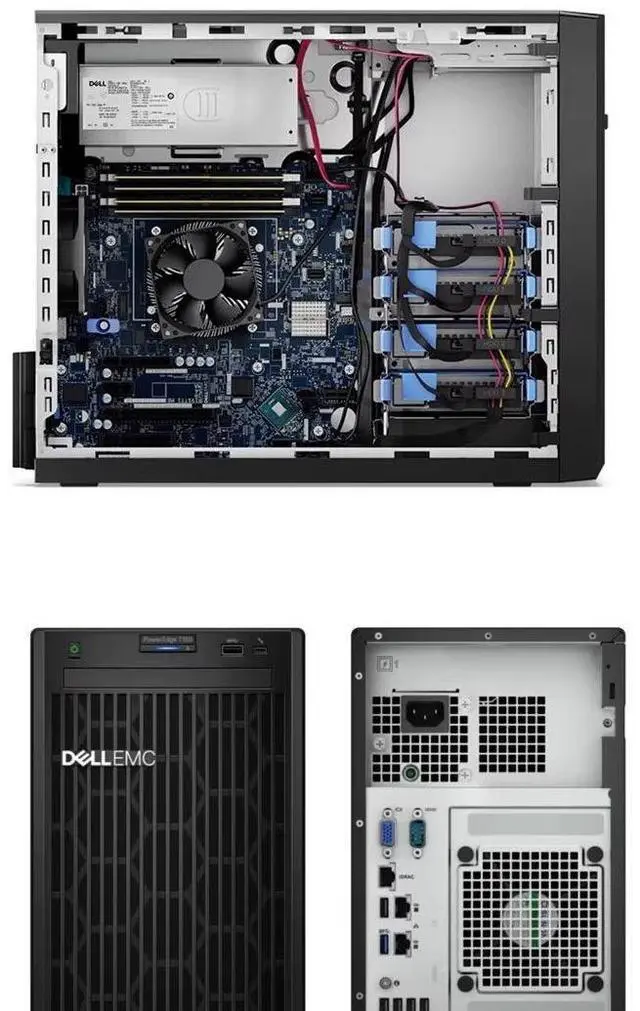
The Dell T550 is an 8-bay 3.5-inch barebone tower server chassis designed for IT teams, system integrators, and businesses that want to build a custom server platform with their own CPU, storage, cards, power supply, and internal components.
| Attribute | Value |
|---|---|
| Best For | Custom server builds and component-first assemblies that require a barebone tower chassis with 3.5-inch/8-bay capacity and no preinstalled components |
| Configuration And Inclusions | Barebone T550 tower sold without CPU, internal components, storage drives, expansion cards, or power supply — requires purchaser-supplied parts to complete the server |
| Model Identifiers | Dell T550 chassis |
| Physical | Listed weight 60 (units not specified in provided specs); factor into shipping and installation planning |
Q: Should I choose the Dell PowerEdge T550 barebone or a PowerEdge T350 for a custom build?
A: Choose the T550 barebone when you need a larger tower platform for heavier server workloads, more expansion headroom, or a two-socket build. Dell positions the T550 for software-defined storage, VDI, and data analytics, while the T350 is aimed more at small business, branch office, collaboration, and entry database use. The T550 also supports dual Intel Xeon Scalable processors and substantially more memory capacity than the T350 class, so it is the better fit when you expect the build to grow over time. Choose a T350-class system instead when lower complexity, lower power draw, and lighter workload requirements matter more than expansion.
Q: Is the Dell PowerEdge T550 barebone a better choice than the older PowerEdge T640?
A: For most new custom tower builds, the T550 is the more current choice. Dell positions the T550 as the newer two-socket tower platform, and review coverage notes that it effectively steps in for the T640 while moving to 3rd Gen Intel Xeon Scalable processors, newer management features, and updated RAID and NVMe options. The main trade-off is that some T640 configurations offered higher maximum small-form-factor drive counts, so the T640 can still make sense if legacy compatibility or very specific older storage layouts matter more than platform freshness.
Q: Should I buy the T550 barebone now or move up to a PowerEdge T560 platform?
A: Choose the T560 when you want a newer generation tower server platform for a fresh deployment, especially if your plan includes newer Xeon CPUs, AI inference, or GPU-heavy work. External review testing shows the T560 is positioned for virtualization, database work, private cloud, and AI inferencing, with strong GPU configuration support. Choose the T550 barebone when you want a flexible 8-bay tower foundation and you are targeting proven 15G PowerEdge parts, compatibility with 3rd Gen Xeon Scalable-era hardware, or a more cost-controlled custom build. The T560 is the newer path; the T550 is the better fit when parts strategy and budget discipline matter more than moving to the latest platform.
Q: Is the 8-bay 3.5-inch T550 barebone better than a denser 2.5-inch storage configuration?
A: Choose the 8-bay 3.5-inch T550 barebone when your priority is large-capacity storage with simpler drive planning, such as bulk file storage, backup targets, or capacity-oriented server builds. Choose a denser 2.5-inch or mixed-bay configuration instead when you expect higher spindle counts, more SSD-heavy layouts, or broader NVMe expansion. Dell's T550 platform supports multiple front-bay layouts, so the 8-bay 3.5-inch version is best understood as the capacity-focused option rather than the maximum-density option.
Q: Who is the Dell T550 8-bay barebone chassis suitable for?
A: This chassis is best for IT buyers, system integrators, and experienced builders who want a configurable tower server starting point. It is not a ready-to-run server: the listing says it includes no CPU, no internal components, no disks, no cards, and no power supply, so the buyer should plan a full custom build.
Q: Does the Dell T550 barebone include any usable server hardware out of the box?
A: No. This listing is for the chassis only. Based on the provided product data, it does not include a CPU, memory, storage drives, expansion cards, power supply, or other internal components. Buyers should treat it as an empty foundation rather than a complete or partially configured server.
Q: Is this a good choice for buyers who want a simple, quick server deployment?
A: Usually no. A chassis-only barebone like this is better for planned custom builds than for quick deployment, because the buyer must source all major parts separately and verify platform compatibility before the system can be assembled and powered on.
Q: What is the main trade-off of buying this Dell T550 barebone instead of a preconfigured server?
A: The main trade-off is flexibility versus setup effort. This barebone chassis gives the buyer control over processor, storage, power, and expansion choices, but that also means higher integration work, added parts sourcing, and more responsibility for compatibility, cooling, and final system validation.
Q: Is the 8-bay design useful if I want to choose my own storage later?
A: Yes. The 8-bay 3.5-inch chassis format is useful for buyers who want to add their own drives later, because it provides room for a larger custom storage layout. The trade-off is that no drives are included, so storage capacity, drive type, and final server behavior depend entirely on the parts the buyer adds.
Q: Who is a barebone Dell T550 best suited for?
A: A barebone T550 is best for buyers who specifically want an enterprise tower-server chassis and already plan to source the missing parts themselves. This listing includes no CPU, no power supply, no storage, and no internal components, so it is mainly suitable for experienced IT, lab, or infrastructure buyers who understand Dell server compatibility and want a configurable starting point rather than a ready-to-run system.
Q: Is this T550 barebone worth buying if I want a ready-to-use server?
A: No. This specific unit is not a ready-to-use server. Because it ships without CPU, power supply, disks, cards, or other internal components, the real cost and effort come after purchase. It makes more sense if you already have compatible parts or want to build a custom configuration; otherwise, a complete T550 or another preconfigured server is usually the simpler buying decision.
Q: What are the main trade-offs of buying this barebone T550 instead of a complete system?
A: The trade-off is flexibility versus total build effort. The chassis gives you an 8-bay 3.5-inch tower platform for a custom server build, but you must separately source all essential parts, confirm compatibility, and assemble the system. That can be useful for controlled custom deployments, but it adds procurement risk, setup time, and potentially higher total cost than buying a complete system with CPU, memory, storage, and power already included.
Q: Is a T550 tower a sensible choice for office or on-site deployment?
A: Yes, a T550 tower can be a sensible fit for office or on-site deployment when you need server-class hardware in a tower form factor rather than a rack server. Community discussion around Dell tower servers repeatedly frames them as more office-friendly than rack models for environments where noise and placement matter. However, the final noise and power profile depend heavily on the CPU, drives, cooling, and power supply you install, so this barebone listing does not guarantee a quiet setup by itself.
Q: Should I choose this T550 barebone over a newer platform like the T560?
A: Choose the T550 barebone if your priority is obtaining a server chassis for a compatible custom build at a lower entry cost. Choose a newer platform like the T560 if you want access to a newer server generation and are building from scratch anyway. Community discussion around T550 versus T560 focuses on generational differences such as older versus newer Xeon and DDR4 versus DDR5 platforms, so the better choice depends on whether lower upfront chassis cost matters more than buying into a newer ecosystem.


