




 here!
here!
I’m your shopping assistant for PC builds, upgrades, and everything tech.
Got questions? Ask away!
Start a conversation
here!
I’m your shopping assistant for PC builds, upgrades, and everything tech.
Got questions? Ask away!
Start a conversation




Any questions? Ask CelesteSM will help you find out quickly.
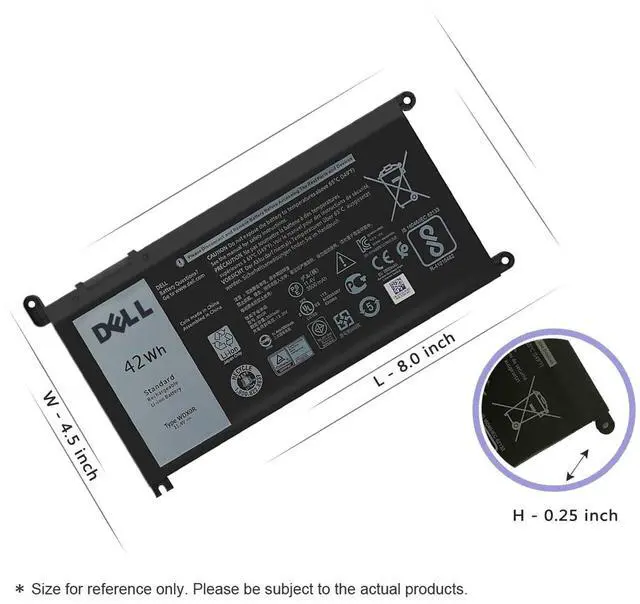
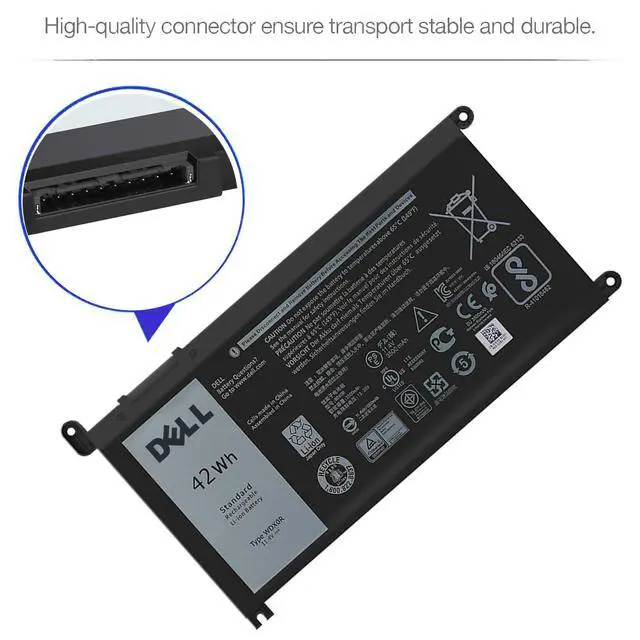
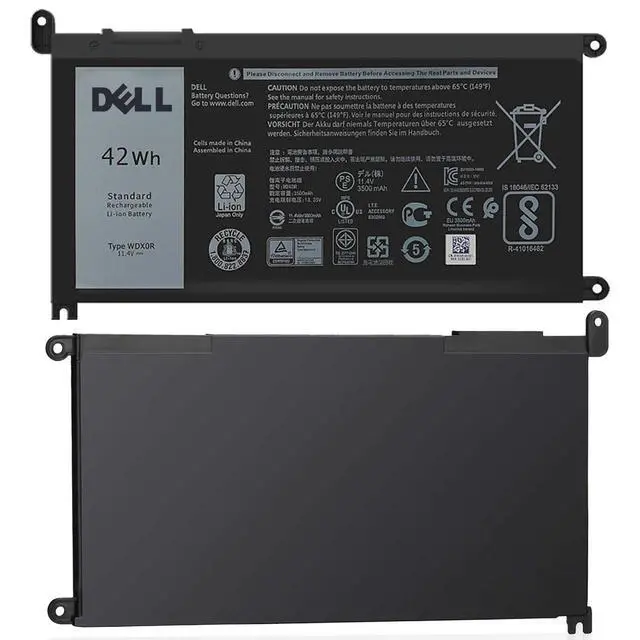
Battery information: WDX0R / 11.4V / 42Wh
WDX0R 0WDX0R 3CRH3 P69G001 T2JX4 C4HCW 0C4HCW FC92N
Y3F7Y T2JX4 P69G P58F001 P58F FW8KR FC92N CYMGM 8YPRW
Dell Inspiron 13 5000 Series
- Dell Inspiron 13 5368 / 13 5378 / 13 5379 / Ins 13MF-2505T / Ins 13MF-D1208TA / Ins 13MF-D1508TA
- Ins 13MF-D2205TA / Ins 13MF-D2505TA / Ins 13MF-D2605TA
Dell Inspiron 13 7000 Series
- Dell Inspiron 13 7368 / 13 7378 / Ins 13MF PRO-D1508TS / Ins 13MF PRO-D1708TS
Dell Inspiron 14 7000 Series
- Dell Inspiron 14 7460 / Ins 14-7460-D1525G / Ins 14-7460-D1525S/ Ins 14-7460-D1605G
- Ins 14-7460-D1605S / Ins 14-7460-D1625S/ Ins 14-7460-D1725G/ Ins 14-7460-D1725S
Dell Inspiron 15 5000 Series
- Dell Inspiron 15 5538 / 15 5565 / 15 5567 / 15 5578 / 15MF PRO-1508T / 15MF 1508TA
- Ins 15-5567-D1525A / Ins 15-5567-D1525R / Ins 15-5567-D1545A / Ins 15-5567-D1625A
- Ins 15-5567-D1625L / Ins 15-5567-D1625R/ Ins 15-5567-D1725A / Ins 15-5567-D1745A
- Ins 15-5567-D1745L
Dell Inspiron 15 7000 Series
- Dell Inspiron 15 7560 / 15 7569 / 15 7570 / 15 7579
Dell Inspiron 17 5000 Series
- Dell Inspiron 17 5767 / 17 5770
Dell Vostro 14 5000 Series
- Dell Vostro 14 5468 / 14 5468D
Dell Vostro 15 5000 Series
- Dell Vostro 15 5568 / 15 5568D
Dell Latitude 3189 3480 3580 3379 Series
1. Please use up the new battery to about 10-20% full charge and repeat 3-5 times to check whether there is a problem and stabilize the battery capacity.
2. Remember not to discharge the battery to 0%, otherwise it is easy to damage the battery.
3. After the battery is exhausted, please charge it in time. If it is not charged for a long time, the battery may be damaged.
4. If the battery is not used for a long time and needs to be stored above 70%, the storage time should not exceed 3 months.
5. If you use the charger frequently, please use the battery power regularly, and use it more than once a week.
6. Please use the original charger or famous brand charger, inferior charger will affect the normal charging of the battery.
7. Regularly clean the fan dust, increase the heat dissipation effect, reduce the power consumption, and effectively extend the battery life.
1. Unplug all external devices from the laptop.
2. Take out the battery.
3. Press the power button of the laptop for about 10-15 seconds.
4. Insert the battery and restart the computer.
5. Connect the AC adapter and check if your machine can detect the battery again.


