




 here!
here!
I’m your shopping assistant for PC builds, upgrades, and everything tech.
Got questions? Ask away!
Start a conversation
here!
I’m your shopping assistant for PC builds, upgrades, and everything tech.
Got questions? Ask away!
Start a conversation



Any questions? Ask CelesteSM will help you find out quickly.
Welcome to Dentsing
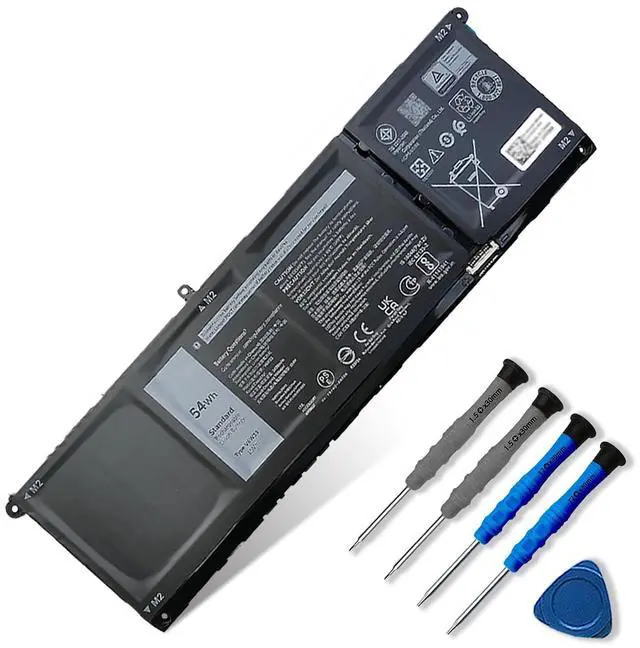
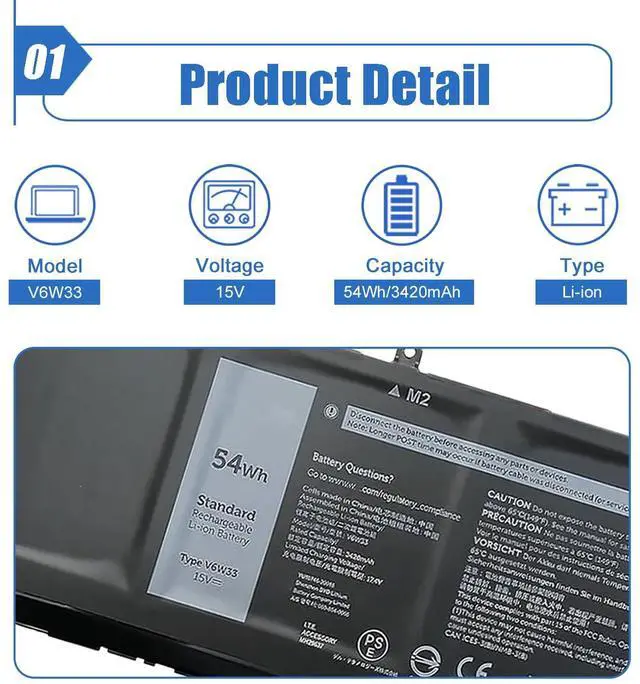
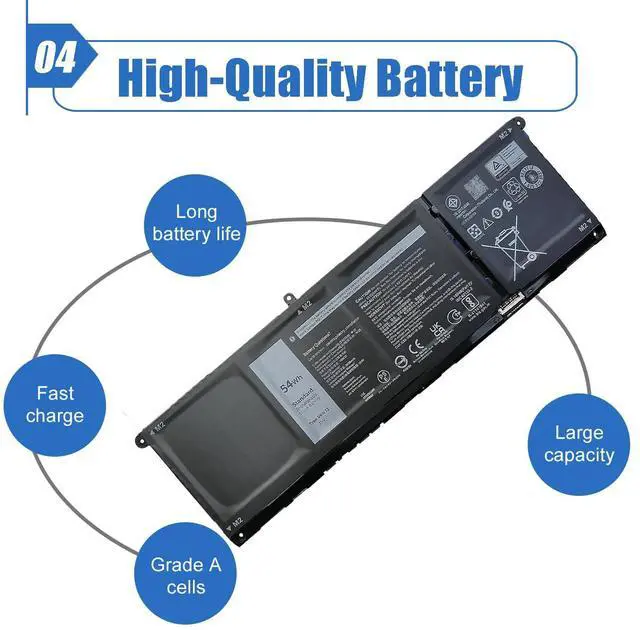
Model: V6W33
Color: Black
Voltage:15V Capacity: 54Wh/3420mAh
Battery Type: Li-ion
Battery Condition: Brand New
Warranty:
12 Months. If you have any issue please contact us through the seller's after-sales service we will help you resolve the problem.
Replacement Part Number for:
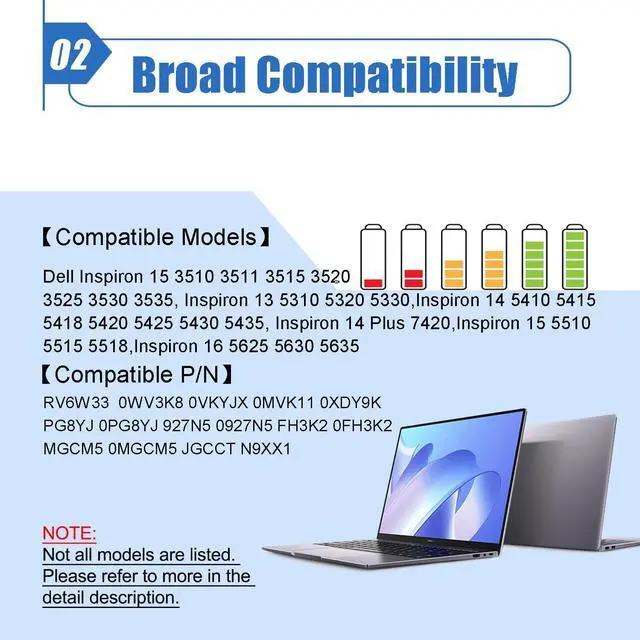
V6W33 0WV3K8 0VKYJX 0MVK11 0XDY9K PG8YJ 0PG8YJ 927N5 0927N5 FH3K2 0FH3K2 MGCM5 0MGCM5 JGCCT N9XX1
Compatible Laptop Model:
Dell 3510 3511 3515 5310 5410 5415 5418 5510 5515 5518 series Dell 5410 2-in-1 Series Dell 15 5515 R1508STW R1608STW R1708STW series Dell Latitude 3320 3520 3420 series Dell Vostro 3510 3515 3511 5510 5515 5410 5415 series
Notes:
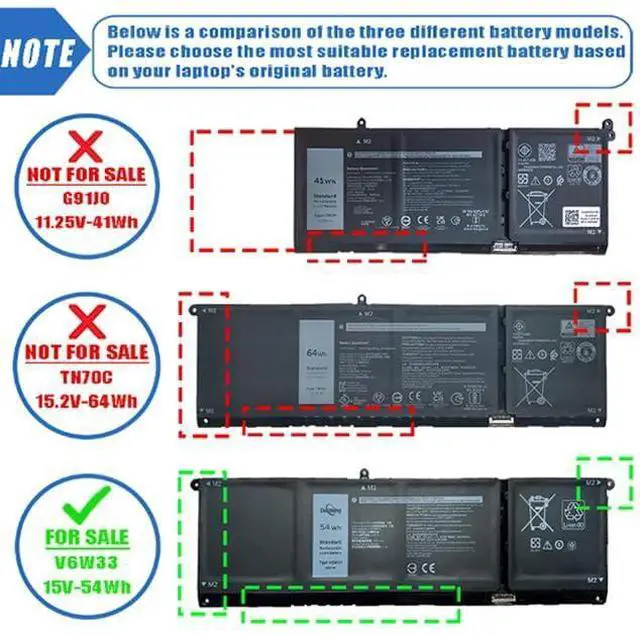
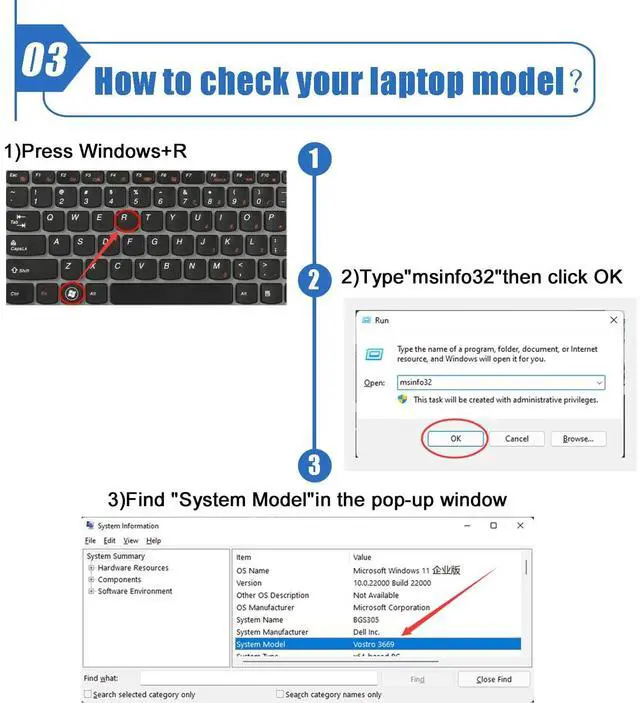
There are 3 battery(41Wh-G91J0, 54Wh-V6W33 and 64Wh-TN70C) of the above laptops,Please choose the which one you are going to replace and according to your laptop's original battery.When installing the battery for the first time, you should pay attention to the following.
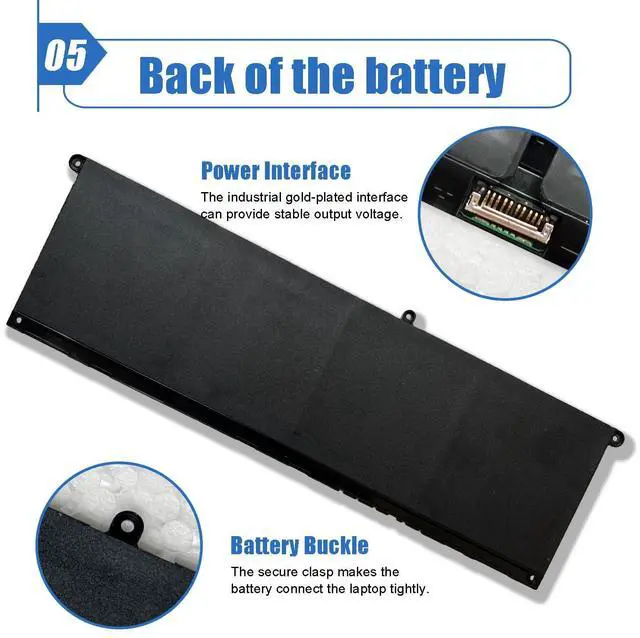
Please confirm that the connector has been plug properly into the battery and the motherboard of your laptop.
Please change the laptop's power manager charge setting to the "standard" mode, then discharge and recharge the battery 3-4 times.


