




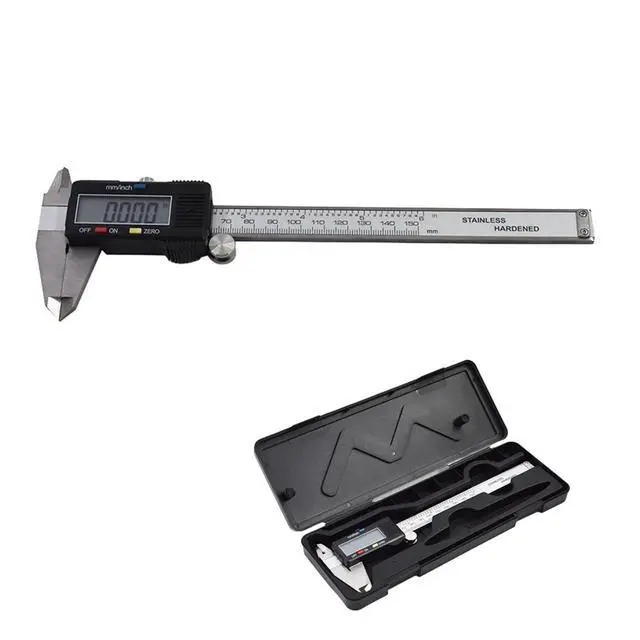
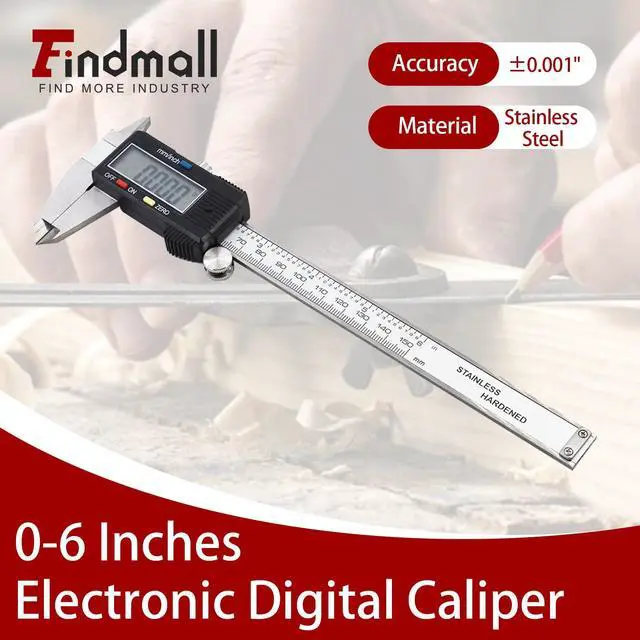
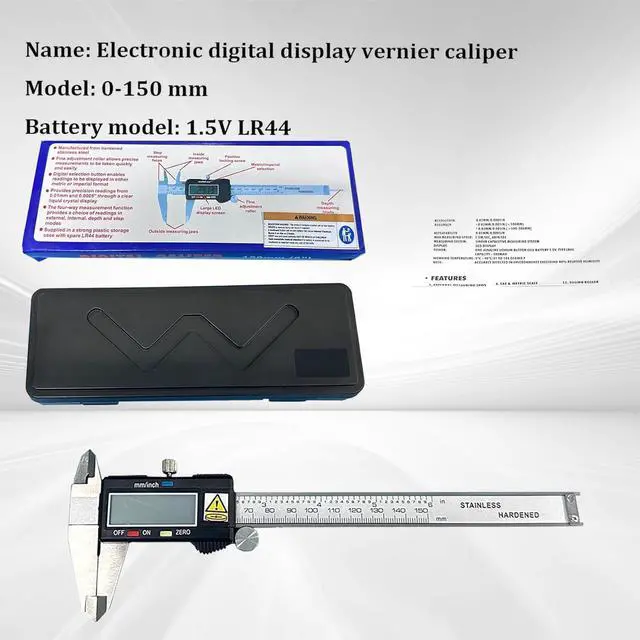


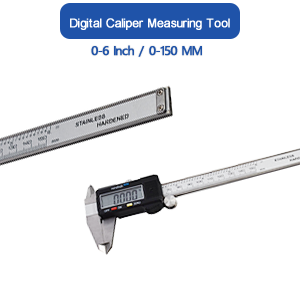
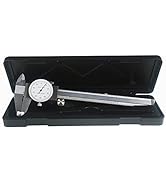
0-6 Inch Electronic Digital Caliper
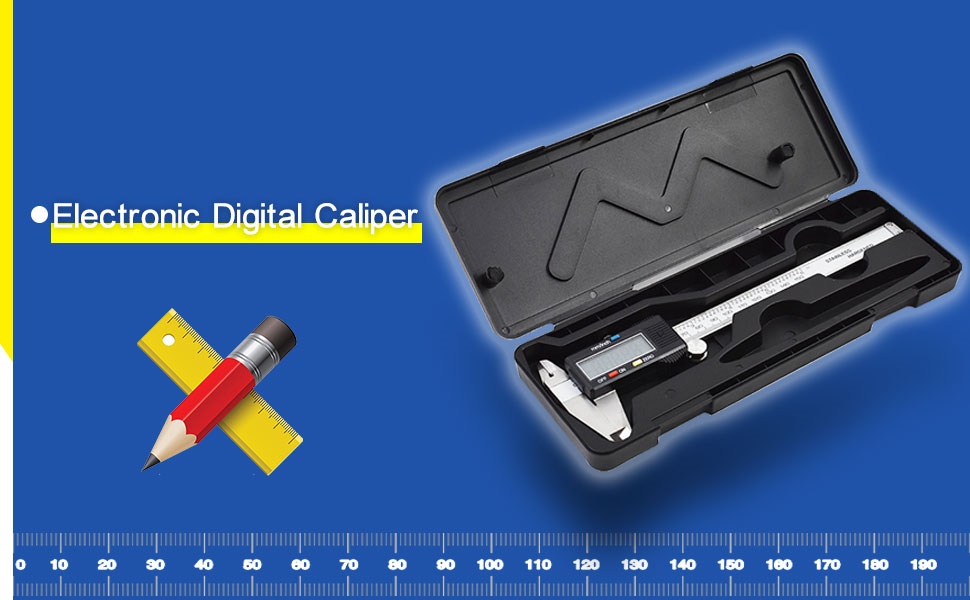
- 0-6 Inch Metrics Calipers Rulers 150 Millimeters Dimensional Measuring Tool
Operating instructions
Before Using
- Before using this caliper for the first time, wipe the rust preventative oil over the caliper using a soft cloth.
Operating Instructions
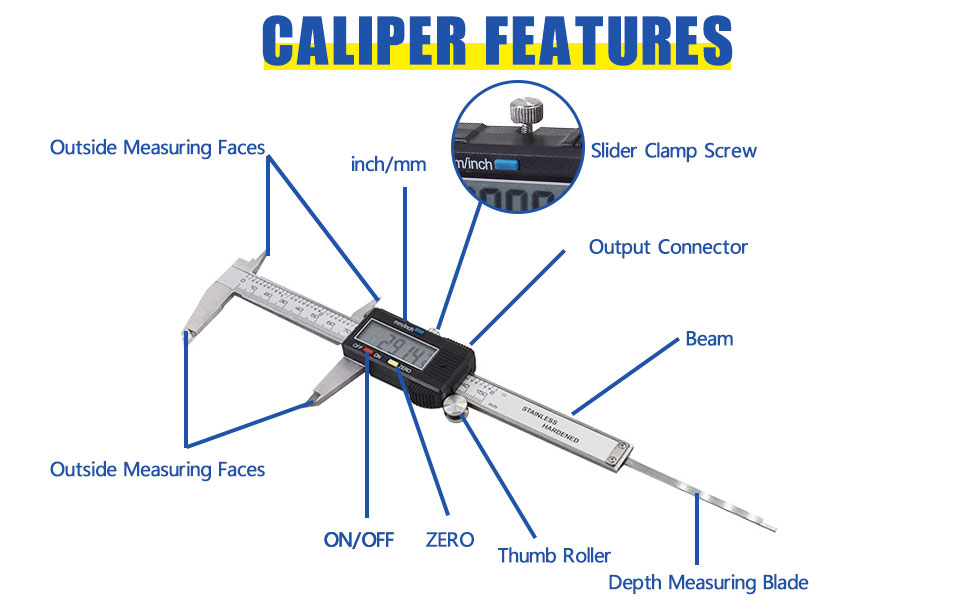
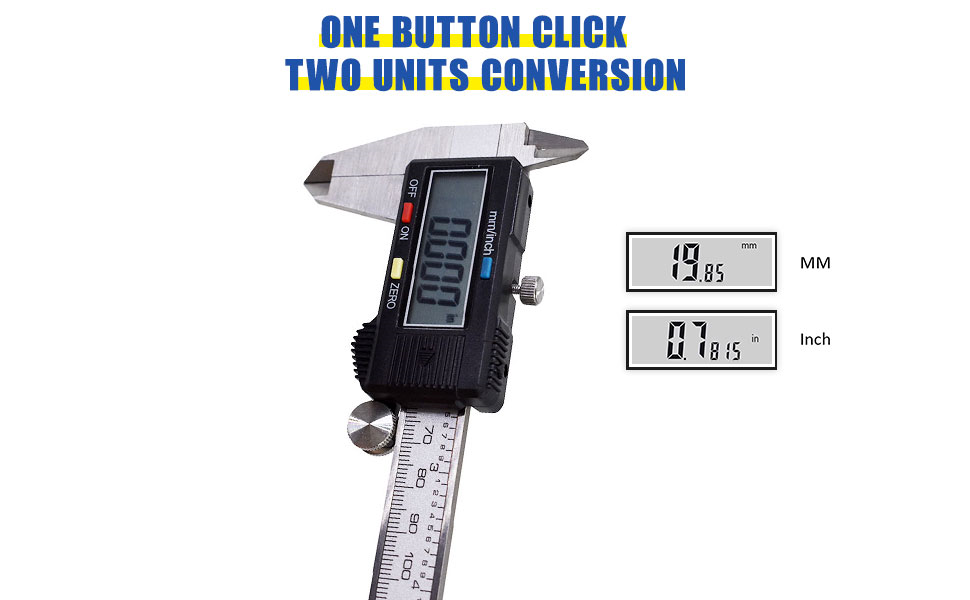
- For absolute measure ment- after turning unit on, close jaws and press ZERO switch. The 0.00mm or 0.000in display appears, indicating origin (absolute zero) setting is completed. The caliper is now ready for absolute measurements.
For Comparison Measure Ment
- In the boot state, place the caliper claw on the reference measuring surface and press the ZERO switch. The 0.00mm or in 0.000 display appears, indicating zero setting is completed. The caliper is now ready for comparison measurements.
Specifications
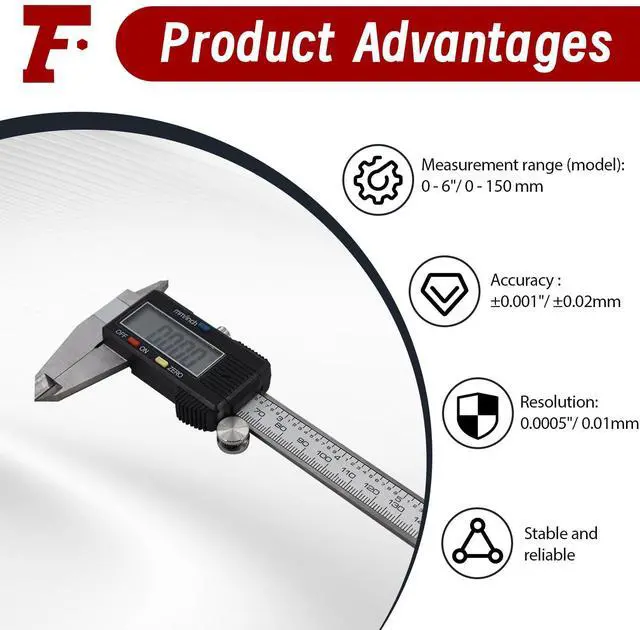
- Resolution: 0.01mm/0.0005 inch
- Repeatability: 0.01mm/0.0005 inch
- Maximum Measurement Speed: 1.5m/s 60in/s
- Operating Temperature: 0? - 40?
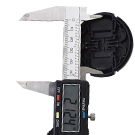
External Diameter
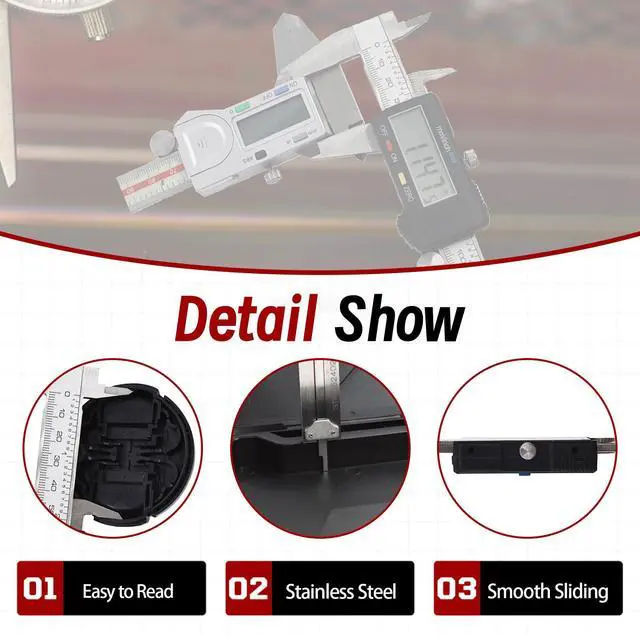
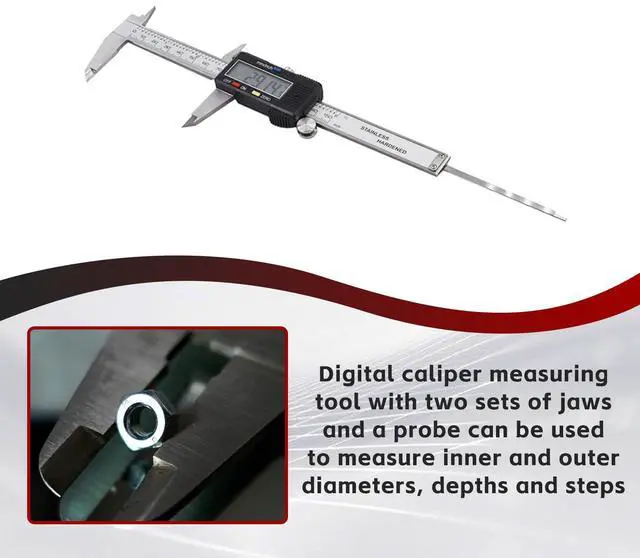
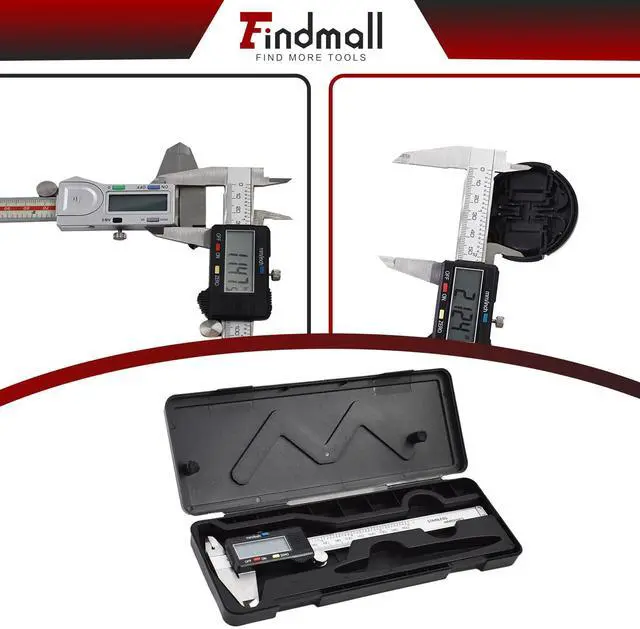
- Measure the outer diameter or length of an object with two long jaws. Clamp the object between the two parallel sides of the long jaw and fix it in place
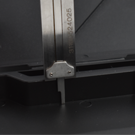
Internal Diameter
- Measure the inner diameter of the object with two short jaws. Place the two short jaws in the subject and roll the thumb roller close to the inside diameter of the subject
Step
- Measure the step with two short jaws. Place the caliper vertically on the surface and roll the thumb wheel until the lower part of the upper short jaw is parallel to the step
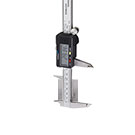
Depth
- Measure the depth of the object with a long probe at the end of the caliper. Insert the probe into the object and roll the thumb wheel to measure its depth


Findmall focuses on the field of industrial products and is committed to becoming the top professional industrial tools supplier. Made of high-quality material and refined through strict processing and testing, our products stand out with high precision and durable performance.
Over the years, we have provided millions of customers with both high-quality household and industrial manufacturing tools. In Findmall, you can FIND MORE TOOLS you need.
Why choose FINDMALL?
Findmall is as serious about industrial tools as you are. We specialize in producing the high precision household and industrial manufacturing tools so that each consumer can enjoy the convenience through technology.
Our advantage
We have the most comprehensive product portfolio and knowledgeable staff, and our professional production technology is ahead of other industry sellers.
Our goals
We can provide convenience to customers worldwide with high-quality household and industrial manufacturing tools.

Abrasive & Finishing Products
The good products for your professional skills even better
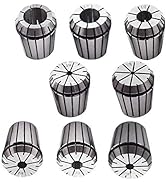
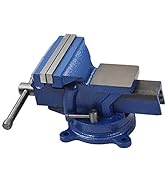
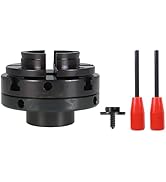
Abrasive & Finishing Products

Tools & Home Improvement
The high-quality tools will help you increase your productivity
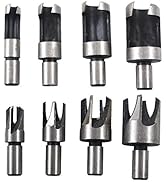
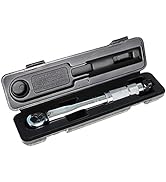
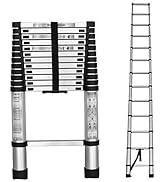
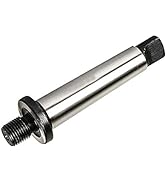
Tools & Home Improvement

Industrial & Scientific
The high precision tool ensure it's work integrity and eliminate rework
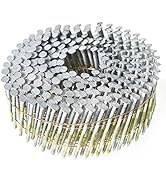
Industrial & Scientific

Lathe Parts & Accessories
With durable performance, long-term usage
Lathe Parts & Accessories
0-6 Inch Electronic Digital Caliper
- 0-6 Inch Metrics Calipers Rulers 150 Millimeters Dimensional Measuring Tool
Operating instructions
Before Using
- Before using this caliper for the first time, wipe the rust preventative oil over the caliper using a soft cloth.
Operating Instructions
- For absolute measure ment- after turning unit on, close jaws and press ZERO switch. The 0.00mm or 0.000in display appears, indicating origin (absolute zero) setting is completed. The caliper is now ready for absolute measurements.
For Comparison Measure Ment
- In the boot state, place the caliper claw on the reference measuring surface and press the ZERO switch. The 0.00mm or in 0.000 display appears, indicating zero setting is completed. The caliper is now ready for comparison measurements.
Specifications
- Resolution: 0.01mm/0.0005 inch
- Repeatability: 0.01mm/0.0005 inch
- Maximum Measurement Speed: 1.5m/s 60in/s
- Operating Temperature: 0? - 40?
External Diameter
- Measure the outer diameter or length of an object with two long jaws. Clamp the object between the two parallel sides of the long jaw and fix it in place
Internal Diameter
- Measure the inner diameter of the object with two short jaws. Place the two short jaws in the subject and roll the thumb roller close to the inside diameter of the subject
Step
- Measure the step with two short jaws. Place the caliper vertically on the surface and roll the thumb wheel until the lower part of the upper short jaw is parallel to the step
Depth
- Measure the depth of the object with a long probe at the end of the caliper. Insert the probe into the object and roll the thumb wheel to measure its depth
Findmall focuses on the field of industrial products and is committed to becoming the top professional industrial tools supplier. Made of high-quality material and refined through strict processing and testing, our products stand out with high precision and durable performance.
Over the years, we have provided millions of customers with both high-quality household and industrial manufacturing tools. In Findmall, you can FIND MORE TOOLS you need.
Why choose FINDMALL?
Findmall is as serious about industrial tools as you are. We specialize in producing the high precision household and industrial manufacturing tools so that each consumer can enjoy the convenience through technology.
Our advantage
We have the most comprehensive product portfolio and knowledgeable staff, and our professional production technology is ahead of other industry sellers.
Our goals
We can provide convenience to customers worldwide with high-quality household and industrial manufacturing tools.
Abrasive & Finishing Products
The good products for your professional skills even better
Abrasive & Finishing Products
Tools & Home Improvement
The high-quality tools will help you increase your productivity
Tools & Home Improvement
Industrial & Scientific
The high precision tool ensure it's work integrity and eliminate rework
Industrial & Scientific
Lathe Parts & Accessories
With durable performance, long-term usage
Lathe Parts & Accessories