

Your Browsing History
- Free 30-day Returns
$49.99

Meet Your Seller

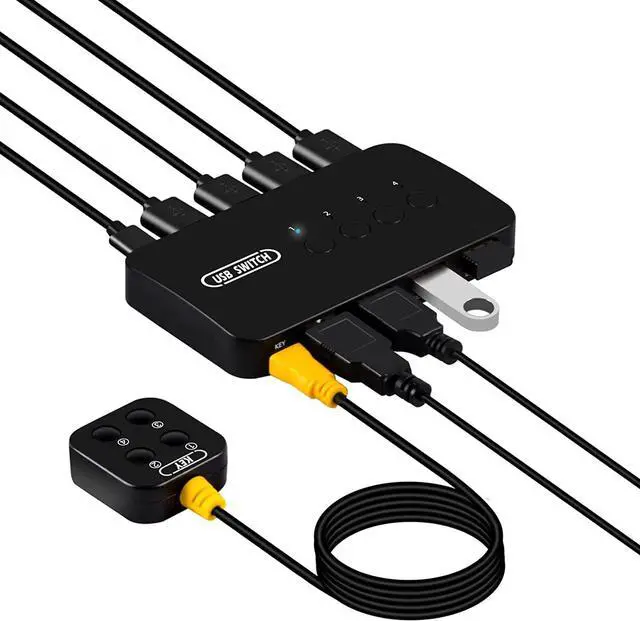
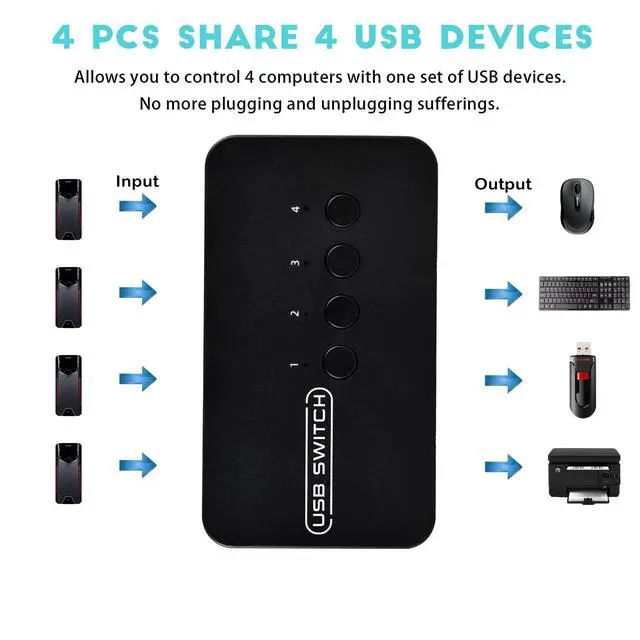
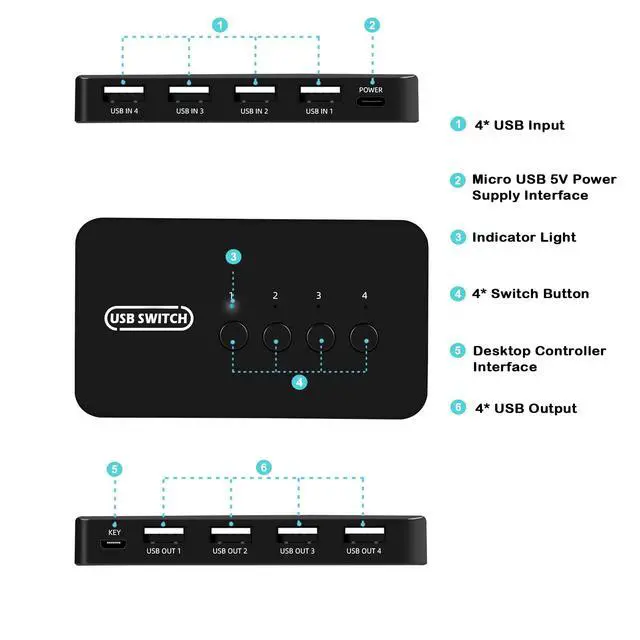
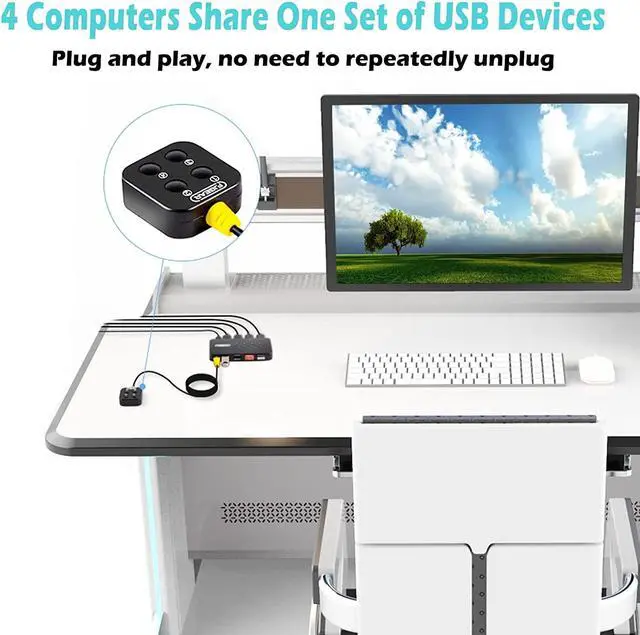


USB Switch 4 in 4 Out, USB Switcher Selector 4 Port for 4 Computer Share 4 Devices Keyboard Mouse Printer Scanner with Desktop Controller and Cables
- 4 Port USB Switch Box - The 4 in 4 out USB Switcher allows you to share 4 USB 2.0 peripheral devices (keyboard, mouse, scanner, printer, flash drive and USB stick) between 4 computers. Without constantly swapping cables or set up complicated network sharing software.
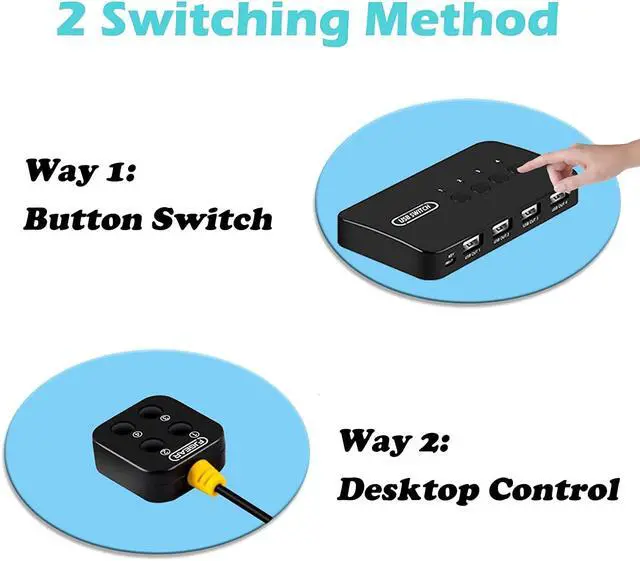
- Two Switching Methods - This USB Switcher Selector supports switching between computers using panel buttons or wired desktop controller. You can easily switch devices by a click on the button. And LED indicating the active computer.
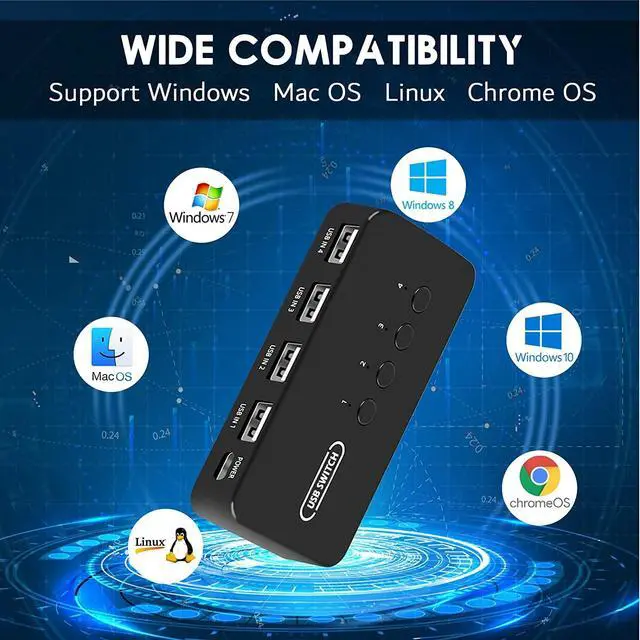
- Wide Compatibility - Plug and play, driver-free for Windows 10/8/8.1/7/Vista/XP and Mac OS, Linux, Chrome OS. Supports data transfer up to 480Mbps, backwards compatible with USB 1.1. Suitable for office, home, meeting, school and other scenarios.
- Stable Signal Transmission - Made of sturdy material to ensure stable transmission signal. No need for an external 5V/1A power adapter (Not included) unless using high power USB devices such as hard drives.
- Package Contents - 4 Port USB 2.0 Switch *1, USB Cable *4, Desktop Controller *1, Power Cord *1, User Manual *1. If you have any questions about the product, please contact us, we will try our best to help you!
+
+
Overview
Specs
Reviews

Any questions? Our AI mode will help you find out quickly.
Try me now
USB Switch 4 in 4 Out, USB Switcher Selector 4 Port for 4 Computer Share 4 Devices Keyboard Mouse Printer Scanner with Desktop Controller and Cables
Warranty & Returns
Warranty, Returns, And Additional Information
Warranty
- Please contact the Seller directly for warranty information. Warranty information may also be found on the Manufacturer's website.
- CONTACT
Return Policies
- Return for refund within: 30 days
- Return for replacement within: 30 days
- This item is covered by Zhongyiyunji Shop Return Policy
Manufacturer Contact Info
- For a directory of all our manufacturers, please click below.
- Manufacturers Directory
LOADING...