here!
here!
I’m your shopping assistant for PC builds, upgrades, and everything tech.
Got questions? Ask away!
Start a conversation
here!
I’m your shopping assistant for PC builds, upgrades, and everything tech.
Got questions? Ask away!
Start a conversation



Any questions? Ask CelesteSM will help you find out quickly.
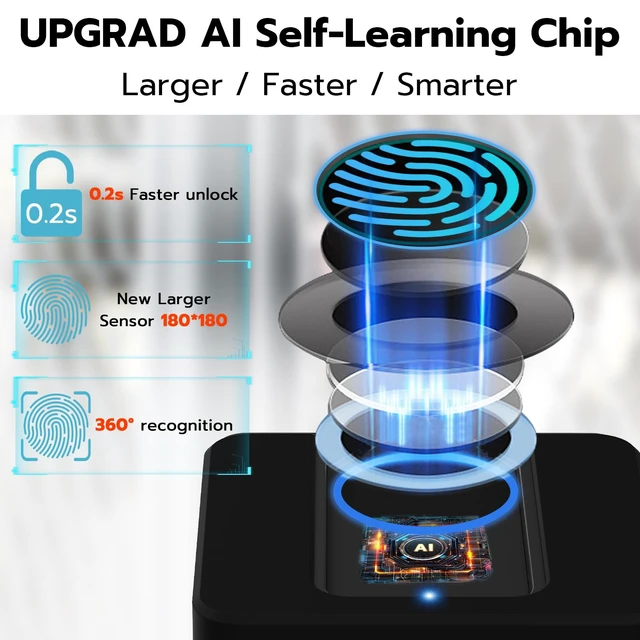
Tips: Store fingerprints locally on the padlock instead of cloud to keep your information safe.
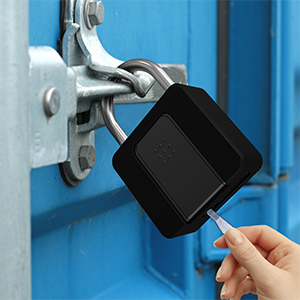
Tips: In order to avoid the loss of the key, after using the key to unlock, you need to use the key to lock before pulling out the key.
A:After unlocking, you need to wait 2-3 seconds, and then you can lock it.
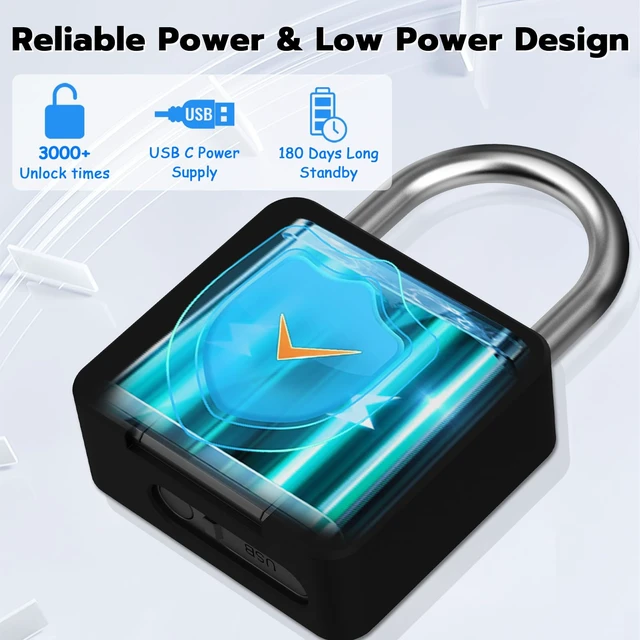
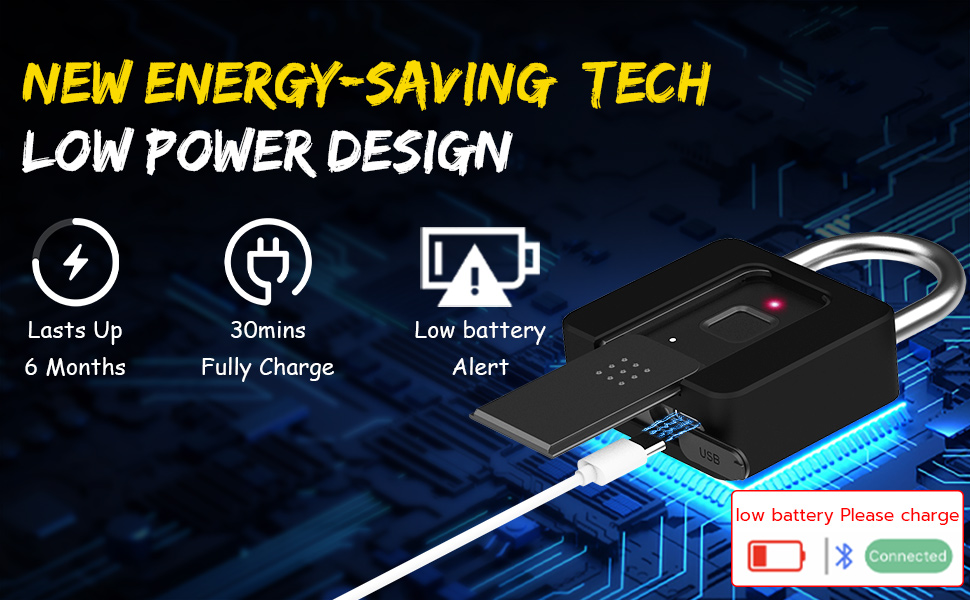
A:In order to make the standby time longer, the Bluetooth function can only be connected in the state of activation lock.
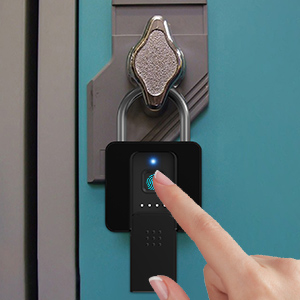
A1:New padlock can be unlocked by everyone. Blue light will flash when unlocking.
A2:When you setup successfully, green light will flash when unlocking. So please bind the padlock to the APP, then register your fingerprints in the APP.
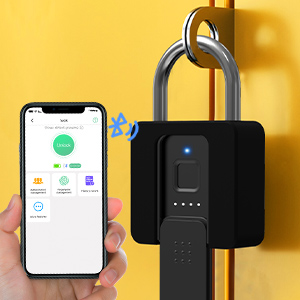
A:Because this smart padlock is not connected to WIFI, it has Bluetooth function, and Bluetooth has a transmission distance(5m), so you can't directly unlock it remotely, but you can remotely authorize other users (install this padlock APP) to use Bluetooth to unlock in APP, normal users activate the padlock, then unlock via bluetooth.











Tips: Store fingerprints locally on the padlock instead of cloud to keep your information safe.
Tips: In order to avoid the loss of the key, after using the key to unlock, you need to use the key to lock before pulling out the key.
A:After unlocking, you need to wait 2-3 seconds, and then you can lock it.
A:In order to make the standby time longer, the Bluetooth function can only be connected in the state of activation lock.
A1:New padlock can be unlocked by everyone. Blue light will flash when unlocking.
A2:When you setup successfully, green light will flash when unlocking. So please bind the padlock to the APP, then register your fingerprints in the APP.
A:Because this smart padlock is not connected to WIFI, it has Bluetooth function, and Bluetooth has a transmission distance(5m), so you can't directly unlock it remotely, but you can remotely authorize other users (install this padlock APP) to use Bluetooth to unlock in APP, normal users activate the padlock, then unlock via bluetooth.
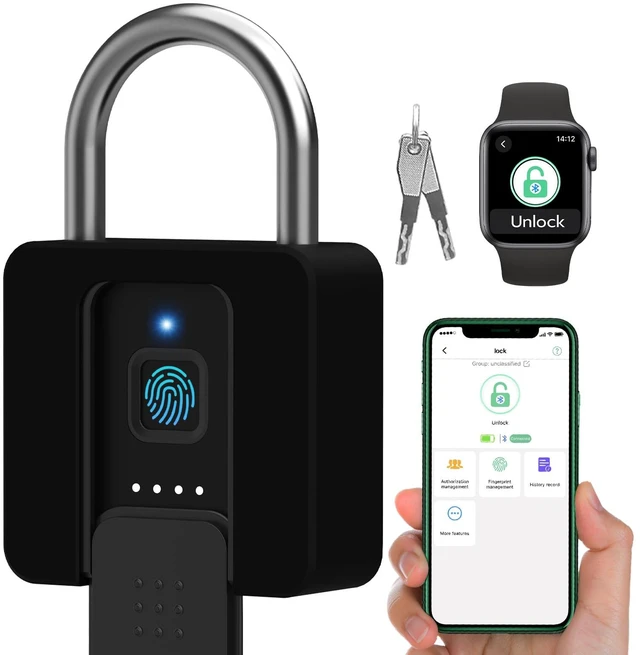
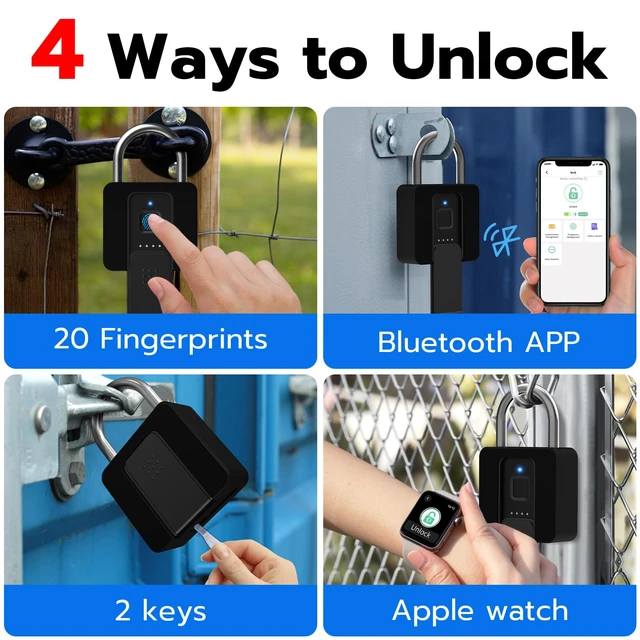
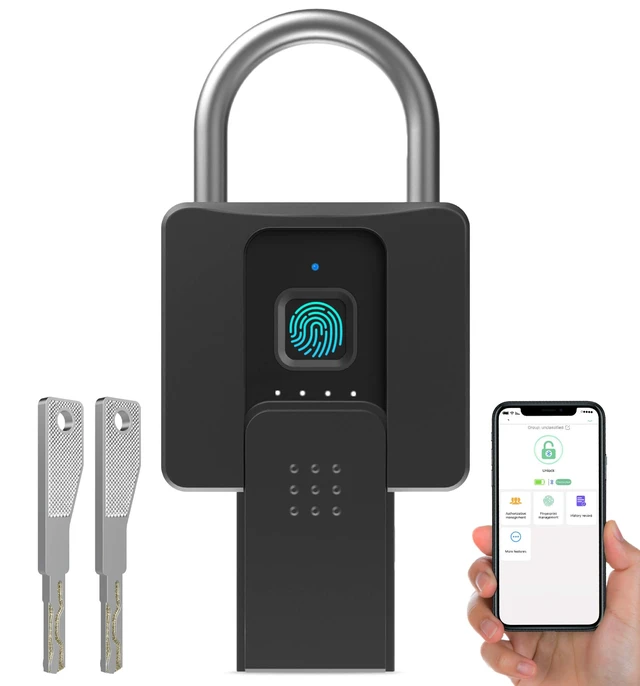
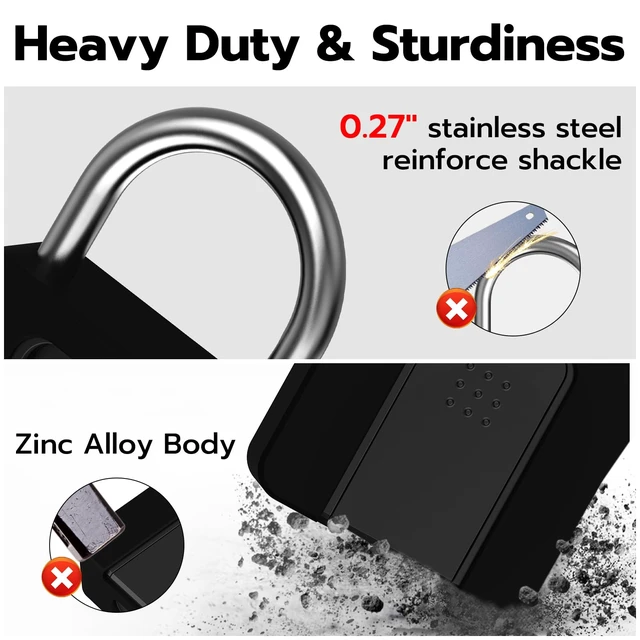
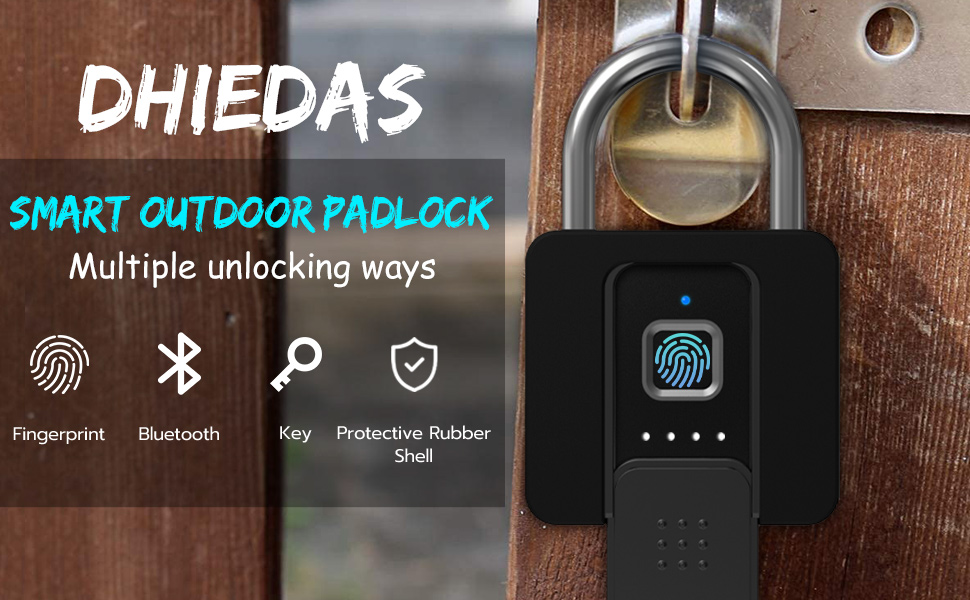
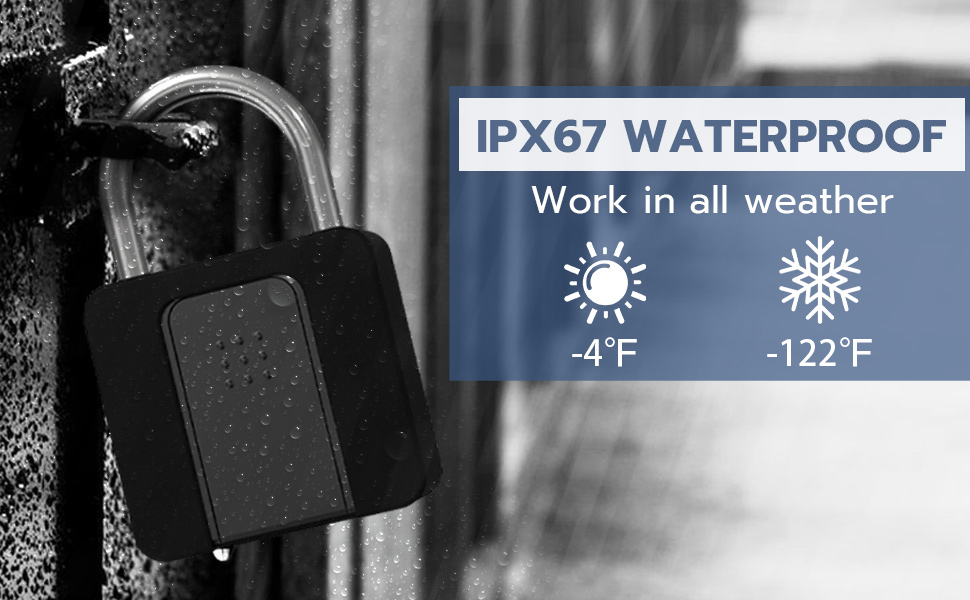
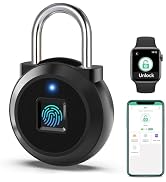
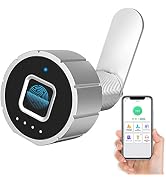
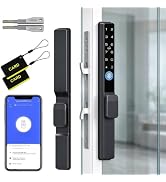
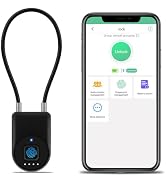
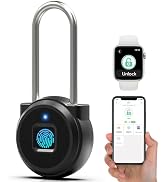
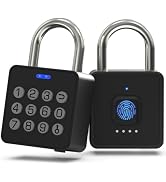
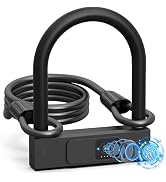
Fingerprint Lock, Gate locks for outdoor fence, Heavy Duty Bluetooth Lock, fingerprint padlock with key backup, Keyless Biometric Outdoor Waterproof Smart Padlock Security locks
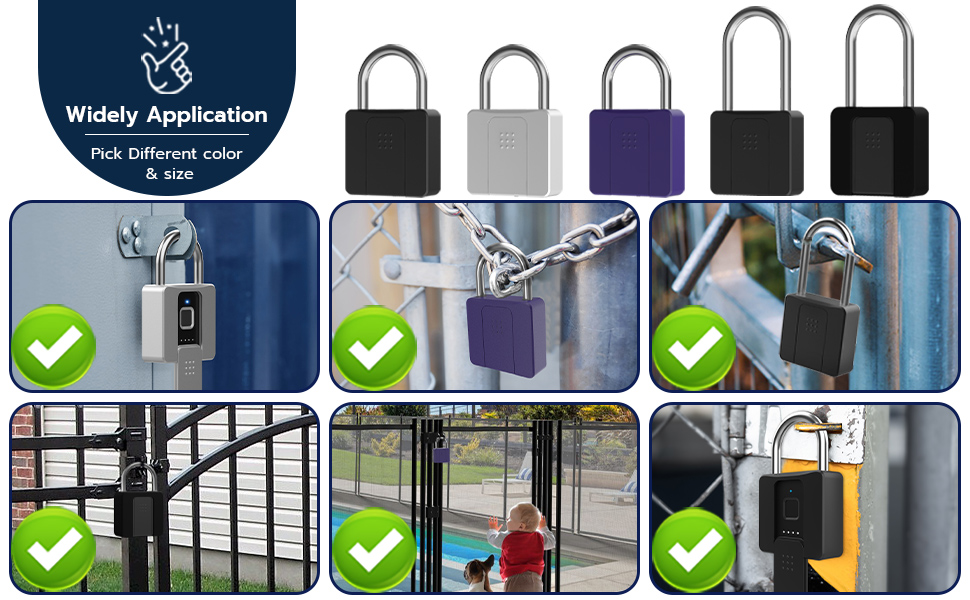
Usage: gate, fence, garden gate, yard gate, lockers, fences, cabinets, tool boxes, outdoor fence, suitcase, box, pool, door, pantry, gym, bike, shed, warehouse, outdoor, truck etc.
Note: Before using this lock for the first time, please pair lock with the app to setup, and then register fingerprint via the app. If the first fingerprint is registered before the app setting, the app function is not available. To restore the app function, you need to restore and reset the factory default mode.