


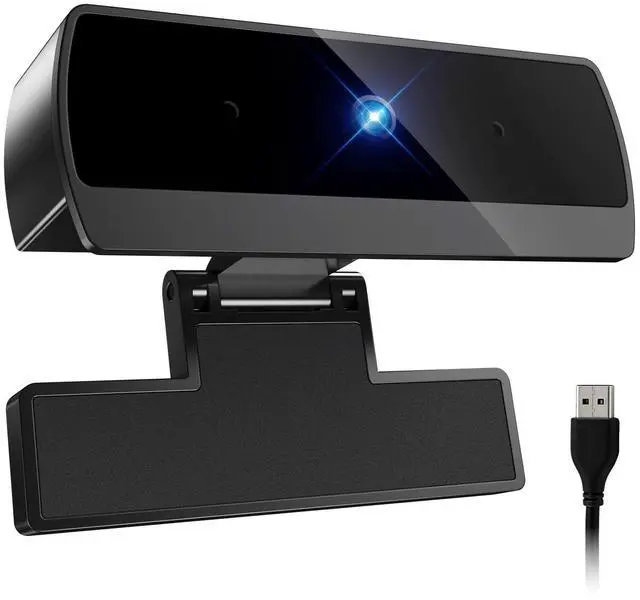




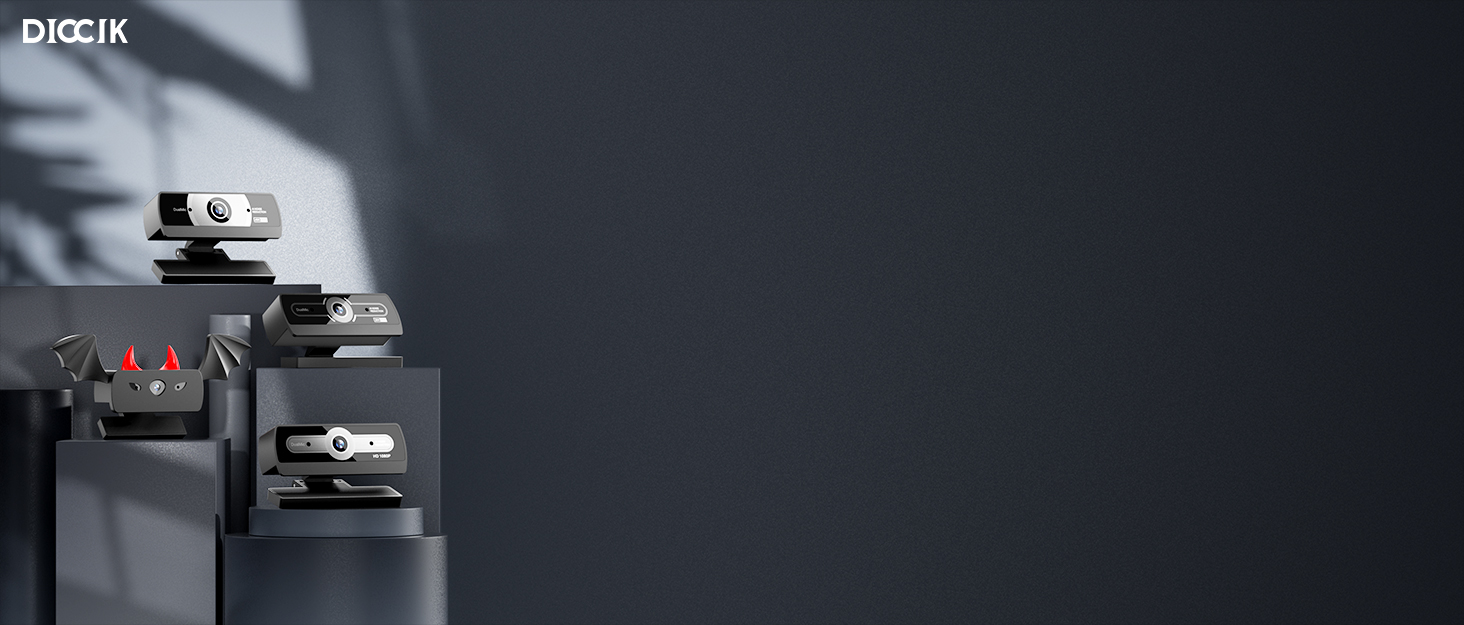
DICCIK Webcam
At DlcClk, we take our products seriously and won't letyou down. Our mission is to make quality products!

Diccik was founded by a team of engineers passionate about photography and technological security. They are committed to creating webcams that are clear, easy to use, secure, and reliable, making it easy for everyone to capture life's most beautiful moments.

Webcam for PC
Connect the webcam
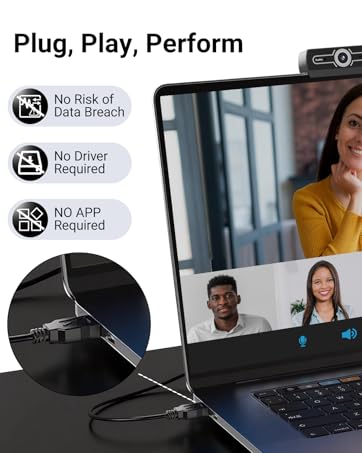
Connect the USB port to the computer port
Tips: When using a desktop computer, it is best to connect thewebcam to the USB port on the back of the computer, becauseit will be smoother to use.
No response after the USB head is inserted into the USB slot?
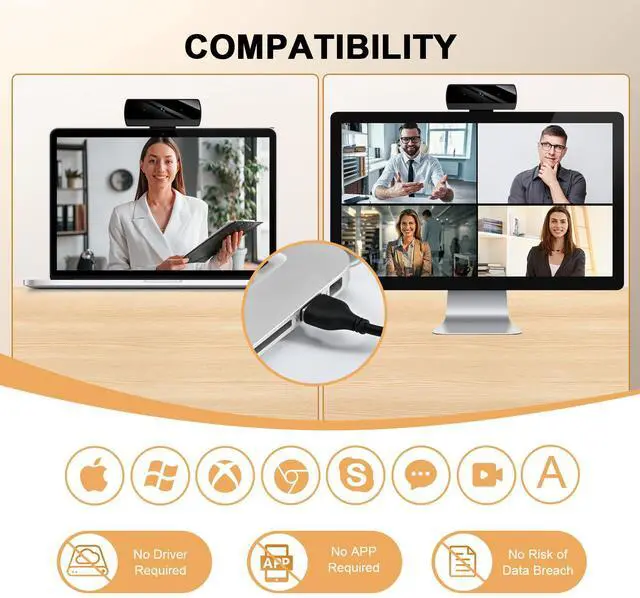
This device is a driver-free plug-and-play product, and there wil be no response when connected.
No image or sound when the camera is turned on?
The screen will not pop up automatically when connected.
You need to open the software you need to use it.
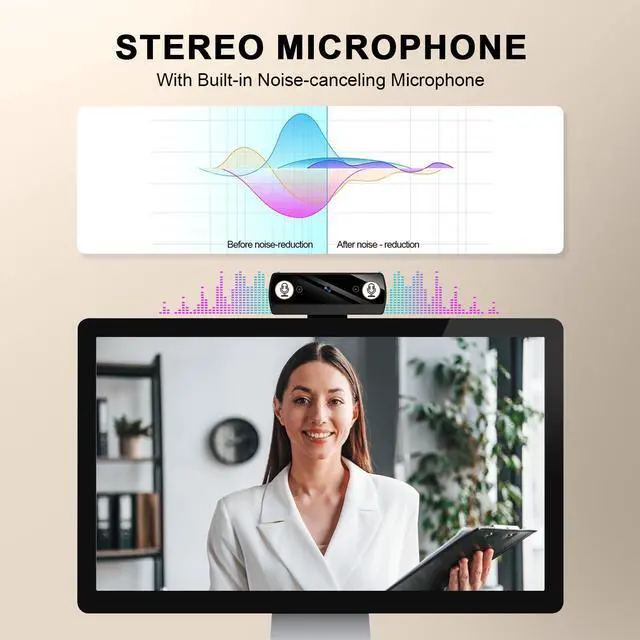
Is there a howling sound during the test call?
If you are testing the product, there may be a signa howling phenomenon in the near-field call.
Please try to talk to a friend who is a certain distance away.
The relationship between the camera imaging effect and the on site light environment?
There is a relationship, especially in the case of backlightside light, and dim light, the video effect is not ideal.
You can achieve the ideal effect by turning on the fill light or adiustingthe direction.
Some instant messaging software, the video effect is not as goodas the local video effect?
There is such a phenomenon, Because some communicatiorsoftware takes into account the bandwidth and call volume, it will compress the pixels of the video image to meet the purpose of smooth call. (For example: the original 1080P imaging, some communication software will compress the video stream to 720P.) So you see that the current video effect is not as good as the local one, which has nothing to do with the hardware of the camera.


Troubleshooting Guide
1. Connect the webcam
Connect the USB port to the computer port
Tips: When using a desktop computer, it is best to connect thewebcam to the USB port on the back of the computer, becauseit will be smoother to use.
2. After the installation is complete, you can start using it
3. No response after the USB head is inserted into the USB slot?
Answer: This device is a driver-free plug-and-play product, and there
wil be no response when connected.
4. No image or sound when the camera is turned on?
Answer: The screen will not pop up automatically when connected
You need to open the software you need to use it.
Secondly, please open the computer and check the "Device Manager
to see if the camera driver is installed wel.
5. ls there a howling sound during the test call?
Answer:lf vou are testing the product, there mav be a signa howling
phenomenon in the near-field call.
Please try to talk to a friend who is a certain distance away.
6. The relationship between the camera imaging effect and the on.
site light environment?
Answer: There is a relationship, especially in the case of backlightside light, and dim light, the video effect is not ideal.
You can achieve the ideal effect by turning on the fill light or adiustingthe direction.
7. Some instant messaging software, the video effect is not as goodas the local video effect?
Answer:There is such a phenomenon, Because some communicatiorsoftware takes into account the bandwidth and call volume, it wil
compress the pixels of the video image to meet the purpose of
smooth call. (For example: the original 1080P imaging, some
communication software will compress the video stream to 720P.) Soyou see that the current video effect is not as good as the local one,
which has nothing to do with the hardware of the camera.
8.fvou have other questions, donot disassemble it yourself.
Troubleshooting Guide
1. Connect the webcam
Connect the USB port to the computer port
Tips: When using a desktop computer, it is best to connect thewebcam to the USB port on the back of the computer, becauseit will be smoother to use.
2. After the installation is complete, you can start using it
3. No response after the USB head is inserted into the USB slot?
Answer: This device is a driver-free plug-and-play product, and there
wil be no response when connected.
4. No image or sound when the camera is turned on?
Answer: The screen will not pop up automatically when connected
You need to open the software you need to use it.
Secondly, please open the computer and check the "Device Manager
to see if the camera driver is installed wel.
5. ls there a howling sound during the test call?
Answer:lf vou are testing the product, there mav be a signa howling
phenomenon in the near-field call.
Please try to talk to a friend who is a certain distance away.
6. The relationship between the camera imaging effect and the on.
site light environment?
Answer: There is a relationship, especially in the case of backlightside light, and dim light, the video effect is not ideal.
You can achieve the ideal effect by turning on the fill light or adiustingthe direction.
7. Some instant messaging software, the video effect is not as goodas the local video effect?
Answer:There is such a phenomenon, Because some communicatiorsoftware takes into account the bandwidth and call volume, it wil
compress the pixels of the video image to meet the purpose of
smooth call. (For example: the original 1080P imaging, some
communication software will compress the video stream to 720P.) Soyou see that the current video effect is not as good as the local one,
which has nothing to do with the hardware of the camera.
8.fvou have other questions, donot disassemble it yourself.
DICCIK Webcam
At DlcClk, we take our products seriously and won't letyou down. Our mission is to make quality products!
Diccik was founded by a team of engineers passionate about photography and technological security. They are committed to creating webcams that are clear, easy to use, secure, and reliable, making it easy for everyone to capture life's most beautiful moments.
Webcam for PC
Connect the webcam
Connect the USB port to the computer port
Tips: When using a desktop computer, it is best to connect thewebcam to the USB port on the back of the computer, becauseit will be smoother to use.
No response after the USB head is inserted into the USB slot?
This device is a driver-free plug-and-play product, and there wil be no response when connected.
No image or sound when the camera is turned on?
The screen will not pop up automatically when connected.
You need to open the software you need to use it.
Is there a howling sound during the test call?
If you are testing the product, there may be a signa howling phenomenon in the near-field call.
Please try to talk to a friend who is a certain distance away.
The relationship between the camera imaging effect and the on site light environment?
There is a relationship, especially in the case of backlightside light, and dim light, the video effect is not ideal.
You can achieve the ideal effect by turning on the fill light or adiustingthe direction.
Some instant messaging software, the video effect is not as goodas the local video effect?
There is such a phenomenon, Because some communicatiorsoftware takes into account the bandwidth and call volume, it will compress the pixels of the video image to meet the purpose of smooth call. (For example: the original 1080P imaging, some communication software will compress the video stream to 720P.) So you see that the current video effect is not as good as the local one, which has nothing to do with the hardware of the camera.