




 here!
here!
I’m your shopping assistant for PC builds, upgrades, and everything tech.
Got questions? Ask away!
Start a conversation
here!
I’m your shopping assistant for PC builds, upgrades, and everything tech.
Got questions? Ask away!
Start a conversation



Any questions? Ask CelesteSM will help you find out quickly.
Product Description:
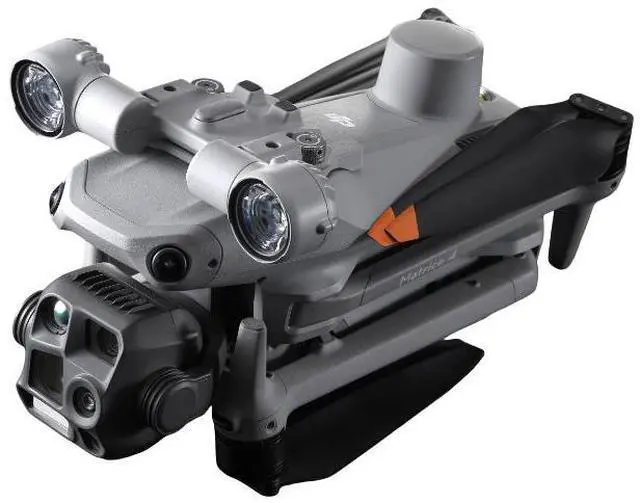
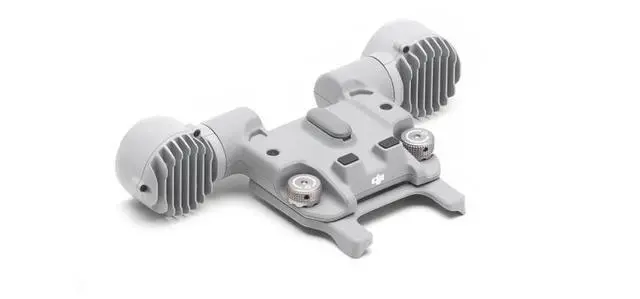
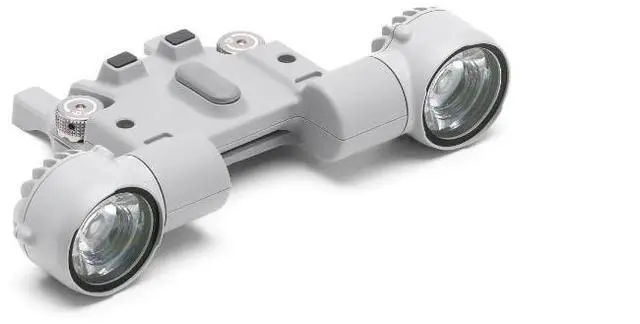
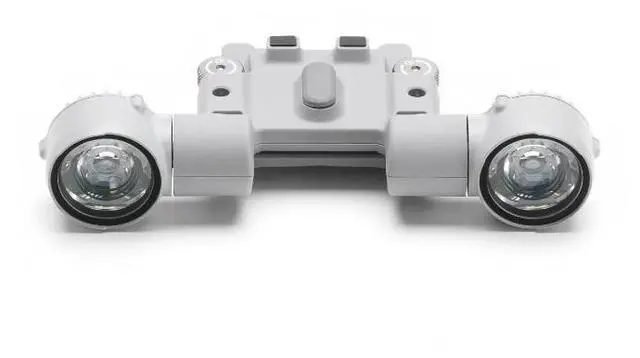
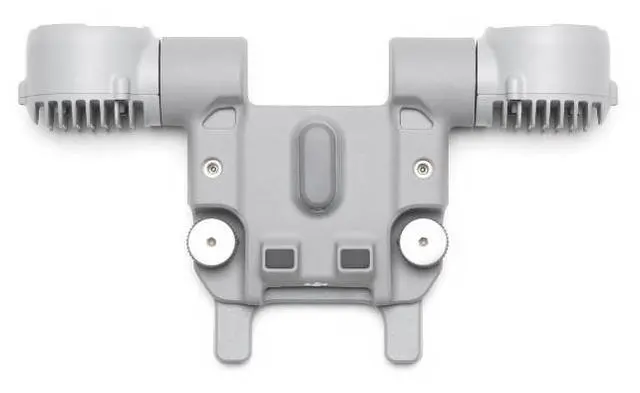
The DJI AL1 searchlight supports both Always-On and Flash modes, enabling it to clearly illuminate targets at a distance of 100 meters[1]. It can also be connected to Cloud Platform Intelligence to follow where the shot is taken. It also provides Wide-Vision lighting mode, which illuminates a wider area in Wide-angle mode. The searchlight and loudspeaker can be used separately or combined, making their application more flexible.
Technical Specifications:
Product weight: 91 g (excluding stand)
Product dimensions: 79 mm long, 164 mm wide, 28 mm high (excluding brackets)
Maximum power: 32w
Illumination: 4.3±0.2 lux @ 100 m, 17±0.2 lux @ 50 m*
Effective lighting angle: 23° (10% relative lighting)
Effective lighting area: 1,300 square meters @ 100 meters (10% relative lighting, normal mode), 2,200 square meters @ 100 meters ( 10% relative lighting, wide field view mode)
Work mode: Always bright, flash
Cloud Platform Architecture Design Range: Upward: -140° to 50°
Cloud platform controllable rotation range: tilt: -90° to 35°
Cloud Platform Maximum Controlled Rotation Speed (Upward): 120°/s
Cloud platform alignment precision: ±0.1°
Working environment temperature: -20°C to 50°C
Installation method: Quick wrench and screw
Protection Level: IP55
Adaptive models: DJI Matrix 4D series and DJI Matrix 4 series
Notes:
1. When installing, be sure to tighten the screws to ensure that the installation is stable. For long-term use or in conjunction with Dajiang Airport, use the inner hexagonal screwdriver in the package to tighten the screws again.
2. When installed for use on the Matrix 4D series aircraft, remove the transfer bracket at the bottom of the searchlight.
3. After installation, please connect to the internet to activate the searchlight as prompted. If a firmware upgrade prompt appears, please promptly update to the latest firmware.
4. After installation of the searchlight, the left and right barrier avoidance performance of the Matrix 4 Series aircraft will decrease, the upper barrier avoidance of the Matrix 4D Series aircraft will be turned off, and power performance will be affected. Please pay attention to safety during flight.
5. After the searchlight is turned on, the obstacle avoidance function will be automatically turned off. Please pay attention to flight safety.
6. Do not use the searchlight directly on the human eyes, lest the light cause damage to the eyes.
7. The searchlight temperature is high after long operation, so be careful to avoid burns.


