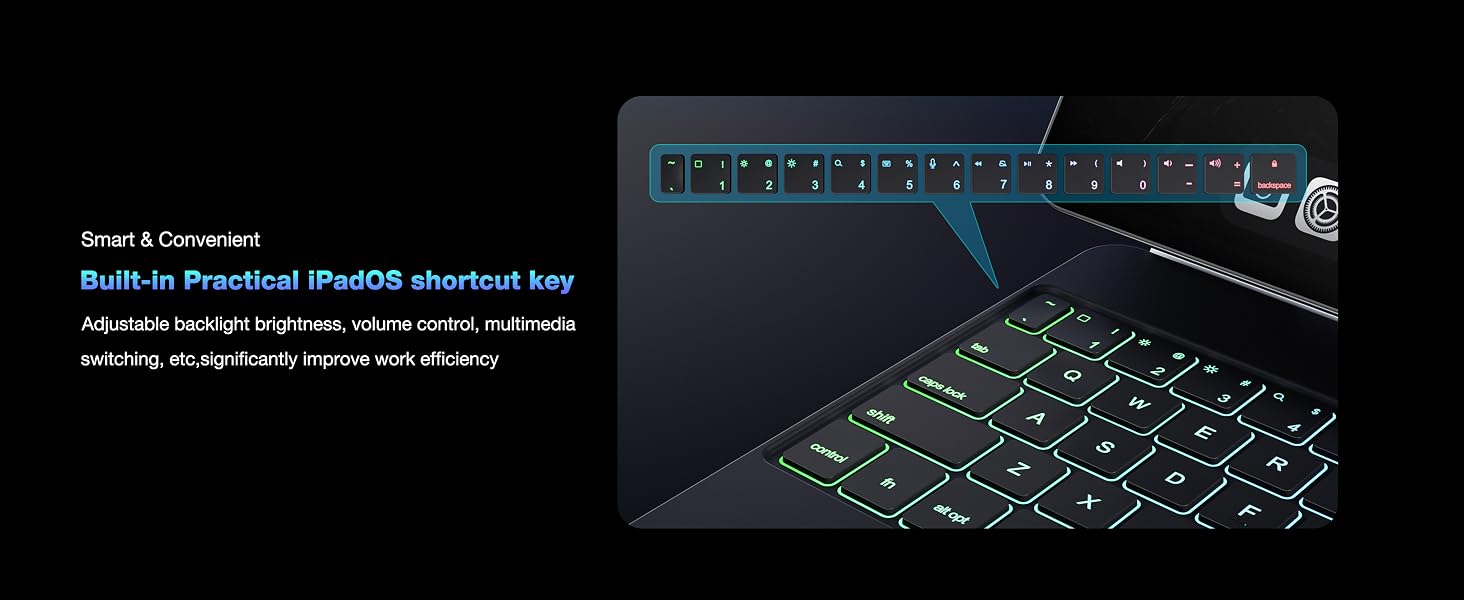
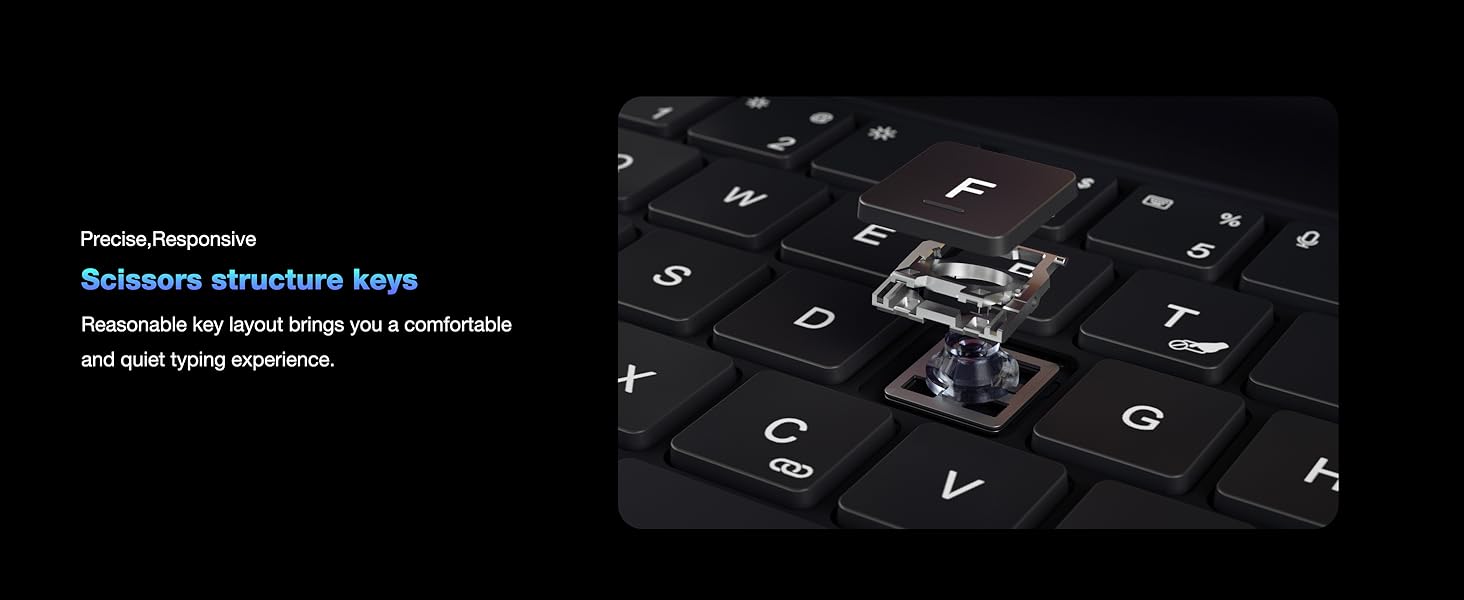
here!
here!
I’m your shopping assistant for PC builds, upgrades, and everything tech.
Got questions? Ask away!
Start a conversation
here!
I’m your shopping assistant for PC builds, upgrades, and everything tech.
Got questions? Ask away!
Start a conversation
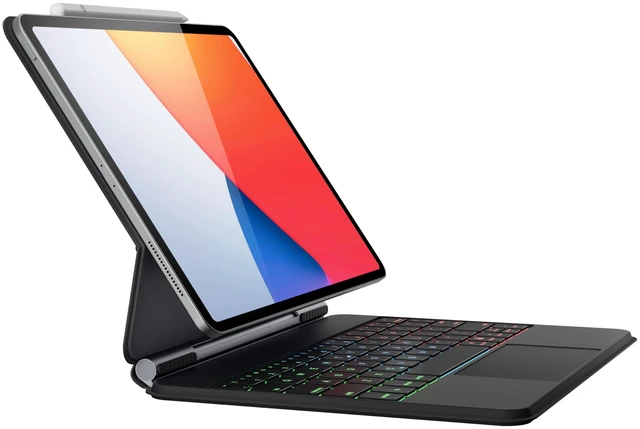
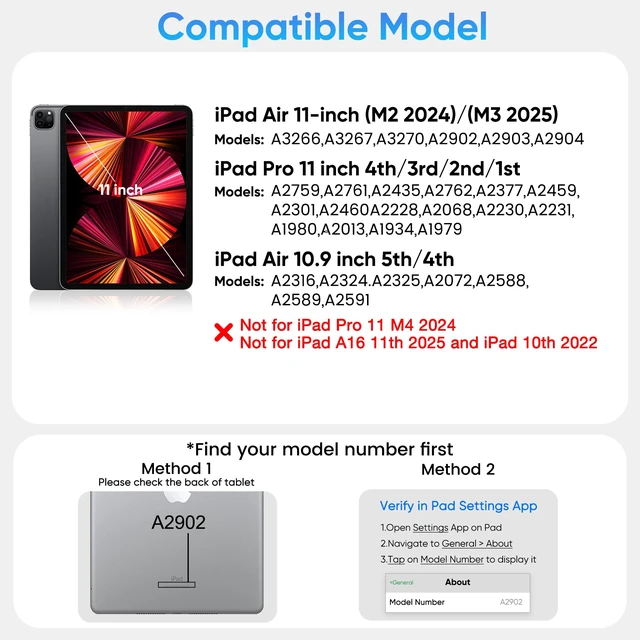





Any questions? Ask CelesteSM will help you find out quickly.


why choose doqo?
Excellent quality and service are our constant goals. doqo is committed to scientific and technological research and development, and every component of the product has been repeatedly tested. After years of development, doqo now has a number of patented technologies, providing users with high-quality, high-end and fashionable products, which are loved by many users around the world.






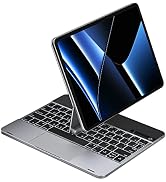

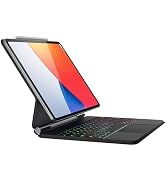

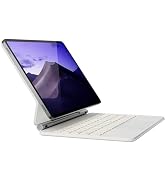


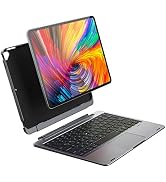
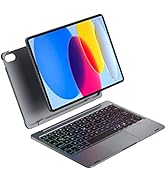
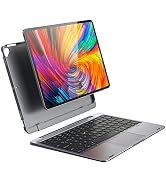
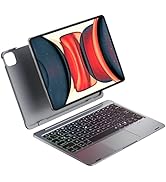
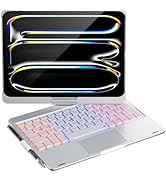

![doqo Separate iPhone Magsafe car Mount [Apple MFi Certified] Magnetic Phone Holder for Car[Easily...](http://c1.neweggimages.com/sellingpilot/modules/product/a-plus/76a739f7d93acc496774b49603c2a357ef107e7c6183f2b9d08119a3c4af2555.jpg)


Keyboard is not working correctly,please check the following:
1. The Bluetooth function on the tablet is enabled;
2. The Bluetooth keyboard is charged;
3. Make sure the keyboard is turned on;
4. Press the key "FN+C" and check the Bluetooth status;
5. Make sure a keyboard has already paired via Bluetooth.
Bluetooth pairing fails, please try the following steps:
1. Remove all Bluetooth devices on tablet;
2. Switch off the Bluetooth function on tablet;
3. Reboot the tablet,turn on the Bluetooth on tablet;
4.Press and hold the“L+S+Z” for 5 seconds to reset the keyboard.
5. Restart and Re-pair the keyboard.
If you are encountering unwanted cursor move when typing, or some keys like7,8,9,U,O,J,K,L cannot be entered
1.On your iPad, go to Settings> Accessibility and select Touch.
2.Select Assistive Touch, then select Mouse Keys.
3. Turn Off Mouse Keys
If the keyboard still does not work properly or you have any problems with the keyboard during use.
Please contact doqo seller support
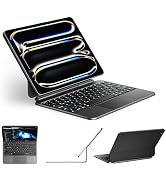
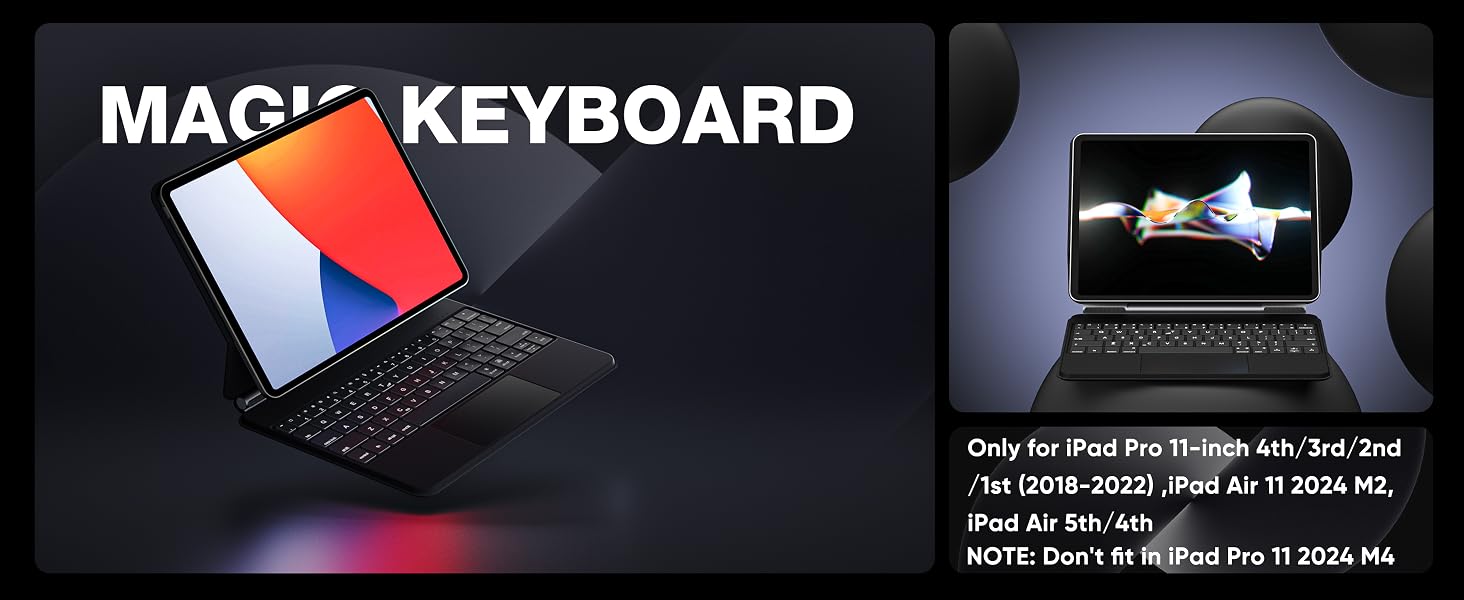
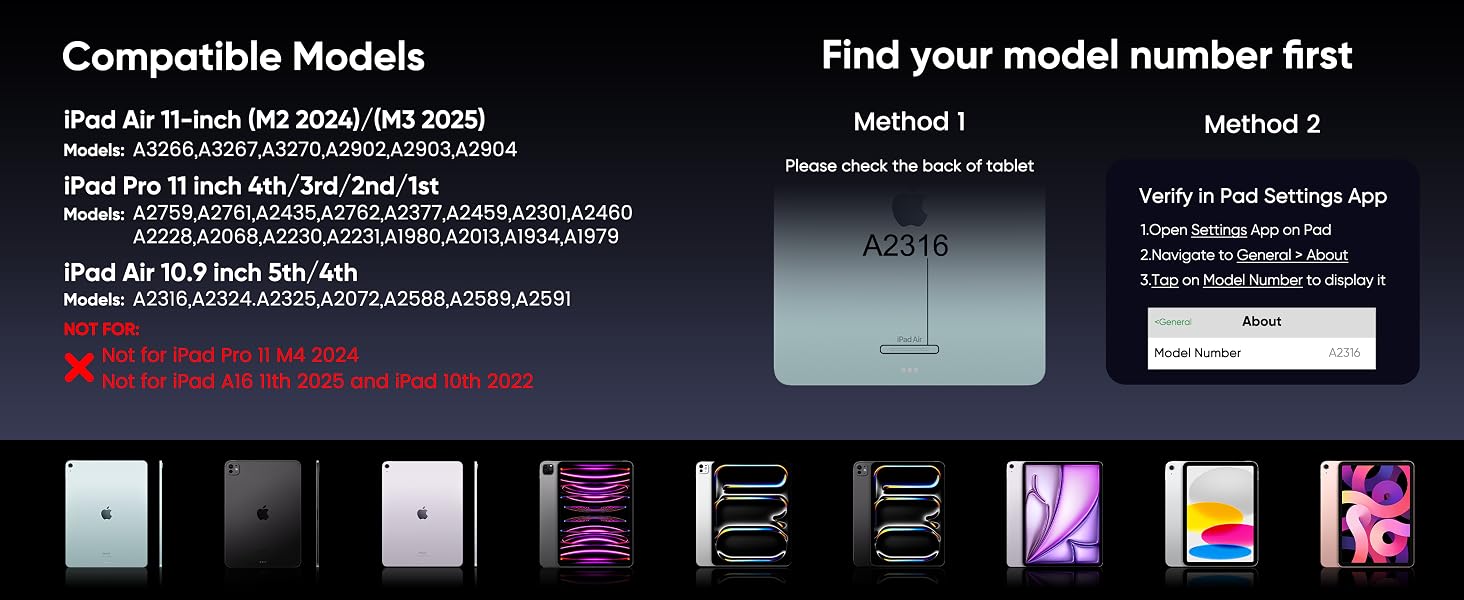
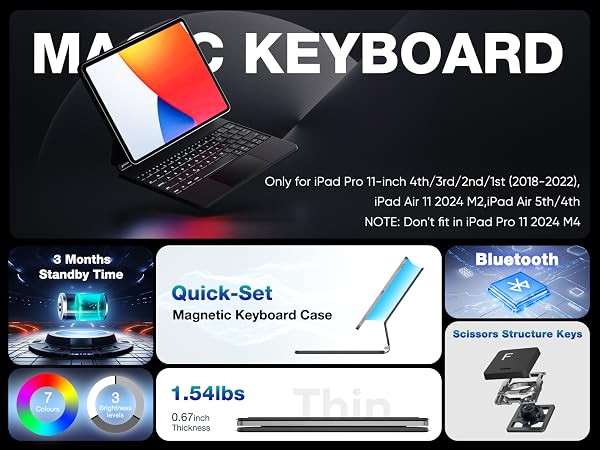
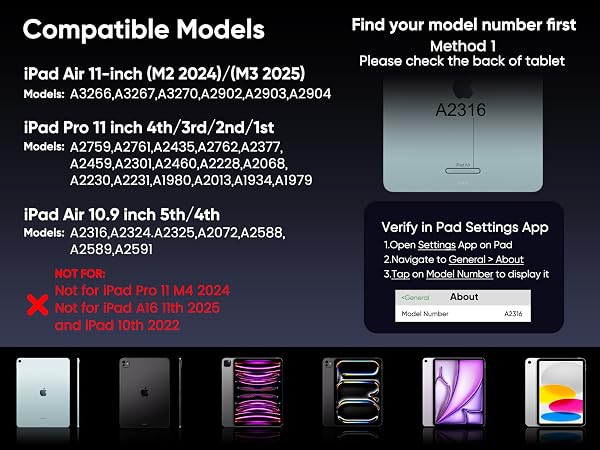
Please go to [Setting>General>About] to confirm your iPad's model before placing order,Or check the back of iPad
If iPad doesn't match the keyboard case's applicable ipad model, the iPad will fall off or the magnetic force between the devices will be very weak.

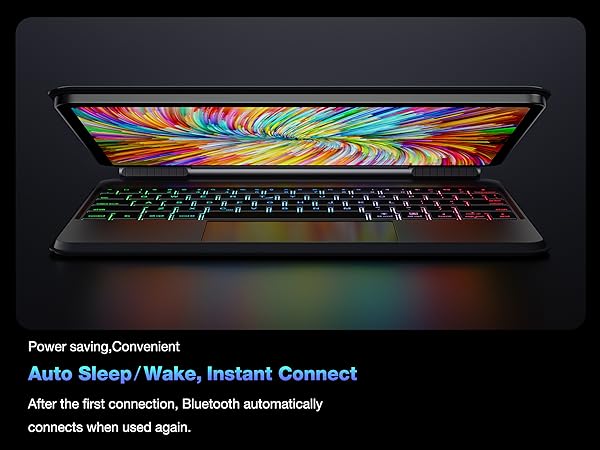

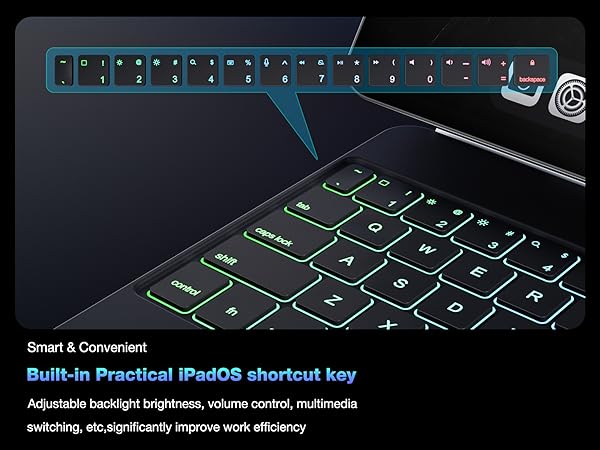
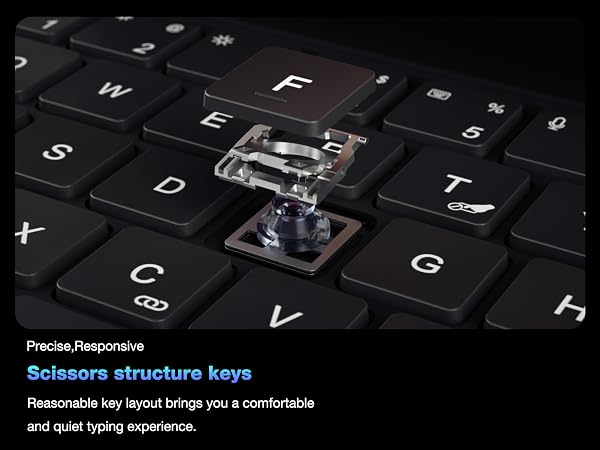



Keyboard is not working correctly,please check the following:
1. The Bluetooth function on the tablet is enabled;
2. The Bluetooth keyboard is charged;
3. Make sure the keyboard is turned on;
4. Press the key "FN+C" and check the Bluetooth status;
5. Make sure a keyboard has already paired via Bluetooth.
Bluetooth pairing fails, please try the following steps:
1. Remove all Bluetooth devices on tablet;
2. Switch off the Bluetooth function on tablet;
3. Reboot the tablet,turn on the Bluetooth on tablet;
4.Press and hold the“L+S+Z” for 5 seconds to reset the keyboard.
5. Restart and Re-pair the keyboard.
If you are encountering unwanted cursor move when typing, or some keys like7,8,9,U,O,J,K,L cannot be entered
1.On your iPad, go to Settings> Accessibility and select Touch.
2.Select Assistive Touch, then select Mouse Keys.
3. Turn Off Mouse Keys
If the keyboard still does not work properly or you have any problems with the keyboard during use.
Please contact doqo seller support
Please go to [Setting>General>About] to confirm your iPad's model before placing order,Or check the back of iPad
If iPad doesn't match the keyboard case's applicable ipad model, the iPad will fall off or the magnetic force between the devices will be very weak.

why choose doqo?
Excellent quality and service are our constant goals. doqo is committed to scientific and technological research and development, and every component of the product has been repeatedly tested. After years of development, doqo now has a number of patented technologies, providing users with high-quality, high-end and fashionable products, which are loved by many users around the world.
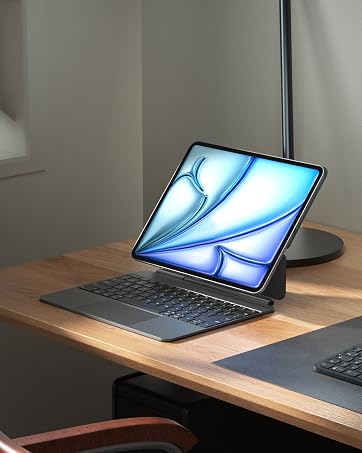

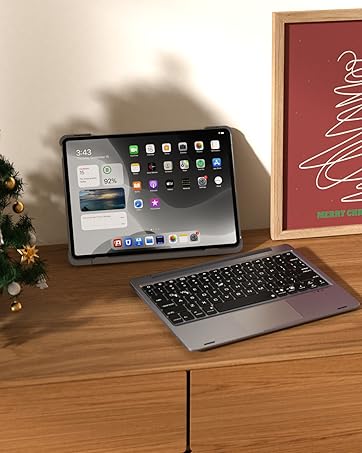



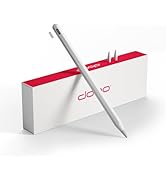

ipad pro 11 inch case with keyboard ipad pro 11 magic keyboard ipad air 4th generation case with keyboard magic keyboard 11 inch ipad pro ipad 11 pro case with keyboard ipad pro 11 keyboard ipad pro 11 case with keyboard ipad pro keyboard case 11 inch magic keyboard folio