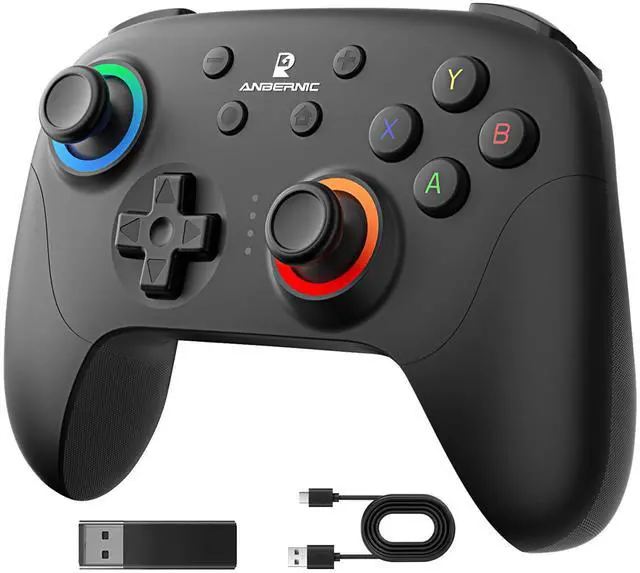
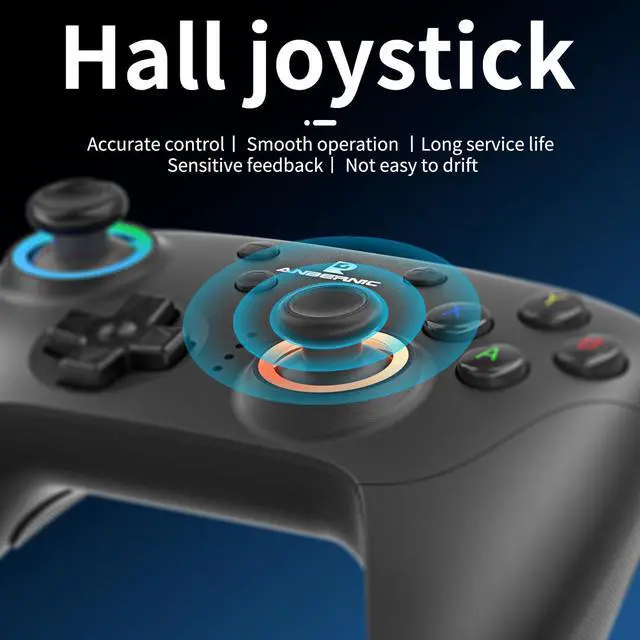
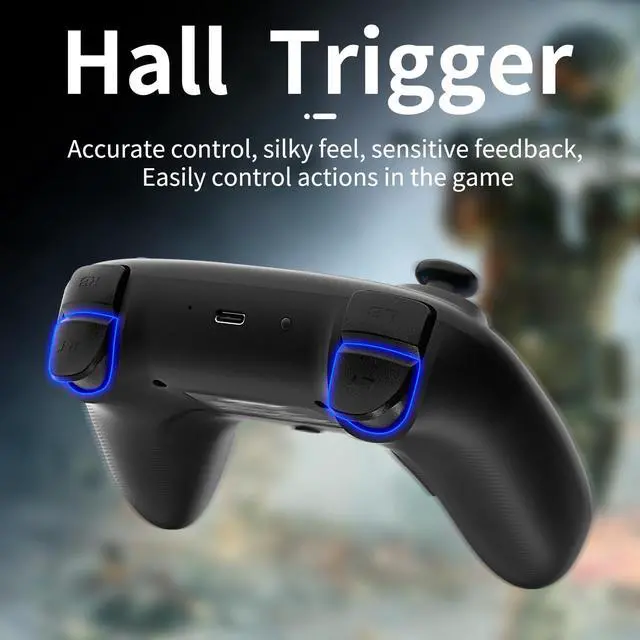
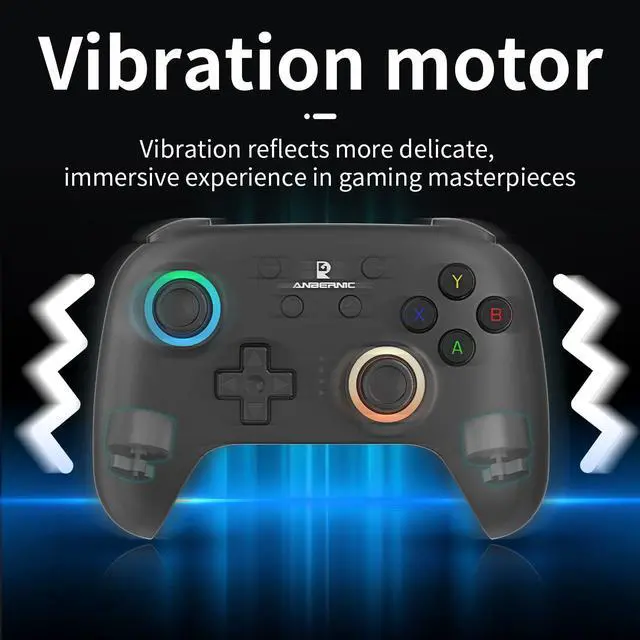
Compatibility and Connectivity RG P01 game controller is fully compatible with PC, Switch, Android (version 11.0 and above), and iOS devices. It offers versatile connection options, including wireless pairing via Bluetooth and a 2.4G receiver for PC. Simply press specified buttons to switch between different modes and connect to your device seamlessly
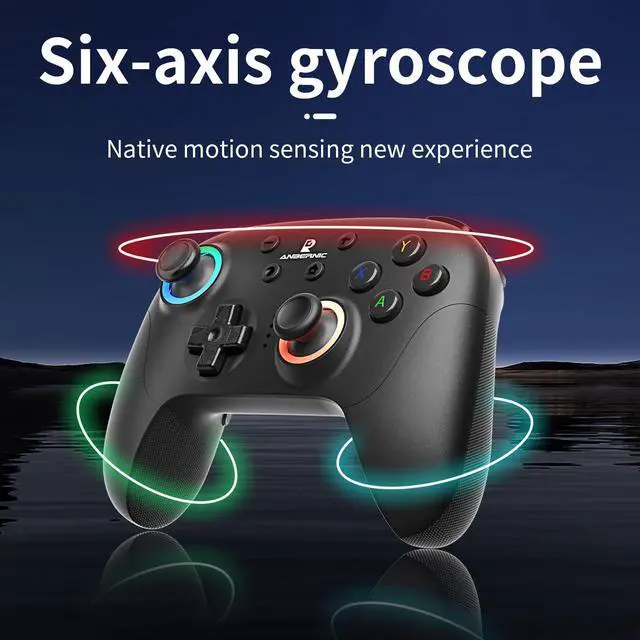
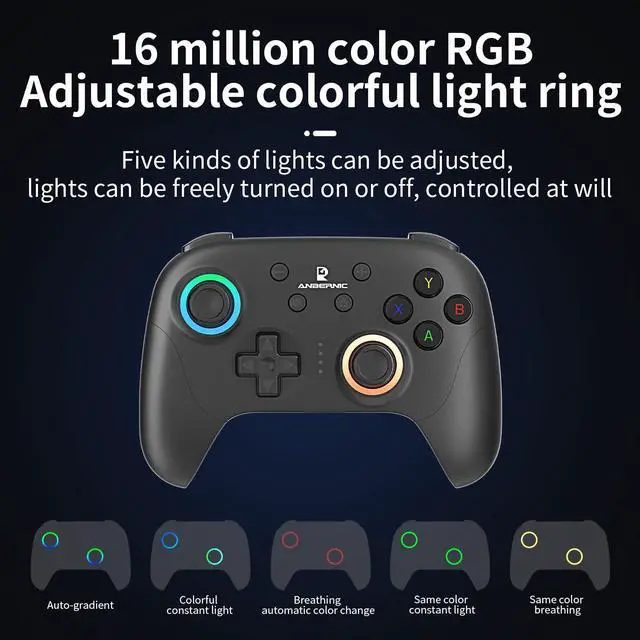
Parameter Adjustment and CustomizationExperience precise control with the gyroscope calibration feature, which can be easily activated by pressing Select + Home in sleep mode. Customize the joystick light mode to your preference with the R3 + CAP key combination, cycling through various lighting effects. Adjust rapid fire settings and speeds, as well as vibration intensity, using the TURBO key and joysticks
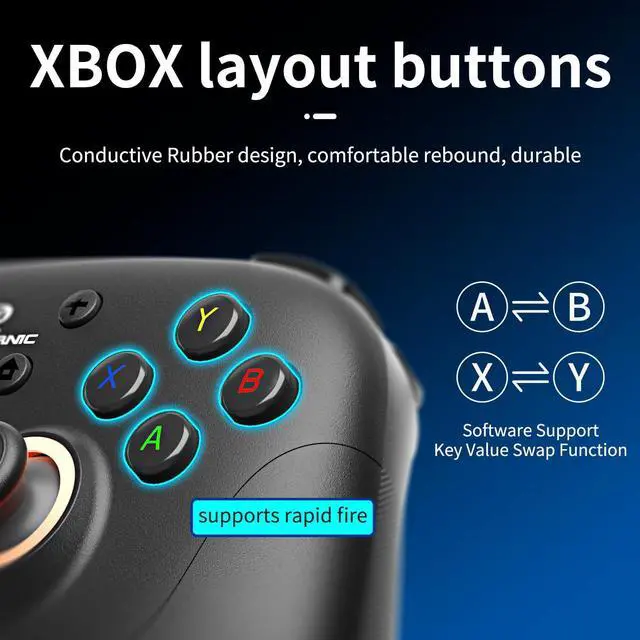
Layout Switching and Button Mapping RG P01 allows for flexible layout switching, enabling you to swap the key values of A and B, as well as X and Y, with the TURBO + Select combination. Macro programming mode lets you create custom button sequences for streamlined gameplay. Press M1 or M2 while holding down the buttons you wish to program, then finalize by pressing M1 or M2 again
Power Management and Sleep ModeThe controller features a built-in battery with convenient power management options. LED indicators display the current power status and charging progress. Automatically enter sleep mode after 5 minutes of inactivity to conserve battery life. Wake up the controller by pressing the HOME button
+
+
Overview
Specs
Reviews
Any questions? Our AI beta will help you find out quickly.
Try me now
Parameter Adjustment
Gyroscope calibration: When in sleep mode, press the Select + Home, and LED1-LED4 will flash up and down. Place the gamepad on a horizontal surface and press the Start key, and LED1-LED4 will all lighet up, and the calibration is complete.
Joystick light mode: R3 + CAP key can modify the joystick light mode, etc. rotate between the magic color automatic gradient mode, the light color constant light mode, the light breathing automatic color change mode, the light same color constant light mode, the light same color breathing mode, and the light off.
Rapid fire setting: First press and hold the button to set the rthen press and hold the TURBO key to enter semi-automatic rapid apid fire, fire, press again to enter fully automatic rapid fire, and press again to cancel the rapid fire.
Rapid fire level: TURBO + right joystick up and down can adjust the rapid fire speed.
Vibration level: TURBO + left joystick up and down can adjust the vibration intensity.
Layout switching: TURBO +Select can swap the key values of A an and the key values of X and Y keys. d B keys.
Parameter Adjustment
Gyroscope calibration: When in sleep mode, press the Select + Home, and LED1-LED4 will flash up and down. Place the gamepad on a horizontal surface and press the Start key, and LED1-LED4 will all lighet up, and the calibration is complete.
Joystick light mode: R3 + CAP key can modify the joystick light mode, etc. rotate between the magic color automatic gradient mode, the light color constant light mode, the light breathing automatic color change mode, the light same color constant light mode, the light same color breathing mode, and the light off.
Rapid fire setting: First press and hold the button to set the rthen press and hold the TURBO key to enter semi-automatic rapid apid fire, fire, press again to enter fully automatic rapid fire, and press again to cancel the rapid fire.
Rapid fire level: TURBO + right joystick up and down can adjust the rapid fire speed.
Vibration level: TURBO + left joystick up and down can adjust the vibration intensity.
Layout switching: TURBO +Select can swap the key values of A an and the key values of X and Y keys. d B keys.
RG P01 Wireless Gaming Controller Compatible with Switch Game Controllers RG P01 2.4G Controller Gamepad for Bluetooth/PC/Steam/iOS/Android/Switch Hall Effect RGB Lights
Learn more about the Generic Brand BRT-RG P01
Model
Brand
Doriteney
Model
BRT-RG P01
Details
Color
Black
Type
Gamepad
System Requirement
android, ios, nintendo_switch, windows
Features
Features
, Gamepad, Wireless
Additional Information
First Listed on Newegg
March 17, 2026
Customer Reviews of the Generic Brand BRT-RG P01
There are no reviews yet.
Do you own this product?
Warranty & Returns
Warranty, Returns, And Additional Information
Warranty
Please contact the Seller directly for warranty information. Warranty information may also be found on the Manufacturer's website.