






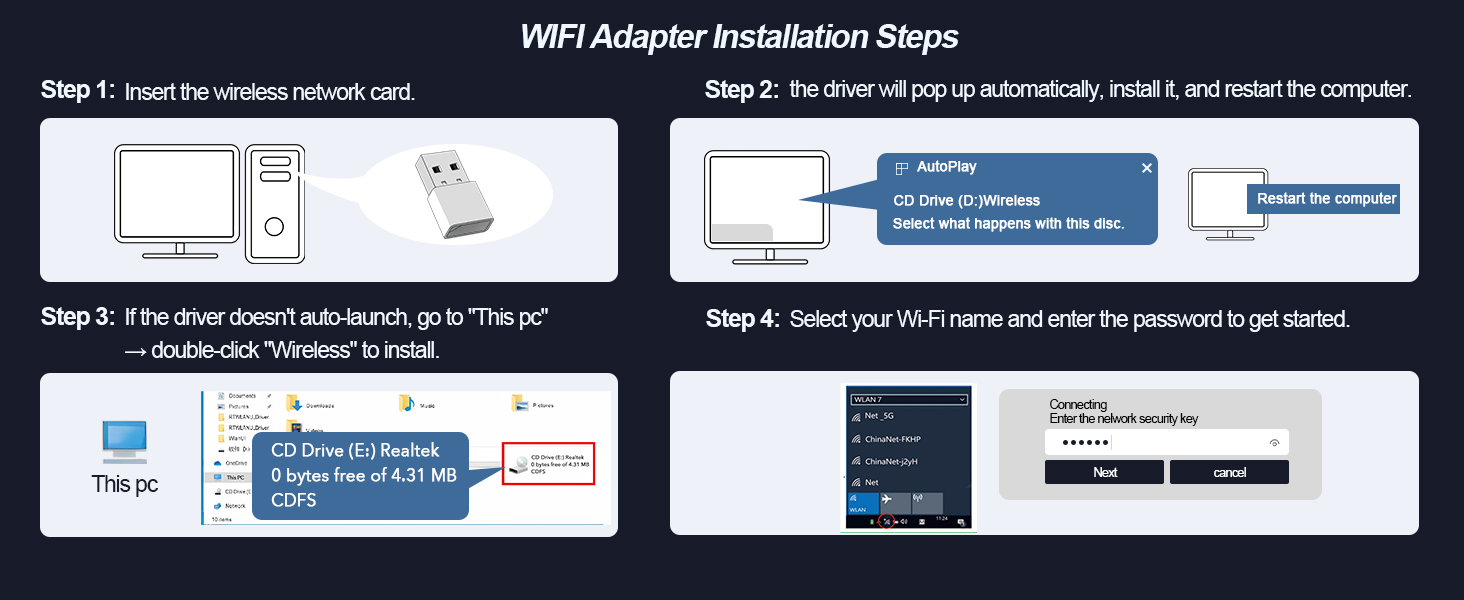
Is the WiFi adapter truly plug-and-play? Do I need drivers
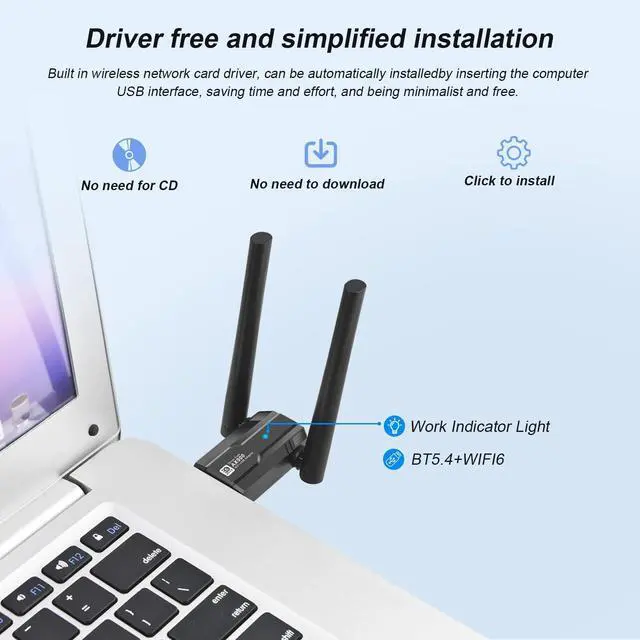
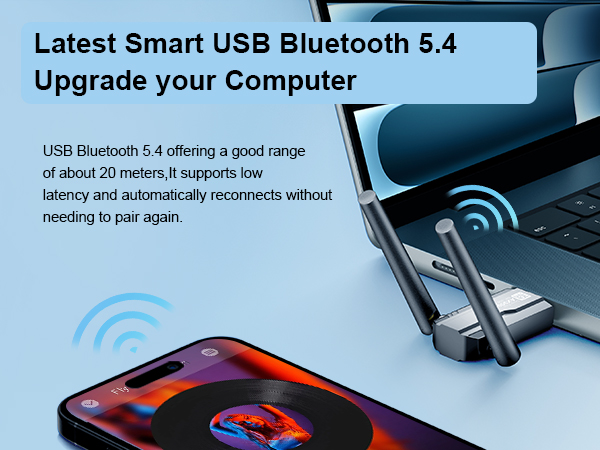
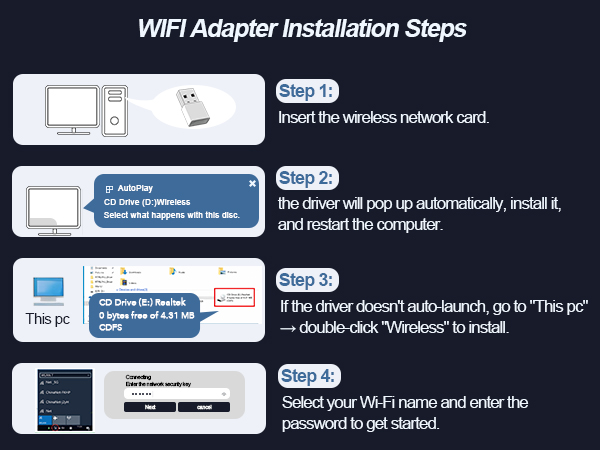
Instant Setup: Built-in drivers mean plug-and-play convenience—just insert the adapter, click the auto-launched installer, and you’re online in seconds! No Re-Pairing Hassle: Connects automatically after the first setup.
After installing the WiFi driver, why aren't WiFi and Bluetooth working?
First, check if you already installed the WiFi driver. If so, uninstall it, restart your computer, then install a fresh driver. Also, check if you're using Windows 10 or 11. If not, update Windows before installing.
Why doesn’t the Bluetooth feature show up on my PC?
1.Open Device Manager ? Disable your PC’s built-in Bluetooth.
2. reboot and insert our adapter
3.Go to My Computer > install the driver from USB adapter > then add your Bluetooth device.
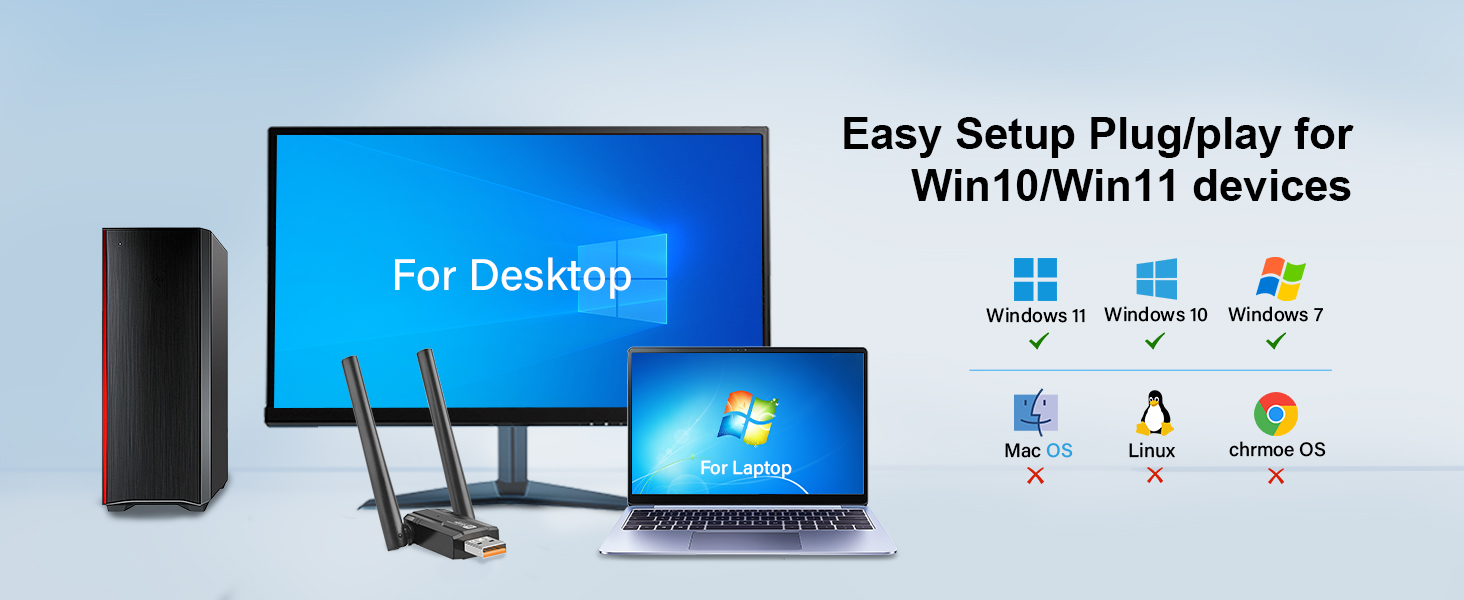
What operating systems are compatible with the WiFi adapter?
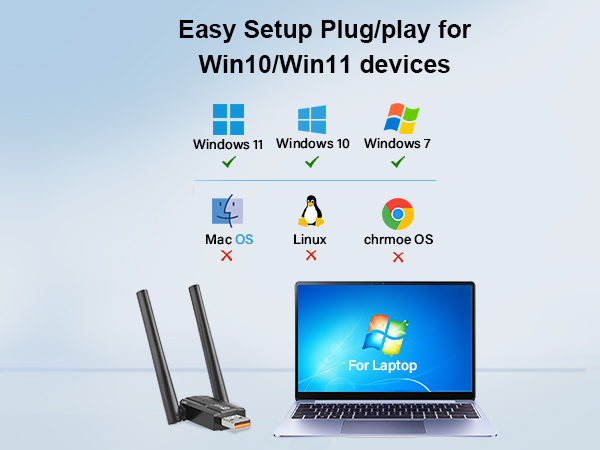
WiFi 6 adapter Only supports Windows 10/11/7 which CPU architecture is X86/X64.
NOT support MacOS/Linux/TV/Chrmoe OS/Windows 8/8.1/XP, etc.,Bluetooth function only supports system win10/11.
"Will installing the WiFi driver mess with my PC? Nope!
No tech tantrums, no sketchy data (I’m Fort Knox-level secure!). "I’m just here to plug-and-play, runs invisible. Zero lag for streaming, gaming, browsing."
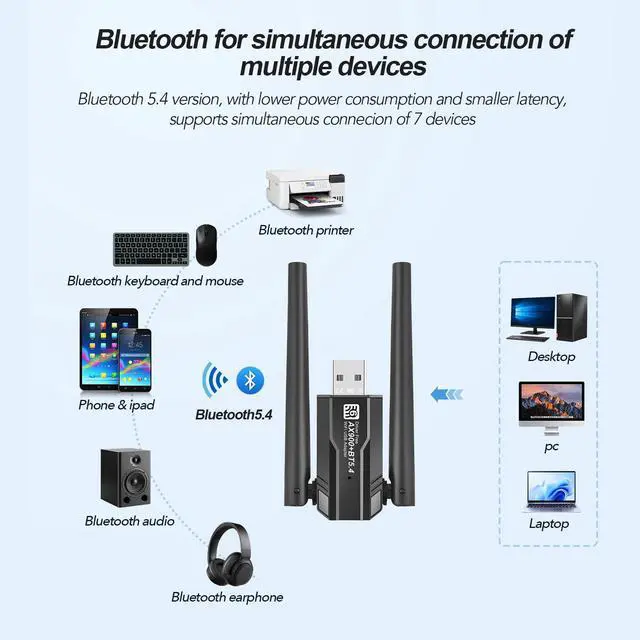
Solving Bluetooth connection problems
Please Disable your PC's built-in Bluetooth before using the adapter
1. Disable Existing Bluetooth
Open via Win+X ? Device Manager. In Device Manager, expand Bluetooth.Right-click Bluetooth adapters ? Disable.
2. Turn on Bluetooth on your device ?Double-click the icon {Bluetooth} status bar of thecomputer, click icon [+], then click {Bluetooth} to enter the Bluetooth devices list.
3. Find the device name in the list and click “Connect
Solving Bluetooth connection problems
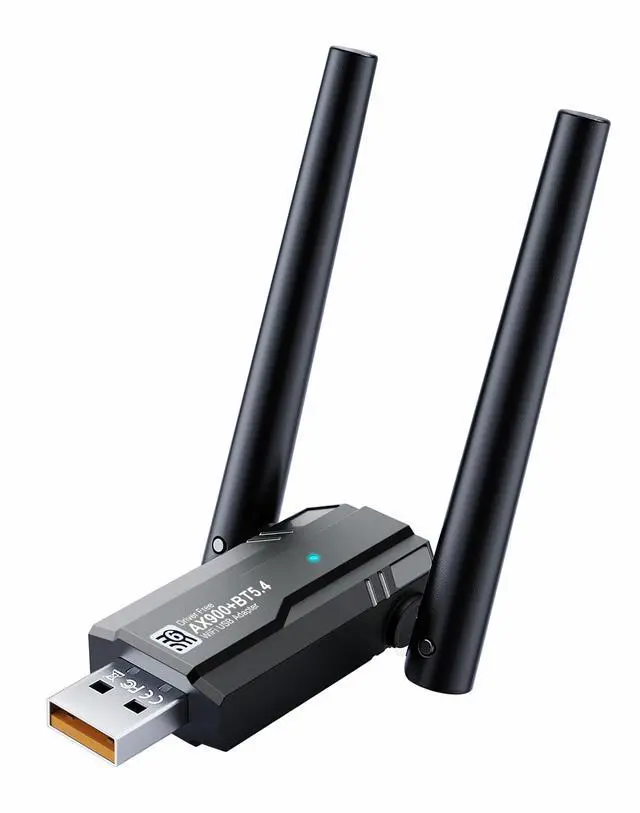
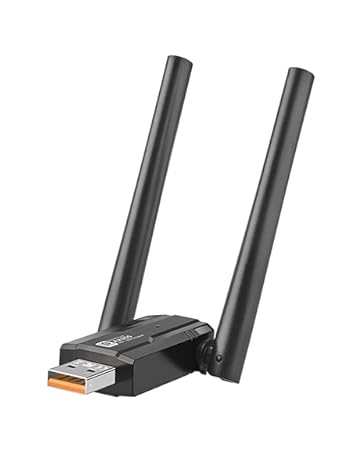
Merchant VideoSmart WIFI and Bluetooth USB adapter with chip upgrade for more stability
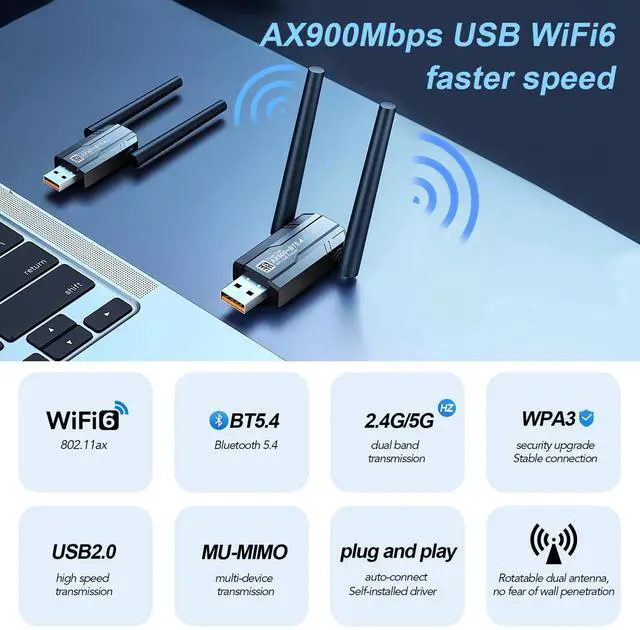
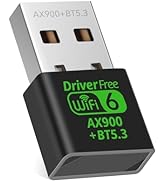
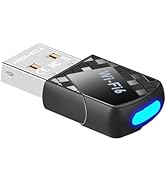
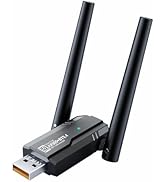
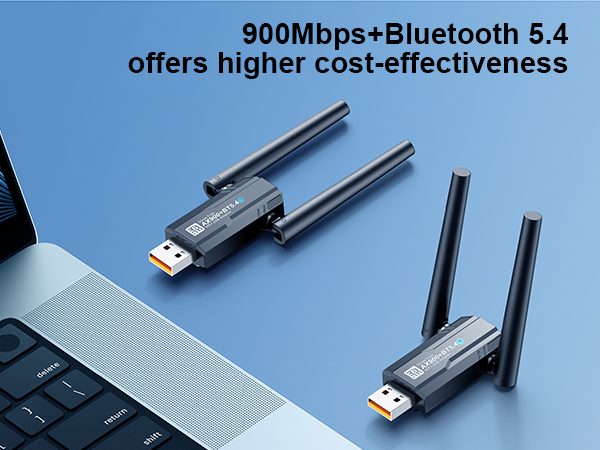
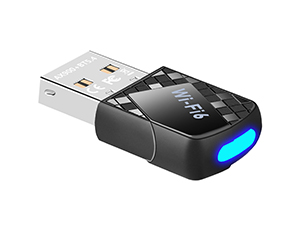 Upgraded WiFi 6 Bluetooth 5.4 | 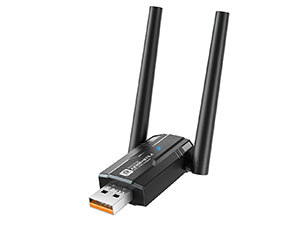 Upgraded WiFi 6 Bluetooth 5.4 | 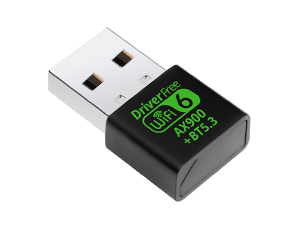 Chip upgrade WiFi 6 Bluetooth |
|---|---|---|
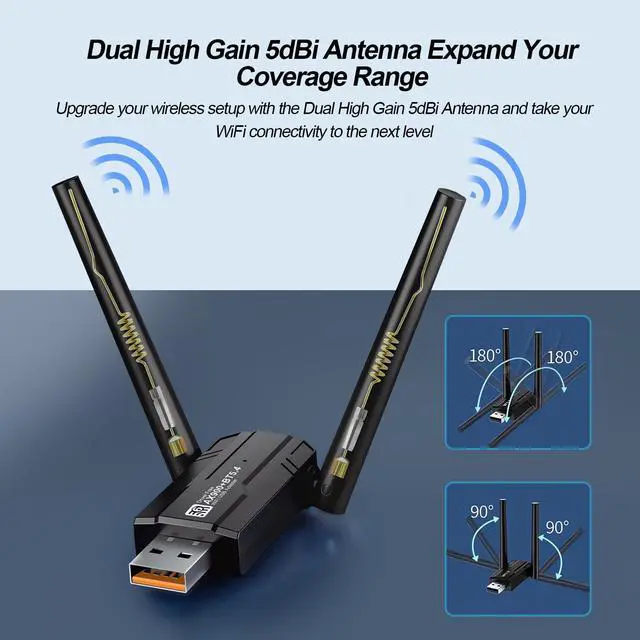
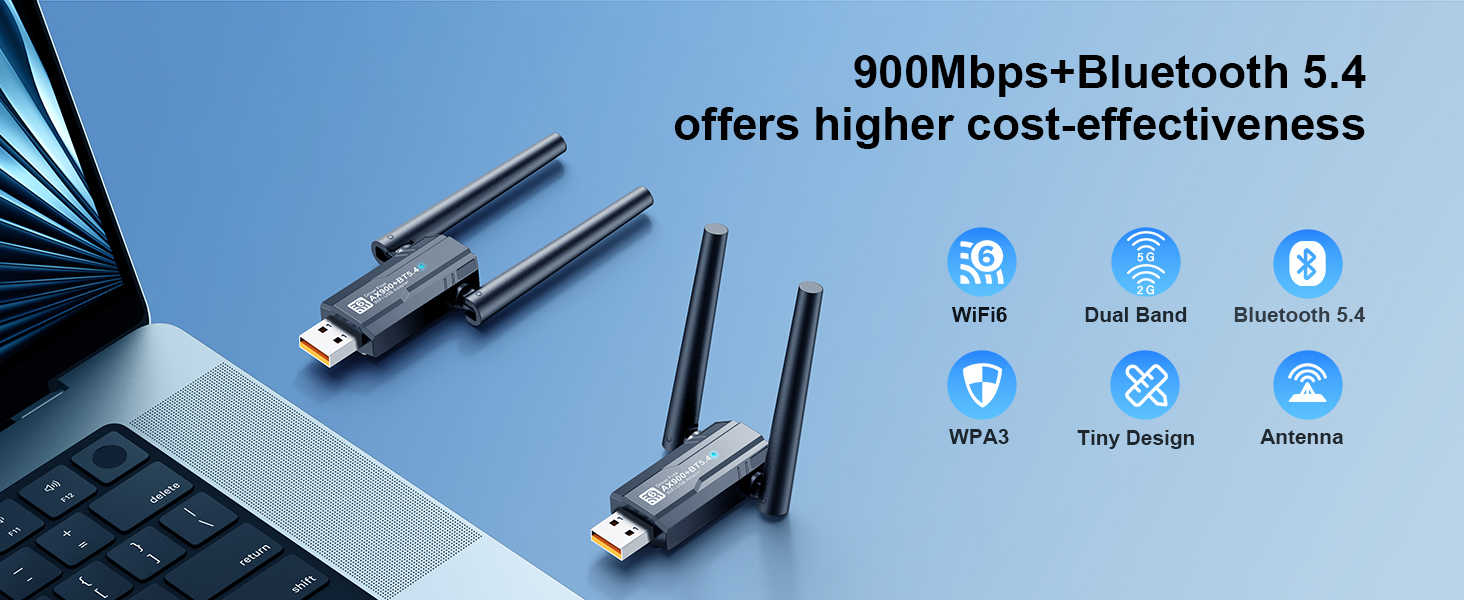
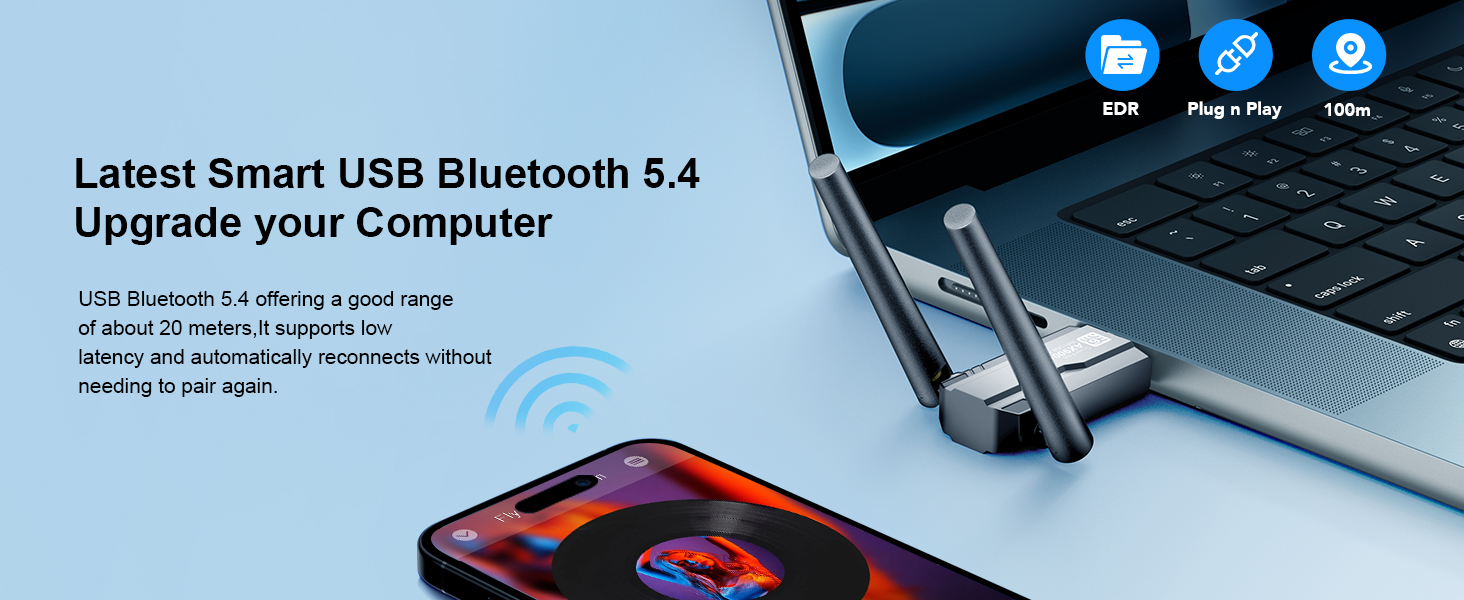
Dual Band AX900Mbps and BT5.4 Built-in dual high gain 2dBi antennas | Dual Band AX900Mbps and BT5.4 Dual High Gain 5dBi Antenna Expand YourCoverage Range | Dual Band AX900Mbps and BT5.3 Wireless transmit power up to 20dBm (MAX EIRP) |
System Compatibility Only for Windows11 10 7 | System Compatibility Only for Windows11 10 7 | System Compatibility Only for Windows11 10 |
WiFi Signal Coverage General Chip, Up to 55 Meters | WiFi Signal Coverage General Chip, Up to 80 Meters | WiFi Signal Coverage Upgraded chip, up to 100 meters |
Plug n Play for Windows OS Plug n Play for Win 11 10 | Plug n Play for Windows OS Plug n Play for Win 11 10 | Plug n Play for Windows OS Plug n Play for Win 11 10 |


Is the WiFi adapter truly plug-and-play? Do I need drivers
Instant Setup: Built-in drivers mean plug-and-play convenience—just insert the adapter, click the auto-launched installer, and you’re online in seconds! No Re-Pairing Hassle: Connects automatically after the first setup.
After installing the WiFi driver, why aren't WiFi and Bluetooth working?
First, check if you already installed the WiFi driver. If so, uninstall it, restart your computer, then install a fresh driver. Also, check if you're using Windows 10 or 11. If not, update Windows before installing.
Why doesn’t the Bluetooth feature show up on my PC?
1.Open Device Manager ? Disable your PC’s built-in Bluetooth.
2. reboot and insert our adapter
3.Go to My Computer > install the driver from USB adapter > then add your Bluetooth device.
What operating systems are compatible with the WiFi adapter?
WiFi 6 adapter Only supports Windows 10/11/7 which CPU architecture is X86/X64.
NOT support MacOS/Linux/TV/Chrmoe OS/Windows 8/8.1/XP, etc.,Bluetooth function only supports system win10/11.
"Will installing the WiFi driver mess with my PC? Nope!
No tech tantrums, no sketchy data (I’m Fort Knox-level secure!). "I’m just here to plug-and-play, runs invisible. Zero lag for streaming, gaming, browsing."
Solving Bluetooth connection problems
Merchant VideoSolving Bluetooth connection problems
Please Disable your PC's built-in Bluetooth before using the adapter
1. Disable Existing Bluetooth
Open via Win+X ? Device Manager. In Device Manager, expand Bluetooth.Right-click Bluetooth adapters ? Disable.
2. Turn on Bluetooth on your device ?Double-click the icon {Bluetooth} status bar of thecomputer, click icon [+], then click {Bluetooth} to enter the Bluetooth devices list.
3. Find the device name in the list and click “Connect
Smart WIFI and Bluetooth USB adapter with chip upgrade for more stability
At DragoBud, we combine technological innovation with user-centric design, delivering high-quality products and thoughtful service to empower your digital life. Choose DragoBud for simpler, more efficient wireless connectivity!
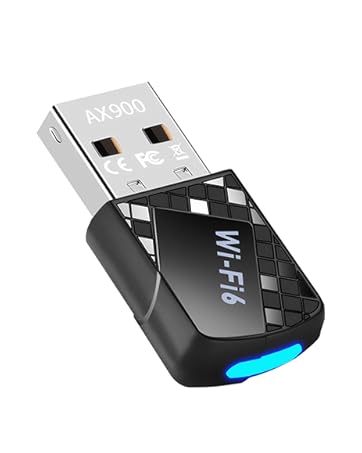
USB WiFi Adapter for PC
