





voice ai wireless mouse for mac
wireless mouse battery powered
Merchant Video


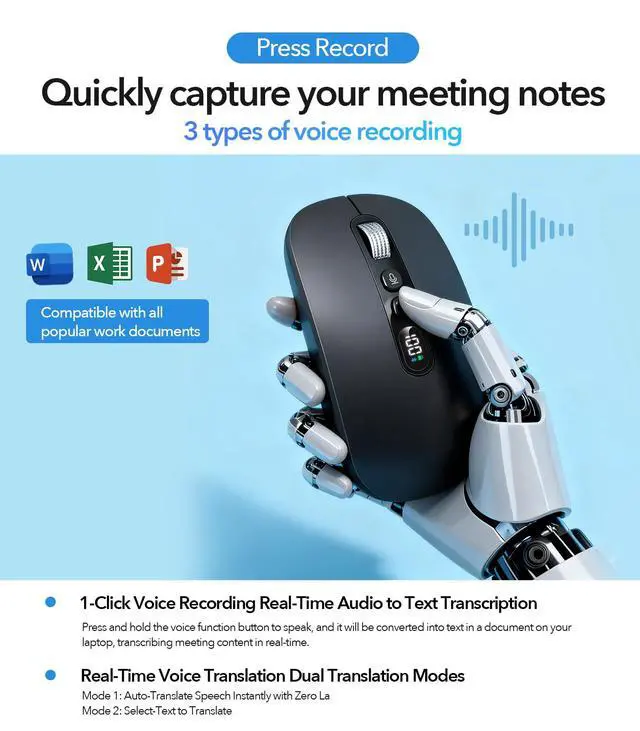
Al Voice Recorder
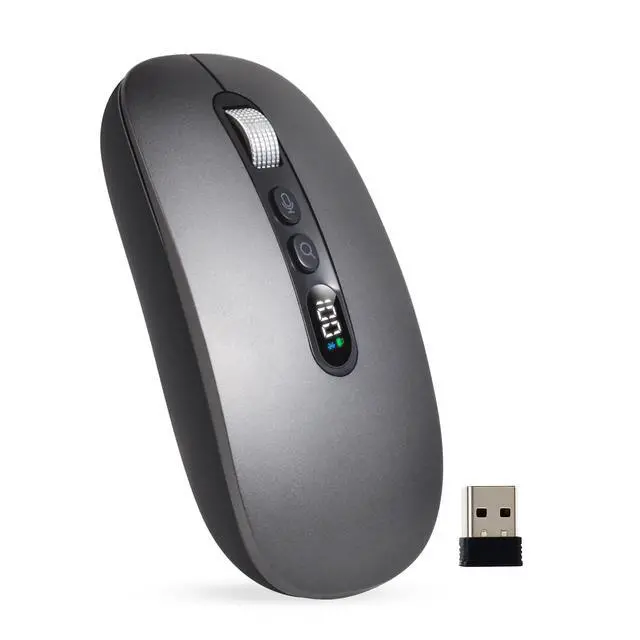
- AI Voice Key: One-click recording with responsive voice capture for instant text conversion.
- AI Translate Key: Press the translate key for real-time translation across 200+ languages. Speak and see translated text instantly, making cross-lingual communication.
- AI Search Key: Highlight text and press this key. The mouse's integrated AI engine can instantly analyze, summarize, or search the web to provide concise information and answers, making it a powerful tool for research and study.

Steps on how to use the Al Mouse via 2.4G connection
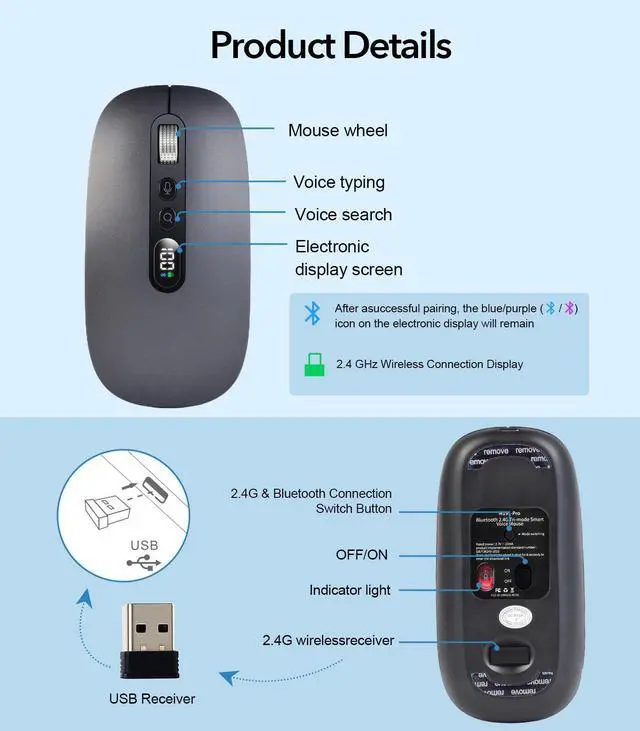
Step 1: Plug the USB receiver into your computer
Step 2: Download MicLink AI software and install it.(The manual contains download links.)
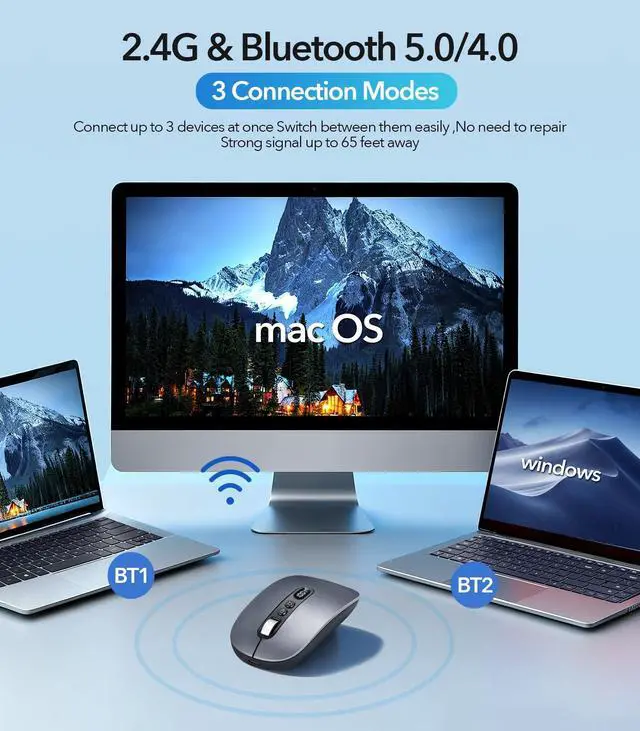
Step 3: Turn the mouse on with the bottom switch ON/OFF, then press the Mode Switching button for 2.4G connection
Step 4: Set up MicLink to tailor AI to better suit your usage habits
After installing MicLink, if the icon appears gray, it means it's not connected yet. Turn on the mouse's ON switch to connect. If green, that means you're successfully connected


voice ai wireless mouse for mac
wireless mouse battery powered
Merchant Video


Al Voice Recorder
- AI Voice Key: One-click recording with responsive voice capture for instant text conversion.
- AI Translate Key: Press the translate key for real-time translation across 200+ languages. Speak and see translated text instantly, making cross-lingual communication.
- AI Search Key: Highlight text and press this key. The mouse's integrated AI engine can instantly analyze, summarize, or search the web to provide concise information and answers, making it a powerful tool for research and study.
Steps on how to use the Al Mouse via 2.4G connection
Step 1: Plug the USB receiver into your computer
Step 2: Download MicLink AI software and install it.(The manual contains download links.)
Step 3: Turn the mouse on with the bottom switch ON/OFF, then press the Mode Switching button for 2.4G connection
Step 4: Set up MicLink to tailor AI to better suit your usage habits
After installing MicLink, if the icon appears gray, it means it's not connected yet. Turn on the mouse's ON switch to connect. If green, that means you're successfully connected

