here!
here!
I’m your shopping assistant for PC builds, upgrades, and everything tech.
Got questions? Ask away!
Start a conversation
here!
I’m your shopping assistant for PC builds, upgrades, and everything tech.
Got questions? Ask away!
Start a conversation



Any questions? Ask CelesteSM will help you find out quickly.
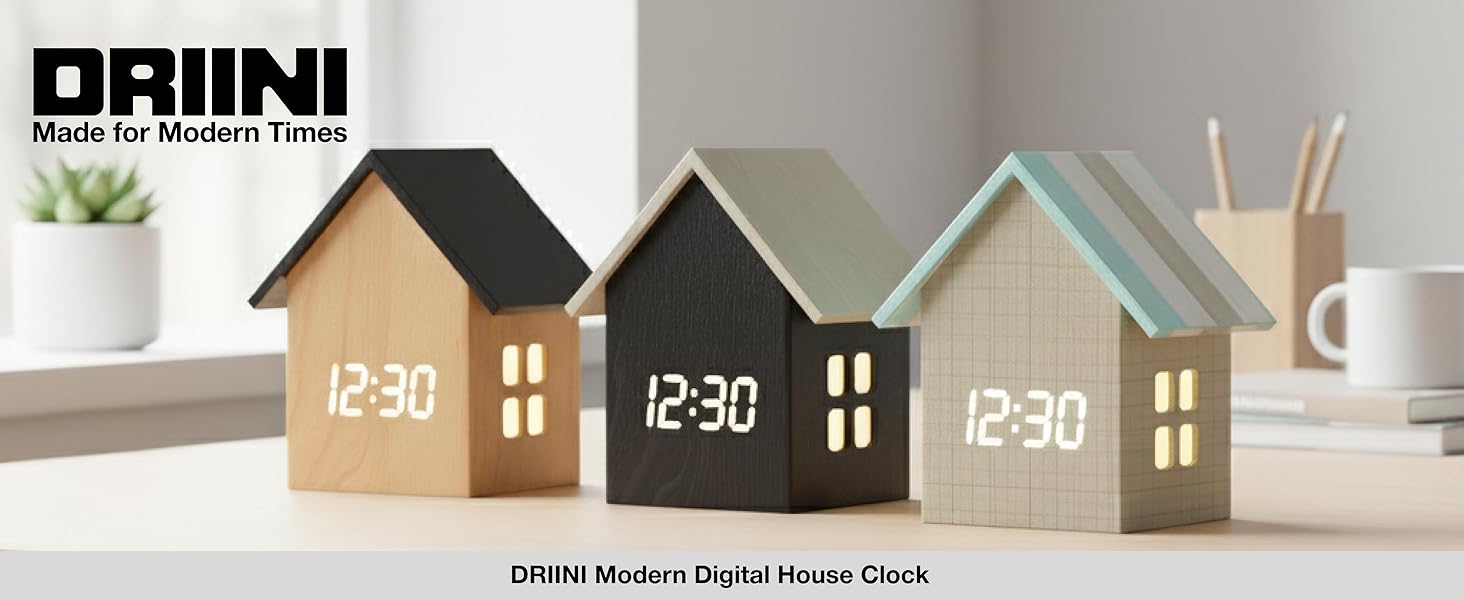
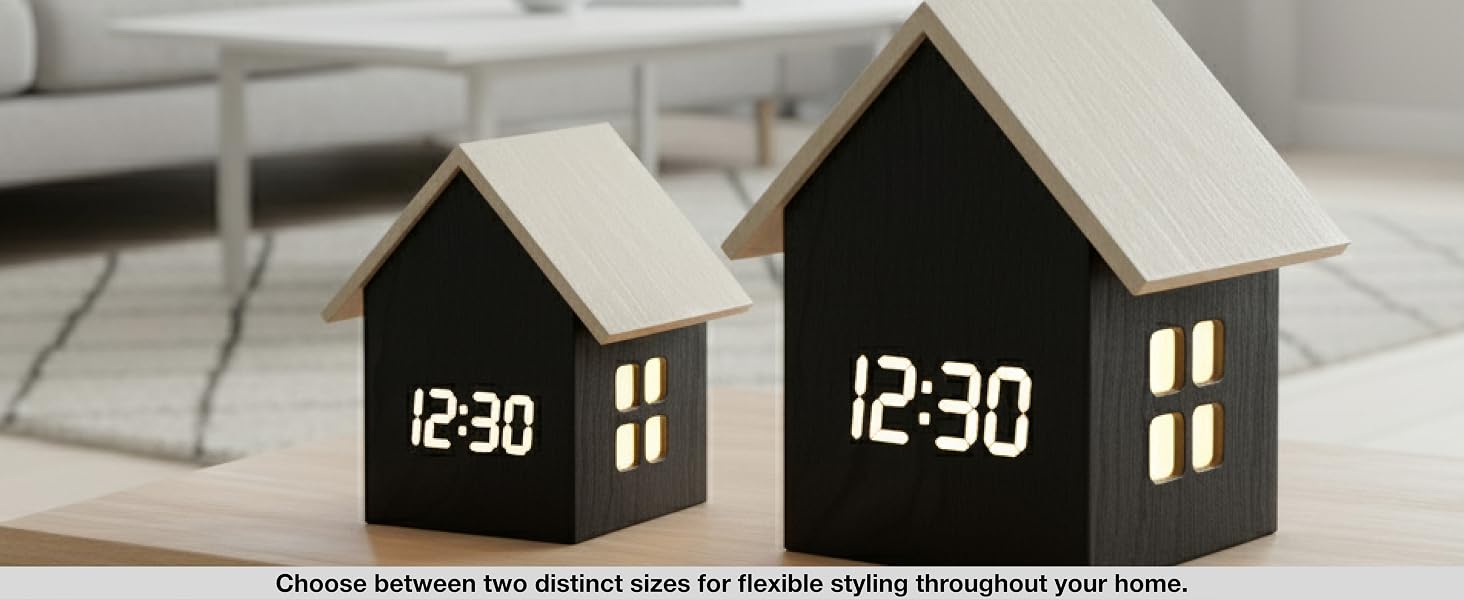
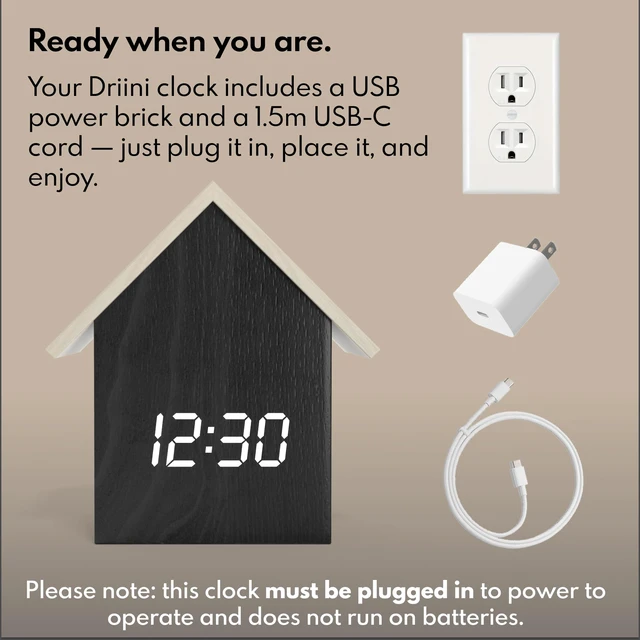
How do I power the clock?
It must be plugged in via the included USB power cable and adapter. There is NO battery function.
How to set the time?
1. Hold TIME button, use the wheel to set the hour 2. Press TIME again to set the minute 3. Press TIME again to toggle 12/24 hr 4. Press TIME a final time to exit.
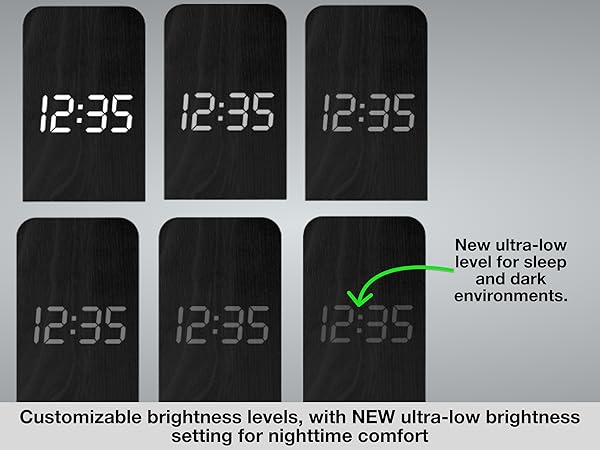
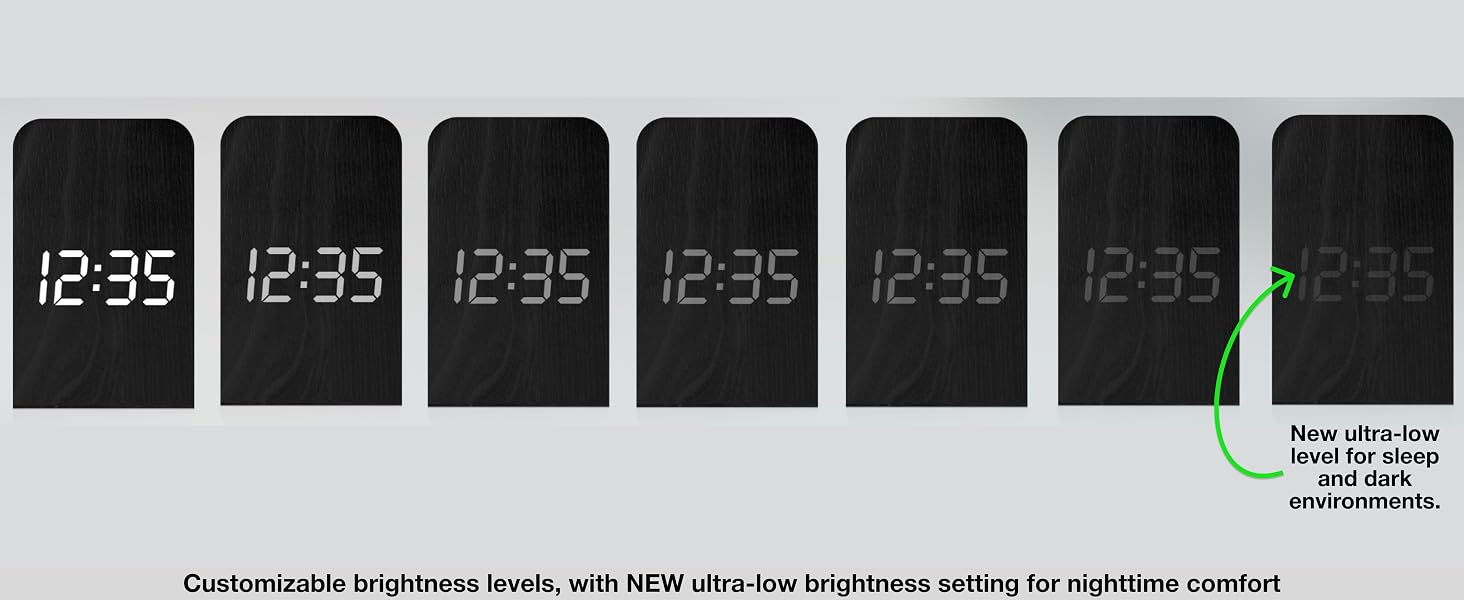
How do I adjust the brightness?
Scroll left and right with the adjustment wheel.
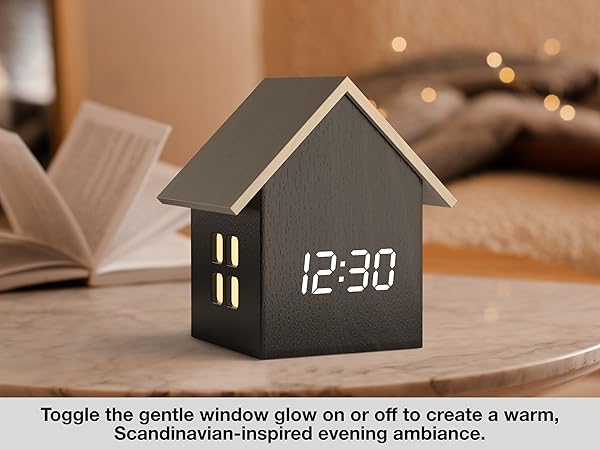
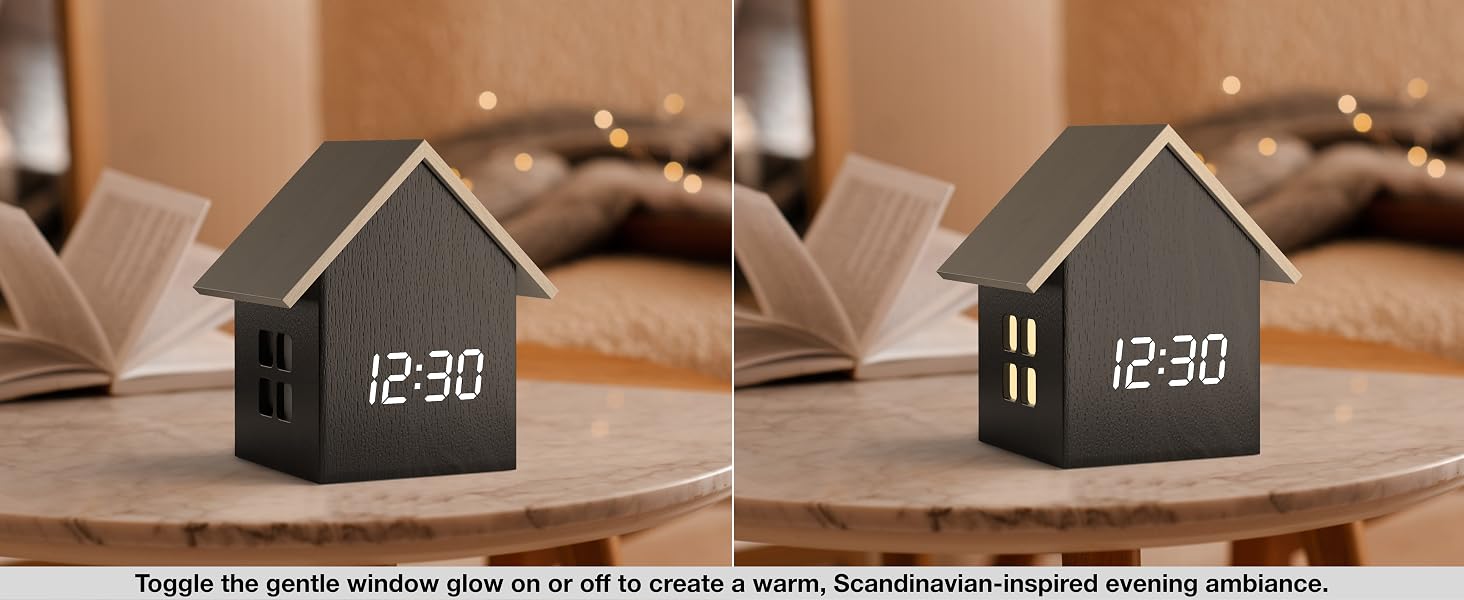
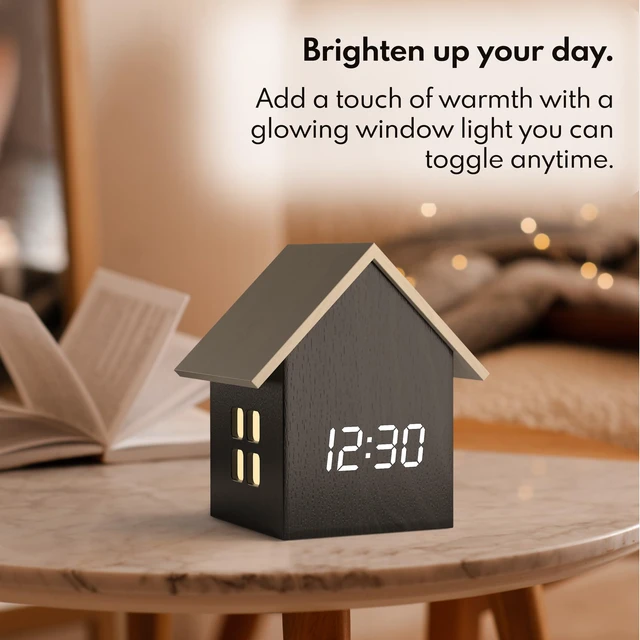
How do I turn the house light on/off?
Press ENTER (do not hold).
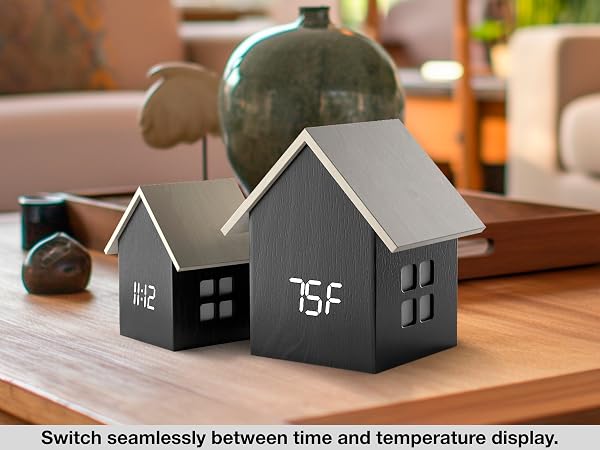
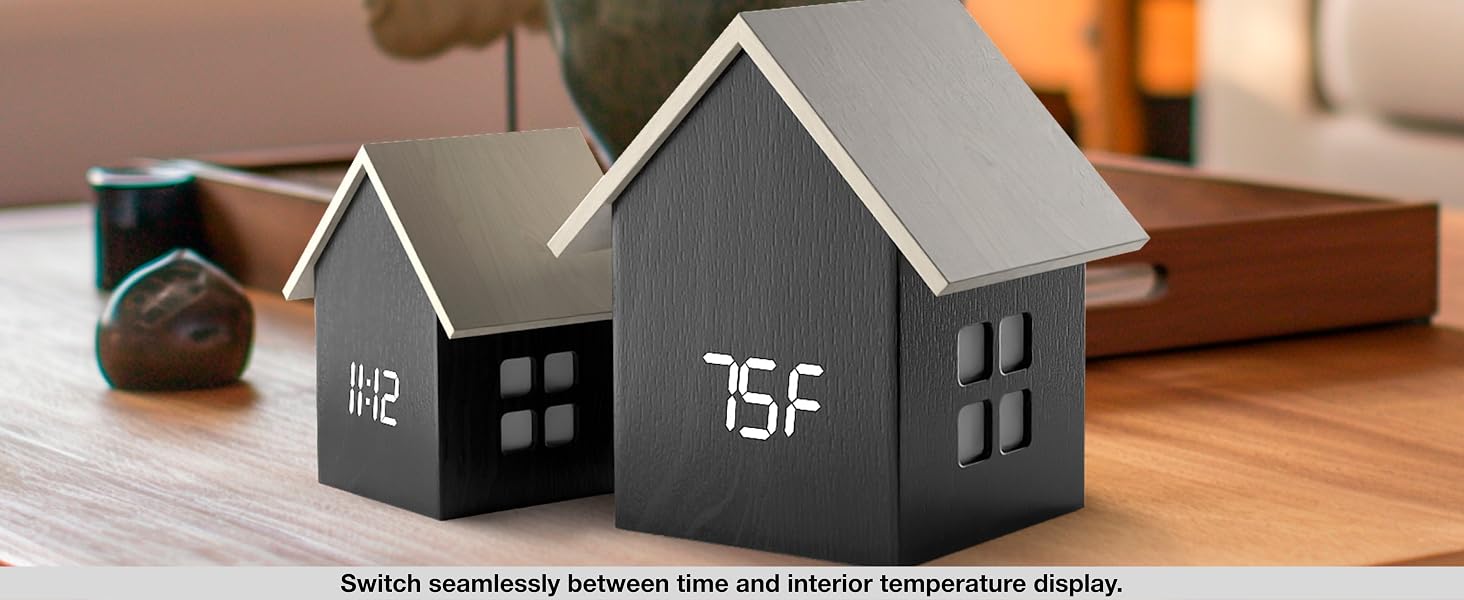
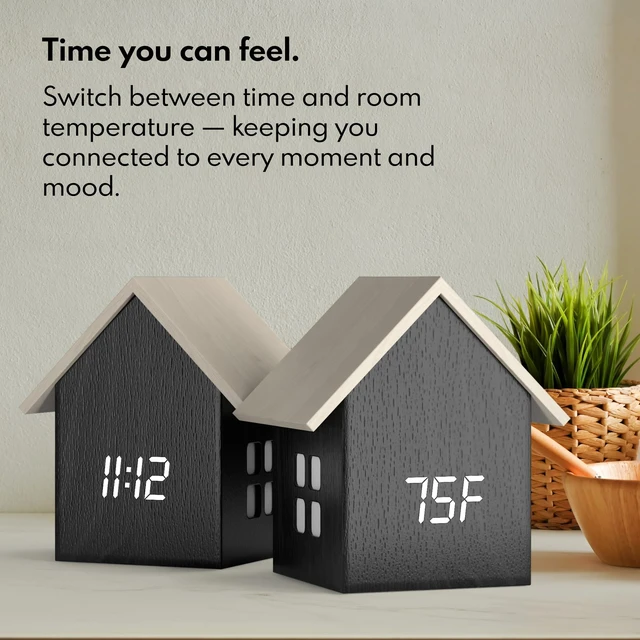
How do I toggle between temperature and time?
Press TIME (do not hold).


Welcome to Driini, your destination for exclusive, premium desk and wall clocks. Founded in 2017 and based in Canada, Driini was born from a passion for creating unique and modern timepieces at affordable prices. Our curated collection of modern clocks are designed to bring elegance to any living space. Whether it's for your office, kitchen, or bedroom, a Driini Clock adds a modern touch to any living space.
Driini. Made for Modern Times.
Choose us for unique aesthetics, minimalist simplicity, and no-nonsense function
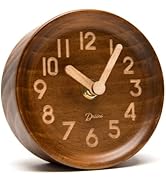
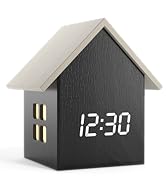
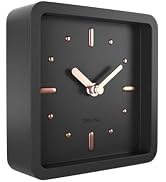
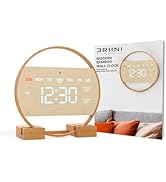
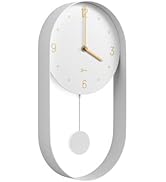
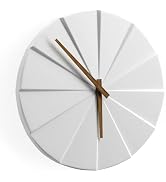
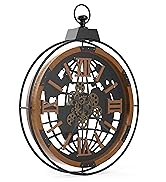
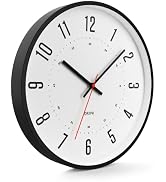

Welcome to Driini, your destination for exclusive, premium desk and wall clocks. Founded in 2017 and based in Canada, Driini was born from a passion for creating unique and modern timepieces at affordable prices. Our curated collection of modern clocks are designed to bring elegance to any living space. Whether it's for your office, kitchen, or bedroom, a Driini Clock adds a modern touch to any living space.
Driini. Made for Modern Times.
Choose us for unique aesthetics, minimalist simplicity, and no-nonsense function
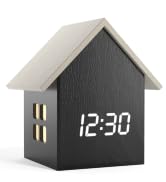
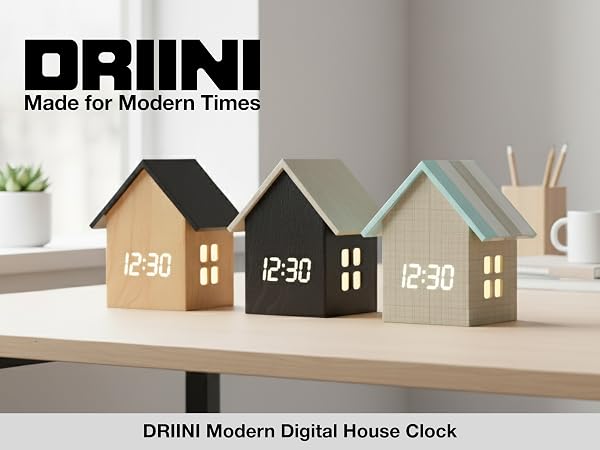
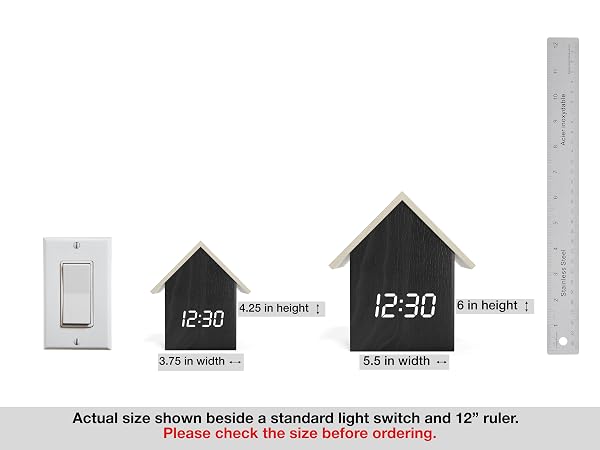
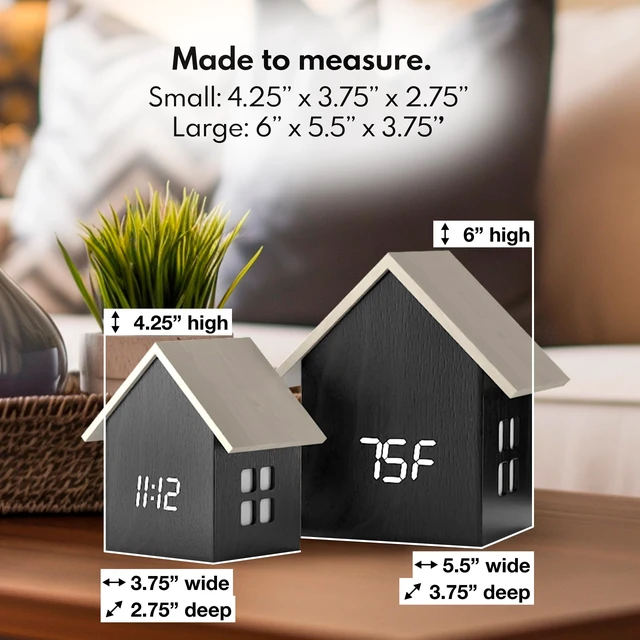
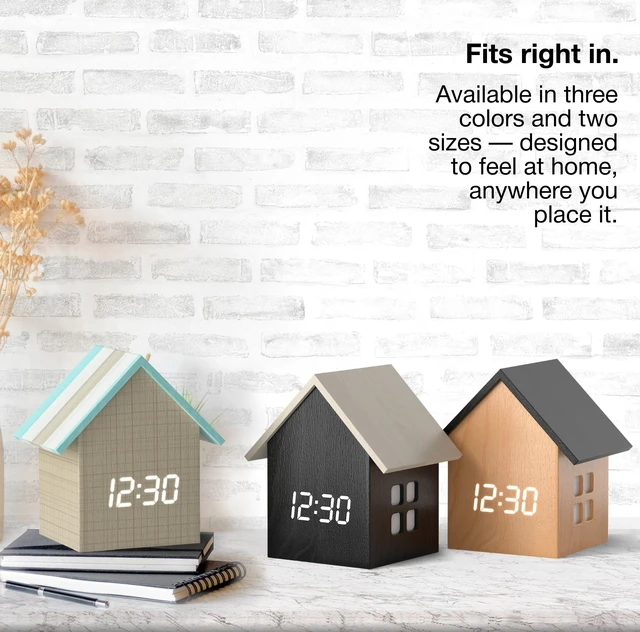
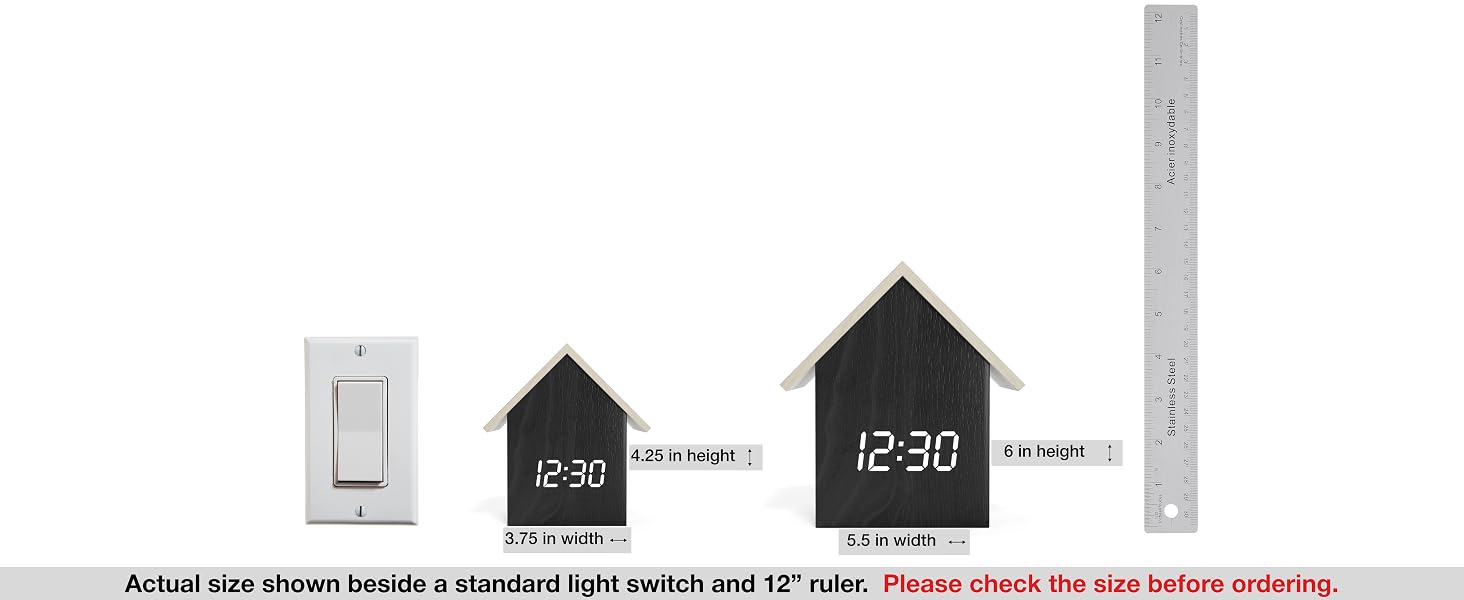
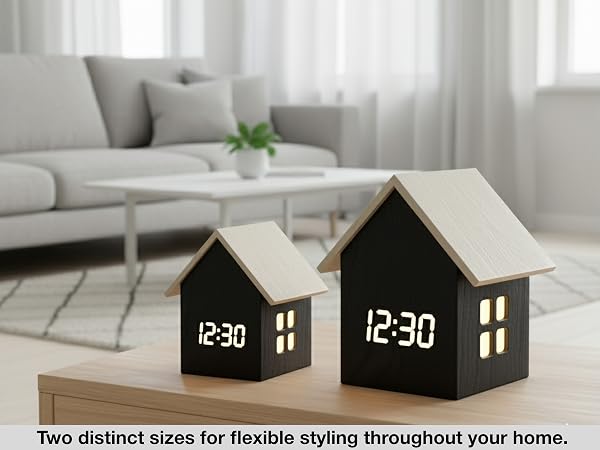
| Dimensions (Small): | 4.25'' H x 3.75" L x 2.75'' W. Please note; this is a SMALL clock. See detailed scale diagram below for reference. |
|---|---|
| Dimensions (Large): | 6" H × 5.5" L × 3.75" W. See detailed scale diagram below for reference. |
| Power Requirements: | Powered via included USB-C power cord, and included USB power brick. Requires wall outlet or USB port. Please note, these clocks are NOT BATTERY OPERATED. |
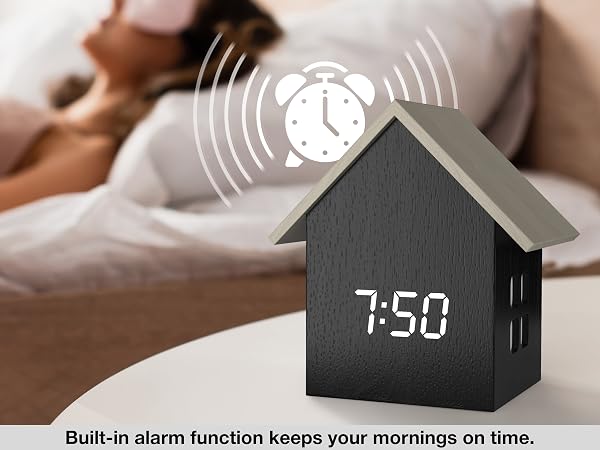
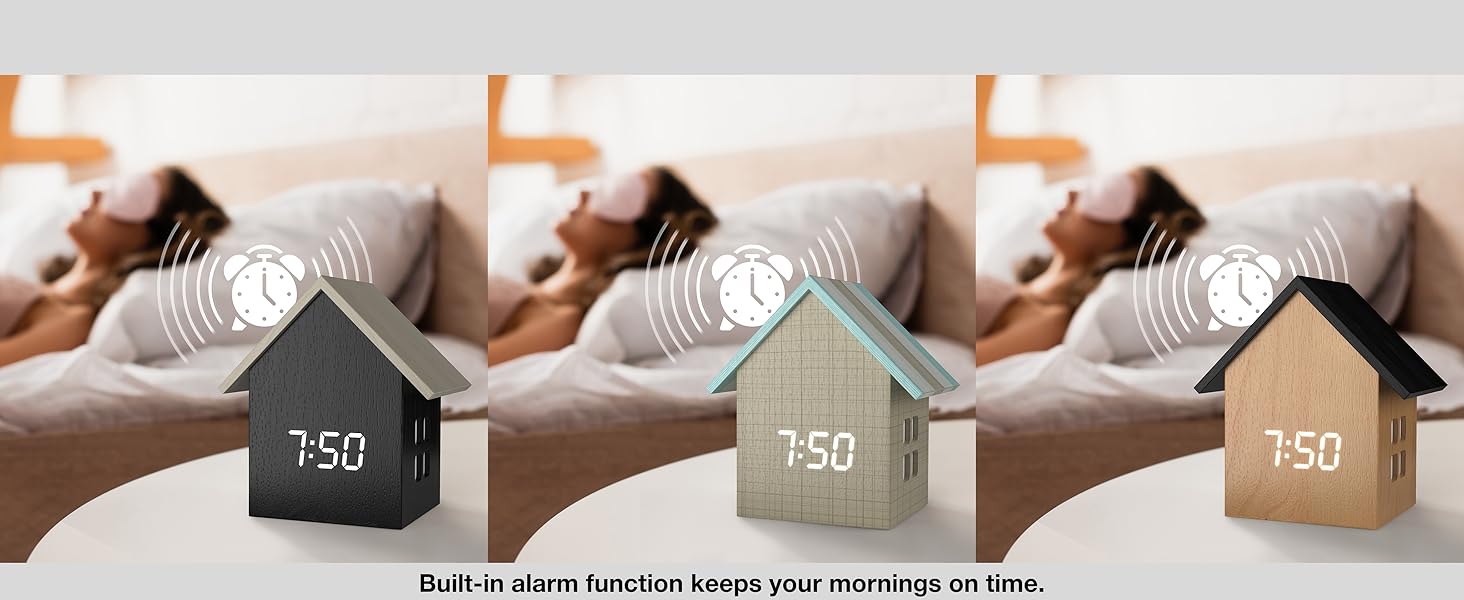
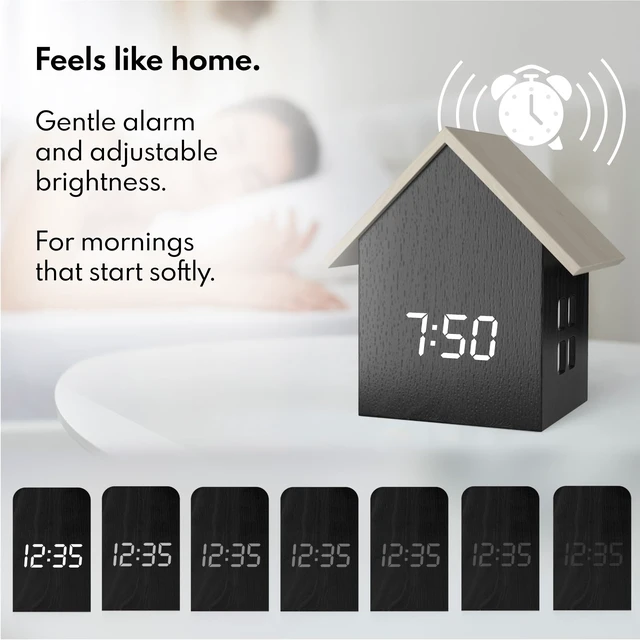
| Functions: | Time, temperature, alarm, adjustable brightness, toggleable window night light. |
| Alarm Type: | Beep alarm with snooze function. |
| Display: | LED digital display with adjustable brightness. |
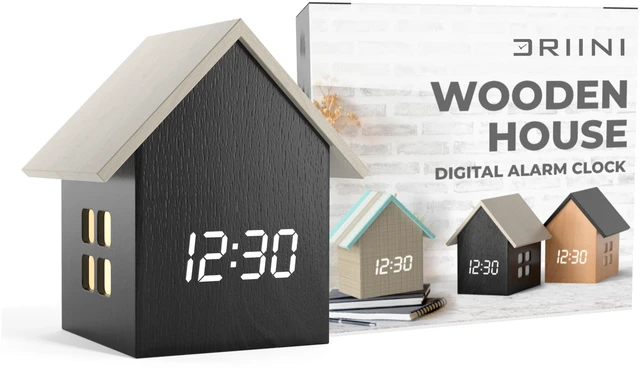
| Whats in the box? | Digital House Clock, 1.5 m USB-C cable, power brick, and instruction manual. |
How do I power the clock?
It must be plugged in via the included USB power cable and adapter. There is NO battery function.
How to set the time?
1. Hold TIME button, use the wheel to set the hour 2. Press TIME again to set the minute 3. Press TIME again to toggle 12/24 hr 4. Press TIME a final time to exit.
How do I adjust the brightness?
Scroll left and right with the adjustment wheel.
How do I turn the house light on/off?
Press ENTER (do not hold).
How do I toggle between temperature and time?
Press TIME (do not hold).