



Small USB Computer speaker with Bluetooth Connection
Plug-N-Play PC Mode:
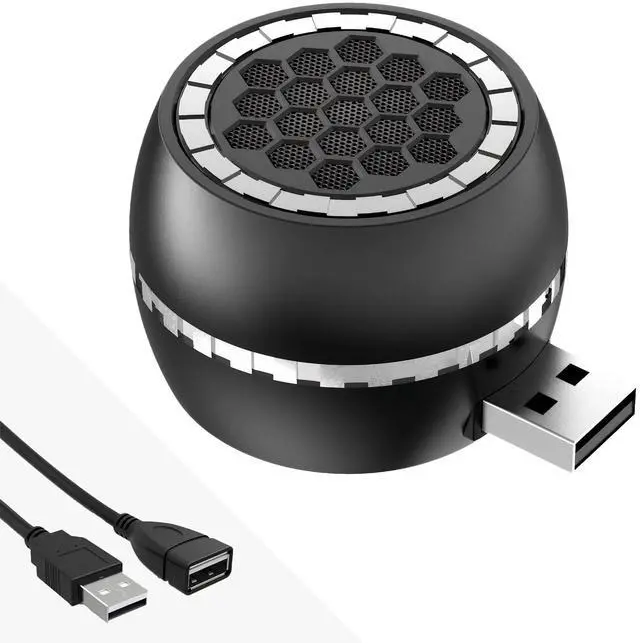
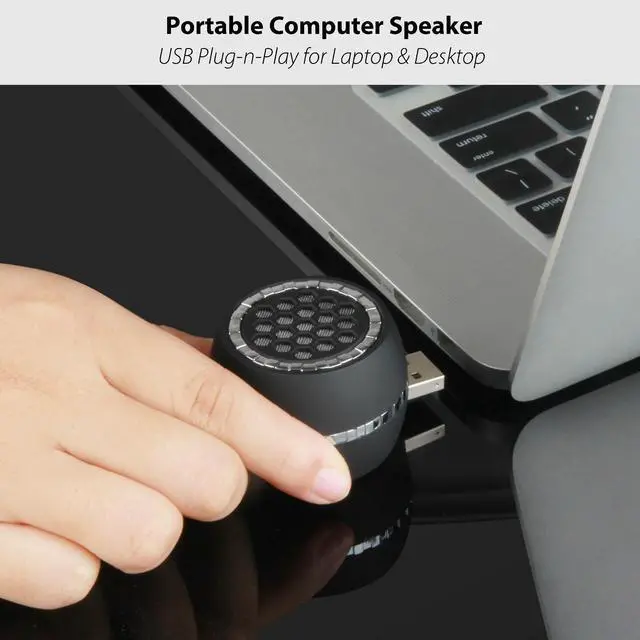
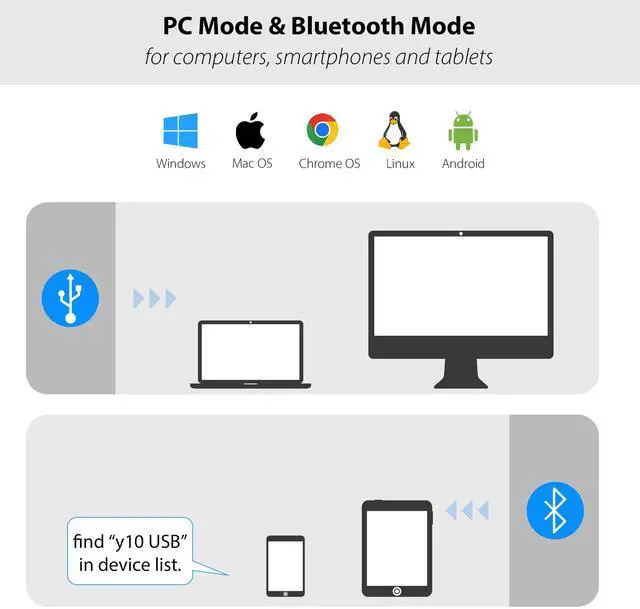
This mini portable computer speaker features a USB plug for instantly using. Simply connect it to your PC’s USB port — no drivers, no setup, and no battery worries.
Stable Bluetooth Mode:
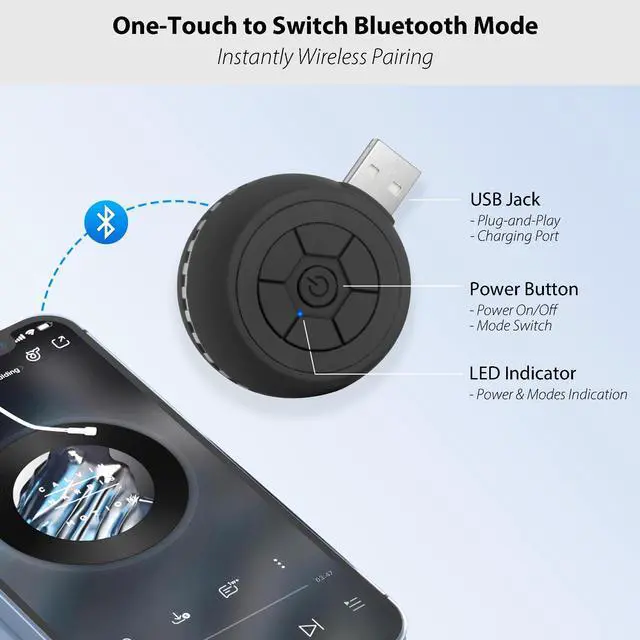
It also functions as a portable Bluetooth speaker, simply press the power button to switch to Bluetooth mode, then select “y10 USB” in your device’s Bluetooth settings to pair. It's compatible with smartphones, tablets and computers.
Built-in Rechargeable Battery:
With a 300mAh battery inside, no need to worry about power. In PC Mode, the speaker charges automatically via your computer. In Bluetooth Mode, enjoy up to 4 hours of playtime on a full charge, and recharge anytime with a USB adapter.
Notice:
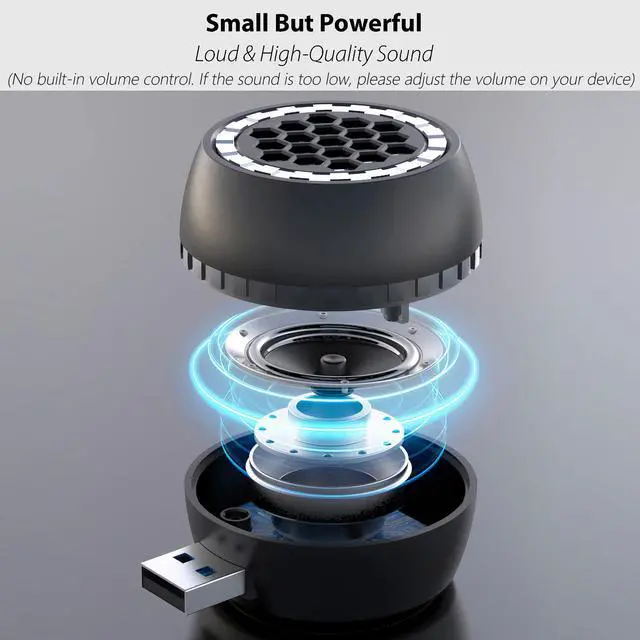
- Volume cannot be adjusted on the speaker. Please use your device’s audio settings if the sound is too low.
- When first plugged into a Windows PC via USB, the speaker may be automatically detected as a "USB 2.0 Microphone." This is normal. To fix it: Right-click the speaker icon in your taskbar. Select "Sounds" > go to the "Recording" tab. Find the device (e.g., "USB 2.0 Microphone"), right-click it, and select "Disable." Once disabled, the speaker will work normally for audio playback.

Easy One-Button Operation
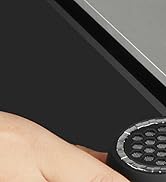
A single multifunctional button handles everything: Power on/off and quickly switch between PC Mode and Bluetooth Mode.
It is simple, intuitive, and user-friendly, anyone can use it with ease.

Easy Bluetooth Connection
- Press the button once to switch to Bluetooth mode. The LED will flash blue to indicate pairing.
- On your phone, tablet, or laptop, select “y10 USB” from the Bluetooth setting list.
- Once connected, you’ll hear “Connected,” and you’re ready to enjoy music, video or calls.

Easy Reach and Flexible Placement
Direct USB Connection
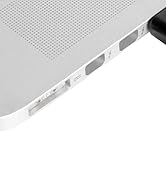
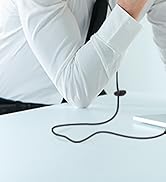
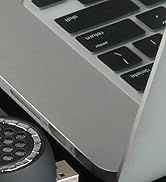
Connects directly to your computer — no extra cables, no power adapter, and no hassle. Saves valuable desktop space and keeps your setup clean.
Includes USB Extension Cable for Flexible Placement
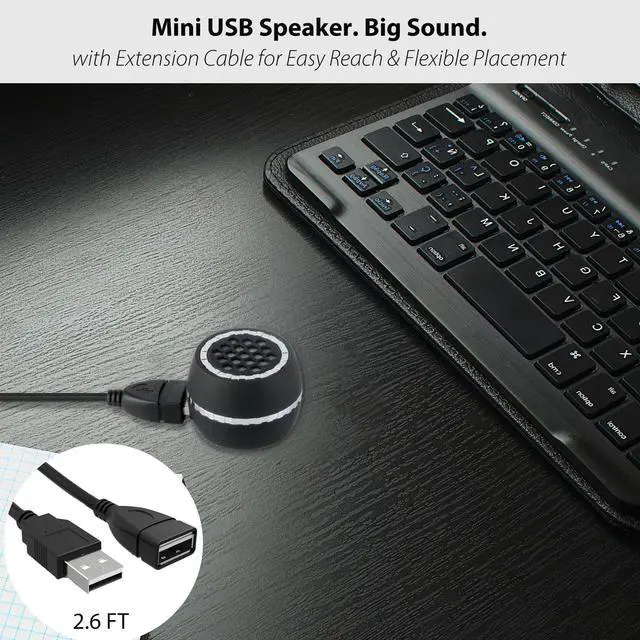
The included extension cable adds extra flexibility, making it easy to position the speaker even when USB ports are hard to reach or tightly spaced. It also helps prevent blocking nearby ports.

Compact & Lightweight
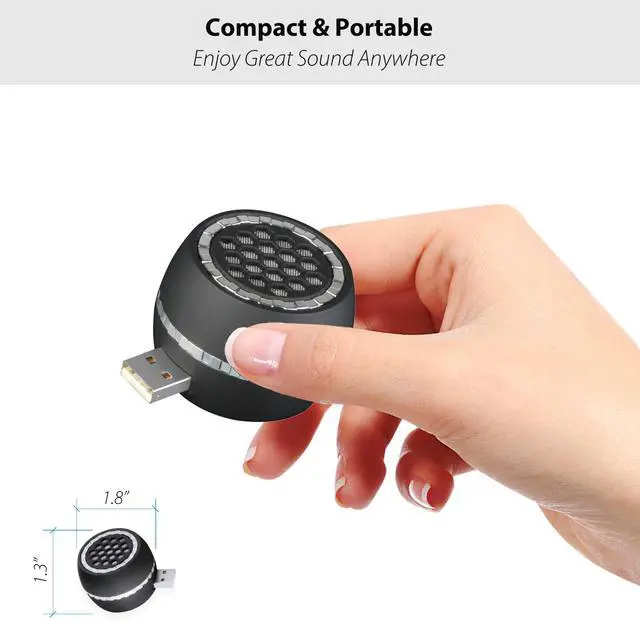
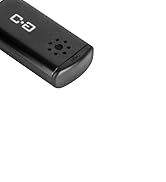
Roughly the Size of a Golf Ball
Compact enough to slip easily into your laptop bag or backpack — perfect for travel or daily use.

Loud & Crystal Clear Sound
Equipped with a 3W / 35mm Driver Delivers crystal-clear, powerful sound that exceeds expectations. You'll be impressed by its surprisingly rich audio quality.

Charge by USB Adapter
Remember to Charge Before Wireless Use
A standard USB adapter is all you need to power it up for Bluetooth mode.
The speaker supports Bluetooth audio playback while charging at the same time — so you can enjoy uninterrupted wireless sound.

2.6FT USB Extension Cable
The included 2.6ft USB extension cable gives you added flexibility to place the speaker wherever you need it — especially useful when USB ports are hard to reach or closely spaced. It also helps avoid blocking nearby ports.
Frequent Question & Answer


Our Story
We offer a range of high-quality microphones, headphones, and earbuds. Committed to our product and service improvement, we aim to deliver gear that satisfies users, boosts work efficiency, and enhances communication. At the same time, we create warm, enjoyable listening experiences for watching, gaming, and calling.
We value the feedback from every user—if you have any questions, suggestions, or feedback, please feel free to reach us.
USB Microphone for Laptop
USB Microphone with Mute

USB C Mic for Mac Mini M4



Lavalier Mic & Cable Boom Mic
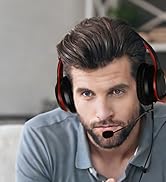


Cable Boom Mic for Headsets




2 Pack Lav Mic for DJI/RODE




Long Cord Headphone for TV



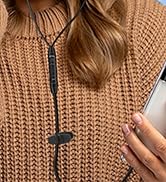
USB-C & USB-A Earbuds with Mic
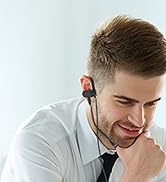


USB One-Side Earbud with Mic
Dual Mode Mini Speaker
Small USB Computer speaker with Bluetooth Connection
Plug-N-Play PC Mode:
This mini portable computer speaker features a USB plug for instantly using. Simply connect it to your PC’s USB port — no drivers, no setup, and no battery worries.
Stable Bluetooth Mode:
It also functions as a portable Bluetooth speaker, simply press the power button to switch to Bluetooth mode, then select “y10 USB” in your device’s Bluetooth settings to pair. It's compatible with smartphones, tablets and computers.
Built-in Rechargeable Battery:
With a 300mAh battery inside, no need to worry about power. In PC Mode, the speaker charges automatically via your computer. In Bluetooth Mode, enjoy up to 4 hours of playtime on a full charge, and recharge anytime with a USB adapter.
Notice:
- Volume cannot be adjusted on the speaker. Please use your device’s audio settings if the sound is too low.
- When first plugged into a Windows PC via USB, the speaker may be automatically detected as a "USB 2.0 Microphone." This is normal. To fix it: Right-click the speaker icon in your taskbar. Select "Sounds" > go to the "Recording" tab. Find the device (e.g., "USB 2.0 Microphone"), right-click it, and select "Disable." Once disabled, the speaker will work normally for audio playback.
Easy One-Button Operation
A single multifunctional button handles everything: Power on/off and quickly switch between PC Mode and Bluetooth Mode.
It is simple, intuitive, and user-friendly, anyone can use it with ease.
Easy Bluetooth Connection
- Press the button once to switch to Bluetooth mode. The LED will flash blue to indicate pairing.
- On your phone, tablet, or laptop, select “y10 USB” from the Bluetooth setting list.
- Once connected, you’ll hear “Connected,” and you’re ready to enjoy music, video or calls.
Easy Reach and Flexible Placement
Direct USB Connection
Connects directly to your computer — no extra cables, no power adapter, and no hassle. Saves valuable desktop space and keeps your setup clean.
Includes USB Extension Cable for Flexible Placement
The included extension cable adds extra flexibility, making it easy to position the speaker even when USB ports are hard to reach or tightly spaced. It also helps prevent blocking nearby ports.
Compact & Lightweight
Roughly the Size of a Golf Ball
Compact enough to slip easily into your laptop bag or backpack — perfect for travel or daily use.
Loud & Crystal Clear Sound
Equipped with a 3W / 35mm Driver Delivers crystal-clear, powerful sound that exceeds expectations. You'll be impressed by its surprisingly rich audio quality.
Charge by USB Adapter
Remember to Charge Before Wireless Use
A standard USB adapter is all you need to power it up for Bluetooth mode.
The speaker supports Bluetooth audio playback while charging at the same time — so you can enjoy uninterrupted wireless sound.
2.6FT USB Extension Cable
The included 2.6ft USB extension cable gives you added flexibility to place the speaker wherever you need it — especially useful when USB ports are hard to reach or closely spaced. It also helps avoid blocking nearby ports.
Frequent Question & Answer
| Q1. | What if the speaker is too loud or too quiet? |
| Answer: | This speaker does not have built-in volume control. Please adjust the volume directly from your connected device (smartphone, tablet, or computer). |
| Q2. | Why is there a buzzing or crackling sound, or why is the sound unstable? |
| Answer: | This usually indicates a low battery. Please recharge the speaker before using it again. |
| Q3. | How do I switch to Bluetooth mode? |
| Answer: | Press and hold the power button to turn the speaker on. When plugged into a device, it defaults to “PC Mode.” To switch to Bluetooth, press the power button once. A voice prompt will say “Bluetooth Mode” when the switch is complete. |
| Q4. | How do I connect the speaker in Bluetooth mode? |
| Answer: | Enable Bluetooth on your phone or tablet or other devices, then select “Y10 USB” from the list of available devices. |
| Q5. | How do I charge the speaker? |
| Answer: | When using Bluetooth Mode, the built-in battery must be charged. You can power it up using a USB adapter or directly from your computer’s USB port. The speaker supports Bluetooth audio playback while charging at the same time — so you can enjoy uninterrupted wireless sound. No Charging Needed in PC Mode. |
Our Story
We offer a range of high-quality microphones, headphones, and earbuds. Committed to our product and service improvement, we aim to deliver gear that satisfies users, boosts work efficiency, and enhances communication. At the same time, we create warm, enjoyable listening experiences for watching, gaming, and calling.
We value the feedback from every user—if you have any questions, suggestions, or feedback, please feel free to reach us.
USB Microphone for Laptop
USB Microphone with Mute
USB C Mic for Mac Mini M4
Lavalier Mic & Cable Boom Mic
Cable Boom Mic for Headsets
2 Pack Lav Mic for DJI/RODE
Long Cord Headphone for TV
USB-C & USB-A Earbuds with Mic
USB One-Side Earbud with Mic
Dual Mode Mini Speaker