




Specialized Manufacturer
DWEPTU is committed to creating a comfortable home experience for its users.

DWEPTU starts with a lamp and extends to temperature and humidity monitoring. We design each product with care, focusing on functionality and visual aesthetics to bring you comfort and convenience.
We understand the importance of the home environment. Therefore, DWEPTU is not only a brand, but also a lifestyle advocate. We not only provide quality products, but also hope that our products can create an ideal living atmosphere for you.
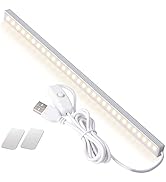
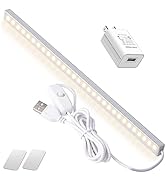
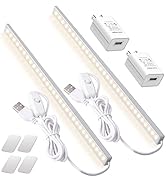
LED Lights
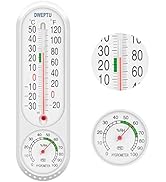
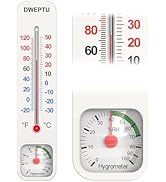
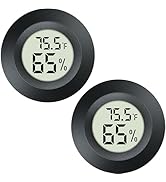
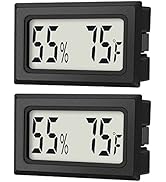
Temperature Humidity monitor
What is our brand philosophy?
DWEPTU is committed to creating a comfortable and healthy home environment by providing high quality products.
What is the future direction of DWEPTU?
We will continue to explore the home sector and introduce more innovative products to provide comprehensive home environment solutions and light up more possibilities.
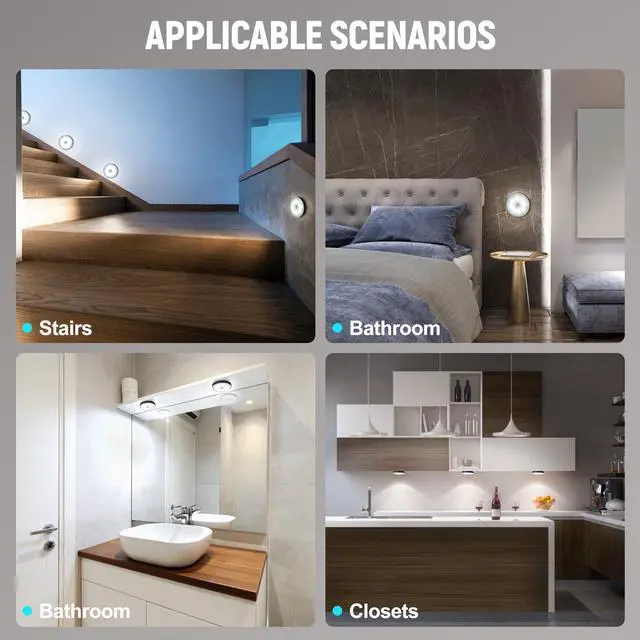
Which scenes are DWEPTU lamps suitable for?
Whether it's a bedroom, kitchen, office or staircase, hallway, DWEPTU luminaires can provide just the right amount of light to meet the needs of different scenarios.
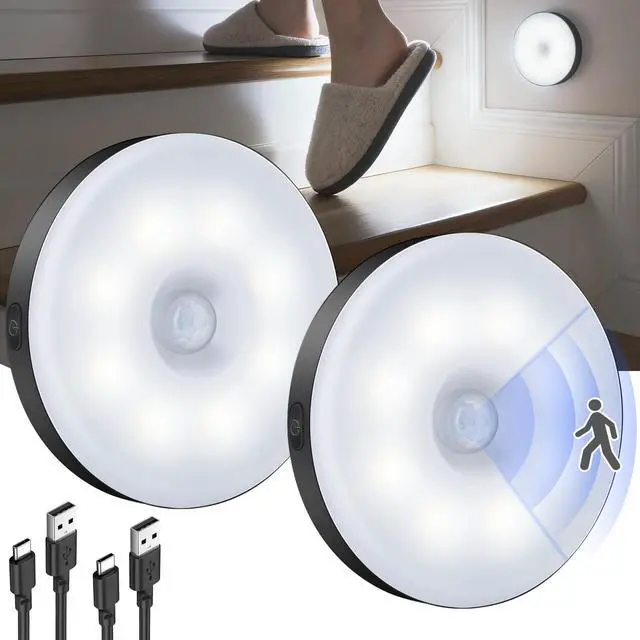
Motion Sensor Light Indoor


complete control in one touch.
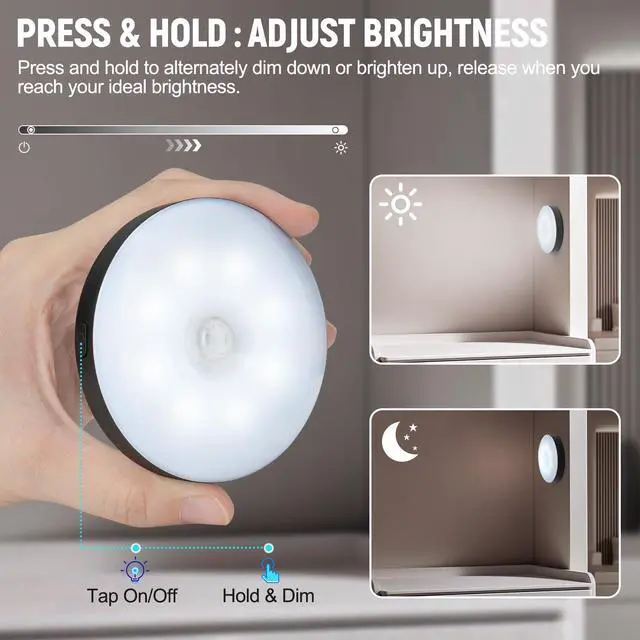
Smooth Dimming, Total Control
Press and hold to transition from bright to dim-or dim to bright-right before your eyes. Whether you need a soft night glow or a clear task light, this Smart Night Light puts you in charge.
Smooth Dimming, Total Control
Merchant VideoWherever You Need It, It Shines

Closet Light
Never fumble in the dark again. Mount it inside your closet and it lights up instantly when you open the door or reach in. The bright, cool white beam helps you see every corner, making it easy to grab exactly what you need—even in the back of a deep shelf.

Room Night Light
Perfect for bedrooms, bathrooms, or hallways. The brightness is fully adjustable—dim it down to a soft, non-glowing glow that won't disturb sleep, or brighten it for clear visibility when you need it. It lights your path at night so you never have to stumble in the dark.
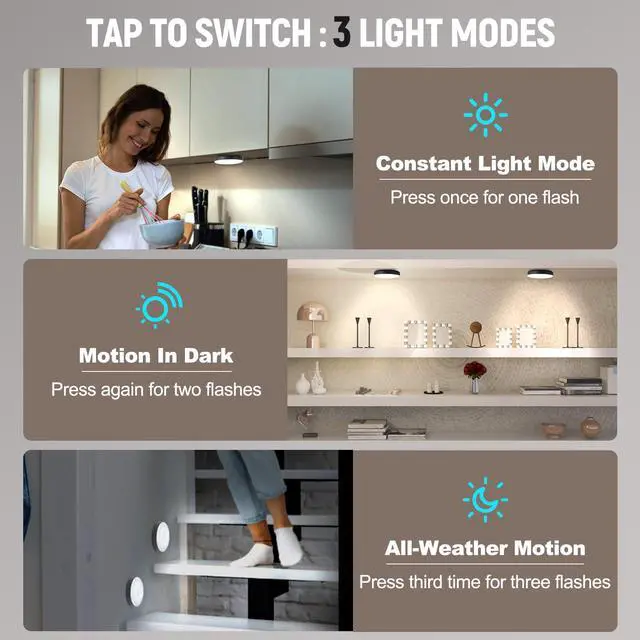
Effortless Control, Three Smart Modes
Cycle through the modes with a single button. The light confirms your selection with flashes.
1. Constant On Mode (1 Flash) Ideal for all-night illumination. In this mode, the light will remain steadily on until you manually switch to another mode or the battery is fully depleted. For your convenience, it will warn you with 10 flashes when the battery is nearly empty.
2. Motion in Darkness Mode (2 Flashes) The efficient, automated choice for nighttime. The light activates only when it is dark and motion is detected. It will not turn on in well-lit conditions. After motion stops, it automatically turns off after 30 seconds.
3. 24/7 Motion Mode (3 Flashes) Your always-alert guardian. This mode provides motion-activated lighting both day and night. It turns on whenever movement is detected, regardless of ambient light. The light will also shut off automatically 30 seconds after the last detected motion.
How do I adjust the brightness of the night light?
Adjusting the brightness is simple! Just press and hold the button. You will see the light smoothly dim up and down. Release the button when you reach your desired brightness level. The light will remember this setting until you change it again.
What is the battery life on a single charge?
Actual battery life will vary based on how often it's triggered and the brightness level you set. For the best initial performance, please fully charge the light before first use.
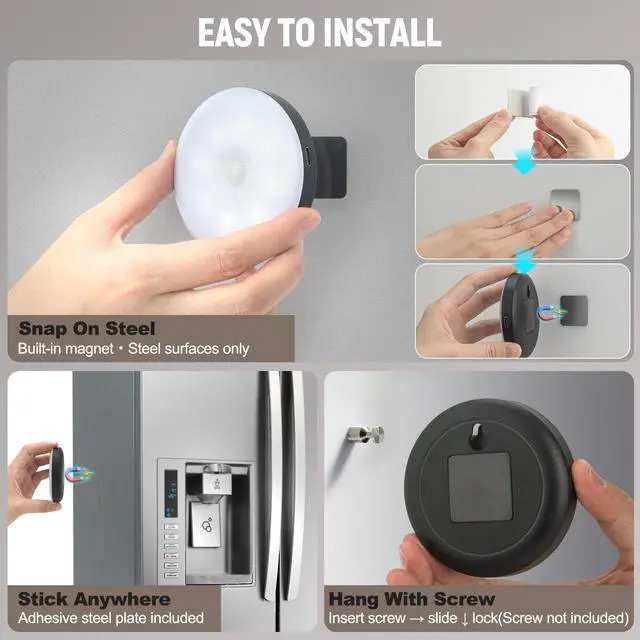
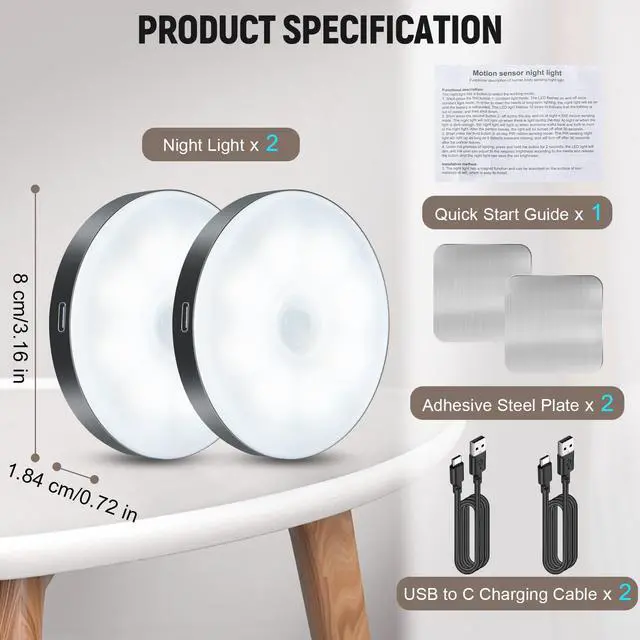
What are the different ways I can install this night light?
3 hassle-free installation options:
1.Magnet: Snap to steel.
2.Adhesive: Stick with included plate.(For a lasting hold, install on a clean, cool surface away from high heat and dust.)
3.Keyhole: Secure with screw (not included).
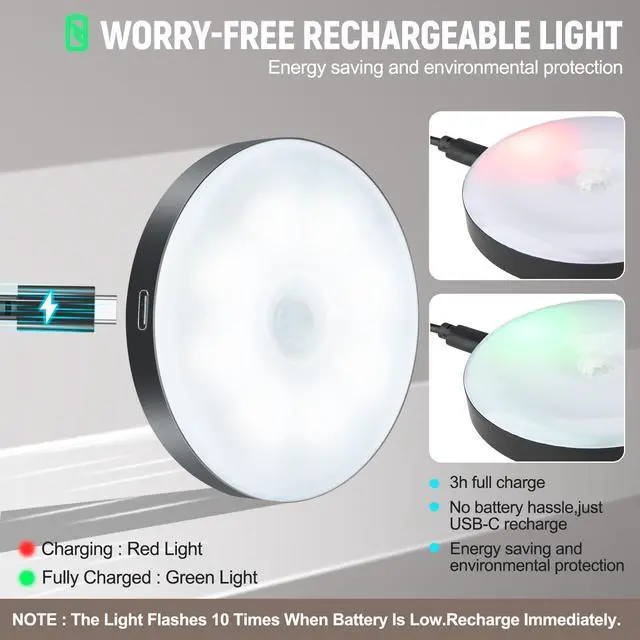
How do I know when the battery is low and needs to be charged?
Low Battery Alert: Press the button. If it flashes 10 times, the battery is low. Recharge via USB-C.
Why isn't my LED Puck Light turning on?
Quick to check:
1. Check mode - If using Motion in Dark mode, it only lights up when dark with no other lights.
2. Check placement - Avoid facing two lights or placing too close. Keep 3–5 ft apart.
Still not working? Reach out – we'll make it right.
Motion Sensor Light Indoor


Smooth Dimming, Total Control
Merchant Videocomplete control in one touch.
Smooth Dimming, Total Control
Press and hold to transition from bright to dim-or dim to bright-right before your eyes. Whether you need a soft night glow or a clear task light, this Smart Night Light puts you in charge.
Wherever You Need It, It Shines
Closet Light
Never fumble in the dark again. Mount it inside your closet and it lights up instantly when you open the door or reach in. The bright, cool white beam helps you see every corner, making it easy to grab exactly what you need—even in the back of a deep shelf.
Room Night Light
Perfect for bedrooms, bathrooms, or hallways. The brightness is fully adjustable—dim it down to a soft, non-glowing glow that won't disturb sleep, or brighten it for clear visibility when you need it. It lights your path at night so you never have to stumble in the dark.
Effortless Control, Three Smart Modes
Cycle through the modes with a single button. The light confirms your selection with flashes.
1. Constant On Mode (1 Flash) Ideal for all-night illumination. In this mode, the light will remain steadily on until you manually switch to another mode or the battery is fully depleted. For your convenience, it will warn you with 10 flashes when the battery is nearly empty.
2. Motion in Darkness Mode (2 Flashes) The efficient, automated choice for nighttime. The light activates only when it is dark and motion is detected. It will not turn on in well-lit conditions. After motion stops, it automatically turns off after 30 seconds.
3. 24/7 Motion Mode (3 Flashes) Your always-alert guardian. This mode provides motion-activated lighting both day and night. It turns on whenever movement is detected, regardless of ambient light. The light will also shut off automatically 30 seconds after the last detected motion.
How do I adjust the brightness of the night light?
Adjusting the brightness is simple! Just press and hold the button. You will see the light smoothly dim up and down. Release the button when you reach your desired brightness level. The light will remember this setting until you change it again.
What is the battery life on a single charge?
Actual battery life will vary based on how often it's triggered and the brightness level you set. For the best initial performance, please fully charge the light before first use.
What are the different ways I can install this night light?
3 hassle-free installation options:
1.Magnet: Snap to steel.
2.Adhesive: Stick with included plate.(For a lasting hold, install on a clean, cool surface away from high heat and dust.)
3.Keyhole: Secure with screw (not included).
How do I know when the battery is low and needs to be charged?
Low Battery Alert: Press the button. If it flashes 10 times, the battery is low. Recharge via USB-C.
Why isn't my LED Puck Light turning on?
Quick to check:
1. Check mode - If using Motion in Dark mode, it only lights up when dark with no other lights.
2. Check placement - Avoid facing two lights or placing too close. Keep 3–5 ft apart.
Still not working? Reach out – we'll make it right.
Specialized Manufacturer
DWEPTU is committed to creating a comfortable home experience for its users.
DWEPTU starts with a lamp and extends to temperature and humidity monitoring. We design each product with care, focusing on functionality and visual aesthetics to bring you comfort and convenience.
We understand the importance of the home environment. Therefore, DWEPTU is not only a brand, but also a lifestyle advocate. We not only provide quality products, but also hope that our products can create an ideal living atmosphere for you.
LED Lights
Temperature Humidity monitor
What is our brand philosophy?
DWEPTU is committed to creating a comfortable and healthy home environment by providing high quality products.
What is the future direction of DWEPTU?
We will continue to explore the home sector and introduce more innovative products to provide comprehensive home environment solutions and light up more possibilities.
Which scenes are DWEPTU lamps suitable for?
Whether it's a bedroom, kitchen, office or staircase, hallway, DWEPTU luminaires can provide just the right amount of light to meet the needs of different scenarios.