




 here!
here!
I’m your shopping assistant for PC builds, upgrades, and everything tech.
Got questions? Ask away!
Start a conversation
here!
I’m your shopping assistant for PC builds, upgrades, and everything tech.
Got questions? Ask away!
Start a conversation



Any questions? Ask CelesteSM will help you find out quickly.

DWEPTU creates practical home products that combine comfort, quality, and everyday value for modern living.

DWEPTU began with lighting and expanded into temperature and humidity monitoring. We carefully design each product with a focus on functionality, aesthetics, and everyday value to bring comfort and convenience to your home.
We understand the importance of a comfortable home environment. More than just a brand, DWEPTU is committed to creating products that help make everyday living brighter, easier, and more enjoyable.
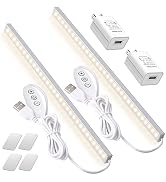
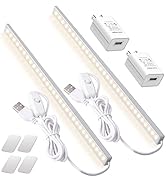
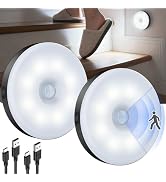
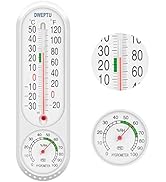
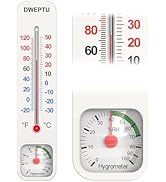
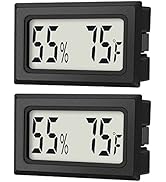
DWEPTU is committed to creating a comfortable and healthy home environment by providing high quality products.
We will continue to explore the home sector and introduce more innovative products to provide comprehensive home environment solutions and light up more possibilities.
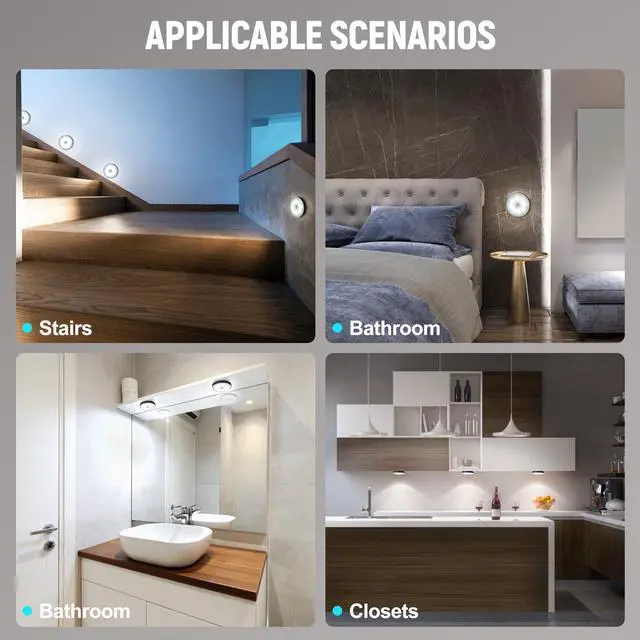
Whether it's a bedroom, kitchen, office or staircase, hallway, DWEPTU luminaires can provide just the right amount of light to meet the needs of different scenarios.


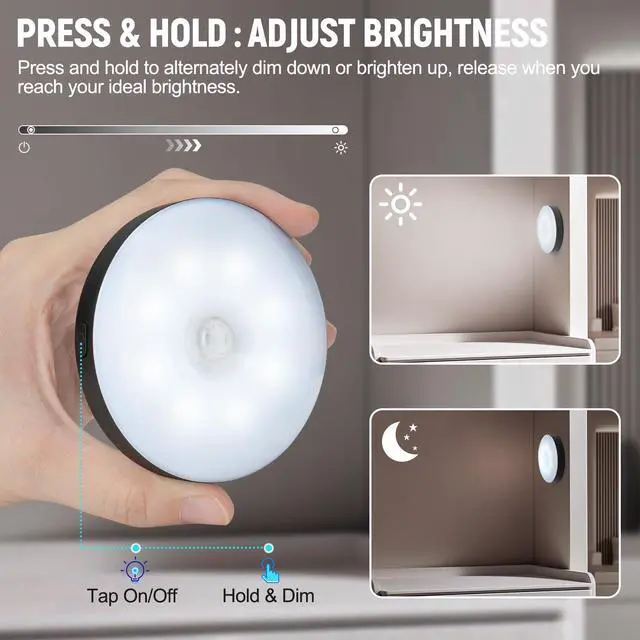
Tip: You can easily adjust the brightness to fit whatever you're doing. Turn it up when you need to see clearly, or dial it down for a soft glow at night — which also helps save battery. Your light, your way.

you open a dark closet looking for clothes. The light instantly turns on the moment you reach in—no phone flashlight, no overhead glare. This rechargeable closet light gives you clear visibility exactly when you need it, and turns off automatically when you leave.

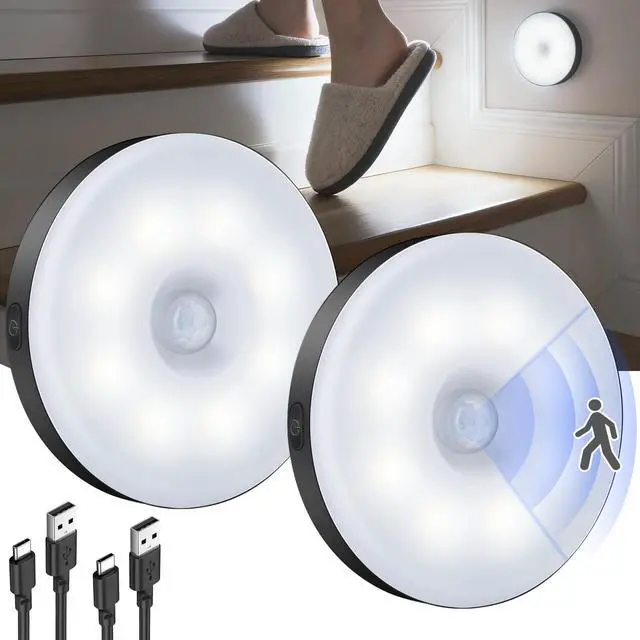
It's 2 AM. You're half-asleep, walking down the hallway to the bathroom. Instead of fumbling for a switch, a soft glow from this motion sensor night light gently lights your path—safe, quiet, and just bright enough to guide you without waking you up.
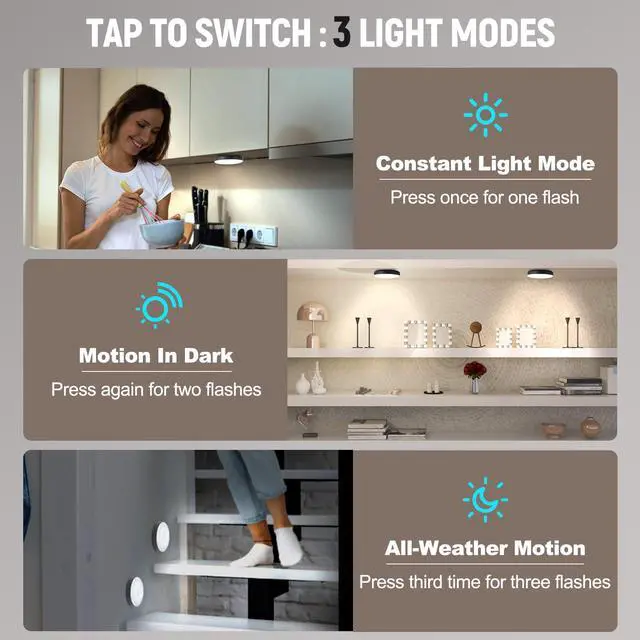
Equipped with a sensitive PIR motion sensor, the light detects movement within up to 20 ft (6 m) and a 120° wide sensing angle, ensuring fast response in dark environments. Cycle through the modes with a single button. The light confirms your selection with flashes.
1. Constant On Mode (1 Flash)
Perfect for tasks that need continuous lighting, like reading, working, or extended nighttime use. The light stays on until manually changed or the battery runs low, with a 10-flash warning before power runs out.
2. Motion in Darkness Mode (2 Flashes)
Ideal for nighttime spaces like hallways, closets, and stairs. The light only activates in dark environments when motion is detected, helping reduce unnecessary battery usage. Automatically turns off after 30 seconds of no movement.
3. 24/7 Motion Mode (3 Flashes)
Great for busy areas that need motion lighting anytime, day or night. The light turns on whenever movement is detected and switches off automatically after 30 seconds to help conserve power.
What should I do if one light isn’t working properly?
Please fully charge both lights before first use and check whether the correct mode is selected. If one light still doesn’t function properly after troubleshooting, feel free to reach out to us — we’ll be happy to help.
Why doesn’t the light turn on during the day?
Please check whether the correct lighting mode is selected. Night Sensor Mode only activates in dark environments. For daytime use, simply switch to 24/7 Motion Mode or Constant On Mode. If the issue continues, feel free to reach out to us.
How can I extend battery life?
Battery runtime may vary depending on brightness, usage, and mode. Higher brightness is ideal for areas that need clearer visibility, while lower brightness and Night Sensor Mode are better for nighttime spaces and help extend runtime.
How can I improve installation stability?
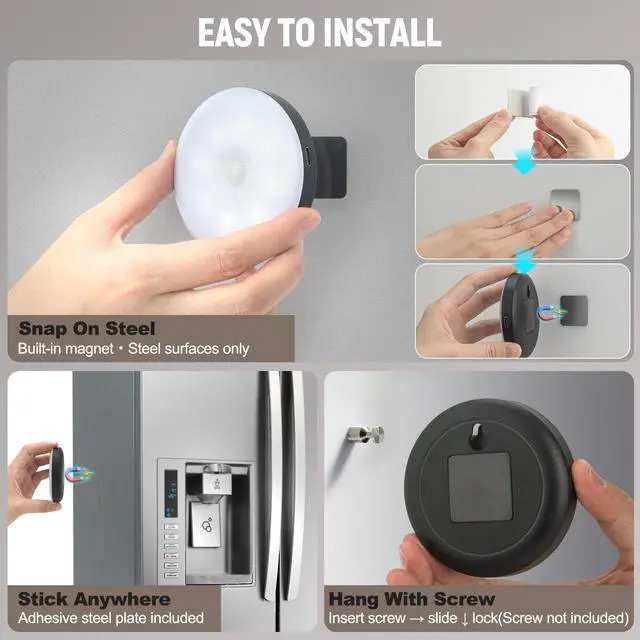
For best magnetic hold, remove the blue protective film from the adhesive plate before installation. Clean and apply on a smooth, dry surface. Avoid placing two lights too close or facing each other (3–5 ft recommended).
How do I know when the battery is low and needs to be charged?
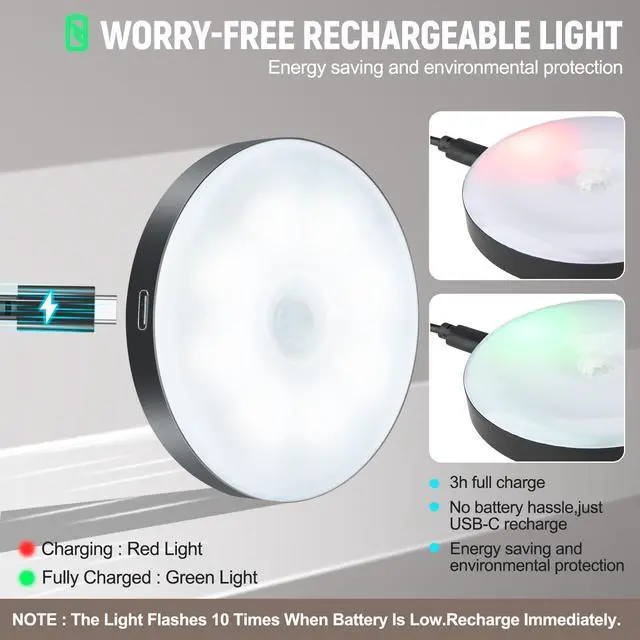
Low Battery Alert: Press the button. If it flashes 10 times, the battery is low. Recharge via USB-C. Please note: if the battery is completely drained, the memory setting will reset and may need to be set again.


Tip: You can easily adjust the brightness to fit whatever you're doing. Turn it up when you need to see clearly, or dial it down for a soft glow at night — which also helps save battery. Your light, your way.
you open a dark closet looking for clothes. The light instantly turns on the moment you reach in—no phone flashlight, no overhead glare. This rechargeable closet light gives you clear visibility exactly when you need it, and turns off automatically when you leave.
It's 2 AM. You're half-asleep, walking down the hallway to the bathroom. Instead of fumbling for a switch, a soft glow from this motion sensor night light gently lights your path—safe, quiet, and just bright enough to guide you without waking you up.
Equipped with a sensitive PIR motion sensor, the light detects movement within up to 20 ft (6 m) and a 120° wide sensing angle, ensuring fast response in dark environments. Cycle through the modes with a single button. The light confirms your selection with flashes.
1. Constant On Mode (1 Flash)
Perfect for tasks that need continuous lighting, like reading, working, or extended nighttime use. The light stays on until manually changed or the battery runs low, with a 10-flash warning before power runs out.
2. Motion in Darkness Mode (2 Flashes)
Ideal for nighttime spaces like hallways, closets, and stairs. The light only activates in dark environments when motion is detected, helping reduce unnecessary battery usage. Automatically turns off after 30 seconds of no movement.
3. 24/7 Motion Mode (3 Flashes)
Great for busy areas that need motion lighting anytime, day or night. The light turns on whenever movement is detected and switches off automatically after 30 seconds to help conserve power.
What should I do if one light isn’t working properly?
Please fully charge both lights before first use and check whether the correct mode is selected. If one light still doesn’t function properly after troubleshooting, feel free to reach out to us — we’ll be happy to help.
Why doesn’t the light turn on during the day?
Please check whether the correct lighting mode is selected. Night Sensor Mode only activates in dark environments. For daytime use, simply switch to 24/7 Motion Mode or Constant On Mode. If the issue continues, feel free to reach out to us.
How can I extend battery life?
Battery runtime may vary depending on brightness, usage, and mode. Higher brightness is ideal for areas that need clearer visibility, while lower brightness and Night Sensor Mode are better for nighttime spaces and help extend runtime.
How can I improve installation stability?
For best magnetic hold, remove the blue protective film from the adhesive plate before installation. Clean and apply on a smooth, dry surface. Avoid placing two lights too close or facing each other (3–5 ft recommended).
How do I know when the battery is low and needs to be charged?
Low Battery Alert: Press the button. If it flashes 10 times, the battery is low. Recharge via USB-C. Please note: if the battery is completely drained, the memory setting will reset and may need to be set again.
DWEPTU creates practical home products that combine comfort, quality, and everyday value for modern living.
DWEPTU began with lighting and expanded into temperature and humidity monitoring. We carefully design each product with a focus on functionality, aesthetics, and everyday value to bring comfort and convenience to your home.
We understand the importance of a comfortable home environment. More than just a brand, DWEPTU is committed to creating products that help make everyday living brighter, easier, and more enjoyable.
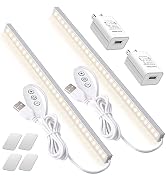
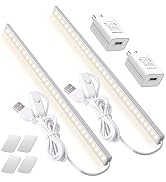
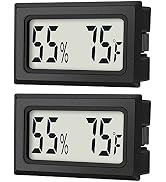
DWEPTU is committed to creating a comfortable and healthy home environment by providing high quality products.
We will continue to explore the home sector and introduce more innovative products to provide comprehensive home environment solutions and light up more possibilities.
Whether it's a bedroom, kitchen, office or staircase, hallway, DWEPTU luminaires can provide just the right amount of light to meet the needs of different scenarios.
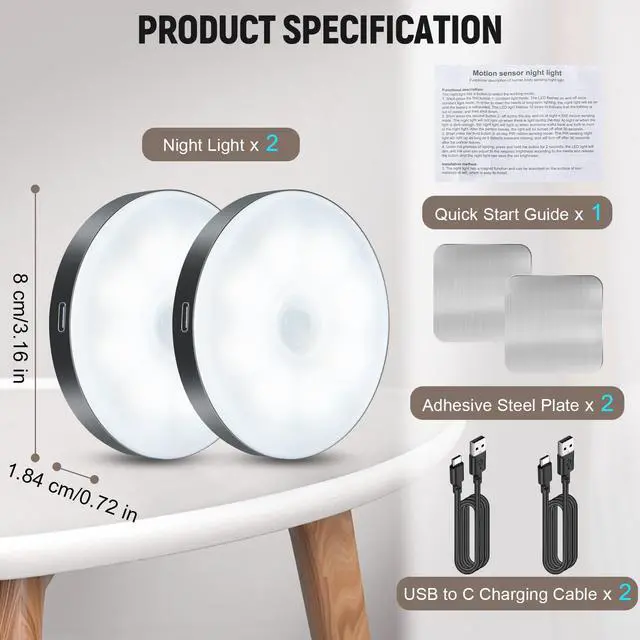
Motion Sensor Night Light 2 Pack LED Night Lights, Dusk to Dawn Motion Sensor for Bedroom, Bathroom, Toilet, Stairs, Kitchen, Hallway


