
Your Browsing History
100%








Any questions? Our AI beta will help you find out quickly.
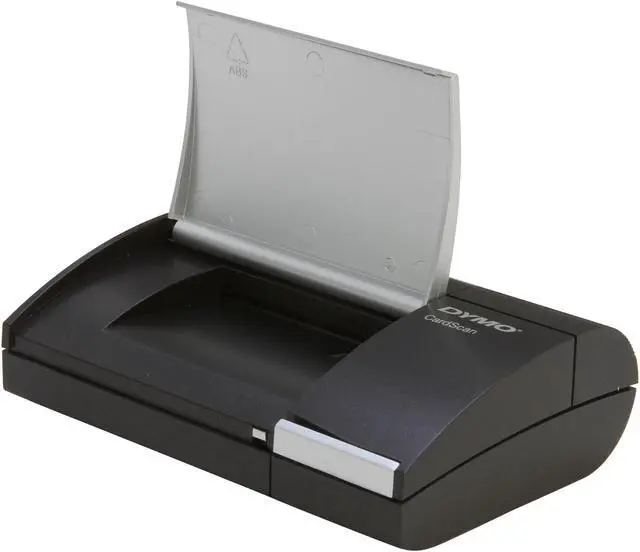
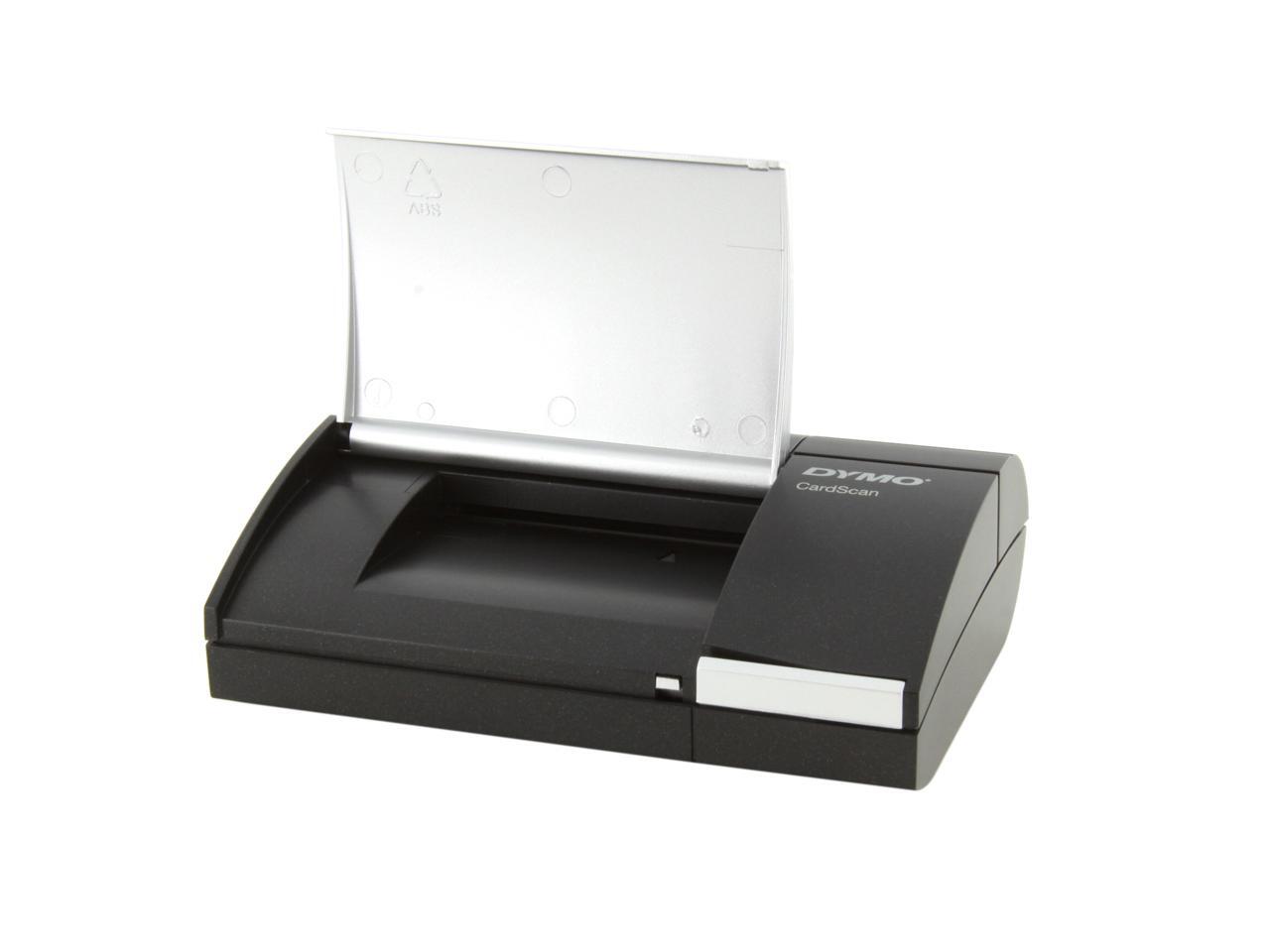
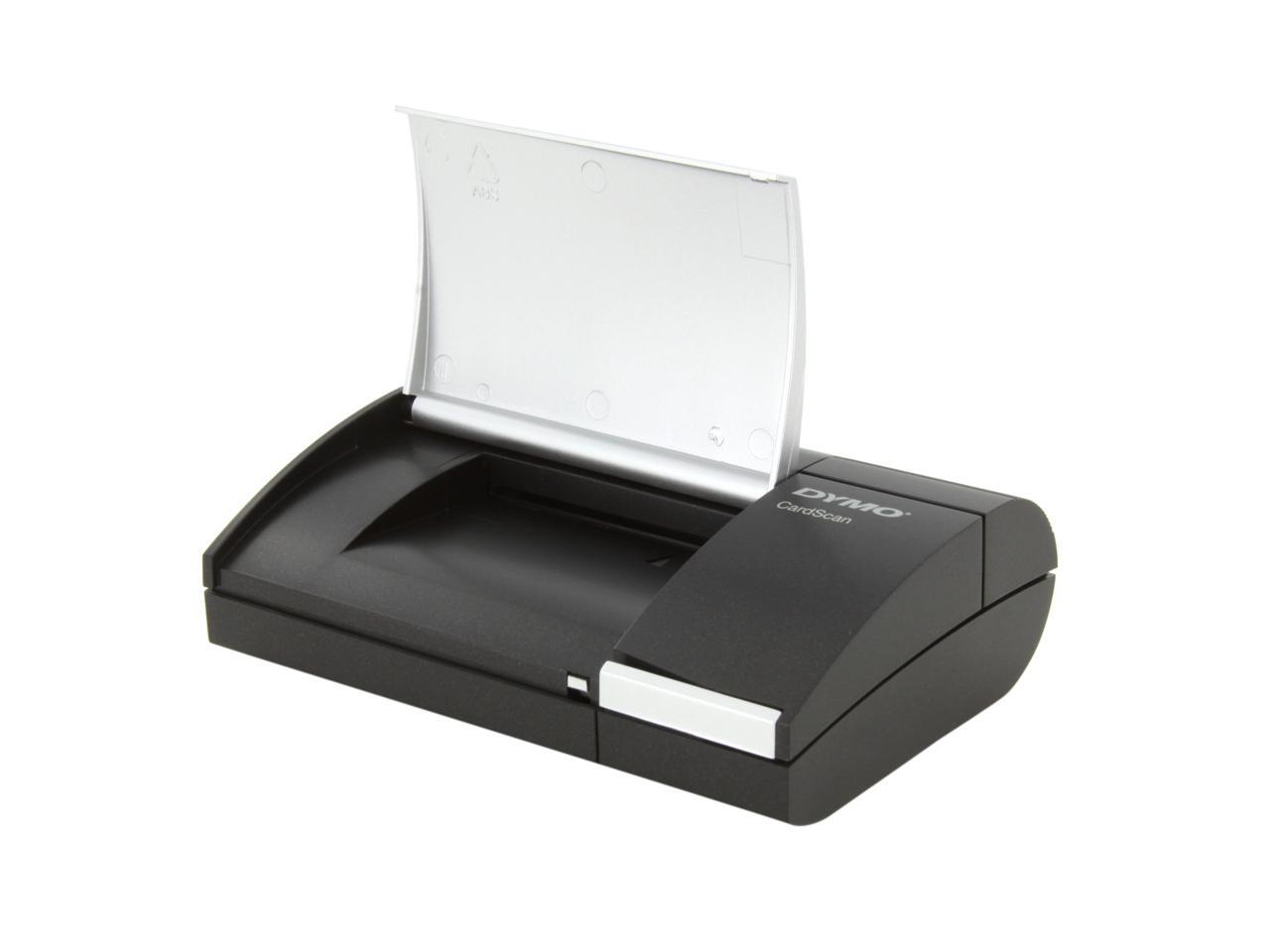
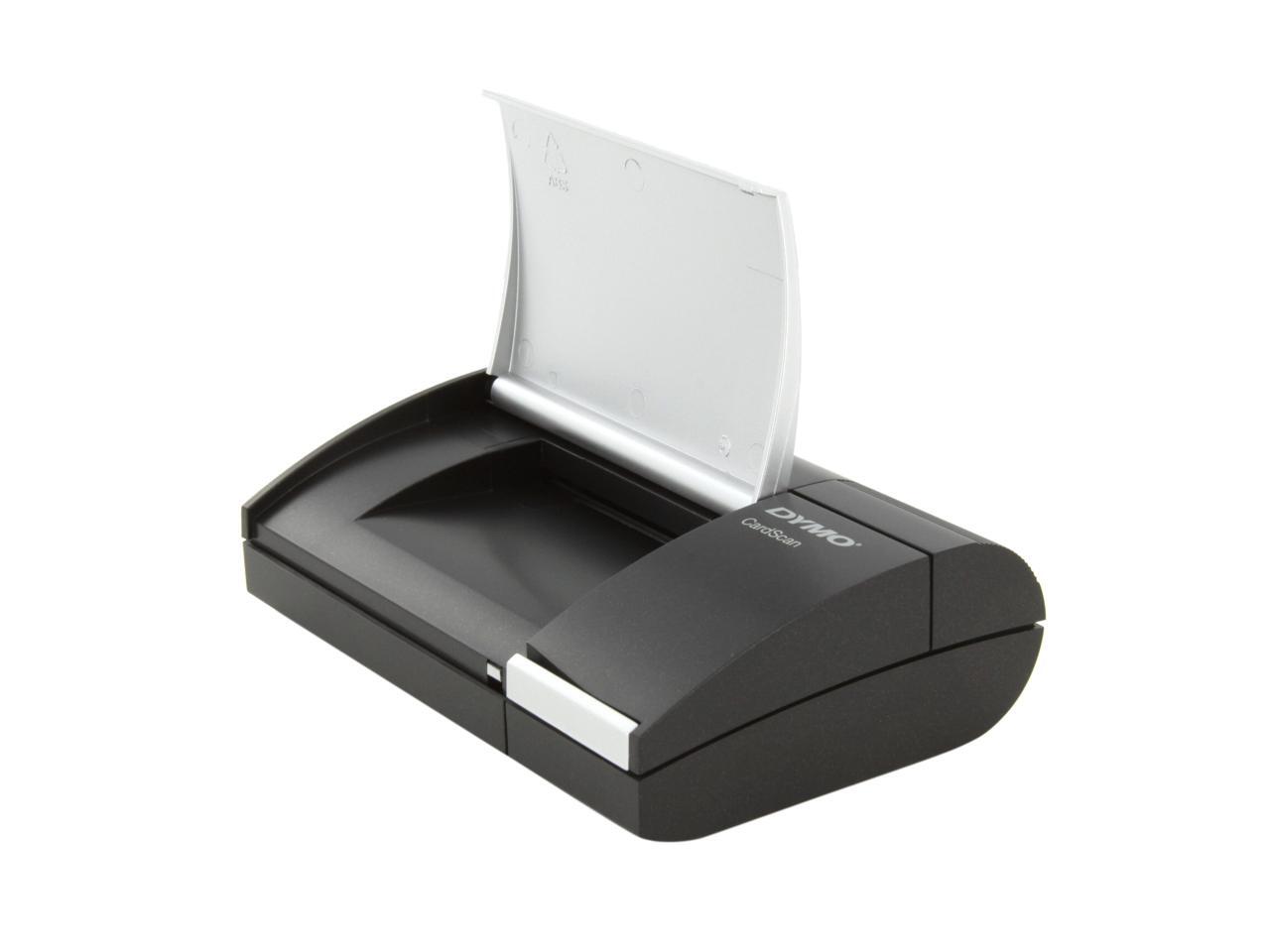
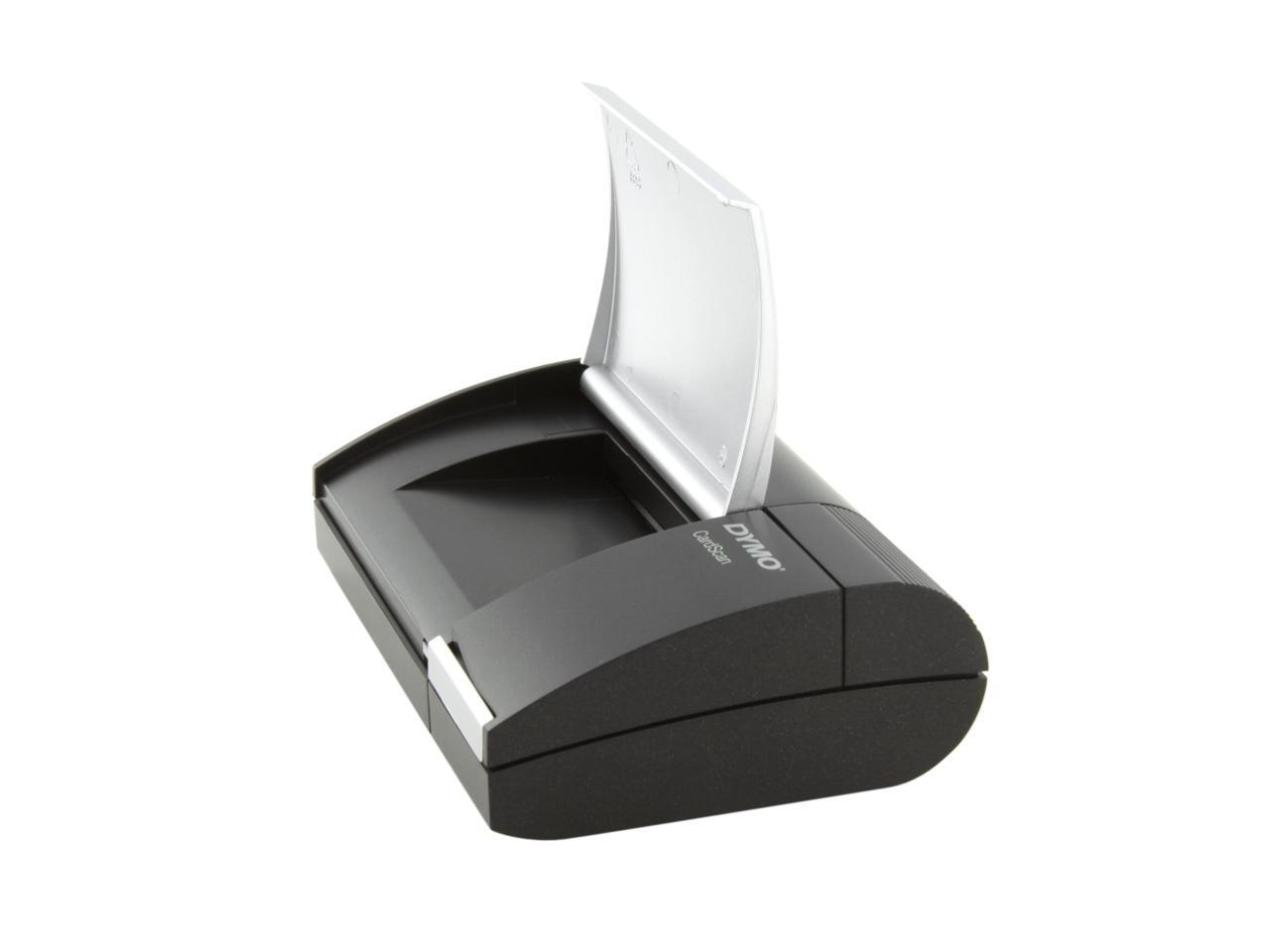
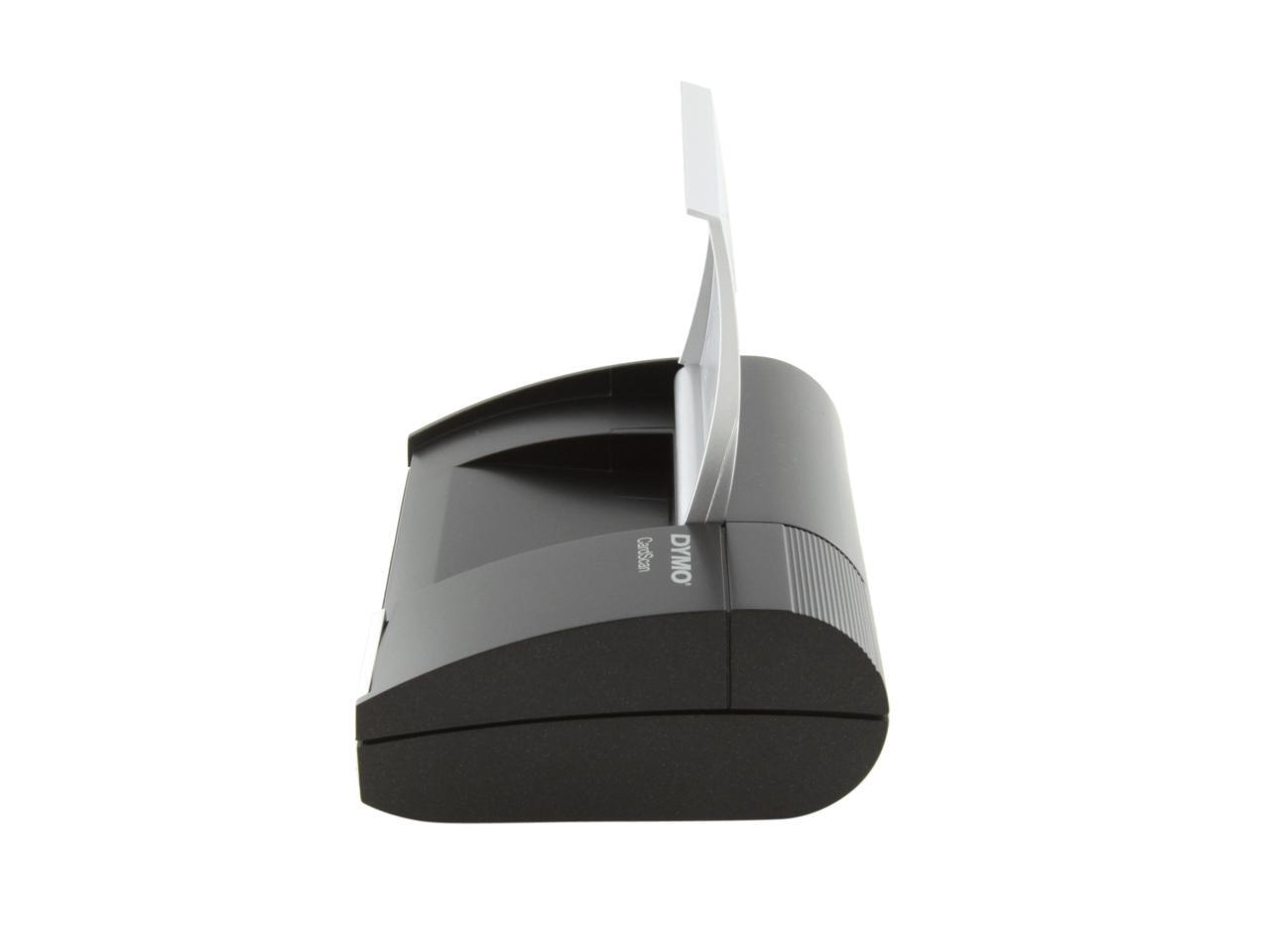
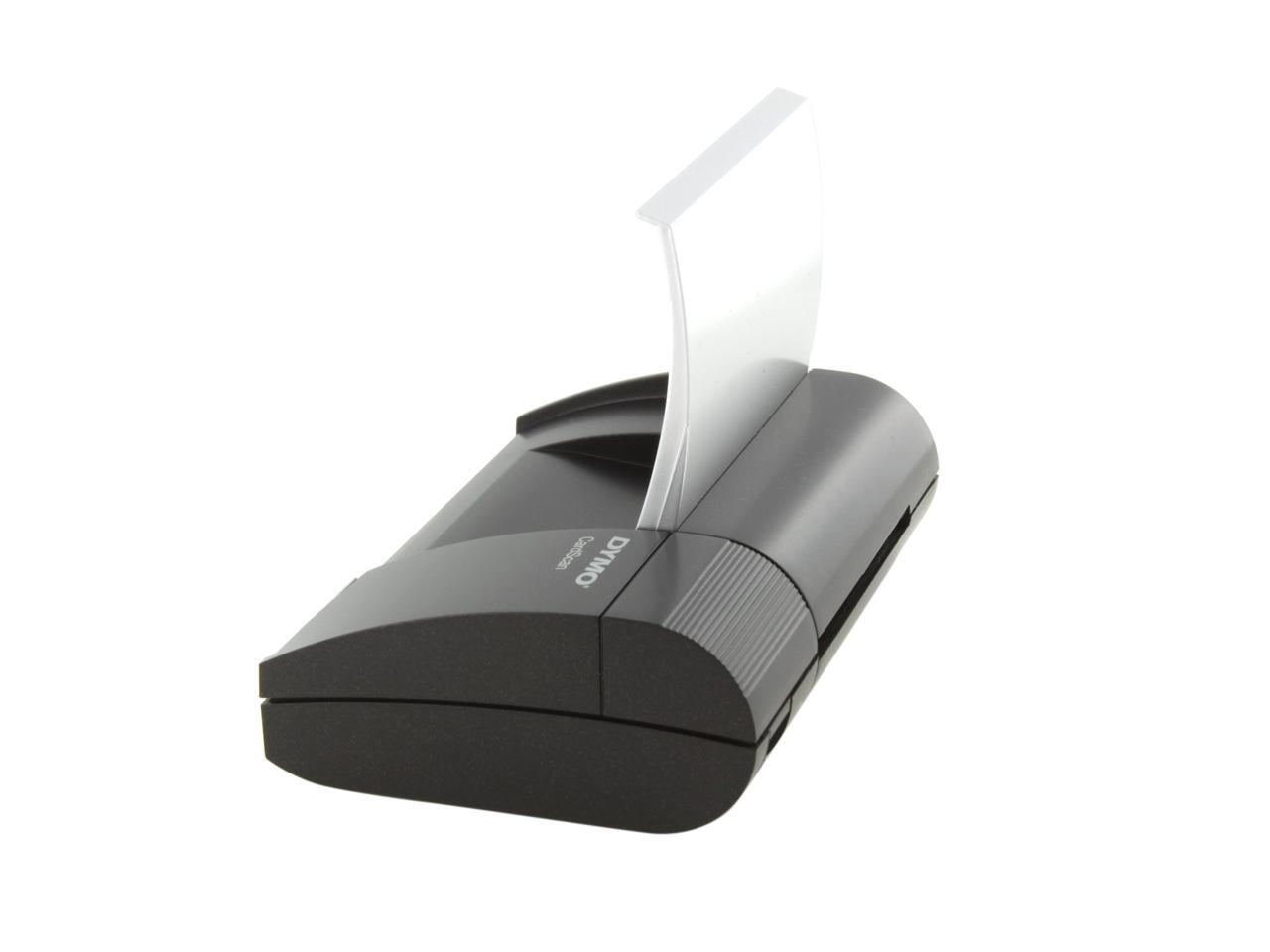
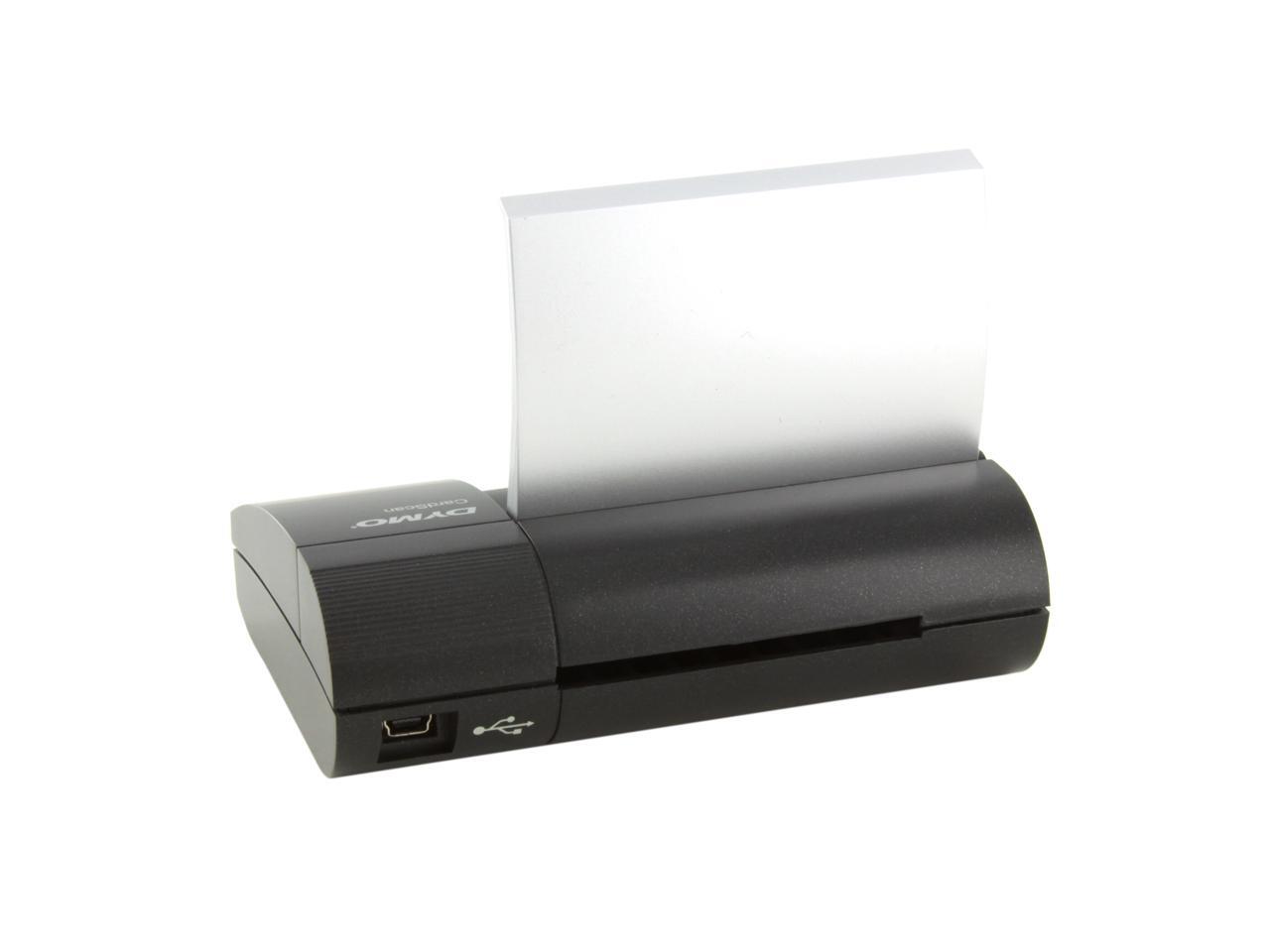
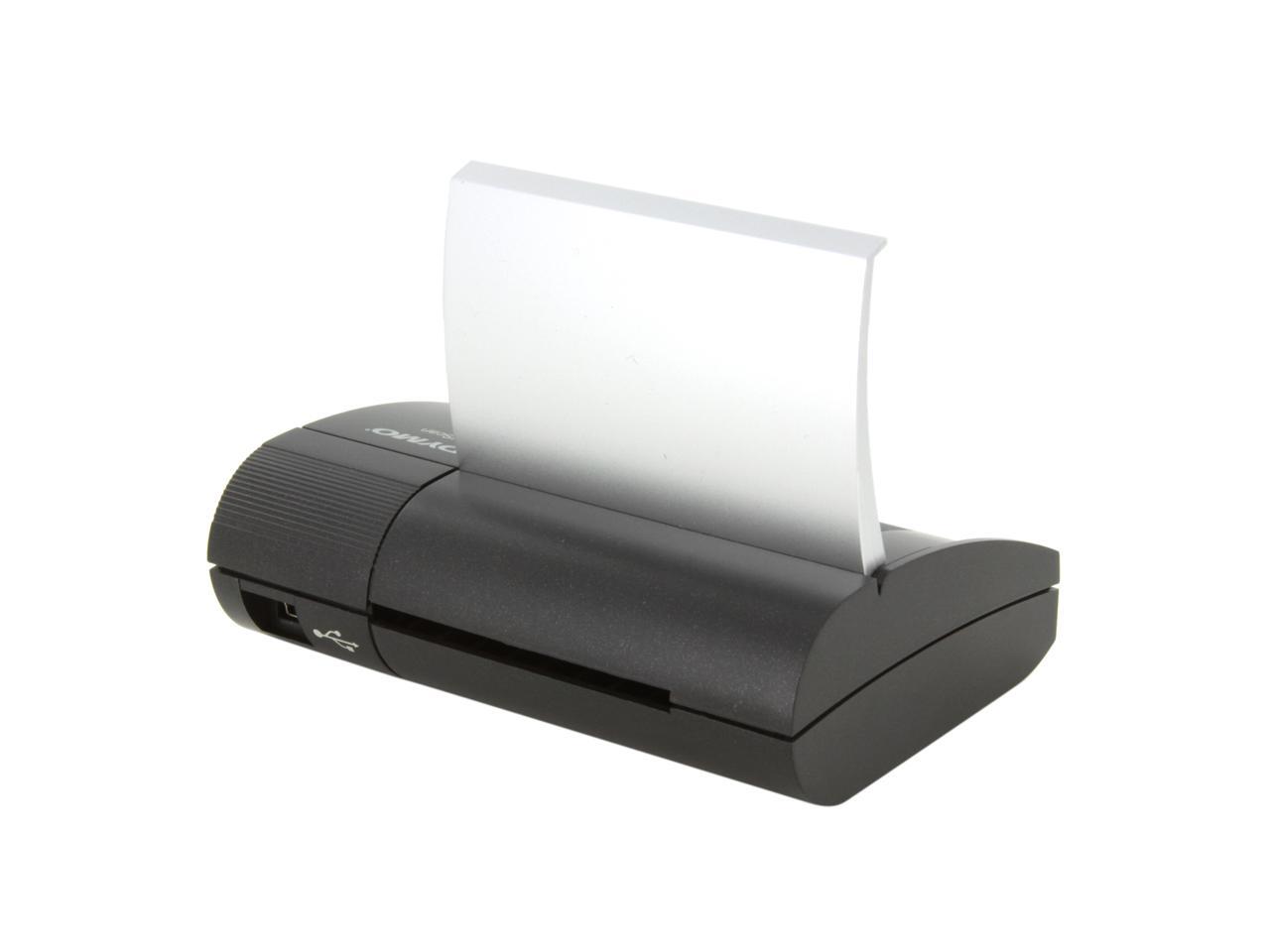
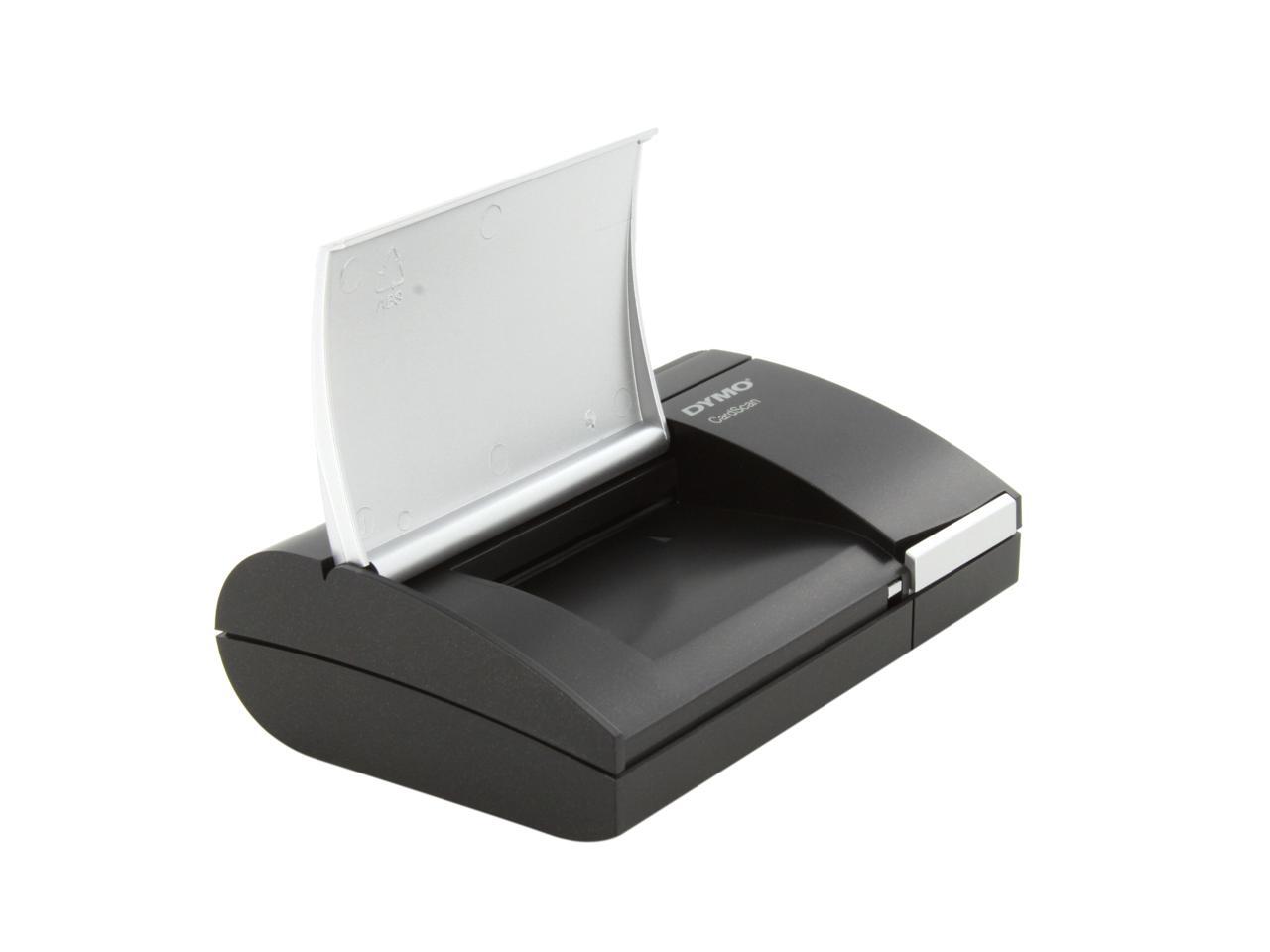
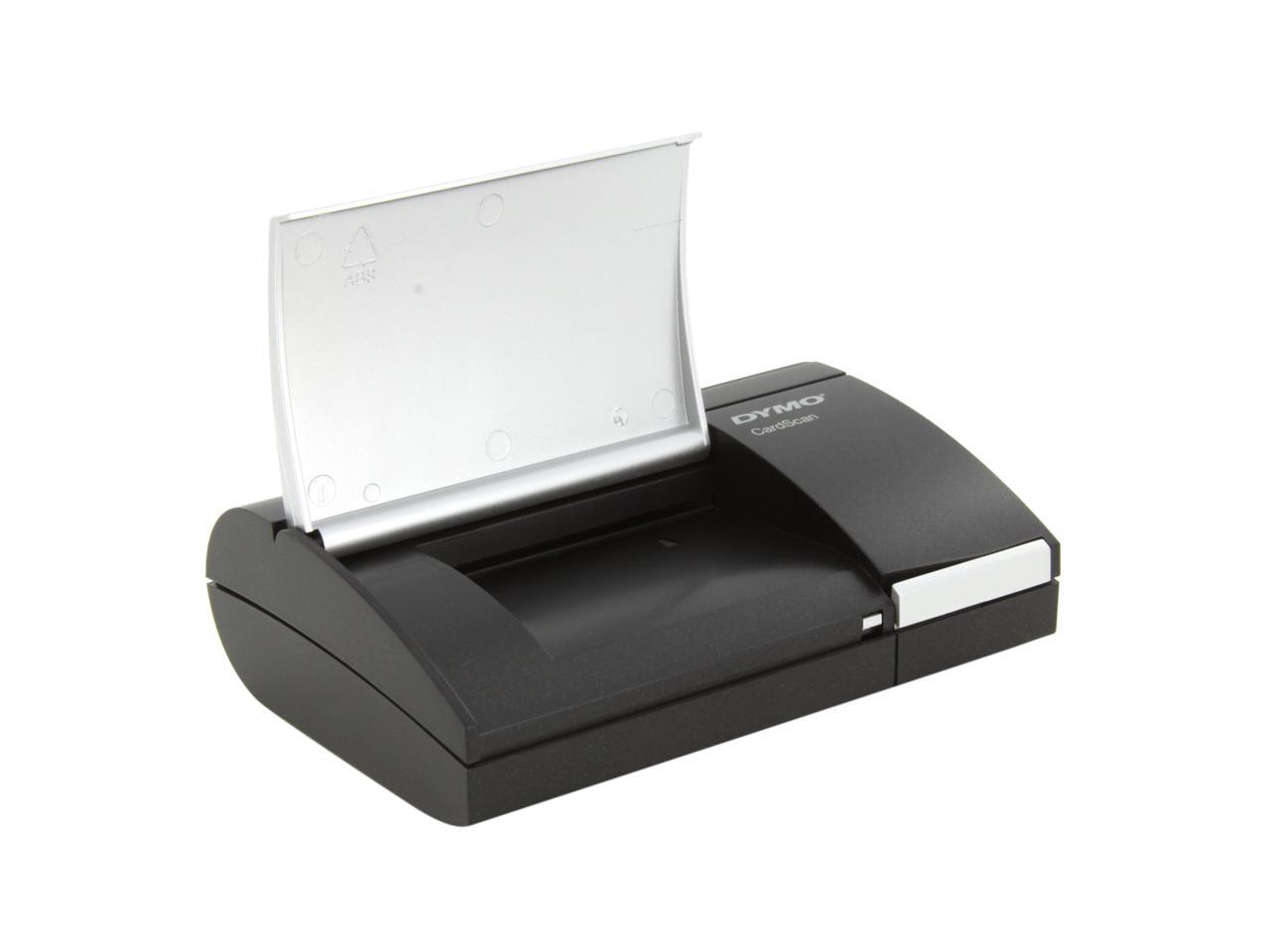
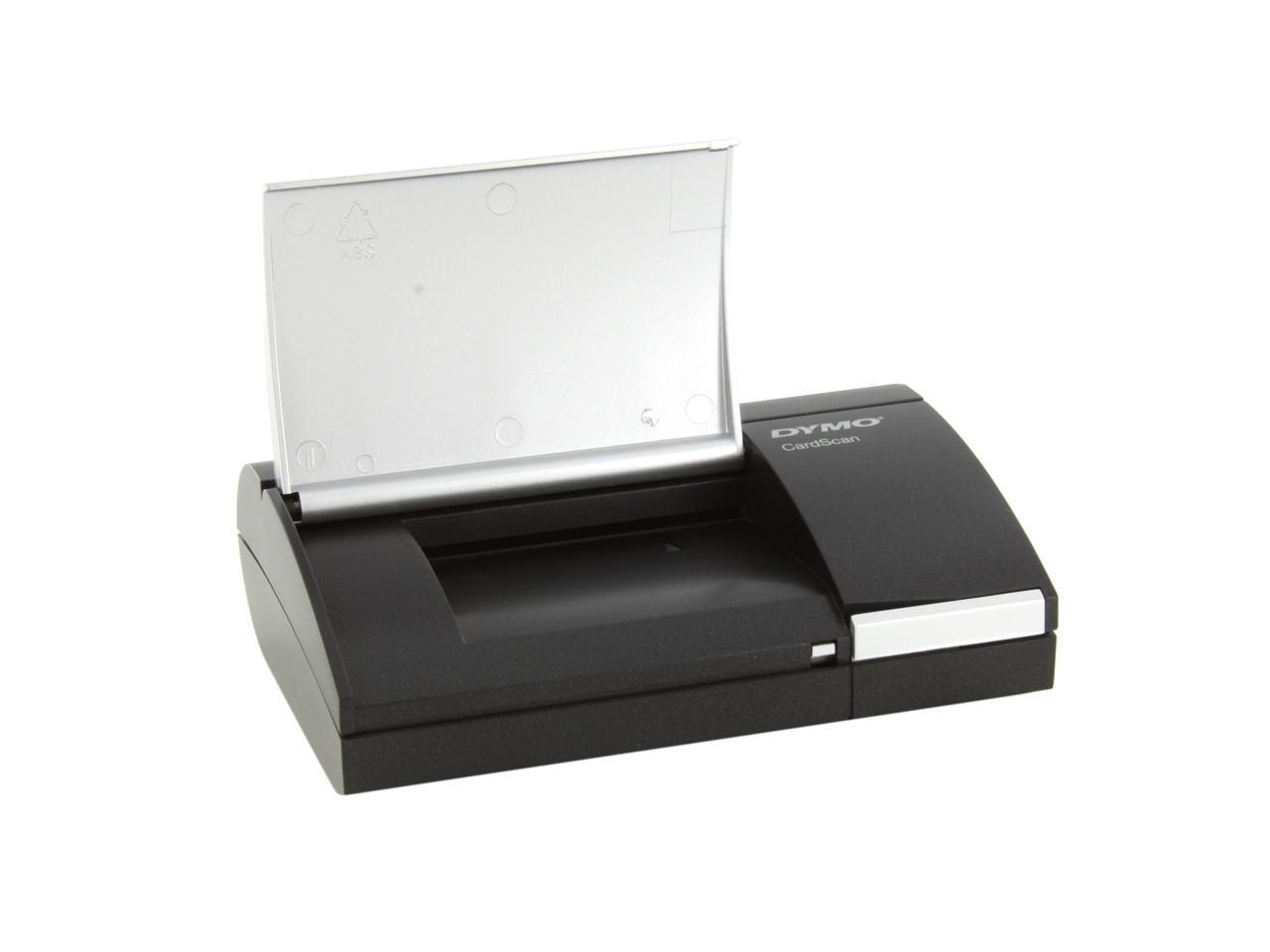
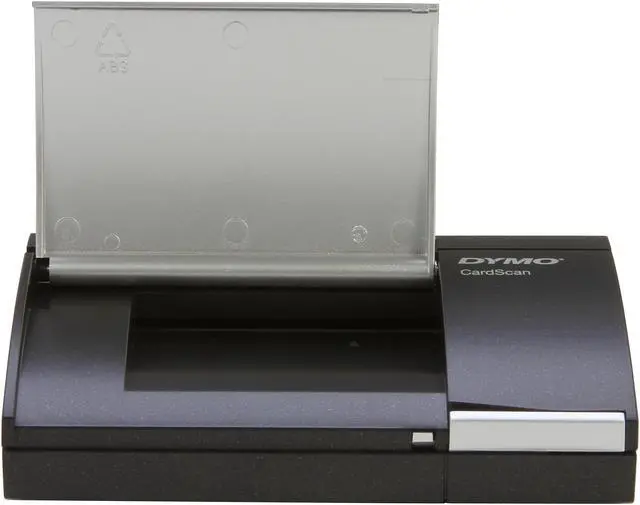
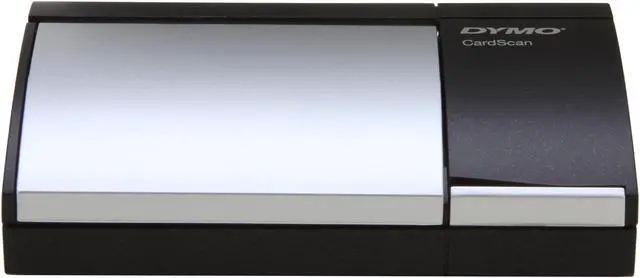
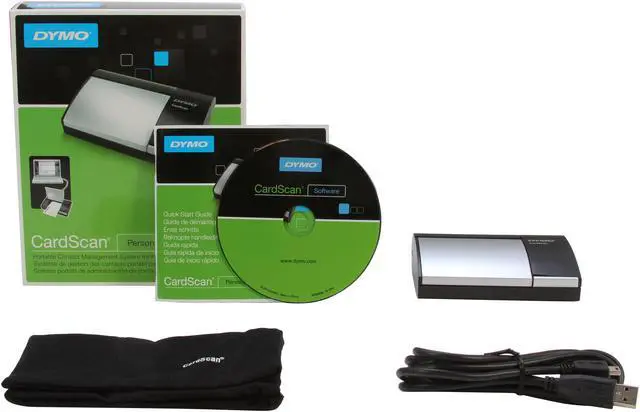
Turn contacts into opportunities – wherever you find them! Just scan your business cards using the palm-sized, monochrome CardScan Personal scanner, or drag-and-drop contact data from any email or web page – CardScan software automatically enters the data in the appropriate fields to create an indispensible digital address book. New capabilities let you verify and correct US addresses and ZIP + 4 codes*, and save contacts in .csv (spreadsheet) and .vcf (vCard). An improved interface makes editing, searching, sorting, categorizing and de-duplicating contacts faster and easier than ever. Sync CardScan data seamlessly with Outlook, Palm, Windows Mobile (Windows); save in .csv (spreadsheet) or .vcf (vCard) format, too. Includes protective travel pouch.
*Windows only; requires Internet connection
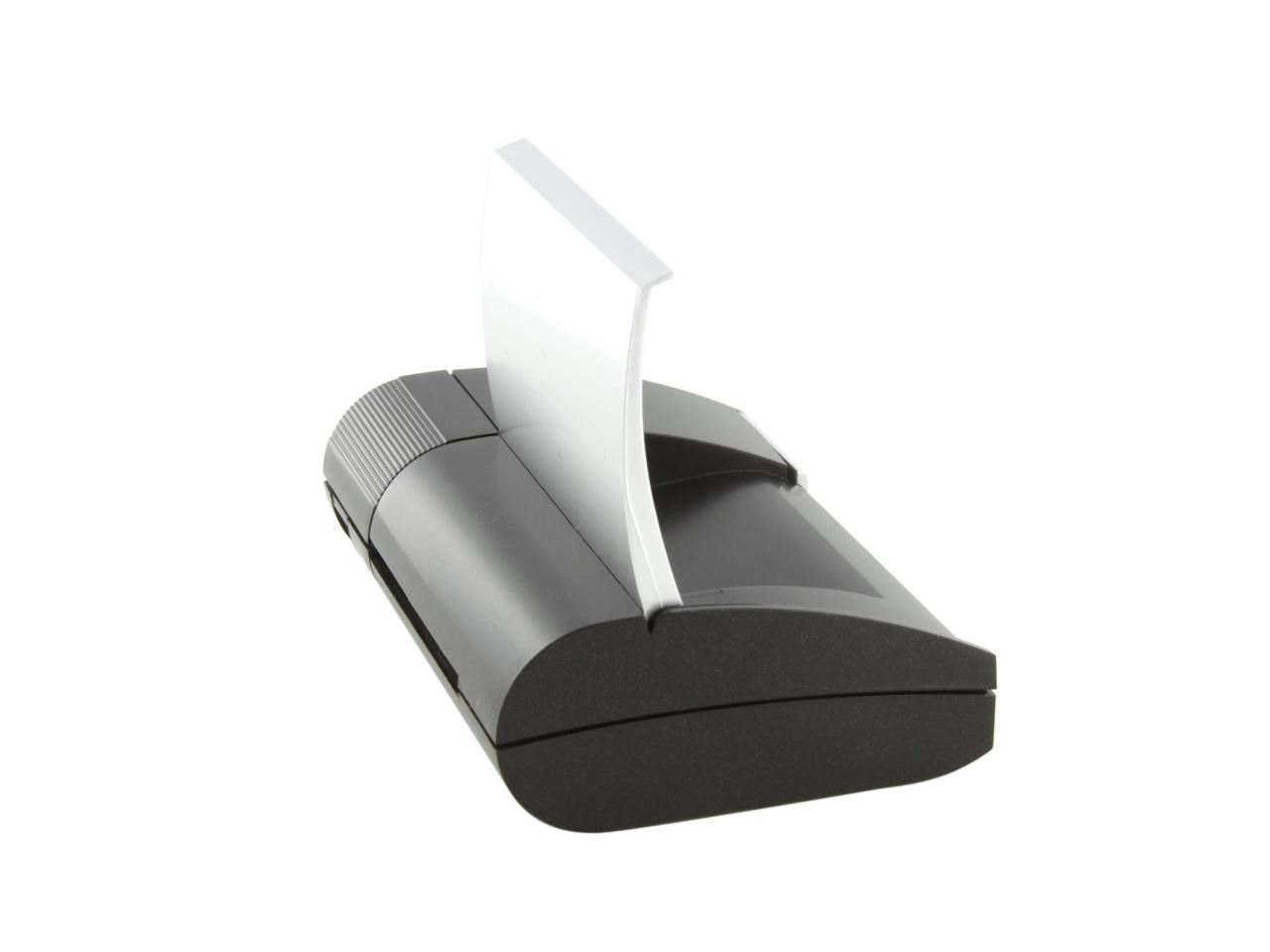
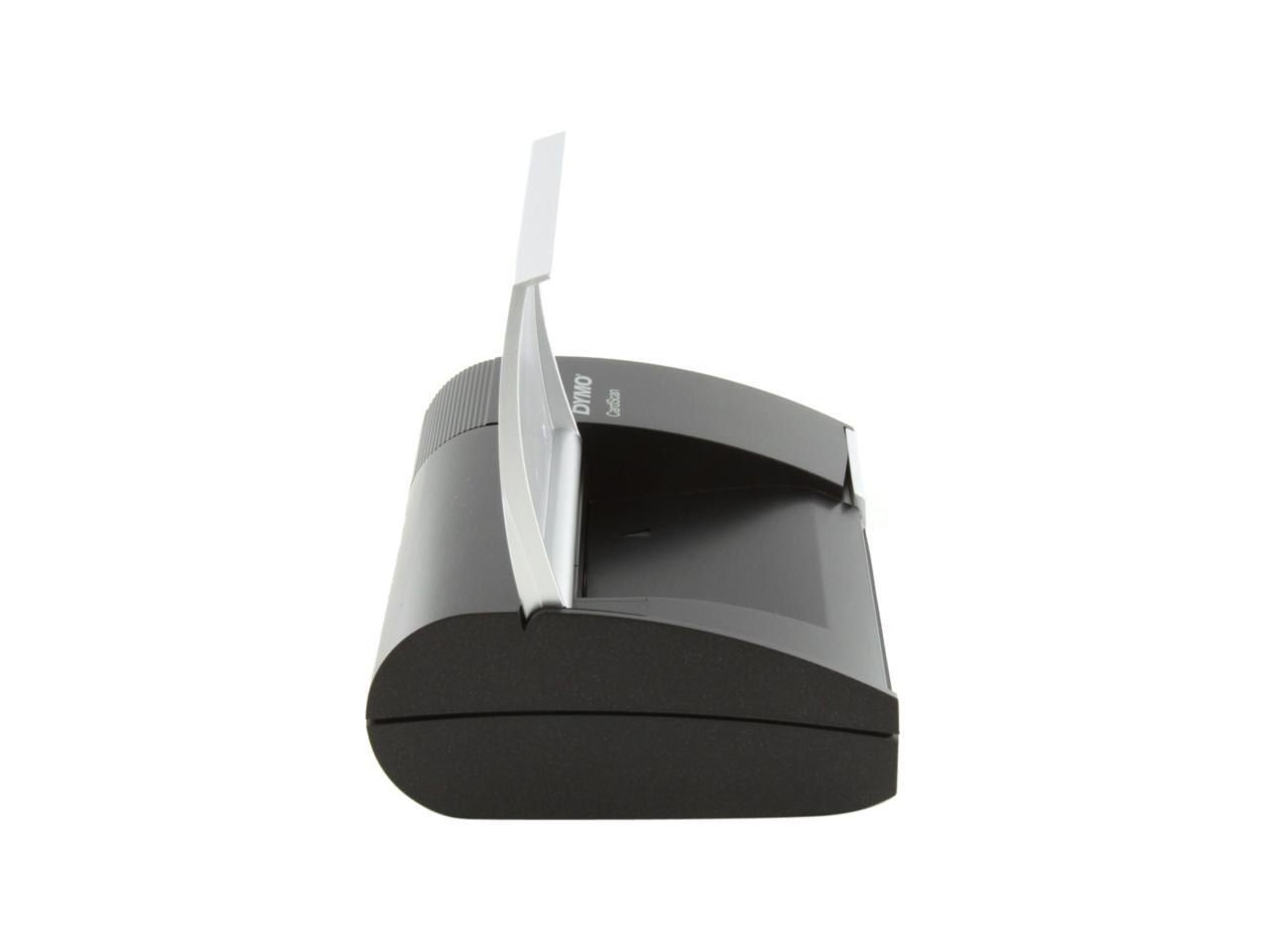
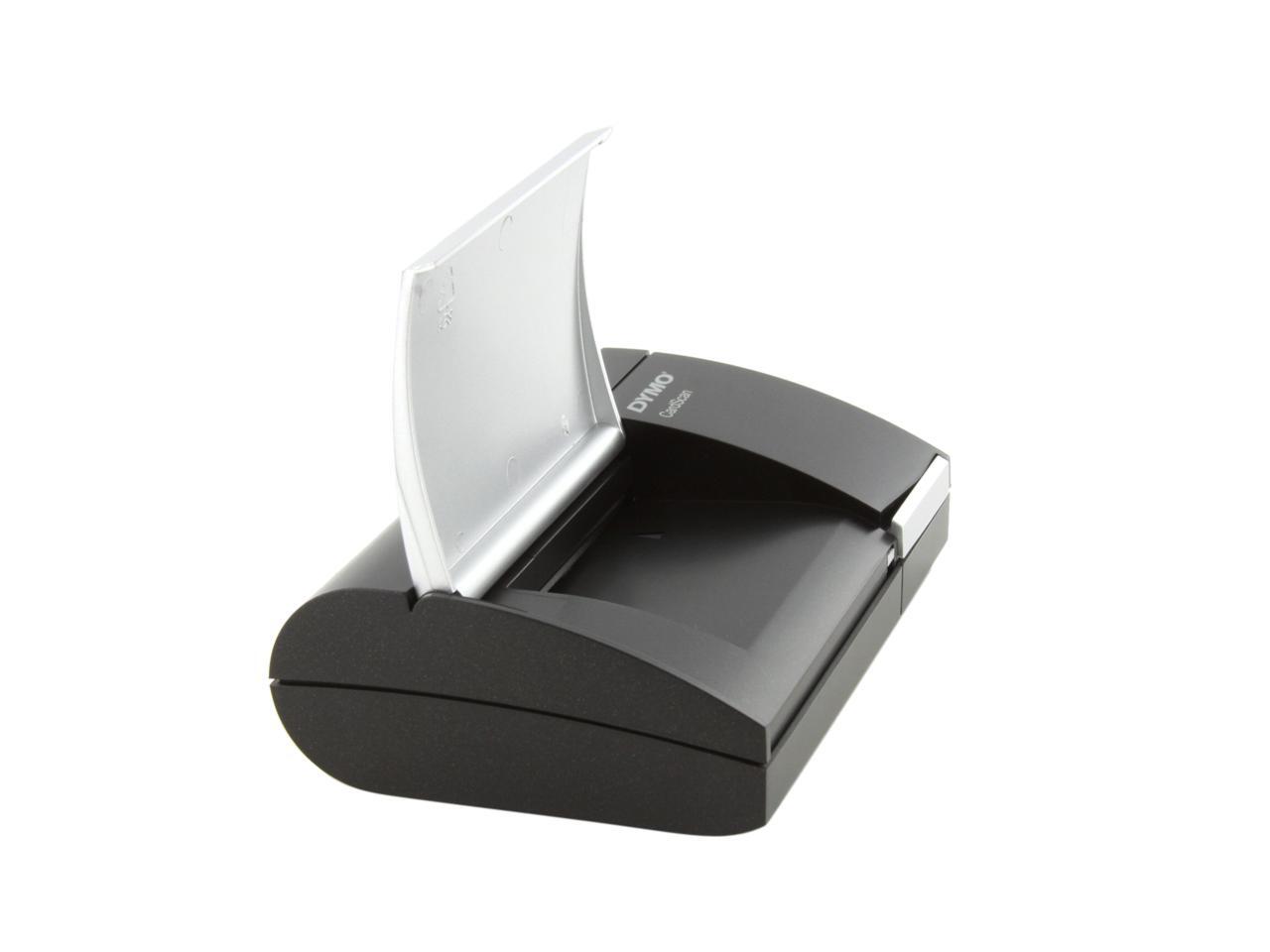
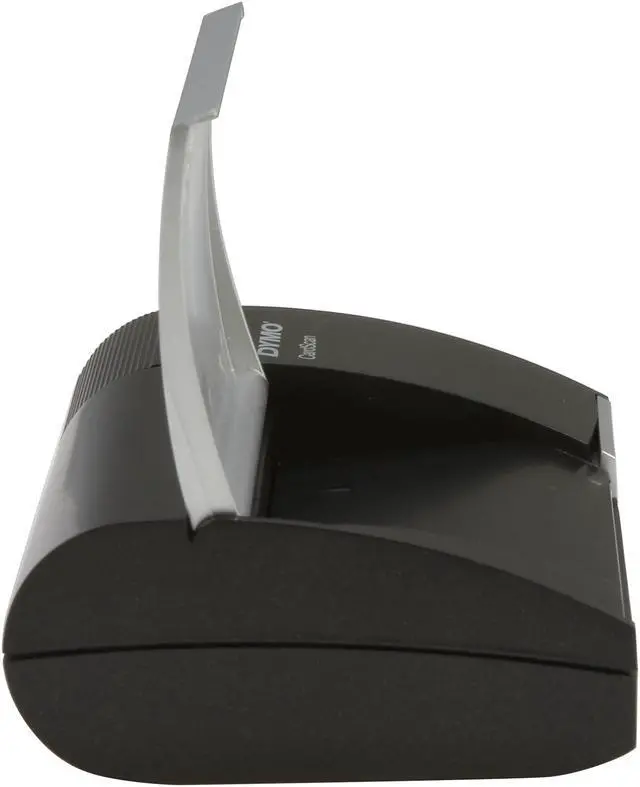
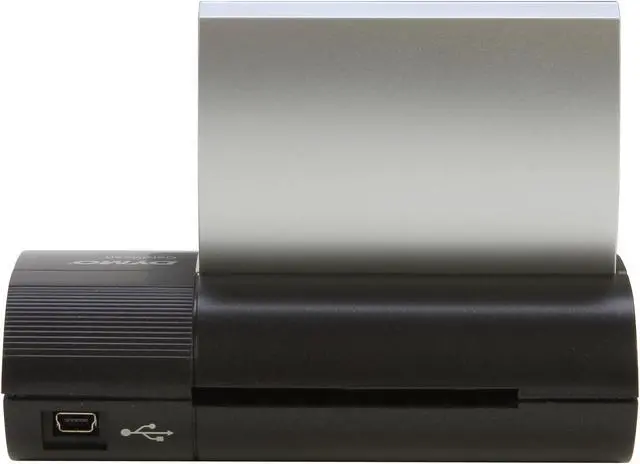
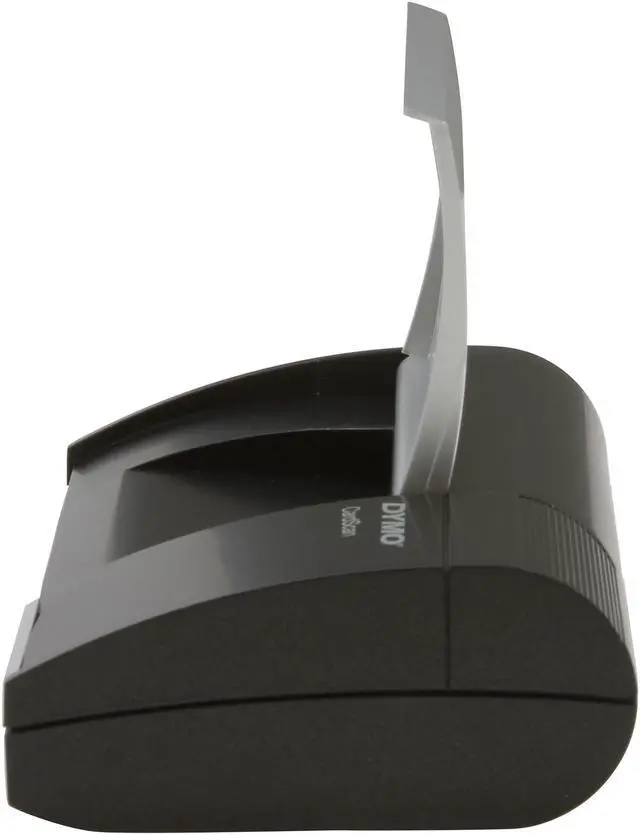
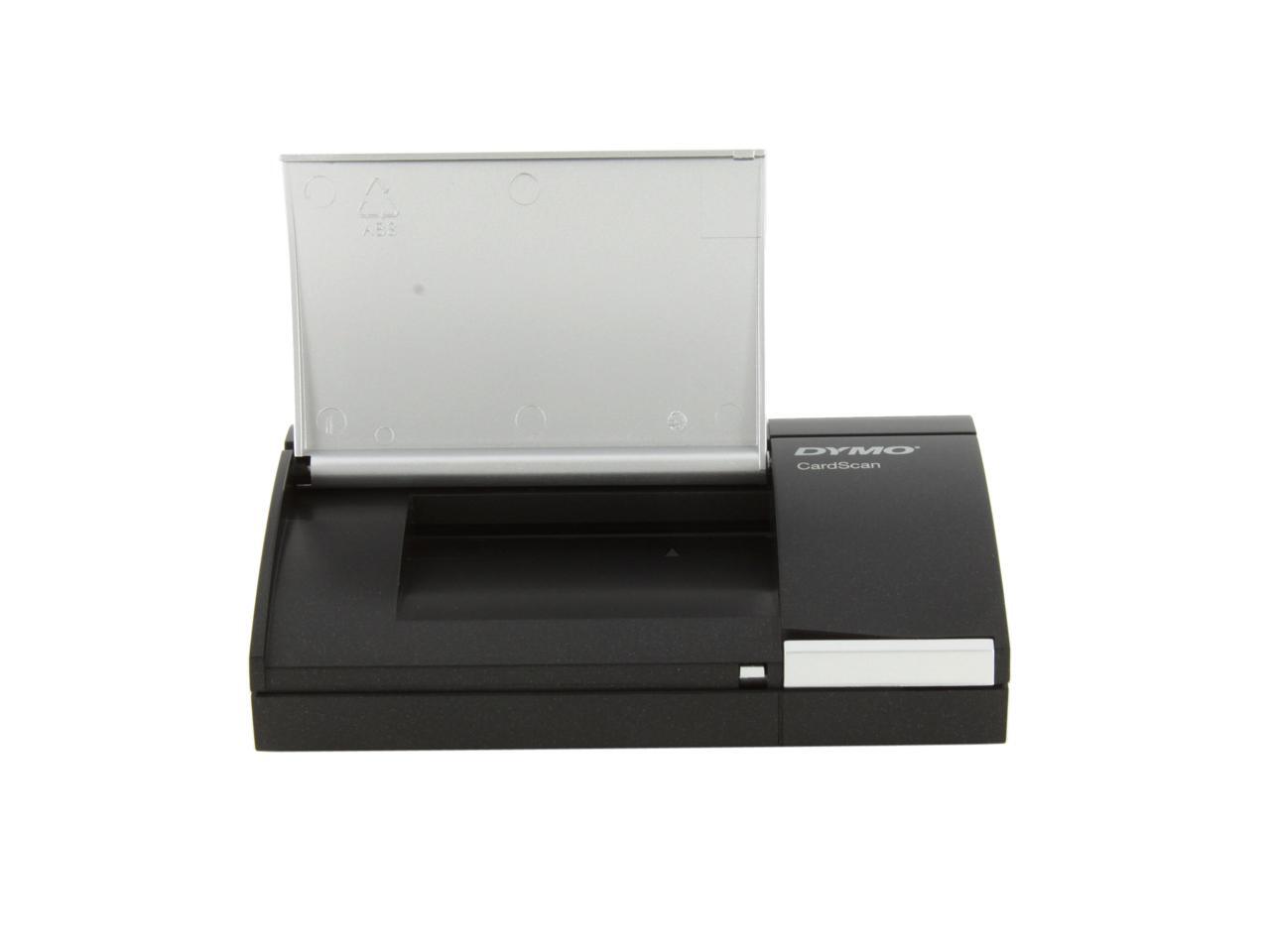
 Accurate CardScan monochrome business card scannerThis palm-sized business card scanner scans business cards in 7 languages, from 14 different countries. Scan contact data directly from business cards, or drag and drop contact data from emails, Web pages, documents.
 New CardScan v9 contact management softwareNEW Address Fixer functionality verifies and corrects US addresses and ZIP + 4 codes. NEW Save As feature saves any CardScan file in .csv (spreadsheet) or .vcf (VCard) format. With the new improved user interface, you can edit, sort, search, categorize and de-duplicate contacts faster and easier than ever. You can also generate a map of any contact’s address and labels for contacts at your fingertips. With the New CardScan v9 contact management software, the DYMO 1760685 syncs seamlessly with Outlook, Palm, and Windows Mobile.