


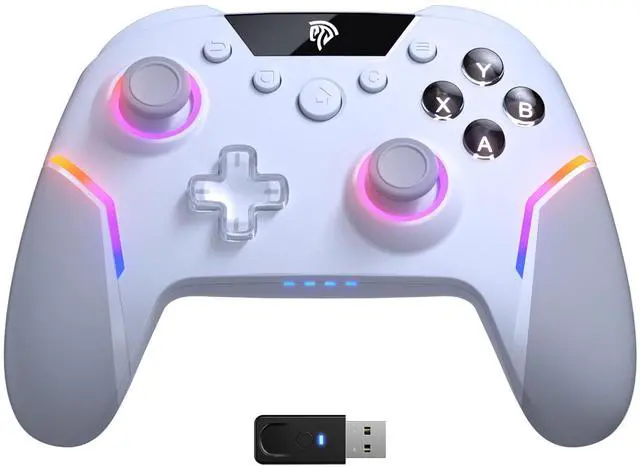
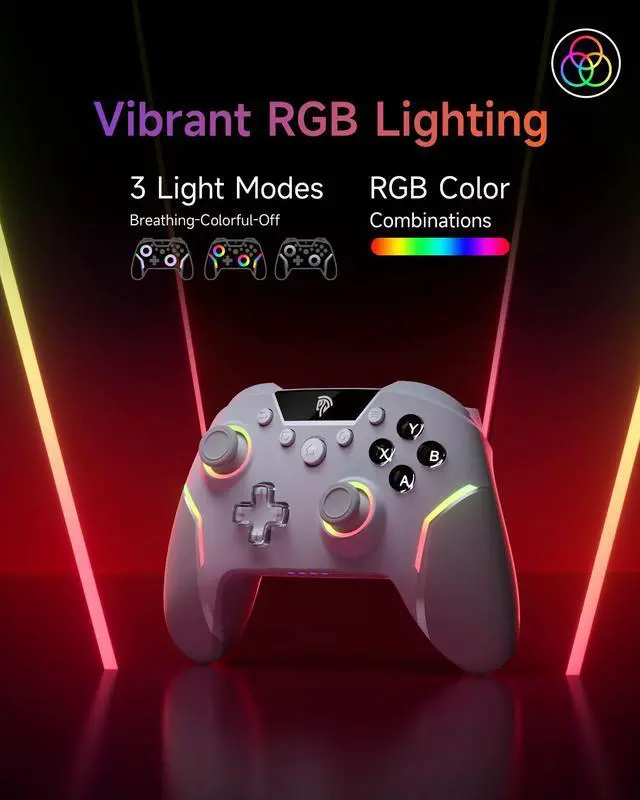
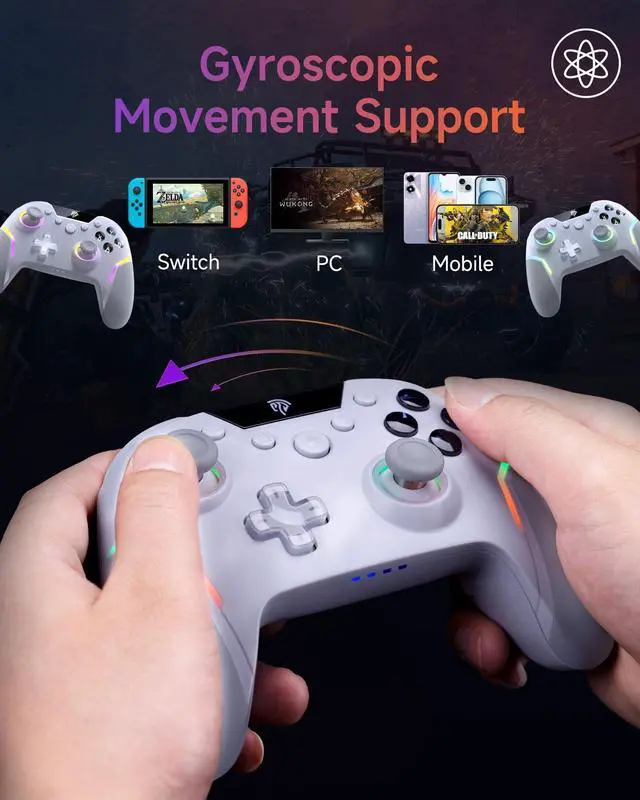
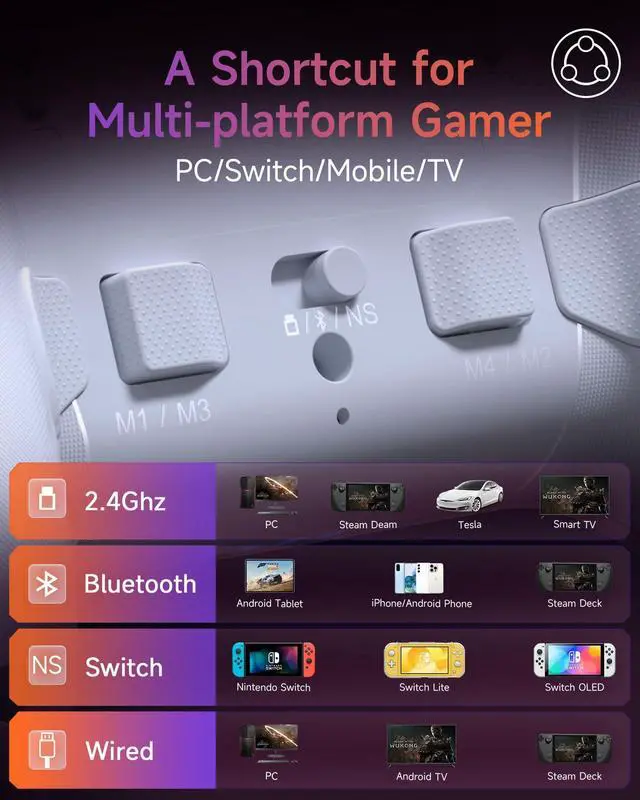


EasySMX X20 PC Controller
Merchant Video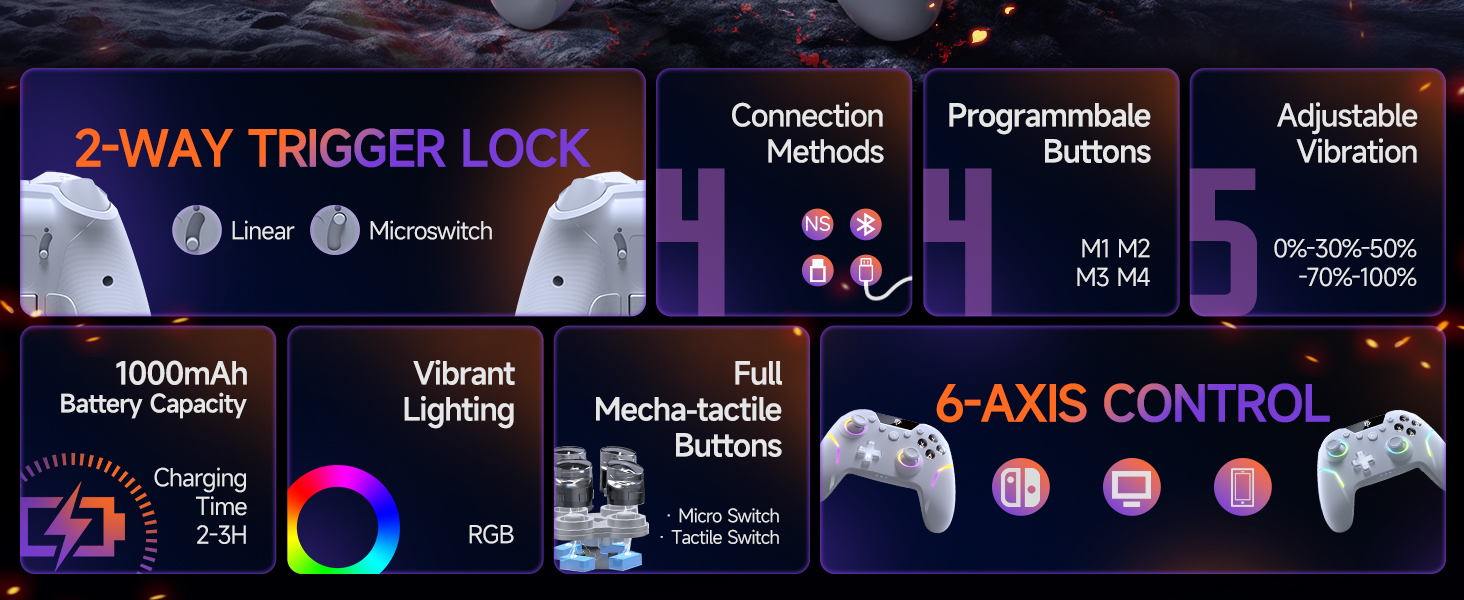
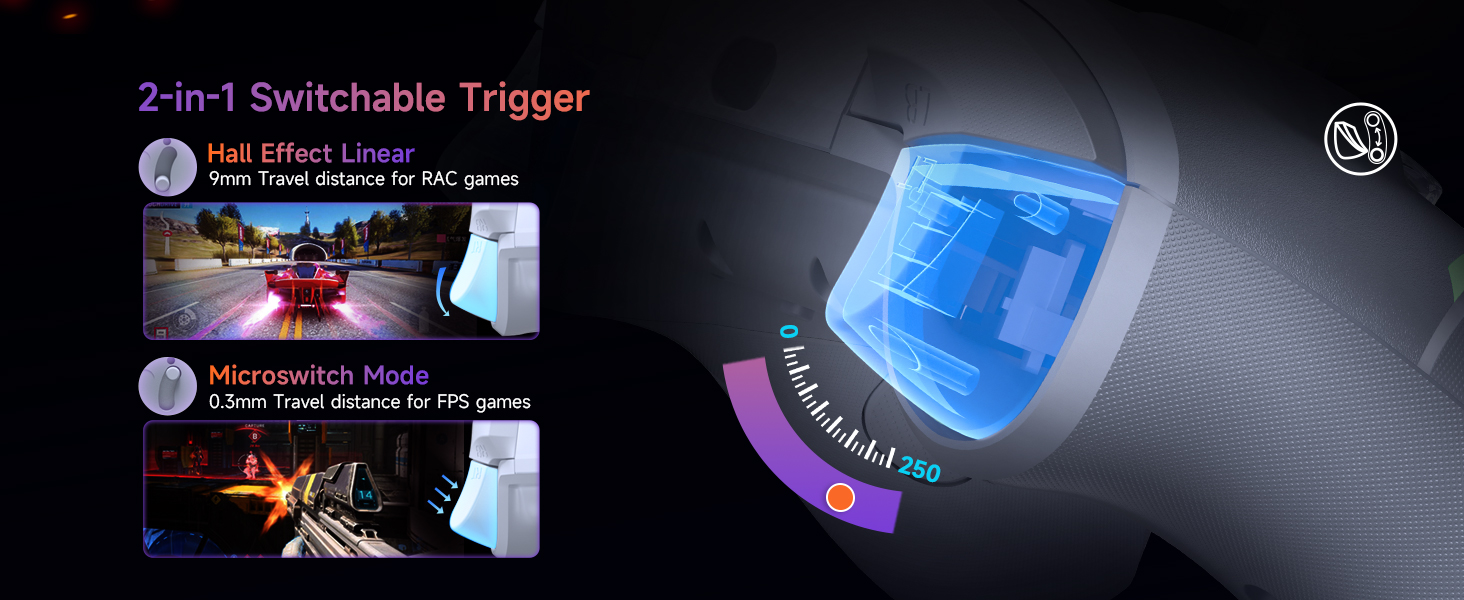
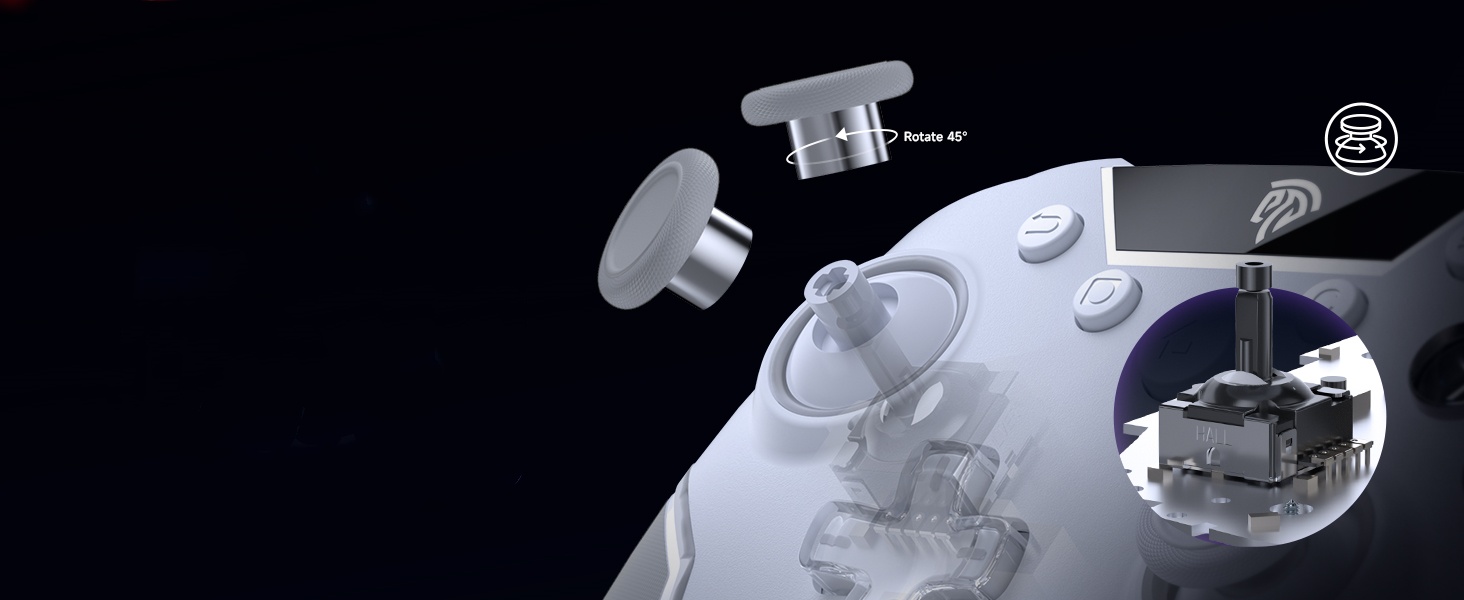
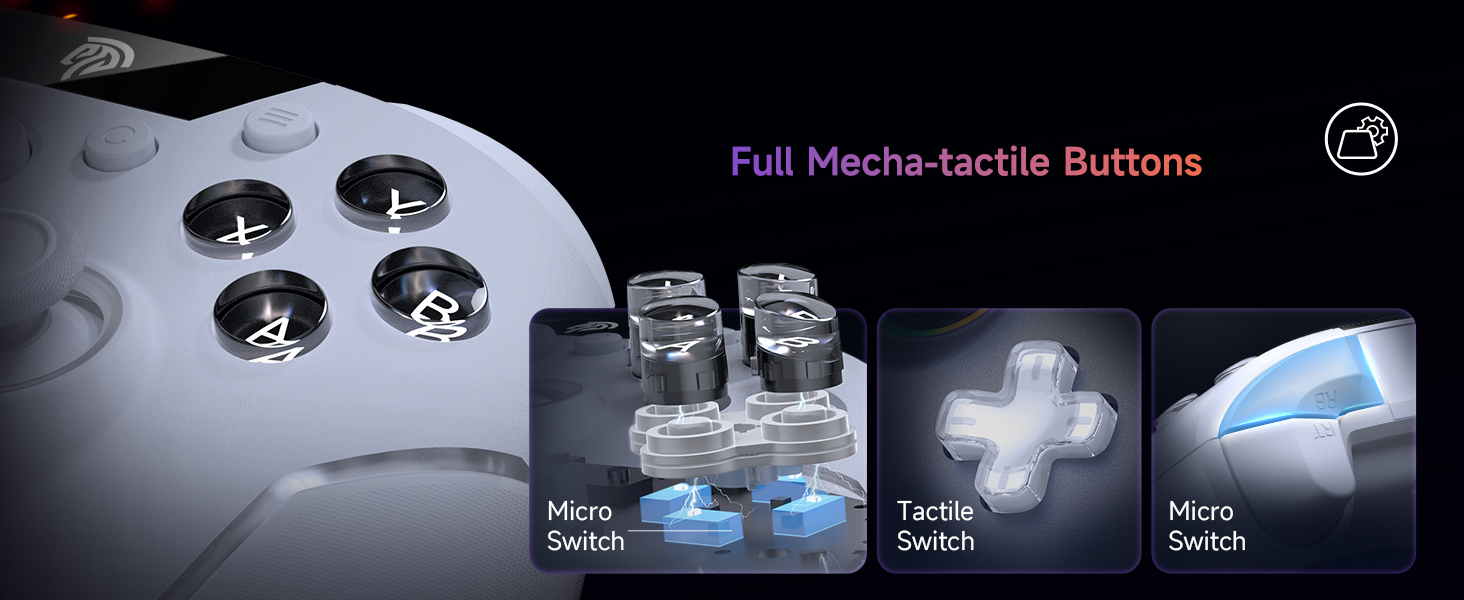
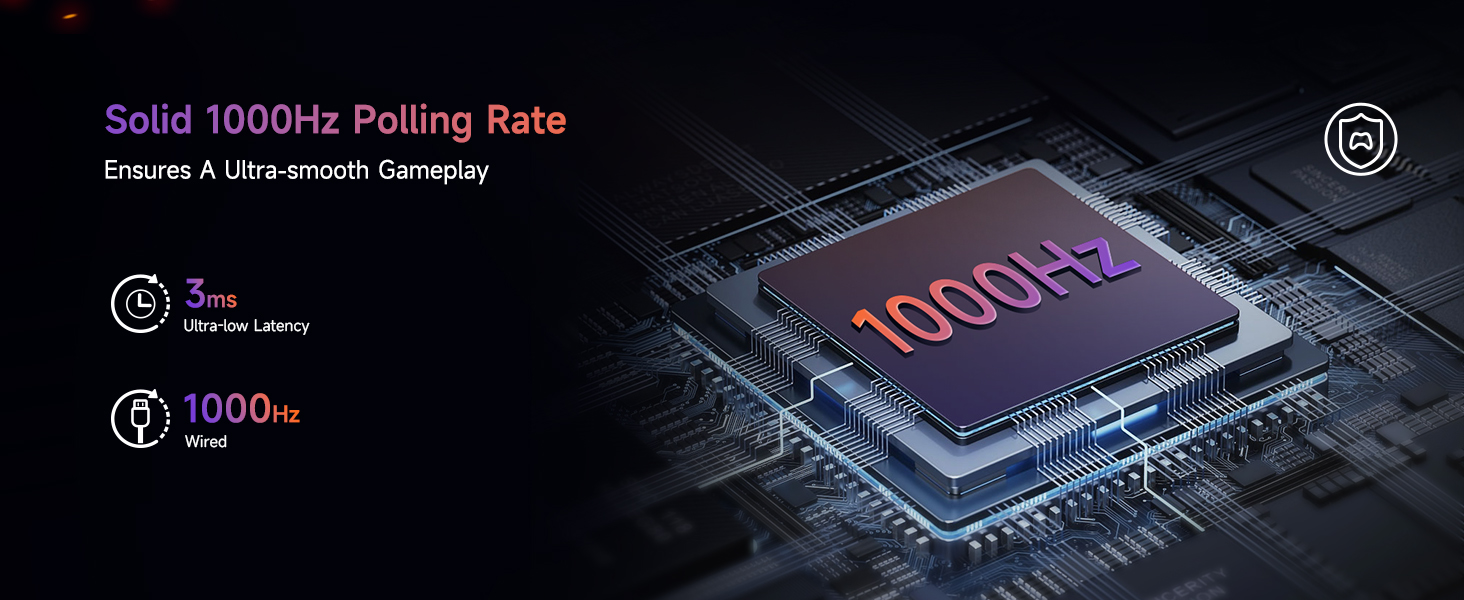
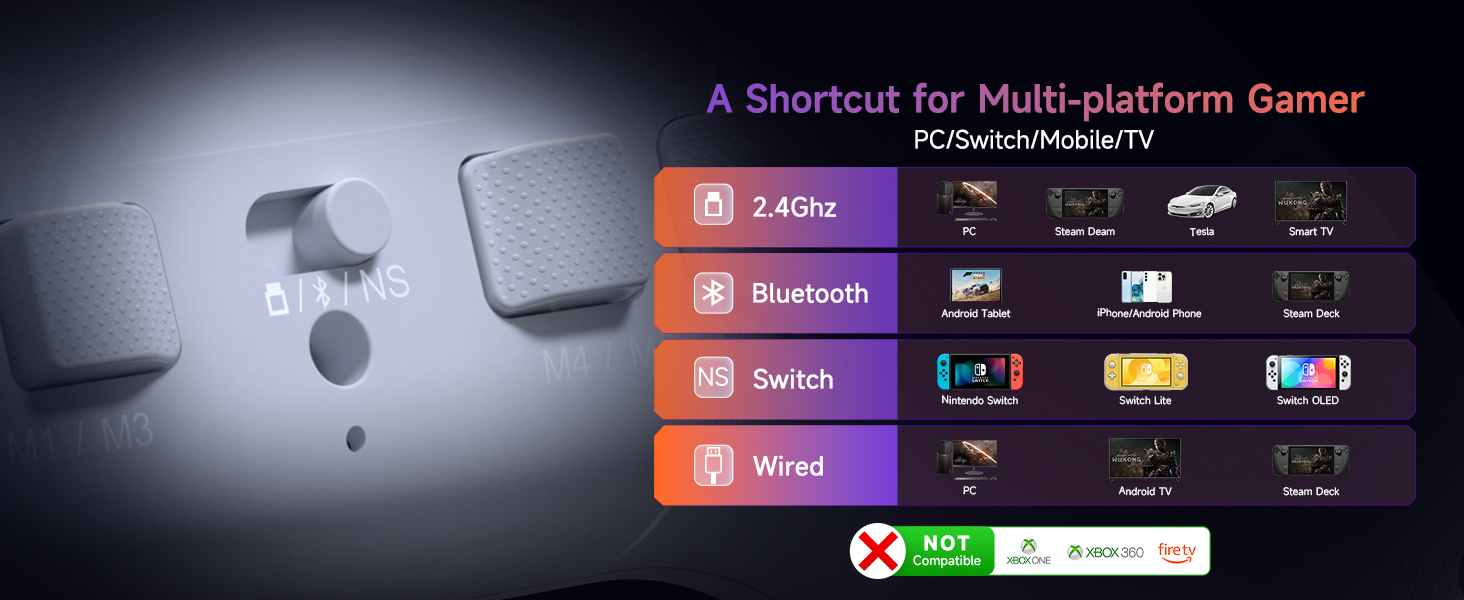
Not compatible with Xbox or PS System
Q1: How to enable No Dead Zone for EasySMX X20?
A1: Download Keylinker APP and set follow the video instruction
Q2: Is firmware upgrade difficult for this gaming controller?
A2: No. Just connect the PC gamepad via USB, open the tool, click “Detect Device” > “Upgrade.” The process takes ~1 minute. Easy instructions and video guides are available.
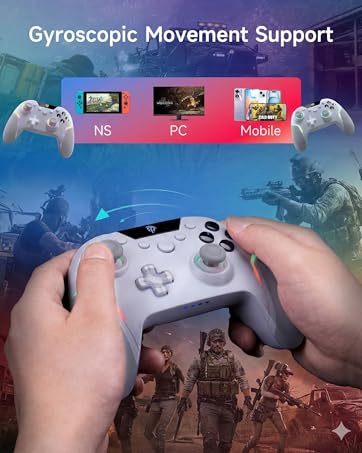
Q3: What systems is this X20 pc game controller compatible with?
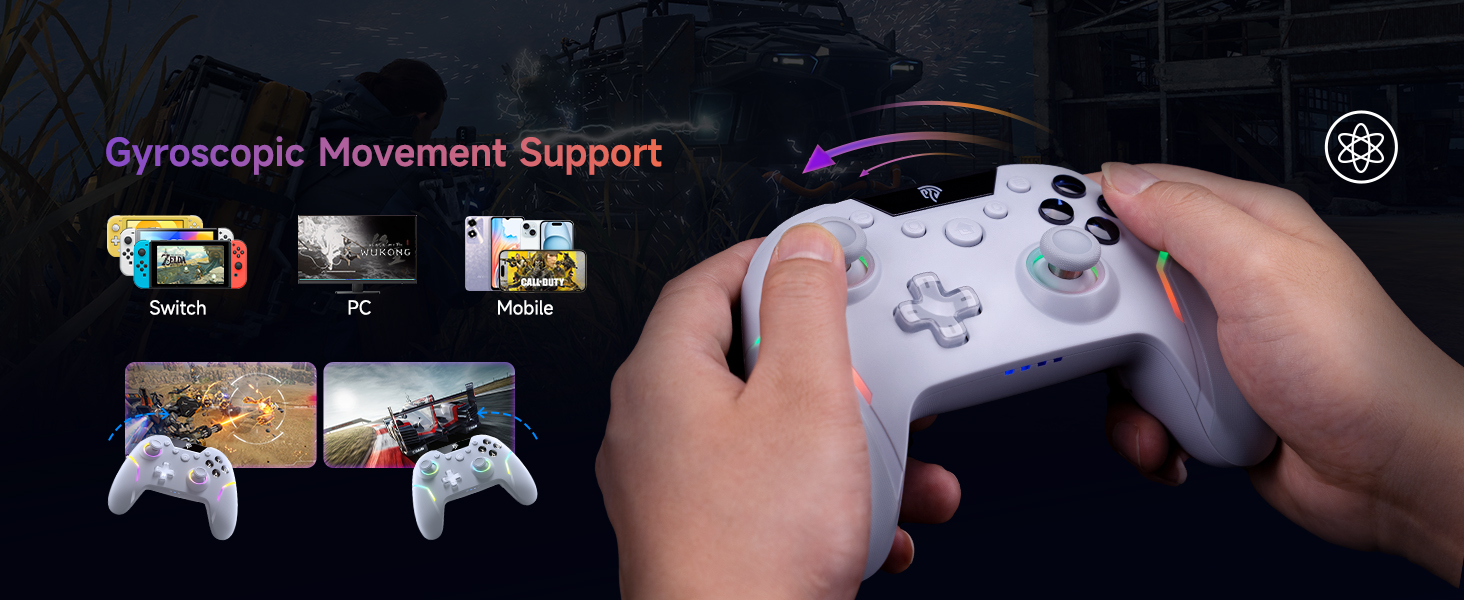
A3: This Bluetooth controller works with Windows, Android, Steam, and Nintendo Switch. Not compatible macOS, Xbox or Play-Station consoles.
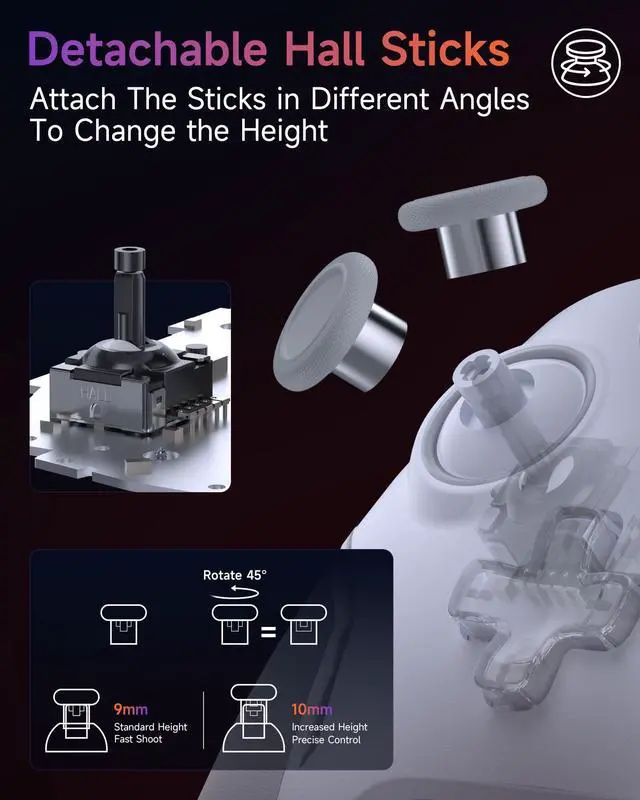
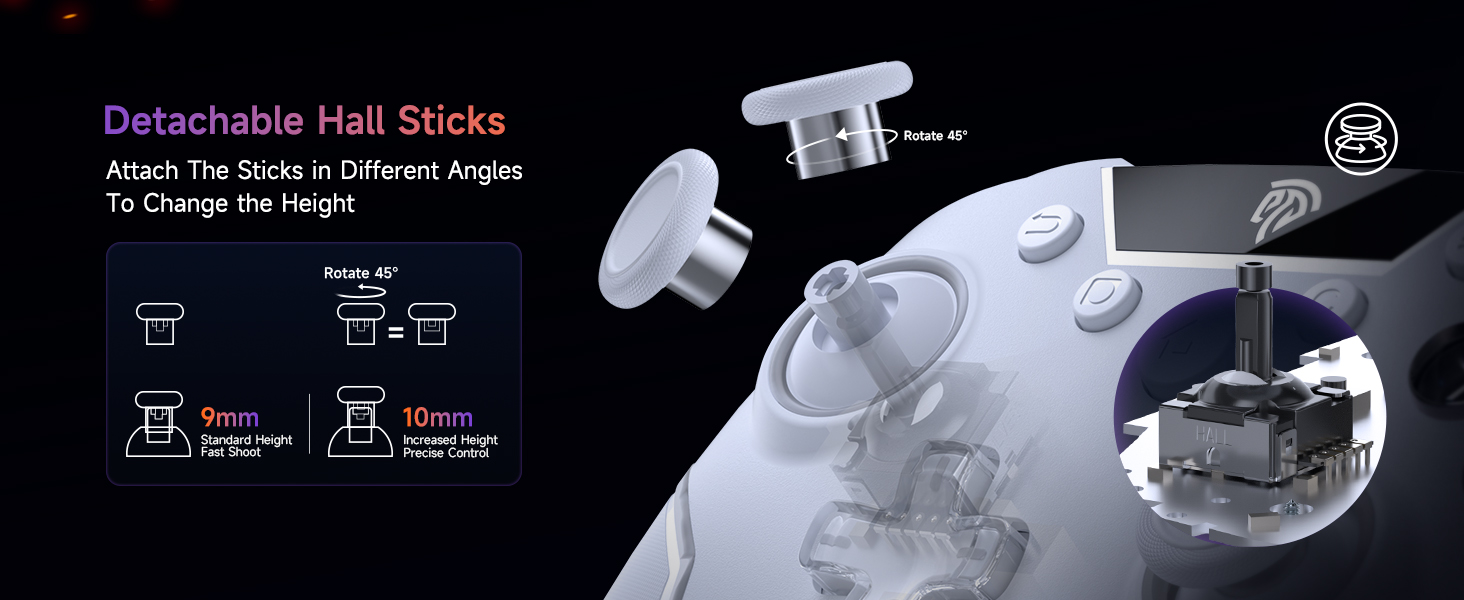
Q4: What if the thumbstick cap of my wireless PC controller falls off?
A4: The thumbstick caps are removable by design. Just press them back. If damaged, you can con tact EasySMX for a free replacement or order individual thumbstick caps separately.
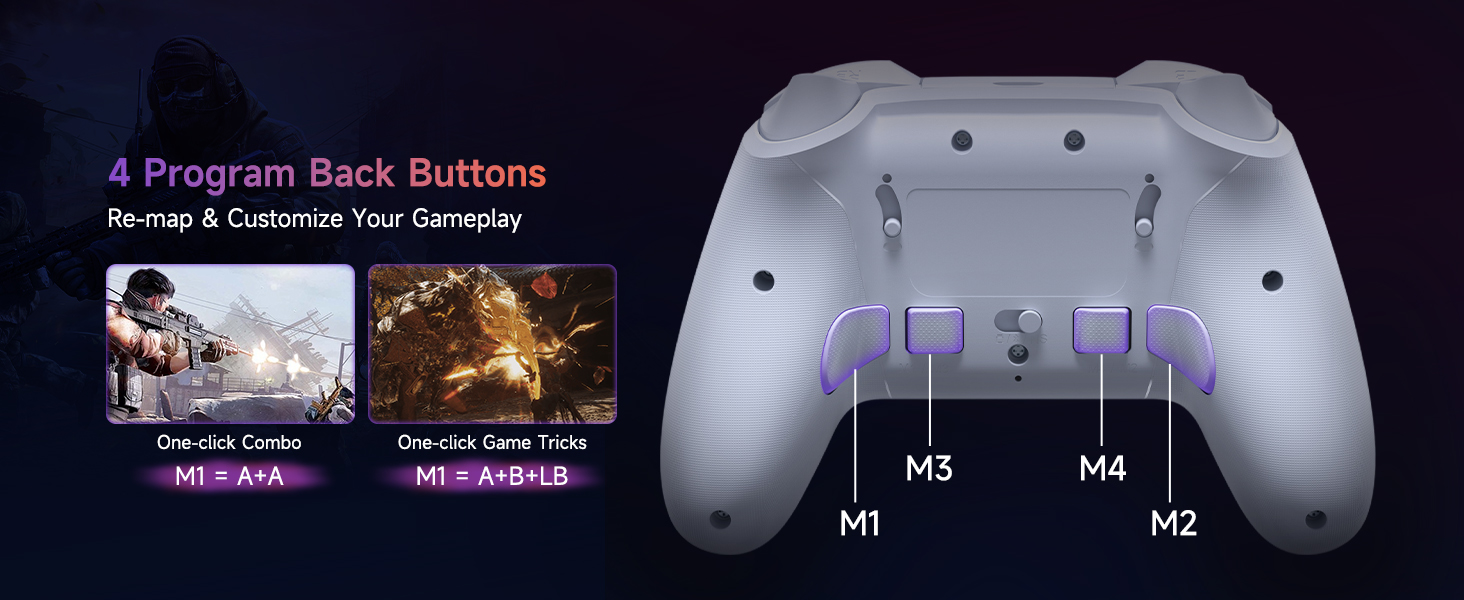
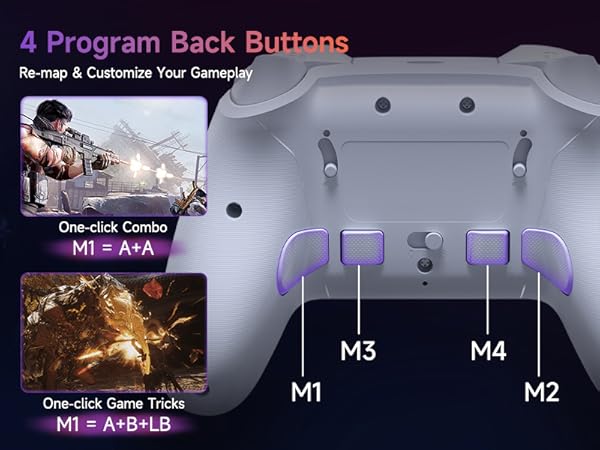
Q5: Are the back buttons on this PC gamepad hard to set up?
A5: Not at all. To program M1: Hold C + M1 for 5s to enter programming mode. Press the button you want to assign (e.g., A or AB). Then press C + M1 again to save and exit. Programming is now complete.

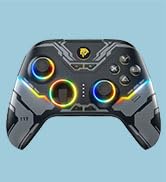
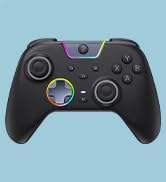
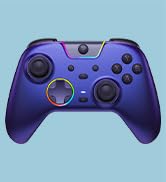
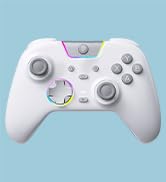
Top PC Controllers
Upgrade Your PC Controller
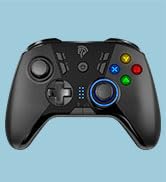
Best Value PC Controllers
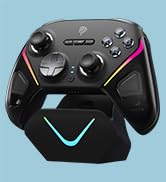
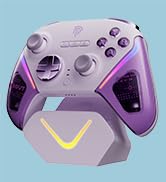
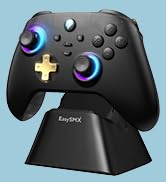
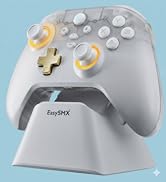
Dock-Ready PC Controllers
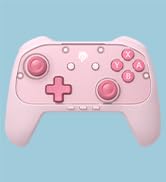
New Switch 2 Releases

How did we get our start?
Established in 2012, EasySMX develops gaming accessories like controllers and headsets.
What makes our products unique?
Our strength lies in our R&D team, who ensures core technology and excellent after-sales service.
Why do we love what we do?
We're passionate about crafting quality products, offering a remarkable shopping experience, and improving our customers' lives.
Top PC Controllers
Upgrade Your PC Controller
Best Value PC Controllers
Dock-Ready PC Controllers
New Switch 2 Releases
How did we get our start?
Established in 2012, EasySMX develops gaming accessories like controllers and headsets.
What makes our products unique?
Our strength lies in our R&D team, who ensures core technology and excellent after-sales service.
Why do we love what we do?
We're passionate about crafting quality products, offering a remarkable shopping experience, and improving our customers' lives.
EasySMX X20 PC Controller
Merchant Video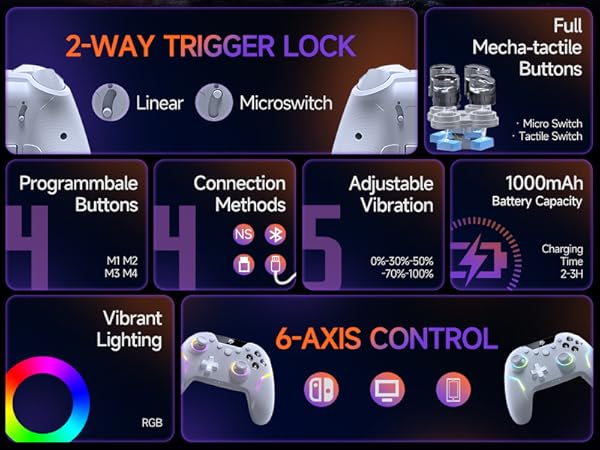
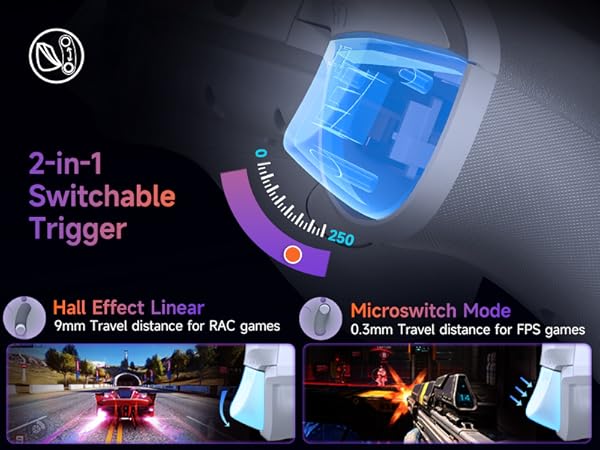
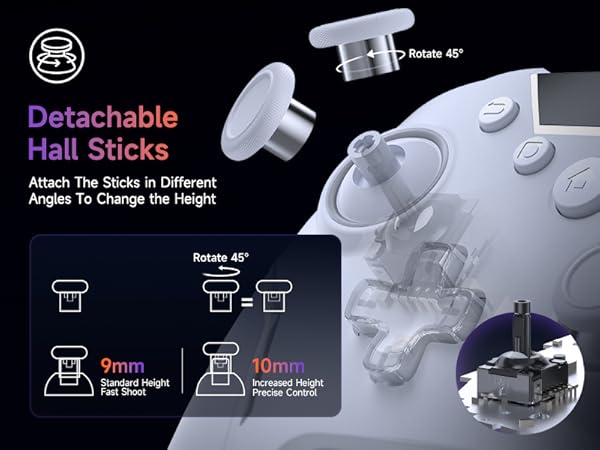
Joysticks Calibrate
While powered on, press HOME + BACK + B ? Rotate both sticks 3 times ? Press B to exit calibration.
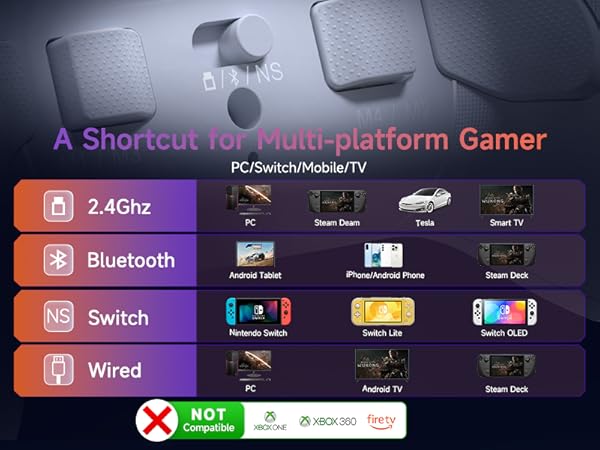
Not compatible with Xbox or PS System
1111
2222
Q1: How to enable No Dead Zone for EasySMX X20?
A1: Download Keylinker APP and set follow the video instruction
Q2: Is firmware upgrade difficult for this gaming controller?
A2: No. Just connect the PC gamepad via USB, open the tool, click “Detect Device” > “Upgrade.” The process takes ~1 minute. Easy instructions and video guides are available.
Q3: What systems is this X20 pc game controller compatible with?
A3: This Bluetooth controller works with Windows, Android, Steam, and Nintendo Switch. Not compatible macOS, Xbox or Play-Station consoles.
Q4: What if the thumbstick cap of my wireless PC controller falls off?
A4: The thumbstick caps are removable by design. Just press them back. If damaged, you can con tact EasySMX for a free replacement or order individual thumbstick caps separately.
Q5: Are the back buttons on this PC gamepad hard to set up?
A5: Not at all. To program M1: Hold C + M1 for 5s to enter programming mode. Press the button you want to assign (e.g., A or AB). Then press C + M1 again to save and exit. Programming is now complete.