



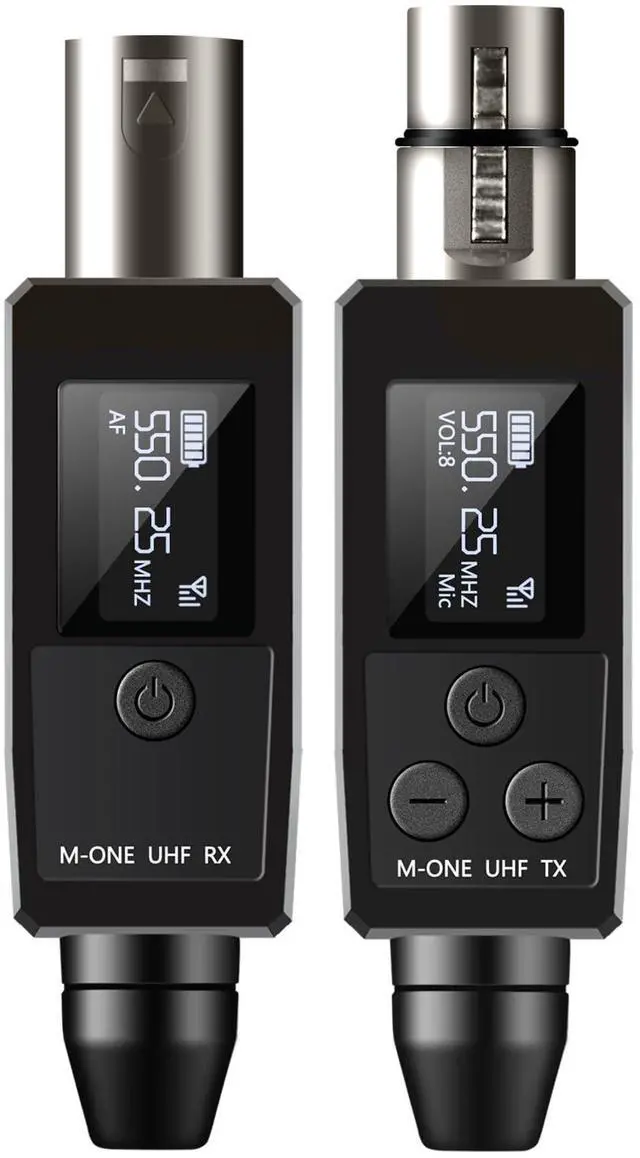
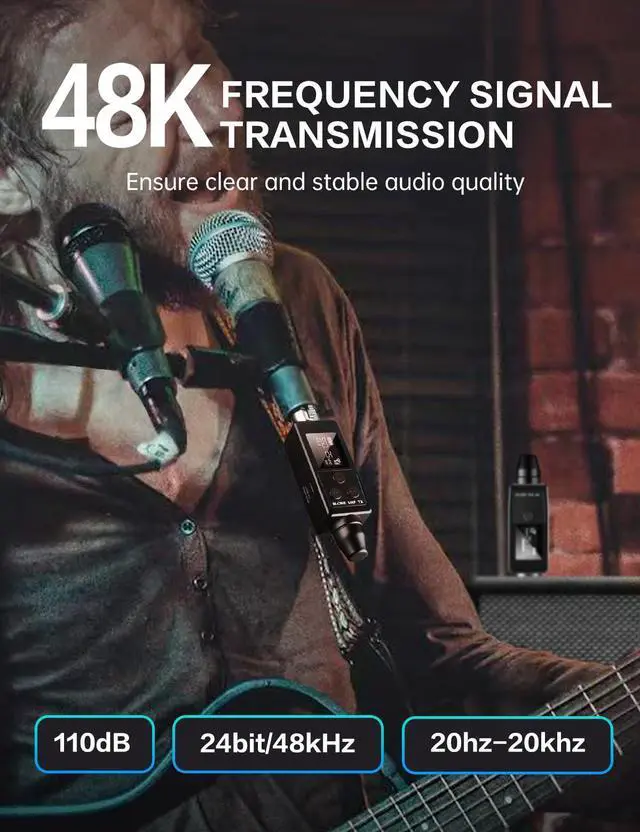
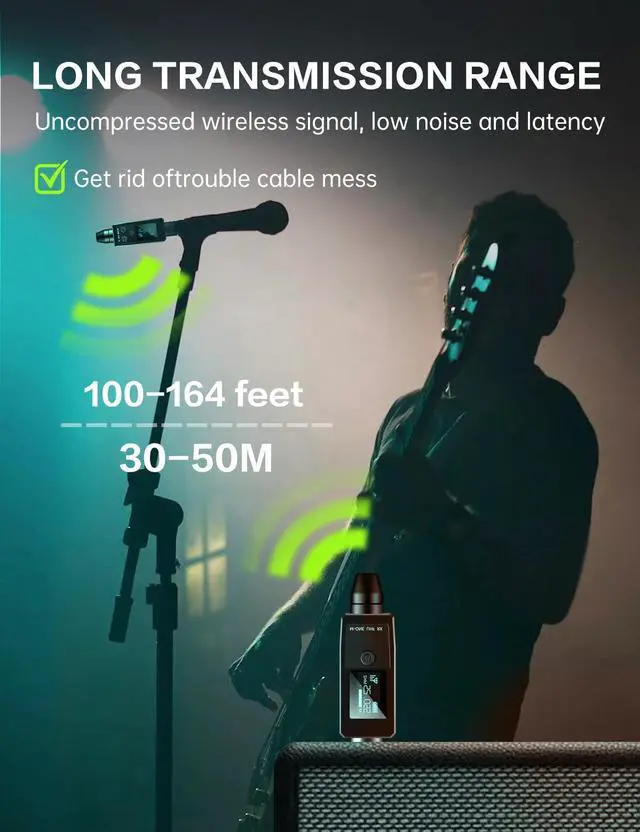
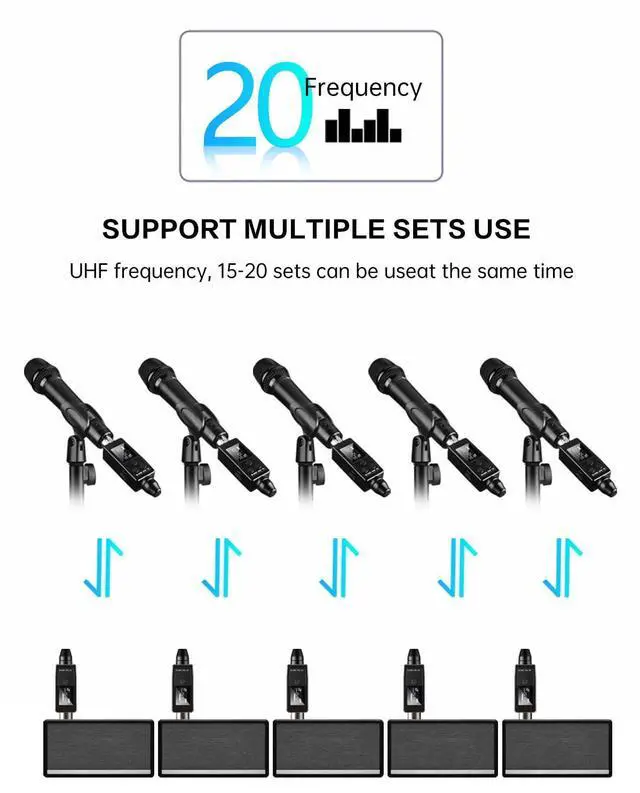
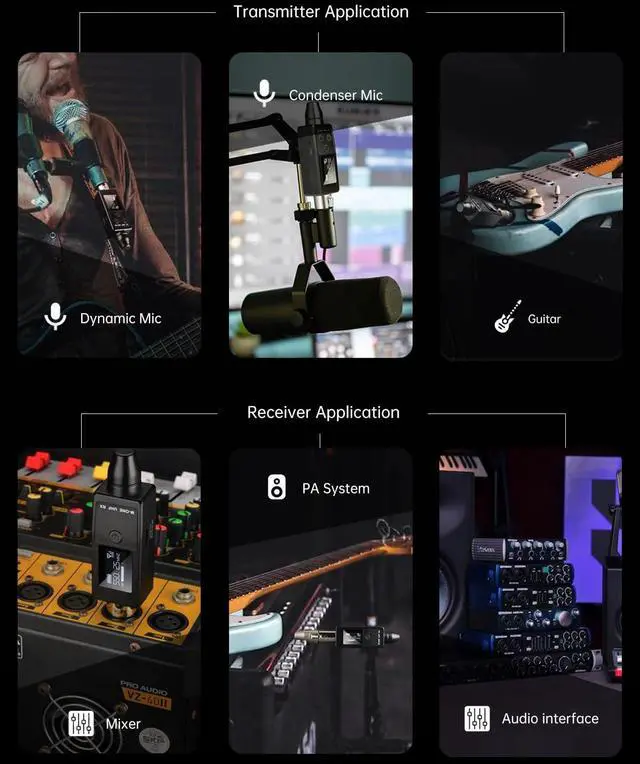


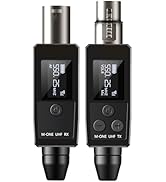
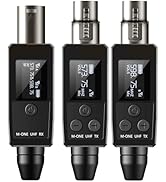
Dynamic- XLR transmitter and XLR receiver : Works with any dynamic/Harmonic microphone or battery-powered condenser wireless microphones system, Audio mixer, PA system, Provides stable and reliable wireless transmission.

Function Introduction

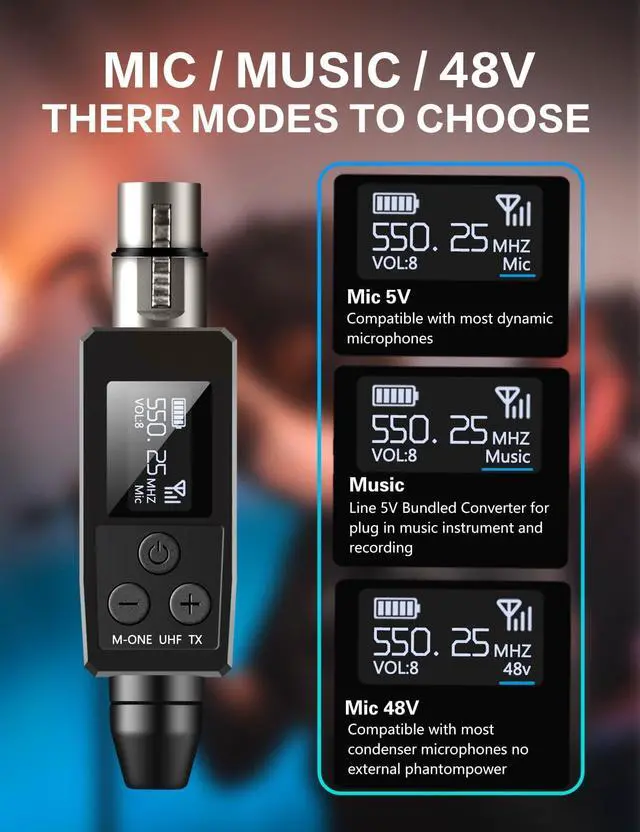
3 modes of operation
- MIC for dynamic mic
- MUSIC indicates the instrument recording mode
- 48V for phantom power vocal recording mic

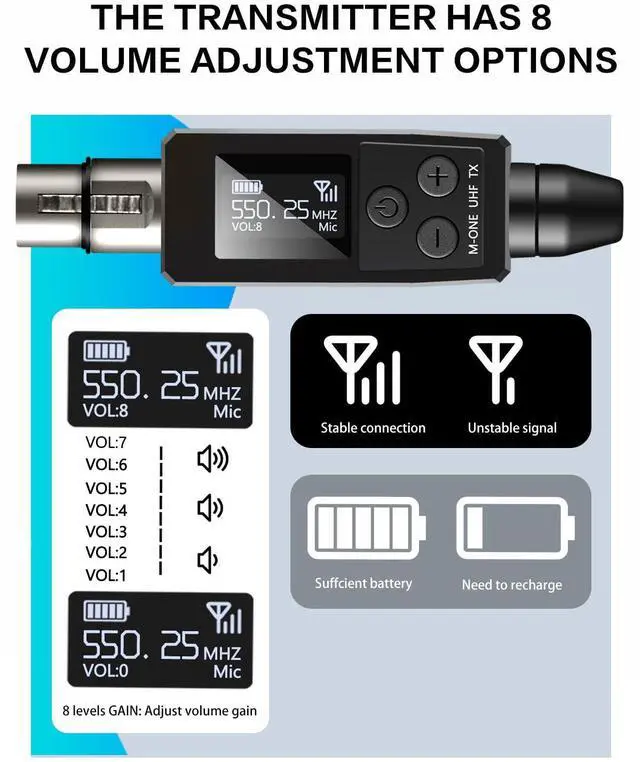
0-8 level volume adjustment
- The device can adjust the volume remotely
- When using the phantom power microphoneor when usingit for the first time, the volume should be set tothelowest possible level to avoid tearingsounds


What do I need to do after receiving the product in order to use it better?
It is necessary to ensure that the M-ONE microphone wireless system has sufficient power and charges for more than 3 hours until the indicator light changes from red to off.
How to change the channel?-Part One
After both the receiver and the transmitter are turned on, and the distance between them is more than 15cm.
How to change the channel?-Part Two
Press and hold the receiver power button and "-" button at the same time until the screen displays CH, then let go, and then enter the FM interface.
How to change the channel?-Part Three
Click the "-" button to select the corresponding frequency band, and wait for 20 seconds to complete the automatic pairing after the screen displays SYNC.

Since its inception in 2020, EBJ has aimed to create professional audio products that are both reliable and accessible for everyone to fully enjoy music and sound.
EBJ Committed to the research and developmentof electro-acoustic system: portablemicrophones, portable recording wirelessmicrophones, wireless audio equipment, homekaraoke equipment, conference audio system.stage audio system, recording equipment, etc.
EBJ Wireless System

Dynamic- XLR transmitter and XLR receiver : Works with any dynamic/Harmonic microphone or battery-powered condenser wireless microphones system, Audio mixer, PA system, Provides stable and reliable wireless transmission.

Function Introduction
3 modes of operation
- MIC for dynamic mic
- MUSIC indicates the instrument recording mode
- 48V for phantom power vocal recording mic
0-8 level volume adjustment
- The device can adjust the volume remotely
- When using the phantom power microphoneor when usingit for the first time, the volume should be set tothelowest possible level to avoid tearingsounds


What do I need to do after receiving the product in order to use it better?
It is necessary to ensure that the M-ONE microphone wireless system has sufficient power and charges for more than 3 hours until the indicator light changes from red to off.
How to change the channel?-Part One
After both the receiver and the transmitter are turned on, and the distance between them is more than 15cm.
How to change the channel?-Part Two
Press and hold the receiver power button and "-" button at the same time until the screen displays CH, then let go, and then enter the FM interface.
How to change the channel?-Part Three
Click the "-" button to select the corresponding frequency band, and wait for 20 seconds to complete the automatic pairing after the screen displays SYNC.
Since its inception in 2020, EBJ has aimed to create professional audio products that are both reliable and accessible for everyone to fully enjoy music and sound.
EBJ Committed to the research and developmentof electro-acoustic system: portablemicrophones, portable recording wirelessmicrophones, wireless audio equipment, homekaraoke equipment, conference audio system.stage audio system, recording equipment, etc.
EBJ Wireless System