



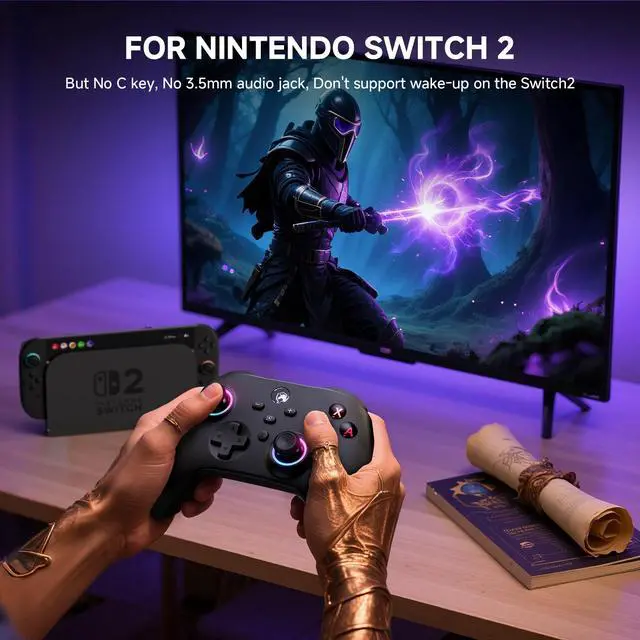


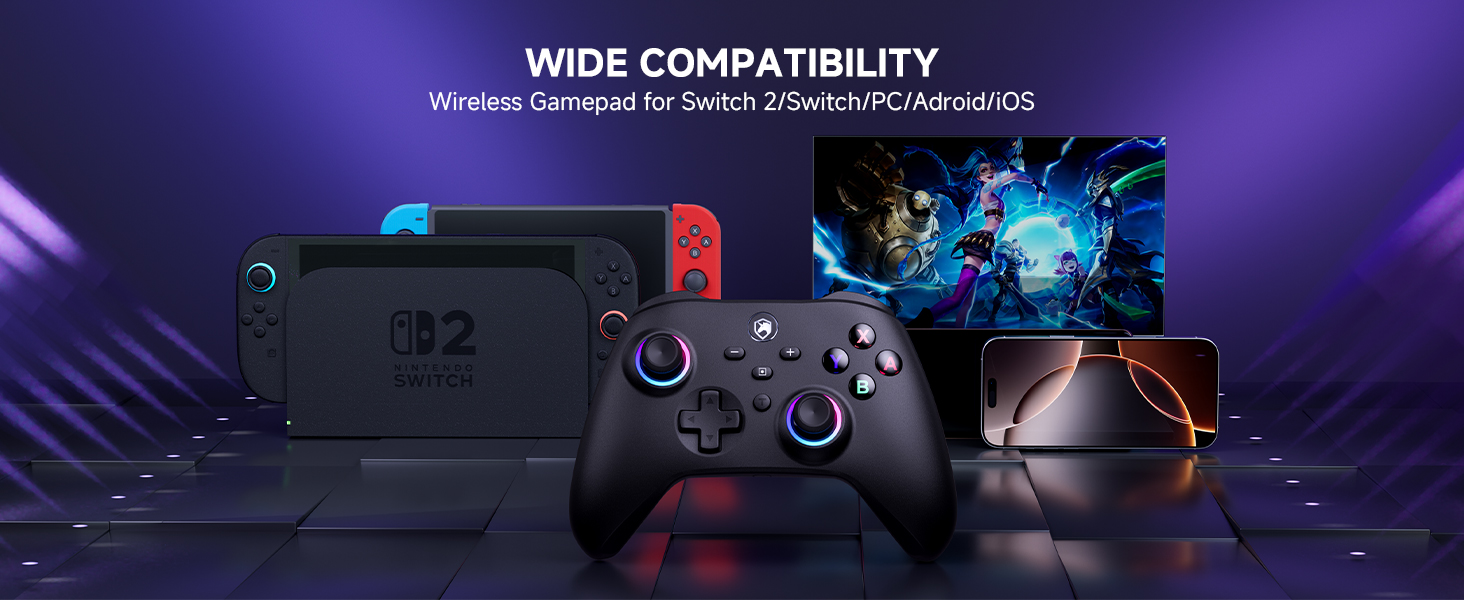
Is it compatible with Nintendo Switch 2?
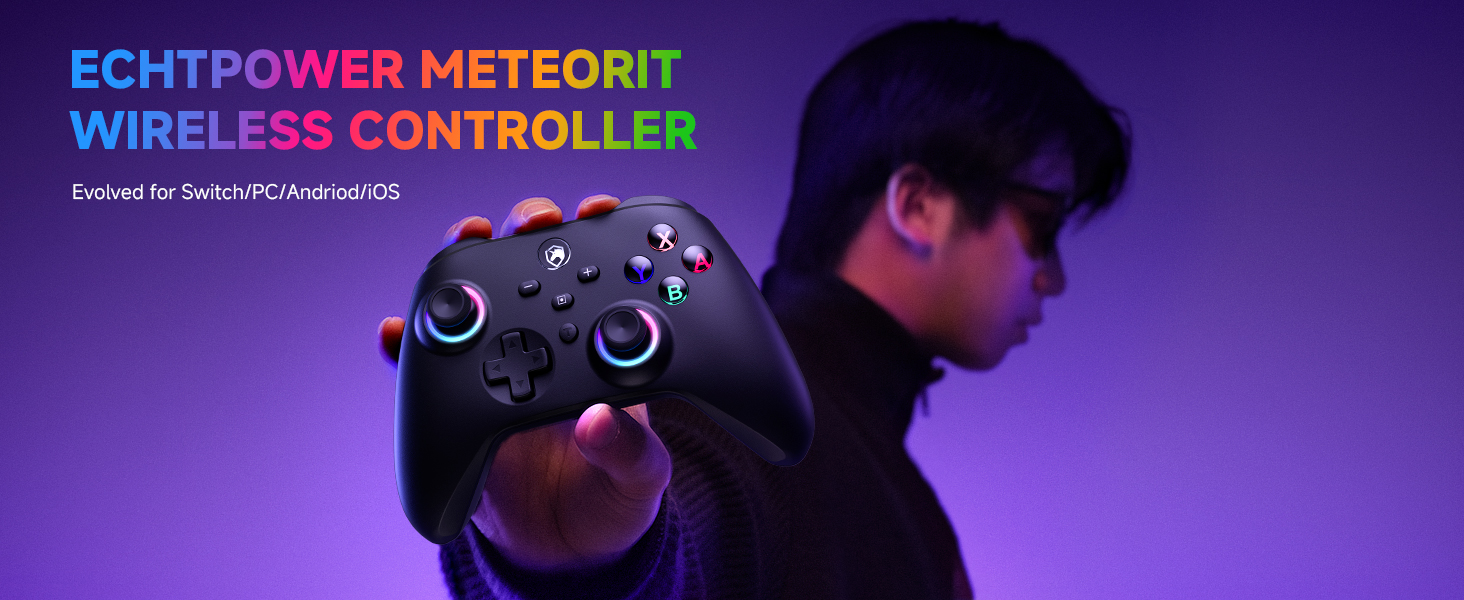
Yes, it is compatible with Nintendo Switch 2
How do I connect the Switch?
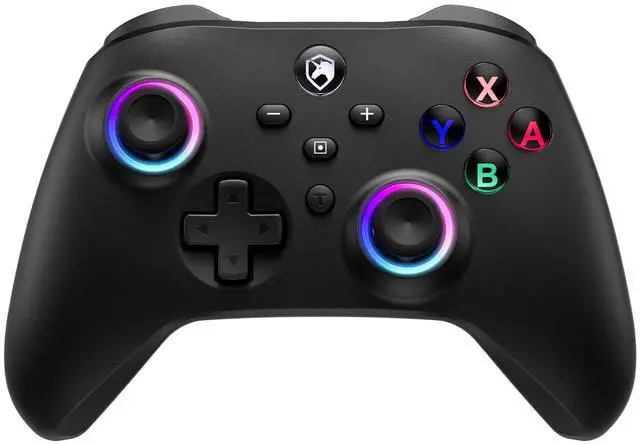
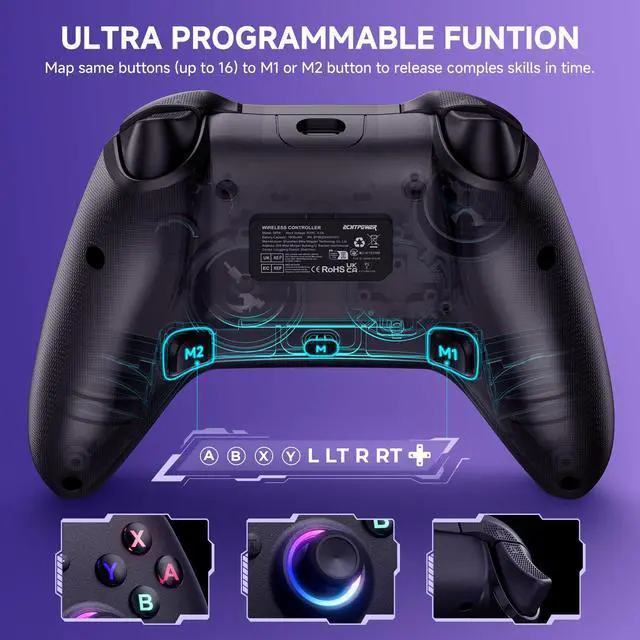
Press the Y button + HOME button to connect to the NS console.To connect to the NS console for the first time, please clickon the “Controllers" option in the console menu, then select“Change Grip/Order" to access the controller pairing interface.
How do I connect to a PC?
Long press the A+HOME button to connect the laptop via Bluetooth, and the success indicator turns green.Not support wirelessly connect to pc.
How do I connect to Android?
Long press the B+HOME button to connect the Android via Bluetooth, and the success indicator turns blue.
How do I connect to iOS?
Long press the X+HOME button to connect the iOS via Bluetooth, and the success indicator turns yellow.
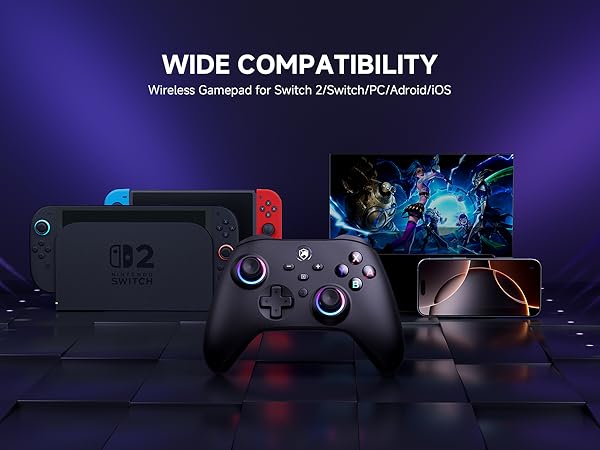
Is it compatible with Nintendo Switch 2?
Yes, it is compatible with Nintendo Switch 2
How do I connect the Switch?
Press the Y button + HOME button to connect to the NS console.To connect to the NS console for the first time, please clickon the “Controllers" option in the console menu, then select“Change Grip/Order" to access the controller pairing interface.
How do I connect to a PC?
Long press the A+HOME button to connect the laptop via Bluetooth, and the success indicator turns green.Not support wirelessly connect to pc.
How do I connect to Android?
Long press the B+HOME button to connect the Android via Bluetooth, and the success indicator turns blue.
How do I connect to iOS?
Long press the X+HOME button to connect the iOS via Bluetooth, and the success indicator turns yellow.