




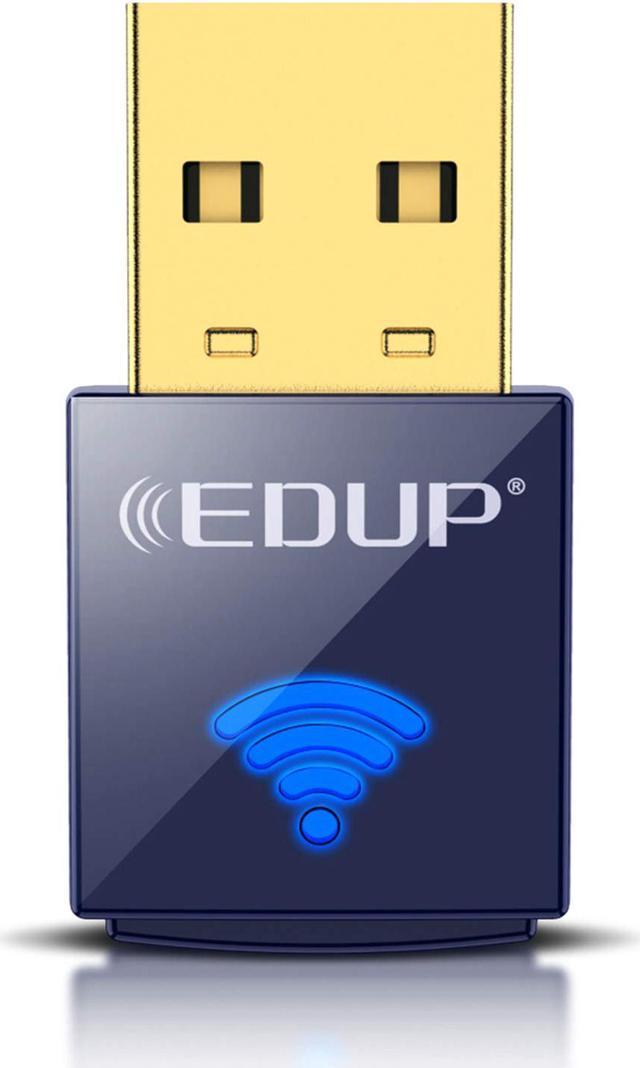
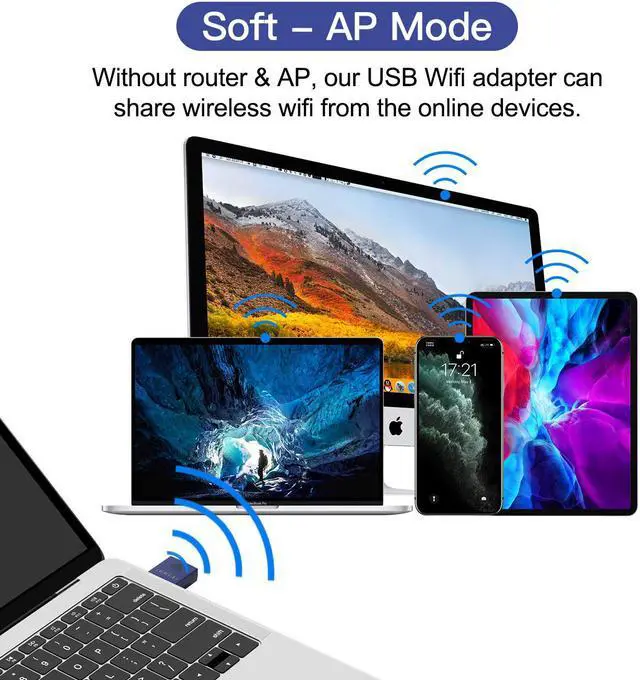

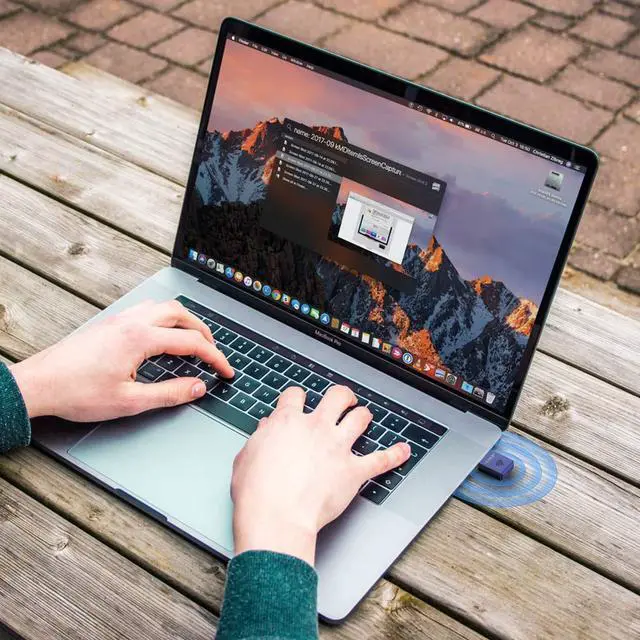


EDUP USB wifi adapter enable computer or pc to Bluetooth 4.0 for enjoying the fun of bluetooth devices. Besides, this wifi card provides Wi-Fi up to 150Mops over 2.4GHz for HD video streaming, lag-free online gaming and web surfing.(TV, Projector, Printer, Xbox, playstation aren't supported), providing freedom to move desktops anywhere with bluetooth + Wi-Fi connection.

With low power consumption, the distance of Bluetooth 4.0 can transfer data up to 10M (32.8ft), backward compatible with v1.1 & v1.2, the largest capacity can support 7 bluetooth-enabled devices simultaneously. (Note: Bluetooth doesn't support Windows XP & Mac OS X)

EDUP wifi adapters supports the latest Wi-Fi standard - IEEE 802.11ac, offering transfer rates that are faster than mostly similar adapters, turning a wired internet connection to a desktop PC or Laptop into a Wi-Fi hotspot.

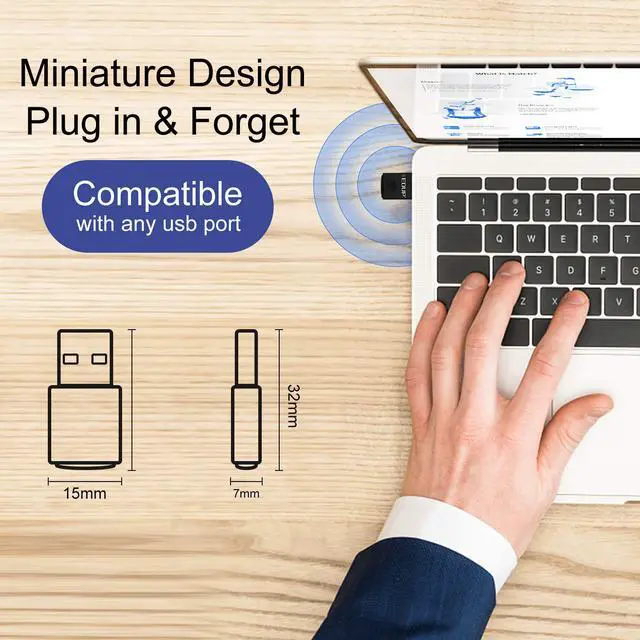
With its miniature size and sleek design, users can connect the mini adapter to any USB port and leave it there. There's no need to worry about blocking adjacent USB interfaces or that the adapter may fall out when moving a connected laptop, with the tiny device flush against the USB port.

1. Two drivers (WiFI & Bluetooth) need to be installed before using, but both drivers' supported system aren't all the same, bluetooth driver doesn't support Windows XP & Mac OS X. The specification of this wireless USB adapter is 2.4G-150Mbps. A router with 150Mbps or above can maximize the performance.
2. It has nothing to do with the quality of this adapter when you can't get the maximum speed. The network environment, router, barriers, laptop and PC 's internal memory... the interference of many factors can affect the speed, please plug the Wi-Fi dongle into the USB ports behind the computer host if you have a desktop. This way will let the Wi-Fi dongle get enough power to stay stable connection.
3. This Wi-Fi dongle will not boost the speed of original router, which only helps your computer to receive the router's signal and speed better.
Note:
Please turn off the built-in Wi-Fi when using on a laptop.( If there is built-in Wi-Fi function in your laptop). If your wifi adapter is unavailable suddenly, please open your computer "Device Manager" to check if the driver is disabled.