



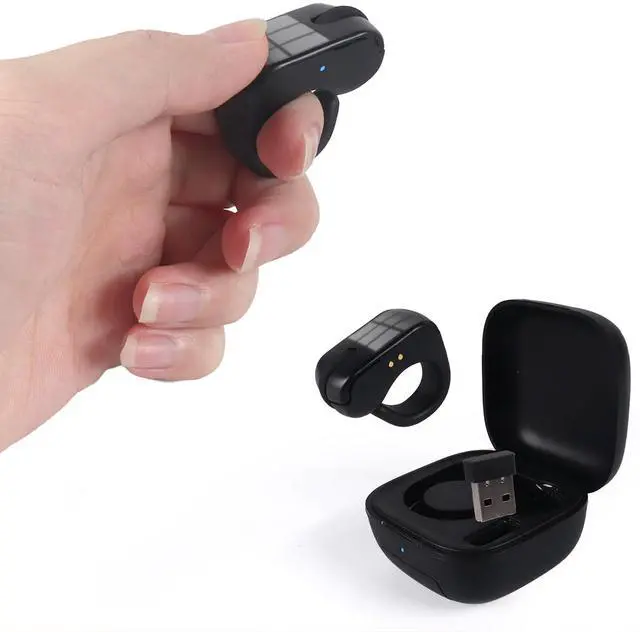



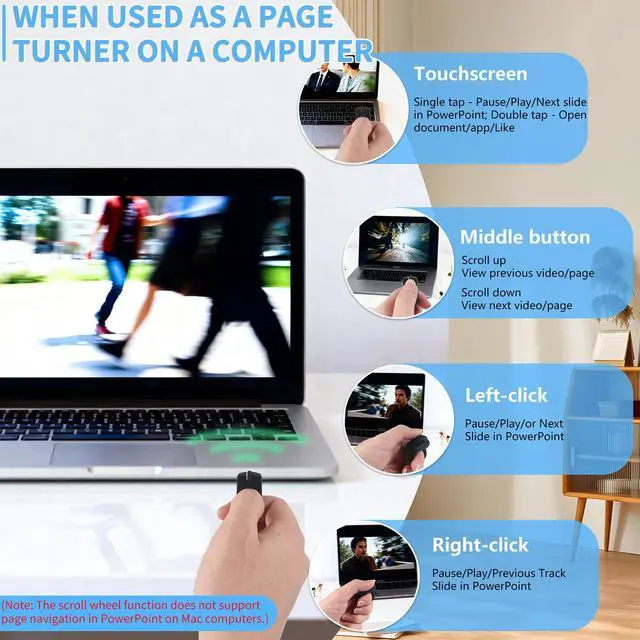
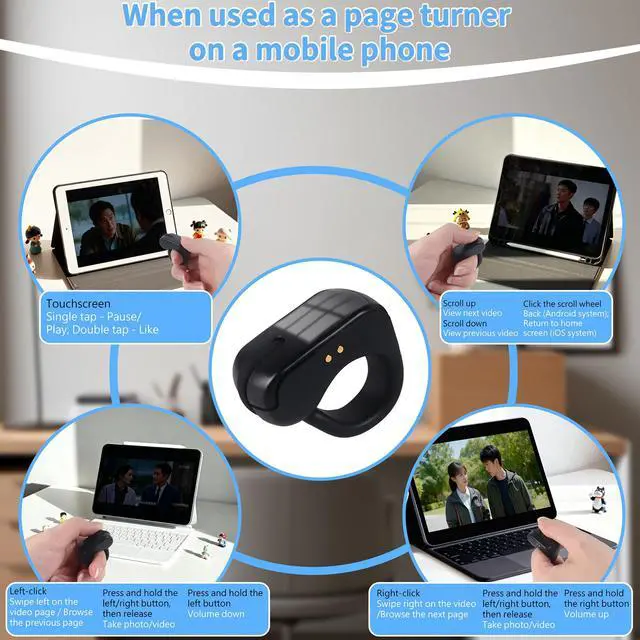


Turning On
- Hold scroll wheel for 1 sec until:
- Rapid blue flashes = Bluetooth mode
- A blue and red light is flashing in turn = 2.4G mode

Turning Off
- Hold scroll wheel until red LED flashes twice
- OR place mouse in charging dock
2.4G Mode
- Power on A blue and red light is flashing
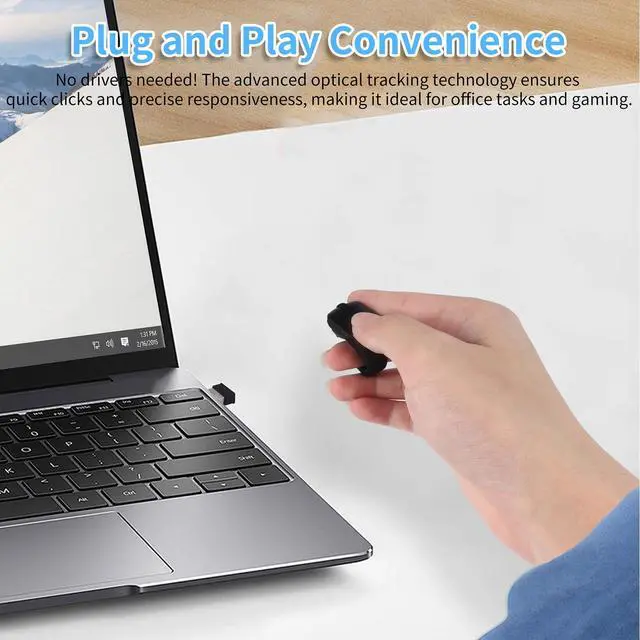
- Plug USB receiver directly into device
- Troubleshooting: Reinsert receiver & repeat

Bluetooth Mode
- Power on A blue light is flashing
- Pair via device Bluetooth:
- Search "D06/D06 Pro"
- l iOS: Requires =14.8 & enable "Assistive Touch"
How do I turn on the mouse?
To power on, hold the scroll wheel for 1 second until you see:Rapid blue flashes = Bluetooth mode;A blue and red light is flashing in turn = 2.4G mode
How to switch between Bluetooth/2.4G modes
Switch modes: Press both left/right buttons after powering on.
What are the methods to turn off the mouse?
Hold the scroll wheel until the red LED flashes twice, or
Place the mouse in the charging dock.
Does the mouse have an auto-shutoff feature??
Yes, it automatically turns off after:
5 minutes without a connection
30 minutes of inactivity
Simply long-press the scroll wheel to reactivate.


Turning On
- Hold scroll wheel for 1 sec until:
- Rapid blue flashes = Bluetooth mode
- A blue and red light is flashing in turn = 2.4G mode
Turning Off
- Hold scroll wheel until red LED flashes twice
- OR place mouse in charging dock
2.4G Mode
- Power on A blue and red light is flashing
- Plug USB receiver directly into device
- Troubleshooting: Reinsert receiver & repeat
Bluetooth Mode
- Power on A blue light is flashing
- Pair via device Bluetooth:
- Search "D06/D06 Pro"
- l iOS: Requires =14.8 & enable "Assistive Touch"
How do I turn on the mouse?
To power on, hold the scroll wheel for 1 second until you see:Rapid blue flashes = Bluetooth mode;A blue and red light is flashing in turn = 2.4G mode
How to switch between Bluetooth/2.4G modes
Switch modes: Press both left/right buttons after powering on.
What are the methods to turn off the mouse?
Hold the scroll wheel until the red LED flashes twice, or
Place the mouse in the charging dock.
Does the mouse have an auto-shutoff feature??
Yes, it automatically turns off after:
5 minutes without a connection
30 minutes of inactivity
Simply long-press the scroll wheel to reactivate.