





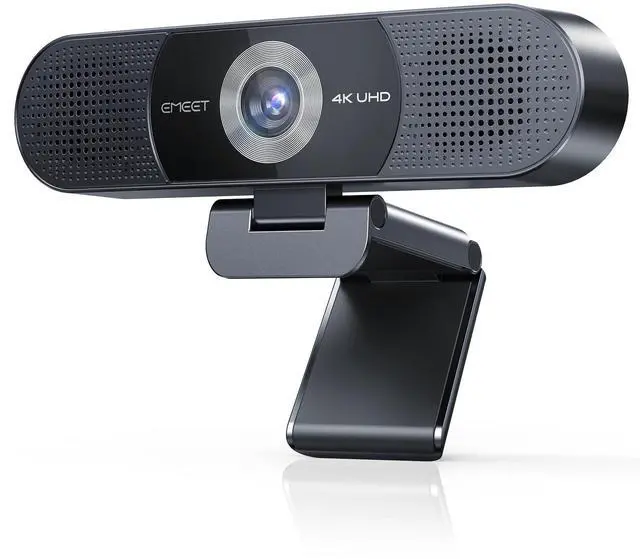
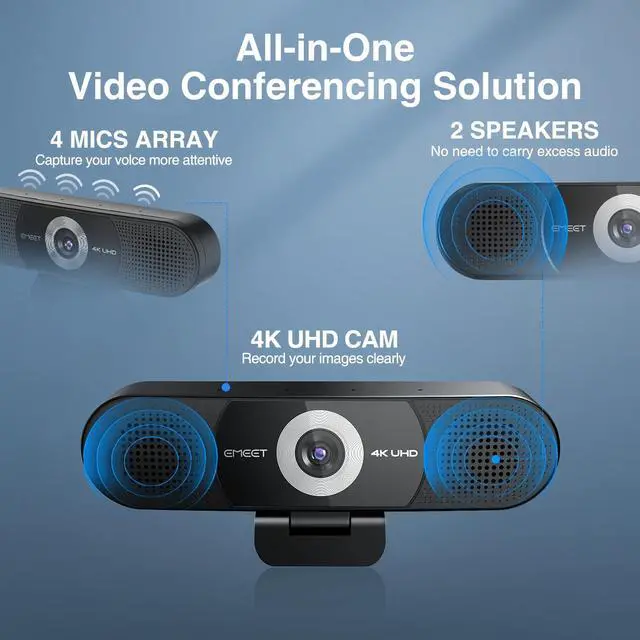





EMEET 3-in-1 4K Webcam with Microphone and Speaker
Merchant Video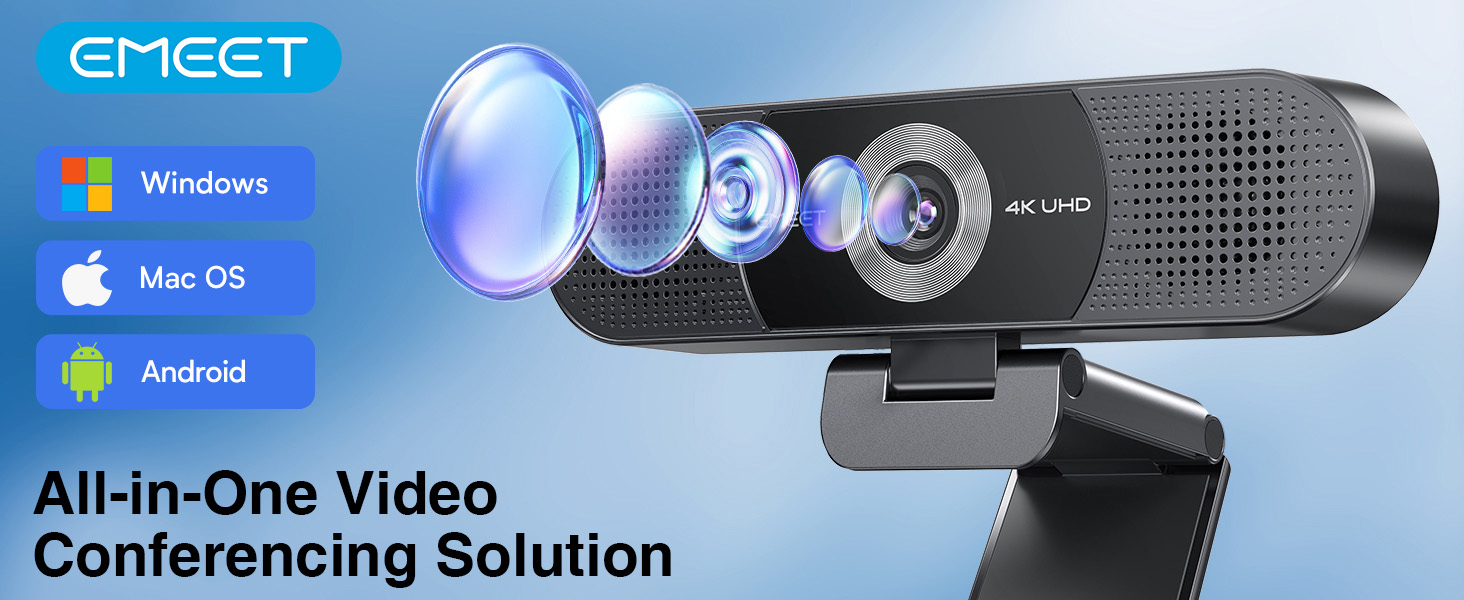





Why is my webcam not recognized by the computer?
Please make sure to connect the webcam directly to your computer’s USB port. Using USB hubs or docking stations may cause instability or disconnection.
Does this C980 Pro 4K webcam work with all operating systems?
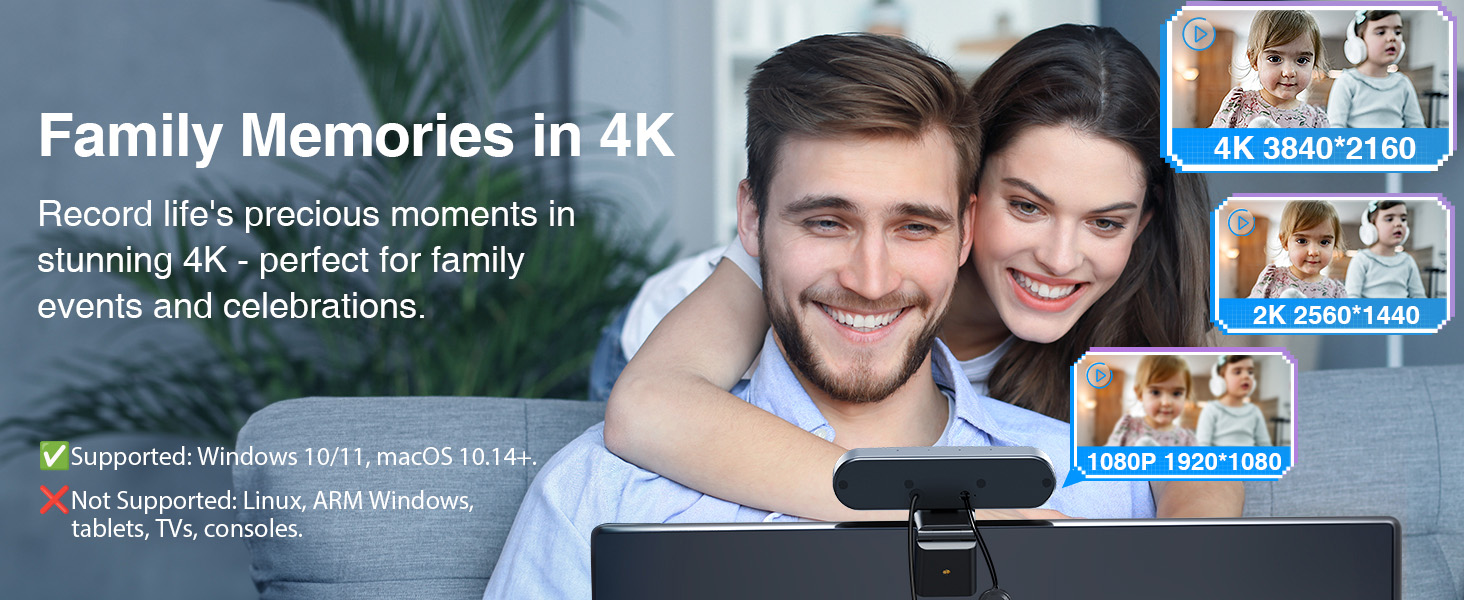
The C980 Pro 4K webcam is compatible with Windows 10/11 (64-bit) and macOS 10.14+. It is not supported on Linux, tablets, TVs, ARM Windows devices, or game consoles.
The webcam flickers or turns off after connecting. What should I do?
This may happen if the USB port does not supply stable power. Please connect directly to a USB port on your computer and avoid using hubs or extension docks.
The webcam does not work with my work laptop setup. Any suggestions?
Please try connecting it directly to the laptop’s USB port and check system settings or updates according to the user guide for further troubleshooting.
Why does my C980 4K webcam sometimes turn off or fail to be recognized by my computer?
Please connect the webcam directly to your computer’s USB port (5V/500mA). Using hubs or low-power ports may cause instability. Supports Windows 10/11 (64-bit) and macOS 10.14+. If issues persist, assistance will be provided through .


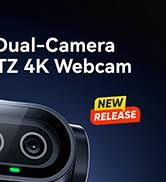
EMEET PIXY — Next-Gen Webcam
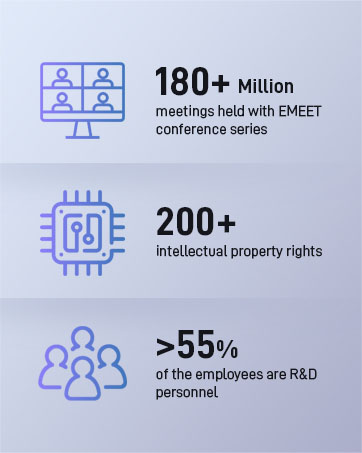
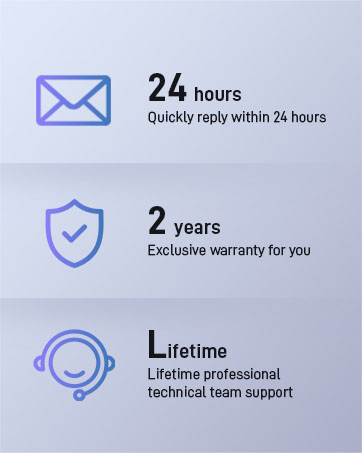

EMEET values the contributions of every individual in meetings and knows that everyone should be heard and seen. Established in August 2016, with the mission of "better communication, better world", we endeavored to create an intelligent mobile collaboration space. Today, EMEET is a prominent global company, specializing in R&D, production, and sales of AI-driven intelligent audio and video communication products and cloud services.


EMEET New Release
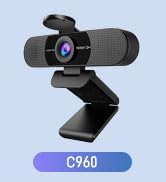
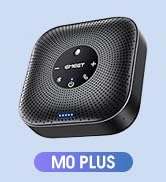
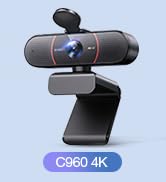

EMEET Best Sellers
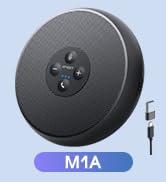
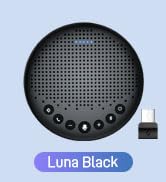
Cost-Effective Speakerphones
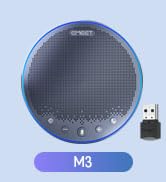
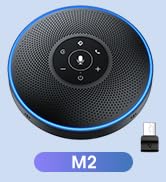
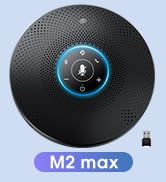
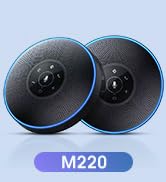
High-End Speakerphones
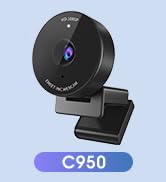
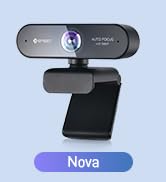
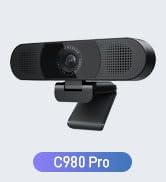
1080P Webcams
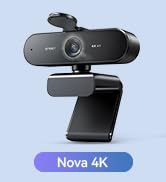
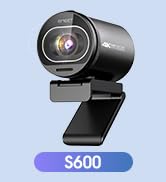
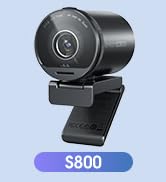
4K Webcams
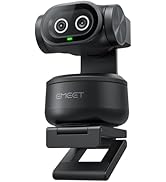
Dual-Camera 4K Webcams
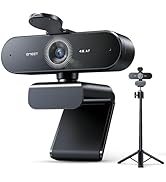
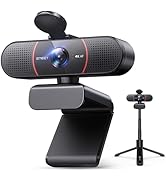
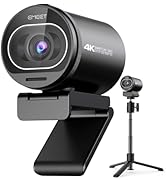
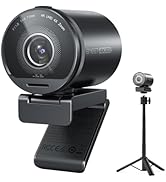
Webcams with Tripod
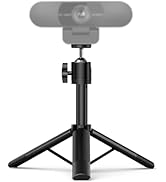
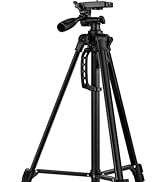

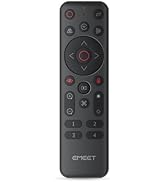
EMEET Accessories
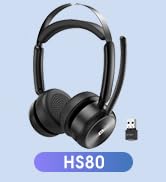

Other Choices
EMEET 3-in-1 4K Webcam with Microphone and Speaker
Merchant Video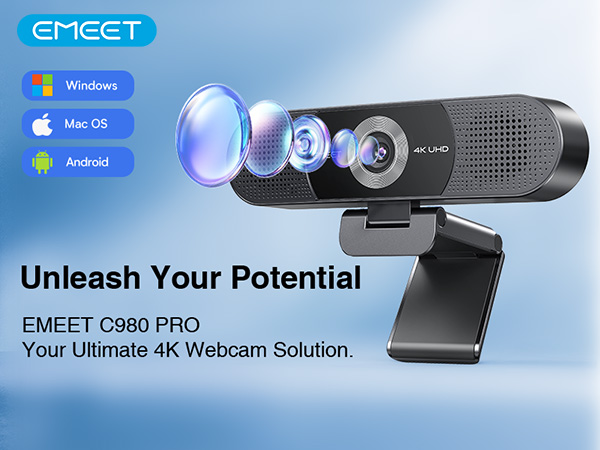





Why is my webcam not recognized by the computer?
Please make sure to connect the webcam directly to your computer’s USB port. Using USB hubs or docking stations may cause instability or disconnection.
Does this C980 Pro 4K webcam work with all operating systems?
The C980 Pro 4K webcam is compatible with Windows 10/11 (64-bit) and macOS 10.14+. It is not supported on Linux, tablets, TVs, ARM Windows devices, or game consoles.
The webcam flickers or turns off after connecting. What should I do?
This may happen if the USB port does not supply stable power. Please connect directly to a USB port on your computer and avoid using hubs or extension docks.
The webcam does not work with my work laptop setup. Any suggestions?
Please try connecting it directly to the laptop’s USB port and check system settings or updates according to the user guide for further troubleshooting.
Why does my C980 4K webcam sometimes turn off or fail to be recognized by my computer?
Please connect the webcam directly to your computer’s USB port (5V/500mA). Using hubs or low-power ports may cause instability. Supports Windows 10/11 (64-bit) and macOS 10.14+. If issues persist, assistance will be provided through .
EMEET PIXY — Next-Gen Webcam
EMEET values the contributions of every individual in meetings and knows that everyone should be heard and seen. Established in August 2016, with the mission of "better communication, better world", we endeavored to create an intelligent mobile collaboration space. Today, EMEET is a prominent global company, specializing in R&D, production, and sales of AI-driven intelligent audio and video communication products and cloud services.
EMEET New Release
EMEET Best Sellers
Cost-Effective Speakerphones
High-End Speakerphones
1080P Webcams
4K Webcams
Dual-Camera 4K Webcams
Webcams with Tripod
EMEET Accessories
Other Choices