
Your Browsing History



Any questions? Our AI beta will help you find out quickly.
| Brand | Encore Software |
|---|---|
| Model | 18471 |
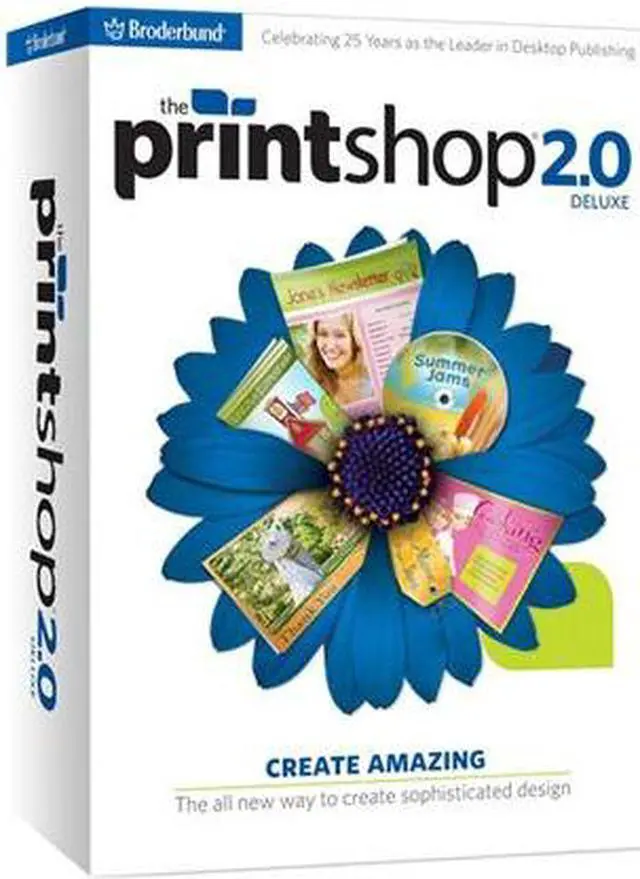
| Name | The Print Shop 2.0 Deluxe |
|---|---|
| Type | Graphics & Publishing |
| Version | Deluxe |
| Operating Systems Supported | Windows |
| System Requirements | Minimum System Requirements Windows XP SP3, Windows Vista SP1, Windows 7¹ Pentium IV 2.2GHz processor or faster 1GB RAM (2GB RAM for Windows Vista & Windows 7) Hard Drive Space: 3.5GB², DVD-ROM drive, Display: 1024x768, 32-bit color Multimedia: DirectX 9.0c or higher 32 MB video card sound card, and speakers Software: Microsoft .NET Framework v3.5(included on DVD) Browser: Microsoft Internet Explorer 6.0 or higher Windows-compatible printer (monochrome or color), Windows-compatible mouse & keyboard Internet access: 1.5Mbps broadband or faster and Internet Service Provider account required³. ¹Administrator privileges are required to properly install the program on Windows XP, Windows Vista, and Windows 7. ²System Configuration: The amount of hard-disk space required can vary if you already have one or more required components installed on your system. Adjustments to your system configuration and/or updates to the hardware component drivers may be required. ³User is responsible for all Internet access fees and phone charges. |
| Packaging | Retail |
| Feature | The All New Way to Create Sophisticated Design Compatible with Windows 7 (Note: The SmartDownload version is not compatible with Windows 7.) It’s easier than ever before to create sophisticated print projects in minutes. Start from scratch with the brand new Wizard Design tool or choose from an enormous gallery of ready-made templates for a variety of projects to... Create Amazing, including: Banners Brochures Calendars CD/DVD Labels Greeting Cards Invitations Photo Projects Mailing Labels Newsletters Signs & More! Personalize your project by adding images from an enormous gallery of images and clip art. Make your design unique by adding your photos to the drag and drop library, and use the premium design, text, image and photo editing tools, including: Create a Project New! Wizard Design Tools Design from Scratch Personalize Ready-Made Projects Calendar Tools Custom Paper Stocks Mail Merge Design Tools Gradients, Shadows & Transparency Create Headlines Easily Import Images Text Flow Guides Edit Shapes Color Palettes Imaging Tools New! Vector Image Editing New! Image Tagging One-click Photo Editing Easy Photo Editing The new Print Shop makes it so easy to design, print and share! |
|---|
| First Listed on Newegg | March 24, 2010 |
|---|