Marketplace Seller
- $282.57
Are you an E-Blast Insider?

Shop without retyping payment details. Secure shopping made faster.
Check out with PayPal.


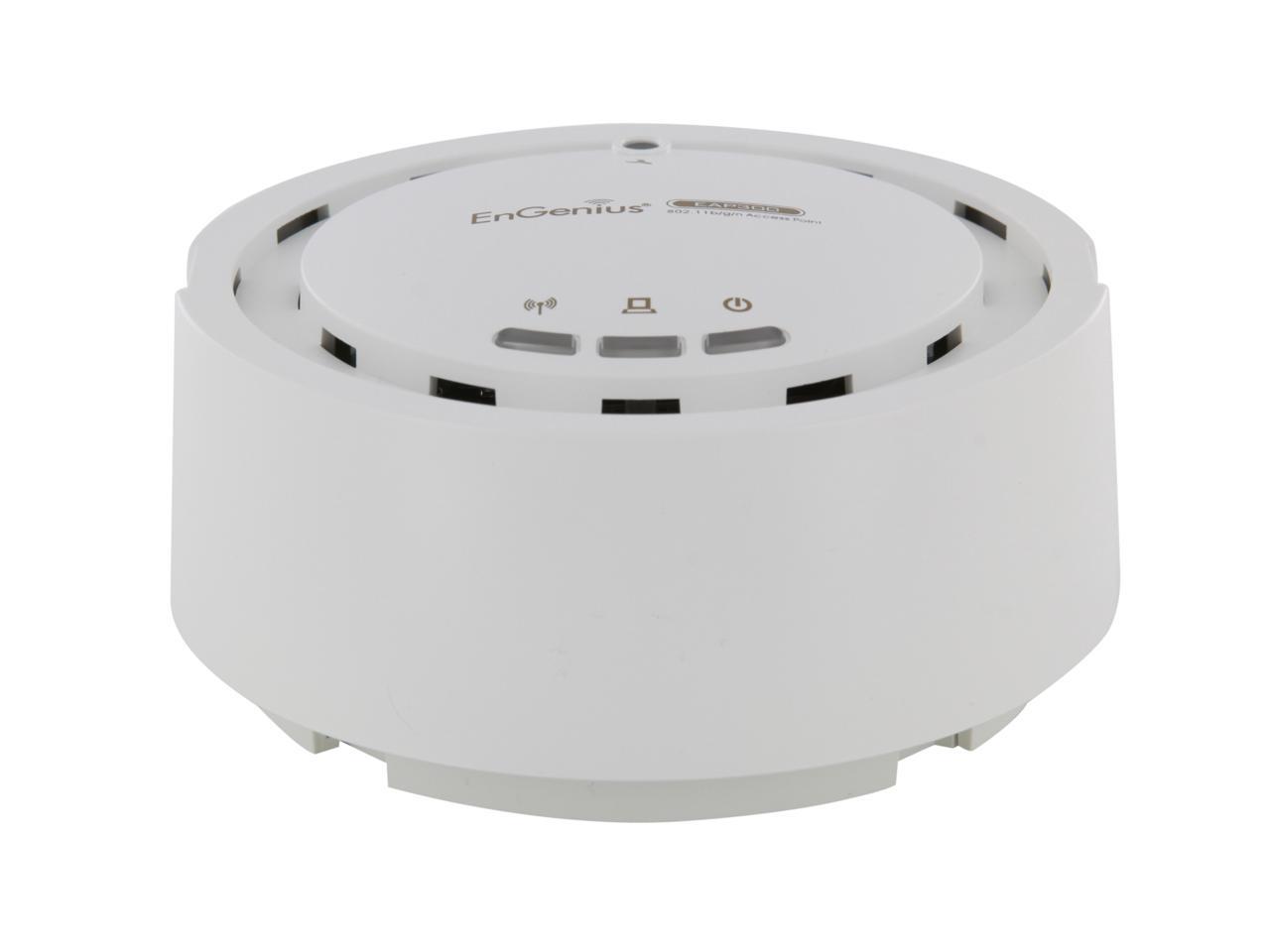
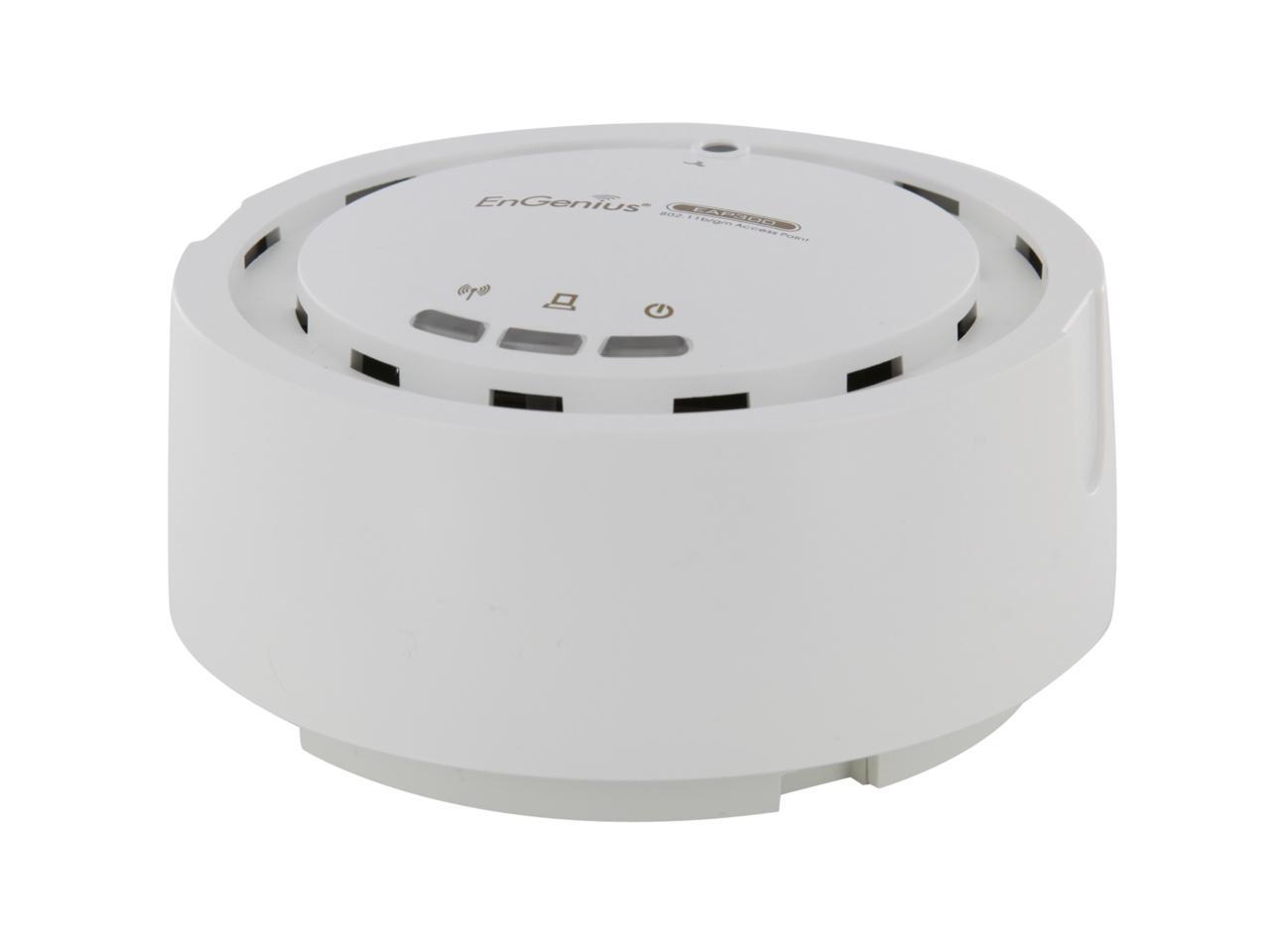
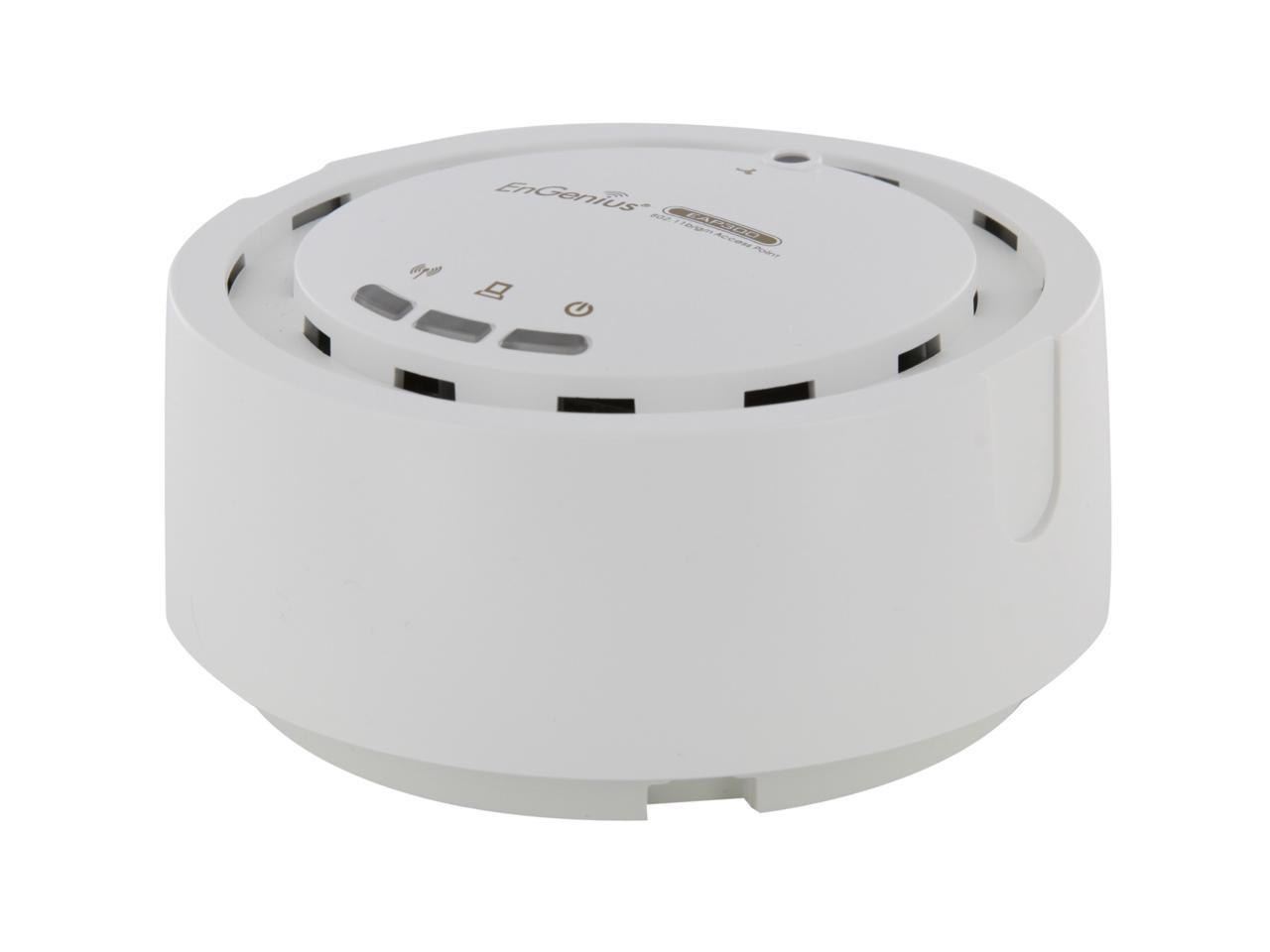
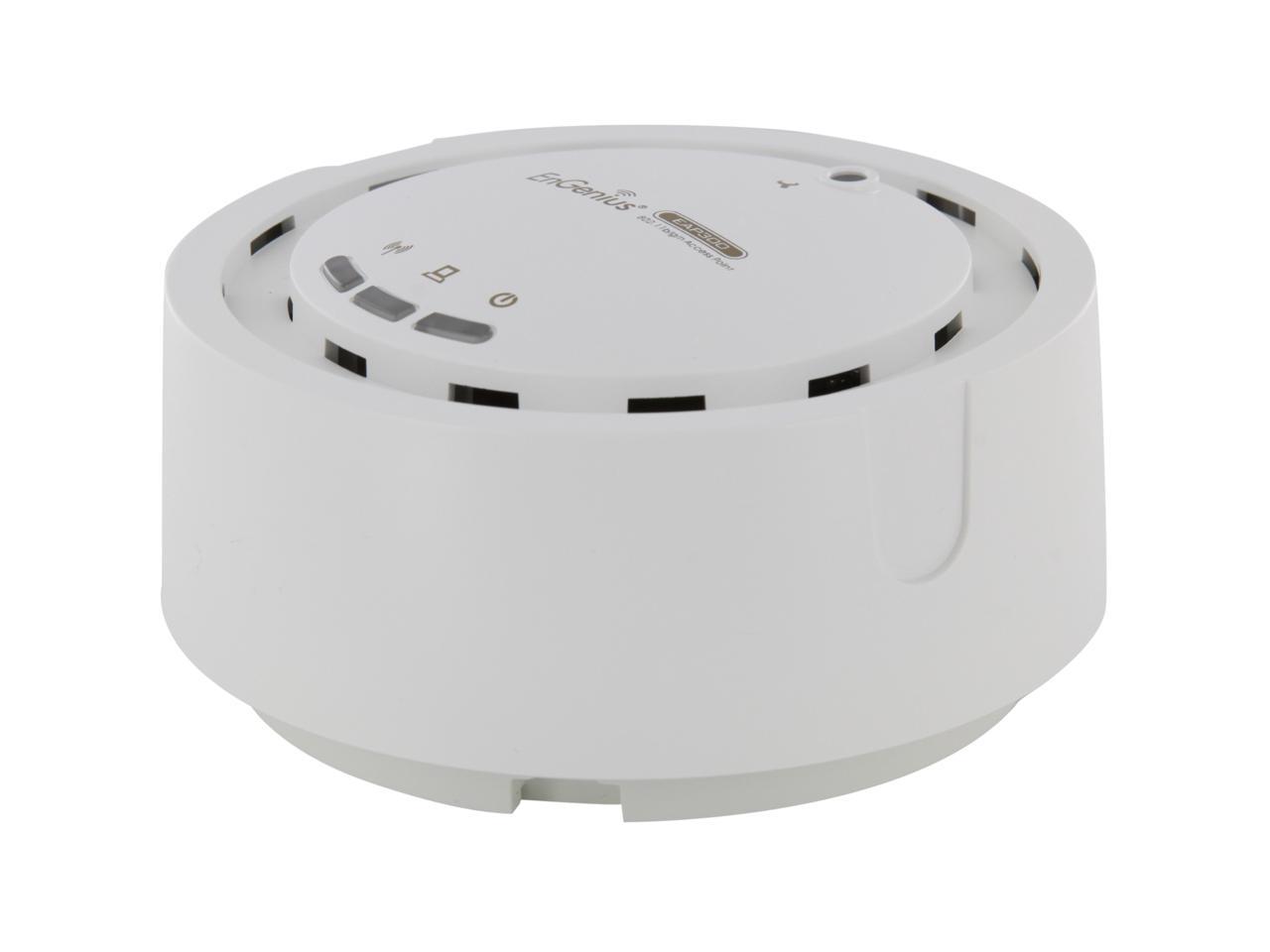
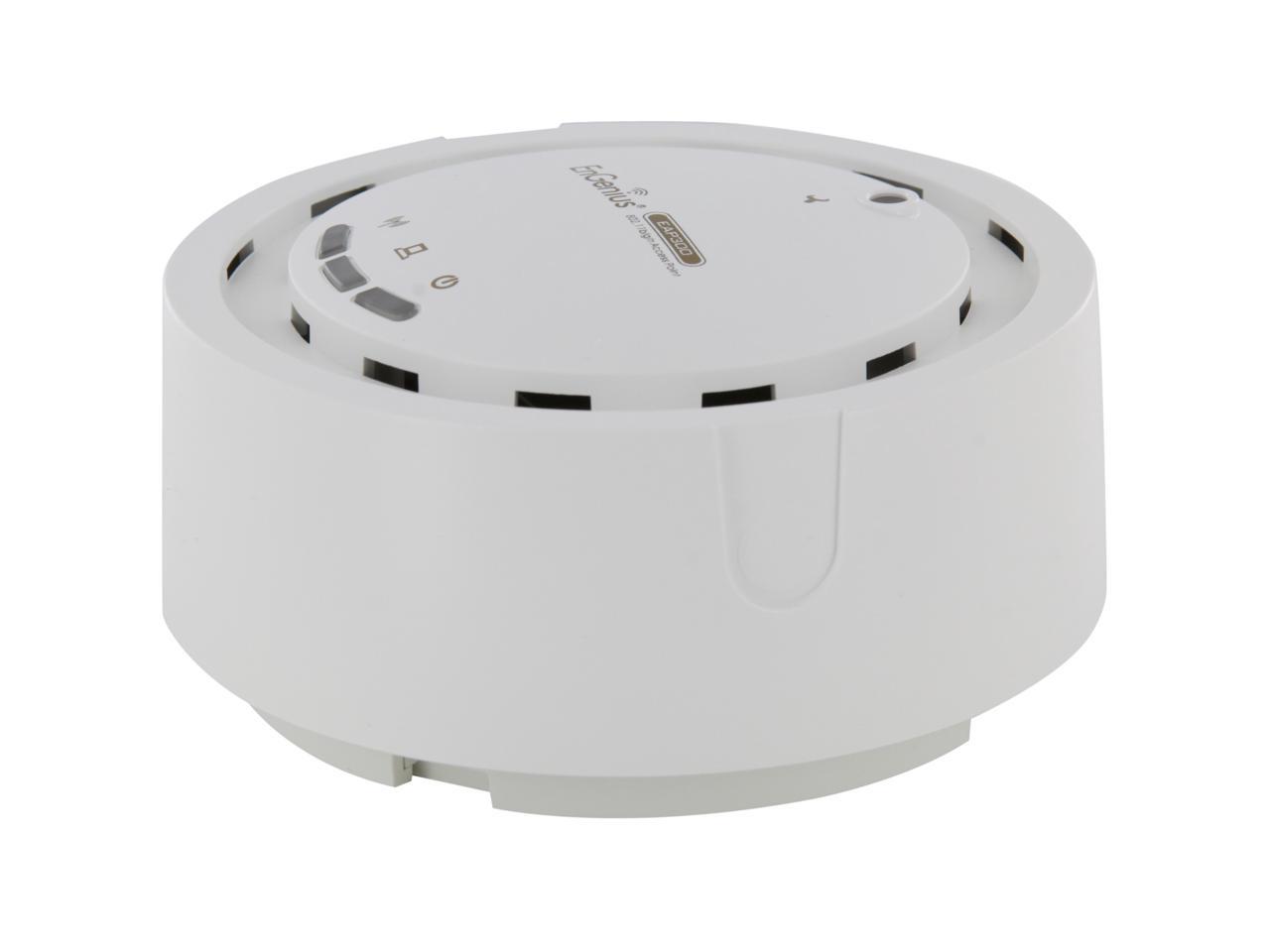
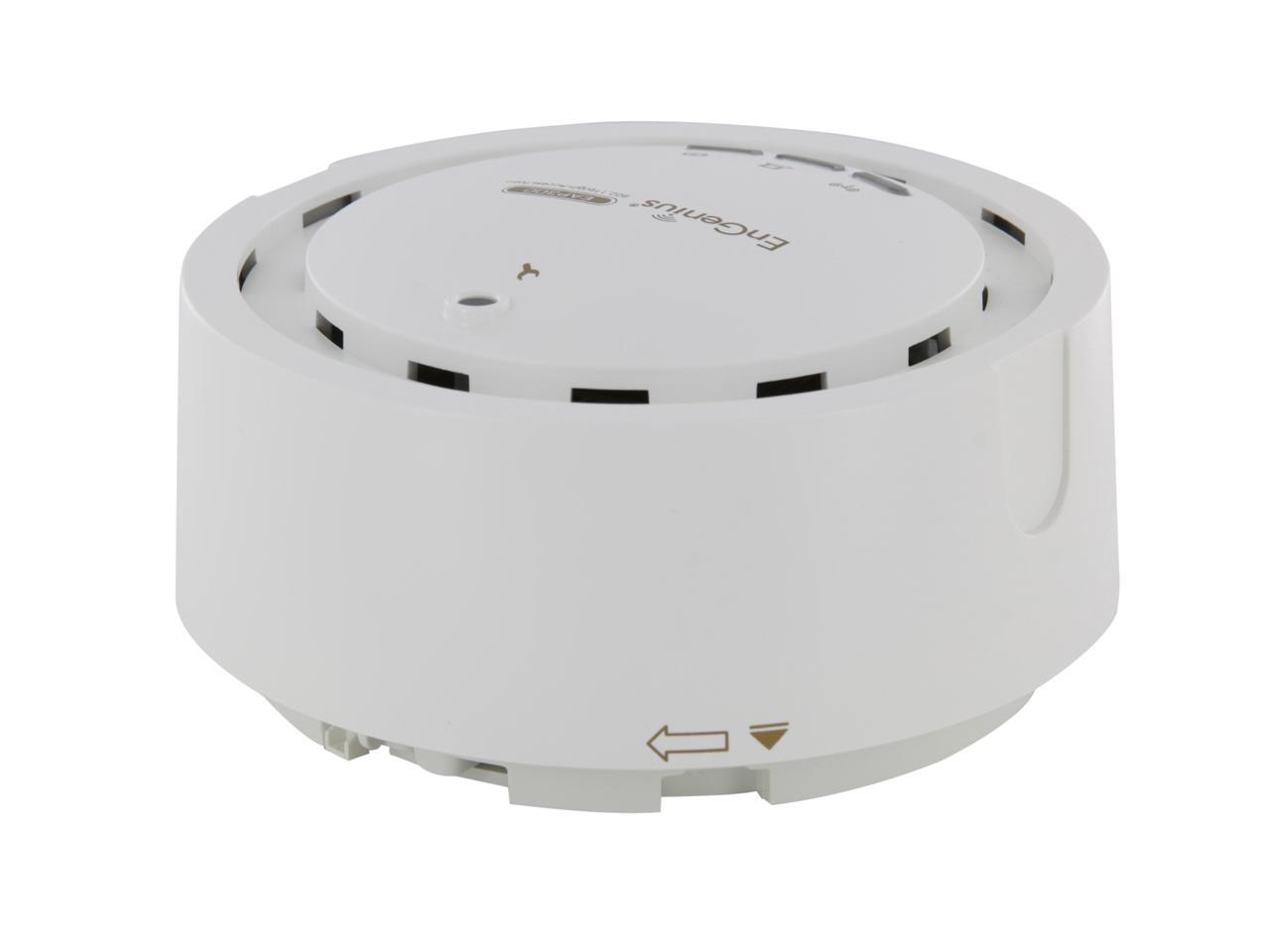
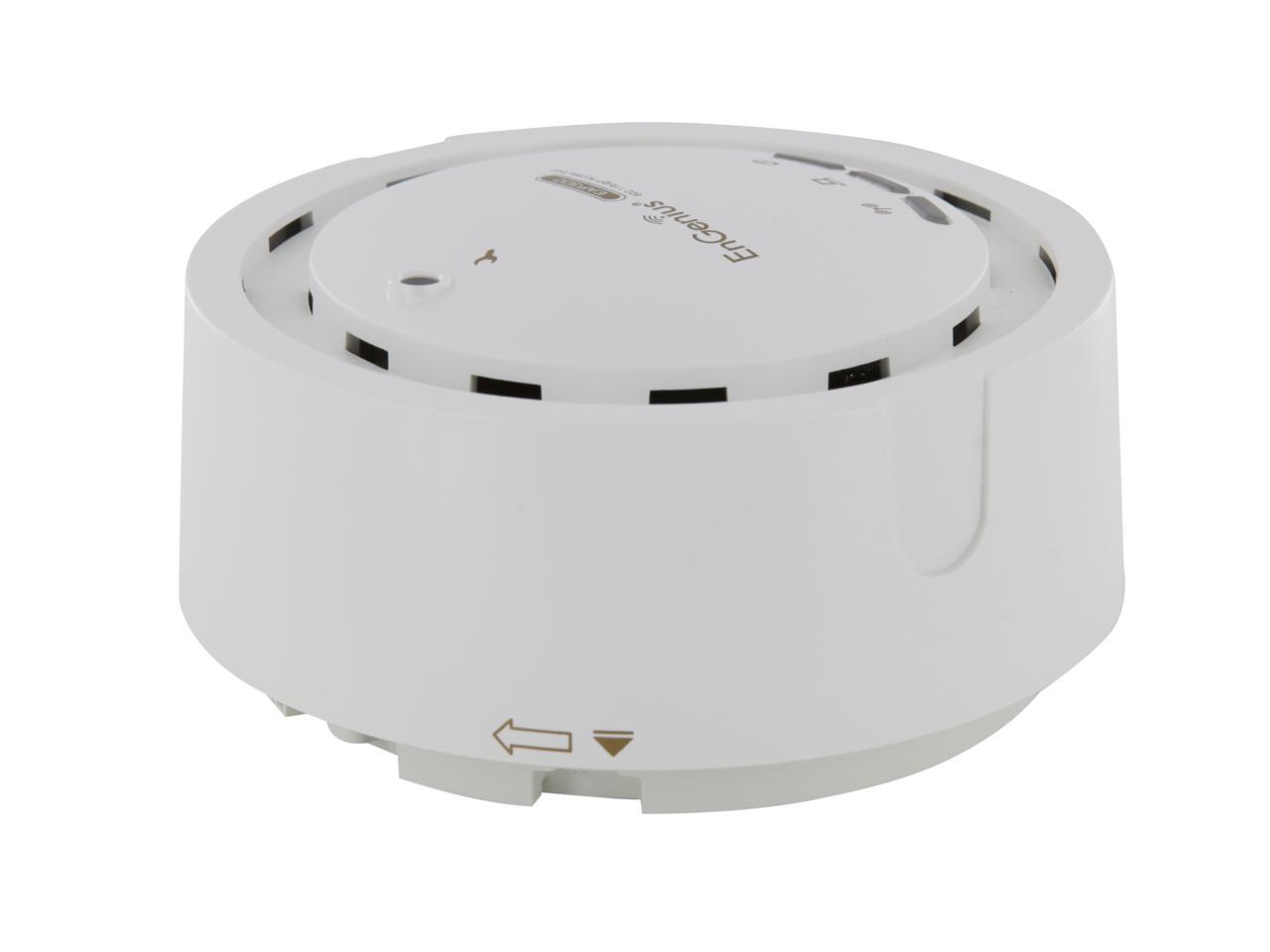
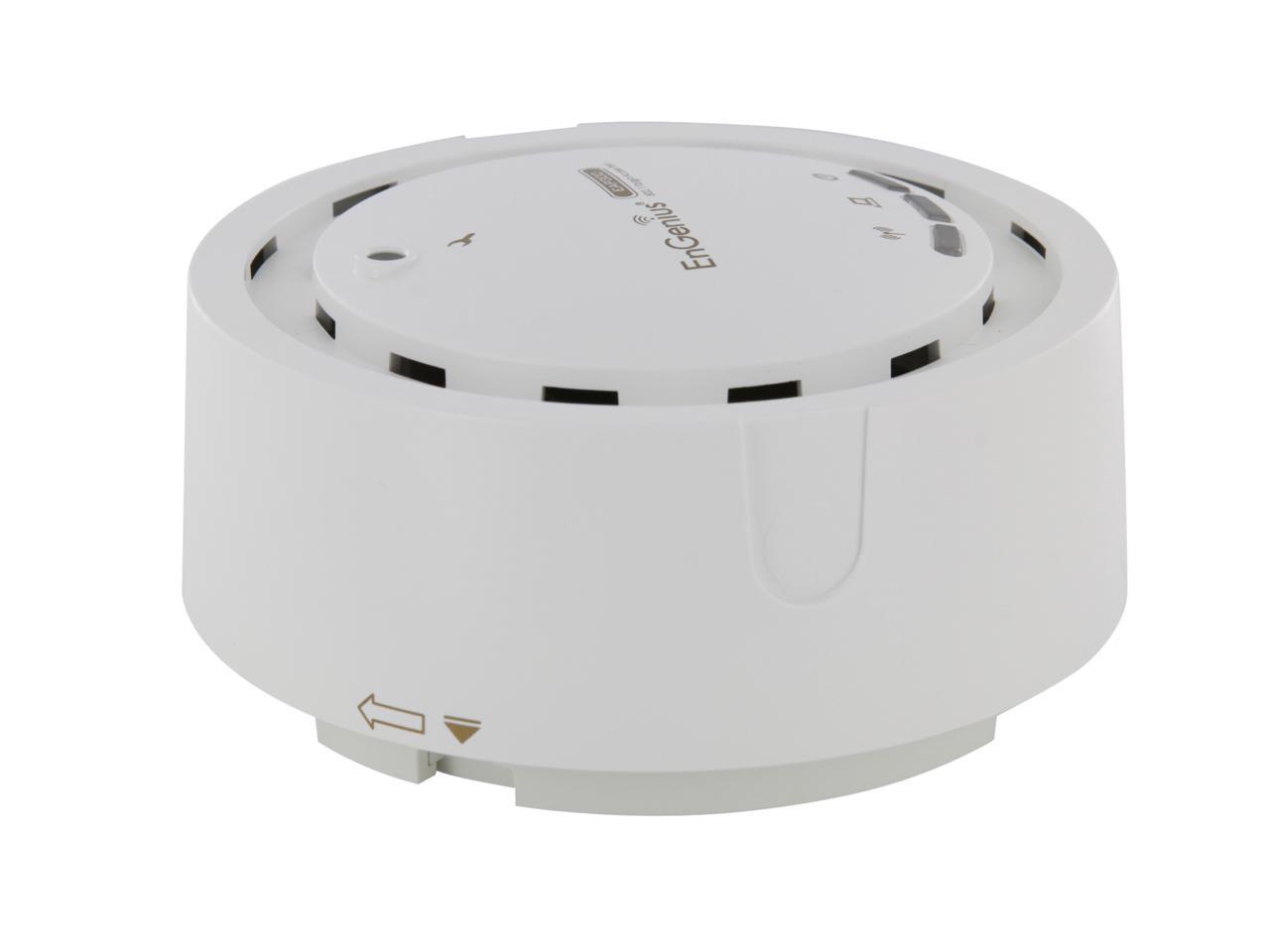
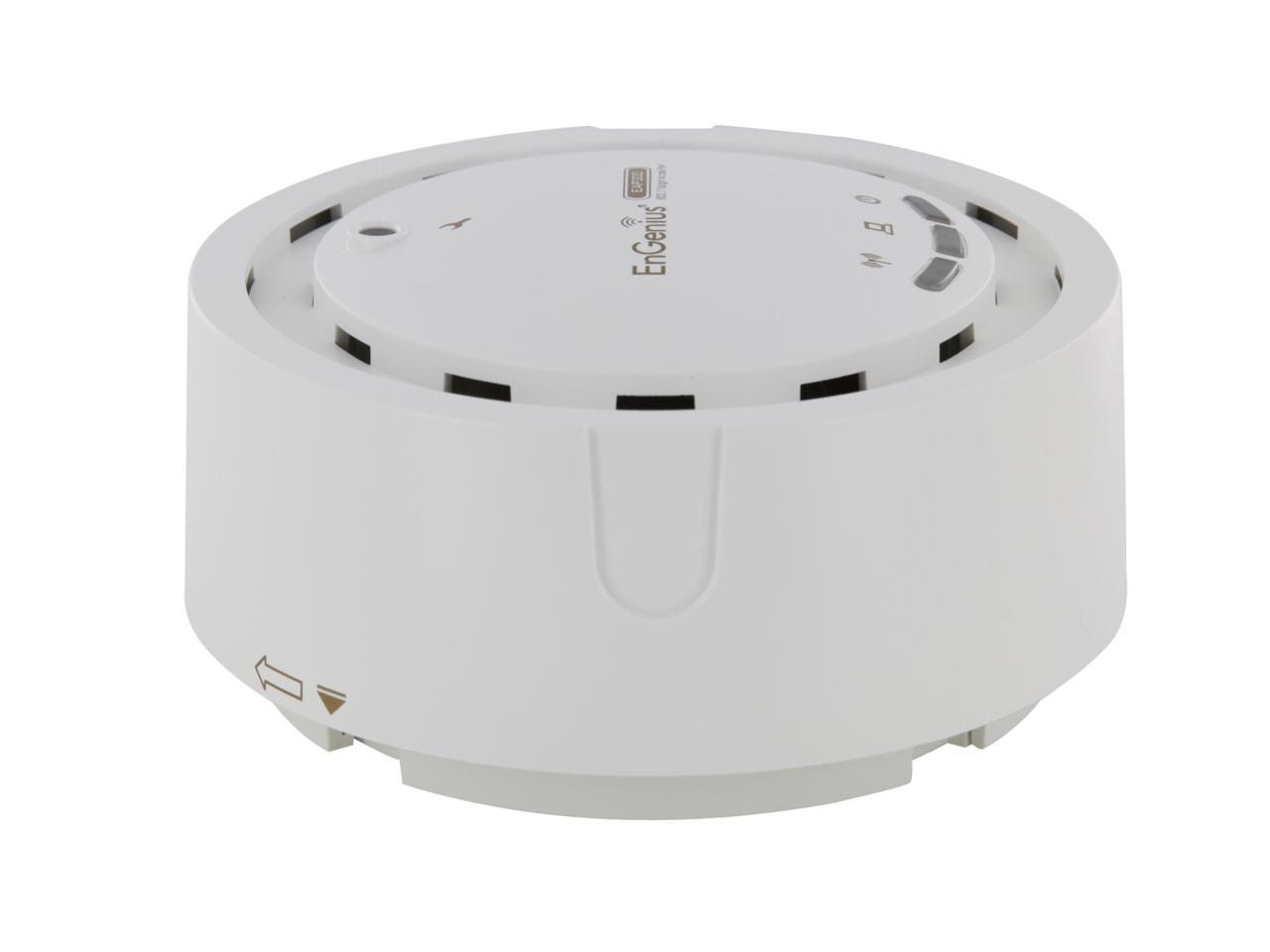
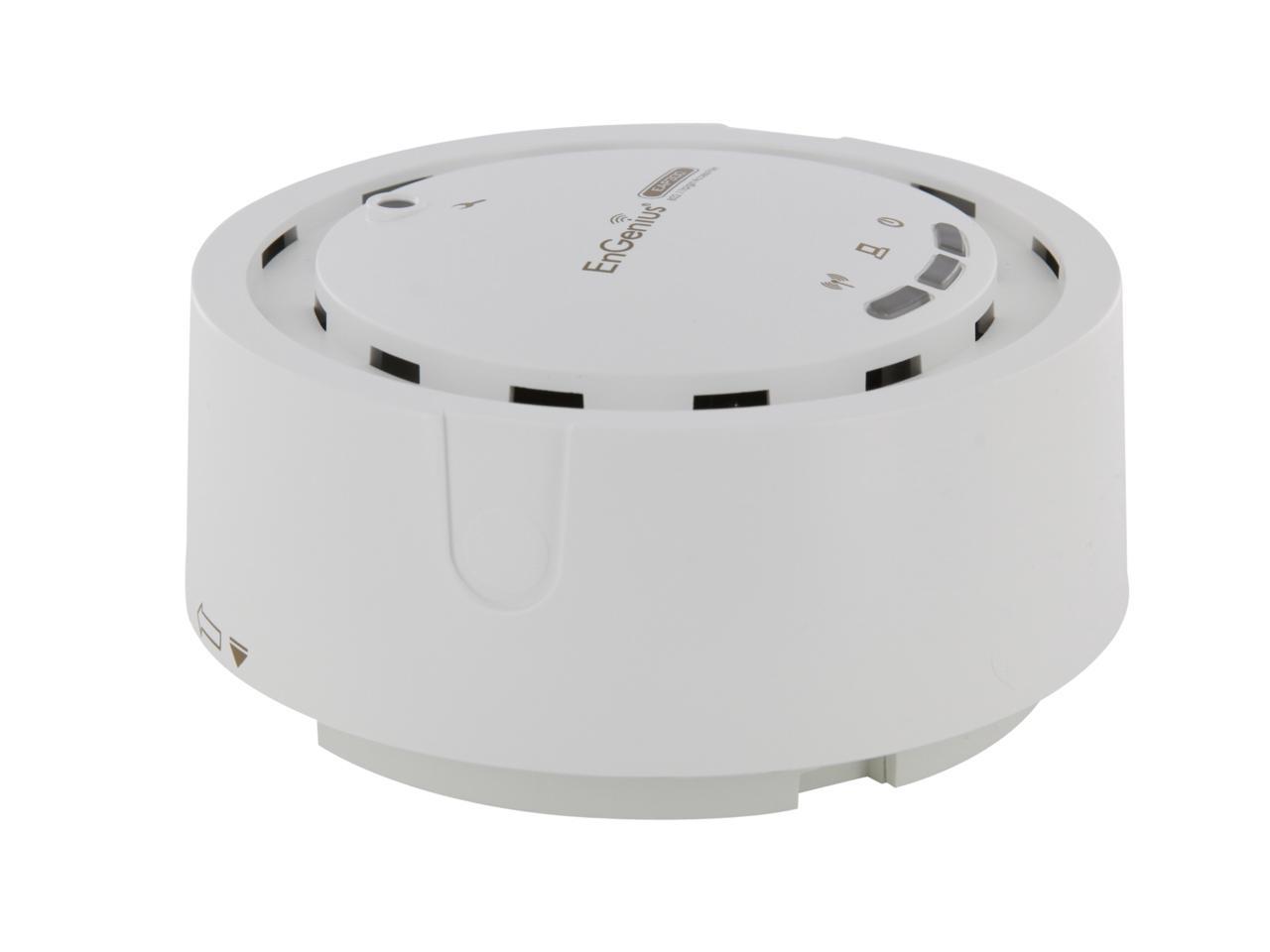
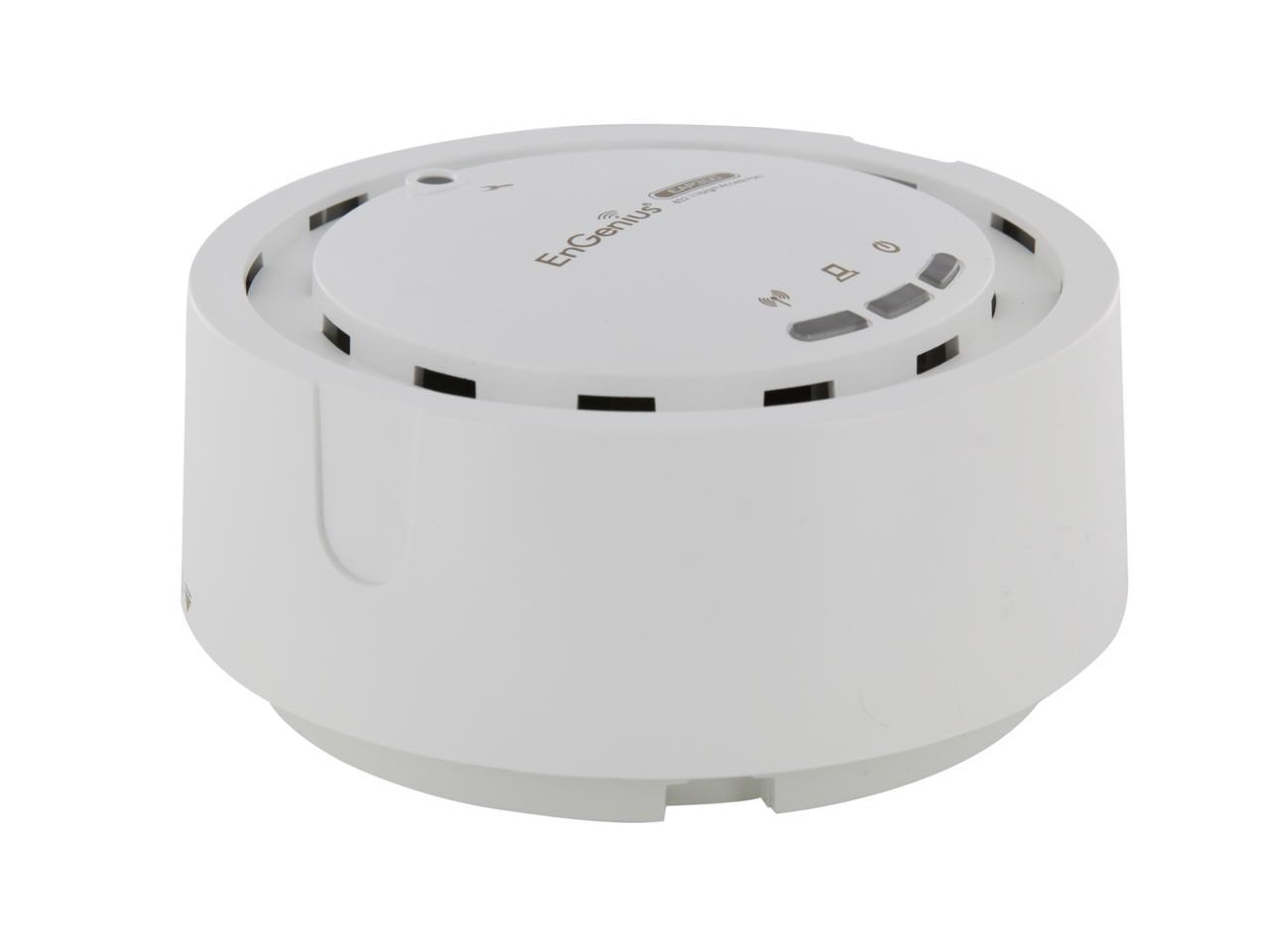
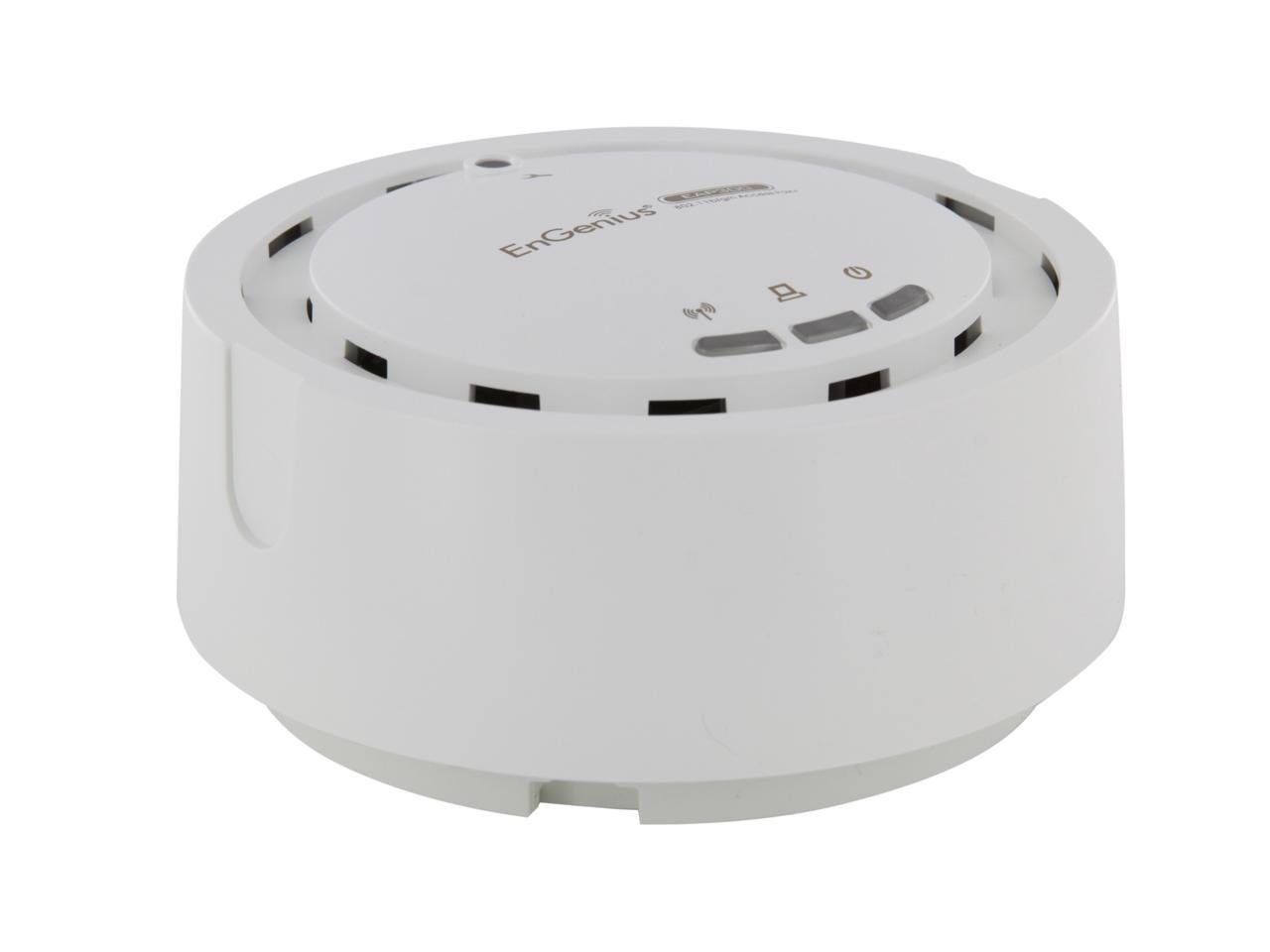
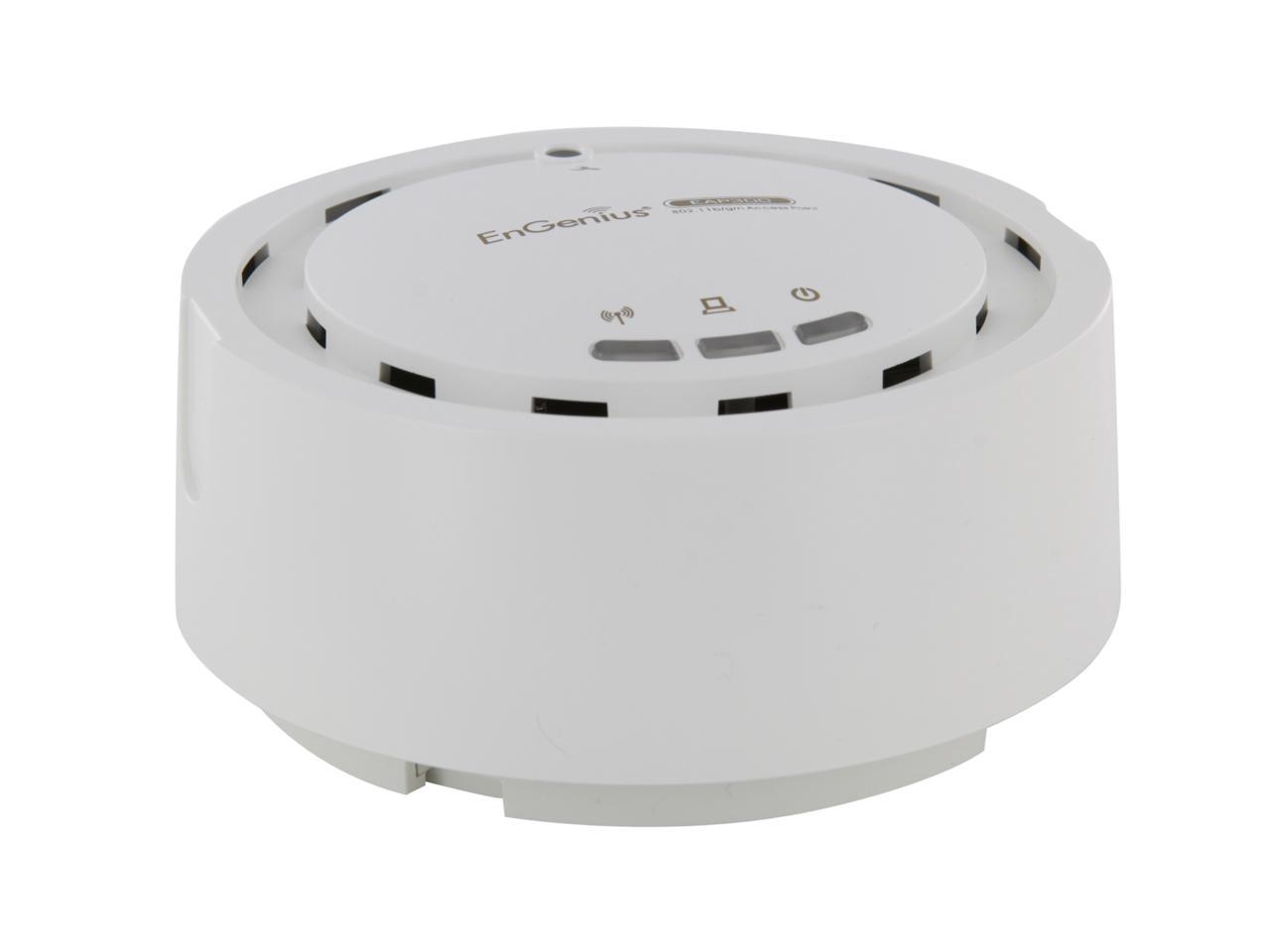
EnGenius EAP300 N300 Business Class Indoor High-power Long-range 800mW Wireless Access Point/WDS Bridge/WDS AP with Smoke Detector Housing & 802.3af PoE Support
- 29 dBm High-Powered, Long-Range Coverage
- Wireless N300 Speeds
- 802.3 af PoE support extends power to unwired areas
- SSID-to-VLAN Tagging
- Multiple Operation Modes
HIGH-POWER, LONG-RANGE WI-FIUp to 29dBm RF Tx power provides greater Wi-Fi coverage over mainstream competitors.
WIRELESS-N 6X SPEED OVER 802.11G NETWORKSThe EAP300 delivers up to 6x faster speed than 802.11g, providing maximum date rate up to 300Mbps with 802.11N MIMO Technology.
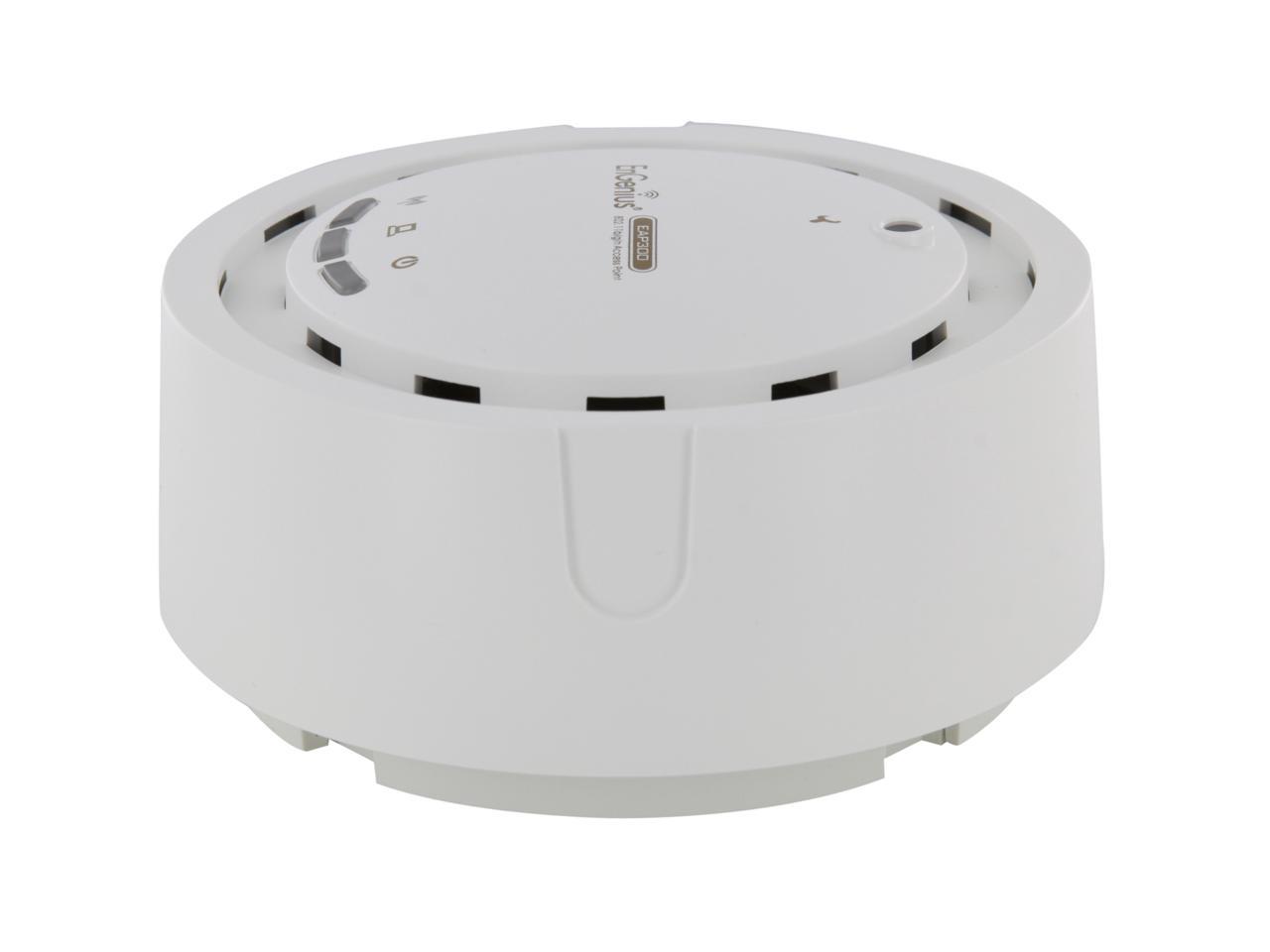
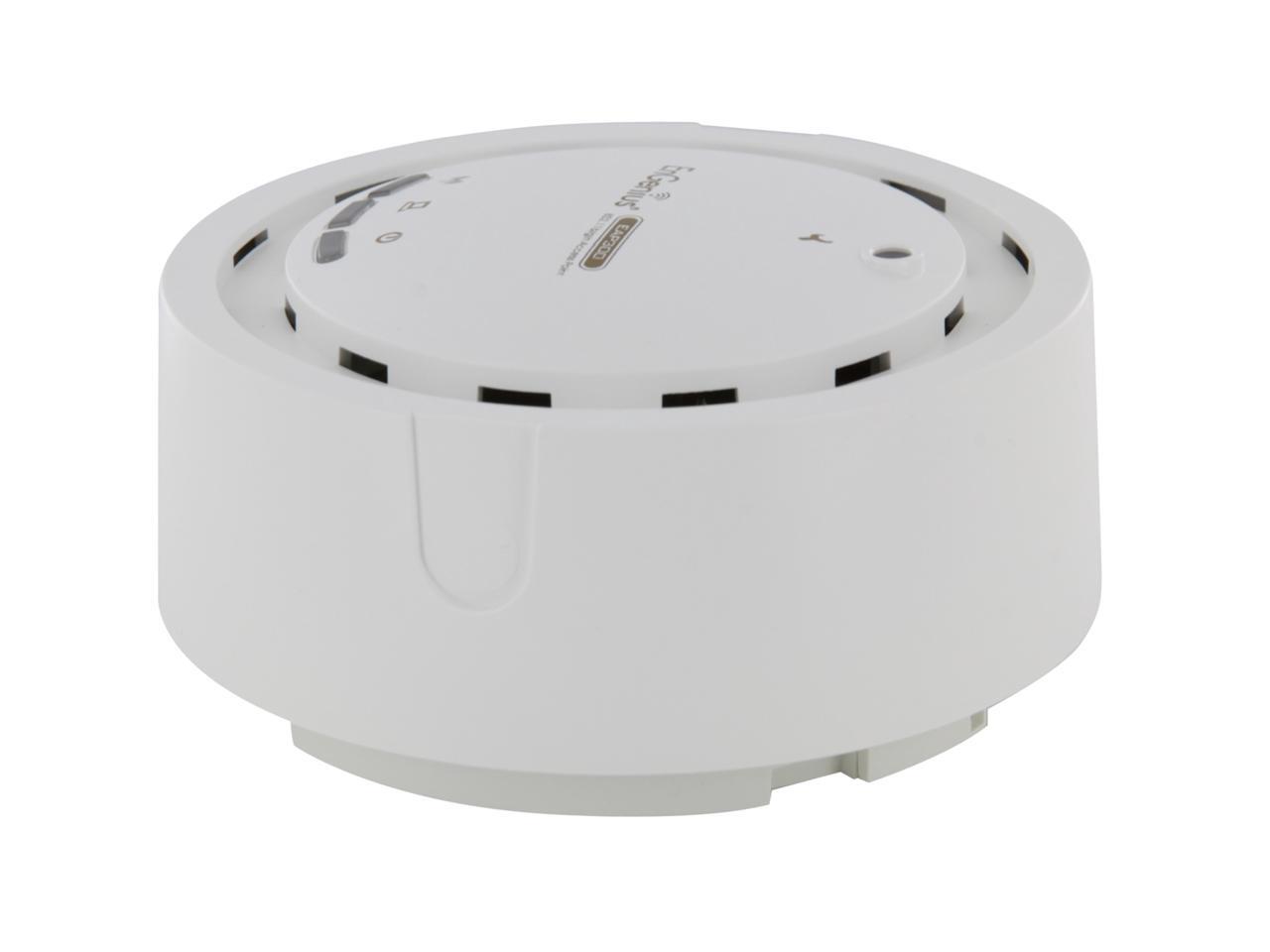
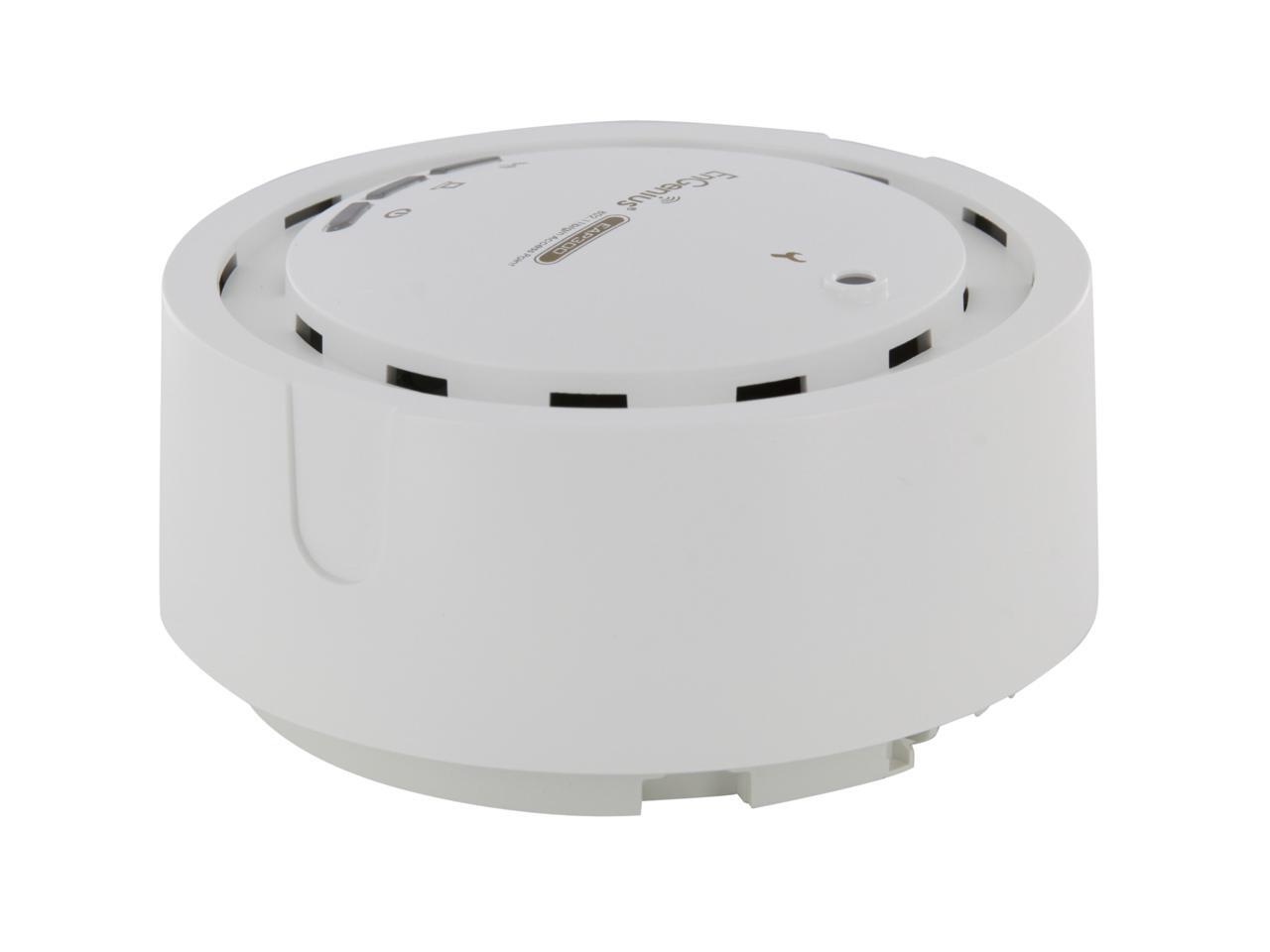
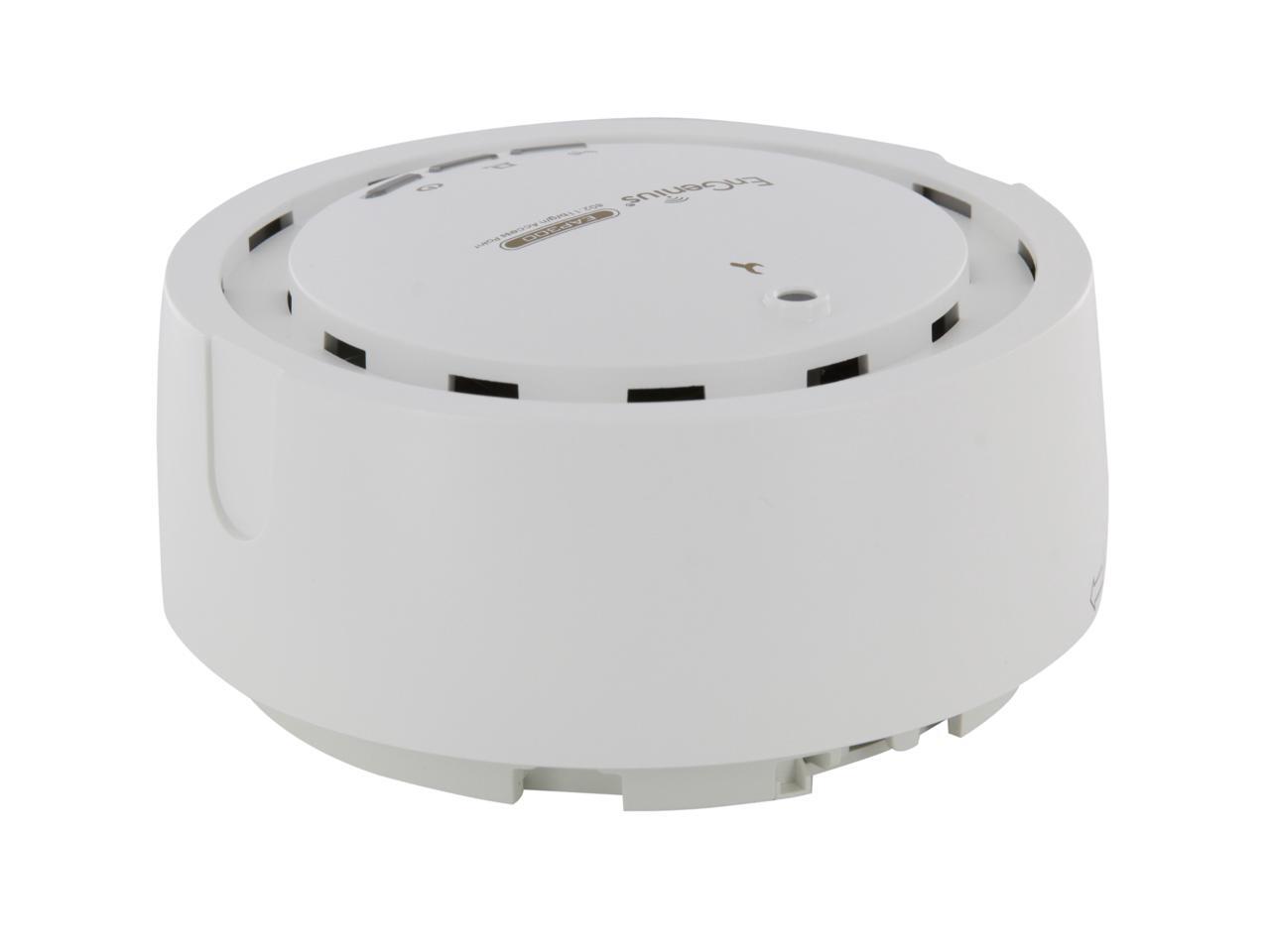
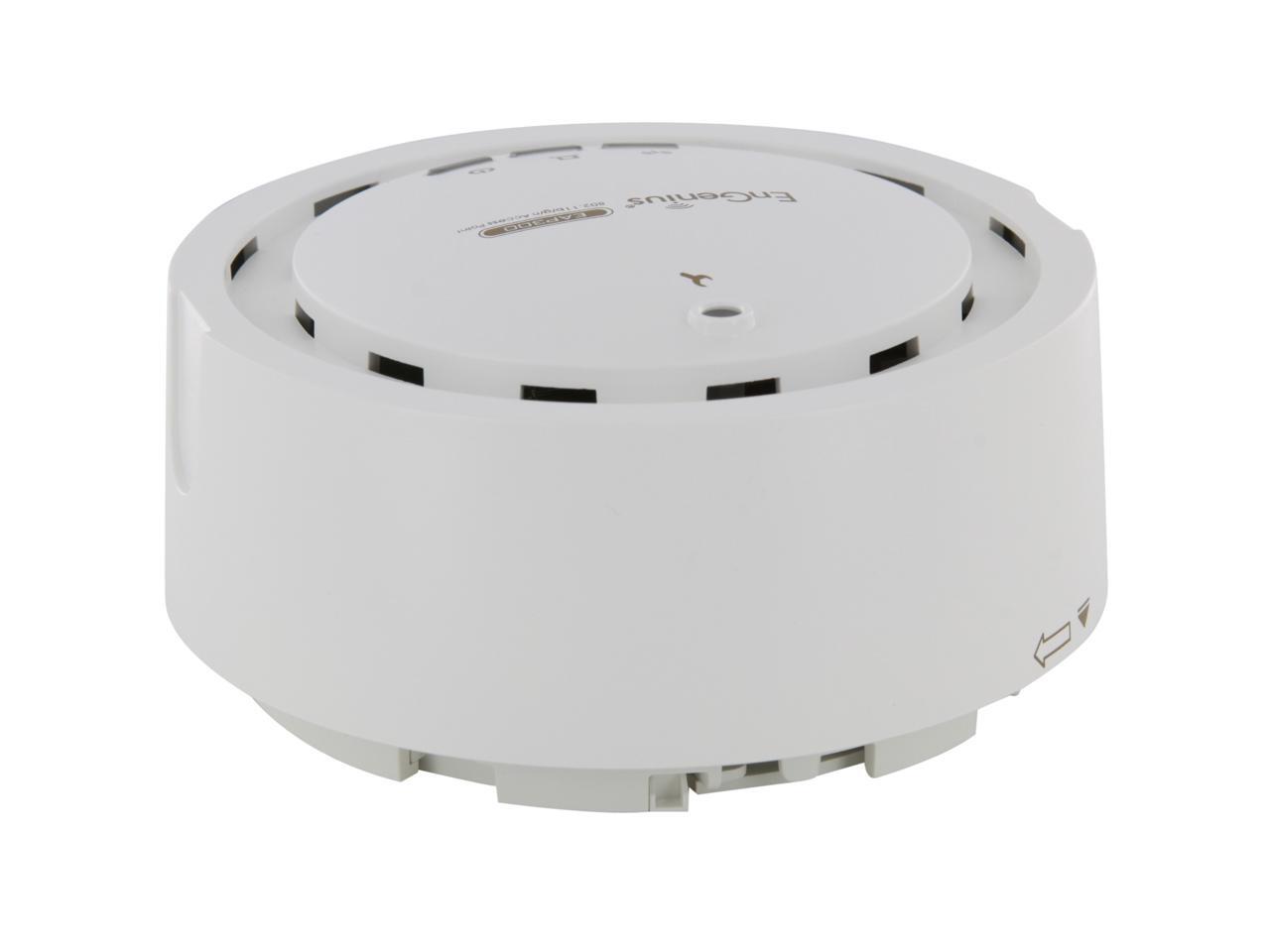
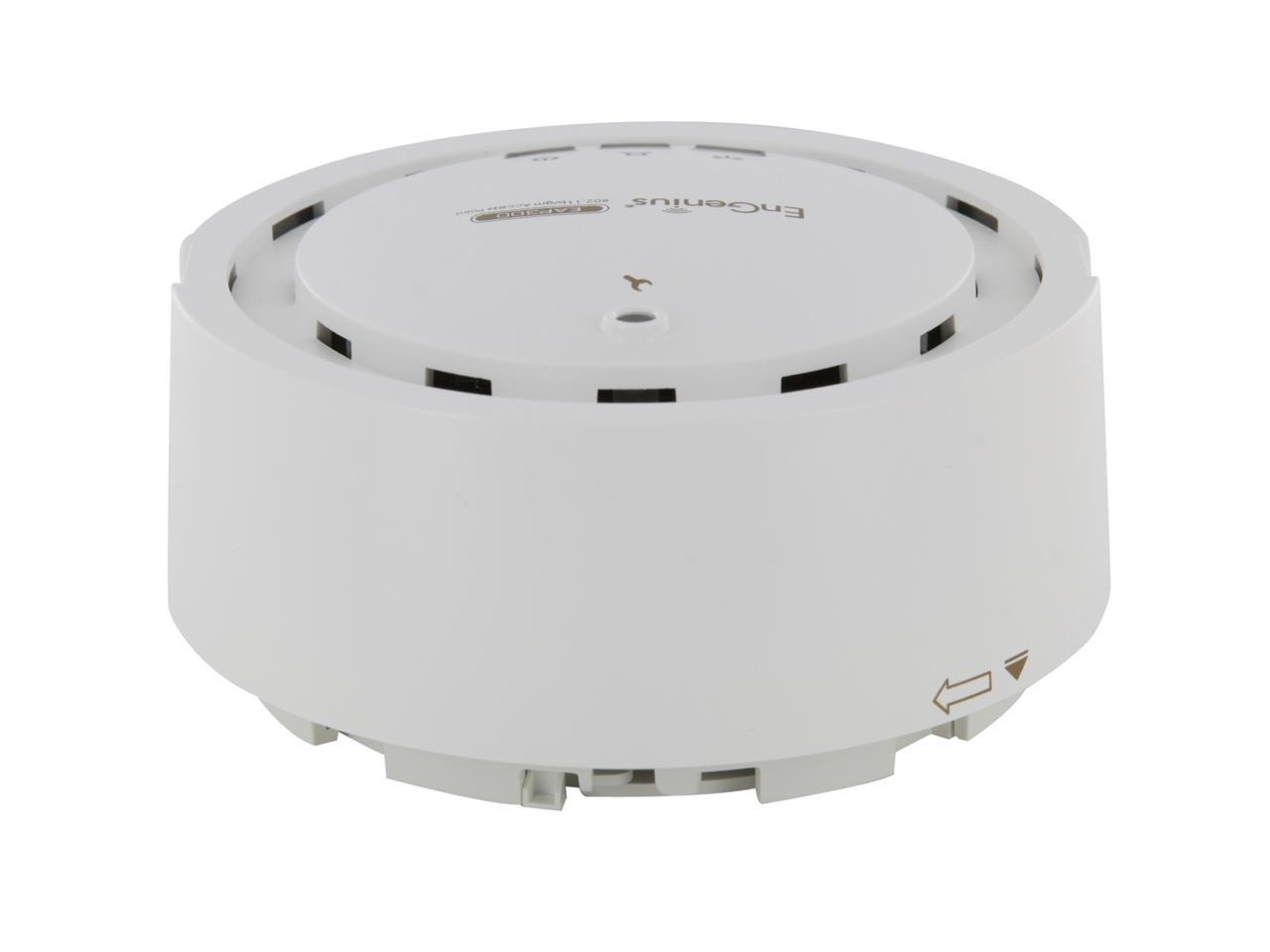
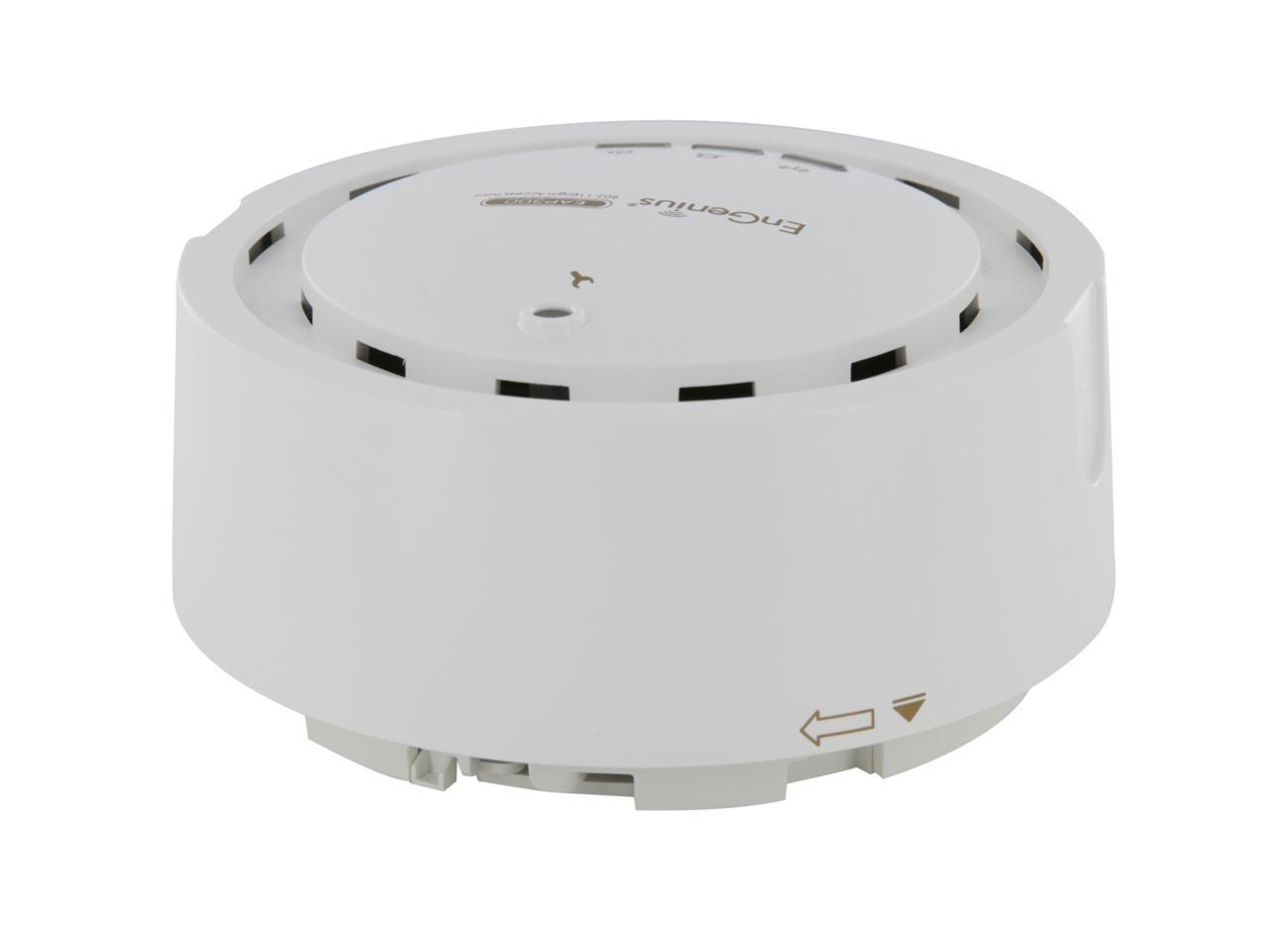
AESTHETIC DESIGN“Smoke Detector” Design – Unobtrusive design supports easy mountable to wall and ceiling (accessories included).
Multiple BSSID & SSID TO VLAN MAPPINGThe EAP300 supports up to 4 BSSIDs with blocking SSID broadcast and wireless encryption 64/128-bit WEP, WPA/WPA2. Plus, it supports 802.1q mapping of SSIDs up to 4 VLANs.
802.3af PoE CompatibleThe EAP300 supports Power over Ethernet (IEEE 802.3af) and allows deployment in areas where power outlets are not available.
INTEGRATED ANTENNAThe EAP300 includes an internal 5dBi antenna with optimized configuration and RF performance.
Learn more about the EnGenius Technologies EAP300
| Brand | EnGenius |
|---|---|
| Model | EAP300 |
| Standards | IEEE 802.11b/g/n |
|---|---|
| Wireless Data Rates | Up to 300Mbps |
| Security | WPA / WPA2 Personal (WPA-PSK using TKIP or AES) WPA / WPA2 Enterprise (WPA-EAP using TKIP) 802.1X RADIUS Authenticator: MD5 / TLS / TTLS, PEAP SSID broadcast enable / disable MAC Address Filtering, Up to 50 fields L2 Isolation (Access Point mode) Wireless STA (Client) connected list (Idle / Connection Time, Pkt statistics) |
| Frequency Band | 2.4 GHz |
| Channels | 11 Channels |
| Antenna | Internal 5 dBi Omni-Directional Antenna (diversity support) |
| Transmitted Power | (Max. Power may be different depending on local regulations) 802.11b (2.412~2.472 GHz) 29 dBm @ 1~11 Mbps 802.11g (2.412~2.472 GHz) 29 dBm @ 6 Mbps 29 dBm @ 9 Mbps 28 dBm @ 12 Mbps 28 dBm @ 18 Mbps 24 dBm @ 24 Mbps 24 dBm @ 36 Mbps 23 dBm @ 48 Mbps 23 dBm @ 54 Mbps 802.11n (2.412~2.472 GHz) 26 dBm @ MCS0 / MCS8 26 dBm @ MCS1 / MCS9 25 dBm @ MCS2 / MCS10 25 dBm @ MCS3 / MCS11 24 dBm @ MCS4 / MCS12 24 dBm @ MCS5 / MCS13 23 dBm @ MCS6 / MCS14 23 dBm @ MCS7 / MCS15 |
| Receiver Sensitivity | 802.11b (2.412~2.472 GHz) best <= -98 dBm 802.11g (2.412~2.472 GHz) best <= -93 dBm 802.11n (2.412~2.472 GHz) best <= -93 dBm |
| Modulation | OFDM: BPSK, QPSK, 16-QAM, 64-QAM, DBPSK, DQPSK, CCK |
| Interface | 1 x RJ-45 Fast Ethernet (10/100 Mbps) Power Jack |
| LEDs | Power LAN (10/100 Mbps) WLAN (Wireless Connection) |
| Buttons | 1 x Reset Button |
| WAN Ports | 1 x 10/100M |
| Power Adapter | Power Supply: 90 to 240V DC ± 10%, 50 / 60 Hz (depends on different countries) Active Ethernet (Power-over-Ethernet, IEEE 802.3af) Power Adapter (United States): 48V DC / 0.375A Device: 12V/1A |
| Features | High Power, Long-Range Coverage Wireless N300 Speed SSID-to-VLAN Tagging Multiple Operation Modes Unobtrusive Design EZ Controller |
|---|
| Package Contents | EAP300 N300 Indoor Access Point 12V / 1A Power Adapter Ceiling Mount and Wall Screw Kit Mounting Bracket RJ-45 Ethernet Cable Quick Installation Guide CD with User Manual |
|---|
| Date First Available | December 12, 2018 |
|---|
Pros: This device can be powered by the included AC adapter, or by a PoE switch, which makes life much easier. Ethernet jack supports shielded cable, andin the box is a UTP patch cable for easy hookup. Status LEDs for power, Ethernet traffic & WiFi traffic are nice, and can be completely turned off (although see cons for LEDs). Supports VLANs, up to 8 SSIDs, traffic shaping, and the ability to kickban clients. Advanced settings let you use as an AP, WDS or Repeater. Wireless range is great and connections are stable.
Cons: Bright blue status LEDs are extremely tacky. Disabling the LEDs completely does exactly that, you're suddenly unable to tell if the device is even powered on. AP is unable to be centrally managed, only being able to be managed through the webface. Doesn't support flashing to different firmware unlike other units. Ethernet port should really be gigabit.
Overall Review: Would've liked to see different colored status LEDs for each function, and anything other than blue. Compared to the devices I run at home and work that are around the same price point, this seems more of a home-use than a business product. 3rd party firmware support would've been a huge plus, but you can't ask for everything.
Pros: - Smoke detector-like style is definitely appropriate for a business setting. - Impressive set of features, which is expected if this device is to be the wireless backbone of a populated network. WDS mode, client mode, AP mode. - PoE compliant. - Ethernet port is expected but beneficial if you wanted to link up a switch if need be or use the PoE. - Can disable ALL LEDs. Otherwise this unit is a bright blue color. Disabling all the LEDs makes it so there are not lights at all.. you cannot even tell if the unit is on or not. - Intuitive interface that is mostly simple to use with one exception mentioned in OTs. - Unboxing the unit included the basic necessities including mounting screws to secure the two-piece bracket so you can easily remove and replace the device.
Cons: I would definitely expect there to be gigabit ethernet port (at least.) This isn’t really a con in smaller networks. But I imagine that these devices on larger networks, being N300 devices, could experience some overhead if there is a larger user base or heavy bandwidth consumption. A gigabit copper backbone would avoid saturation. A 300Mbps signal halved and slowed by numerous WDS hops (and signal noise in between, packet error correction, etc.) can drop from that theoretical top speed to 2 or 1Mbps easily. Also it was a bit buggy with working together on my network. Everything connected well with wireless security disabled but for some reason it would not connect for WPA or WPA2.
Overall Review: Tip: If you’re one to skip reading the manual then you’ll probably want to know that you have to manually enter a static IP address when setting the device up. In fact, the pdf of the manual is included on a disk. You should probably at least skim the contents…because DHCP is disabled by default and you should know that no changes take effect when you click to submit them. You also have to click “Save/Reload:#” in the top left of the navigation pane. If you do not, then it will read like your changes saved but they will not apply. Being assigned only one unit, it’s a bit tough to test this out in a practical scenario, but overall this about as well as expected. On the software side, any tech admin or competent techie can set up an efficient, controlled EAP/WDS wifi network. I did not test EAP on this device but I tested WDS and Repeater modes. I wasn’t actually able to get it to work with any encryption. It’s likely an error on my part somewhere, I’m sure. There is a command Line interface but it is VERY limited. Logs show it running Busybox 1.19.4 but when you connect via Telnet it never gives you shell access. It’s not a pro to have a CLI if you can’t create and run custom scripts or actually do something you can’t easily do on the web interface.. Over all this seems like a decent solution for a smaller network. It seems a little buggy in my testing but I also am using equipment different than Engenius’ brand (DD-WRT devices.) I'm not sure that I would value these at the current $100 price tag, however. I would recommend someone to explore other options in this range..
Pros: The first two pros i want to point out are first, the field in which this data can be transmitted is absolutely massive. I live on a property with a lot of good land which is used at all times, which means I could need access to something back home at any given moment. Secondly, the setup was swift and easy. There were some extra steps and a ton of extra customizations you could use, but for an any day simple access point setter upper, most of the time that extras stuff isn't touched. You plug the device in, you go to the address on a computer, and it's a few button clicks away from being done. Other than those big pros, I also want to comment on the design. In my opinion it's amazing. I love the feel of it as it feels very sturdy, I love the lights, and it does in fact look like a smoke detector, which fades in to the rafters, never to be dealt with again.
Cons: Now I know it's going to be weird because I just mentioned how easy it was to set this thing up, but thats for people without an existing router setup, which could be a small amount of people. My problem was that since NetGear, my router manufacturer, used the same site address for hardware setup, I had to actually unplug or turn off the router in order to access the access point for the first time, otherwise it would never have gotten setup for first use. Lastly, the cost of this thing is too high. I understand this thing goes the distance, but it sends 300mbs... Thats nothing, especially for a business quality access point. What happens if multiple people are accessing at the same time? Which in a business environment that most definitely will happen.
Pros: Decent link speeds Can be set up as an Access Point, WDS or Repeater PoE Great range Supports VLANs
Cons: Extremely bright LEDs, at least you can turn off Setup is more involved than it should be Cable that comes with it is 18” long, really? Not as inconspicuous as it seems
Overall Review: This smoke detector look-a-like wireless access point (WAP) from EnGenius is an interesting piece. The idea seems to be for it to look like a smoke detector so it will blend in and so people won’t mess with it. It does have a nice look, but out of the box is not all that inconspicuous. It is much thicker than a smoke detector and most smoke detectors I’ve seen don’t have clearly marked activity lights for power, and wireless/wired activity. Those indicator lights are extremely bright, although they may be turned off in the firmware. Also, hopefully the user will have an actual smoke detector nearby, which would probably make people wonder why a second, bigger one is around. I’m not privy to smoke detector technology but if possible, think it would have been a really neat feature for EnGenius to simply incorporate an actual smoke detector into this device, then you “kill two birds with one stone” and never have to replace your smoke detector batteries. Just a thought. In the box is the WAP, ceiling mount hardware (including screws and drywall anchors!), wall wart power adapter, a very short and seemingly useless network cable, quick install manual, and full sized CD. Initial setup was a little more involved than it should be. You’re unable to set this guy up via wifi, and you also have to set a static IP address so you’re on the proper subnet. I’ve never set up a WAP where that was necessary. I’m a little confused on the firmware for this device, as the device I received has version 1.5.1 (and is v1 of the hardware), and yet the downloadable firmware on the EnGenius website is version 1.4.4. So I’m assuming I have the latest firmware. The menus were easy to navigate and settings pretty straight forward. The speeds on this guy and range were great. I was able to get triple digit link speeds at 100ft through a wall and down a floor. So set up in its intended configuration (mounted on a ceiling), it should serve a business extremely well. The power over ethernet ability also makes this much simpler to install for a business. Overall this WAP from EnGenius is a great device and serves its purpose well. $86 at the time of this writing seems like a great price in comparison to other similar devices, although it is larger and more obtrusive than other similar devices and does not feature wireless ac (you’ll have to step up to an order-of-magnitude more expensive device to get ac from EnGenius).
Pros: Great, strong signal. Lots of features. Power output setting. Easy to use.
Cons: Not compatible with Logitech Harmony Link. Data connection with the Link drops after minutes or hours. Also seems to have problems at times with Apple devices. Needs wi-fi to be toggled on/off to get back the Logitech/Apple device.
Overall Review: Unfortunate that it has these problems. Could have been my no. 1 choice for indoor AP's.
Pros: I bought this to use at home, to replace the wireless function of a Linksys WTRG-54 wireless router, with the goal of faster wireless and better coverage in my average sized house (2 stories + basement). This product delivered in both areas. I mounted it on a wall on the ground level floor of my house and I get full signal strength in every room of my house. I'm sure my neighbors can even get a signal, hehe. The user interface is very intuitive and easy to use. I was able to set it to a static ip address and set up a wireless SSID and password in about five minutes. I can even change its settings from my Blackberry Playbook (I'm sure iPad users can too). Since it is PoE I was able to use a single cable for data and power; I chose a white network cable so it blends in with the white walls of the room it is mounted in. The unit has three bright blue lights indicating power, network connection and wireless activity; all three can be turned on or off in the user interface.
Cons: The cons are minor, and do not effect the performance of the device. While this device is PoE, no PoE injector is supplied. It uses the 802.3af standard, so any generic poe injector will work. I went to my local brick n mortar store and bought one. The activity lights are rather bright blue, which is odd since the housing is designed to look inconspicuous when mounted on a wall or ceiling. As I mentioned in the pros though, you can turn them off individually in the gui.
Overall Review: This model has a 10/100 network connection. The EAP350 has a gigabit connection. I like the smoke detector look; no antennas sticking out. It is unobtrusive where I mounted it on a wall; if I were really ambitious I could have cut a hole in the drywall and ran the network cable through the wall and have a very clean mounting, as the cable port is on the underside of the unit. The base that attaches to the wall detaches from the main unit with a twist; it is ring shaped and you can either run the cable(s) off to the side or into the wall/ceiling through the middle.
Pros: Best Access Point on the market for the money. Looks are very sleek and blends into the wall. This unit lives up to its title, "Long Range"
Cons: No Cons here.
Warranty & Returns
Warranty, Returns, And Additional Information
Warranty
- Limited Warranty period (parts): 1 year
- Limited Warranty period (labor): 1 year
- Read full details
Return Policies
- Return for refund within: 30 days
- Return for replacement within: 90 days
- This item is covered by Corn Electronics Return Policy
Manufacturer Contact Info
- Manufacturer Website
- Support Phone: 1-888-735-7888
- Support Website
- View other products from EnGenius Technologies


HIGH-POWER, LONG-RANGE WI-FIUp to 29dBm RF Tx power provides greater Wi-Fi coverage over mainstream competitors.
WIRELESS-N 6X SPEED OVER 802.11G NETWORKSThe EAP300 delivers up to 6x faster speed than 802.11g, providing maximum date rate up to 300Mbps with 802.11N MIMO Technology.
AESTHETIC DESIGN“Smoke Detector” Design – Unobtrusive design supports easy mountable to wall and ceiling (accessories included).
Multiple BSSID & SSID TO VLAN MAPPINGThe EAP300 supports up to 4 BSSIDs with blocking SSID broadcast and wireless encryption 64/128-bit WEP, WPA/WPA2. Plus, it supports 802.1q mapping of SSIDs up to 4 VLANs.
802.3af PoE CompatibleThe EAP300 supports Power over Ethernet (IEEE 802.3af) and allows deployment in areas where power outlets are not available.
INTEGRATED ANTENNAThe EAP300 includes an internal 5dBi antenna with optimized configuration and RF performance.
Eggxpert Review
Pros: POE Make it nice to deploy away from data closet. Support up to 4 vlans easy to setup. good distance, covered more than just my office. Had net access 2 floors down. Stable access point for was able to set it up and forget about it.
Cons: smoke detectors use flashing red LED not constant on blue. (Yes you can turn them off). Size if smoke detectors are about 30% smaller.
Overall Review: You are able to place in the office and have it overlooked by some, since it looks like a smoke detector (blue LED give it away as something else) . Hiding it in public hall ways or stairwells work for giving access across the office.