






Will the cooling pad remember my last fan speed and lighting settings after shutdown?
Yes – but only on our new version (with power-off memory). Note: older units (no memory) are still in stock and shipped randomly. If you receive an older unit, please understand. We will keep improving.
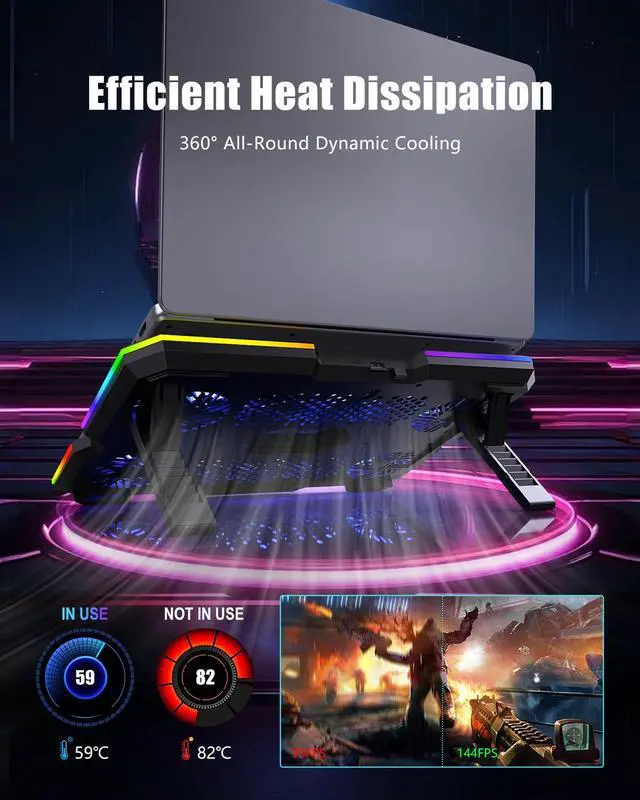
How effective is the cooling? What are the fan speeds and noise levels?
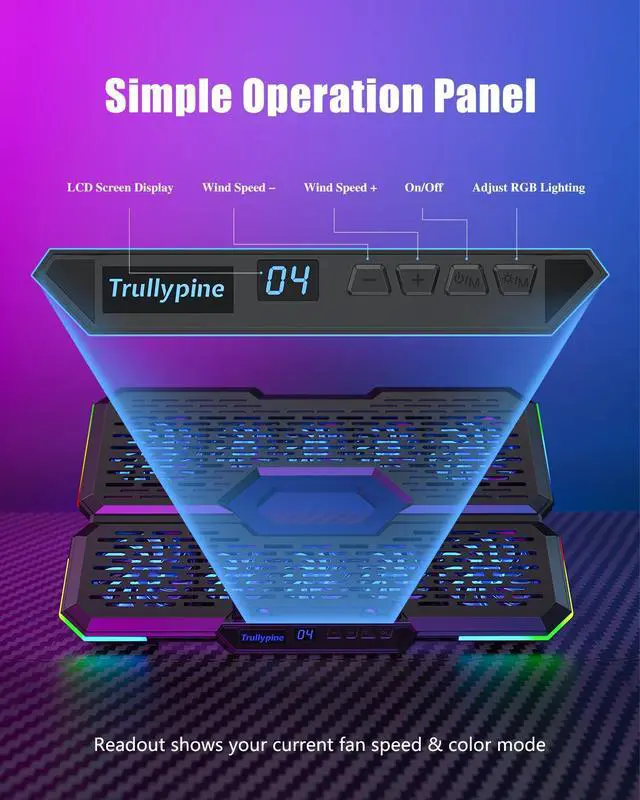
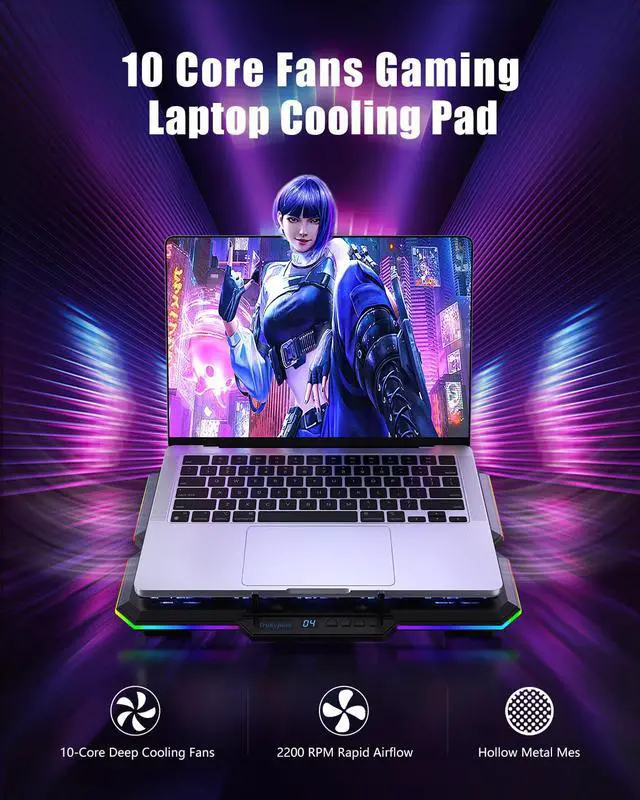
L1: 2200RPM/25-30dB, office.
L2-3: 2400RPM/35-40dB, light gaming.
L4: 2600RPM/45dB, heavy.
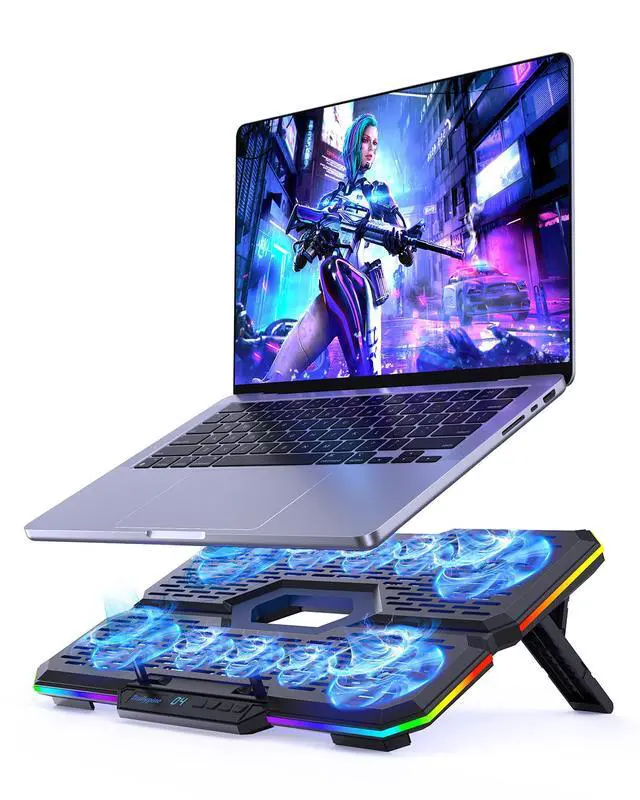
Highest setting lowers laptop surface 5-10°C, cooler keyboard, stable FPS.
Does it require an external power adapter? How many USB ports does it take?
No external adapter needed. It is powered via USB (supports USB-A or USB-C input). Comes with a braided USB-A to USB-A cable. You can also power it via a power bank connected to the USB-C port.
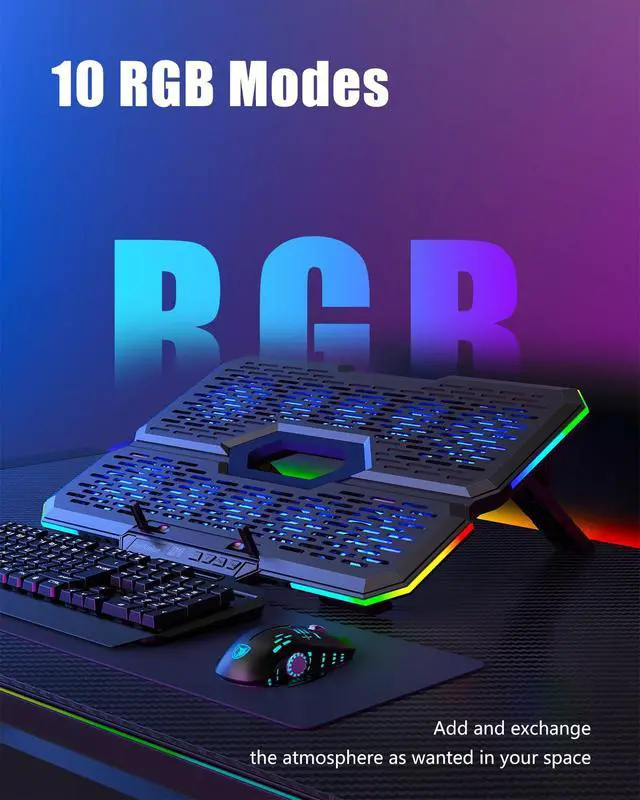
How many RGB lighting modes are there? Can the brightness be dimmed?
There are 5 modes (breathing, cycle, gradient, flashing, etc.), switchable via the “M” button. Brightness is fixed and cannot be dimmed.
Can I turn off the fan’s lighting but keep the fan running?
No. The lighting is linked to the fan – whenever the fan runs, the light is on. However, the light is soft, and the laptop will cover it during use, so it does not cause any practical disturbance.


Will the cooling pad remember my last fan speed and lighting settings after shutdown?
Yes – but only on our new version (with power-off memory). Note: older units (no memory) are still in stock and shipped randomly. If you receive an older unit, please understand. We will keep improving.
How effective is the cooling? What are the fan speeds and noise levels?
L1: 2200RPM/25-30dB, office.
L2-3: 2400RPM/35-40dB, light gaming.
L4: 2600RPM/45dB, heavy.
Highest setting lowers laptop surface 5-10°C, cooler keyboard, stable FPS.
Does it require an external power adapter? How many USB ports does it take?
No external adapter needed. It is powered via USB (supports USB-A or USB-C input). Comes with a braided USB-A to USB-A cable. You can also power it via a power bank connected to the USB-C port.
How many RGB lighting modes are there? Can the brightness be dimmed?
There are 5 modes (breathing, cycle, gradient, flashing, etc.), switchable via the “M” button. Brightness is fixed and cannot be dimmed.
Can I turn off the fan’s lighting but keep the fan running?
No. The lighting is linked to the fan – whenever the fan runs, the light is on. However, the light is soft, and the laptop will cover it during use, so it does not cause any practical disturbance.