






Instructions for use of night light:
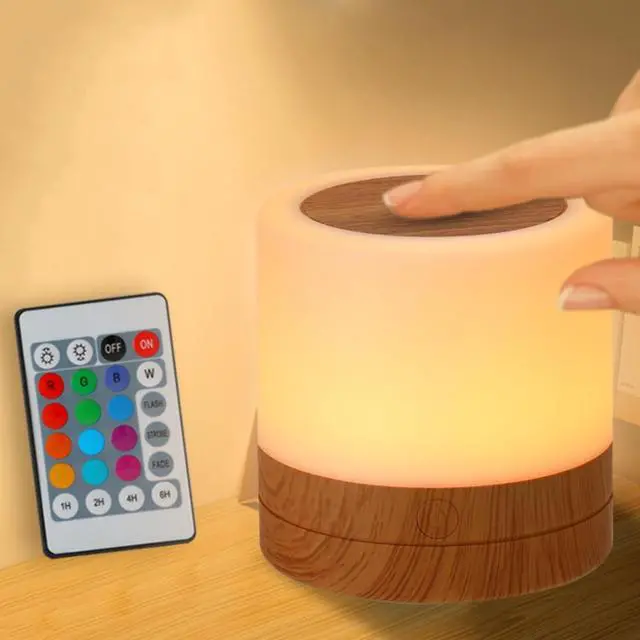
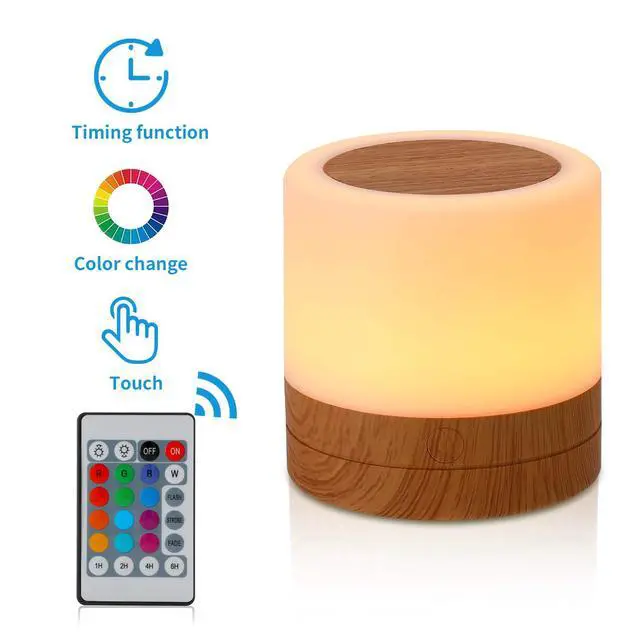
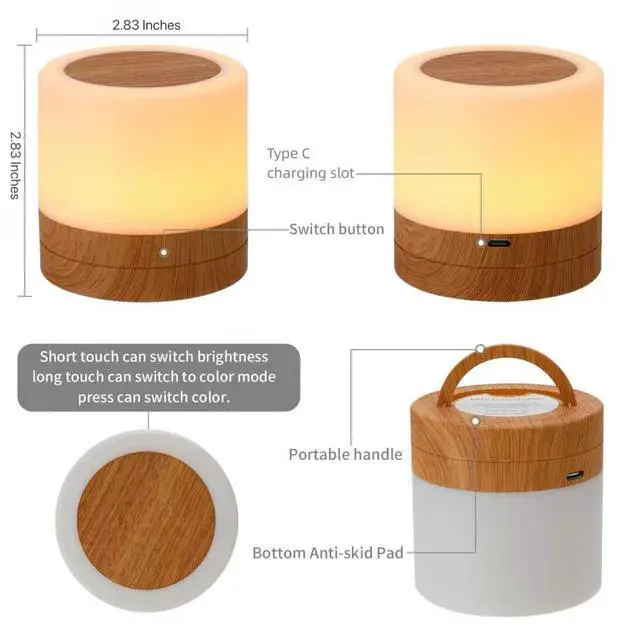
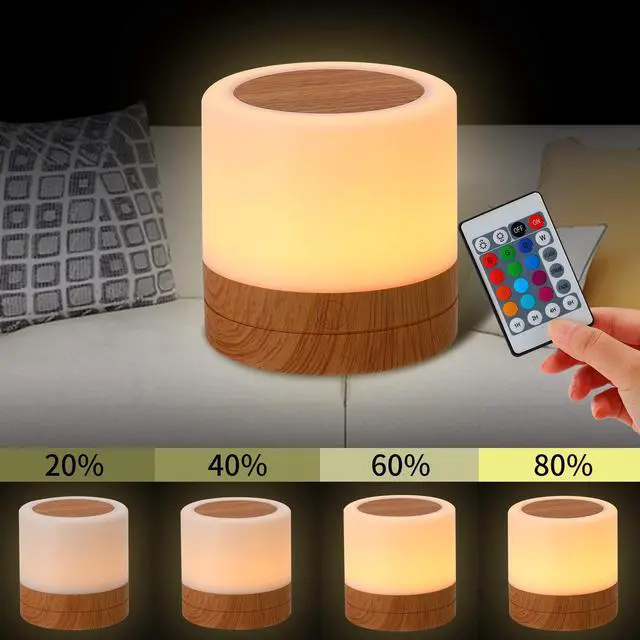
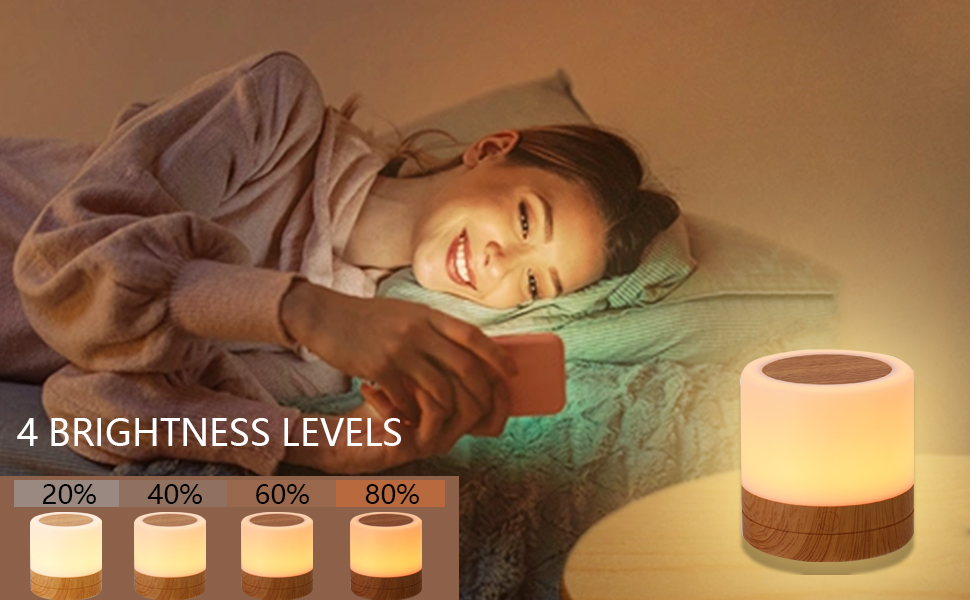
1.Adjusting the night light brightness: When the light is on, briefly press the power button to switch the brightness between levels 1/2/3/4.
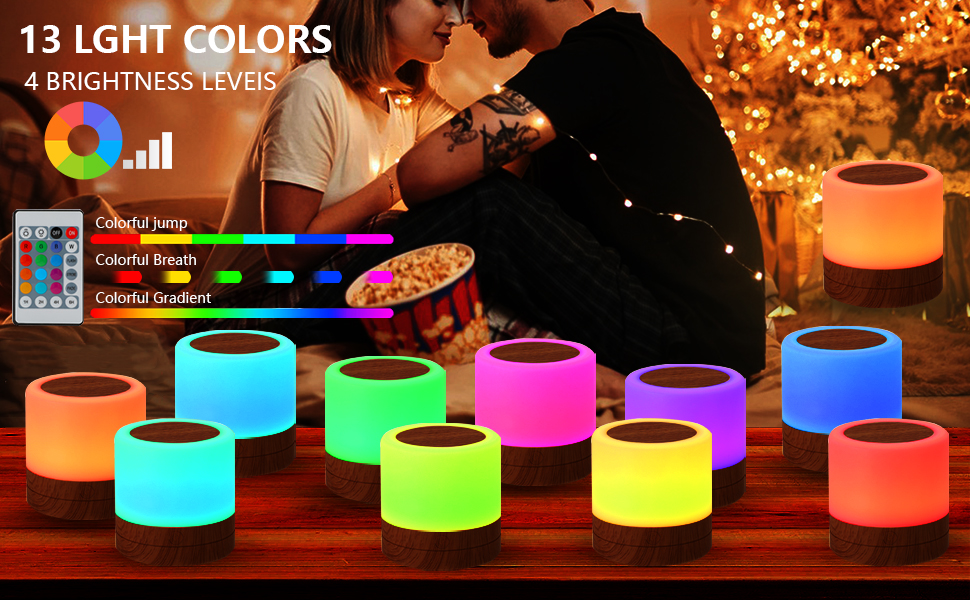
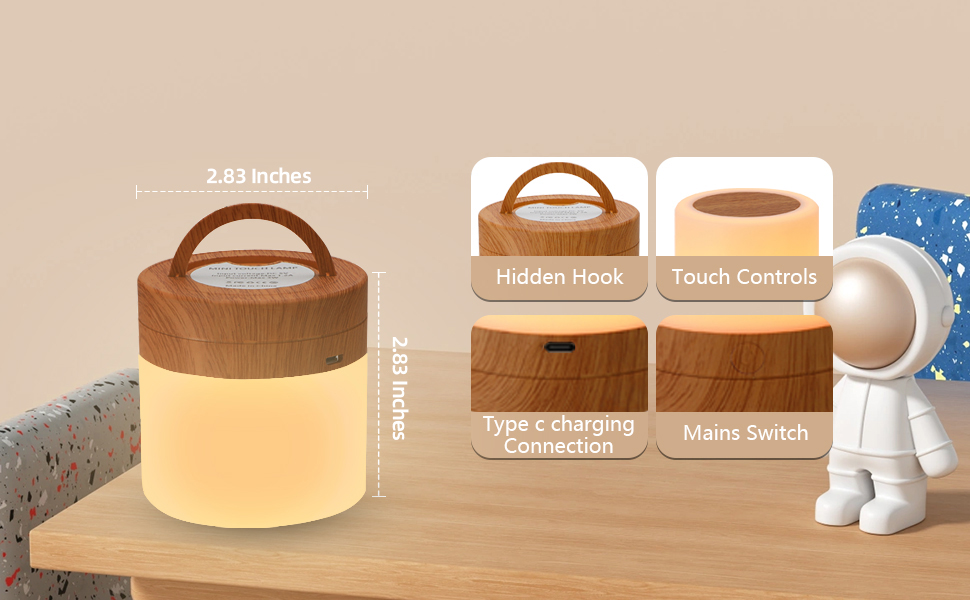
2.Adjusting the ambient light: Touch the top of the night light and briefly press to change the ambient light color.
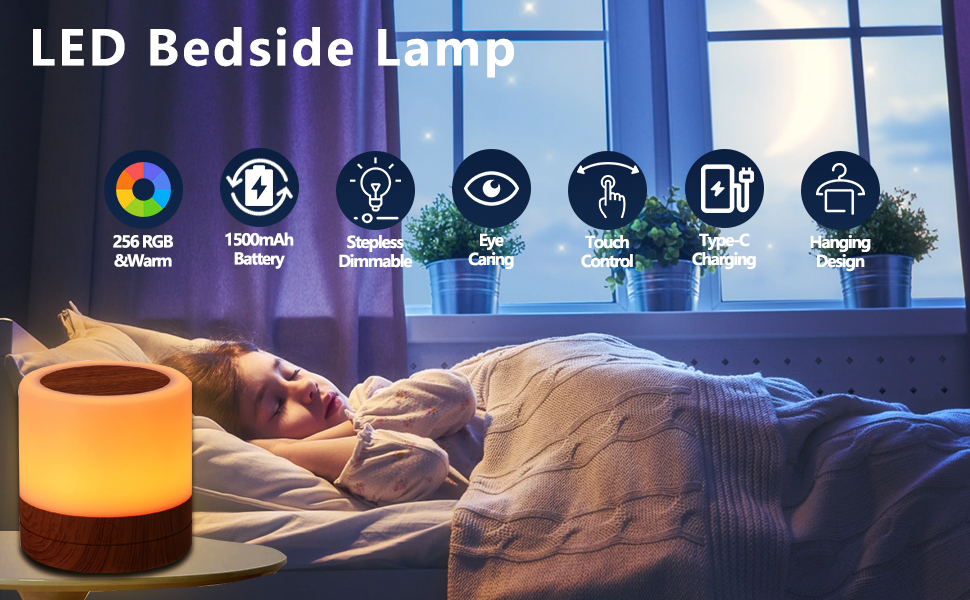
3.Power on/off: Press and hold the top of the night light to turn it on/off; Alternatively, long press the bottom power button to turn it on/off.
4.When the battery is low, even the highest brightness level will not be bright enough. At this time, it can be used while charging, or it can be used when it needs to be fully charged.
Instructions for use of night light:
1.Adjusting the night light brightness: When the light is on, briefly press the power button to switch the brightness between levels 1/2/3/4.
2.Adjusting the ambient light: Touch the top of the night light and briefly press to change the ambient light color.
3.Power on/off: Press and hold the top of the night light to turn it on/off; Alternatively, long press the bottom power button to turn it on/off.
4.When the battery is low, even the highest brightness level will not be bright enough. At this time, it can be used while charging, or it can be used when it needs to be fully charged.