




 here!
I’m your shopping assistant for PC builds, upgrades, and everything tech.
Got questions? Ask away!
Start a conversation
here!
I’m your shopping assistant for PC builds, upgrades, and everything tech.
Got questions? Ask away!
Start a conversation
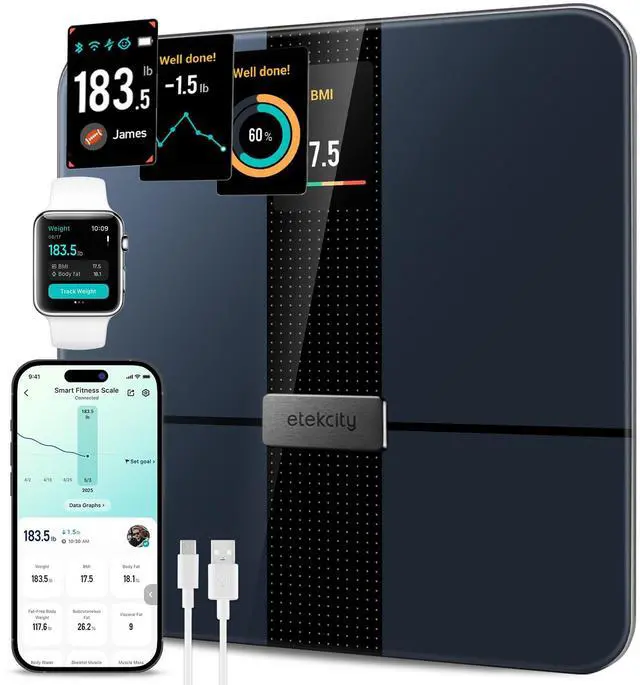

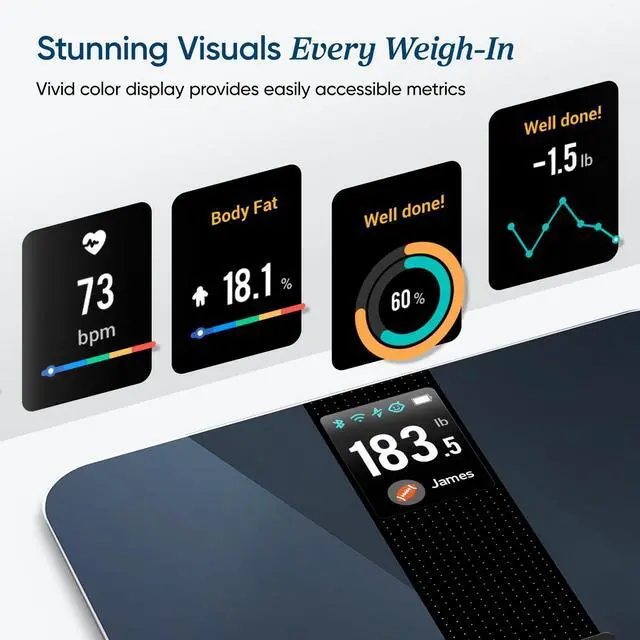
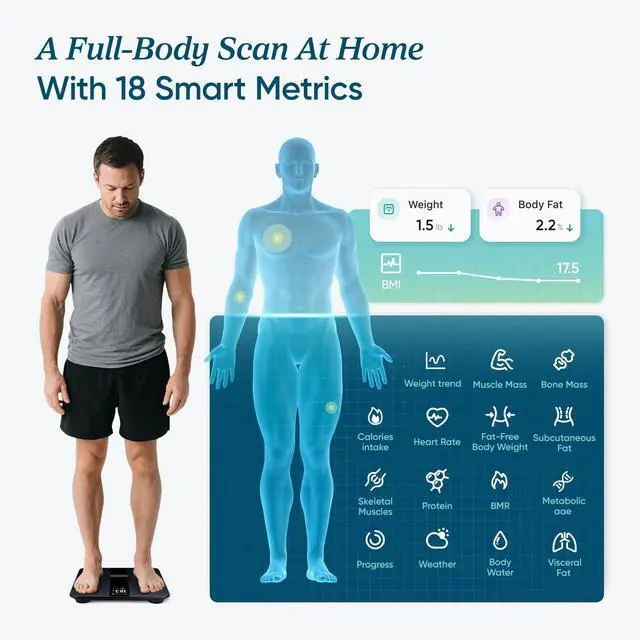
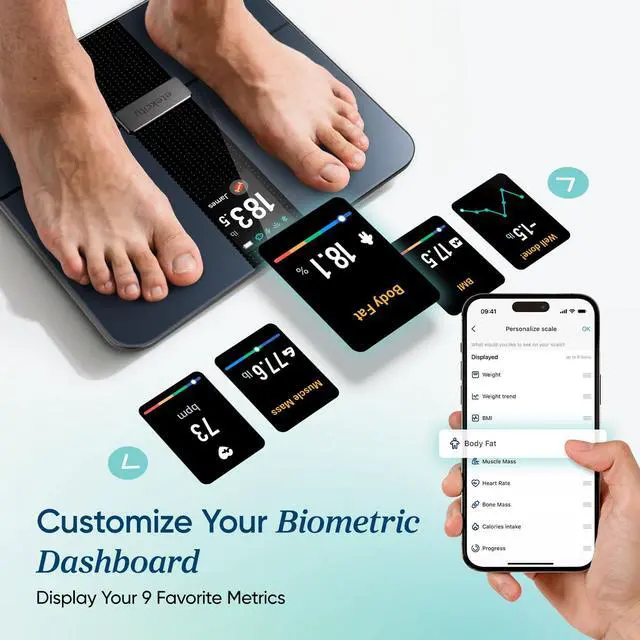
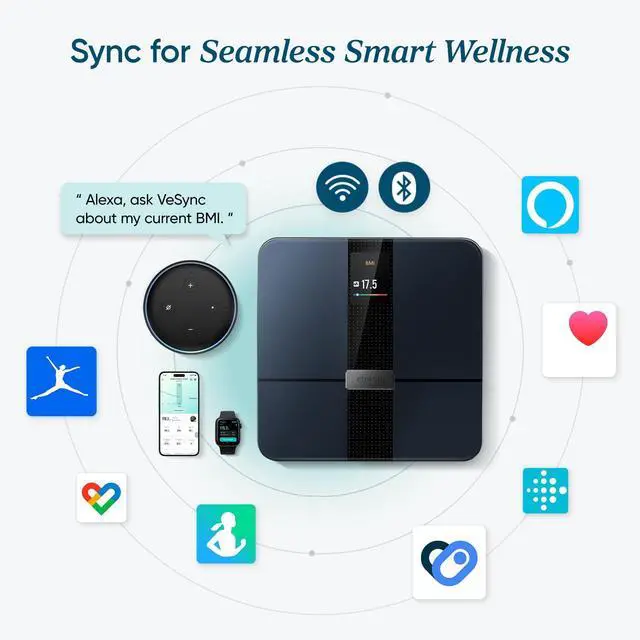



Any questions? Ask CelesteSM will help you find out quickly.
FAQ:
Q: Why is the VeSync app showing disconnected constantly?
A: The scale will power off 20 seconds after displaying your body indexes in order to save power. During that time, it will show "disconnected". To reconnect, turn the scale back on and open the app.
Q: How do multiple users use the same scale?
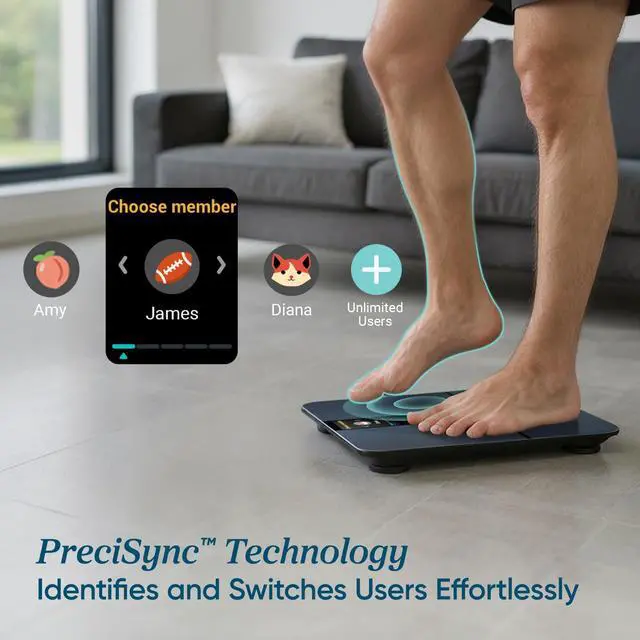
A: There are 2 ways: (1) Multiple Users with Separate VeSync Accounts. Please note only 5 VeSync accounts can pair with the smart scale at a time. (2) Multiple Users with a Shared VeSync Account. Users who create or log in to a VeSync account can create multiple user profiles within their account. All users can log in to the same account (on their own smartphones) without requiring the other users to log out.
Q: How to do firmware update?
A: Please follow these simple steps: (1) Turn on your phone Bluetooth. (2) Light up the scale. (3) Open the app and click the scale picture to go to the device page. Wait for several seconds for it to connect to Bluetooth. There will be a Bluetooth icon that appears in blue on the screen display when it's connected. (4) Follow the in-app firmware update instruction to update it. Do not let the scale display turns off when connecting or updating.
Operating System: iOS® 12.0+ or Android 6.0+
Note: (1) The iphone and apple watch in the image are not included. (2) Only body weight can be synced to MyFitnessPal. MyFitnessPal doesn't allow syncing all data to VeSync. (3) Consult a healthcare professional before using the smart scale if you are pregnant or using medical electronic equipment such as a pacemaker.
| Brand | |
| Color | Black-Color Screen |
| Recommended Uses For Product | Humans |
| Special Feature | Heart Rate, TFT Display, Rechargeable |
| Display Type | TFT |
| Product Dimensions | 11.8 x 11.8 x 1.1 inches; 4.25 pounds |
| Item model number | EFS-A591S-KUS |
| Batteries | 1 Lithium Ion batteries required. (included) |
| Date First Available | November 13, 2021 |
| Manufacturer | |
| #23 in Digital Bathroom Scales | #23 in Digital Bathroom Scales |


