





Important Tips Before Use:
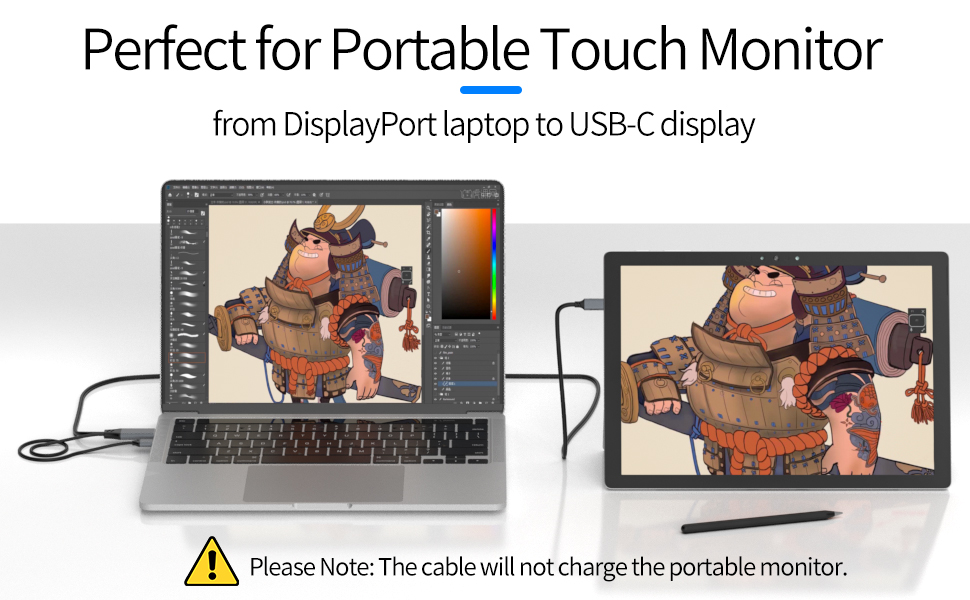
- This DP to USB C cable Not charge for the USB C portable monitors
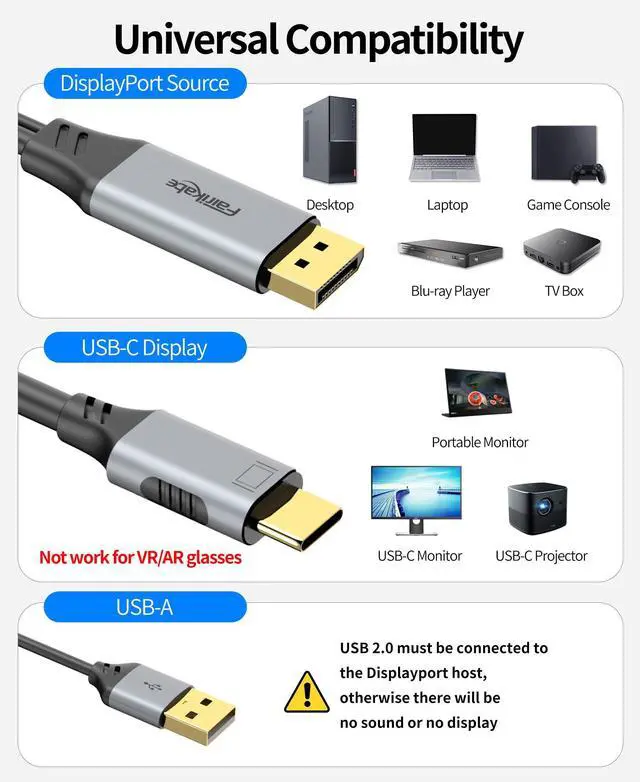
- This DP to USB C cable Not support VR glasses
- The USB2.0 cable connect with the power adapter not exceed 5V 1A
- The USB2.0 cable must connect with PC's USB port to use the touch function of the portable screen
- If unplug the USB cable, you need to reconnect the power of the portable screen to work again.
- Not working with USB C phone, USB C laptop, USB C hub or docking station
- Not work for Studio Display; please choose updated version, coming soon
- Not work for other monitors or devices that share a USB-C port for power and display
- This product cannot supple power to the portable screen, not can it transmit data , it only supports touch function
- The portable screen itself needs to have touch function
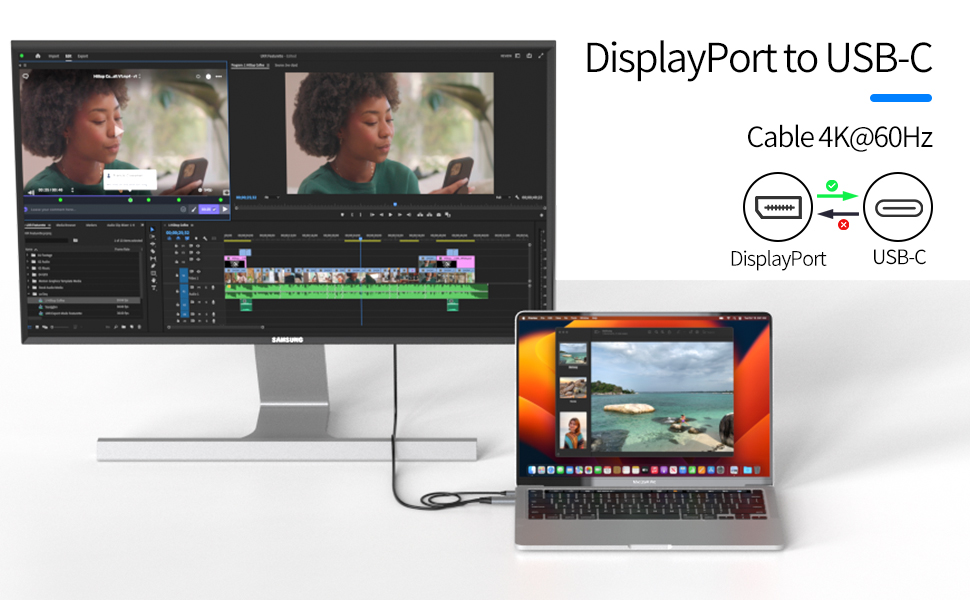
Unidirectional DP Source to USB C Monitor Cable 4K@60Hz
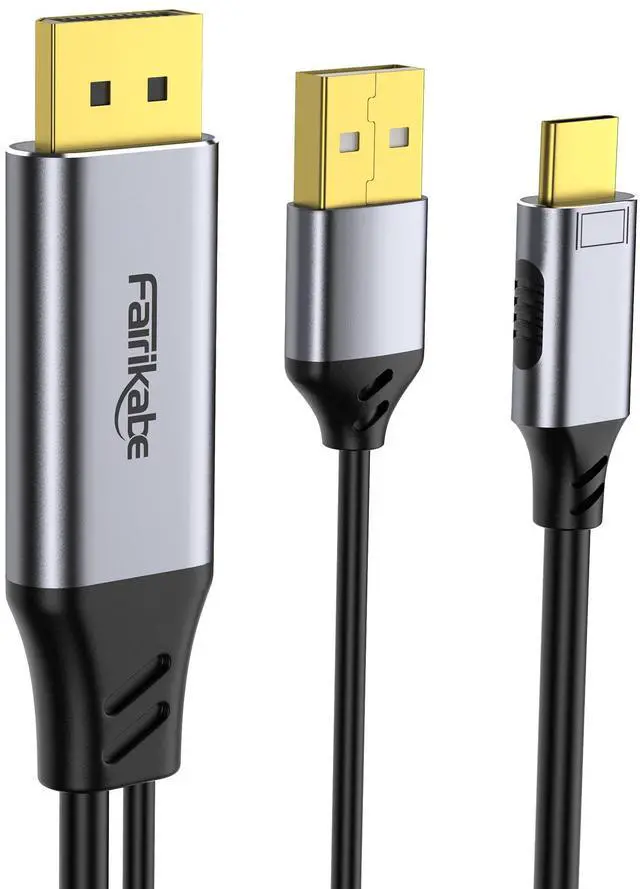
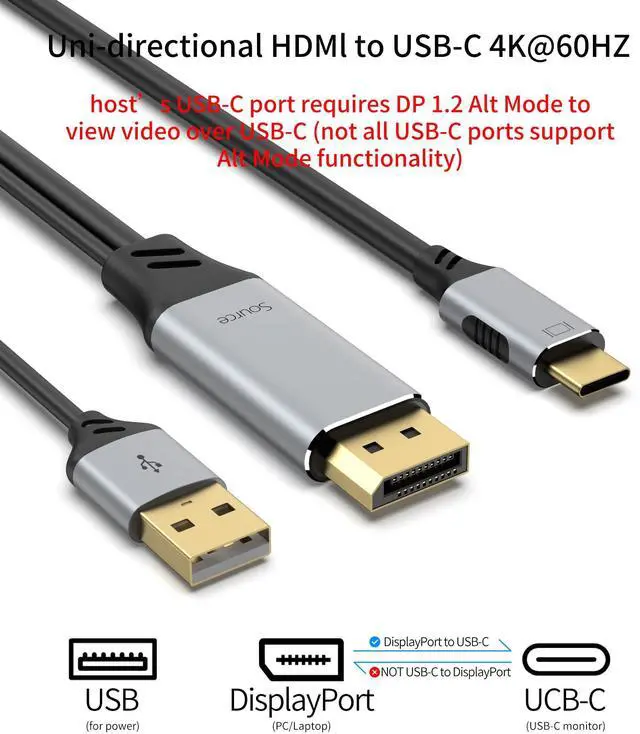
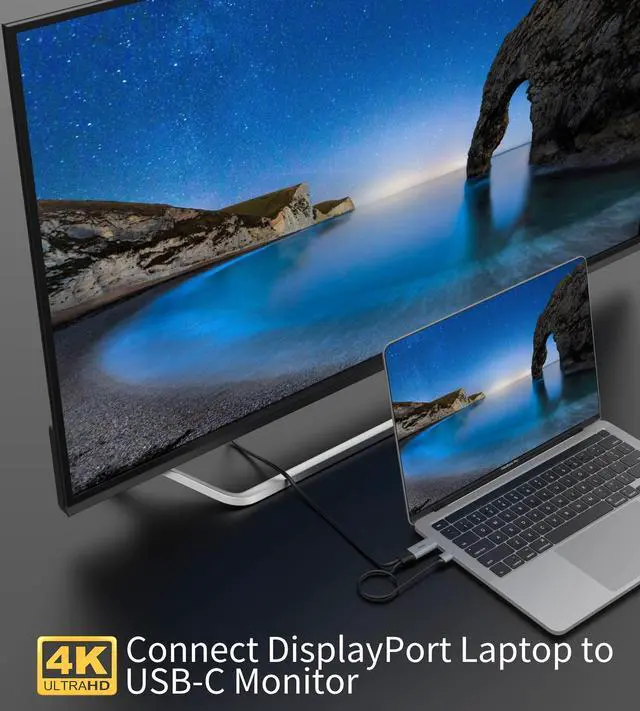
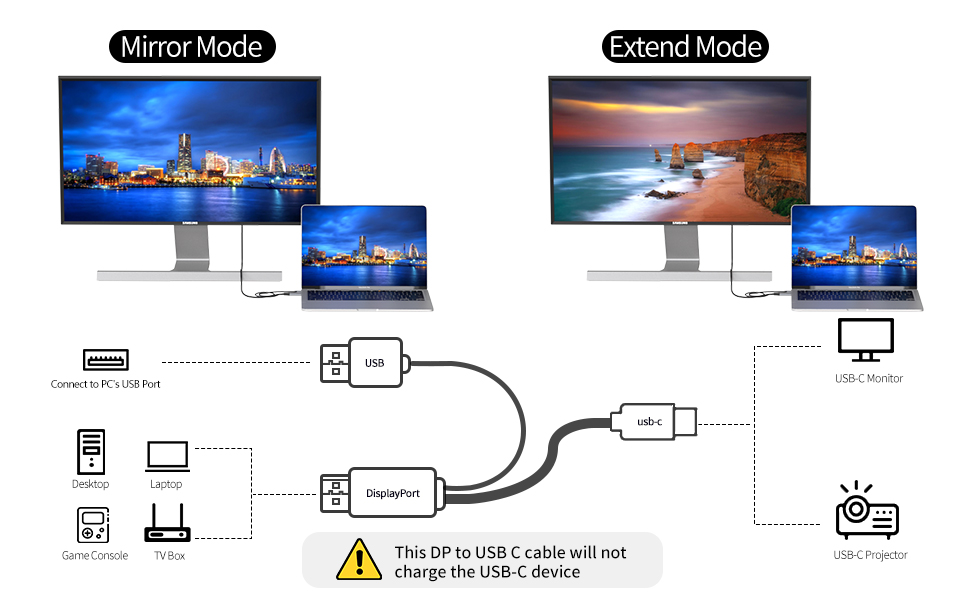
This displayportto USB C cable is unidirectional, it is directed from the display port source to the USB C monitor. The displayport male port you can connect it to the computer, laptop, game console, TV box, etc. And the USB type C male port you can connect it to the monitor, projector, portable monitor and more.
- Features of Display Port to USB C Cable
- Support 4K@60Hz Ultra HD video quality
- Support HDR high dynamic range function
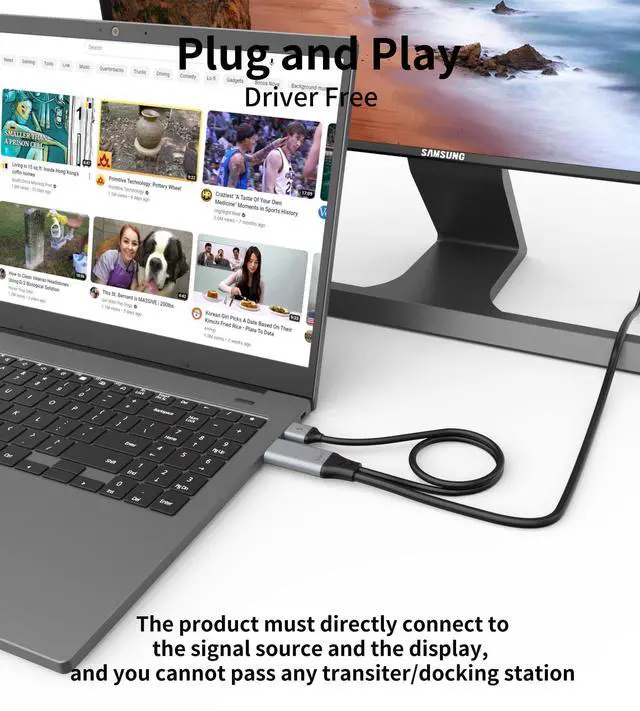
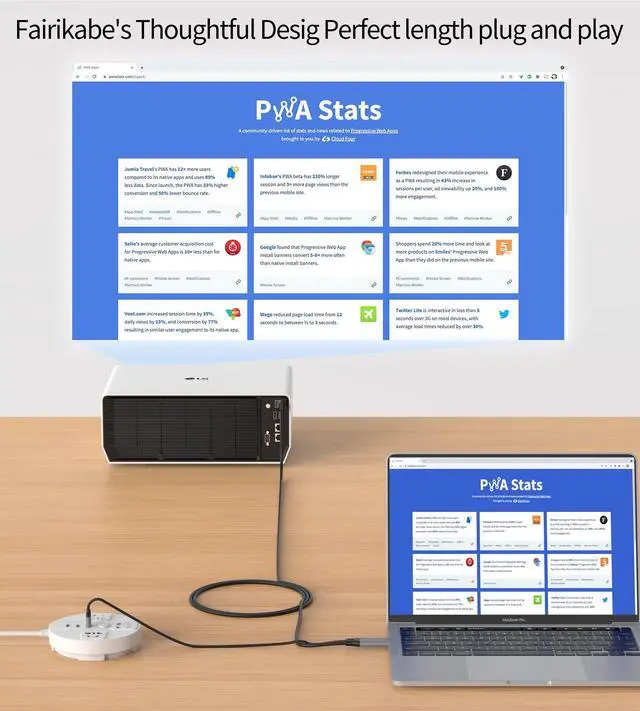
- Easy to use, just plug and play
- Support mirror mode and extend mode
- Only supports DP to USB C one-way transmission
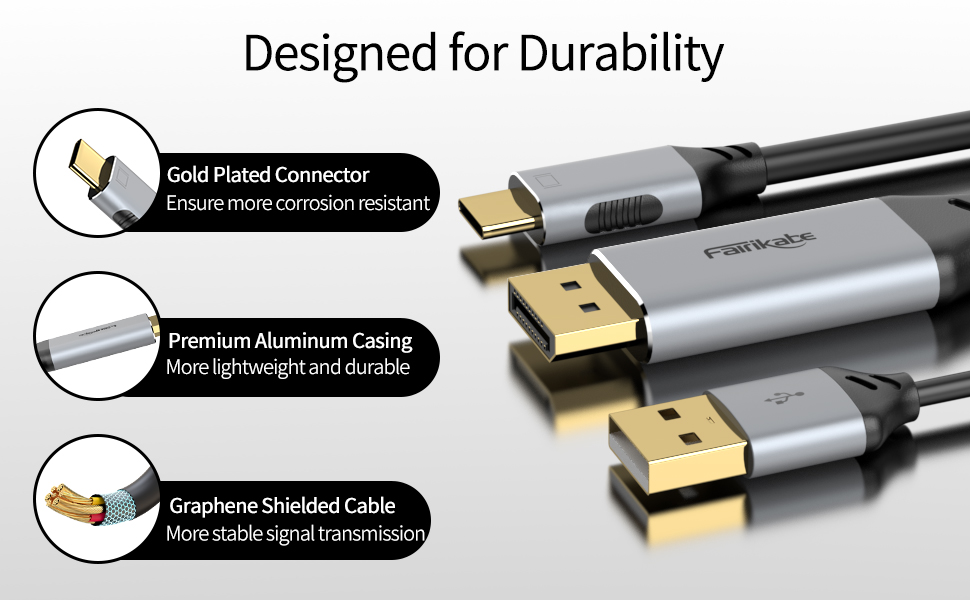
Advanced Exterior Design for the Display Port to USB-C Cable
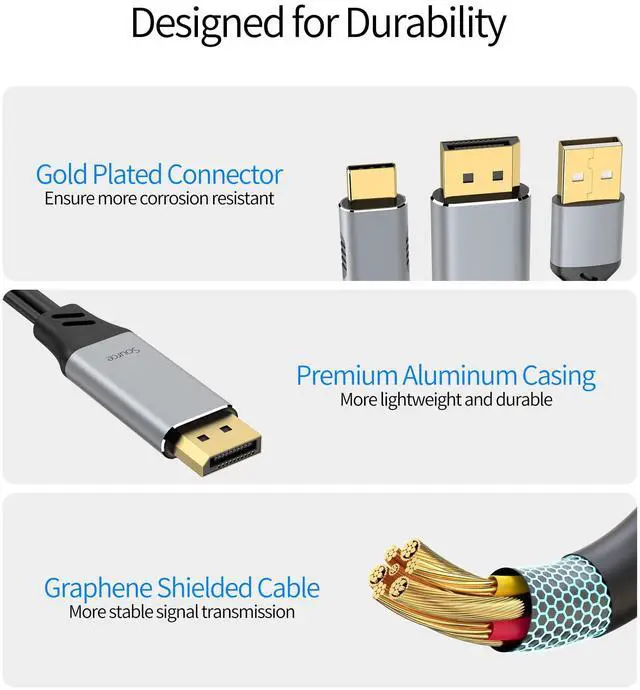
- Gold-plated ports: anti-oxidation and rust resistance, more stable data transmission and longer service life.
- Aluminum port housings: metal case dissipates heat faster than the ABS plastic case.
- Graphene wire: soft wire is more convenient to use and can be adjusted in position and direction at will.
FAQs
- Question1: Monitor didn't display (or monitor does not detect the source)
Answer: This transfer direction of this cable is displayport output to usb c input monitor, please note the following when using:
1. The USB C connector is connected to the monitor( NOT on PC or laptop)
2. The display/monitor/portable screen required to connect with its own power adapter (as this DP to USB C cable will not charge the devices)
3. The USB2.0 power cable needs to connect to a stable 5V 1A power supply which must not exceed 5V 1A (when using a touch screen portable screen, the USB cable needs to connect to the same signal source as the displayport).
- Question2: Why does my portable screen work but sometime not?
Answer: The USB 2.0 port of this displayport to USB C cable need to connect with a stable power supply.
If your PCs' USB A port needs to be plugged and unplugged frequently, it is likely that this will cause the PCs‘ usb A port to become loose and not ensure a steady current, so this will also cause the screen not to display. In this case, you can try other USB A ports of PC to see if it works, or you can use the 5V 1A adapter directly to get stable power.
*This USB2.0 cable is designed to work with this DP to USB-C expansion cable, so be sure to use the USB2.0 cable correctly for the USB C screen to work properly.
- If you have any other questions with this product, please tell us the exact model of your devices, we will help you solve it.
Compatible Devices (Not a Full List)
Incompatible Devices (Not a Full List)
Important Tips Before Use:
- This DP to USB C cable Not charge for the USB C portable monitors
- This DP to USB C cable Not support VR glasses
- The USB2.0 cable connect with the power adapter not exceed 5V 1A
- The USB2.0 cable must connect with PC's USB port to use the touch function of the portable screen
- If unplug the USB cable, you need to reconnect the power of the portable screen to work again.
- Not working with USB C phone, USB C laptop, USB C hub or docking station
- Not work for Studio Display; please choose updated version, coming soon
- Not work for other monitors or devices that share a USB-C port for power and display
- This product cannot supple power to the portable screen, not can it transmit data , it only supports touch function
- The portable screen itself needs to have touch function
Unidirectional DP Source to USB C Monitor Cable 4K@60Hz
This displayportto USB C cable is unidirectional, it is directed from the display port source to the USB C monitor. The displayport male port you can connect it to the computer, laptop, game console, TV box, etc. And the USB type C male port you can connect it to the monitor, projector, portable monitor and more.
- Features of Display Port to USB C Cable
- Support 4K@60Hz Ultra HD video quality
- Support HDR high dynamic range function
- Easy to use, just plug and play
- Support mirror mode and extend mode
- Only supports DP to USB C one-way transmission
Advanced Exterior Design for the Display Port to USB-C Cable
- Gold-plated ports: anti-oxidation and rust resistance, more stable data transmission and longer service life.
- Aluminum port housings: metal case dissipates heat faster than the ABS plastic case.
- Graphene wire: soft wire is more convenient to use and can be adjusted in position and direction at will.
FAQs
- Question1: Monitor didn't display (or monitor does not detect the source)
Answer: This transfer direction of this cable is displayport output to usb c input monitor, please note the following when using:
1. The USB C connector is connected to the monitor( NOT on PC or laptop)
2. The display/monitor/portable screen required to connect with its own power adapter (as this DP to USB C cable will not charge the devices)
3. The USB2.0 power cable needs to connect to a stable 5V 1A power supply which must not exceed 5V 1A (when using a touch screen portable screen, the USB cable needs to connect to the same signal source as the displayport).
- Question2: Why does my portable screen work but sometime not?
Answer: The USB 2.0 port of this displayport to USB C cable need to connect with a stable power supply.
If your PCs' USB A port needs to be plugged and unplugged frequently, it is likely that this will cause the PCs‘ usb A port to become loose and not ensure a steady current, so this will also cause the screen not to display. In this case, you can try other USB A ports of PC to see if it works, or you can use the 5V 1A adapter directly to get stable power.
*This USB2.0 cable is designed to work with this DP to USB-C expansion cable, so be sure to use the USB2.0 cable correctly for the USB C screen to work properly.
- If you have any other questions with this product, please tell us the exact model of your devices, we will help you solve it.
Compatible Devices (Not a Full List)
| Pro Display XDR | Pro Display XDR |
| LG | 27?L850 |
| ThundeRobot | F15H144PT |
| DELL | U2720QM |
| AOC | U2790 |
| SCULPTOR | ML156LR |
Incompatible Devices (Not a Full List)
| Studio Display | Studio Display |
| AOC | T2450MD, 2777B, LV323WUPX |
| ASUA | MG278, XG438Q, VG28U |
| PHILIPS | 288B6L, 42PFL3390 |
| SAMSUNG | S28AG704NC, UJ59 |
| LG | 27UL550, 24MK600M, |
| DELL | P2715Q |
| SONY | TV/KD-55X7000D |
| Note | Not work for other monitors or devices that share a USB-C port for power and display |