



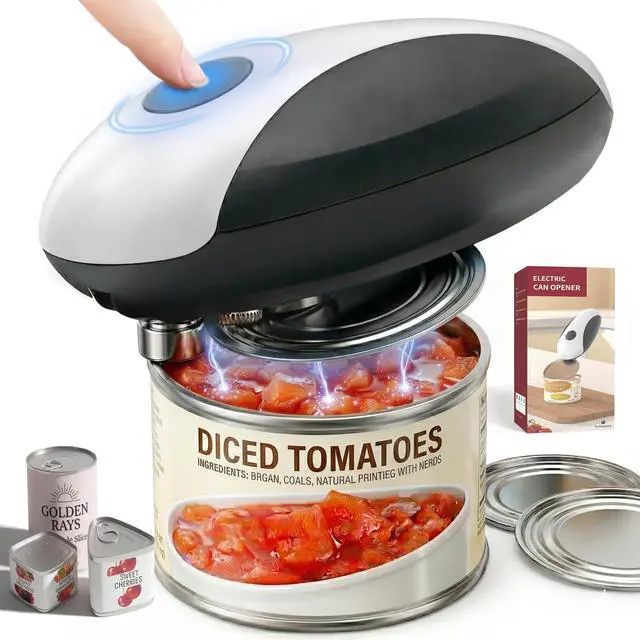




Does this opener work with all can sizes?
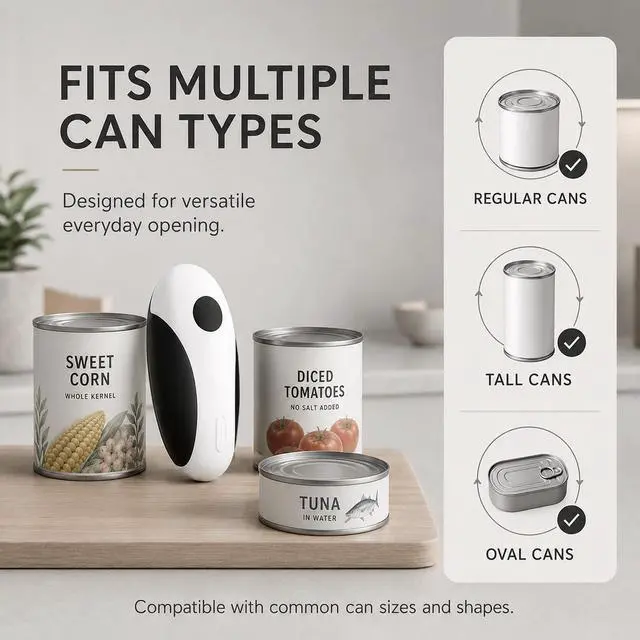
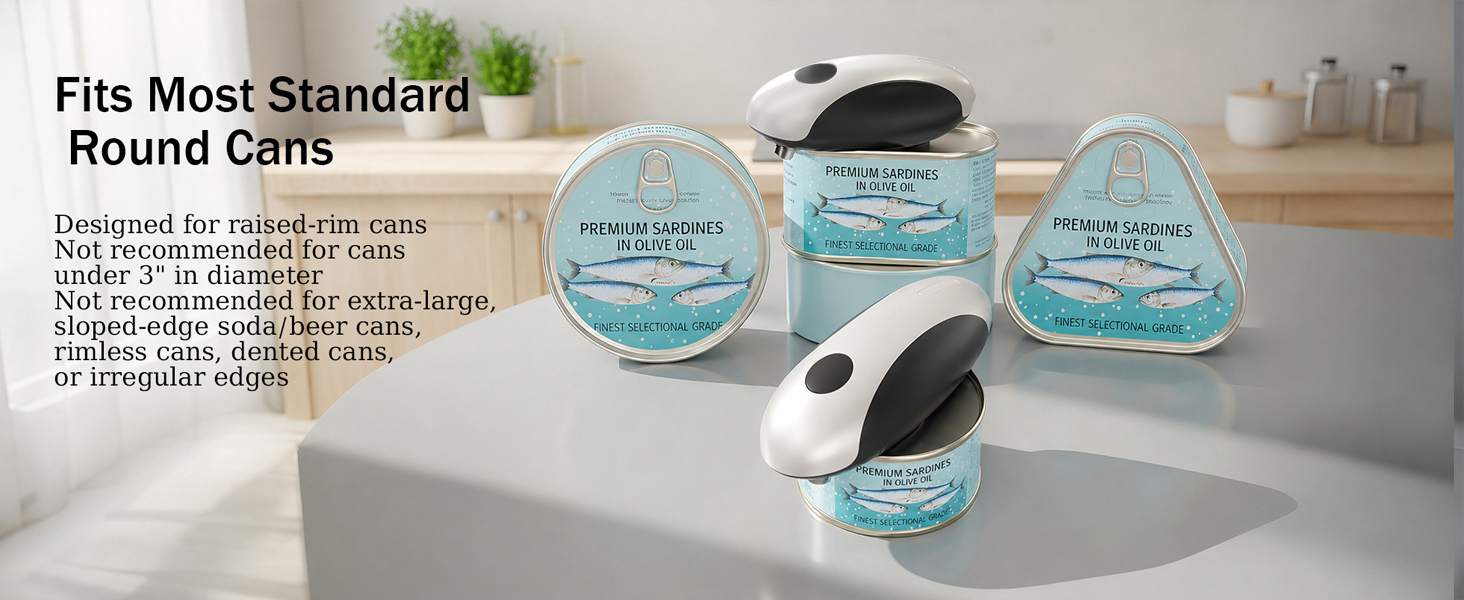
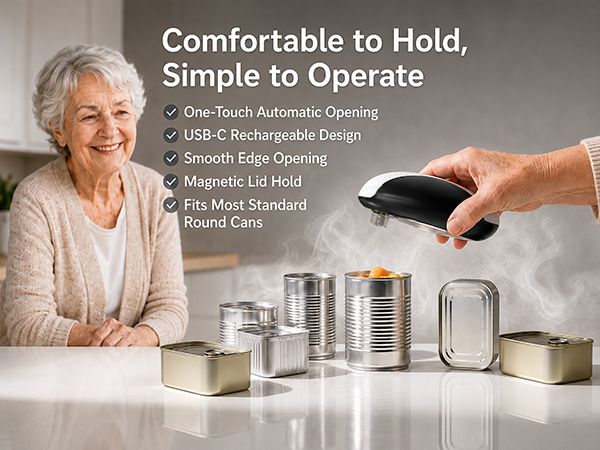
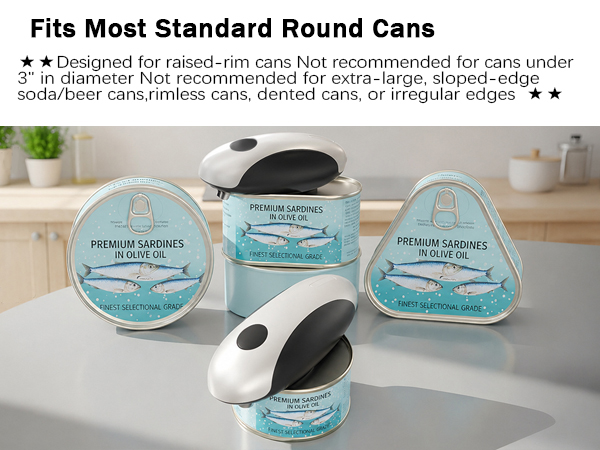
This opener is designed for most standard round cans with a raised rim. Cans under 3 inches in diameter are not recommended. Extra-large cans, rimless soda or beer cans, dented cans, or cans with irregular edges may also not be suitable.
What should I do if the lid is cut but still stays on the can?
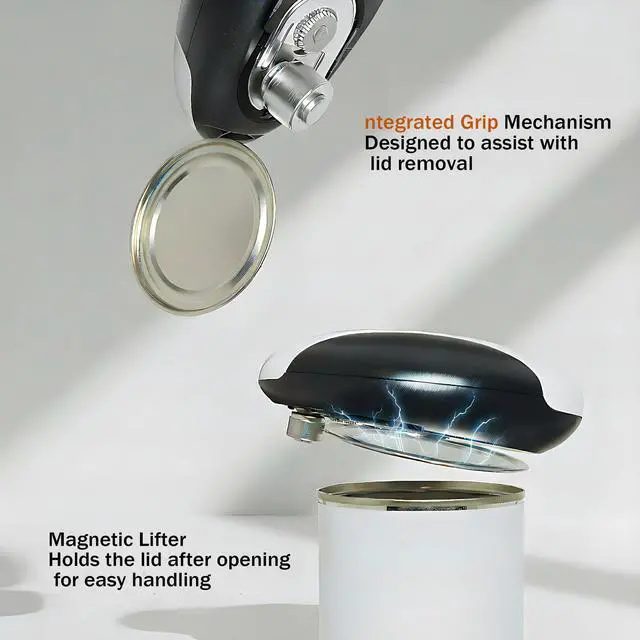
After the opener completes the rotation, press the button again to stop it, then lift the opener slowly. The built-in magnet is designed to help hold the lid, but results may vary depending on the can material, lid thickness, and lid shape.
Why is my can opener not turning on?
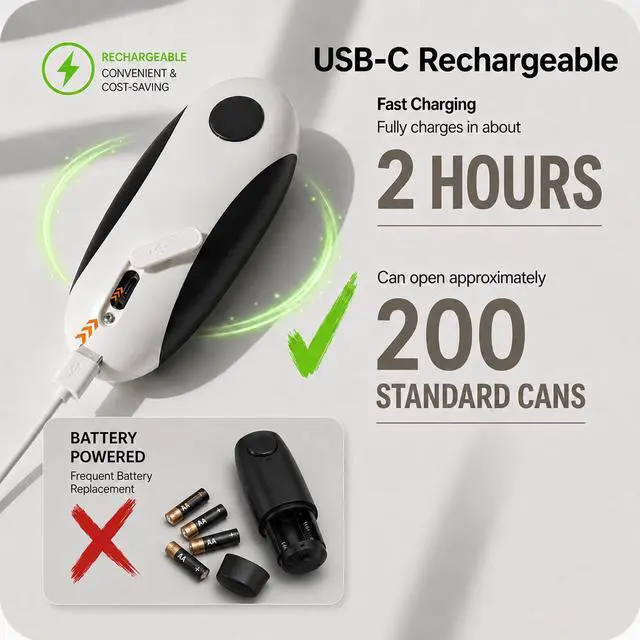
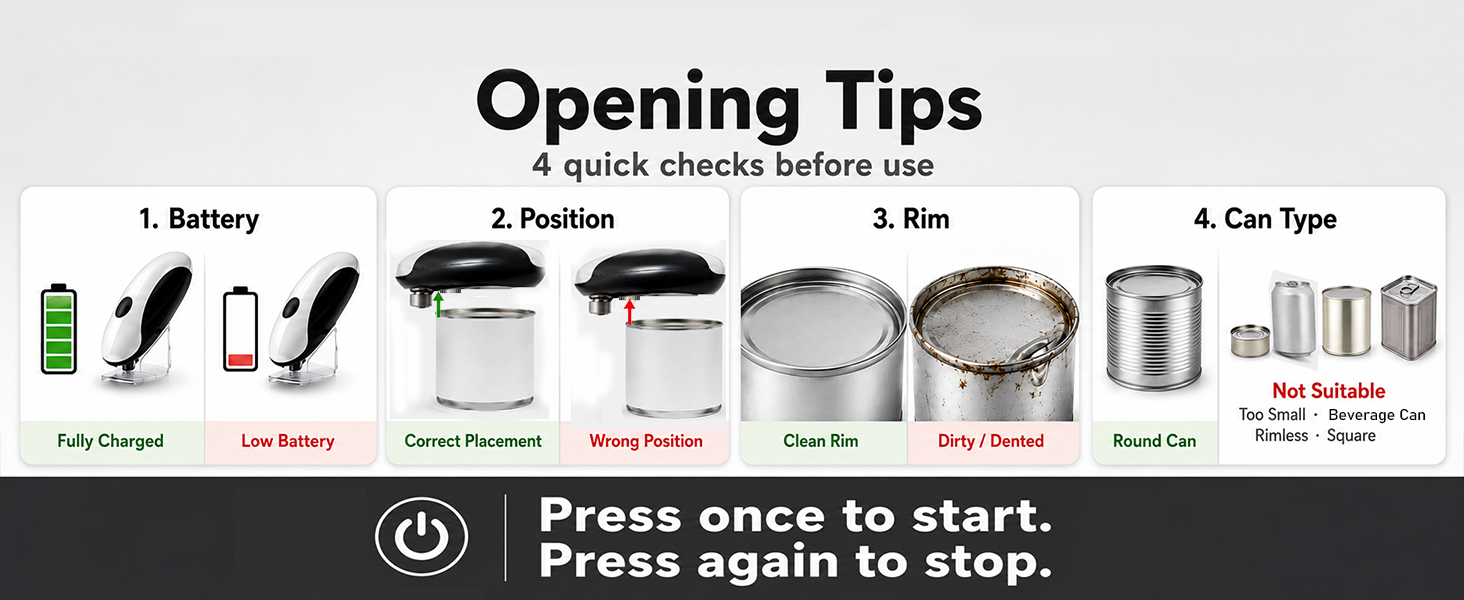
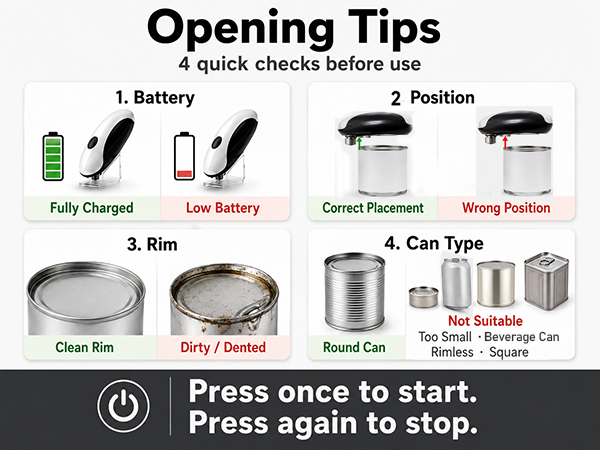
Please fully charge the opener and place it on the outer rim of a standard round can. Press once and let it rotate. If it slips or stops, reposition it. Low battery, dents, food residue, square/rimless, very small or large cans may affect use.
What should I do if the opener keeps running after the lid is open?
Press the button again to stop it and remove the opener. Do not let it cut the same edge again. Repeated cutting may affect smoothness. Before use, make sure the opener is properly positioned and the can rim is not dented or damaged.
How can I get a smoother opening result?
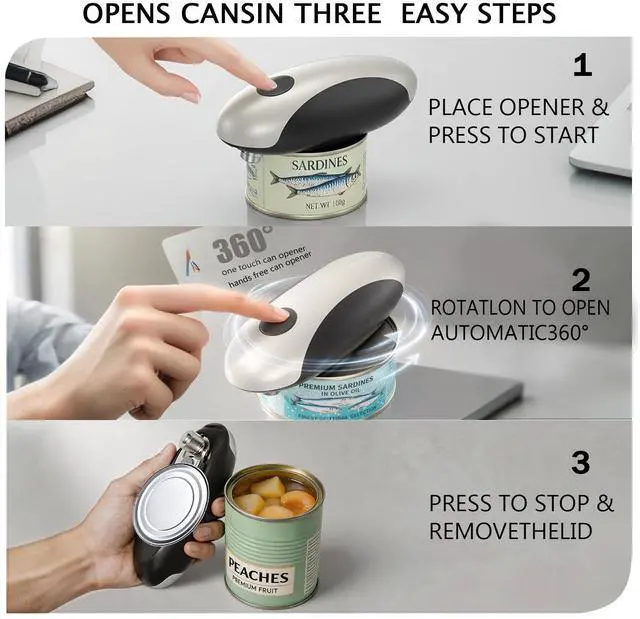
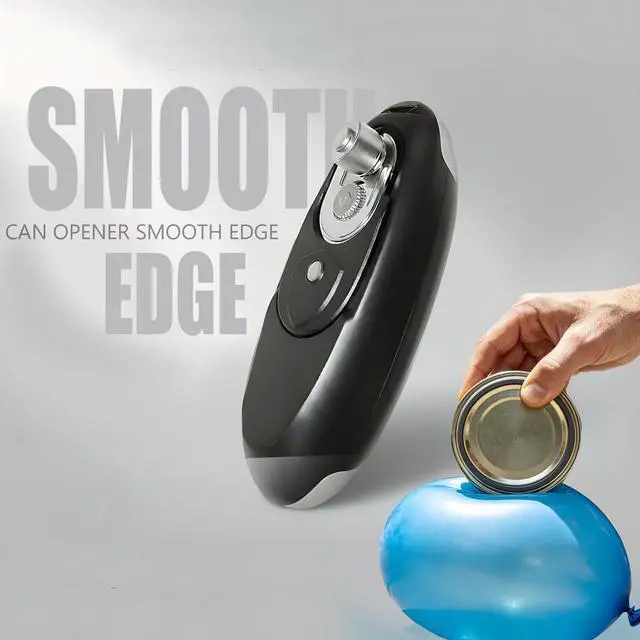
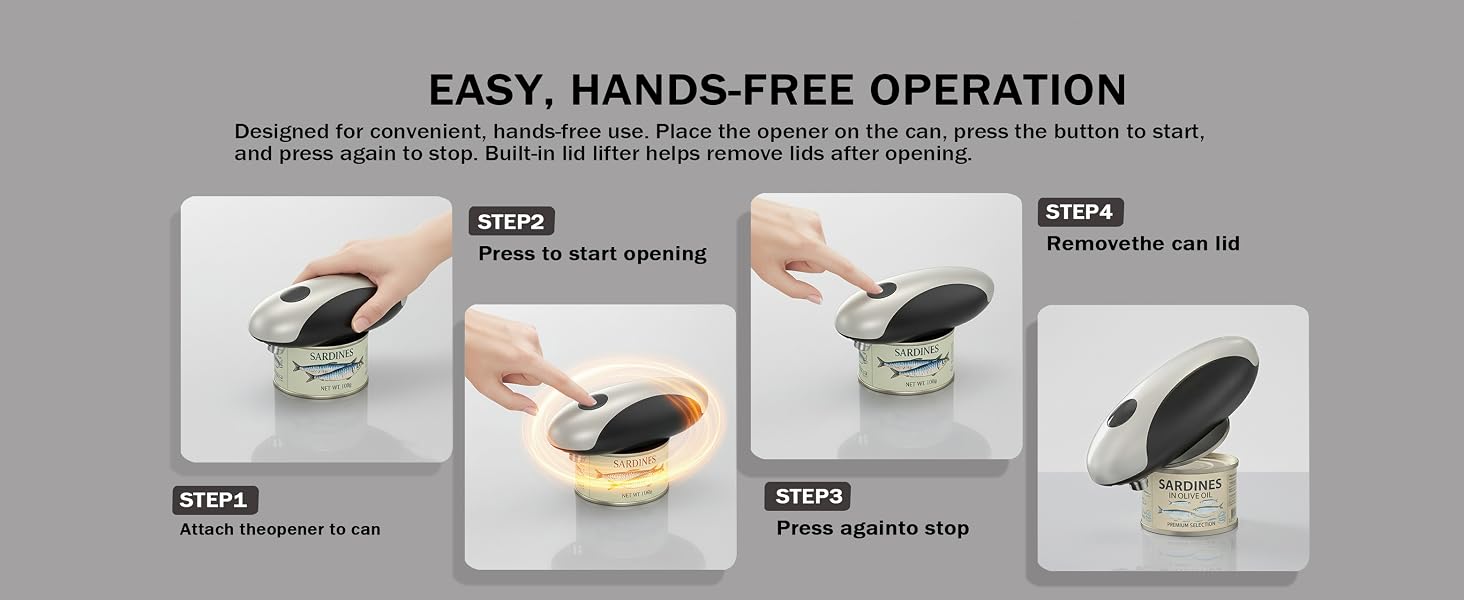
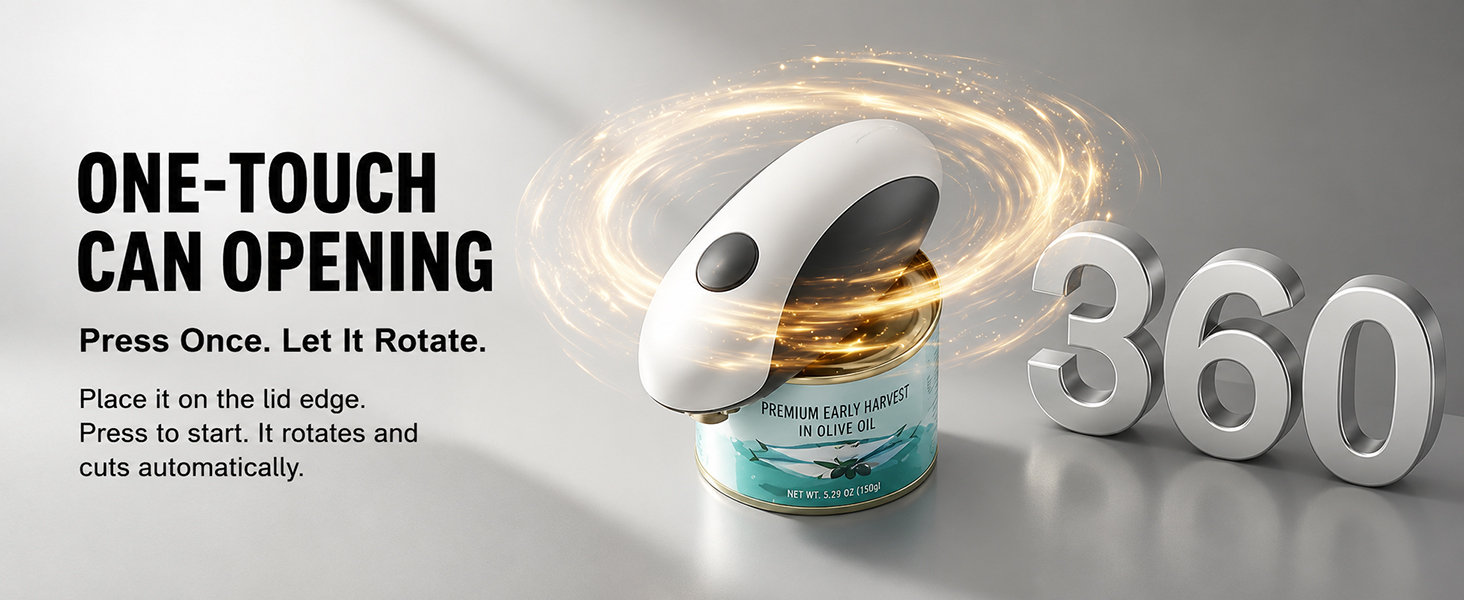
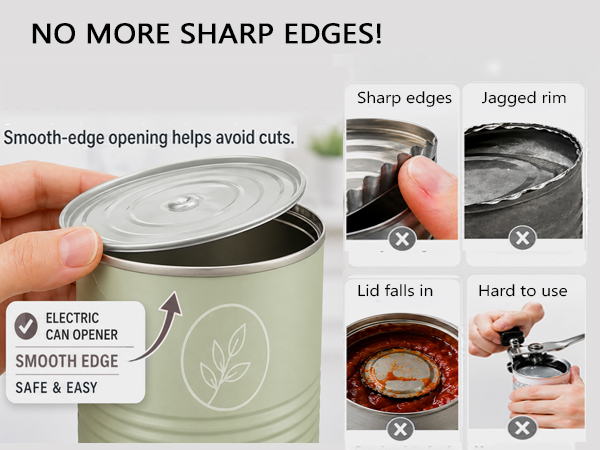
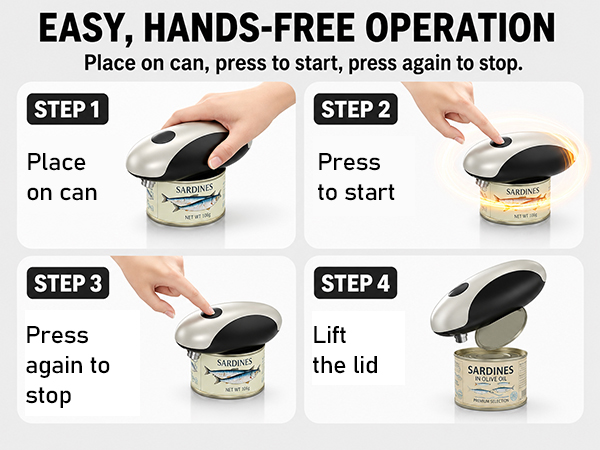
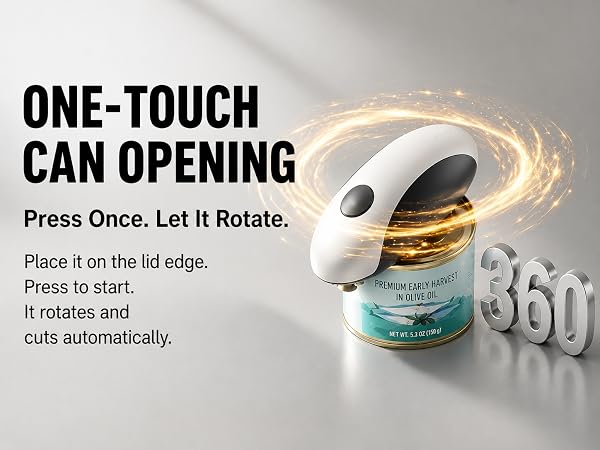
Place the opener flat on the can rim and press once to start. After one full circle and the lid is separated, press again to stop. Avoid cutting the same can more than once, as this may create rough edges or small particles.



Does this opener work with all can sizes?
This opener is designed for most standard round cans with a raised rim. Cans under 3 inches in diameter are not recommended. Extra-large cans, rimless soda or beer cans, dented cans, or cans with irregular edges may also not be suitable.
What should I do if the lid is cut but still stays on the can?
After the opener completes the rotation, press the button again to stop it, then lift the opener slowly. The built-in magnet is designed to help hold the lid, but results may vary depending on the can material, lid thickness, and lid shape.
Why is my can opener not turning on?
Please fully charge the opener and place it on the outer rim of a standard round can. Press once and let it rotate. If it slips or stops, reposition it. Low battery, dents, food residue, square/rimless, very small or large cans may affect use.
What should I do if the opener keeps running after the lid is open?
Press the button again to stop it and remove the opener. Do not let it cut the same edge again. Repeated cutting may affect smoothness. Before use, make sure the opener is properly positioned and the can rim is not dented or damaged.
How can I get a smoother opening result?
Place the opener flat on the can rim and press once to start. After one full circle and the lid is separated, press again to stop. Avoid cutting the same can more than once, as this may create rough edges or small particles.