


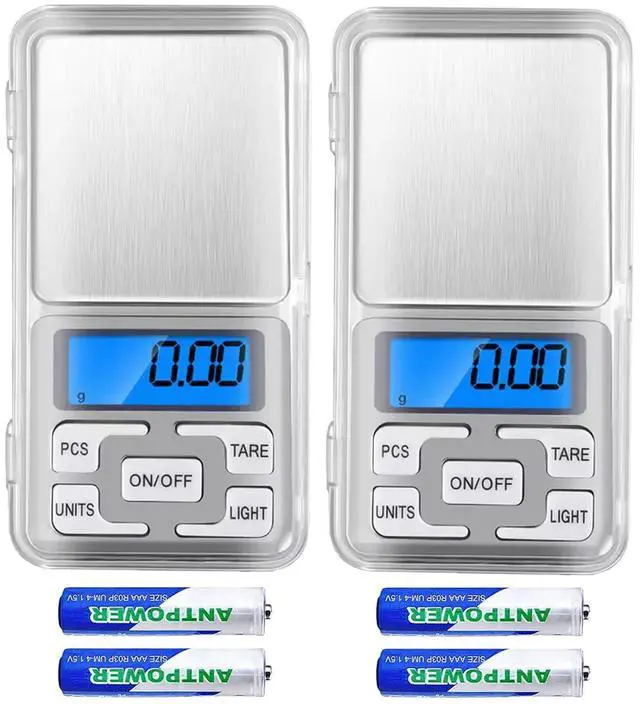


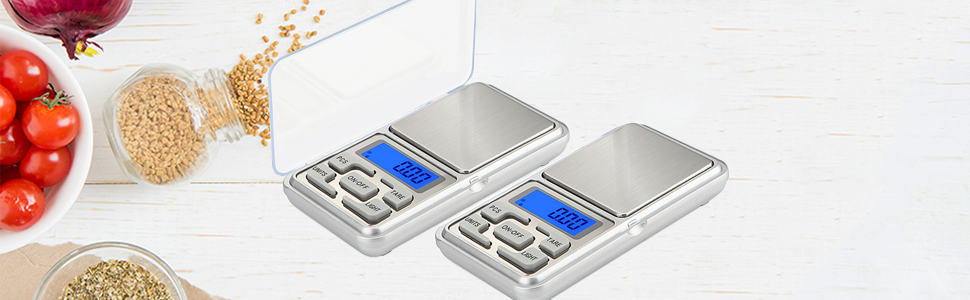
500g/ 0.01g Digital Scale
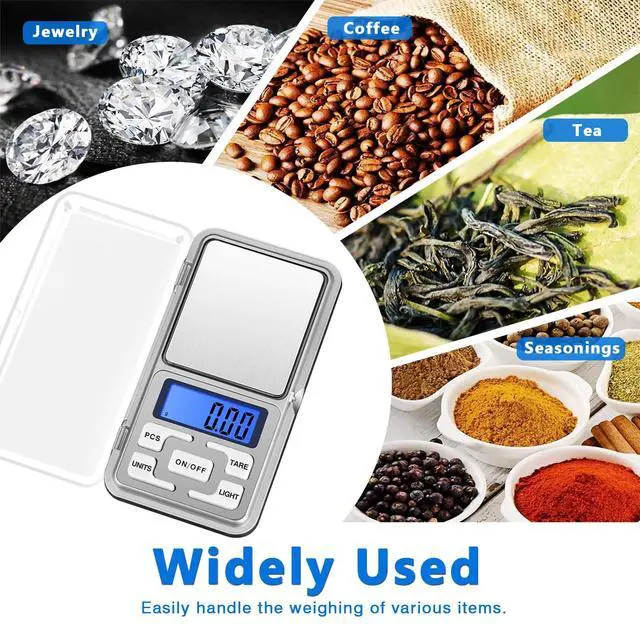
A high precision portable pocket scale, ideal for jewelry stores, shops, laboratory, daily using small items weighting.
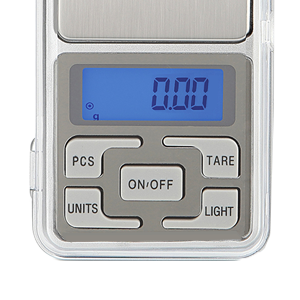
Features:
- Precise Measurement: 0.01g /0.001oz increments
- High-precision tension meter sensing system.
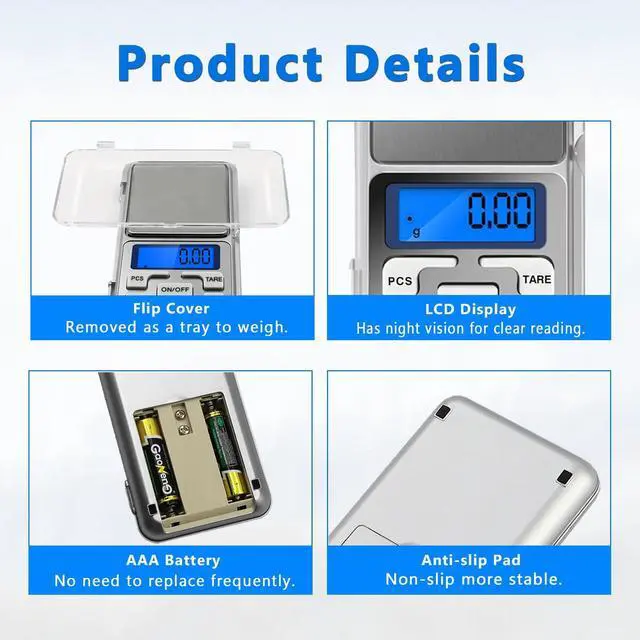
- LCD blue back-light display, easy to read.
- Stainless steel weighing surface makes clean up easy.
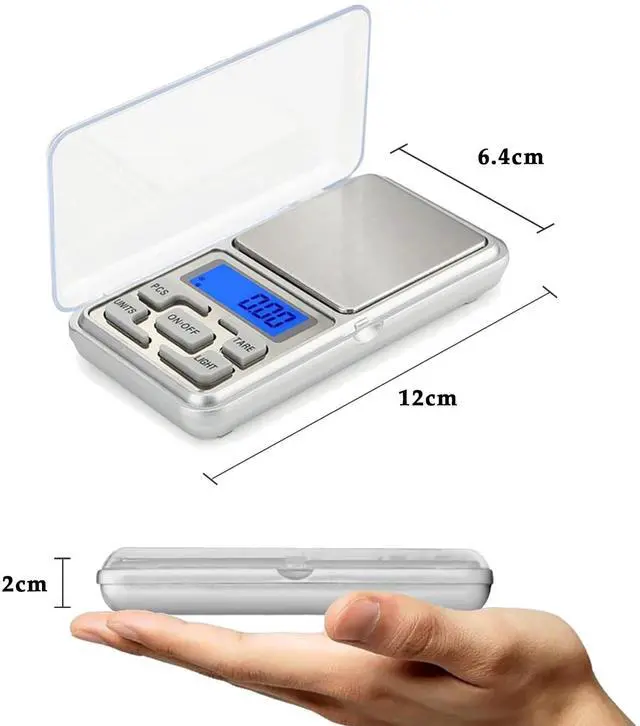
- A protective flip cover can be used as a tray.
- Powered by 2*AAA batteries(included).
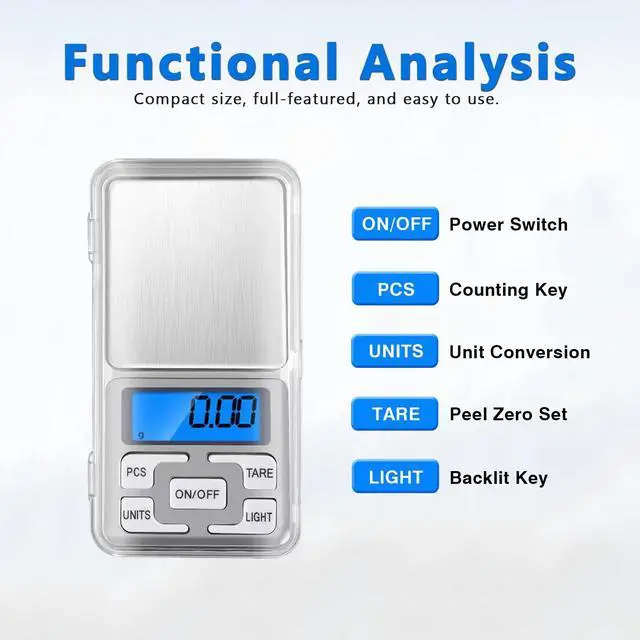
- PCS: Counting function.
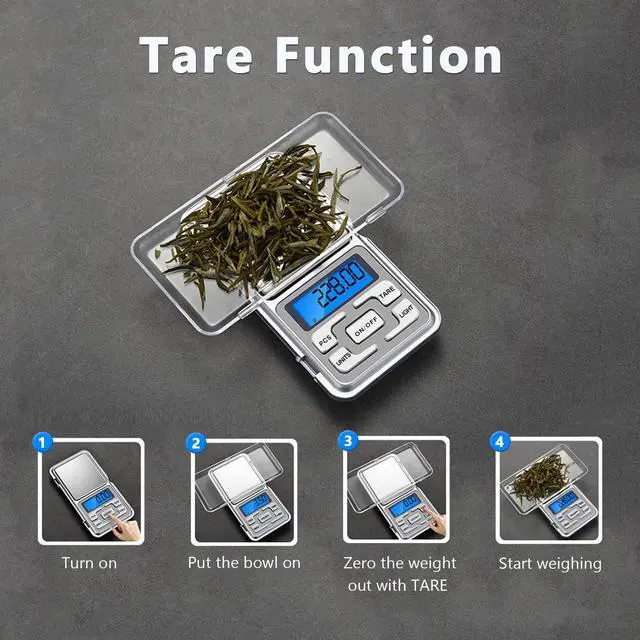
- TARE: Zero the weight of container.
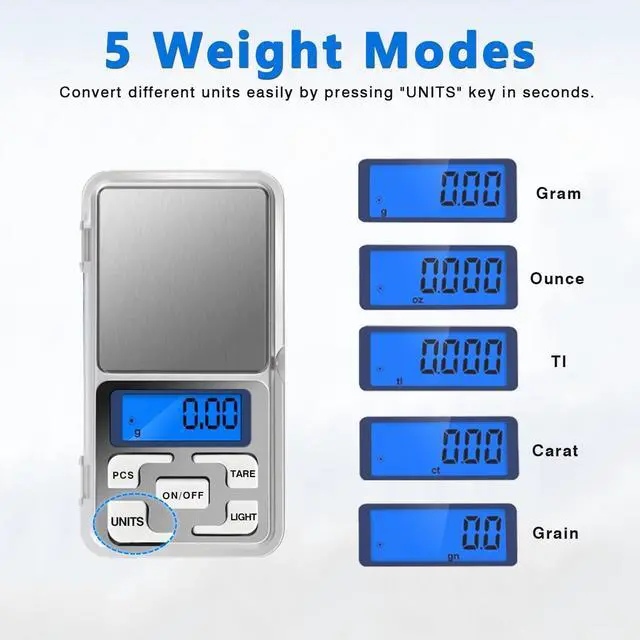
- UNITS: 5 Unit modes conversion - gram / oz / gn / ct / tl
Notes & Tips:
- Please do not put the scale in damp or wet place.
- Please do not weigh stuff heavier than 500g.
- The minimum weight need above 0.05g, the normal error of ± 0.05g.
- Please tear off the protective film at the digital scale surface.
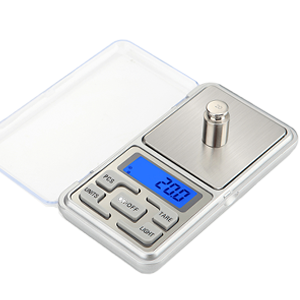
How to Calibrate the Scale?
- Press "ON" key, wait it appear 0.00g.
- Long press the "UNITS" keys, until the screen displays 500.00g.
- Press the "UNITS" button for a short time, will appear CAL, and 500.00g will flash.
- Put a weight 500g on the scale, display "PASS" and 500.00g successively. -- Calibration is done.
- Please first turn off the scale directly, then take down the object. Don't reverse the steps.
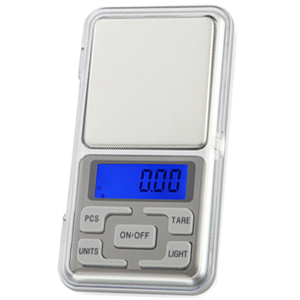
How to Set the Standby Time?
- Press the ON/OFF button, wait a few seconds, the screen displays 0.00 static.
- Long press the TARE button, appears word 00 appears (It means will not automatically shut down)
- Press the UNITS key for a short time to adjust the number to 60/120/180 seconds.
- Select the required time, press the ON/OFF key to confirm, will appears PASS on the screen.
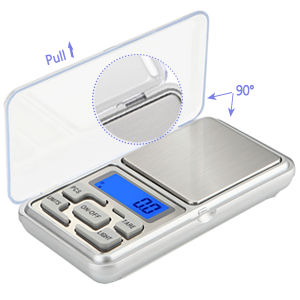
How to Remove the Lid?
- Since it is a plastic lid, be careful to avoid damage it.
- The lid is locked by the bayonet, please place the lid and scale surface at 90 degrees.
- Gently to pull the cover to the left slowly.
- Turn on the scale, put the cover on the scale surface.
- Press TARE key, it will show 0.00g
- Your can put the object on the lid to weight now.
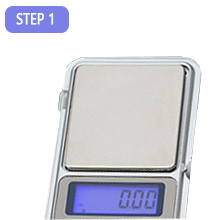
Press the ON/OFF button, wait a few seconds, the screen displays 0.00 static; Confirm the displayed unit, you can press the UNITS key to switch g/ tl / gn / oz / ct.
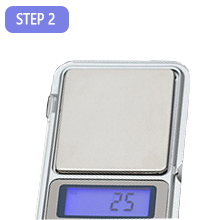
Long press the PCS until the 25 appears and see PCS flashes in the upper left corner; You can press the UNITS key to choose the value, the number will change from 25 50 75 100.
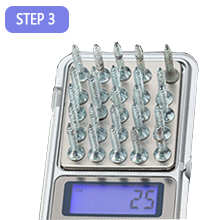
Put the corresponding number of samples ( Like 25pcs ), Press the PCS key to confirm, then the PCS word will stop flashing in the upper left corner of LCD display.
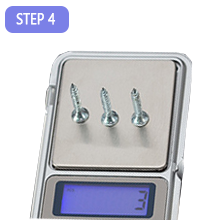
Take off the samples, and Finally, any number of same items can be placed to count, you will see the result.

KITCHEN SCALE
A GOOD HELPER FOR COOKING
Quick and reliable measurements, well-balanced and healthy meals are so simple to obtain.
500g/ 0.01g Digital Scale
A high precision portable pocket scale, ideal for jewelry stores, shops, laboratory, daily using small items weighting.
Features:
- Precise Measurement: 0.01g /0.001oz increments
- High-precision tension meter sensing system.
- LCD blue back-light display, easy to read.
- Stainless steel weighing surface makes clean up easy.
- A protective flip cover can be used as a tray.
- Powered by 2*AAA batteries(included).
- PCS: Counting function.
- TARE: Zero the weight of container.
- UNITS: 5 Unit modes conversion - gram / oz / gn / ct / tl
Notes & Tips:
- Please do not put the scale in damp or wet place.
- Please do not weigh stuff heavier than 500g.
- The minimum weight need above 0.05g, the normal error of ± 0.05g.
- Please tear off the protective film at the digital scale surface.
How to Calibrate the Scale?
- Press "ON" key, wait it appear 0.00g.
- Long press the "UNITS" keys, until the screen displays 500.00g.
- Press the "UNITS" button for a short time, will appear CAL, and 500.00g will flash.
- Put a weight 500g on the scale, display "PASS" and 500.00g successively. -- Calibration is done.
- Please first turn off the scale directly, then take down the object. Don't reverse the steps.
How to Set the Standby Time?
- Press the ON/OFF button, wait a few seconds, the screen displays 0.00 static.
- Long press the TARE button, appears word 00 appears (It means will not automatically shut down)
- Press the UNITS key for a short time to adjust the number to 60/120/180 seconds.
- Select the required time, press the ON/OFF key to confirm, will appears PASS on the screen.
How to Remove the Lid?
- Since it is a plastic lid, be careful to avoid damage it.
- The lid is locked by the bayonet, please place the lid and scale surface at 90 degrees.
- Gently to pull the cover to the left slowly.
- Turn on the scale, put the cover on the scale surface.
- Press TARE key, it will show 0.00g
- Your can put the object on the lid to weight now.
Press the ON/OFF button, wait a few seconds, the screen displays 0.00 static; Confirm the displayed unit, you can press the UNITS key to switch g/ tl / gn / oz / ct.
Long press the PCS until the 25 appears and see PCS flashes in the upper left corner; You can press the UNITS key to choose the value, the number will change from 25 50 75 100.
Put the corresponding number of samples ( Like 25pcs ), Press the PCS key to confirm, then the PCS word will stop flashing in the upper left corner of LCD display.
Take off the samples, and Finally, any number of same items can be placed to count, you will see the result.
KITCHEN SCALE
A GOOD HELPER FOR COOKING
Quick and reliable measurements, well-balanced and healthy meals are so simple to obtain.