Your Browsing History
Meet Your Seller
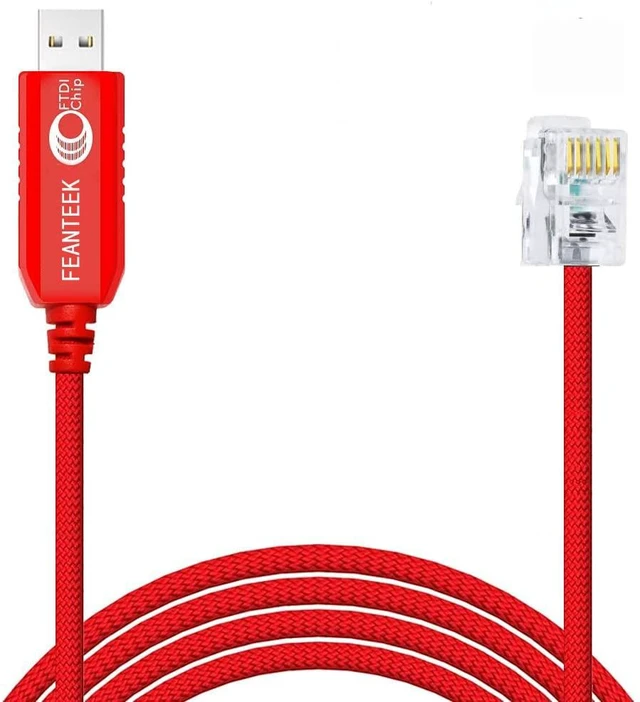
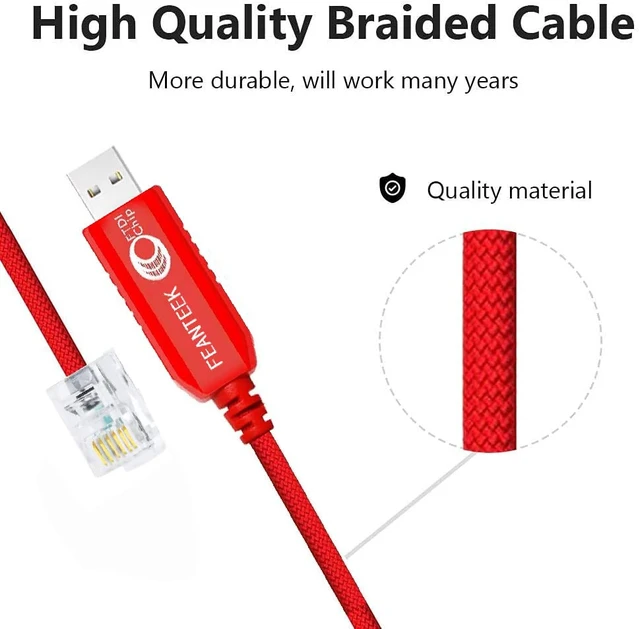
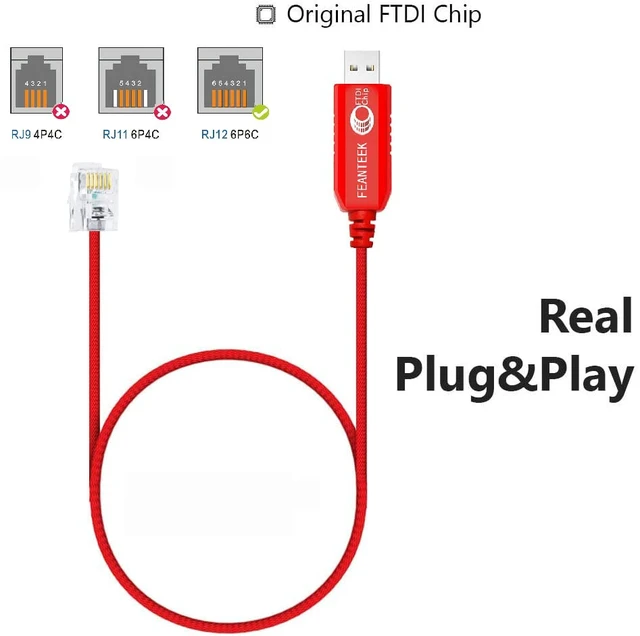
Feanteek USB to RJ12 Skywatcher Telescope AZGTI Mount/AZGTe Mount PC Connect EQMOD Cable for Replacing The Hand Control Cable(1.8Meters)
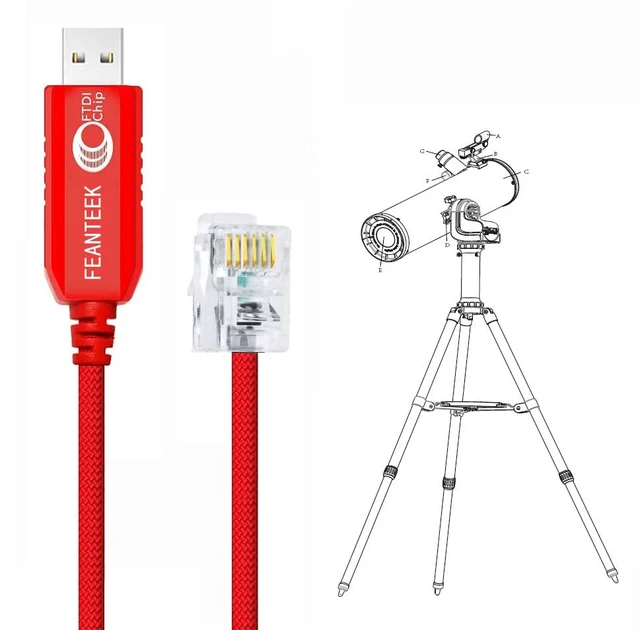
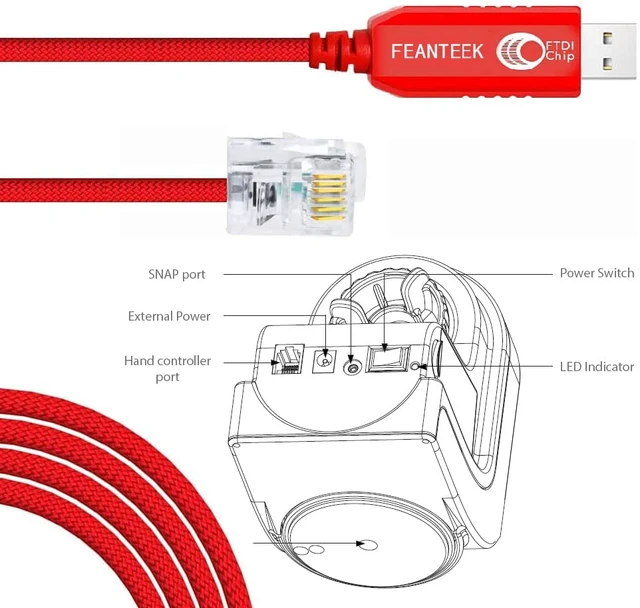
- [Application Scenes]For onnecting PC/Laptop/Asiair pro to the Skywatcher computerized Alt-Az tracking mount with RJ12 port, like AZ-GTi and AZ-GTe mount, to control Skywatcher Telescope. And for upgrading Skywatcher AZ-GTi and AZ-GTe.
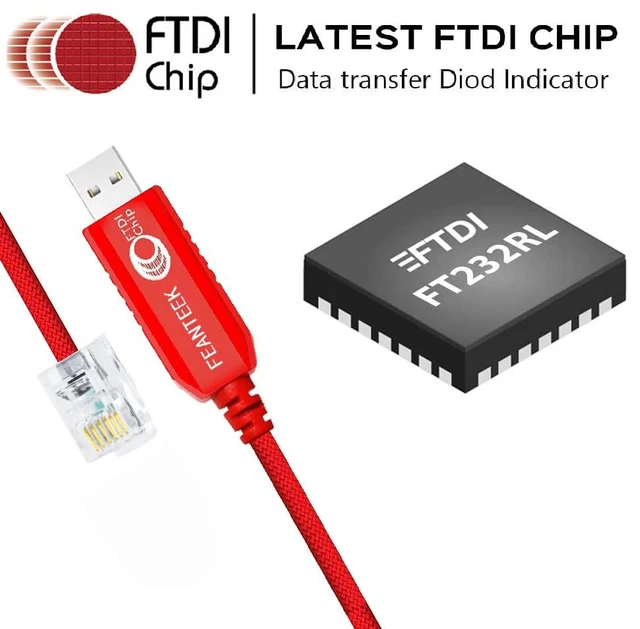
- [Adapter Cable]6-FT cable. USB to RJ12 (6P6C) Adapter Cable. Built in FTDI chip. To connect AZ-GTI/AZ-GTE and your computer/Asiair pro, Please check your equipment brand/model and port before placing an order.
- [Supported OS]Support all windows version Win7/8/10/XP/, and iOS/Linux/Android. Windows 10 and Ubuntu-Mate 18.04 automatically identify the cable and register the serial port out of the box. If the cable not recognized by your computer, please manually update its driver.
- [APP & Driver]1. Compatible with ASCOM programs like PHD2 and AstroTortilla, with the EQMOD drivers in Windows (ASCOM) or Linux (INDI), with EQMOD, StellariumScope, and Stellarium, with AstroPhoto Tool program (APT). 2. In order to use EQMOD, you may have to find the new port assigned by Windows, or use the search button on the EQMOD setup screen to find it for you. 3. Supports the ASiair APP to connect and control your AZ GTI mount.
- WARRANTY:Made by Feanteek with 12 months warranty. If you meet any question, please contact us, we will fix your issue within 24 hours.
+
+
Overview
Specs
Reviews
Any questions? Ask CelesteSM will help you find out quickly.
Try me now
Notes:
1.The USB to RJ12 console cable, by connecting computer/Laptop/Asiair pro and AZ-GTi / AZ-GTe mount to control Skywatcher Telescope.
2.Work well with the Skywatcher computerized Alt-Az tracking mount.
3.If necessary, or the cable not working, please download the latest drivers from //www.ftdichip.com/Drivers, and install it.
Benefit from this cable:
1.There are several reasons one would want to control their telescope with computer/Laptop:
2.It is faster than using the hand controller.
3.It gives you a visual aid when searching for something hard to find.
4.If you find something unknown, the planetarium software will be able to identify it.
5.It is a necessity if you plan on imaging anything for longer than a single quick exposure.

1.The USB to RJ12 console cable, by connecting computer/Laptop/Asiair pro and AZ-GTi / AZ-GTe mount to control Skywatcher Telescope.
2.Work well with the Skywatcher computerized Alt-Az tracking mount.
3.If necessary, or the cable not working, please download the latest drivers from //www.ftdichip.com/Drivers, and install it.
Benefit from this cable:
1.There are several reasons one would want to control their telescope with computer/Laptop:
2.It is faster than using the hand controller.
3.It gives you a visual aid when searching for something hard to find.
4.If you find something unknown, the planetarium software will be able to identify it.
5.It is a necessity if you plan on imaging anything for longer than a single quick exposure.
Warranty & Returns
Warranty, Returns, And Additional Information
Warranty
- Please contact the Seller directly for warranty information. Warranty information may also be found on the Manufacturer's website.
- CONTACT
Return Policies
- Return for refund within: 30 days
- Return for replacement within: 30 days
- This item is covered by Hersanliy Eles Return Policy
Manufacturer Contact Info
- For a directory of all our manufacturers, please click below.
- Manufacturers Directory
LOADING...