




![Main image of External CD/DVD Drive for Laptop [Updated with Power Cord] USB 3.0/USBC CD Burner DVD Player, ROM Disk Reader Writer for Mac mini MacBook Pro/Air PC Mini PC, Windows 11/10/8/7, MacOS, Linux](https://c1.neweggimages.com/productimage/nb640/C3H4D25121206X0JXE1.jpg)
![Alt view image 2 of 7 - External CD/DVD Drive for Laptop [Updated with Power Cord] USB 3.0/USBC CD Burner DVD Player, ROM Disk Reader Writer for Mac mini MacBook Pro/Air PC Mini PC, Windows 11/10/8/7, MacOS, Linux](https://c1.neweggimages.com/productimage/nb640/C3H4D25121206X0KS3B.jpg)
![Alt view image 3 of 7 - External CD/DVD Drive for Laptop [Updated with Power Cord] USB 3.0/USBC CD Burner DVD Player, ROM Disk Reader Writer for Mac mini MacBook Pro/Air PC Mini PC, Windows 11/10/8/7, MacOS, Linux](https://c1.neweggimages.com/productimage/nb640/C3H4D25121206X0MR7B.jpg)
![Alt view image 4 of 7 - External CD/DVD Drive for Laptop [Updated with Power Cord] USB 3.0/USBC CD Burner DVD Player, ROM Disk Reader Writer for Mac mini MacBook Pro/Air PC Mini PC, Windows 11/10/8/7, MacOS, Linux](https://c1.neweggimages.com/productimage/nb640/C3H4D25121206X0MLE2.jpg)
![Alt view image 5 of 7 - External CD/DVD Drive for Laptop [Updated with Power Cord] USB 3.0/USBC CD Burner DVD Player, ROM Disk Reader Writer for Mac mini MacBook Pro/Air PC Mini PC, Windows 11/10/8/7, MacOS, Linux](https://c1.neweggimages.com/productimage/nb640/C3H4D25121206X0P0AC.jpg)
![Alt view image 6 of 7 - External CD/DVD Drive for Laptop [Updated with Power Cord] USB 3.0/USBC CD Burner DVD Player, ROM Disk Reader Writer for Mac mini MacBook Pro/Air PC Mini PC, Windows 11/10/8/7, MacOS, Linux](https://c1.neweggimages.com/productimage/nb640/C3H4D25121206X0OQF9.jpg)
![Alt view image 7 of 7 - External CD/DVD Drive for Laptop [Updated with Power Cord] USB 3.0/USBC CD Burner DVD Player, ROM Disk Reader Writer for Mac mini MacBook Pro/Air PC Mini PC, Windows 11/10/8/7, MacOS, Linux](https://c1.neweggimages.com/productimage/nb640/C3H4D25121206X0Q152.jpg)



![USB C Extension Cable 1.5ft/0.5M, USBC Extender [20Gbps/8K@30Hz/240W], Short Type C Male to Femal...](http://c1.neweggimages.com/sellingpilot/modules/product/a-plus/02c6bc18c3319dd226f4bdc4e5574491b204823bb09052194adaf65ea8b33dea.jpg)
![USB C Extension Cable 3ft, [8K@30Hz/20Gbps/240W] USBC Extender, 4K Dual Video Display Type-C Male...](http://c1.neweggimages.com/sellingpilot/modules/product/a-plus/f1e66361e806b3282b5ca99fd91939c6debaa76ce867aa6c4777bbc07c3d944e.jpg)
![FEMORO External CD/DVD Drive for Laptop, [Updated with Power Cord] USB 3.0/USBC CD Burner DVD Pla...](http://c1.neweggimages.com/sellingpilot/modules/product/a-plus/42b31f097c84bdfccc6fd7675008dbd09942ed9545e8664f5b513fbb743a8f34.jpg)
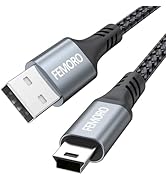
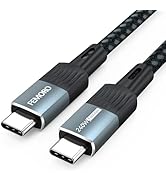
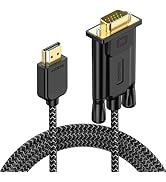
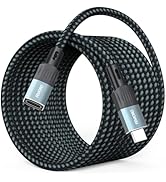
Warm Reminder :
1. Compatibility
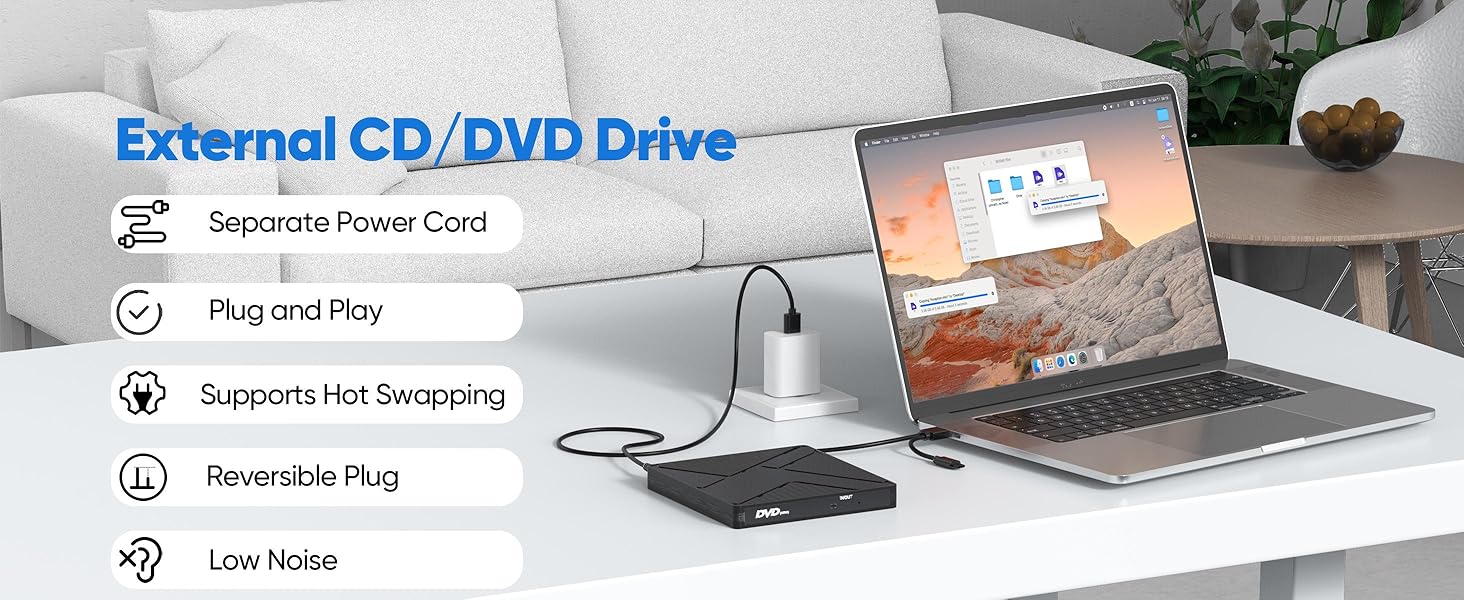
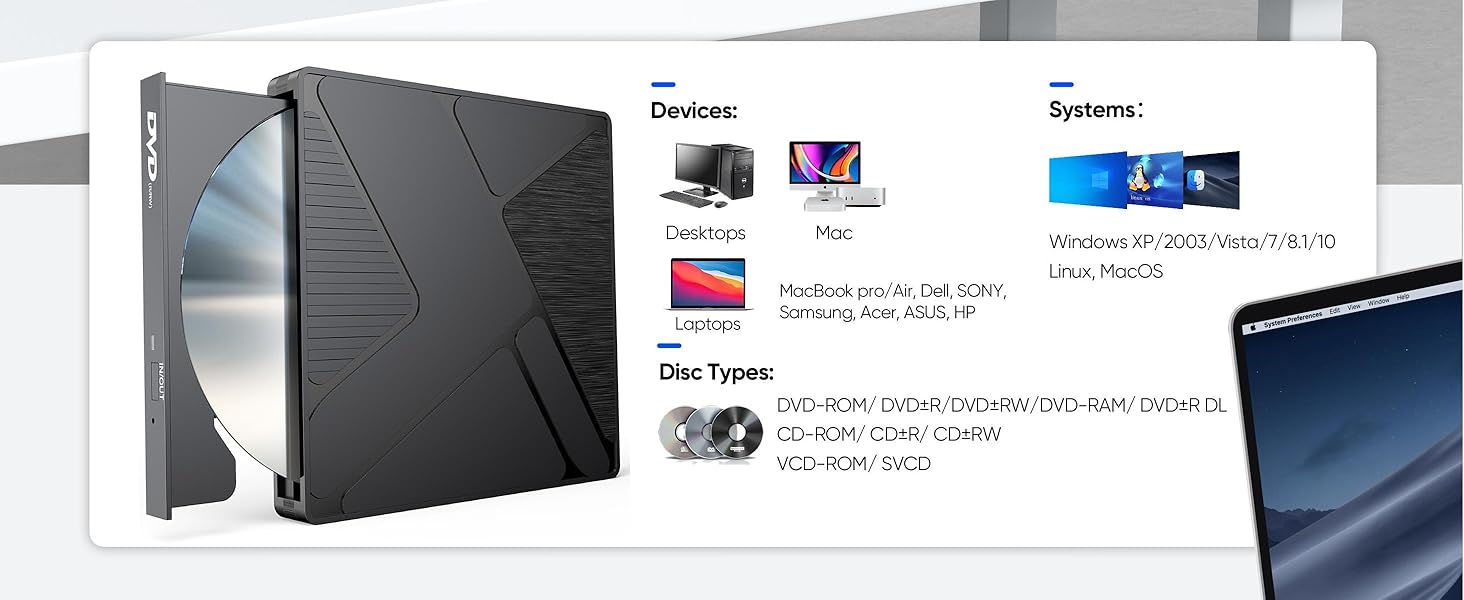
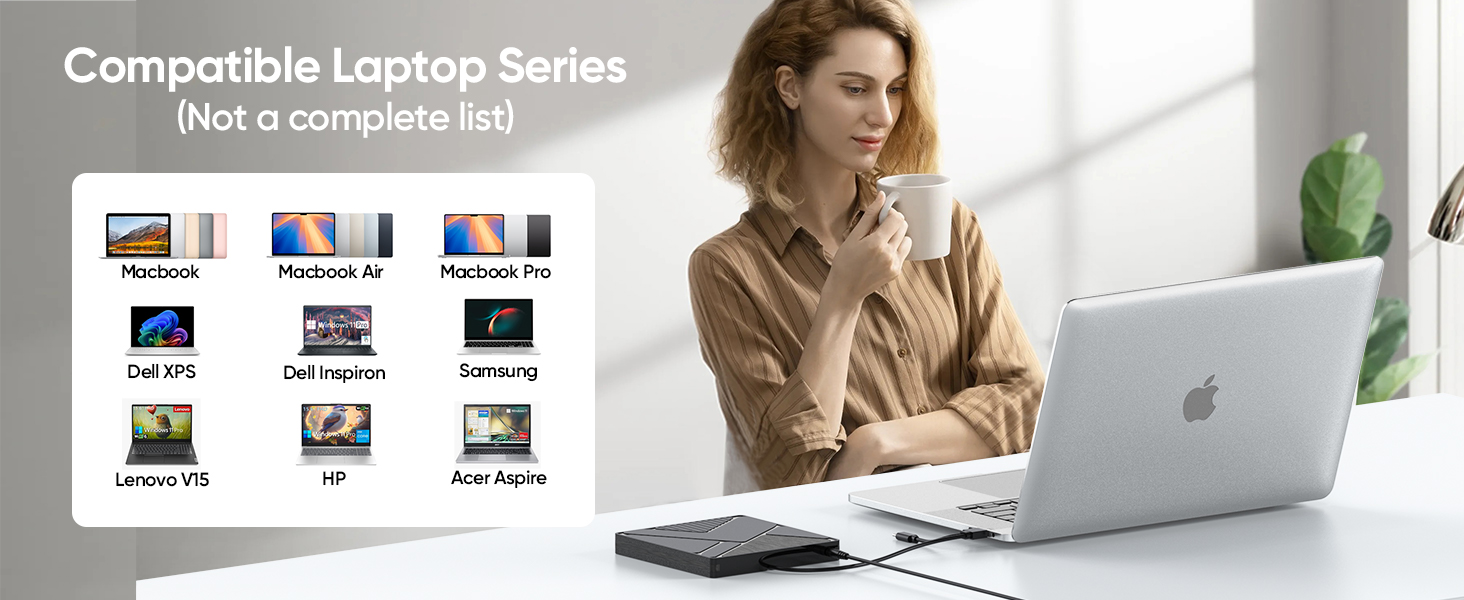
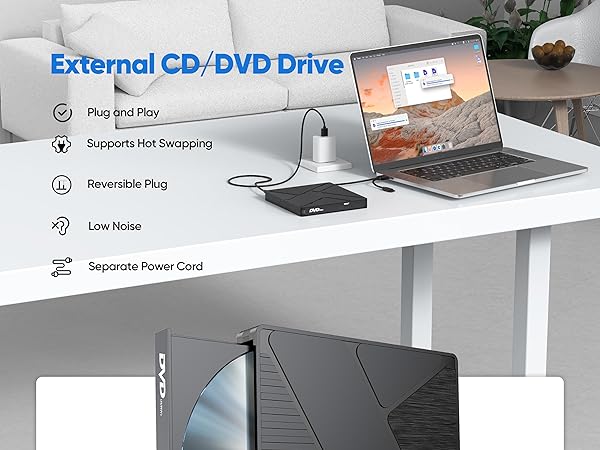
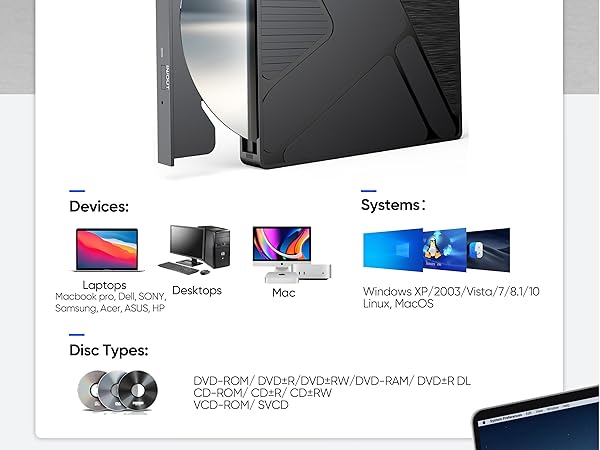
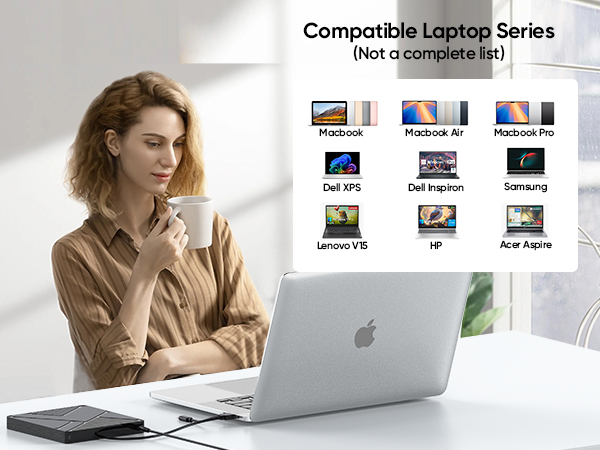
Supported Systems: Windows 11/10/8.1/7/XP/Vista, Linux, macOS 10.6+ (including M1/M2/M3 MacBook Air/Pro, iMac). Note: Windows 11 requires a media player (e.g., VLC) and internet access.
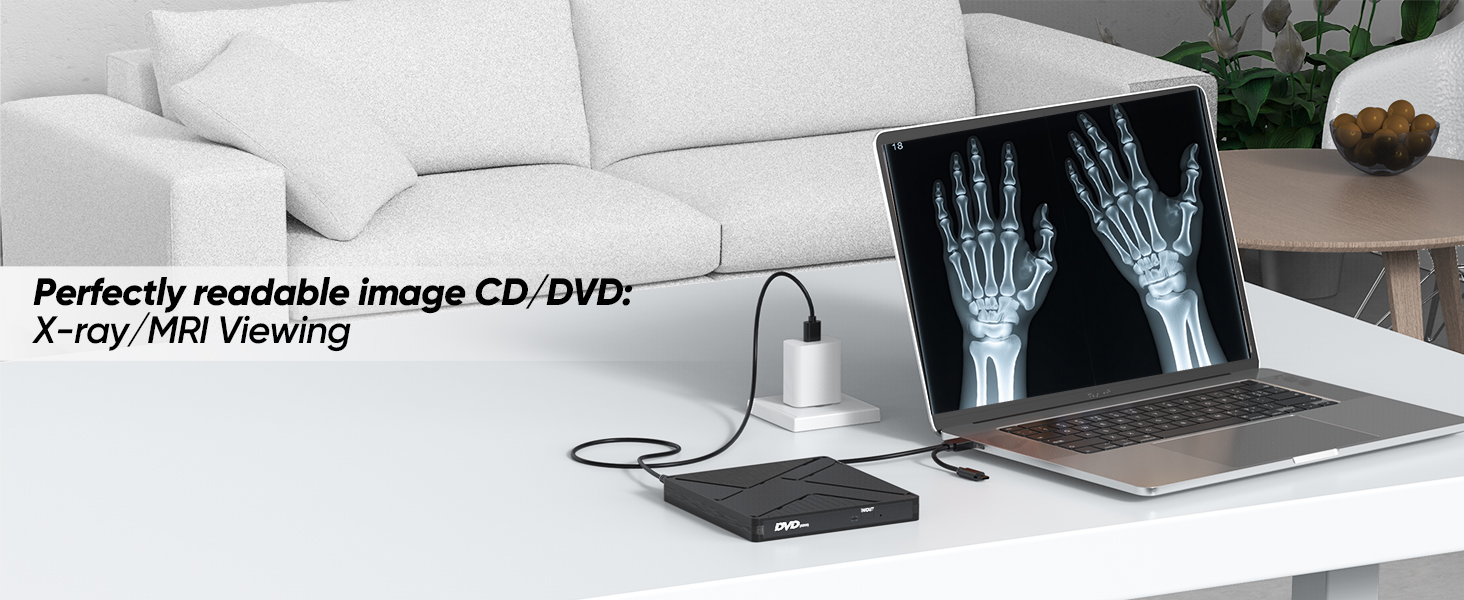
Incompatible Devices: TVs, cars, trucks, projectors, tablets, iPads, smartphones, ChromeBooks, Surface Pro, Ubuntu, PS4/PS5/Xbox/Nintendo Switch; No Blu-ray, 4K/3D disc support.
2. Connection & Power
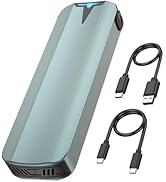
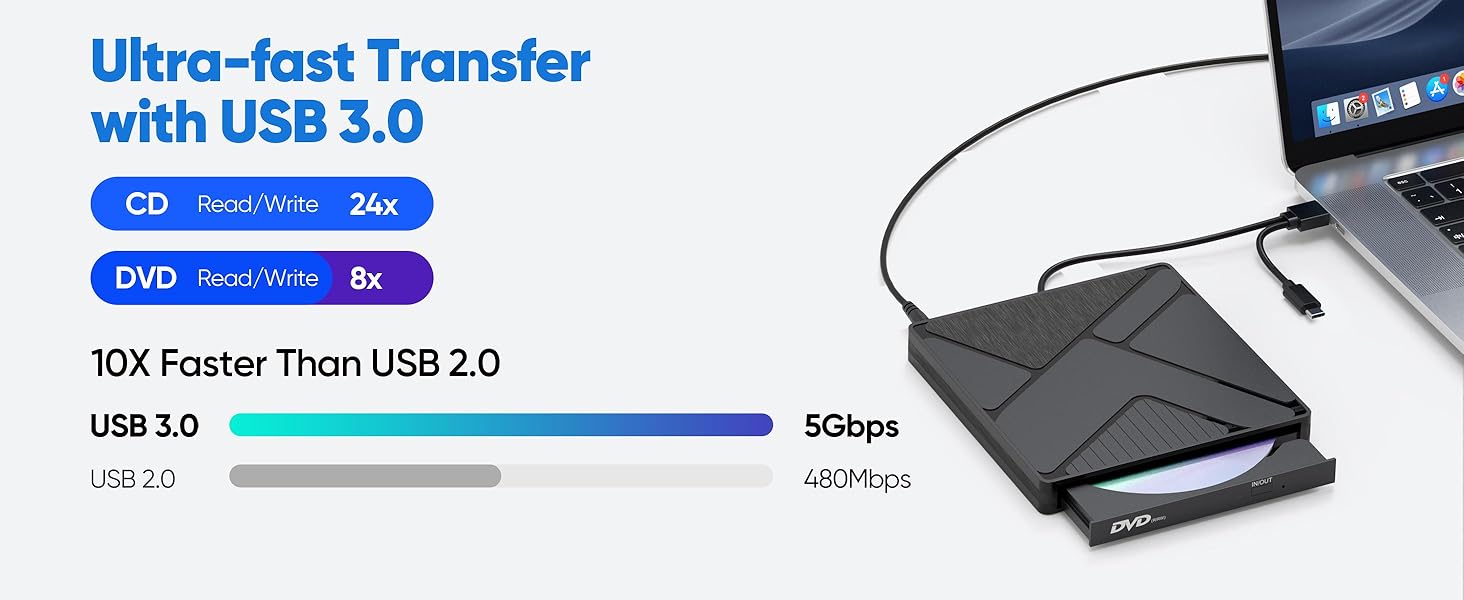
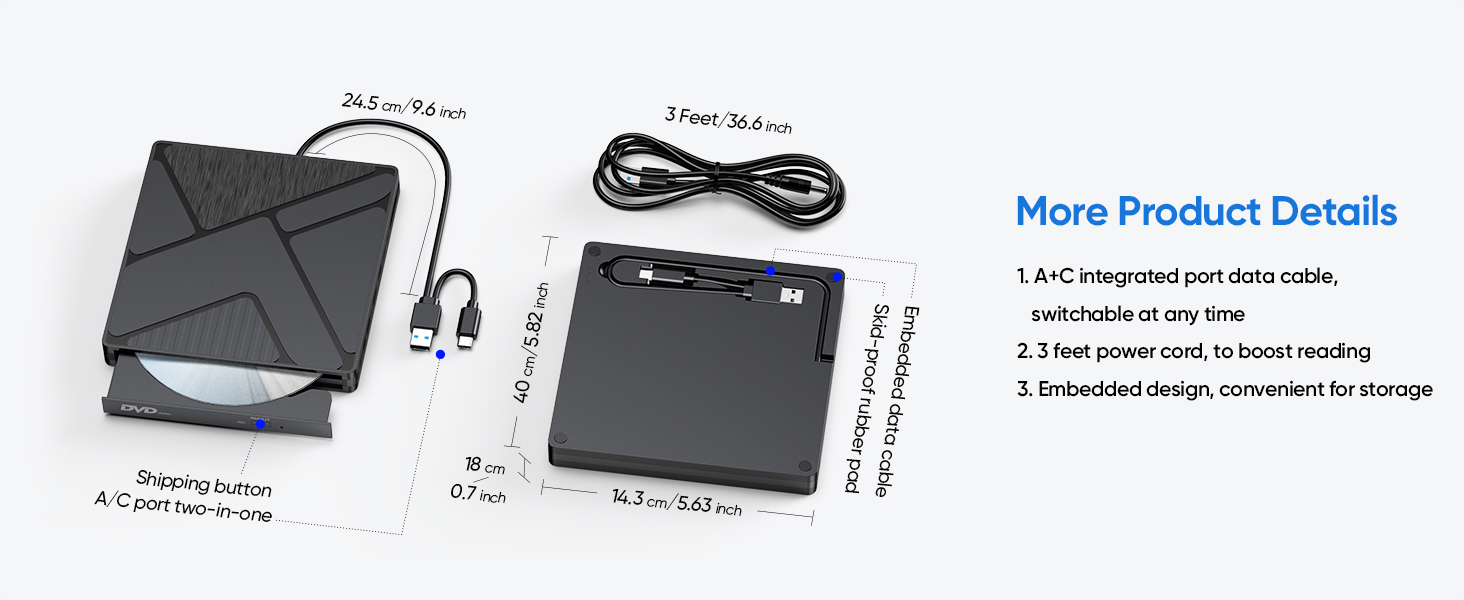
USB 3.0 Data Cable: Connect device directly to computer USB port; Use rear motherboard USB ports on desktop computers; Avoid USB hubs or extensions for best performance. (If you need to use an extension cable to increase the length, the total length should not exceed 5 feet/1.5 meters.)
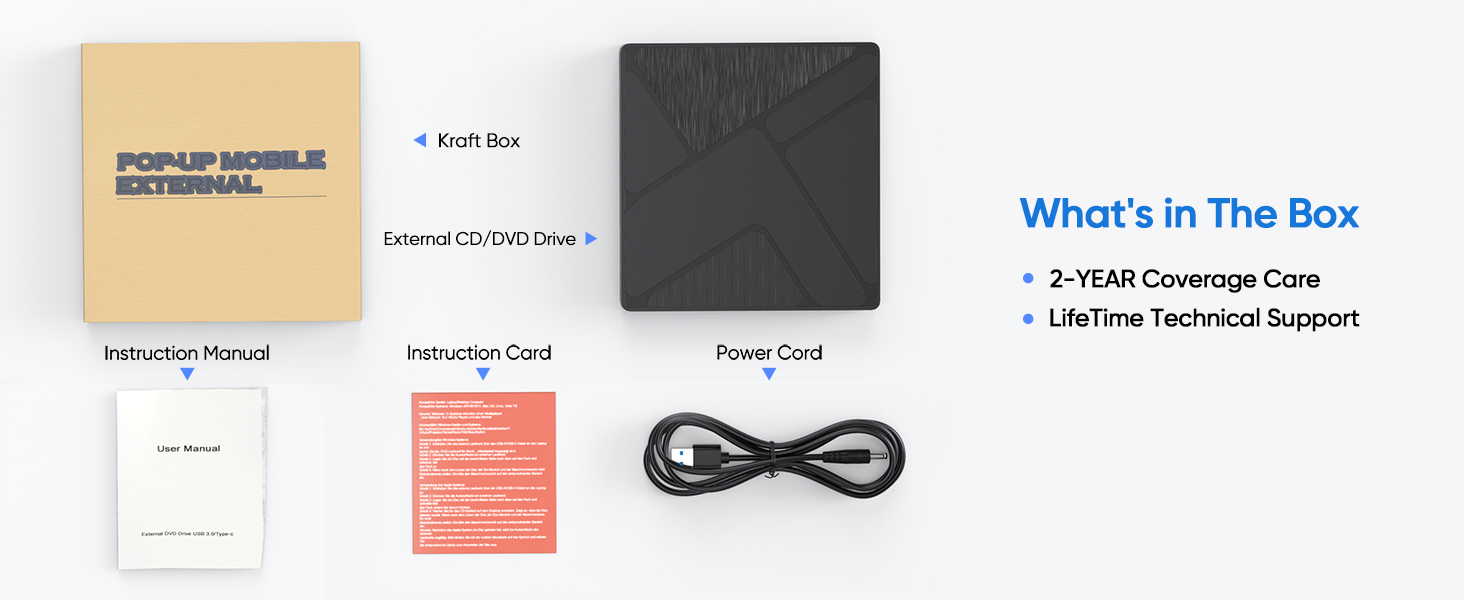
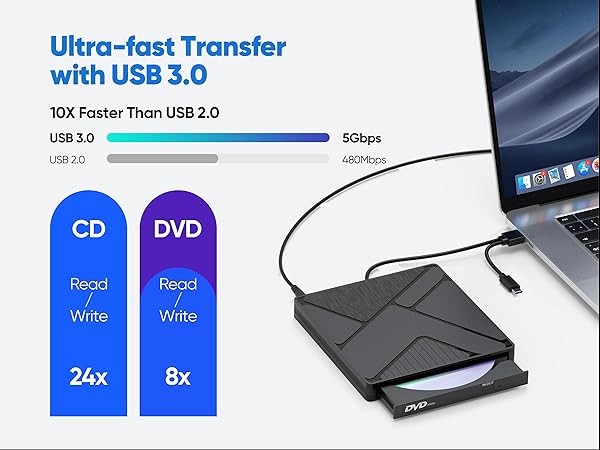
Power Supply: This product uses a low - power design. A standard USB 3.0 port can power it stably. When connected to a USB 2.0 port, the 5V dual - head power cable in the accessories is recommended (for Mac, device connection is required first).
3. Software Requirements
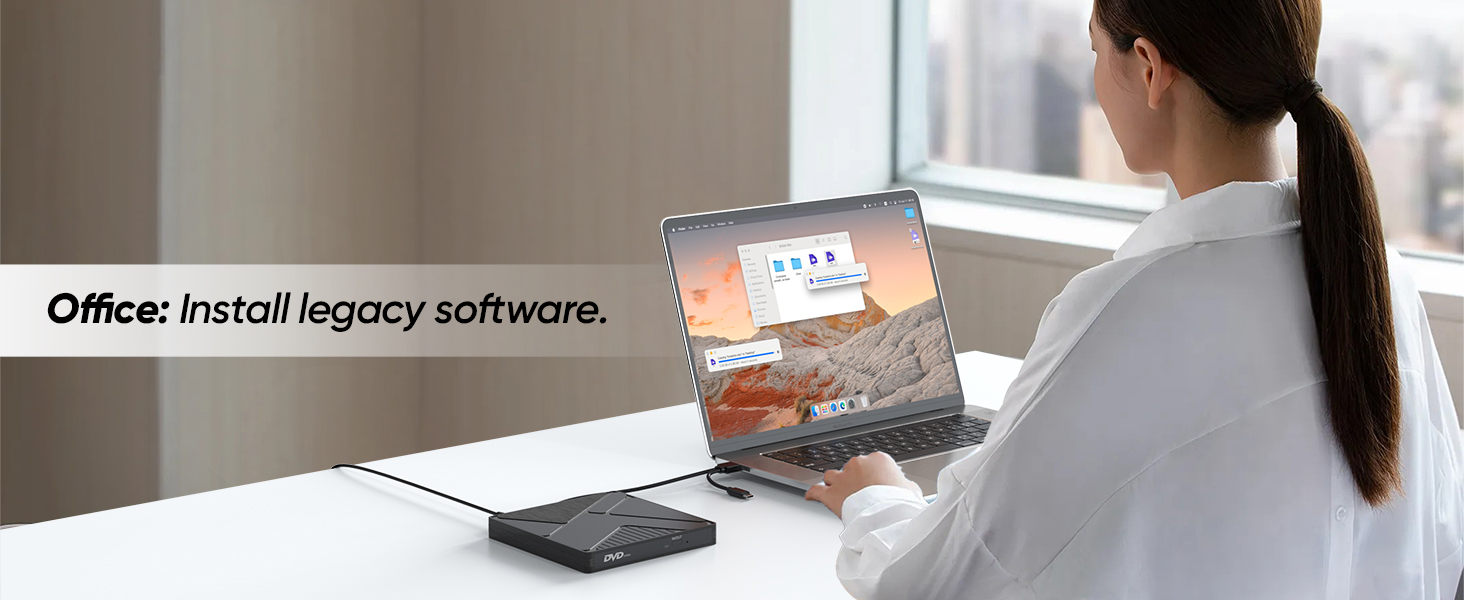
Playback & Burning: Windows: VLC (playback), ImgBurn/BurnAware (burning); Mac: VLC (playback), Burn for Mac (burning); Linux: K3b (burning).
4. Region Code Setup
Steps: Right-click “DVD-RW Drive” > Properties > Hardware > Select device > Properties > “DVD Region” tab; Choose region code (USA is 1) and confirm. Limitation: Region code can be changed 4-5 times max.
5. Disc Operations
Insert/Eject: Windows: Eject via File Explorer or device button; Mac: Use “File > Eject” or desktop icon right-click (device button disabled).
Burning Tips: Ensure blank disc capacity is sufficient; Recommended speed: CD=10X, DVD=8X; Convert files to DVD-compatible formats (e.g., MPEG-2).
Flashing Indicator Alert: Do not forcibly press the button to initiate burning while the disk LED indicator is flashing, as this may cause software malfunctions. The correct procedure is to wait until the LED indicator turns off before pressing the button to start the burning process.
6. Troubleshooting
Device Not Recognized: Do not connect the USB to a hub or docking station; Check USB connections (prefer motherboard ports); Reinstall drivers (uninstall via Device Manager and reboot); Run Windows “Hardware and Devices Troubleshooter”.
Video DVD Playback Failure: Confirm region code is set to 1 (USA); Use VLC or other compatible players.
Slow Burning: Ensure the disc is clean and free of contaminants before burning, otherwise it may slow down the burning process. (DVD-R discs generally provide better results.)
7. Safety & Maintenance
Do not allow the disc or laser lens to be contaminated prior to use; Keep away from magnetic objects; Do not stare into the internal laser; Do not insert scratched or warped discs.
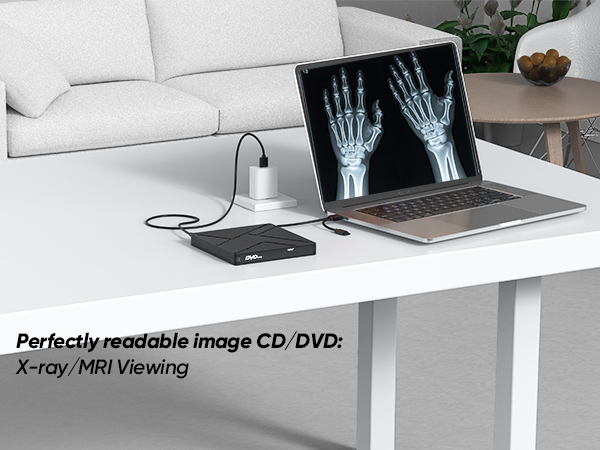
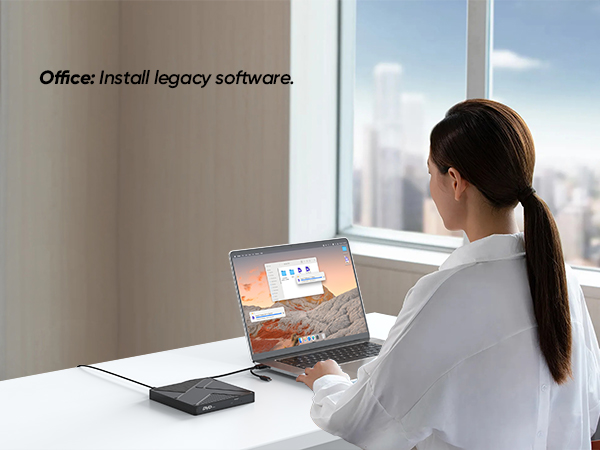
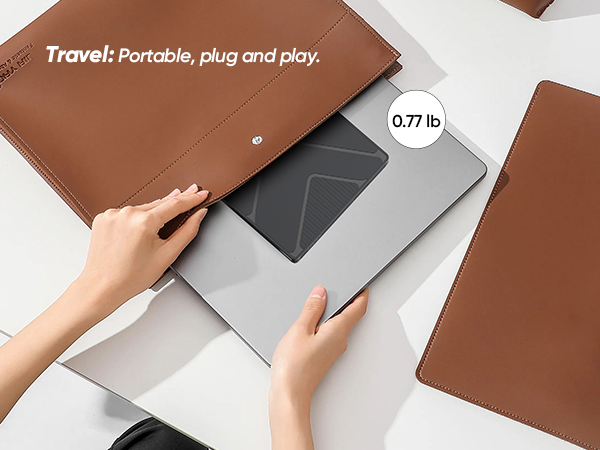
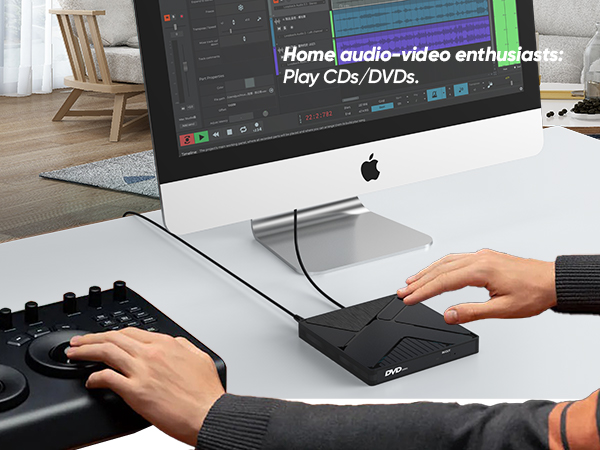
Packaging & Dimensions (Swipe to view more)
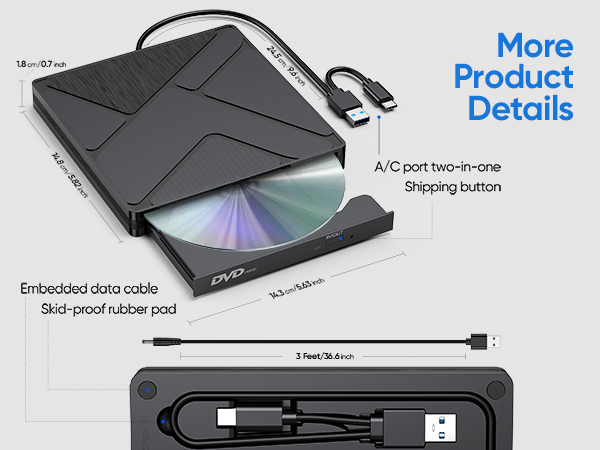
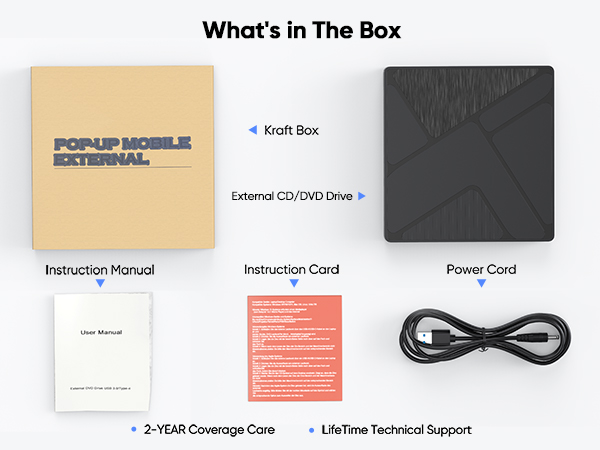

Warm Reminder :
1. Compatibility
Supported Systems: Windows 11/10/8.1/7/XP/Vista, Linux, macOS 10.6+ (including M1/M2/M3 MacBook Air/Pro, iMac). Note: Windows 11 requires a media player (e.g., VLC) and internet access.
Incompatible Devices: TVs, cars, trucks, projectors, tablets, iPads, smartphones, ChromeBooks, Surface Pro, Ubuntu, PS4/PS5/Xbox/Nintendo Switch; No Blu-ray, 4K/3D disc support.
2. Connection & Power
USB 3.0 Data Cable: Connect device directly to computer USB port; Use rear motherboard USB ports on desktop computers; Avoid USB hubs or extensions for best performance. (If you need to use an extension cable to increase the length, the total length should not exceed 5 feet/1.5 meters.)
Power Supply: This product uses a low - power design. A standard USB 3.0 port can power it stably. When connected to a USB 2.0 port, the 5V dual - head power cable in the accessories is recommended (for Mac, device connection is required first).
3. Software Requirements
Playback & Burning: Windows: VLC (playback), ImgBurn/BurnAware (burning); Mac: VLC (playback), Burn for Mac (burning); Linux: K3b (burning).
4. Region Code Setup
Steps: Right-click “DVD-RW Drive” > Properties > Hardware > Select device > Properties > “DVD Region” tab; Choose region code (USA is 1) and confirm. Limitation: Region code can be changed 4-5 times max.
5. Disc Operations
Insert/Eject: Windows: Eject via File Explorer or device button; Mac: Use “File > Eject” or desktop icon right-click (device button disabled).
Burning Tips: Ensure blank disc capacity is sufficient; Recommended speed: CD=10X, DVD=8X; Convert files to DVD-compatible formats (e.g., MPEG-2).
Flashing Indicator Alert: Do not forcibly press the button to initiate burning while the disk LED indicator is flashing, as this may cause software malfunctions. The correct procedure is to wait until the LED indicator turns off before pressing the button to start the burning process.
6. Troubleshooting
Device Not Recognized: Do not connect the USB to a hub or docking station; Check USB connections (prefer motherboard ports); Reinstall drivers (uninstall via Device Manager and reboot); Run Windows “Hardware and Devices Troubleshooter”.
Video DVD Playback Failure: Confirm region code is set to 1 (USA); Use VLC or other compatible players.
Slow Burning: Ensure the disc is clean and free of contaminants before burning, otherwise it may slow down the burning process. (DVD-R discs generally provide better results.)
7. Safety & Maintenance
Do not allow the disc or laser lens to be contaminated prior to use; Keep away from magnetic objects; Do not stare into the internal laser; Do not insert scratched or warped discs.

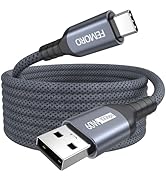
USB C Data Cable [10GBPS]
![USB C Extension Cable 1.5ft/0.5M, USBC Extender [20Gbps/8K@30Hz/240W], Short Type C Male to Femal...](//c1.neweggimages.com/sellingpilot/modules/product/a-plus/02c6bc18c3319dd226f4bdc4e5574491b204823bb09052194adaf65ea8b33dea.jpg)
![USB C Extension Cable 3ft, [8K@30Hz/20Gbps/240W] USBC Extender, 4K Dual Video Display Type-C Male...](//c1.neweggimages.com/sellingpilot/modules/product/a-plus/f1e66361e806b3282b5ca99fd91939c6debaa76ce867aa6c4777bbc07c3d944e.jpg)
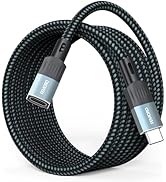
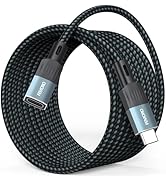
USB C Extension Cable
![FEMORO External CD/DVD Drive for Laptop, [Updated with Power Cord] USB 3.0/USBC CD Burner DVD Pla...](//c1.neweggimages.com/sellingpilot/modules/product/a-plus/42b31f097c84bdfccc6fd7675008dbd09942ed9545e8664f5b513fbb743a8f34.jpg)
Other Products 1
Other Products 2