




 here!
I’m your shopping assistant for PC builds, upgrades, and everything tech.
Got questions? Ask away!
Start a conversation
here!
I’m your shopping assistant for PC builds, upgrades, and everything tech.
Got questions? Ask away!
Start a conversation




Any questions? Ask CelesteSM will help you find out quickly.

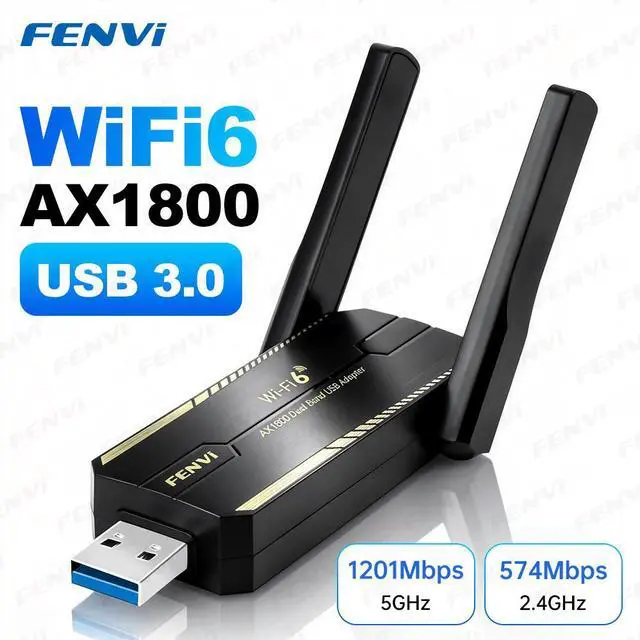
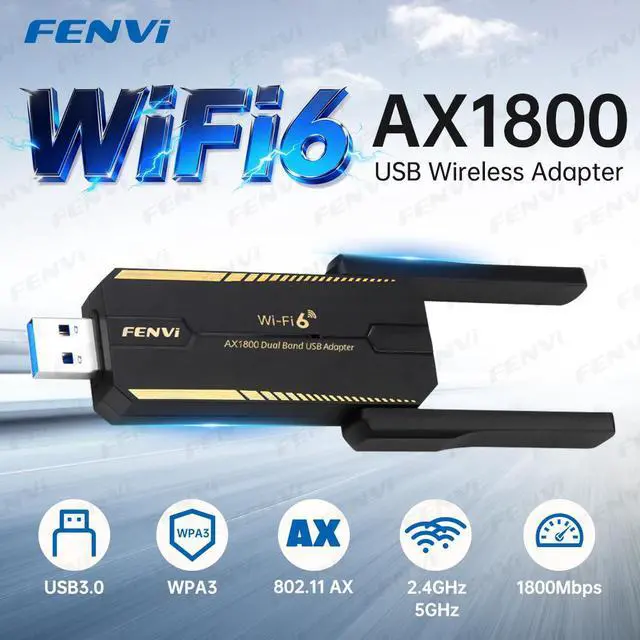
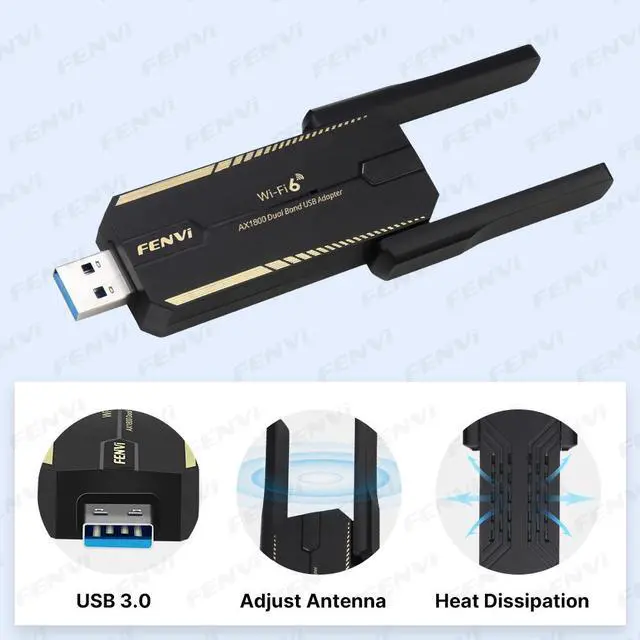
1, Model: AX1800 USB 3.0
2. Frequency Range: 5GHz+ 2.4GH z
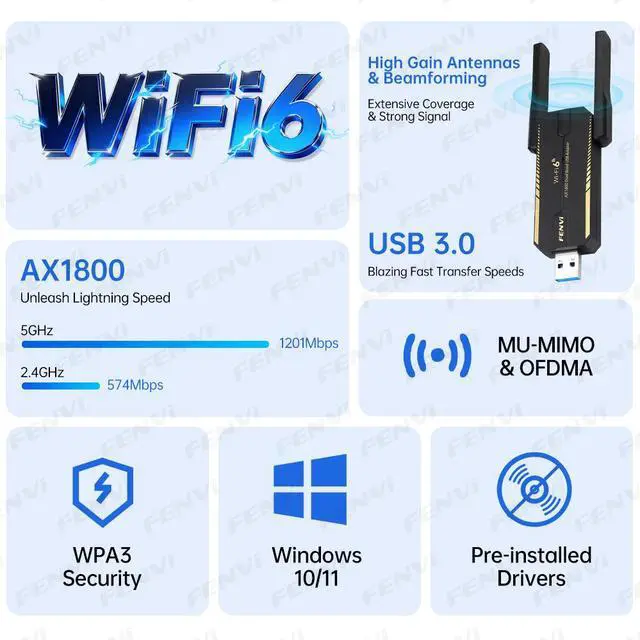
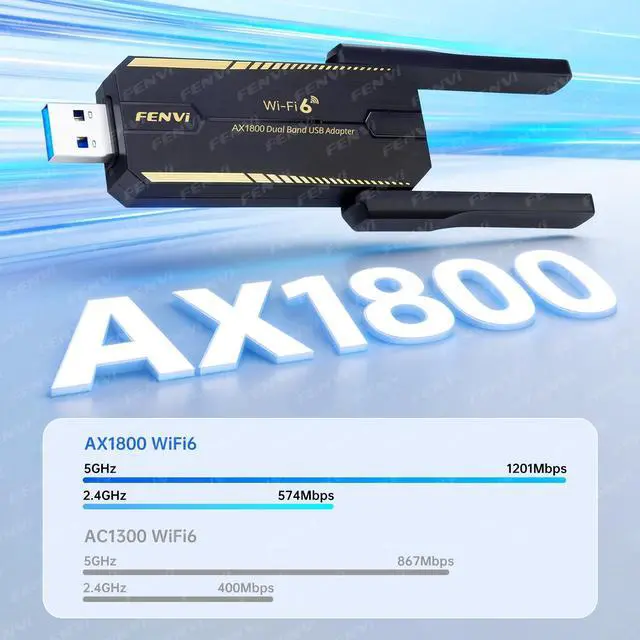
3.Transmission Rate: 2.4GH z: 574Mbps; 5GHz: 1201Mbps
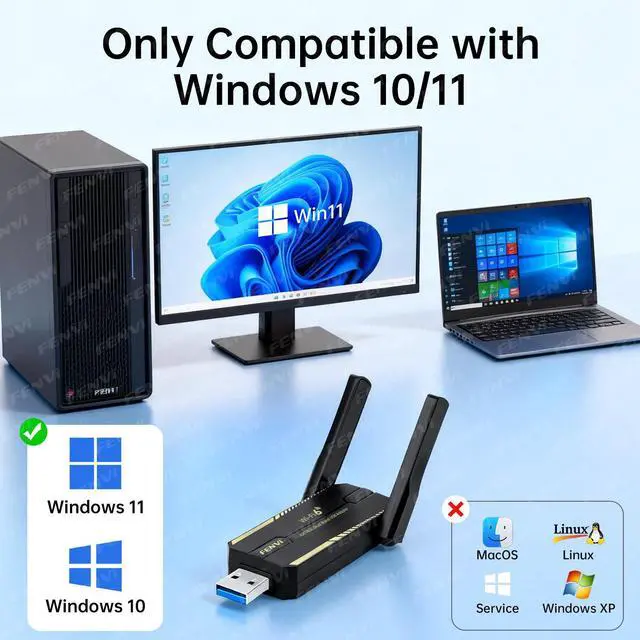
4.Support System: Windows 10/11
5. Antenna: 2*5dBi high Gain antenna
6. Wireless standard: IEEE 802.11 a/b/g/n/ac/ax
7. USB 3.0 compatible with USB 2.0
8. Encryption: WPA2*; WPA3*
The fenvi FU-AX1800M is a WiFi 6 USB 3.0 adapter for Windows 10 and 11 PCs, delivering up to 1,800Mbps across 2.4GHz and 5GHz bands. It suits users upgrading older desktops or laptops that need faster wireless connectivity, WPA3 security, and high-gain antennas without installing an internal network card.
| Attribute | Value |
|---|---|
| Best For | Adding WiFi 6 AX1800 dual-band wireless connectivity to Windows 10 or Windows 11 PCs through a USB 3.0 adapter |
| Wireless Networking | 802.11ax WiFi 6 connectivity across the 2.4 GHz and 5.8 GHz bands with AX1800 wireless data rates |
| Security | Supports WPA3 wireless security |
| Antenna And Signal Hardware | 5 dBi antenna for wireless reception |
| Interface And Compatibility | USB 3.0 interface compatible with Windows 10 and Windows 11 systems |
| Model Identifiers | fenvi FU-AX1800M in black |
Q: Is the fenvi FU-AX1800M better than the TP-Link Archer TX20U Plus?
A: Both are dual-band Wi-Fi 6 USB adapters in the AX1800 class, with advertised speeds of up to 1,201 Mbps on 5 GHz and 574 Mbps on 2.4 GHz. Choose the fenvi FU-AX1800M when you want a Windows 10/11 USB adapter with a foldable 5 dBi antenna and plug-and-play positioning. Choose the TP-Link Archer TX20U Plus when you prefer a competing AX1800 design with two external high-gain antennas, clearly documented MU-MIMO, OFDMA, WPA3, and manufacturer support. Neither adapter will normally deliver the full AX1800 link rate in typical internet use; router capability, distance, interference, and USB placement are major factors.
Q: Should I buy the fenvi FU-AX1800M or a cheaper AC600 Wi-Fi adapter?
A: Choose the fenvi FU-AX1800M if your router supports Wi-Fi 6, your internet plan exceeds typical AC600 performance, or you want more capacity for streaming, downloads, and multiple connected devices. Choose an AC600 adapter such as the TP-Link Archer T2U Plus when the goal is basic web browsing, a legacy router upgrade, or the lowest-cost dual-band connection. The fenvi also uses USB 3.0 and WPA3 according to the provided product data, while the AC600 class is limited to older 802.11ac rates and lower advertised throughput.
Q: Is the fenvi FU-AX1800M a better choice than an AX3000 PCIe Wi-Fi card?
A: The fenvi FU-AX1800M is the better choice when you need a removable adapter, do not have an available PCIe slot, or want to move Wi-Fi between compatible Windows 10/11 computers. An AX3000 PCIe card is the performance-first option for a desktop with an open slot: models such as the TP-Link Archer TX55E support up to 2,402 Mbps on 5 GHz, 574 Mbps on 2.4 GHz, 160 MHz channels, and Bluetooth 5.2. The PCIe option requires internal installation and is less portable, while the fenvi is simpler to install but has lower advertised wireless capacity.
Q: Is the fenvi FU-AX1800M worth upgrading to from an AC1300 USB adapter?
A: Upgrade to the fenvi FU-AX1800M when you have a Wi-Fi 6 router and want higher AX-class link rates, Wi-Fi 6 efficiency features, WPA3 support, and better alignment with newer network hardware. Stay with an AC1300 adapter such as the TP-Link Archer T3U Plus when your router is Wi-Fi 5, your broadband speed is modest, or your current connection is already reliable. The upgrade is most meaningful when both the router and the USB adapter support Wi-Fi 6; replacing the adapter alone will not create Wi-Fi 6 performance on a Wi-Fi 5 router.
Q: Is the fenvi FU-AX1800M portable enough for use with multiple PCs?
A: The fenvi FU-AX1800M is portable between Windows 10/11 PCs because it connects through USB and has a foldable antenna, but its high-gain antenna design is more suitable for flexible desktop placement than pocket-sized travel. Choose a smaller compact Wi-Fi adapter when minimum size and easy transport matter more than antenna positioning. Choose the fenvi when you want portability combined with better placement flexibility and AX1800-class dual-band performance.
Q: Is the fenvi FU-AX1800M suitable for a desktop or laptop that does not have built-in Wi-Fi?
A: Yes. It is designed to add Wi-Fi connectivity to Windows 10 and Windows 11 desktop or laptop computers through a USB port. It connects the computer to an existing wireless network; it does not provide internet service by itself.
Q: Can I use this Wi-Fi adapter while traveling or as a mobile hotspot?
A: It can be used while traveling if the Windows computer is near an available Wi-Fi network, such as hotel or office Wi-Fi. It is not a cellular modem, SIM device, or standalone mobile hotspot, so it cannot create internet access without an existing network.
Q: Will the fenvi FU-AX1800M work with a USB 2.0 port?
A: Yes. The adapter is backward compatible with USB 2.0 and USB 1.1 ports, but USB 3.0 is preferred for the best performance. Using an older USB connection may limit throughput, especially when using high-speed Wi-Fi 6 connections.
Q: What speed and range should I expect from this Wi-Fi 6 USB adapter?
A: The adapter is rated up to AX1800: up to 1,201 Mbps on 5 GHz and up to 574 Mbps on 2.4 GHz under ideal conditions. Actual speed and range depend on the router, distance, walls, interference, internet plan, and USB connection. The adjustable 5 dBi antenna can help position the adapter for a stronger signal, but it does not guarantee a specific coverage distance.
Q: Is the fenvi FU-AX1800M a good upgrade for a desktop or laptop without modern Wi-Fi?
A: It is suitable for Windows 10 or 11 PCs that need Wi-Fi 6, dual-band connectivity, or a faster replacement for older 2.4 GHz Wi-Fi. Community reports describe substantial speed improvements, but actual performance depends on the router, USB port, distance, and network conditions.
Q: Is the fenvi FU-AX1800M easy to install, or should buyers expect driver problems?
A: Installation may be straightforward on some Windows systems, but buyers should not assume it will always be plug-and-play. Reddit discussions report driver-detection problems and occasional troubleshooting, while setup videos show that manual driver installation or configuration may be needed.
Q: Is the fenvi FU-AX1800M a good choice for online gaming?
A: It can provide adequate gaming connectivity when the Wi-Fi signal is strong, but it is not the safest choice for latency-sensitive gaming. Community reports include improved speed but also rubber-banding and connection concerns; Ethernet or an internal PCIe adapter is generally preferable when stability is the priority.
Q: Is the fenvi FU-AX1800M suitable for Linux or Raspberry Pi use?
A: It is primarily specified for Windows 10 and 11, so Linux or Raspberry Pi compatibility should be treated as use-case dependent rather than guaranteed. Some Reddit users report successful use with Linux or Raspberry Pi systems, but driver support and hardware fit may require additional testing or adapters.
Q: Will the fenvi FU-AX1800M block nearby USB or Ethernet ports?
A: It may obstruct adjacent ports on compact systems because the adapter and antenna occupy more space than a small USB dongle. Users have reported partial port blockage and suggested a low-profile cable, angled USB adapter, or extension when clearance is limited.


