



shipping Holiday Shipping Details & Extended Holiday Returns
Out of stock
This item is currently out of stock and it may or may not be restocked.
Most customers receive within 7-9 days.
Add to wish list(Found on 15 wish lists)
Shop it at NeweggBusiness.
Get Educated

Make informed decisions with expert advice. Learn More

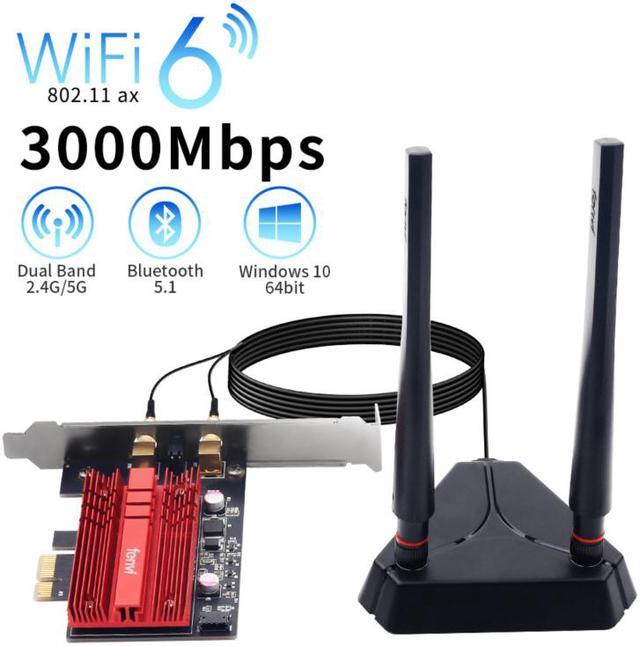
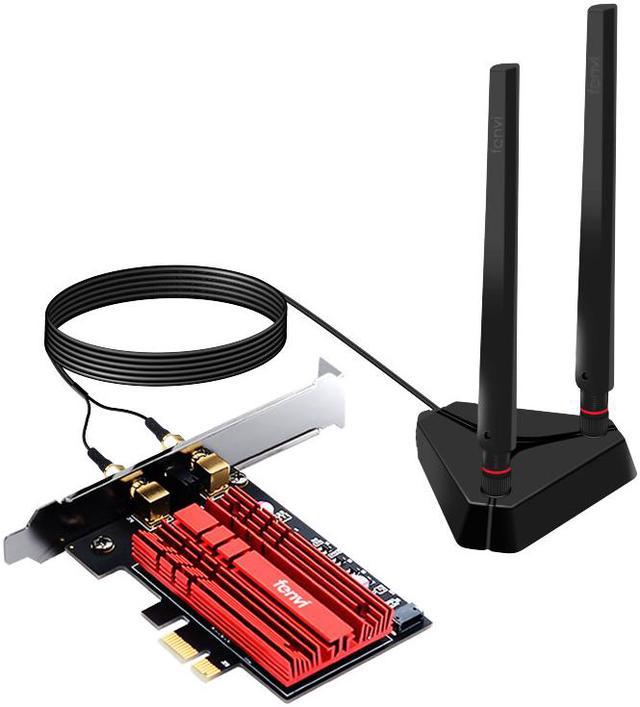
Fenvi PCI-e WiFi 6 Network Card AX3000Mbps Bluetooth 5.1 Wlan Adapter - Wireless PCI Express Wi-Fi Adapters 802.11AX AX200 2.4GHz/5GHz Dual Band Antenna Network Card for Windows 10/11,MU-MIMO,OFDMA

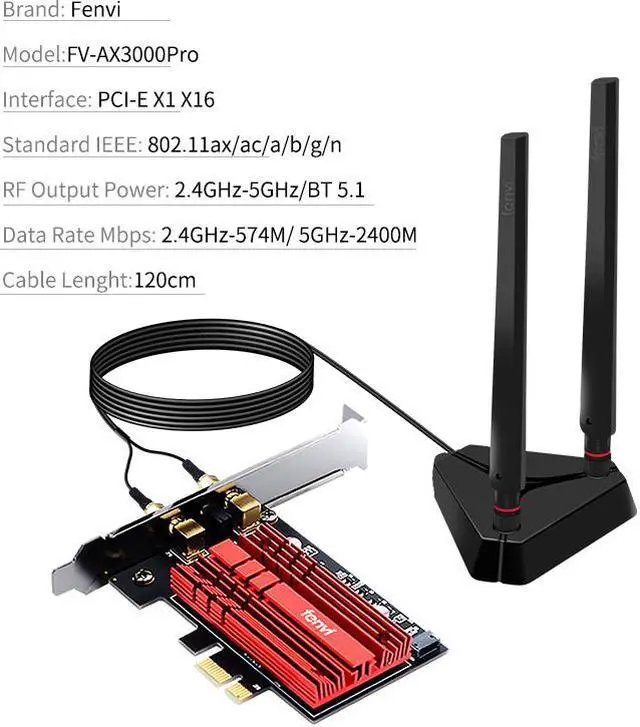
  • Dual Band (2.4G/5G), Wi-Fi 6 (802.11AX), Latest Wi-Fi 6(802.11AX), tech, provide faster speed, up to theoretical speed of 2974Mbps (5GHz) or 574Mbps (2.4GHz), comes with higher stability and compatibility;
  • The Intel Wi-Fi 6 AX200 802.11ax chip for super-fast connections up to 2400Mbps;
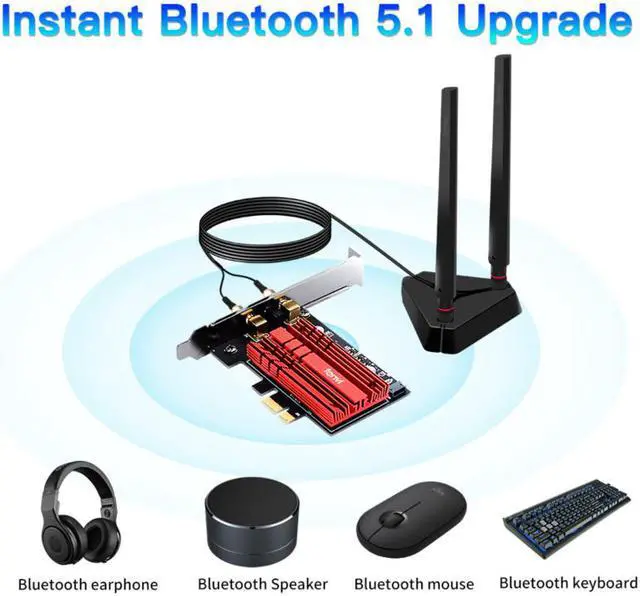
  • Bluetooth 5.1: Widely compatible with almost all the devices that enable Bluetooth connection, BT speakers, headphones etc.
  • Support MU-MIMO;
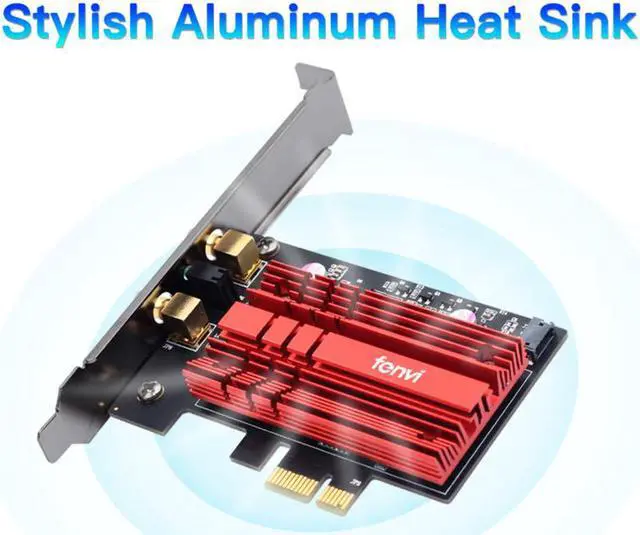
  • With Heat Sink excellent heat radiation
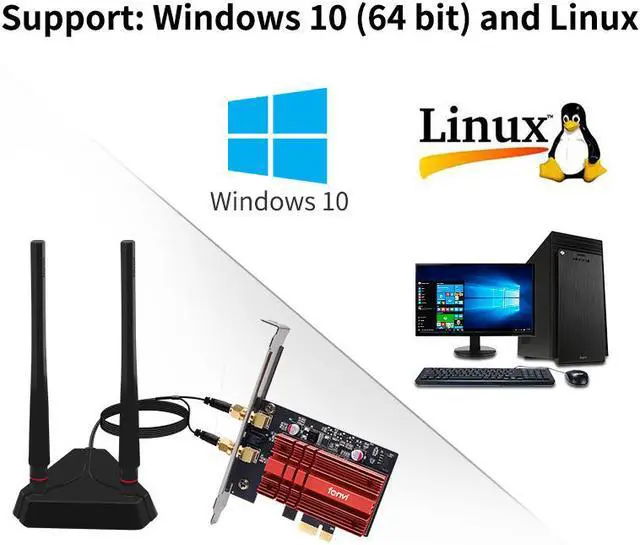
  • Supports Windows: Windows 10/11(64-bit) only
Overview
Specs
Reviews (29)
See all Q & A
avatar

Any questions? Our AI beta will help you find out quickly.

Fenvi Network-FV

FV-AX3000Pro is an easy way to arm your PC with fast Wi-Fi 6 and Bluetooth 5.1. Wi-Fi 6 brings higher speeds, lower latency and greater bandwidth than Wi-Fi 5, while Bluetooth 5.1 delivers much faster speeds and broader coverage

Fenvi Network-FV

Wi-Fi 6 Technology

The latest Wi-Fi 6 standard gives you incredible speed, ultra-low latency, and uninterrupted connectivity. Utilizing next-generation Wi-Fi 6, FV-AX3000R is designed to excel for the busiest networks.

Fenvi Network-FV

Speeds up to 2.4 Gbps

Let your PC experience speeds faster than Wi-Fi 5 (AC) with 1024-QAM and a 160 MHz bandwidth that delivers powerful, continuous WiFi to keep your PC running at top speed.

Fenvi Network-FV

Heat Sink Reduces Overheating

AX3000 wifi card effectively dissipates the heat generated inside the network card when operating, maintaining the temperature and operation.

Fenvi Network-FV

Bluetooth 5.1 Technology

Support bluetooth 5.1,the signal range is improved.Connecting Bluetooth devices is more stable.

Fenvi Network-FV

Advanced Encryption

Browse safely knowing that your high-speed WiFi is protected from hackers and malware via advanced WPA3 encryption.

WiFi & Bluetooth Card Installation Guide

Fenvi Network-FV

Open the chassis side cover and remove the chassis back panel screws

Fenvi Network-FV

Insert the PCI-E into the corresponding card slot
Works with PCI-E X1, X4, X8, X16 slot. (Not for PCI slot)

Fenvi Network-FV

Find the 9-pin USB connector on the motherboard, and plug the Bluetooth power cable into the USB connector on the motherboard Then connect to PCI-E Card

Fenvi Network-FV
Fenvi Network-FV
Fenvi Network-FV

Note: A power cable for Bluetooth needs to be connected to the motherboard 9-pin USB 2.0 interface.

Features:
Wi-Fi 6/Bluetooth PCIe adapter (FV-AX3000Pro)
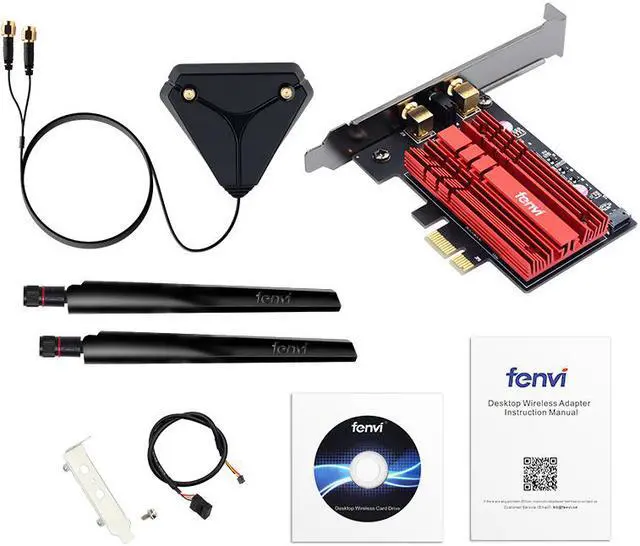
Instantly add Wi-Fi 6 ( 802.11 ax) capability to your desktop. This adapter complies with the latest 802.11 ax standards, works over 5 GHz and 2.4 GHz band, and supports wireless speed of up to 2400 Mbps and 574 Mbps respectively on each band. You'll experience smooth browsing, gaming and streaming without buffering. The Bluetooth 5.0 capability offers ultimate convenience in pairing with phones, tablets, and Bluetooth speakers to sync data and stream music.

Support MU-MIMO & OFDMA; OFDMA and MU-MIMO technology ensure full wifi speed even in a congested network;

A beefy heatsink covers almost the entire card to keep your card running stable and reliable. Dual external antennas guarantee strong, stable wireless signal. And with a PCIe x1 host interface, this add-on card is able to work with most modern PCs with an available PCIe slot.

Only Support Windows 10*64bit, Linux.

Installation steps:
1, Inert it into a PCIE x1 slot (or PCIE X16), boot into windows 10*64bit, then install the 2 drivers from the CDDriver, for WiFi, other for Bluetooth.
2, Restar computer after installed the driver.
3, After windows reboot, open the networking setup and select Wi-Fi to connect to the router.

Driver download: CD driver or from fenvi website or Intel website (Wi-Fi 6 AX200).

Installation problem: If you have any problem, you can contact us, we can help you solve the problem, thank you.

Warranty & Returns

Warranty, Returns, And Additional Information

Warranty

  • Please contact the Seller directly for warranty information. Warranty information may also be found on the Manufacturer's website.
  • CONTACT

Return Policies

Manufacturer Contact Info

LOADING...